Shopify Product Data for Instagram Shopping: What AI Recommenders Read
On this page
Shopify Product Data for Instagram Shopping: What AI Recommenders Read
Most Shopify merchants who set up Instagram Shopping focus on the Meta Commerce Manager side: connecting the catalogue, setting up pixel events, configuring the shop tab. That setup is necessary. It is not, however, where Instagram Shopping performance is determined.
Instagram's AI recommendation system (the engine behind what appears in Explore, the suggested products in Shopping Stories, and the personalised shop feed) reads product data directly from your catalogue. The quality of that data determines which queries your products surface for, which audience segments see them, and how prominently they appear in AI-generated discovery contexts. Adjusting Meta settings does not change the quality of the product data. The product data comes from Shopify.
This means merchants who improve their Shopify product fields before connecting to Instagram Shopping get better Explore placement, broader audience matching, and more relevant recommendations from day one of their channel launch.
How Instagram Shopping Discovery Works
Instagram Shopping uses a multi-layer discovery system. Paid placements (Shopping Ads) reach buyers through direct campaign targeting. Organic discovery (Explore, suggested products, shopping feed) works differently: the AI recommendation system matches products to buyers based on signals from the product catalogue combined with signals from buyer behaviour on the platform.
The product catalogue signal layer includes:
Product descriptions: the AI reads the body text to understand what the product is, who it is for, and in what context it is used. Keyword-dense or vague descriptions give the system less signal than specific, context-rich descriptions. A description that says "high-quality insulated water bottle, keeps drinks hot or cold" gives the AI a product type and two generic claims. A description that says "the 750ml thermal bottle for gym sessions and trail runs, holding temperature for 12 hours without the lid seal failing on a pack" gives the AI a product type, two specific use cases, a measurable claim, and a durability context.
Product tags: Instagram uses product tags to match items to browsing categories and search queries within the app. Tags that correspond to buyer search terms (materials, occasions, use cases, product features) extend the discovery surface beyond the base product type.
Category and taxonomy data: the Meta Commerce taxonomy that powers Instagram Shopping maps to the same underlying product classification structure that Shopify's Standard Product Taxonomy uses. Products with correctly assigned categories and attributes match to more specific discovery queries and audience segments.
Image quality signals: the feed algorithm incorporates image quality signals when ranking products in discovery contexts. Clean, high-resolution images that clearly show the product perform better in Explore placement than low-resolution or cluttered images.

Product Descriptions That Perform in Instagram Discovery
Instagram Shopping surfaces products to buyers who have not searched for them specifically. The Explore tab, the suggested products in Shopping Stories, and the personalised shopping feed are all recommendation contexts, not search contexts. The AI decides what to show based on signals from the product data and the buyer's demonstrated interests.
In a recommendation context, descriptions that perform well share three characteristics.
They establish a clear use-case identity. Instagram's AI matches products to buyers based on interest categories. A product description that establishes a clear use case (camping and hiking, home gym training, professional baking) gives the recommendation system a category context to match against buyer interest signals. "Premium silicone baking mat, non-stick surface for macarons and pastries" signals the baking category more precisely than "versatile kitchen tool for multiple cooking applications".
They include the audience in the opening. Recommendation systems use language signals to infer who a product is for. "For runners building a morning routine" signals a demographic and activity context. "Suitable for all users" is no signal at all. Instagram's audience matching works partly on interest-category language in the product description.
They use specific, extractable claims. The recommendation AI extracts facts from product descriptions to match products to search queries and interest signals. A specific claim ("BPA-free, rated to 5 litres per hour") is extractable and matchable. A vague benefit ("our premium quality filter") is not.
Importier's Lifestyle and Narrative description styles are built for this context. The Lifestyle style opens with a use case, establishes the buyer's situation, and moves through the product's specific advantage. The Narrative style builds a scene around the product's role in the buyer's daily context. Both styles produce descriptions that Instagram's discovery AI can use to match the product to relevant buyers.
The Importier AI product descriptions guide covers how to select the right description style for each product category and how to configure the style for a full catalogue import.
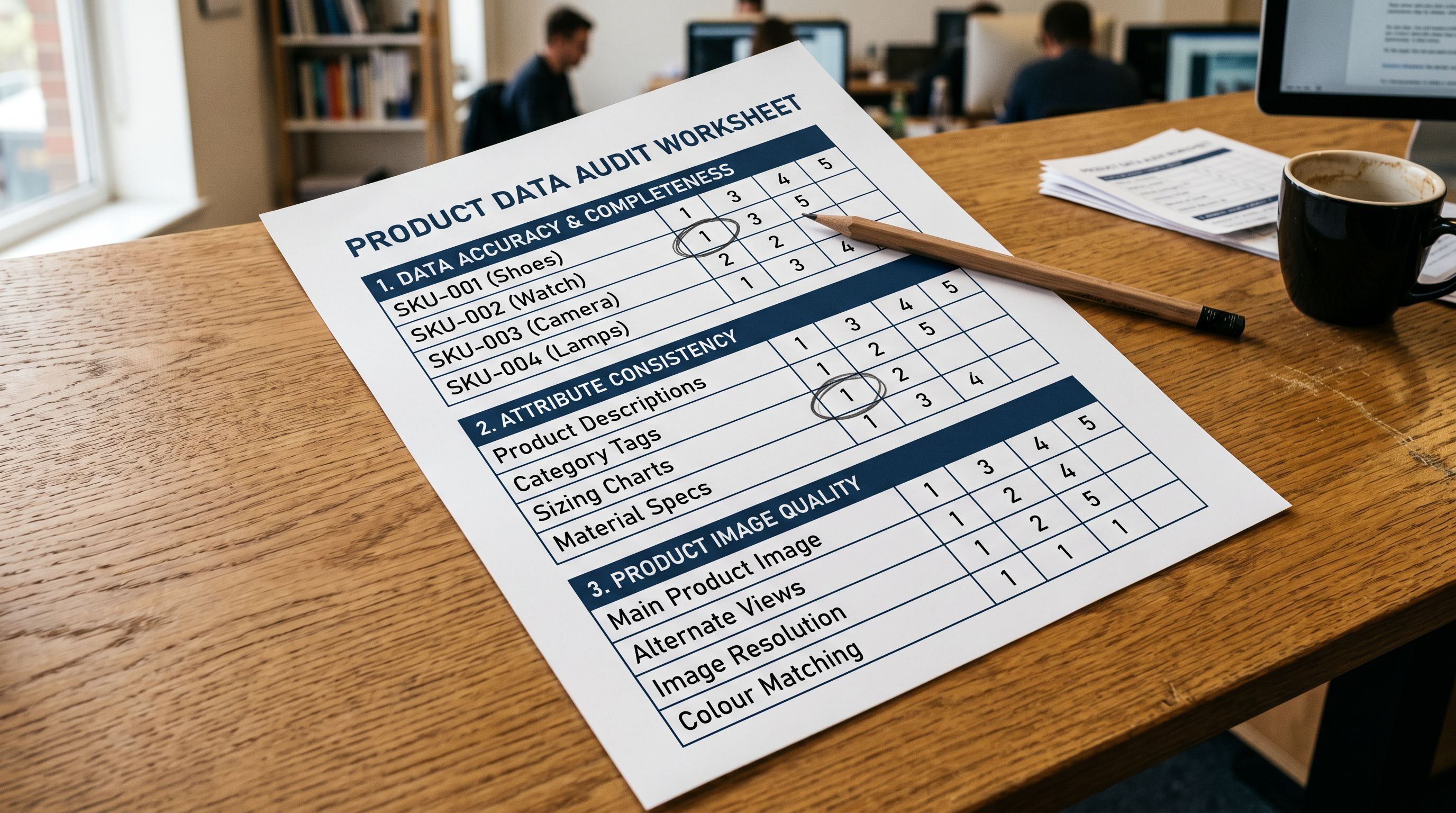
- 01Audit your current product descriptions. For each product category, identify the description pattern in usebullet-pointed features, keyword-dense copy, narrative lifestyle framing, or vague benefits. Bullet and keyword-dense patterns perform worst in Instagram discovery contexts.
- 02Export the products in each underperforming category to a narrow CSV (Handle + title + existing description). This becomes the input for the description rewrite.
- 03Upload to Importier. In the description generation step, select Lifestyle for fashion, homewares, and accessories; Narrative for food, wellness, and hobby categories. Choose a persona that matches the specific product category rather than a general retail persona.
- 04Set the audience context in the persona configuration. A persona oriented toward a specific buyer type (active woman, home cook, outdoor enthusiast) produces descriptions with the audience-identity language that Instagram's recommendation AI uses for audience matching.
- 05Review the generated descriptions in the import preview. Verify that each description opens with a use case or audience context rather than a product feature list. Descriptions that begin with 'Designed for...' or 'Built for...' patterns perform better in discovery than descriptions that begin with product type or brand name.
- 06Re-import the updated descriptions. Use a narrow two-column file (Handle + Body HTML) so only the description field updates and existing variant, pricing, and image data is untouched.

Product Tags for Instagram Collection Surfaces
Instagram Shopping uses product tags to populate collection surfaces within the app. When a buyer browses the Instagram Shop tab or taps a shopping hashtag, the products surfaced are matched in part by tag values that align with the browsed category.
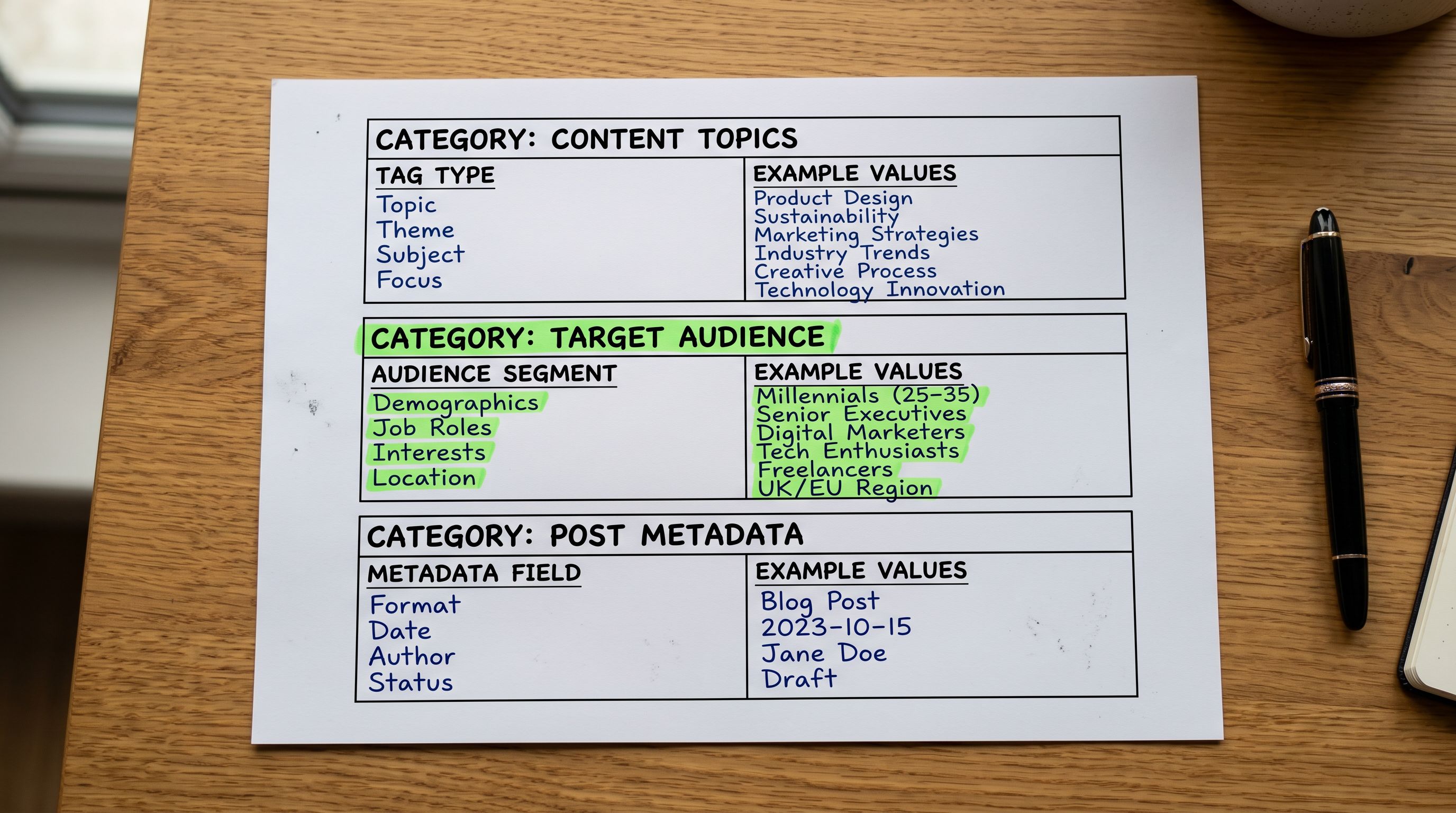
Shopify product tags flow into the Meta Commerce catalogue. Tags that are already used as Instagram shopping hashtags (such as #sustainablefashion, #homegym, #minimalistdecor) extend a product's discovery surface into those browsed communities without paid promotion.
Three tag categories that consistently extend Instagram discovery reach:
Material tags: the physical composition of the product. "100% cotton", "recycled nylon", "stainless steel", "oak veneer". These match to buyer filters and sustainability interest signals.
Occasion tags: when or where the product is used. "work from home", "gym bag", "wedding guest", "weekend hiking". These match to lifestyle interest clusters Instagram builds from user behaviour.
Feature tags: specific characteristics that buyers search for. "wide leg", "adjustable strap", "leak-proof", "dishwasher safe". These match to query-intent signals in Shopping search.
Tags should be added during the product import, not as a manual post-import step. For a catalogue import, a tag column in the source file maps to the Shopify Tags field in Importier's column mapping step. Tags can be appended via a selective reimport (Handle + Tags) without touching other product fields.
- Generic category label only (e.g. shoes)
- No material or composition tags
- No occasion or context tags
- No feature-specific tags
- Tags added inconsistently across catalogue
- Primary category tag plus material tags (e.g. leather, recycled nylon)
- Occasion tags aligned with buyer lifestyle segments
- Feature tags matching common shopping search queries
- Tags applied consistently across all products in each category
- Tag set reviewed against Instagram shopping hashtag volume
Category Metafields and Meta Commerce Taxonomy
Meta Commerce Manager maps product categories to its own taxonomy for shopping surfaces. The underlying structure aligns with the Google Product Taxonomy, which itself maps to the Shopify Standard Product Taxonomy. This means products correctly categorised in Shopify's taxonomy have the structural match already in place for Meta's taxonomy mapping.
Products without correctly assigned Shopify product types and category attributes arrive in the Meta Commerce catalogue with incomplete taxonomy data. Incomplete taxonomy affects:
Shopping surface eligibility: some Instagram Shopping surfaces require specific taxonomy assignments. The Wedding Shop, the Beauty Shop, and the Home Decor surface within Instagram Shopping each require products to be assigned to the relevant taxonomy nodes to appear in those curated contexts.
Attribute completeness: Meta Commerce Manager reports catalogue health scores based on the completeness of product attributes for each category. A clothing product missing colour, size, material, and gender attributes scores lower than one with all attributes populated. Lower catalogue health scores reduce discovery frequency across Instagram Shopping surfaces.
Feed diagnostics: incomplete taxonomy assignments generate warnings in Meta Commerce Manager. Those warnings do not prevent the product from appearing in the catalogue, but they reduce the product's eligibility for certain placement types.
Importier's category metafield assignment step in the import workflow assigns products to Shopify Standard Product Taxonomy categories and sets the relevant category attributes (colour, material, gender, age group, condition) from the source data. Products arrive in Shopify already categorised, with the attribute fields that Meta Commerce Manager expects populated.
For a complete walkthrough of how category metafields work and how to configure the mapping at import, the category metafields guide covers the taxonomy structure, the attribute mapping, and how the assignments flow through to Meta Commerce.

Instagram Shopping's AI surfaces read your product taxonomy to determine which curated shopping contexts your products are eligible for. A product without complete category attributes is invisible to those surfaces regardless of how well it performs with buyers who do see it.
Image Quality for Instagram Discovery
Instagram's discovery algorithm incorporates image quality signals when ranking products for Explore placement and Shopping Stories suggestions. The specific signals are not publicly documented by Meta, but the documented catalogue requirements and the observable performance patterns point to several consistent factors.
Resolution and clarity: Meta Commerce Manager flags images below 500×500 pixels as low-quality. For Instagram Shopping specifically, the recommendation is 1080×1080 pixels minimum for square format and 1080×1350 for portrait format. Low-resolution images render poorly on high-density mobile screens and see lower engagement signals from buyers who view them, which feeds back into lower recommendation frequency over time.
Subject clarity: images where the product occupies a clear portion of the frame outperform images where the product is small or peripheral. Instagram's computer vision models extract product signals from images; a product that occupies a clear central position gives those models more signal.
Background relevance: white-background product shots perform well for search intent contexts where buyers are comparison-shopping. Lifestyle images (product in context) perform better in discovery and Explore contexts where the buyer is not actively searching. The ideal catalogue for Instagram Shopping includes both: a clean product shot as the primary image (required for Google Shopping feed compatibility) and a lifestyle image as a secondary image.
Meta's commerce product image requirements cover the technical specifications and policy requirements for product images in Meta Commerce catalogues, including the minimum resolution, file size limits, and content policy constraints. Meta's catalogue health guide covers how catalogue health scores are calculated and which product data gaps generate the largest penalties in discovery frequency.
The Shared Data Layer
Instagram Shopping and the Wider AI Channel Ecosystem
Instagram Shopping is one of several AI-powered shopping surfaces that read the same underlying Shopify product data. Google Shopping AI Overviews, AI Mode product results, and the emerging agentic shopping interfaces that browse and recommend products on behalf of buyers all extract product information from the same data fields: descriptions, tags, category attributes, and structured product specifications.
The implication is that product data improvements made for Instagram Shopping benefit every other AI channel that reads the same data. Rewriting descriptions in the Lifestyle style improves Instagram discovery signals and Google AI Overview extraction simultaneously. Adding material and occasion tags extends Instagram collection surface reach and Google's AI shopping matching in the same pass. Completing category attributes satisfies Meta Commerce taxonomy requirements and Shopify Markets category data in the same import session.
The Shopify AI shopping guide covers how Google's AI Shopping surfaces read Shopify product data, including the specific fields that AI Overviews extract for shopping answers. The agentic shopping guide for Shopify merchants covers the emerging agentic interfaces that browse and purchase on behalf of buyers, and what product data signals those systems prioritise.
Fix the Data, Not the Settings
Meta Commerce Manager settings control which channels your catalogue connects to and which audience targeting parameters apply. They do not change what Instagram's AI recommender reads about your products. The product descriptions, the tags, and the category attributes come from Shopify.
Merchants who treat Instagram Shopping as a settings problem miss the point of highest impact. The same products with better descriptions, a more complete tag set, and correctly assigned taxonomy appear in more discovery contexts, reach more relevant buyers, and generate higher engagement rates before a single Meta ad is placed.
Try Importier free at importier.app
Set up your first import in under five minutes.
Importier brings products into Shopify with AI descriptions, category metafields, and data enrichment on every run.