Shopify Dropshipping with AI: From URL to Live Product
On this page
Shopify Dropshipping with AI: From Supplier URL to Live Product in One Session
Most guides about Shopify dropshipping focus on two things: finding products and processing orders. What they consistently skip is the step in between: taking a supplier listing and turning it into a correctly structured, uniquely described, taxonomy-classified Shopify product. That step, done manually, takes longer than most merchants expect and produces results that limit how well their store can rank and convert. Done with AI, it takes minutes and produces a store-ready product.
This article covers the full shopify dropshipping ai pipeline that Importier runs on every marketplace import: from the moment you paste a supplier URL to the moment a live, search-ready product appears in your Shopify admin.
The Gap That Most Dropshipping Tools Leave Open
Order fulfilment tools do their job well. They connect your store to a supplier, route orders automatically, and sync tracking numbers back to customers. What they do not do is prepare the product data that sits between "I found a product I want to sell" and "this product is live and performing in my store."
When a supplier listing arrives in Shopify without processing, the result is predictable: variant rows have imported as separate products instead of grouped options, the description is manufacturer copy that every other store selling from the same supplier also publishes, there are no category metafields, no valid barcodes, no HS codes for international shipping, and the weight field is either blank or set to zero.
Zero weight is worth calling out. A zero-weight product does not behave like a blank weight field. When a merchant uses carrier-calculated shipping, a product with zero weight causes incorrect rates to appear at checkout, sometimes suppressing all shipping options entirely. Most merchants discover this after customers complain about shipping.
Fixing all of these gaps manually for 50 products takes the better part of a working day. Fixing them for 500 products takes multiple days of preparation before a single ad can run.
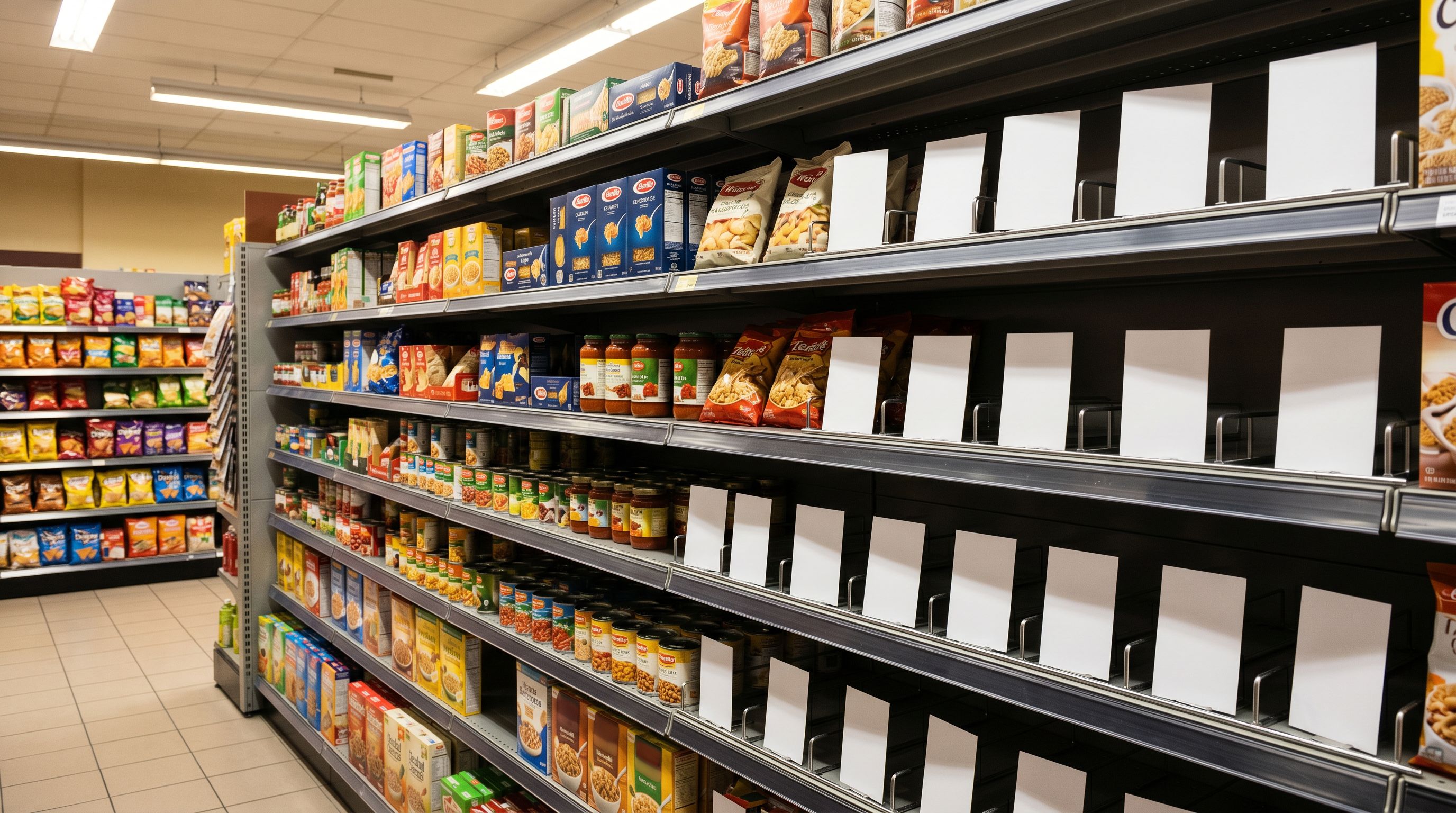
The bottleneck in dropshipping is not finding products. It is preparing them.
The Four-Step Shopify Dropshipping AI Workflow
Importier runs four steps on every marketplace import. Each step completes before handing off to the next, and the whole sequence runs in a single session.
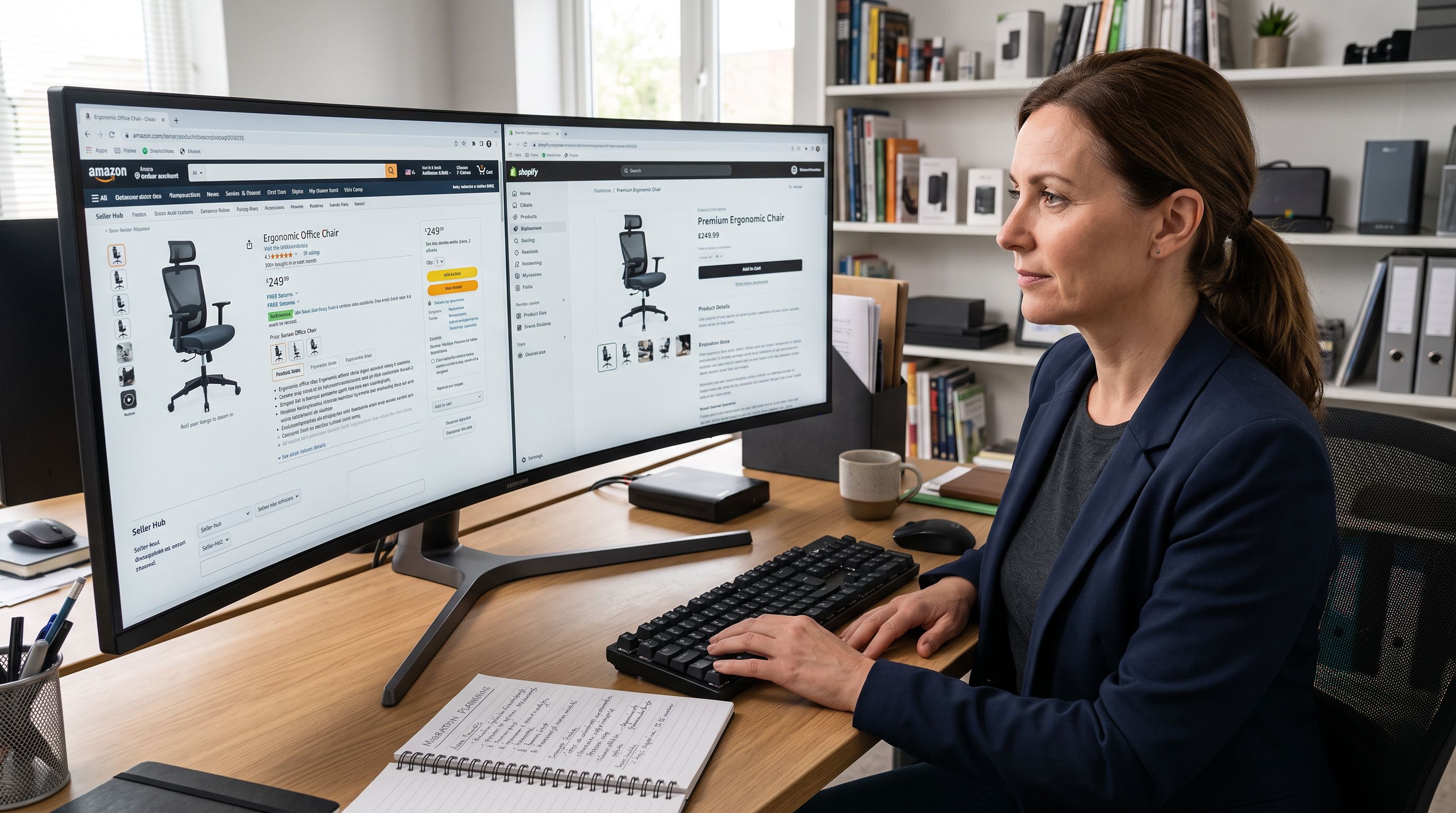
- 01Step 1Extract the product from any marketplace URL: Paste a listing URL from AliExpress, Amazon, eBay, Walmart, Etsy, or any supplier website. Importier extracts the title, description, all images, pricing, variant options, SKUs, and barcodes from the listing page. Per-variant images and prices carry through where the source listing provides them. You configure price markup and compare-at pricing during this step.
- 02Step 2Smart Variant Detection groups the listing correctly: Supplier listings frequently present size, colour, and storage options as separate rows rather than grouped variants. Importier's 150+ detection patterns across 15+ industries identify which rows belong together and group them as Shopify variants. AI analysis resolves ambiguous cases. You review the proposed groupings in a preview step before any product reaches Shopify.
- 03Step 3AI descriptions replace supplier copy: Importier generates a unique description for each product using the style, persona, tone, and AI model you configure. This replaces the manufacturer copy that every other dropshipping store using the same supplier also publishes, eliminating the duplicate content problem before it reaches your store.
- 04Step 4Category metafields and data enrichment complete the product: Importier assigns category metafields from Shopify's Standard Product Taxonomy using 22 industry packs covering 3,758 attribute types. Data enrichment fills missing weight, HS codes, country of origin, and barcodes. The product arrives in Shopify classified and data-complete.
Step by Step
Step 1: Importing from Any Marketplace URL
The input for every Importier marketplace import is a URL. Paste a product page from AliExpress, Amazon, eBay, Walmart, Etsy, or any supplier trade site, and Importier retrieves everything available on that page.
For most listings, this includes the product title, the existing description text, all product images, the price, every variant combination, per-variant images where provided, and barcodes or GTINs where present. This level of extraction matters because supplier listings often show different images for different colour variants, and losing that mapping means every variant gets the same image in Shopify. That is the default outcome from a manual copy-paste workflow.
Price markup runs during the same step. If your business model requires a 35% margin over supplier cost, or a fixed dollar addition with the supplier price retained as the compare-at figure, that configuration applies to every product in the batch.
If you need to import AliExpress products to your Shopify store, the process is identical across every supported marketplace. The URL format differs between platforms; the Importier workflow does not.
The time comparison is straightforward. Copying a single product manually (sourcing the title, description, each variant, each image, pricing, and any available specifications) takes between 17 and 20 minutes per product for an experienced merchant. Importier processes 50 products in under 10 minutes as a batched session.
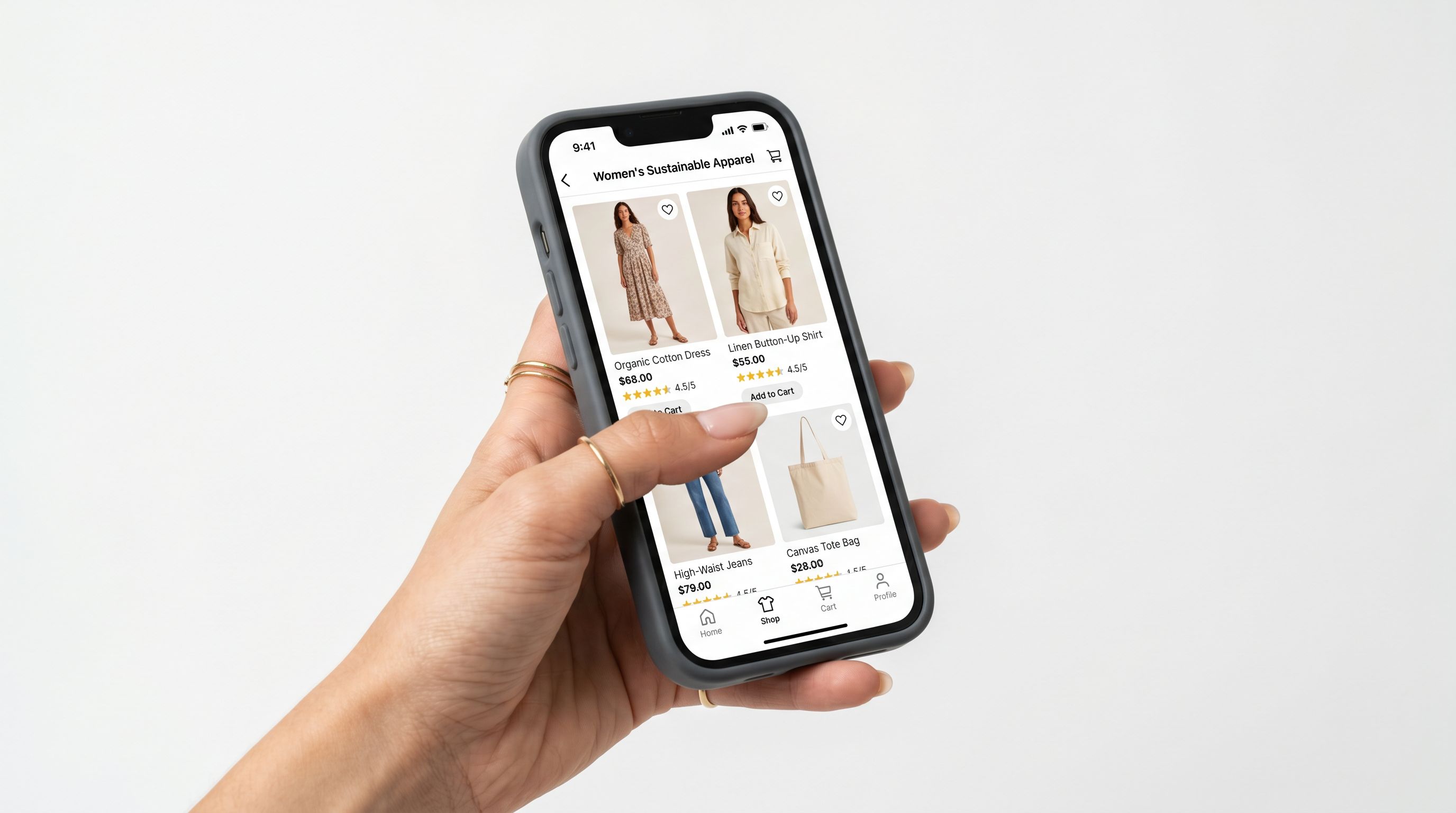
Step 2: Smart Variant Detection
This is the step where most manual imports go wrong. A clothing supplier sends a catalogue with 200 rows: "Blue T-Shirt (S)", "Blue T-Shirt (M)", "Blue T-Shirt (L)", "Red T-Shirt (S)", and so on. Imported into Shopify without processing, each row becomes a separate product. You end up with 200 products instead of 40.
Shopify groups variants using the Handle column. Supplier CSV files and marketplace exports rarely provide that grouping structure. Importier's Smart Variant Detection engine applies 150+ regex-based detection patterns across 15+ industries to identify which rows share a parent product.
Detection patterns cover size, colour, storage capacity, weight, volume, pack size, material, flavour, scent, power rating, and product dimensions. For cases that do not match a standard pattern (non-English catalogues, specialist product naming conventions, option types that fall outside the common categories), AI analysis determines the likely grouping based on the data available.
Before any grouped product reaches your Shopify store, Importier presents a preview step. You can review the proposed variant assignments, see how many products the grouping will create, and adjust any assignments that do not look correct. This is the catch that prevents the variant disaster from reaching live inventory.
Shopify supports up to three product options per variant group. If a supplier product differentiates by four or more attributes (for example, colour, size, material, and pattern), you need to decide which three options matter most for your buyers before confirming the grouping. The preview step is where that decision happens.
For a more detailed look at how variant grouping works across different supplier file types and edge cases, the guide to importing product variants in Shopify covers the mechanics and the most common failure modes merchants encounter.
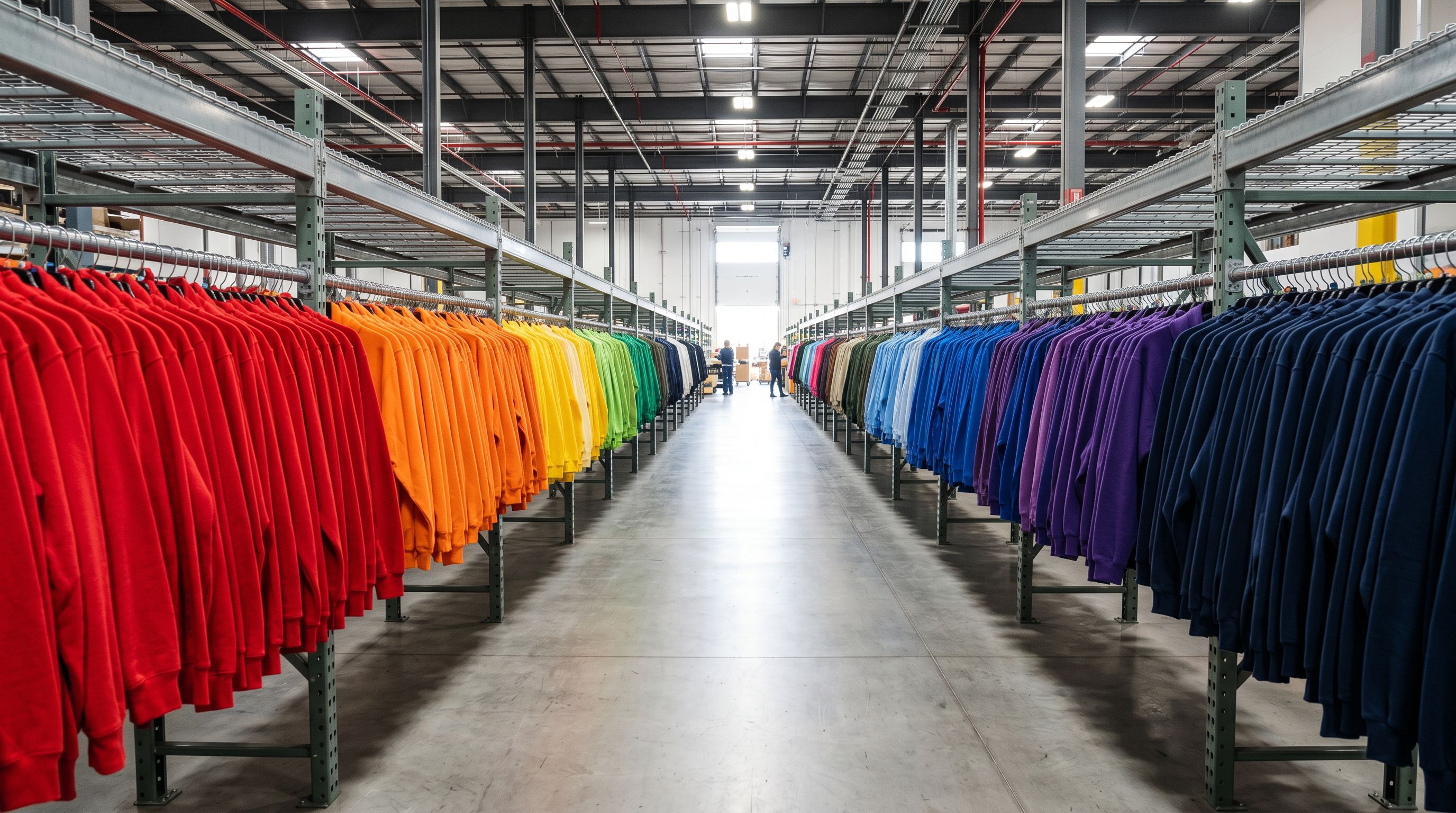
Step 3: AI Descriptions That Replace Supplier Copy
Every supplier who distributes products to multiple retailers sends the same listing copy to all of them. The description on your product page is, word for word, the same text that every other Shopify merchant sourcing from that supplier also publishes.
Google's guidance on duplicate content is clear: when multiple pages publish substantially the same content, Google consolidates them and typically ranks only the original source. For dropshipping stores using manufacturer copy, that original source is almost never the dropshipper.
This is the duplicate content problem that suppresses dropshipping store rankings. It affects every product in a store that publishes supplier copy unchanged, regardless of how good the products are or how well the store is otherwise optimised.
Importier's AI description generator replaces that supplier copy during the same import session. You configure the parameters in your settings before running the import:
- Style: 7 options, from Standard to Technical Gadget, Emotional Storytelling, Benefits-First, Sensory-Rich, Ingredient Spotlight, and Custom
- Persona: 156 expert personas across 43 industry categories, each with vocabulary and structural emphasis suited to that category
- AI model: 25 models across four plan tiers, including Claude, GPT, Gemini, Llama, Mistral, DeepSeek, Grok, Amazon Nova, and MiniMax
- Tone: 5 options (Professional, Casual, Persuasive, Luxurious, Technical)
For a general consumer goods store, Benefits-First with a Casual tone and a retail-focused persona produces descriptions that read as product copy rather than technical specifications. For a store specialising in fitness supplements, electronics, or beauty products, matching the style and persona to the category produces content with the vocabulary and detail level that category buyers expect and trust.
The SEO title and meta description generate in the same batch run. Every product arrives in Shopify with a keyword-targeted title tag and a structured meta description, fields that are blank on the overwhelming majority of imported products.
For merchants on Scale or Enterprise plans, Variant Descriptions go a step further: each variant receives its own AI-generated description, stored as a Shopify metafield and accessible via the theme editor. A product with six colour and size combinations gets six distinct pieces of content, each noting the specific attributes of that variant.
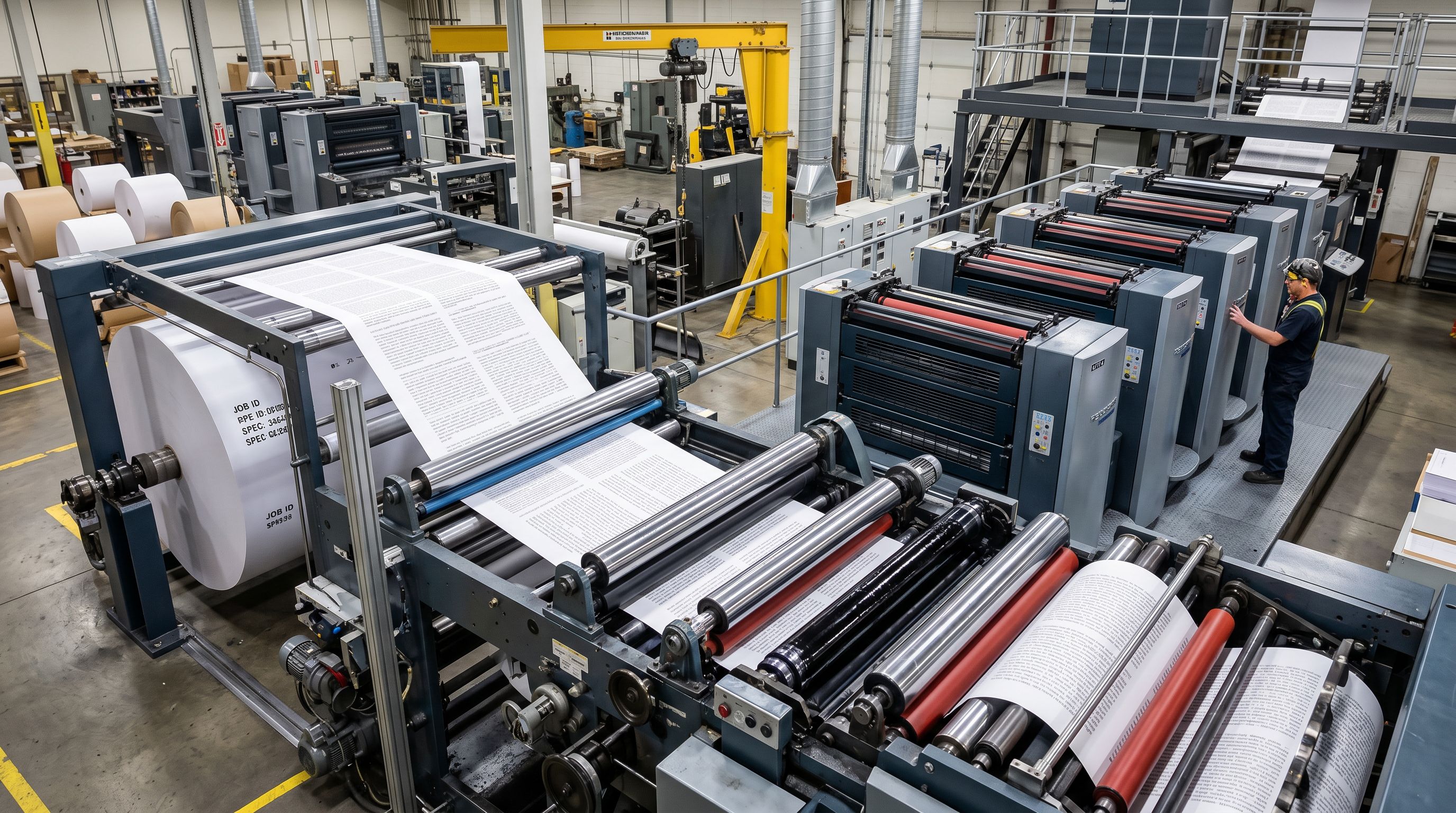
Step 4: Category Metafields and Data Enrichment
Shopify's Standard Product Taxonomy provides a structured classification system that connects directly to Google Shopping eligibility, on-site filtering, and category-based search. A product classified with the correct taxonomy path and populated metafields (material, size type, age group, and so on) enters the Merchant Centre feed differently from an identically priced product with no taxonomy data.
According to Shopify's product taxonomy documentation, category metafields are the structured data layer that powers Shopify's Standard Product Taxonomy across the catalogue. Importier assigns these automatically using 22 industry packs covering 3,758 attribute types. Text matching handles clear cases; AI matching resolves ambiguous product classifications.
This matters for a new dropshipping store because taxonomy classification is usually treated as a post-launch task rather than an import-time task. When it runs at import time, the store is Google Shopping-eligible from day one rather than after a manual classification effort that typically takes a full working week for 500 products.
Data enrichment runs in the same step. Weight is filled from available product data, with unit conversion handling suppliers who provide weights in different units. HS codes and country of origin are resolved where the product data supports a confident determination. Barcodes are cross-referenced against registered product databases and filled where a valid GTIN match exists.
For a dropshipping store planning to run Google Shopping campaigns, clean product data is the prerequisite. It matters not just for eligibility, but for impression share. Products with incomplete GTINs, missing taxonomy, or unoptimised titles enter the auction at a disadvantage.
The Full Picture
What Arrives in Shopify After the Pipeline Runs
- Variants imported as separate products, requiring manual restructuring before the store can launch
- Manufacturer copy published verbatim, identical to every competitor sourcing from the same supplier
- Product type field blank or filled with the supplier's internal category code
- Barcode field empty or containing supplier-internal codes that fail Google Merchant Centre validation
- Weight field blank or zero, producing incorrect carrier rates at checkout
- SEO title and meta description blank, defaulting to the unoptimised product title
- 17-20 minutes per product: 50 products equals a full working day of preparation
- Variants grouped correctly in the preview step before reaching Shopify
- Unique AI descriptions generated per product using your configured style, persona, model, and tone
- Category metafields assigned from Shopify's Standard Product Taxonomy at import time
- Barcodes resolved from product databases where a valid GTIN match exists
- Weight filled from product data with unit conversion; blank (not zero) when no estimate is possible
- SEO title and meta description generated in the same batch run as the description
- 50 products processed in under 10 minutes, with AI descriptions and taxonomy included
The Limitation Every Dropshipping Merchant Should Understand
Importier handles product setup, not ongoing inventory synchronisation. When a supplier changes a price, runs out of stock on a variant, or removes a listing from their marketplace, Importier does not detect or reflect those changes automatically.
That is not a gap unique to Importier. It is a fundamental characteristic of one-way import tools, which prioritise data quality at setup time rather than real-time stock connections. A fulfilment tool manages what happens after the product is live: order routing to the supplier, tracking sync, and stock level monitoring.
The detailed comparison between DSers and Importier covers exactly this split. The short version: Importier prepares the product once, correctly and completely. A fulfilment layer manages the ongoing operational relationship with the supplier. Using both tools for what they each do avoids the common frustration of expecting a single tool to handle every stage of the dropshipping workflow.
Key Takeaways
- Supplier listings arrive as raw material: ungrouped variant rows, identical manufacturer copy, missing barcodes, no taxonomy, no weight. The preparation step is what most dropshipping tools leave entirely to the merchant.
- Importier's marketplace import runs a four-step AI pipeline in a single session: URL extraction with per-variant data, Smart Variant Detection across 150+ patterns, unique AI description generation across 7 styles and 156 personas, and automatic category metafield assignment using 22 industry packs and 3,758 attributes.
- 50 products processed manually takes a full working day. The same batch processed through Importier takes under 10 minutes, with AI descriptions, SEO meta fields, and taxonomy classification included.
- Unique AI descriptions prevent the duplicate content problem that suppresses dropshipping stores in organic search. Every product arrives with content that differs from every other store selling the same supplier product.
- Importier handles product setup. A separate fulfilment tool handles ongoing orders and supplier stock monitoring. Treating these as separate responsibilities produces better results than expecting either tool to cover both.
See how the full shopify dropshipping ai pipeline works for your store at importier.app.
Related Articles
Set up your first import in under five minutes.
Importier brings products into Shopify with AI descriptions, category metafields, and data enrichment on every run.