Shopify Industry Packs: Category Attributes at Scale
On this page
Shopify Industry Packs: How to Fill 3,758 Category Attributes Without Manual Entry
Shopify's Standard Product Taxonomy defines category-specific attributes for each product type. A dress gets Neckline, Sleeve Length, and Fit. A wireless speaker gets Connectivity Technology, Compatible Devices, and Power Source. A kitchen knife gets Blade Material, Handle Material, and Total Length.
The problem: there are 3,758 attribute types across Shopify's taxonomy. Manually entering even a fraction of them across a catalogue of 200 products is days of work. For most merchants, the realistic outcome is skipping them entirely or filling them inconsistently, which leaves products with incomplete structured data and weakens their visibility in Google Shopping and AI Shopping agent results.
Importier's Industry Packs are the mechanism that fills these attributes automatically, at import and via Store Scanner. This article explains how they work, what 22 industries they cover, and what specific attributes get filled for different product categories.
What Are Shopify Category Attributes?
Category attributes are Shopify's structured data fields for specific product types. They are separate from custom metafields (merchant-defined, theme-specific) and separate from the main product fields like Title and Description. They are part of Shopify's Standard Product Taxonomy, a classification system aligned to Google's product taxonomy.
The complete guide to Shopify category metafields covers the full taxonomy system. The short version: when a product is assigned to a specific category (Clothing > Tops > T-Shirts, for example), Shopify defines a set of recommended attributes for that category. Those attributes appear as structured fields in the product editor and can be submitted to Google Shopping, surfaced in filtered search results, and read by AI Shopping agents when evaluating a product for a buyer's query.
The distinction between category attributes and custom metafields is covered in the Shopify product metafields guide. Category attributes follow Shopify's taxonomy and are standardised across all merchants. Custom metafields are defined by each merchant individually.
How Industry Packs Work
Importier's 22 Industry Packs are pre-built sets of category attribute configurations, one per product industry. Each pack contains the attribute types most relevant to that industry, sourced from Shopify's Standard Product Taxonomy, along with the logic for how to fill them from a product's title, description, and existing data.
When a product goes through the import wizard or Store Scanner, Importier's matching system runs in two phases:
Phase 1: text matching. The product's title and category are compared against the industry packs. If the title contains clear category signals ("Waterproof Hiking Boots," "Stainless Steel Wok," "Wireless Bluetooth Headphones"), the system identifies the matching industry pack without needing AI.
Phase 2: AI matching. For products where text matching is ambiguous (the title is sparse or the product could belong to more than one category), AI resolves the match. The AI picks from the valid values defined in Shopify's taxonomy rather than generating free-form values. A colour attribute for a clothing item, for example, will be one of Shopify's defined colour values, not an arbitrary string.
The two-phase approach means that straightforward products are matched quickly and without extra compute, while ambiguous products still get reliable matches because the AI is constrained to valid taxonomy values.
- 01Upload your file in the import wizardUpload your CSV, Excel, or PDF. Column auto-mapping identifies which columns contain title, price, and category data.
- 02Confirm product categories in ReviewImportier shows the category matched to each product. Accept or change it manually. The industry pack for that category determines which attributes will be filled.
- 03Review proposed attribute valuesOnce the category is confirmed, Importier proposes attribute values for each field in the matching pack. Edit in the Review table before confirming.
- 04Push to Shopify with attributes attachedConfirmed products go to Shopify with category attributes already filled. Those attributes are immediately available to Google Merchant Centre, Shopping feeds, and AI Shopping agents.
What Gets Filled in Four Common Industries
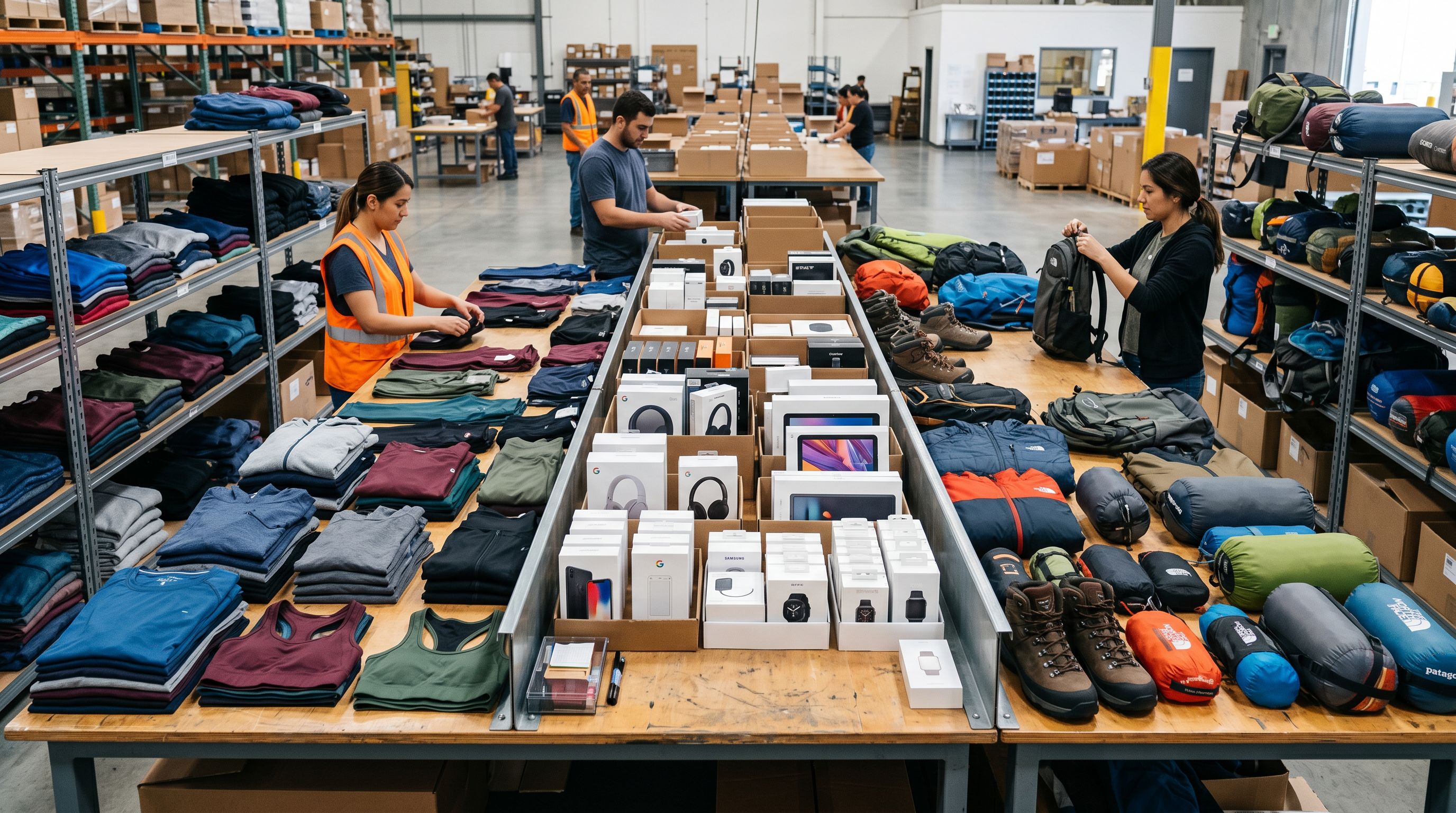
The 22 packs span Importier's supported product categories. Here are four concrete examples of what gets filled automatically.
Clothing and Apparel
A merchant importing a range of women's activewear from a supplier CSV gets attributes like Colour, Material, Size Type, Age Group, Target Gender, Neckline, Sleeve Length, and Fit proposed across the batch. A title like "Womens High Waist Yoga Leggings Black L" gives the pack enough signal to propose Colour (Black), Target Gender (Female), and Size Type (Standard) without any manual input.
A title with less information returns blanks for the fields it cannot resolve. That is the intended behaviour. A blank is preferable to a guessed value that might be wrong at scale across 300 products.
Consumer Electronics
A wireless speaker import gets Connectivity Technology, Compatible Devices, Power Source, Form Factor, and Wattage proposed from the product title and any specification data in the import file. A title like "Portable Bluetooth Speaker 20W IPX7 Waterproof" yields Connectivity Technology (Wireless, Bluetooth), Power Source (Battery), and Wattage (20 W).
The IPX7 waterproof rating is not a standard category attribute in the electronics pack, so it does not get force-filled into a category field. It belongs in the product description or a custom metafield. The pack fills what belongs in the taxonomy and leaves the rest alone.
Industry Packs fill only what Shopify's taxonomy defines. Nothing is invented. If the taxonomy does not have a field for a value, the pack does not add one.
Sporting Goods and Outdoor Equipment
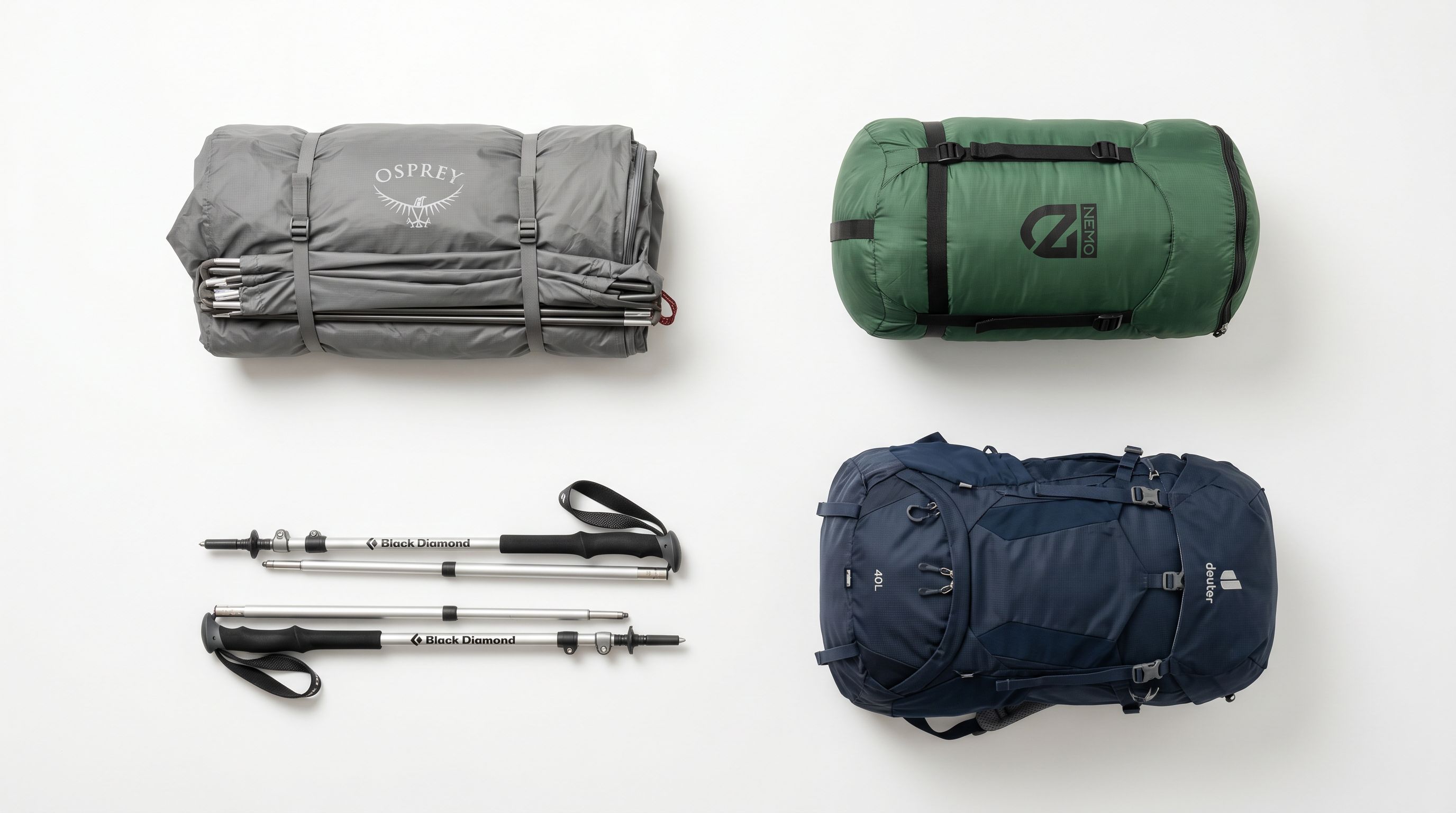
Outdoor equipment is a category where structured data gaps are common and costly. A buyer querying an AI Shopping agent for "lightweight 2 person backpacking tent under 1.5kg" is looking for attributes: packed weight, capacity, and pole material. A product without those attributes in structured form is harder to match to that query than one that has them.
A sporting goods pack fills attributes like Item Weight, Capacity, Material, Activity Type, and Item Dimensions from the import data. A tent listed as "Ultralight 2P Tent 1.3kg Aluminium Poles" yields Item Weight (1.3 kg), Capacity (2), and Pole Material (Aluminium). Activity Type (Camping or Backpacking) is inferred from the product category assignment.
Home and Garden
Home and kitchen products often have attributes that require multiple valid values at once. A set of kitchen knives may be made from stainless steel with a resin handle: two material values, not one. A cleaning product might be compatible with multiple surface types. The Industry Packs support multi-value fields, so Material and Compatible Surfaces for a product can each carry more than one value displayed as pills in the product editor.
Home and garden attributes include Material, Colour, Item Weight, Item Dimensions, Power Source (for appliances), Assembly Required, Room Type, and Style. A "Minimalist Ceramic Plant Pot Set White 3 Sizes" yields Colour (White), Material (Ceramic), and Style (Minimalist).
Multi-Value Fields and Store Scanner
Multi-Value Fields
Several category attribute types accept more than one value. Compatible memory card types, supported operating systems, and compatible devices are the most common examples in the electronics industry pack. When Importier fills a multi-value field, it fills all applicable values, not just the first one found.
This matters for search and Shopping feed matching. Google's product data specification recommends providing all applicable values for attributes like Compatible Devices and Compatible Operating Systems. A camera that accepts SD, SDHC, and SDXC cards but only has SD in its category attributes will not match a buyer's filtered query for "camera compatible with SDXC." All three values need to be present for the product to appear in that result.
Running Industry Packs via Store Scanner
The import wizard is where Industry Packs run for new products. But for merchants with an existing catalogue (products already in Shopify that were imported without category attributes), the same packs are available through Store Scanner.
Store Scanner identifies products with missing or incomplete category attributes across the entire catalogue. You can filter by collection, SKU pattern, or specific category, then run the matching process across the selected products. The same two-phase matching applies and the same industry packs fill the attributes.
This is relevant for merchants whose product data predates Shopify's Standard Product Taxonomy rollout, or who have been adding products manually and never had a structured way to fill category attributes at scale. A session in Store Scanner can add category attributes to an entire existing catalogue without reopening a single product individually.

- Look up valid attribute types for each category in Shopify's taxonomy documentation
- Enter values product by product in the Shopify editor
- Verify entries are valid taxonomy values, not free-form text
- Repeat the process for every new import batch
- Re-open existing products individually to add category attributes retrospectively
- 22 packs pre-configured with attribute types for each industry
- Two-phase matching fills attributes from product title and data automatically
- AI constrained to valid taxonomy values only, no free-form entries
- Runs on every new import without additional steps
- Store Scanner fills category attributes for the entire existing catalogue in one session
Why This Matters for AI Shopping Agents
The context for category attributes changed significantly in 2026. As covered in What Agentic Shopping Means for Shopify Merchants, AI Shopping agents evaluate product data in a structured way. They are looking for specific attribute values, not keyword frequency.
A buyer who asks an AI agent "find me a waterproof hiking boot in brown, size 10" is sending a query the agent resolves against structured product attributes: Colour, Size, and Waterproofing. A product with those attributes correctly filled in Shopify's category metafields is far easier for the agent to match and recommend than one that contains the same information only in the description body.
The Shopify product data quality guide sets the baseline for what complete product data requires. Category attributes are the structured layer above that baseline. The AI Shopping readiness guide covers what that means for merchants building for the current moment.
Industry Packs are how those attributes get filled at the scale of a real catalogue, without a data-entry team.

Five Takeaways on Shopify Industry Packs
- The 22 Industry Packs cover 3,758 category attribute types drawn from Shopify's Standard Product Taxonomy. Each pack contains the attributes most relevant to its industry, pre-configured and ready to use at import or in Store Scanner.
- Two-phase matching handles the range from descriptive titles to sparse ones. Text matching is fast for products with clear category signals. AI matching resolves edge cases, and the AI is constrained to valid taxonomy values.
- Multi-value fields are supported. Attributes like Compatible Devices, Compatible Memory Cards, and Compatible Operating Systems can carry multiple values, which is how Shopify's taxonomy handles them and what Google's product data specification recommends.
- Industry Packs run both at import and via Store Scanner. New products get attributes during the import session. Existing products can have attributes added in a single Store Scanner pass without reopening individual product editors.
- Category attributes filled by Industry Packs map to Google's product taxonomy. They are the structured data layer that Google Shopping and AI Shopping agents use to match products to specific buyer queries with high precision.
Set up your first import in under five minutes.
Importier brings products into Shopify with AI descriptions, category metafields, and data enrichment on every run.