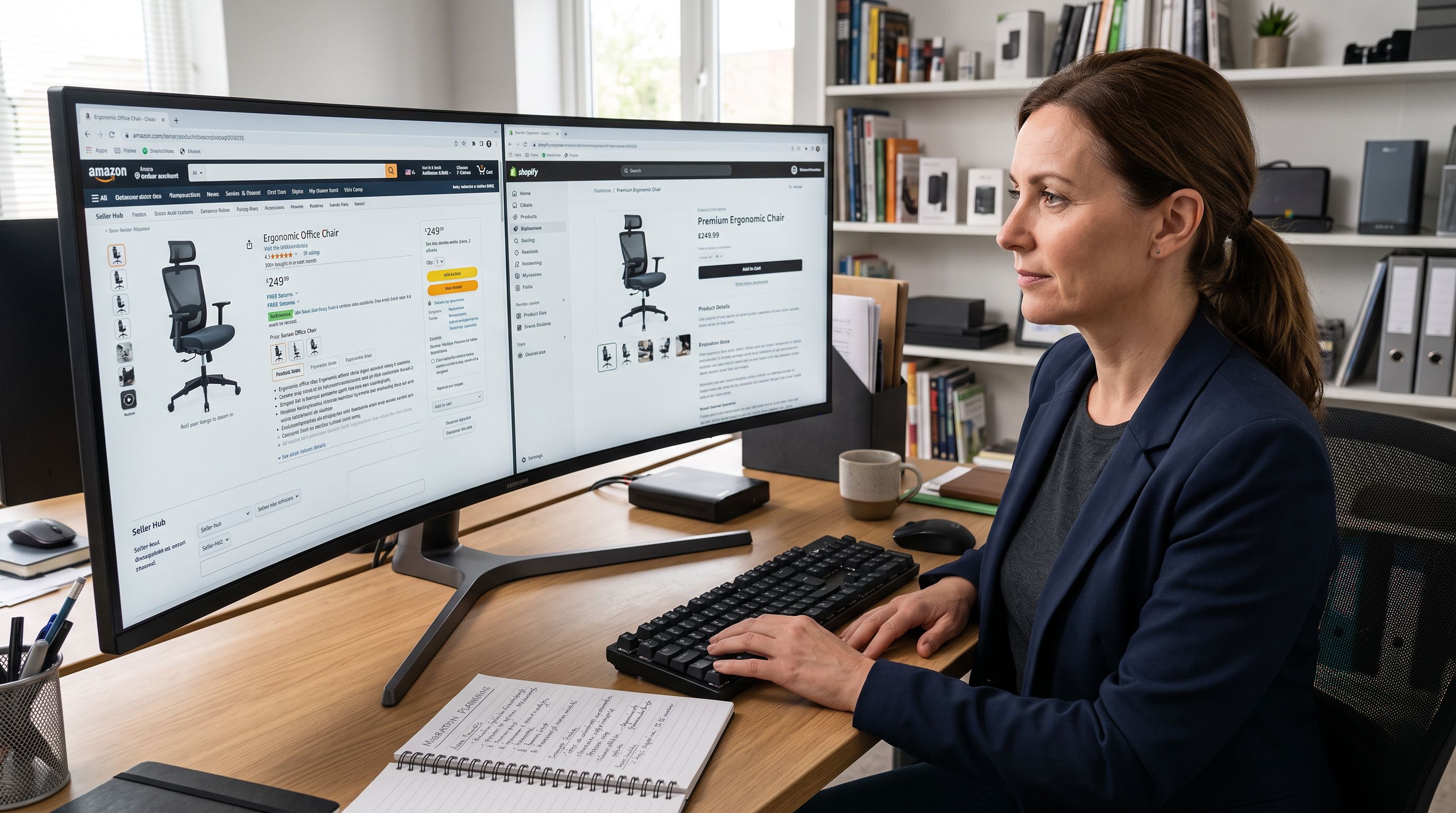
Shopify Import Products from a Supplier Website
On this page
A dropshipper sources outdoor furniture from a wholesaler's website. The range has 80 products across categories: lounge chairs, dining sets, sun loungers, and side tables. Each product page has a title, description, images, pricing, dimensions, and colour variants. The wholesaler does not provide CSV exports or product data feeds. Their answer to "can you send me a product file?" is a link to their website.
The manual option: open each product page, copy the title, copy the description, download the images, note the SKU and barcode for each variant, enter everything into Shopify. For a product with three colour variants, that means loading three pages, downloading three sets of images, and noting three barcodes. At two hours per product across 80 products, that is 160 hours of data entry before a single item is live for sale.
The shopify import products from supplier website approach: paste the URL, let Importier extract the product data, review the result, apply a price markup, and push to Shopify with AI-generated descriptions.
What Importier Extracts from a Supplier URL
When a merchant pastes a supplier product page URL into Importier's Marketplace Import, the extraction engine retrieves the product data from that page regardless of which platform or CMS the supplier uses.
What is extracted from a typical product page:
- Product title: pulled from the page heading or title tag
- Product description: the main product copy, including specification tables and feature lists
- Images: all product images on the page, in order
- Price: the listed price, which becomes the basis for markup calculations
- SKU: the stock keeping unit if displayed on the page or in the page source
- Barcode (GTIN): the global trade identifier if present in structured data or page content
- Variants: the available options (colour, size, material) and their prices where they differ
- Specifications: weight, dimensions, and other attributes from specification tables
The extraction handles supplier websites that require JavaScript rendering, paginated content, and common anti-scraping measures. Suppliers whose websites return product data in structured formats (JSON-LD, Open Graph, or schema.org markup) produce more complete extractions. Supplier websites with fully custom-built pages produce partial extractions where some fields need manual completion.

Per-Variant Scraping: Why the Default Page Is Not Enough
For a product with multiple variants (a lounge chair in Black, White, and Natural), the supplier's product page typically loads with the default variant selected. The URL might show ?colour=Black or the page might default to whichever variant the supplier configured as primary.
An extraction tool that loads only the default product URL captures the barcode, images, and price of the default variant. The other variants (White and Natural in this example) are listed as options on the page, but their individual barcodes and images are not loaded unless the tool specifically navigates to each variant's state on the page.
Importier's per-variant scraping mode loads each variant individually. For the lounge chair with three colour variants, it loads the Black variant state, captures its barcode and images, then loads the White variant state, captures its barcode and images, and repeats for Natural. The result is a product with accurate per-variant data rather than three variants sharing the same barcode and default images.
Why this matters for inventory tracking: a Shopify product where all three colour variants share the same barcode cannot have its inventory managed by barcode scan. Receiving a shipment of 20 White chairs and scanning the barcode to receive stock credits all 20 to whichever variant owns the shared barcode, rather than to White specifically.
Why this matters for product accuracy: if the Black variant's images are used for all three variants, a customer who selects White sees Black chair images on the product page. This produces returns and customer service issues that accurate per-variant images would have prevented.
A lounge chair imported with per-variant scraping has three accurate barcodes, three distinct image sets, and correct per-variant pricing. A lounge chair imported from the default page URL only has one barcode, one image set, and whatever the default variant shows.
Price Markup and Compare-At Pricing
Importier's Marketplace Import includes a price markup step that runs before products are pushed to Shopify. The merchant sets a markup as either a fixed dollar amount or a percentage applied to the extracted supplier price.
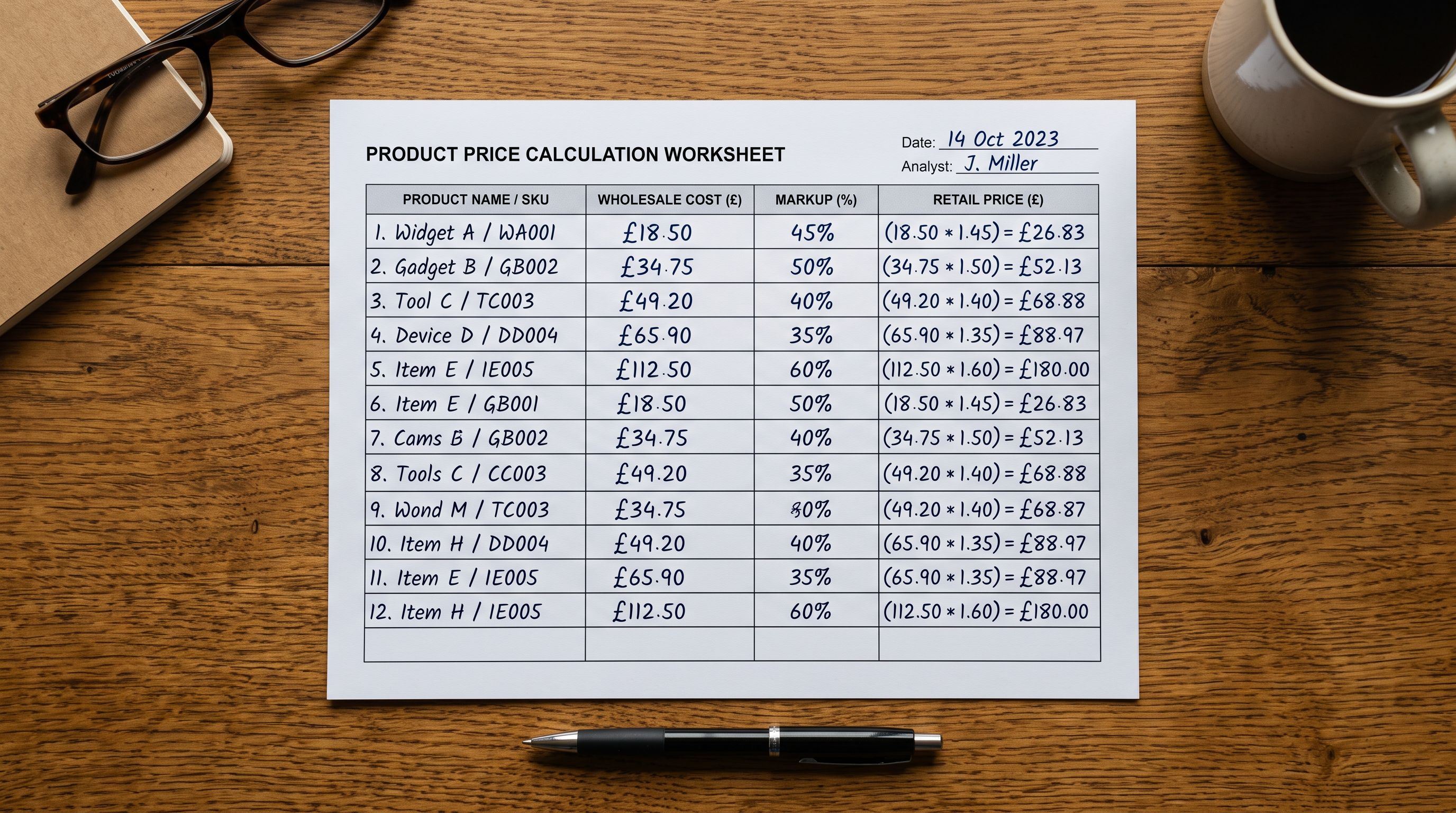
For a supplier product listed at $85:
- A 40% percentage markup produces a retail price of $119 with a compare-at price of $85
- A $45 fixed markup produces a retail price of $130 with a compare-at price of $85
- A 0% markup retains the supplier's price as the retail price with no compare-at
The compare-at price reflects the supplier's listed price, appearing as a crossed-out original price beside the retail price in the Shopify storefront. This displays a visible discount to customers when the merchant's retail price is set below the supplier's RRP.
Markup is applied at the batch level: one markup setting applies to all products in the import. For a mixed catalogue where different product categories carry different target margins (outdoor furniture at 40%, accessories at 60%), running two separate import batches with different markup settings allows category-specific pricing without manual price adjustments.
Variant-level price differences from the supplier (where, for example, a larger size costs more) are preserved relative to the base price. If the supplier's Small variant is $85 and the Large is $95, a 40% markup produces $119 and $133 respectively, maintaining the $10 price differential.
AI Descriptions After Extraction
The supplier's extracted description is a starting point, not the published content. Publishing the supplier's own product copy on a Shopify store creates duplicate content: the same text appears on the supplier's website, any other retailers using the same supplier, and the merchant's store.
According to Google's guidance on consolidating duplicate content, pages with the same content as other pages on the web do not rank independently. A Shopify store that publishes supplier descriptions verbatim competes poorly against the supplier's own website in search results.
After extraction, Importier's AI description generator produces a new description using the extracted product data as input: title, specifications, variant options, and extracted description context all inform the generation. The merchant selects a description style and persona; the AI produces unique content in that voice.
For the outdoor furniture range, a Sensory-Rich style with a retail home furnishing persona produces descriptions that lead with the experience of using the furniture (afternoon sun, durable frame, low-maintenance material) rather than restating the specifications. The same specifications are present, but framed for the buyer's perspective rather than the supplier's catalogue language.
The extracted description is retained internally as reference context for the AI generation. The published description is the AI output, not the supplier's text.
- 01Step 1Open Importier's Marketplace Import and select Any Site. Paste the supplier product page URL. For a collection or category page, paste the collection URL; Importier will detect and queue the individual product URLs it finds on that page.
- 02Step 2Review the extraction preview. Confirm the extracted title, price, images, and variant count look correct. If a field is missing or wrong, edit it before proceeding. Flag any products where extraction was incomplete for manual completion.
- 03Step 3Enable per-variant scraping if the products have variants with different barcodes or images. Per-variant scraping takes longer (one load per variant per product) but produces accurate per-variant data. For products without variants or where variants share images, standard scraping is sufficient.
- 04Step 4Set the price markup. Choose percentage markup or fixed amount. Confirm the compare-at price reflects the supplier's listed price. Review the calculated retail prices for a sample of products before applying to the full batch.
- 05Step 5Select the description style and persona for AI generation. Review 3-5 sample descriptions from the batch before committing. Adjust the style or persona if the output tone or structure does not fit the store's voice.
- 06Step 6Push to Shopify. Products arrive with AI-generated descriptions, per-variant images, correct barcodes, and marked-up pricing. Review the imported products in Shopify admin and adjust any that need attention before making them live.
How to Import Products from a Supplier Website in Bulk
For a supplier with a dedicated category page listing 50 outdoor furniture products, Importier accepts the collection URL directly. The extraction engine finds the individual product links on the category page and queues them as separate products.
The bulk import runs with progress tracking and retry logic. Products that fail extraction on the first attempt (due to load time, rate limiting, or page structure variations) are retried automatically. The progress view shows which products have completed extraction, which are in progress, and which need attention.
Products complete extraction in parallel, so a 50-product batch does not take 50 times the time of a single product. The actual time depends on the supplier's server response speed and whether per-variant scraping is enabled, but a 50-product batch with three variants per product typically completes within 15-20 minutes.
- 2 hours per product for data entry
- Barcode captured for default variant only
- All variants share default variant images
- Supplier's duplicate description published
- 80 products = 160 hours before anything is live
- Extraction and AI descriptions complete in under an hour
- Per-variant scraping captures barcode for each variant
- Each variant gets its own images from supplier page
- AI generates unique description in merchant's chosen style
- 80 products pushed to Shopify in one session
What Any Site Import Requires
Any Site import is available on Importier's Enterprise plan. The feature is designed for merchants who source from suppliers that do not provide CSV exports, product data feeds, or API access. Common use cases include:
- Dropshippers sourcing from suppliers whose catalogue exists only on their website
- Retailers who import from Amazon or other marketplaces and want to extend that capability to supplier-specific websites
- Importers who receive a supplier's website link rather than a product file
The extraction quality varies by supplier website. Suppliers whose sites are built on common platforms (Shopify, WooCommerce, Magento, BigCommerce) produce reliable extractions because these platforms use consistent page structure and often include machine-readable product data. Custom-built supplier websites, especially older ones with non-standard HTML structure, produce less complete extractions and may require more manual completion in the preview step.
The merchant is responsible for ensuring they have the right to import and resell products from the supplier's website. Importier extracts publicly accessible product information for the purpose of listing products the merchant has a commercial relationship with the supplier to sell. Scraping competitor product pages to copy their catalogue without a supplier relationship is outside the scope of the feature.
Shopify Import Products from a Supplier Website: Key Takeaways
The shopify import products from supplier website workflow addresses the gap that exists when suppliers can provide a website link but cannot provide a CSV or data feed.
- Importier's Any Site import extracts title, description, price, images, SKU, barcode, variants, and specifications from any supplier product page URL.
- Per-variant scraping loads each variant individually to capture accurate per-variant barcodes and images. Without per-variant scraping, products with multiple variants share the default variant's barcode and images, which causes inventory tracking errors and incorrect product images on the storefront.
- Price markup applies a fixed amount or percentage to the extracted supplier price and sets a compare-at price reflecting the original. Variant-level price differences from the supplier are preserved proportionally.
- AI description generation produces unique content from the extracted data in the merchant's chosen style and persona, replacing the supplier's text with content the store owns independently.
- Bulk import from a supplier collection page queues multiple products automatically. A 50-product batch with three variants per product completes extraction in minutes with parallel processing and automatic retry.
- Any Site import is an Enterprise plan feature. Extraction quality is highest for supplier websites built on major ecommerce platforms that include structured product data markup.
Import your supplier's range at importier.app. Importier's Any Site import pulls product data directly from any supplier URL, with per-variant scraping and AI descriptions included.
Set up your first import in under five minutes.
Importier brings products into Shopify with AI descriptions, category metafields, and data enrichment on every run.