Shopify ASIN Import: Migrate Amazon Listings the Right Way
On this page
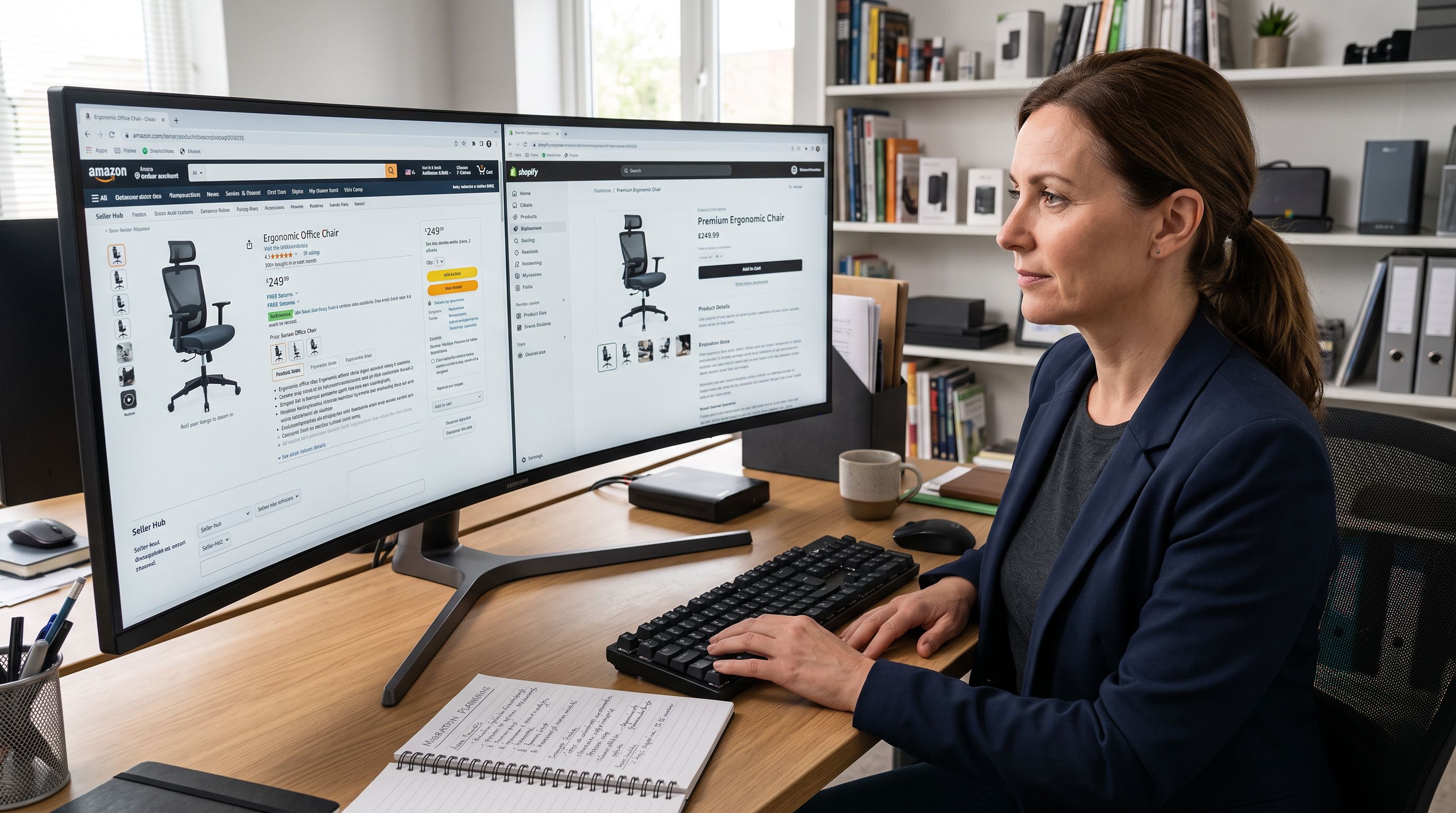
A merchant who has sold on Amazon for three years decides to launch on Shopify. They have 280 ASINs covering their product range (earbuds, portable speakers, and charging accessories). Their Amazon listing titles look like this: "TechBrand TB-500 Wireless Earbuds Bluetooth 5.3 True Wireless Earphones In-Ear Headphones IPX5 Waterproof 30H Playtime USB-C Touch Control Black, Compatible with iOS and Android." That is 174 characters, front-loaded with the model number and technical keywords, engineered for Amazon's ranking algorithm.
On Shopify, that title appears at the top of the product page next to a price and an Add to Cart button. Shoppers do not search by algorithm keyword on a Shopify store; they read titles to decide. A wall of specifications tells them what the product is, not why they should buy it.
This is the core problem of shopify amazon asin import work: Amazon product data migrates to Shopify with specific strengths and specific gaps. Getting it right means knowing which fields to transfer directly and which to regenerate.
Why A9-Optimised Titles Fail on Shopify Product Pages
Amazon's A9 algorithm assigns ranking weight to keywords that appear at the start of a product title. The closer a keyword is to the beginning, the more algorithm signal it carries. This is why Amazon sellers front-load brand names, model numbers, and technical specifications: the algorithm reads the title as a ranked keyword string.
Shopify product pages work differently. A customer browsing a store reads the title to confirm they are looking at the right product and to understand its positioning. A title like "TechBrand TB-500 Wireless Earbuds Bluetooth 5.3 True Wireless" answers "what model is this?" but not "why is this the right pair of earbuds for me?"
According to Shopify's guidance on product page content, product descriptions should answer the questions customers ask before buying. A9-optimised titles create a second problem here: the description field on Amazon is structured around bullet points and backend keywords, often contains Amazon-specific boilerplate ("Works with Alexa", "Compatible with Amazon Echo"), and uses short-form copy written for scan reading in a dense results grid rather than for engagement on a standalone product page.
The migration is not about copying Amazon's data. It is about extracting what Amazon got right (product photography, variant structure, specifications) and replacing what Amazon's format got wrong for a Shopify audience (titles and descriptions).
What Amazon Product Data Transfers Directly to Shopify
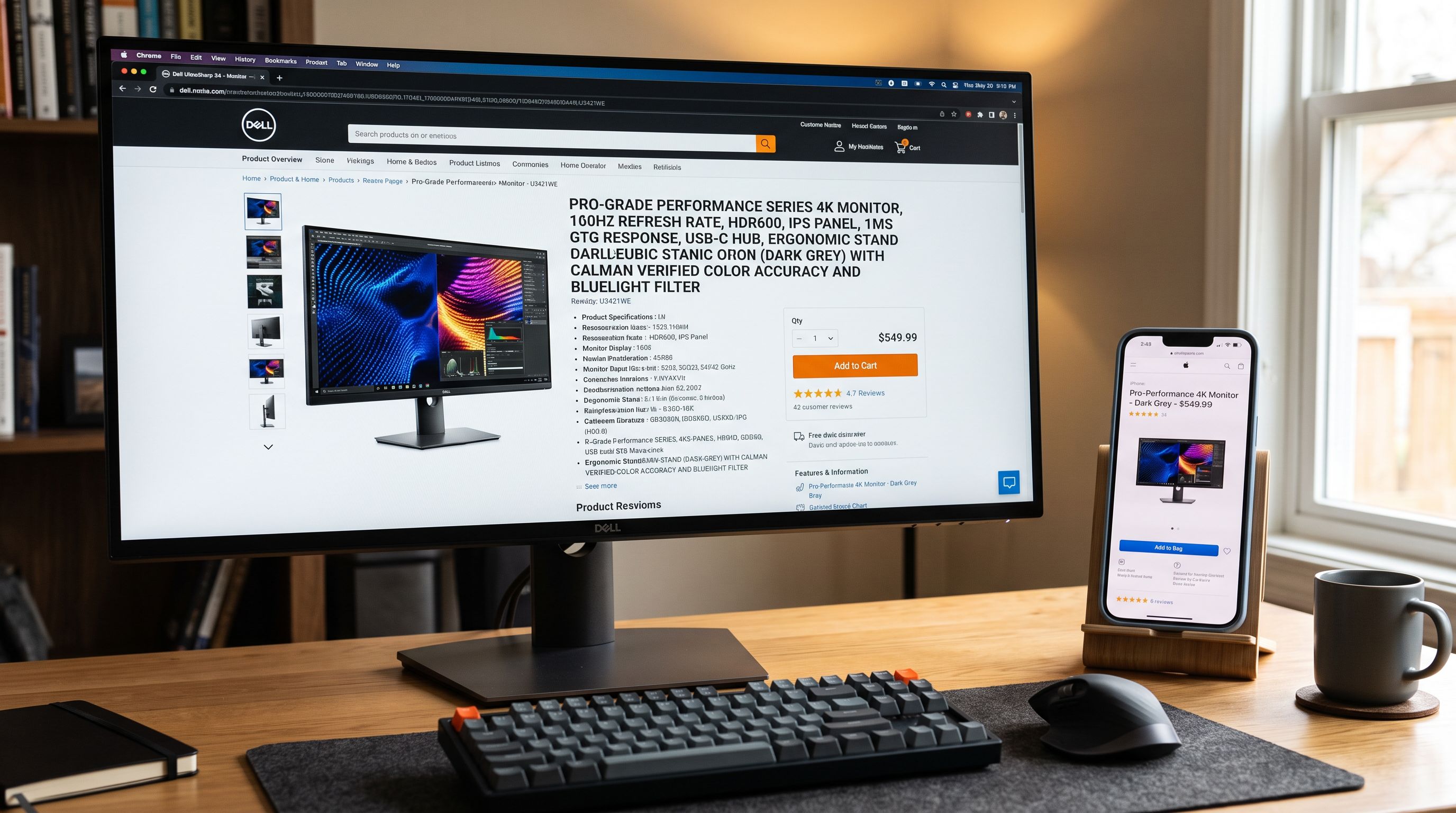
Not all Amazon data needs regeneration. Several fields extract from Amazon listings cleanly and map to Shopify without modification.
Product images are typically the strongest asset Amazon sellers bring to Shopify. Amazon's image requirements (white background main image, lifestyle secondary images, minimum 1,000px on the longest side) produce photography that works well on Shopify product pages. For most product categories, the full Amazon image set (the main image plus supplemental lifestyle shots) imports and displays correctly without any editing.
Pricing transfers directly: the current Amazon price maps to the Shopify price field, and the Amazon list price (if set) maps to compare_at_price.
Variant structure usually maps cleanly. A product with colour and size variations on Amazon typically has one ASIN per parent product and child ASINs per variant. Importier extracts the variant attributes and maps them to Shopify's size and colour option fields. Amazon's per-variant scraping captures the correct barcode (EAN or UPC) and primary image for each variant rather than defaulting to the parent product's data.
Specifications and technical attributes extract from Amazon's product details section: material, weight, dimensions, and compatibility notes can be mapped to Shopify product metafields. A Bluetooth headphone's frequency response, driver size, and codec support all exist in the Amazon listing and can transfer to Shopify category metafields or custom attributes.
Barcodes (EAN, UPC, or ASIN as a cross-channel identifier) import alongside the product data. Storing the ASIN itself as a product metafield creates a permanent link between the Shopify product and the original Amazon listing for cross-channel tracking.
- 01Enter the Amazon product page URL into Importier's marketplace import; the ASIN is embedded in the URL and Importier extracts it automatically
- 02Review the extracted data in the previewimages, pricing, variant structure, and specifications should all map correctly without modification
- 03Identify the fields that need regenerationthe product title and main description almost always require a complete rewrite for a Shopify audience
- 04In the AI description step, select the description style that matches the product categoryBenefits-First for consumer electronics, Technical Gadget for B2B equipment, Emotional Storytelling for lifestyle accessories
- 05Complete the importimages, variants, and specifications arrive directly from Amazon while Importier generates fresh titles and descriptions for the Shopify audience

The ASIN as a Shopify Product Metafield
An Amazon merchant who sells on both platforms needs a way to match Shopify products to their corresponding Amazon listings. Storing the ASIN as a product metafield at import time solves this before it becomes a manual reconciliation problem.
With the ASIN stored as a custom metafield (for example, custom.amazon_asin), the merchant can:
- Export a Shopify product report that includes the ASIN metafield column for inventory reconciliation across both channels
- Build automations that compare Shopify stock levels to Amazon inventory and trigger restocking alerts
- Tag products with their corresponding Amazon category for consistent classification across platforms
The import step is the cheapest time to add this data. Mapping the ASIN from the product URL into a metafield at import costs nothing. Reconstructing the ASIN-to-product mapping after 280 products are live in Shopify requires either a manual lookup for each product or a retrospective CSV mapping exercise.
According to Google's product data specification, cross-channel product identifiers (GTINs, MPNs, and brand combinations) improve product matching in Shopping feeds. An ASIN stored as a metafield provides an additional identifier layer for merchants who run Google Shopping campaigns across both their Amazon and Shopify presence.
From Amazon algorithm to Shopify shopper
Regenerating Titles and Descriptions for the Shopify Audience
After the structural data imports cleanly, the content layer (titles and descriptions) needs complete regeneration, not editing.
The distinction matters. Editing an A9 title ("TechBrand TB-500 Wireless Earbuds Bluetooth 5.3 True Wireless Earphones In-Ear Headphones...") to a shorter version ("TechBrand TB-500 Wireless Earbuds") removes the keyword clutter but leaves a title with no conversion value: a model number and a category, which tells Shopify shoppers nothing. The title needs to be rewritten from the buyer's frame of reference, not trimmed from Amazon's.
Importier's AI generator rewrites titles and descriptions from the product data after import. The imported specifications (Bluetooth version, battery life, waterproof rating, compatibility) become source material for description generation rather than title text. The generated title leads with the human benefit or the product's clearest differentiator.
For consumer electronics, the Benefits-First description style writes the description from the outcome perspective: what changes for the buyer when they use this product. An earbud description in Benefits-First style leads with the listening experience, commute use case, and battery reliability before listing Bluetooth version and driver specifications.
For B2B equipment or technical accessories, the Technical Gadget style preserves the specification-first approach that technical buyers need, but structures it for human reading rather than algorithm parsing: specifications organised by decision hierarchy rather than keyword density.
The 7 description styles available in Importier each address a different buyer psychology. The right choice depends on who the Shopify store sells to, not on what Amazon's category conventions are.
- A9-optimised title front-loads model number and keyword string
- Description structured for scan reading in dense Amazon results
- Amazon-specific boilerplate (Alexa compatibility, Amazon Echo references)
- Title character count optimised for A9, not Shopify display
- Shopify title leads with product name and clearest buyer benefit
- Description written for engagement on a standalone product page
- Clean copy without platform-specific references
- Title length appropriate for Shopify collection pages and mobile display
Handling Multiple ASINs in a Single Import Session
A product range of 280 ASINs imports across multiple sessions in Importier's marketplace import. Each session accepts a batch of product URLs; the review step shows the extracted data for the batch before committing.
For large ranges, grouping ASINs by product category before importing allows consistent AI description configuration per group. A batch of earbuds uses Benefits-First with an Audio persona. A batch of charging cables uses Technical Gadget with an Electronics persona. Mixing categories in a single batch means applying one style to products that have different buyer psychologies.
The review step shows description previews for the batch before any product goes live in Shopify. If the Emotional Storytelling style produces copy that reads more like marketing prose than consumer electronics content for a batch of charging cables, the AI configuration can be adjusted in the review step without restarting the import.
For merchants with very large Amazon catalogues (1,000+ ASINs), the Enterprise plan's bulk import with progress tracking shows which products have been processed, which are queued, and which failed without stopping the rest of the batch when a single listing is unavailable or removed from Amazon.

An A9-optimised title tells the Amazon algorithm what the product is. A Shopify title tells a shopper why they should buy it. These are two different jobs, and migrating from Amazon to Shopify means rebuilding the second one from scratch.
What the Review Step Catches Before Products Go Live
The Importier review step is where import decisions are confirmed or corrected before anything goes live in Shopify.
For Amazon imports specifically, the review step surfaces several issues worth checking:
Title length mismatches: an Amazon title at 175 characters imports into a Shopify title field and renders poorly on collection pages at that length. The review step makes the character count visible before the product goes live.
Amazon-specific references: if the Amazon description contains references to Amazon Prime, Alexa compatibility disclaimers, or "Amazon's Choice" language, these appear in the description preview in the review step. The merchant can catch these before they appear on a Shopify product page.
Variant mapping accuracy: for products with multiple ASINs (parent and child), the review step shows how Importier has structured the variants. If a product with three colours and two sizes produces six individual products in the review instead of one product with six variants, the variant detection configuration can be adjusted before import commits.
Image order: the review step shows which image will be the featured product image (the primary shot, typically the white-background main image from Amazon). If the lifestyle shot has imported as the featured image instead of the main product shot, the order can be corrected in review.
Key Takeaways
- Amazon product data migrates to Shopify with specific strengths and specific gaps. Images, pricing, variants, specifications, and barcodes transfer cleanly. Titles and descriptions need complete regeneration for a Shopify audience.
- A9-optimised titles convert poorly on Shopify product pages. They are built for algorithm ranking, not for purchase decisions. Editing is not enough; regeneration with an appropriate AI description style produces better output than trimming the A9 version.
- Storing the ASIN as a product metafield at import time enables cross-channel tracking. After 280 products are live, reconstructing the Amazon-to-Shopify product match is a manual exercise. Setting the metafield at import costs nothing.
- Grouping ASINs by product category before importing allows consistent AI configuration per batch. Consumer electronics, B2B accessories, and lifestyle products each benefit from different description styles and personas.
- The review step catches Amazon-specific content before it reaches the live Shopify store. Platform-specific references, wrong variant structures, and title length issues are visible in preview before any product commits.
Import your Amazon product range and regenerate descriptions for your Shopify audience at importier.app.
Set up your first import in under five minutes.
Importier brings products into Shopify with AI descriptions, category metafields, and data enrichment on every run.