Shopify Marketplace Import: Getting the Right Barcode for Every Variant

On this page
A dropship electronics retailer imports a USB-C hub from AliExpress. The product has six variants: 4-port and 7-port, each in silver and space grey, and a 10-port in both colours. The import completes and all six variants appear in Shopify. Three things are wrong. Every variant shows the same hero shot: the silver 4-port on a white background. None of the six variants have individual barcodes. And the merchant's Google Merchant Centre feed immediately flags the products with a "missing GTIN" warning, preventing them from appearing in Shopping ads.
The AliExpress listing has variant-specific images and individual barcodes for each model and colour combination. The import tool scraped the main product page and stopped there: it captured the default image and the overall product EAN, then assigned both to all six variants equally.
Why Variant Barcodes Are Different From Product Barcodes
A barcode identifies a specific stockkeeping unit. For a product with multiple variants, each variant is a distinct SKU with its own manufacturer barcode.
The 64GB version of a portable SSD has a different EAN from the 128GB version. The blue colourway of a running shoe has a different UPC from the black colourway. The 500mg capsule pack of a supplement has a different GTIN from the 1,000mg pack. These are not the same product with the same barcode. They are distinct products that happen to share a parent listing on the marketplace.
When a marketplace product page loads with the default variant selected, the page shows that variant's images and barcode. Switch to a different variant and both change. The barcode field updates because the manufacturer registered each variant with a separate GTIN.
A product-level scrape captures what the page shows on first load: the default variant's barcode. Every other variant inherits this barcode because the import tool never visited their individual states to extract theirs.

For Shopify catalogue accuracy, this creates two problems. First, inventory management relies on barcodes to match incoming stock to the correct variant. If three variants share one barcode, receiving a shipment of the blue 128GB model against the barcode that actually identifies the silver 64GB default creates stock reconciliation errors. Second, and more immediately damaging, Google Merchant Centre requires a GTIN (barcode) for most product categories and validates each submitted variant as a distinct product. Submitting six variants with the same barcode either fails validation or triggers a "duplicate GTIN" flag that suppresses the listings.
What Per-Variant Scraping Does Differently
Per-variant scraping treats each variant as a separate scraping target rather than deriving variant data from the parent product page.
After the initial product page scrape identifies the variants available (6 in the USB-C hub example), the import triggers a separate request for each variant. Each request loads that variant's specific page state and extracts:
- The barcode (EAN or UPC) specific to this variant
- The images specific to this variant, showing the colour or configuration that actually matches this SKU
- The variant-specific price if the marketplace charges differently across variants (common in size-tiered products)
- The variant-specific specifications if they differ from the product default (storage capacity, weight, dimensions)
A 6-variant import with per-variant scraping sends 6 requests: one to establish the variant list from the product page, then one per variant to capture variant-specific data. The result is six distinct barcodes and six distinct image sets, each correctly matched to its variant.
The product counts as one unit toward the monthly allowance regardless of how many variants it has. A 10-variant product with per-variant scraping is still one product in the count, not ten.
Which products benefit most from per-variant scraping
Categories Where Per-Variant Barcodes Are Non-Negotiable
Electronics and storage peripherals
Capacity variants always carry distinct barcodes. A storage device in 256GB, 512GB, and 1TB configurations has a different manufacturer GTIN for each tier. The manufacturer tracks each as a separate product for warranty and returns purposes. Submitting the 256GB GTIN for all three variants causes the 512GB and 1TB listings to fail GMC validation or, in the case of a GTIN that happens to resolve in the GS1 registry, to show the wrong product title and specifications when Shopping retrieves product data from the registry.

Apparel
Colour variants frequently carry different barcodes even when the item is otherwise identical. A manufacturer registers each colourway separately with GS1 when the colouring involves different material sources or production runs that need tracking. A black and a white version of the same basic t-shirt may share one GTIN if they come off the same production line, or may have distinct GTINs if the fabric or dyeing process differs. For dropship apparel, the marketplace listing's per-colour barcodes are the only reliable source of this data. The importer cannot infer which colour has which GTIN without visiting the variant page.
Food, supplements, and cosmetics
Regulatory requirements in many markets treat different formulations of the same product as distinct units for traceability purposes. A supplement brand offering 500mg and 1,000mg dosage variants has different GTINs for each because the dosage difference constitutes a different product for labelling compliance. A cosmetics brand offering 12 shades of the same foundation registers each shade with a distinct GTIN. Per-variant barcodes captured at import time are the correct barcodes for feed submission, shelf labelling, and returns matching.
- 01Open the Importier marketplace import and enter the product URL from your marketplace source (AliExpress, Amazon, eBay, Walmart, or a supplier website). For Enterprise accounts, the 'Any Site' option accepts product pages from any supplier with a web catalogue.
- 02The import wizard detects the variant structure on the product page and shows a preview of the variant options found (e.g., Port Count4-port, 7-port, 10-port; Colour: Silver, Space Grey). Review the variant matrix to confirm the detection matches the listing.
- 03Select per-variant scraping. The import fetches each variant page separately and extracts the barcode, images, and specifications per variant rather than inheriting from the default. The import progress bar shows requests completing per variant.
- 04Review the variant-level data before pushing to Shopify. The import preview shows each variant with its own barcode and image set. Confirm that each variant's barcode is distinct from the others. If two variants show the same barcode, the marketplace listing itself may not have variant-specific GTINs (common for smaller sellers who list without GS1 registration).
- 05Configure price markup and compare-at pricing if needed. The markup applies uniformly across all variants, or you can adjust individual variant prices in the preview before pushing.
- 06Push to Shopify. Each variant lands in Shopify with its own barcode, its own images, and its own specifications. The product's Google Merchant Centre feed submission sends each variant with its correct GTIN, satisfying the per-variant barcode requirement.
When Variant Images Matter as Much as Variant Barcodes
Barcode accuracy is essential for backend operations (GMC, inventory reconciliation, returns). Variant image accuracy is essential for the customer-facing product page.
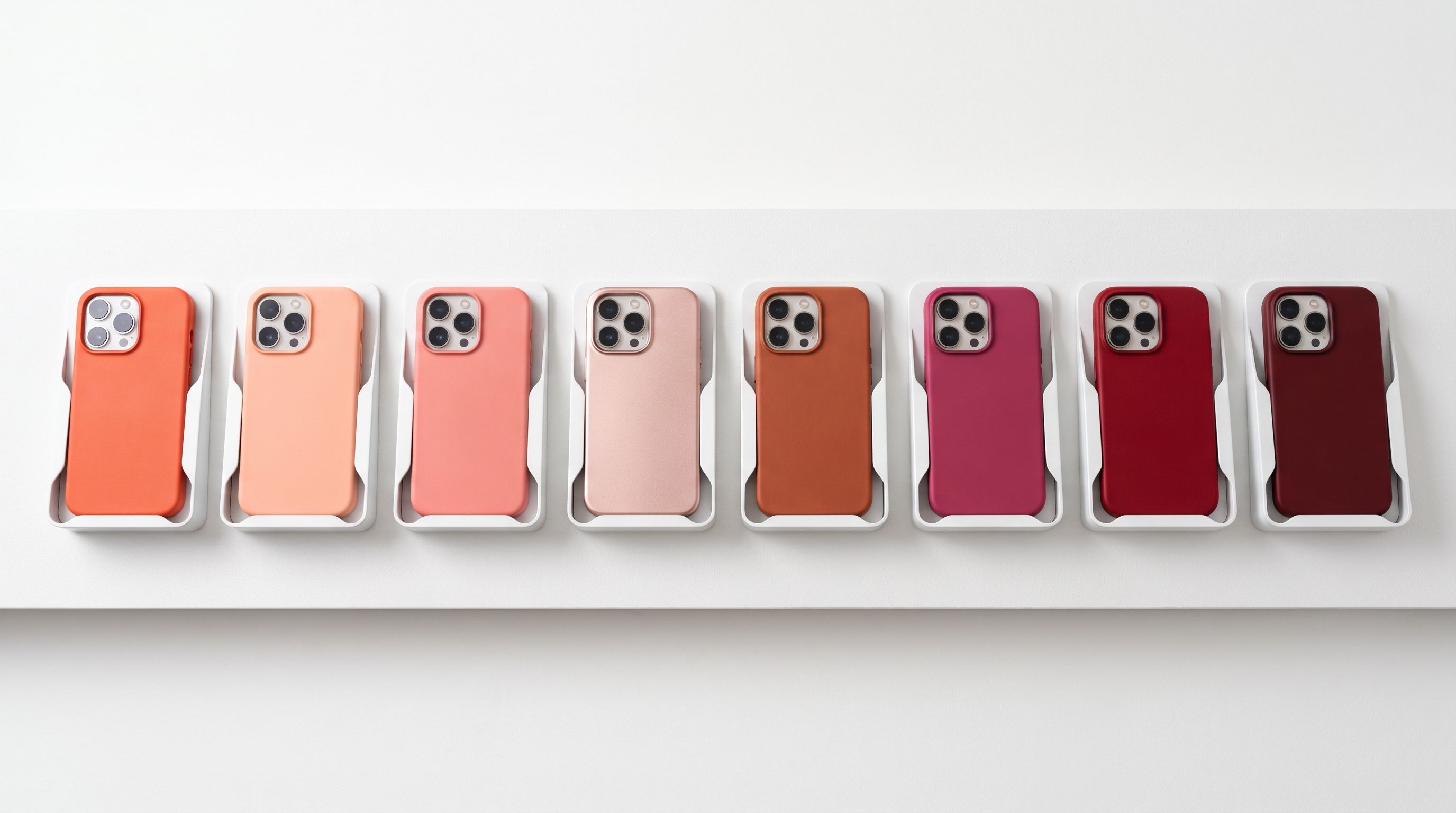
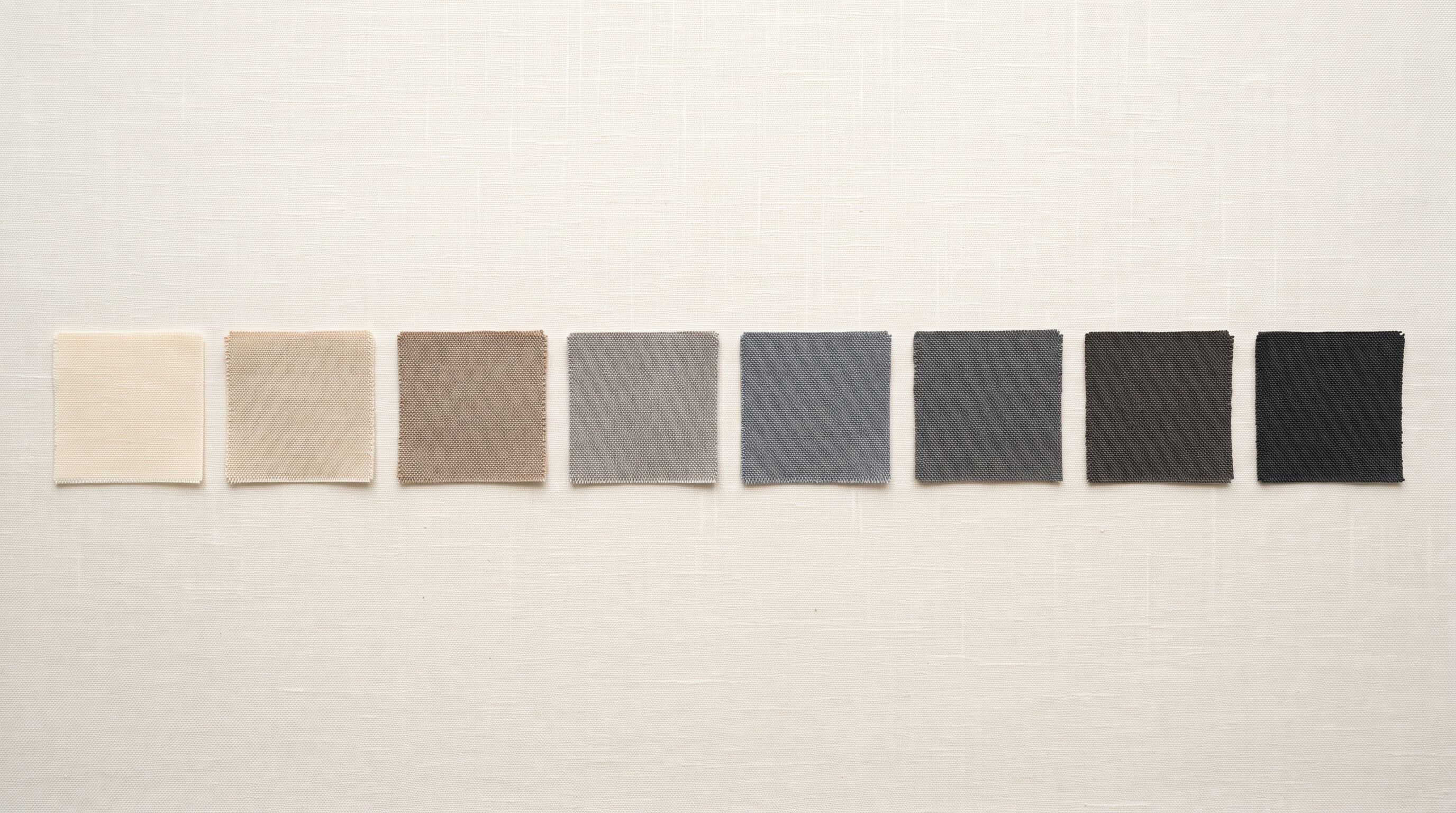
A product page where all variants display the same default image causes two problems. First, customers cannot visually confirm their variant selection. A buyer choosing "Space Grey, 10-port" who sees the "Silver, 4-port" image throughout the checkout flow is uncertain whether the product they receive will match. Second, theme-based variant image switching does not work correctly without variant-specific images attached in Shopify. Shopify's variant image feature only switches images on selection if separate image sets have been assigned to each variant. A single shared image set shows the same photo regardless of which variant is selected.
Per-variant scraping captures the images that the marketplace shows when each variant is selected. These are the images the manufacturer or seller has prepared for each configuration: the space grey model photographed against a grey background, the silver model against white. These images go directly into the correct Shopify variant image slots during import, enabling image switching at the product page level without any manual image reassignment.
According to Shopify's variant documentation, variant images are assigned at the option value level: all products with "Colour: Space Grey" share the space grey image set. Per-variant scraping maps images to the correct option value automatically, so the theme's image-switching behaviour works immediately after import without additional configuration.
Per-variant scraping does not increase the product count. A 10-variant product with 10 scraping operations is one product in your monthly allowance, not ten.
Handling Marketplace Listings Without Per-Variant Barcodes
Not every marketplace listing has a distinct barcode per variant. Small sellers who register on AliExpress or eBay without GS1 company registration often list all variants under a single EAN (or none at all). In these cases, per-variant scraping captures whatever barcode the variant page shows, which may be the same as the default, or empty.
For these products, the shopify-product-import-from-barcode enrichment step runs after the import: Importier searches a barcode database for GTINs matching the product title, manufacturer, and variant specifications. For branded consumer goods (electronics, supplements, sports equipment from known manufacturers), this lookup often returns the correct variant-level GTIN even when the marketplace listing did not include it. For unbranded or white-label products, a GTIN may not exist in any registry. In this case, the product page should explicitly mark the GTIN field as "does not apply" for GMC feed submissions rather than leaving it blank (blank triggers a warning; marked as non-applicable satisfies the validator).
The key distinction is knowing which variants actually have per-variant barcodes versus which inherit a product-level barcode. Per-variant scraping makes this visible at import time: you can see each variant's barcode in the preview and identify which ones match. Manual scraping hides this information entirely.
- All variants share the default product image regardless of colour or configuration
- All variants inherit the default variant's EAN: wrong for every non-default variant
- GMC flags 'duplicate GTIN' or 'invalid GTIN' for non-default variants
- Theme image-switching does not work without manual reassignment of variant images
- Variant-specific specifications (weight, dimensions) for non-default variants may be missing
- Each variant gets the images the marketplace shows when that variant is selected
- Each variant gets its own GTIN extracted from that variant's page state
- GMC receives correct distinct barcodes per variant satisfying per-variant GTIN requirements
- Theme image-switching works immediately, variant images assigned at import in correct Shopify slots
- Per-variant specifications captured: weight, capacity, dimensions extracted from variant-specific pages
Key Takeaways for Shopify Marketplace Import Variant Barcodes
Per-variant scraping is the difference between a catalogue import that satisfies Google Merchant Centre and one that requires hours of manual barcode lookup and image reassignment afterward.
- Default scraping returns the default variant's barcode only: every other variant inherits this barcode, which is incorrect for almost all products where variants represent distinct SKUs (different capacity, colour, flavour, or size).
- Google Merchant Centre requires per-variant GTINs: submitting multiple variants with the same GTIN triggers duplicate or invalid GTIN flags that suppress Shopping ad listings. Per-variant scraping captures the correct GTIN for each variant at import time.
- Variant images require per-variant scraping to work in Shopify themes: theme image-switching on variant selection only functions when distinct image sets are assigned per variant. Per-variant scraping maps marketplace variant images to the correct Shopify option values automatically.
- The product count does not multiply by variant count: a 10-variant product with per-variant scraping counts as one product toward your monthly allowance, not ten. The extra scraping operations per variant are not metered separately.
- Marketplace listings without per-variant barcodes can be enriched post-import: the barcode enrichment step looks up GTINs by product title and specifications for branded goods. For unlisted products, mark the GTIN field as non-applicable in GMC rather than leaving it blank.
Import marketplace products with correct variant barcodes and images at importier.app.
Set up your first import in under five minutes.
Importier brings products into Shopify with AI descriptions, category metafields, and data enrichment on every run.