Shopify Homebrewing Import: Recipe Kits and Metafields
On this page
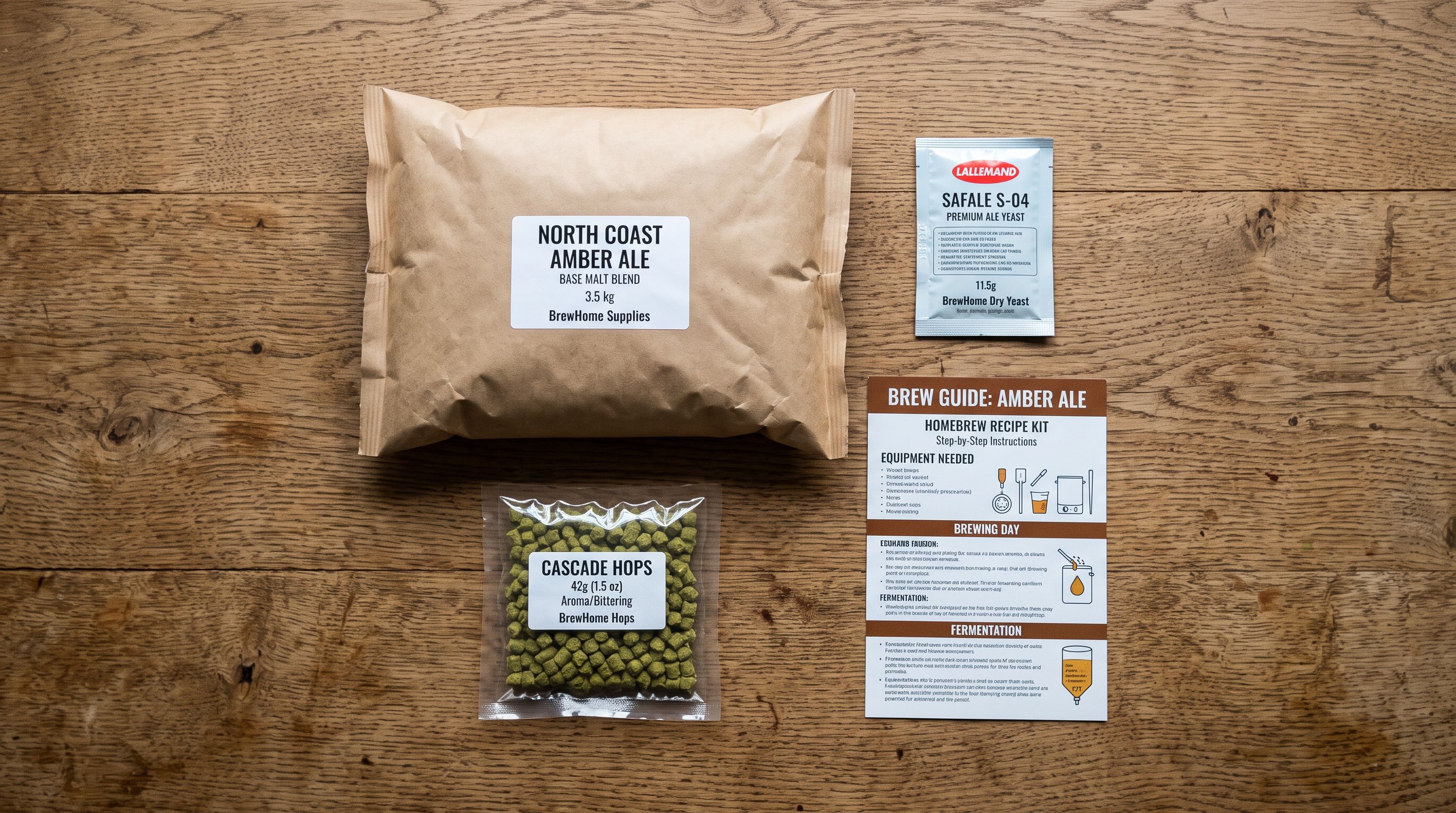
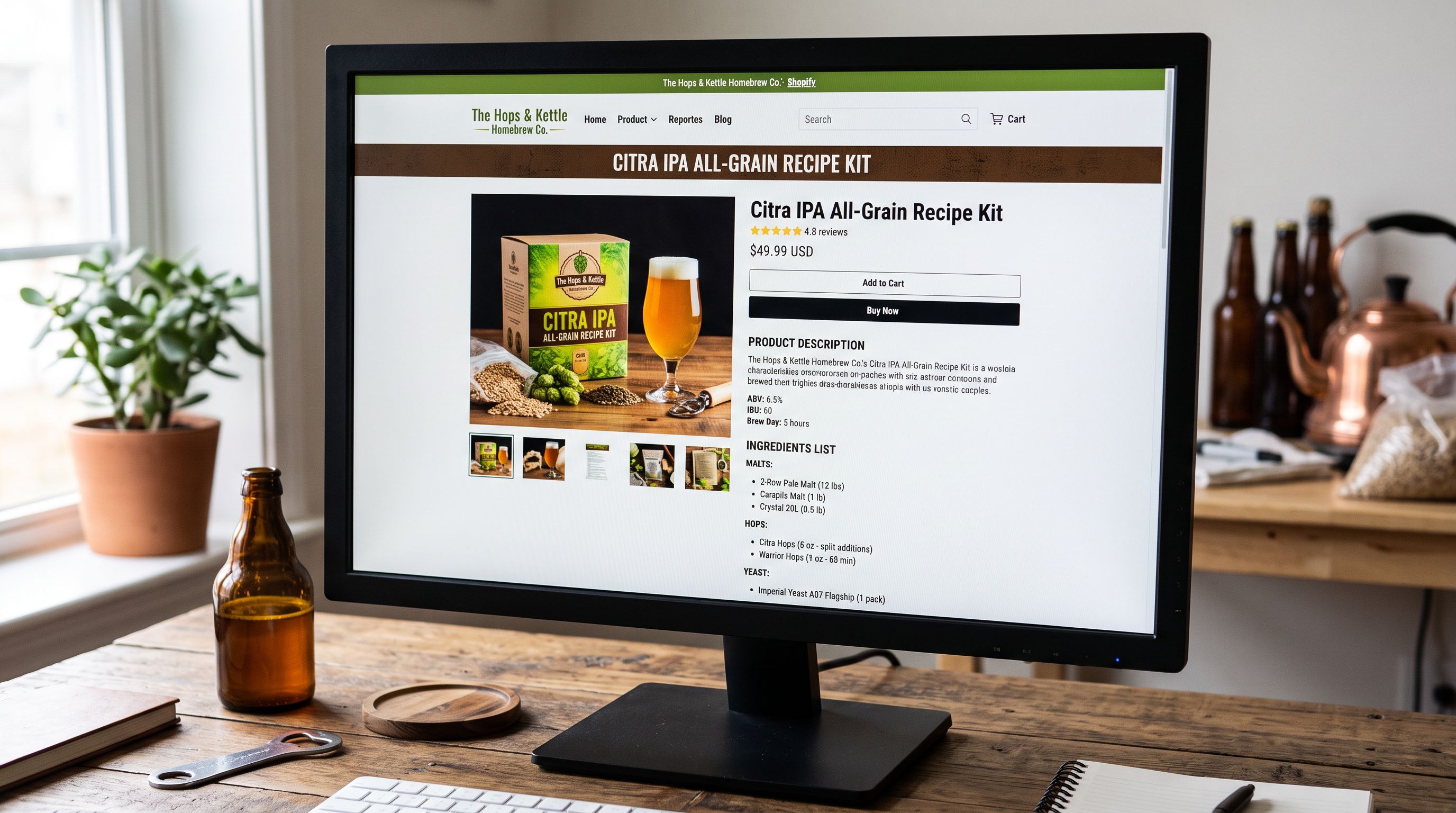
A homebrewing supplies retailer migrated to Shopify with 312 recipe kit SKUs. Each kit contained between 6 and 14 ingredient components: grain bill, hop varieties and quantities, yeast strain, priming sugar, and a step-by-step instruction booklet. Their previous platform stored the ingredient list in a custom product notes field. Shopify had no equivalent. After import, all 312 kits arrived with the product title, an image, and a price. The ingredient lists, the target ABV, the batch yield, the fermentation time, and the difficulty grade did not migrate.
Customers who landed on the product pages found a kit name, a price, and a photo of a box. The information they needed to decide whether to buy was absent: what the kit would produce, how long it would take, and whether the recipe matched their experience level.
The problem was structural. Homebrewing recipe kits are not standard commodity products. They are recipe-to-outcome products: a collection of components whose combined purpose is to produce a specific beverage. That structure requires a different approach to product data than a single-SKU widget.
Why Recipe Kits Break Standard Import Workflows
A standard product import maps a flat row of data to Shopify's product fields: title, body HTML, price, SKU, vendor, weight. A homebrewing recipe kit has three layers of data that a flat import row cannot represent without explicit metafield mapping.
The first layer is the outcome description: what will the brewer produce? A Belgian Dubbel, an American Pale Ale, a dry-hop session IPA. The outcome is the primary decision criterion for the buyer. It belongs in the product title and the AI-generated description, not in a notes field.
The second layer is the recipe attributes: target ABV (6.5%), batch yield (20 litres), fermentation temperature range (18-22°C), total brew time (6 weeks including conditioning), difficulty grade (Intermediate). These are searchable, filterable attributes. A buyer looking for a beginner-friendly kit under three weeks total time must be able to filter on those values. If the attributes live in unstructured body HTML, Shopify's filters cannot read them.
The third layer is the component list: the specific ingredients included in the kit, with quantities and specifications. This is reference information: it matters to experienced brewers who want to verify grain ratios or substitute a yeast strain, but it is not the primary purchase driver. It belongs in a structured metafield, not in the product title or primary description.
Structuring Recipe Kit Metafields
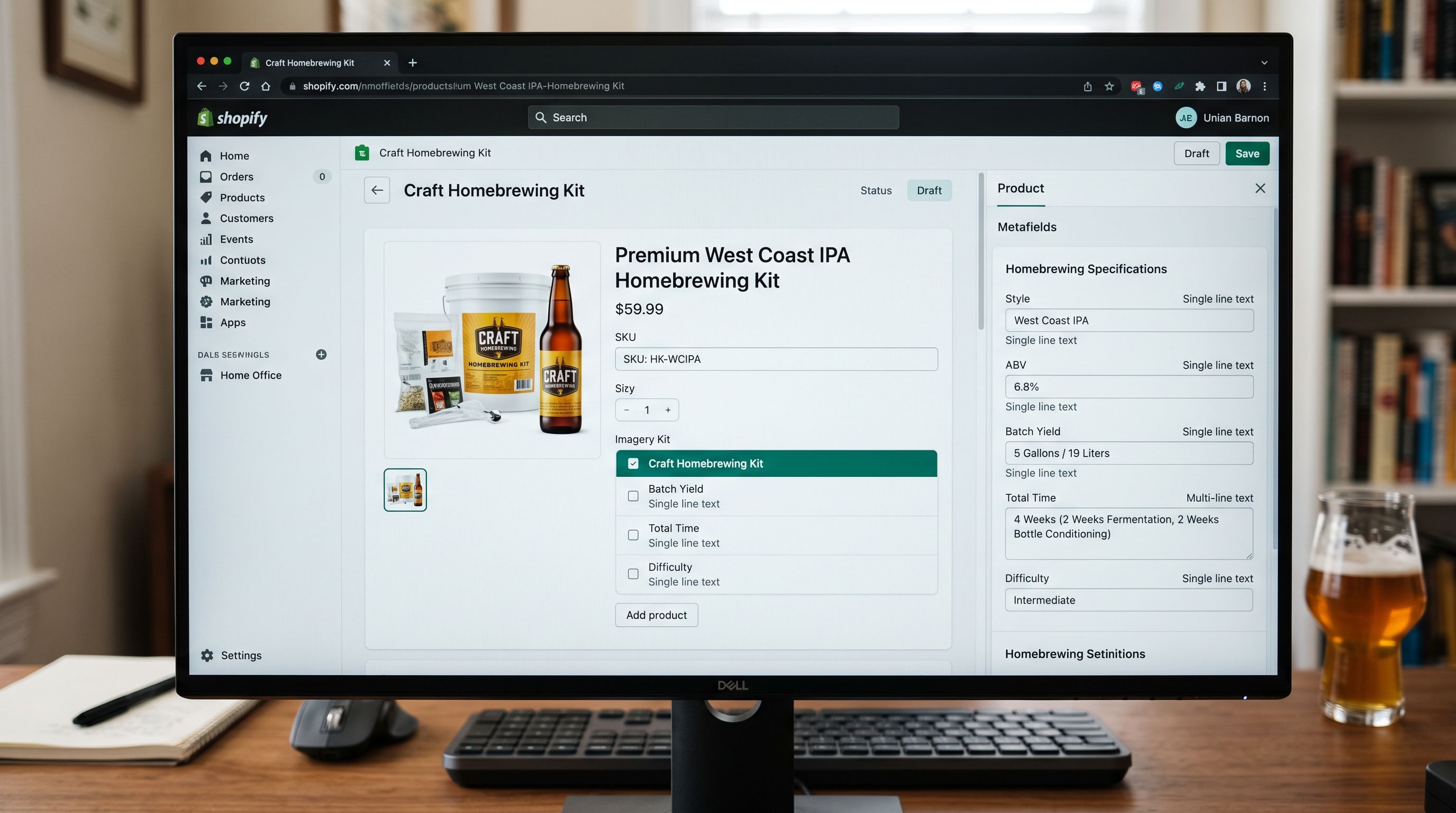
Before importing homebrewing kits, define the metafield schema that will hold the recipe attributes and component data. Shopify's metafield system supports typed definitions that enable filtering and structured display in storefront themes.
The core metafield set for homebrewing recipe kits:
Style (single_line_text): the beer, cider, wine, or kombucha style. "Belgian Dubbel", "New England IPA", "Dry Apple Cider", "Jun Kombucha". This becomes a primary collection filter facet.
Target ABV (number_decimal): the estimated finished alcohol by volume as a percentage. "6.5" for a kit estimated to produce 6.5% ABV. Number type enables range filtering ("show kits between 4% and 6% ABV").
Batch Yield (number_integer): the litres of finished beverage the kit produces. "20" for a standard 20-litre batch. Enables filtering by batch size for brewers with specific vessel sizes.
Total Time (number_integer): the total time in days from brew day to drinking-ready product, including primary fermentation, secondary conditioning, and carbonation. Enables filtering by time commitment.
Difficulty (single_line_text with controlled vocabulary): "Beginner", "Intermediate", "Advanced". Controls how kits surface in guided buying journeys.
Fermentation Temperature (single_line_text): the target temperature range for primary fermentation. "18-22°C" for an ale, "10-14°C" for a lager. Relevant for buyers who brew without temperature control.
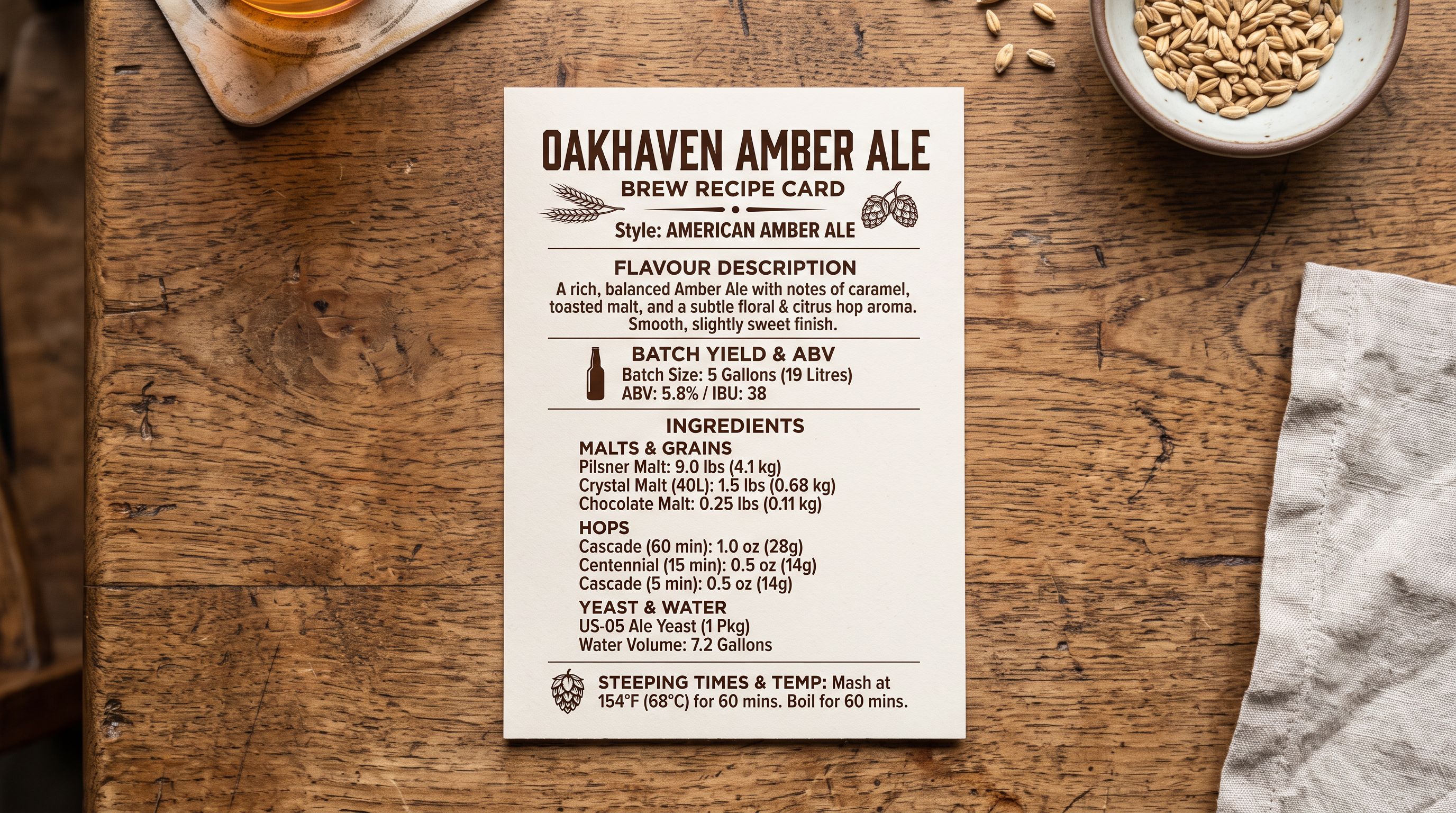
Ingredient List (multi_line_text): the full ingredient manifest with quantities. "2.5kg Pale Malt | 500g Crystal 60L | 400g Chocolate Malt | 28g Centennial hops (60 min) | 14g Cascade hops (10 min) | Wyeast 1056 American Ale Yeast". This field is for reference display, not filtering.
Importing Kit Components and Ingredient Data
The supplier's file format determines how ingredient data arrives. Three common patterns:
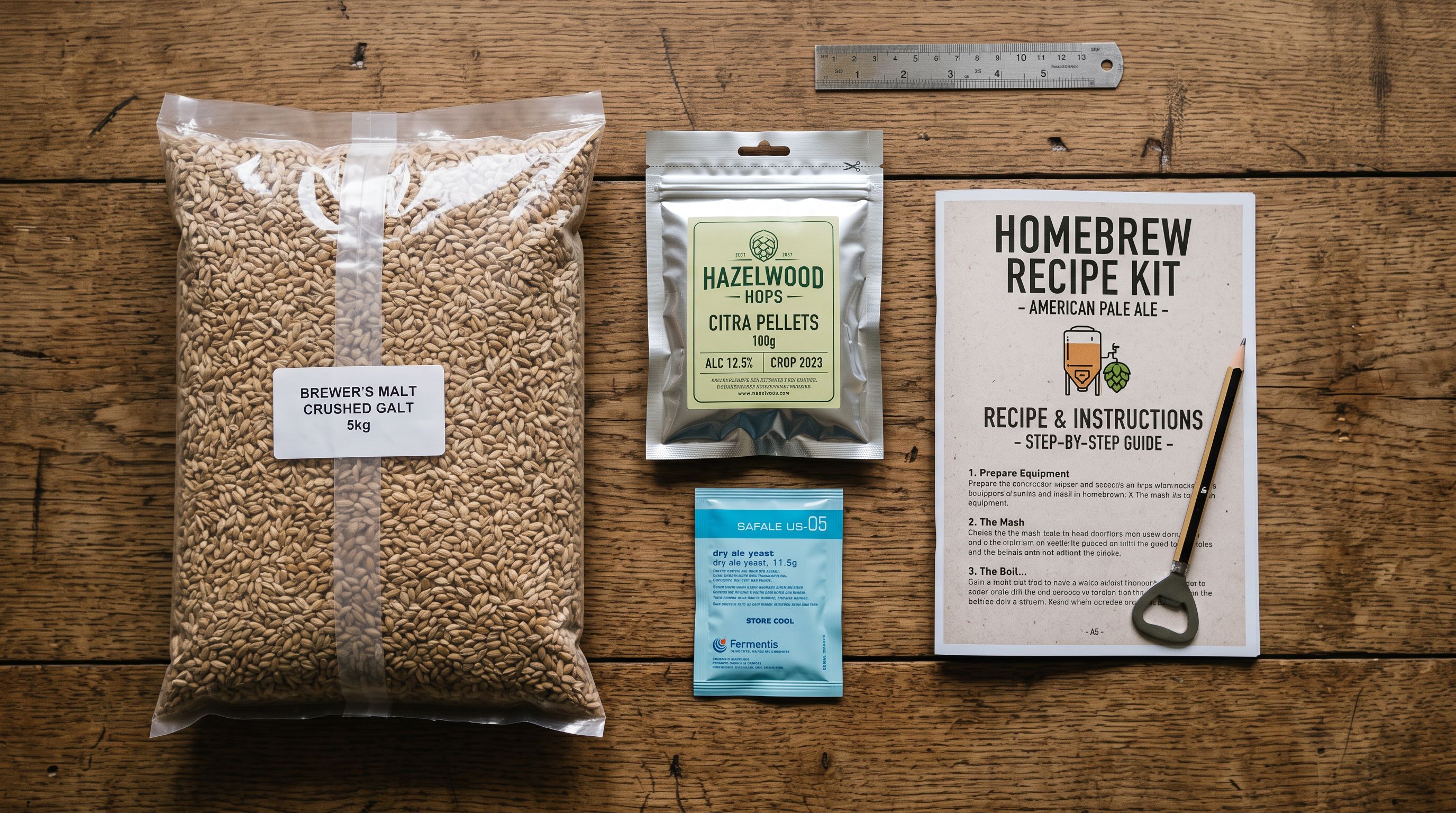
Single column with concatenated ingredients. Many homebrewing wholesalers export a single "Ingredients" or "Contents" column where all components appear as one comma-separated or pipe-separated string. This maps directly to the Ingredient List metafield using Importier's column mapping step with no transformation required.
Multiple ingredient columns. Some suppliers use a column per ingredient category: "Grain Bill", "Hop Additions", "Yeast", "Adjuncts". These can be concatenated during column mapping or each mapped to a separate sub-field depending on the level of detail the storefront requires for display.
No ingredient data in the file. Suppliers who manufacture proprietary recipe kits sometimes omit ingredient details for competitive reasons. In this case, the Ingredient List metafield is populated post-import, either manually or via a description enrichment pass that extracts component information from the product's web listing.
For the recipe attribute metafields (ABV, batch yield, total time, difficulty), the supplier file typically includes these as separate columns if the supplier tracks them. When they are absent, Importier's Industry Pack enrichment can extract them from the product title and description text: "20L Belgian Dubbel Kit, 6.5% ABV, 6 weeks, Intermediate" contains enough structured data for the AI model to populate all four attribute metafields correctly.
- 01Map the supplier's title column to the Shopify Title field and verify the title follows the outcome formulaStyle + Kit Size + Brand (for branded kits), for example 'Belgian Dubbel 20L Kit' rather than 'KIT-BEL-DUB-20L-001'
- 02Map recipe attribute columns (ABV, yield, time, difficulty) to the corresponding metafield definitions created in your Shopify admin before import; if these columns are absent, note which kits need post-import enrichment
- 03Map the ingredient column or concatenate multiple ingredient columns into a single Ingredient List metafield value; use pipe-separated format so the storefront theme can split the value into a formatted list
- 04Run AI description generation after variant structure and metafields are confirmedselect the DIY and Craft persona or the Food and Beverage persona; set description style to Benefits-First to open with the brew outcome rather than the ingredient count
- 05Review generated descriptions for 5-10 kits across difficulty levels to verify the AI is leading with the outcome ('You will brew a rich, malty Belgian Dubbel') rather than a recitation of the ingredient list ('This kit contains 2.5kg pale malt, 500g crystal malt...')
Outcome-Focused AI Descriptions
Writing AI Descriptions for Recipe-to-Outcome Products
The default failure mode for homebrewing kit descriptions is ingredient recitation: a description that lists what is in the box rather than describing what the brewer will produce. An ingredient list is reference data. A buyer's decision to purchase a recipe kit is driven by the outcome they want and whether the effort matches their experience and schedule.
A well-structured homebrewing kit description answers four questions in sequence:
- What will you make? (The outcome: style, character, flavour profile)
- What does it produce? (Volume and strength)
- How long will it take? (Total time commitment)
- Is it right for your skill level? (Difficulty calibration)
An ingredient-first description: "This kit contains 2.5kg pale malt, 500g Crystal 60L, 28g Centennial hops at 60 minutes, 14g Cascade at flame-out, and Wyeast 1056 American Ale yeast."
An outcome-first description for the same kit: "Brew a clean, balanced American Pale Ale with a firm biscuit malt backbone and bright citrus hop character. This 20-litre kit produces approximately 23 bottles at 5.2% ABV. Total time from brew day to drinking-ready is 4 weeks. The recipe uses well-known ingredients and a forgiving fermentation schedule, making it a reliable choice for brewers completing their second or third batch."
The ingredient spotlight description approach works well for food products where the ingredients are the premium signal. For homebrewing kits, the outcome is the premium signal and the ingredients are supporting detail. The AI persona and description style settings in Importier control which signal leads.
Importier's 156 expert personas across 43 industries include craft beverage and homebrewing-adjacent personas. The Benefits-First description style combined with a Food and Craft Beverage persona produces descriptions that open with the brew outcome and flavour profile before moving to process details. The critical input is a correct product title that names the style: "Belgian Dubbel 20L Kit" produces an outcome-oriented description; "KIT-BEL-DUB-20L" does not.
The buyer is purchasing the outcome, not the ingredients. A description that opens with the ABV target and flavour profile converts better than one that opens with the grain bill.
Compliance Considerations for Alcohol-Related Products
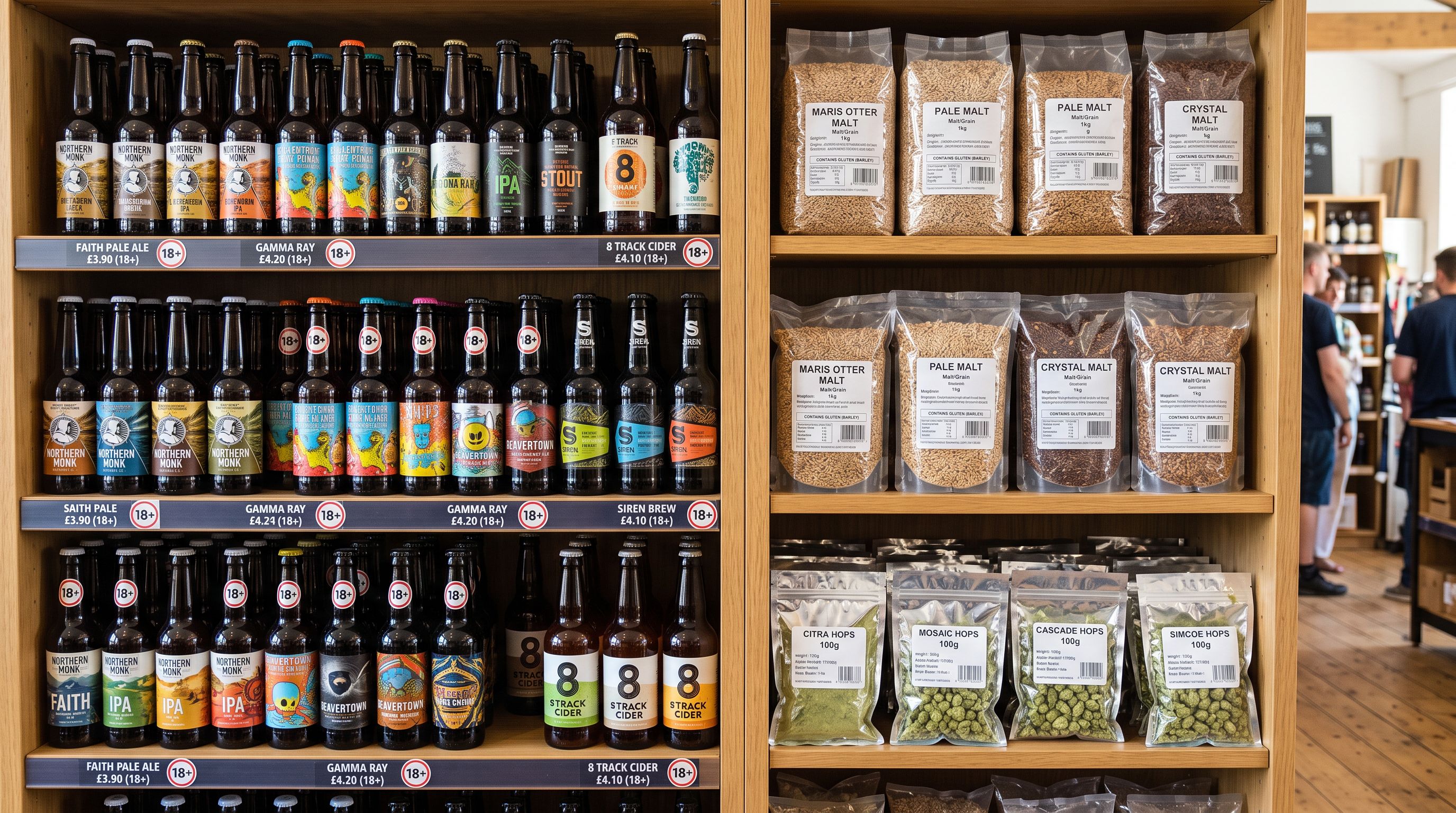
Homebrewing supplies occupy a specific regulatory position that affects how they are categorised in Shopify and how they are described in product pages.
Homebrewing ingredients and equipment are not alcoholic beverages. Malt, hops, yeast, and brewing equipment are food ingredients and kitchen tools. They are sold legally in most jurisdictions without the permits and age-verification requirements that apply to finished alcoholic beverages. A retailer selling a Belgian Dubbel recipe kit is selling the components to make a beverage, not a regulated product.
This distinction matters for three practical reasons:
Shopify merchant agreements. Shopify's acceptable use policy applies specific requirements to merchants selling alcohol. Homebrewing ingredient retailers are not selling alcohol and do not trigger those requirements. Product descriptions should not describe the finished product as "alcohol" or "alcoholic beverage"; they describe the style and ABV of the product the buyer will produce at home. The distinction is between "this kit produces a 6.5% ABV Belgian Dubbel" and "buy alcohol online".
Payment processing. Some payment processors apply restrictions to alcohol merchants. Correctly categorising homebrewing ingredient products as food ingredients and kitchen supplies rather than "alcohol" or "spirits" avoids incorrect category flags that can affect payment processing.
Shopify product taxonomy. The Shopify Standard Product Taxonomy places homebrewing kits under Food, Beverages and Tobacco rather than under any alcohol-specific category. Applying the correct standard product type at import using Importier's product type mapping, as covered in the food and beverage import workflow, ensures the product appears in the correct category for Google Shopping and Shopify Markets.
Connecting Kits to Component Products
Some homebrewing retailers sell both recipe kits and the individual ingredients that make them up. A buyer who purchases the Belgian Dubbel kit once may return to purchase replacement hops or a different yeast strain for a second brew. Connecting the kit product to its component products via a metafield cross-reference enables storefront themes to display "ingredients also available separately" links on the kit product page.
The cross-reference approach: create a "Component SKUs" metafield on the kit product (list.single_line_text) and populate it with the SKUs of each individually sold component included in the kit. A storefront theme with a components display block reads the metafield and renders product links for each component SKU.
This is distinct from a true bundled product structure. Shopify's bundled product approach creates a parent product that decrements inventory from child variant SKUs on purchase. For most homebrewing kit retailers, the kit is a pre-assembled fixed product with its own inventory count rather than a bundle assembled from live component inventory. The SKU cross-reference metafield provides the discovery link without requiring inventory synchronisation between the kit and its components.
- 312 kits import with title, price, and image only
- ABV, batch yield, difficulty, and fermentation time buried in body HTML and invisible to filters
- Ingredient list absent or in an unstructured notes field
- AI descriptions open with ingredient count rather than brew outcome
- Buyers filter by price only: no style, difficulty, or time filters available
- Recipe attribute metafields populated at import: Style, ABV, Batch Yield, Total Time, Difficulty
- Collection filter facets for style and difficulty level surface immediately
- Ingredient list in structured metafield, rendered as formatted list on product page
- AI descriptions open with brew outcome and flavour profile, ingredients as supporting detail
- Buyers can filter by style, difficulty, batch yield, and total time before reading a description
The homebrewing retailer rebuilt their 312-kit catalogue using Importier's column mapping to populate the five recipe attribute metafields from their supplier's export file, which included ABV and batch yield as separate columns. For kits where difficulty and fermentation temperature were absent from the supplier data, an Industry Pack enrichment pass extracted the values from the existing description text. AI description regeneration using a Benefits-First style produced outcome-led descriptions across the full catalogue in a single batch pass.
Try Importier free at importier.app.
Set up your first import in under five minutes.
Importier brings products into Shopify with AI descriptions, category metafields, and data enrichment on every run.