Shopify Specialty Coffee Import: Origin and Roast Data
On this page
Shopify Specialty Coffee Import: Origin, Processing, and Roast Data as Metafields
A specialty coffee merchant in Melbourne imports 40 single-origin coffees from six producers across Ethiopia, Colombia, and Guatemala. Their supplier sends a spreadsheet with origin country, region, farm name, elevation in metres above sea level, processing method, variety, and roast level for every SKU. None of that data is in Shopify. Their product pages say "delicious coffee with rich notes of fruit and chocolate."
A customer who specifically wants a natural process Ethiopian is going to leave and find it somewhere else.
This guide covers how to import specialty coffee products to Shopify with a complete metafield schema, so origin, processing method, roast level, and tasting notes become filterable attributes rather than buried description copy.
The Problem with Generic Coffee Product Pages
Why Standard Shopify Fields Fall Short for Specialty Coffee
Shopify gives every product the same set of standard fields: Title, Description, Vendor, Product Type, Tags, and a handful of others. For most product categories, that structure is sufficient. For specialty coffee, it falls apart quickly.
The merchant's core problem is not that they lack information about their coffees. It is that the information they have is unstructured. Processing method sitting in a description paragraph cannot drive a Smart Collection. Origin region pasted into a title produces long, awkward URLs and gets truncated on mobile. Tasting notes written into body copy are invisible to any filtering or sorting logic.
Specialty coffee customers are not browsing. They are searching for something specific: a washed Yirgacheffe, a honey process Guatemala, a light roast natural from a specific farm. When that data exists only as prose, those customers cannot find it.
The fix is not to write better descriptions. It is to move the coffee's origin data out of prose and into typed, queryable metafields that Shopify can use to build collections, drive filters, and surface the right product to the right customer.
A Metafield Schema for Specialty Coffee Products
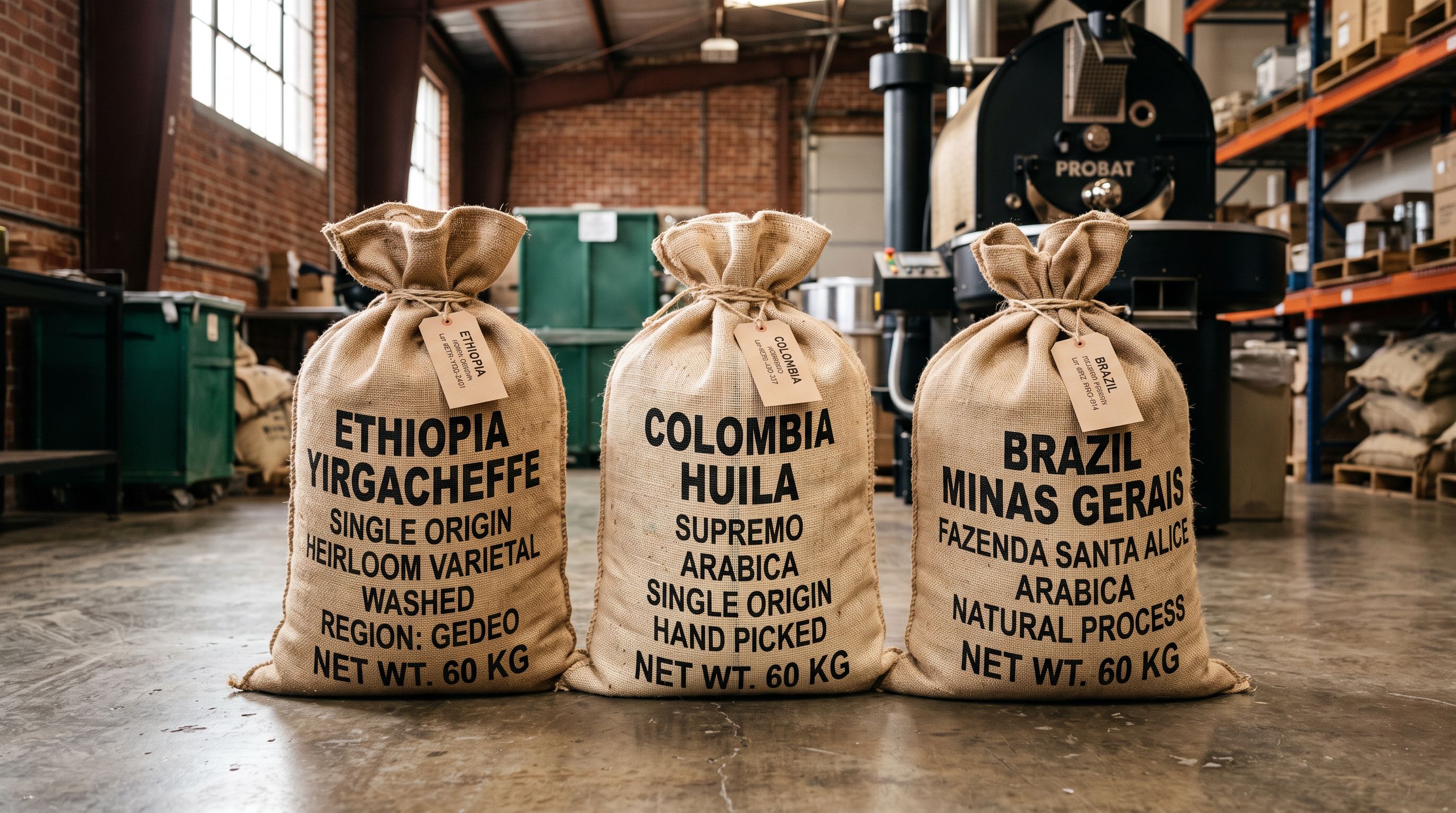
Before importing, define these custom metafield definitions in Shopify Admin under Settings > Custom data > Products. Each definition sets the field type, which controls what values are accepted and how the data can be queried.
| Metafield key | Type | Example value | Why this field |
|---|---|---|---|
| custom.origin_country | Single-line text | Ethiopia | Filter collections by origin country |
| custom.origin_region | Single-line text | Yirgacheffe | Region-level collection pages and search |
| custom.farm_estate | Single-line text | Kochere Cooperative | Provenance for wholesale spec sheets |
| custom.elevation_masl | Number (integer) | 1850 | Quality signal for specialty buyers |
| custom.processing_method | Single-line text | Washed | Primary filter for specialty customers |
| custom.variety_cultivar | Single-line text | Heirloom | Cupping note quality signal |
| custom.roast_level | Single-line text | Light | Brewing method matching |
| custom.roast_date | Date | 2026-10-28 | Freshness tracking (see below) |
| custom.tasting_notes | List of single-line text | Blueberry, Jasmine, Dark Chocolate | Multi-value filter for flavour discovery |
| custom.certifications | List of single-line text | Organic, Rainforest Alliance | Compliance display and collection eligibility |
For a detailed walkthrough of setting up custom metafield definitions in Shopify Admin, the Shopify custom data documentation covers the definition types and namespacing conventions. Once the definitions exist, Importier maps columns in the source spreadsheet to each metafield key at import time.
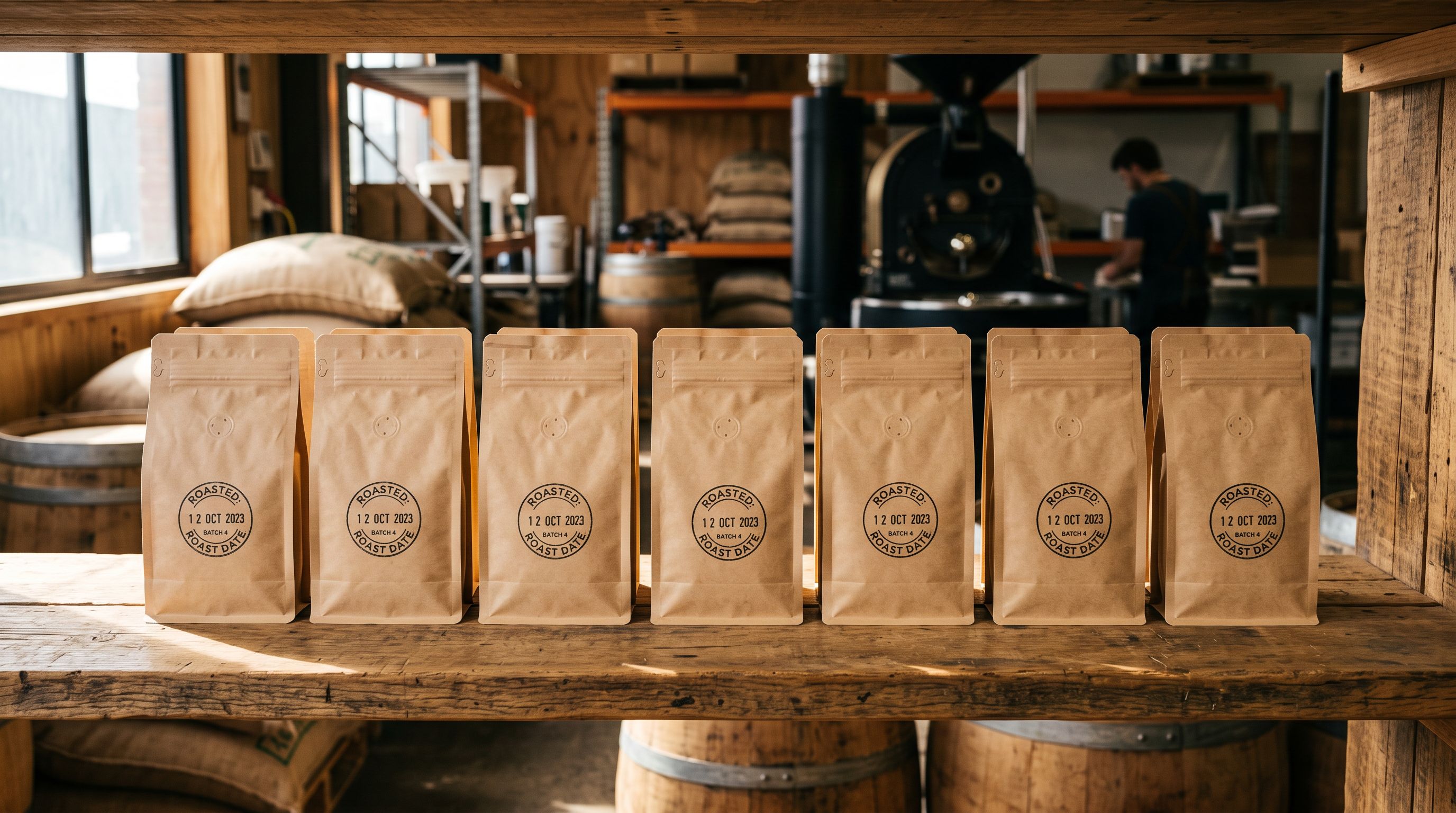
The Roast Date Field: What Most Coffee Merchants Miss
Every coffee on a specialty retailer's website was roasted on a specific date. That date matters. The Specialty Coffee Association's research and protocols recognise that espresso is typically at its best 7 to 28 days post-roast; filter coffee often peaks earlier, at 4 to 14 days, depending on processing method and density.
A customer buying a coffee roasted six weeks ago is getting a different product from one buying the same coffee at twelve days post-roast. They will taste the difference. And most Shopify stores give them no way to know.
The roast date field is what separates a product page from a product record that knows how old it is.
Storing custom.roast_date as a typed date metafield, rather than in the description or in a tag, enables a Shopify Flow automation that no description paragraph can replicate. The flow checks the elapsed days since roast date and updates a second metafield, custom.freshness_status, accordingly:
- 7 to 28 days post-roast: "Peak Window"
- 28 to 45 days: "Still Excellent"
- Beyond 45 days: "Best Used for Espresso Blends"
That status field can surface on the product page via a theme metafield block. It updates automatically without anyone editing a description or republishing a product.
This matters especially for wholesale buyers placing orders on behalf of cafes and hospitality accounts. They are purchasing on specification. Knowing the roast date before ordering, rather than discovering it on the bag after it arrives, is the difference between a clean order and a return request.
When the Melbourne roaster imported their 40 coffees and added custom.roast_date to every row, they gained a product data layer that competes with subscription coffee platforms that show freshness windows by default. None of their local competitors were doing it through a standard Shopify store.
Import File Structure for Specialty Coffee Products
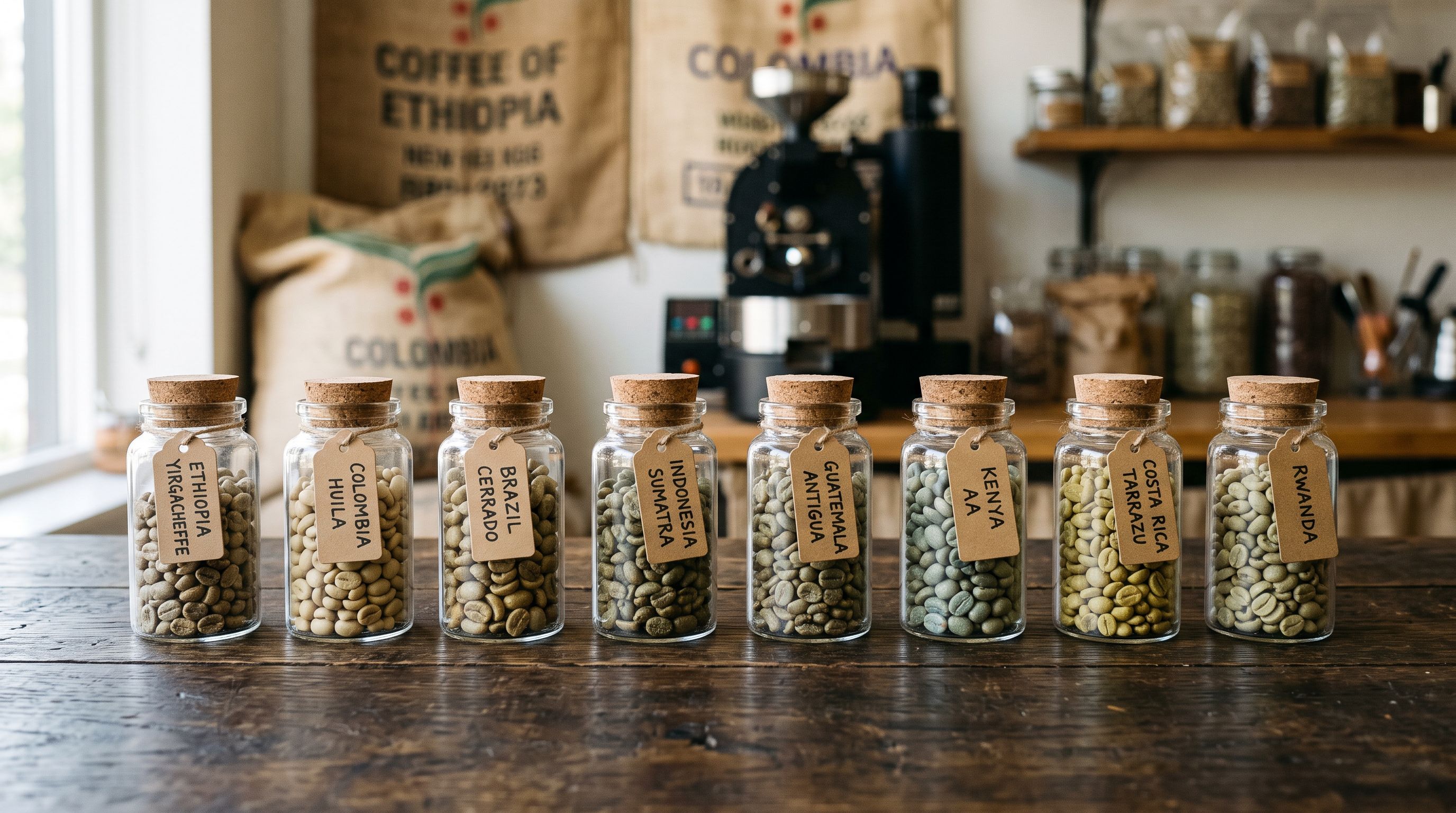
The import file needs standard Shopify columns alongside the custom metafield columns. Here is how the structure looks for a two-variant coffee product (250g and 1kg pack sizes, available as whole bean or filter grind):
| Handle | Title | Option1 Name | Option1 Value | Option2 Name | Option2 Value | custom.origin_country | custom.processing_method | custom.roast_date | Tags |
|---|---|---|---|---|---|---|---|---|---|
| ethiopia-yirgacheffe-natural | Ethiopia Yirgacheffe Natural | Pack Size | 250g | Grind | Whole Bean | Ethiopia | Natural | 2026-10-28 | processing:natural, origin:ethiopia, roast:light |
| ethiopia-yirgacheffe-natural | Pack Size | 250g | Grind | Filter Grind | |||||
| ethiopia-yirgacheffe-natural | Pack Size | 1kg | Grind | Whole Bean | |||||
| ethiopia-yirgacheffe-natural | Pack Size | 1kg | Grind | Filter Grind |
Metafield values go on the first row for each product (the Handle row that carries the Title). Subsequent variant rows for the same Handle leave those columns blank; Importier applies the metafield values to the parent product, not individually to each variant.
Grind and pack size are variants, not metafields, because they affect pricing and inventory. A 1kg whole bean and a 250g filter grind are stocked and priced separately. Putting them in the Options columns lets Shopify create separate variant records with distinct inventory tracking. If you put grind size in a metafield instead, you lose the ability to show "Whole Bean: Out of Stock / Filter Grind: In Stock" on the product page.
Importier's Smart Variant Detection includes 150+ patterns across 15+ industries. Pack size naming patterns ("250g", "1kg", "500g Bag") and grind naming patterns ("Whole Bean", "Filter Grind", "Espresso Grind") are recognised automatically. If the supplier spreadsheet has a flat structure with one row per variant SKU, Importier groups them into products by title matching before creating the Shopify records.
Each coffee product counts as one product toward the monthly plan allowance, regardless of how many metafields are populated or how many variants it carries. A five-variant coffee with ten custom metafields counts once.
Generating Descriptions from Coffee Origin Data
Sensory Descriptions from Structured Coffee Metadata
Once the import file includes structured origin and tasting note columns, Importier's AI engine can generate descriptions that are specific rather than generic.
The difference between a standard AI-generated coffee description and a Sensory-Rich one sourced from structured data is significant. A standard description might produce: "A smooth, rich coffee with complex flavour notes and a satisfying finish." That sentence could describe any coffee from any origin.
A Sensory-Rich description generated from the structured fields, including tasting_notes: [Blueberry, Jasmine, Dark Chocolate], processing_method: Natural, origin_region: Yirgacheffe, and elevation_masl: 1850, produces something the specialty customer can actually use: "Grown at 1,850 metres above sea level in the Yirgacheffe region of Ethiopia, this natural process coffee carries the bright berry character the region is known for. The natural drying process develops distinct blueberry and jasmine notes alongside a dark chocolate finish that lengthens as the cup cools."
That description cannot be written without the structured data behind it. It is not a synonym for the generic version; it is a different quality of information.
Importier's 156 expert personas across 43 industries include a specialty coffee persona aligned to how the trade describes coffee: cupping terminology, processing method vocabulary, brewing context, and origin story framing. Selecting that persona alongside the Sensory-Rich description style produces output calibrated to a specialty coffee buyer's expectations, not a supermarket coffee buyer's.
- Description says 'rich and complex'; applies to any origin
- No filterable processing method
- Customers search 'natural process' and find nothing
- Roast date in description body; not queryable and never updates
- Tasting notes buried in prose
- Origin, region, farm, elevation as typed fields
- Processing method drives Smart Collection membership
- Natural Process collection shows all qualifying products
- roast_date field drives automated freshness status update
- Tasting notes as multi-value list field, filterable in theme
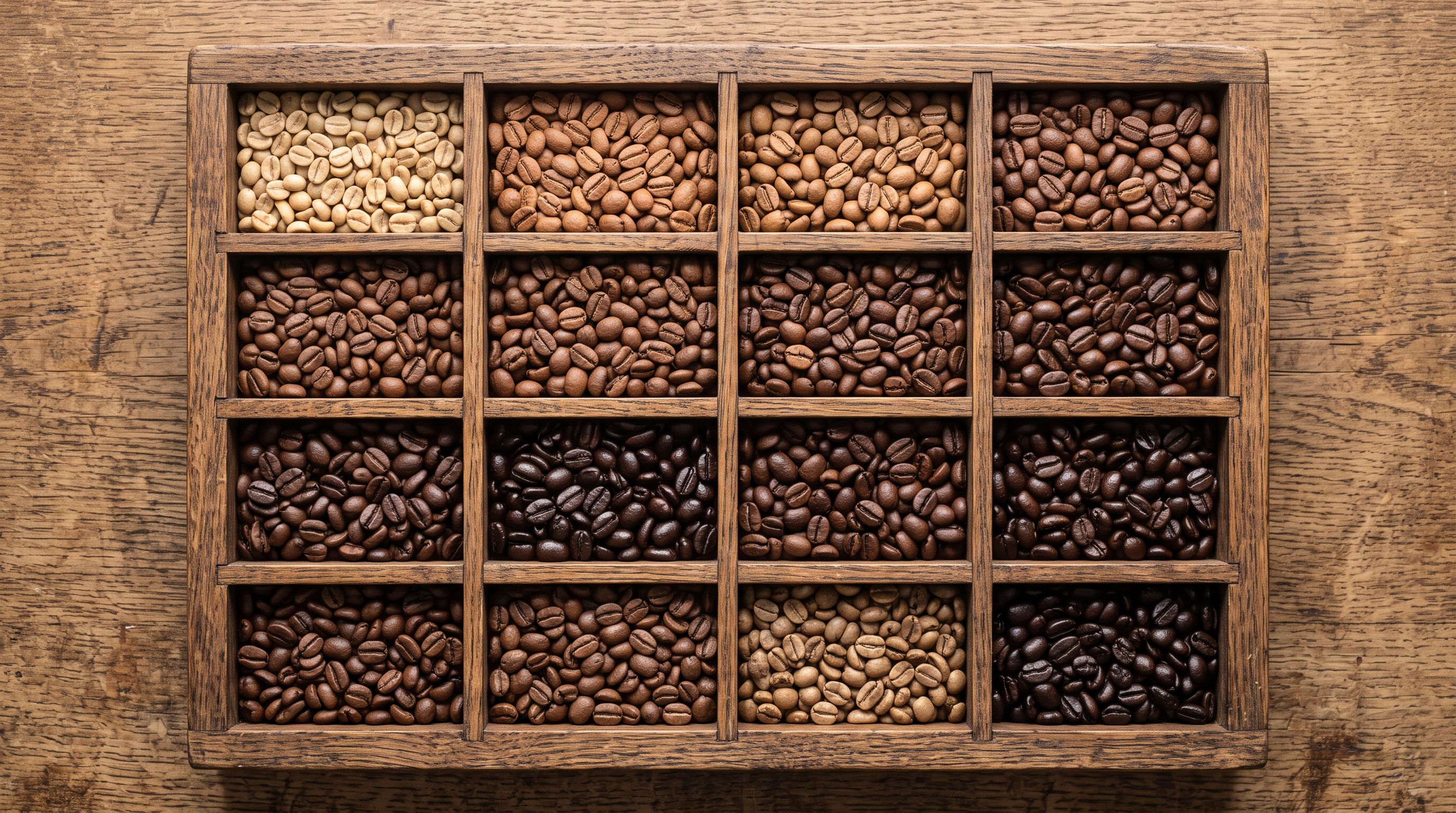
Building Collections from Specialty Coffee Metadata
The tags column in the import file is how Importier connects each coffee to its correct Shopify collections at import time. Using consistent tag prefixes makes collection rules predictable:
processing:natural,processing:washed,processing:honey: drives an automated Smart Collection with rule "Product tag contains 'processing:natural'"origin:ethiopia,origin:colombia,origin:guatemala: drives origin-country collectionsroast:light,roast:medium,roast:dark: drives roast level collectionscert:organic,cert:fairtrade: drives certification-gated collections
When the import file has a Tags column with pipe-separated values per row, Importier applies all tags to the product at import. A coffee tagged processing:natural | origin:ethiopia | roast:light | cert:organic lands in four collections simultaneously: Natural Process, Ethiopian Coffees, Light Roasts, and Certified Organic, with no manual collection assignment after the import completes.
For recurring imports as new batches arrive from producers, Scheduled Imports (available on Scale and Enterprise plans) can run the same file format on a weekly or monthly cadence. The Handle-matched re-import updates the roast_date field and any changed metafield values for existing products without creating duplicates.
The Six-Step Import Workflow
- 01Prepare the import fileAdd standard Shopify columns alongside the custom metafield columns (custom.origin_country, custom.processing_method, custom.roast_date, custom.tasting_notes, and the others from the schema). Use Handle-matched rows for multi-variant products.
- 02Define metafield definitions in ShopifyBefore importing, create the custom metafield definitions under Settings > Custom data > Products. This tells Shopify what data type each field accepts.
- 03Upload and map columnsIn the Importier import wizard, upload the file and use the column mapping step to match each source column to its Shopify destination. Custom metafield columns map using the full key: custom.origin_country, custom.roast_date, etc.
- 04Configure description generationSelect Sensory-Rich as the description style and the specialty coffee persona from the 156 persona options. The AI engine will use the structured tasting notes and origin data as its primary input.
- 05Review before pushingThe wizard shows a preview of all products, their variants, their metafield values, and their generated descriptions before anything reaches Shopify. Correct any mapping errors here. Pushing an import with a metafield mapping mistake on 40 products is a fixable problem; doing so after the fact means re-importing or editing individually.
- 06Push to Shopify and verifyAfter pushing, check three products in Shopify Admin and confirm that the custom metafield values appear under the product's metafields section, the variants are structured correctly, and the collections have updated.
The review step is particularly important for the first run with a new file format. Metafield column naming must match the definition keys exactly: custom.origin_country not origin_country, custom.roast_date not roast_date. The wizard will show an unmapped column warning if a column name does not match a known Shopify destination.
What This Changes for the Melbourne Roaster
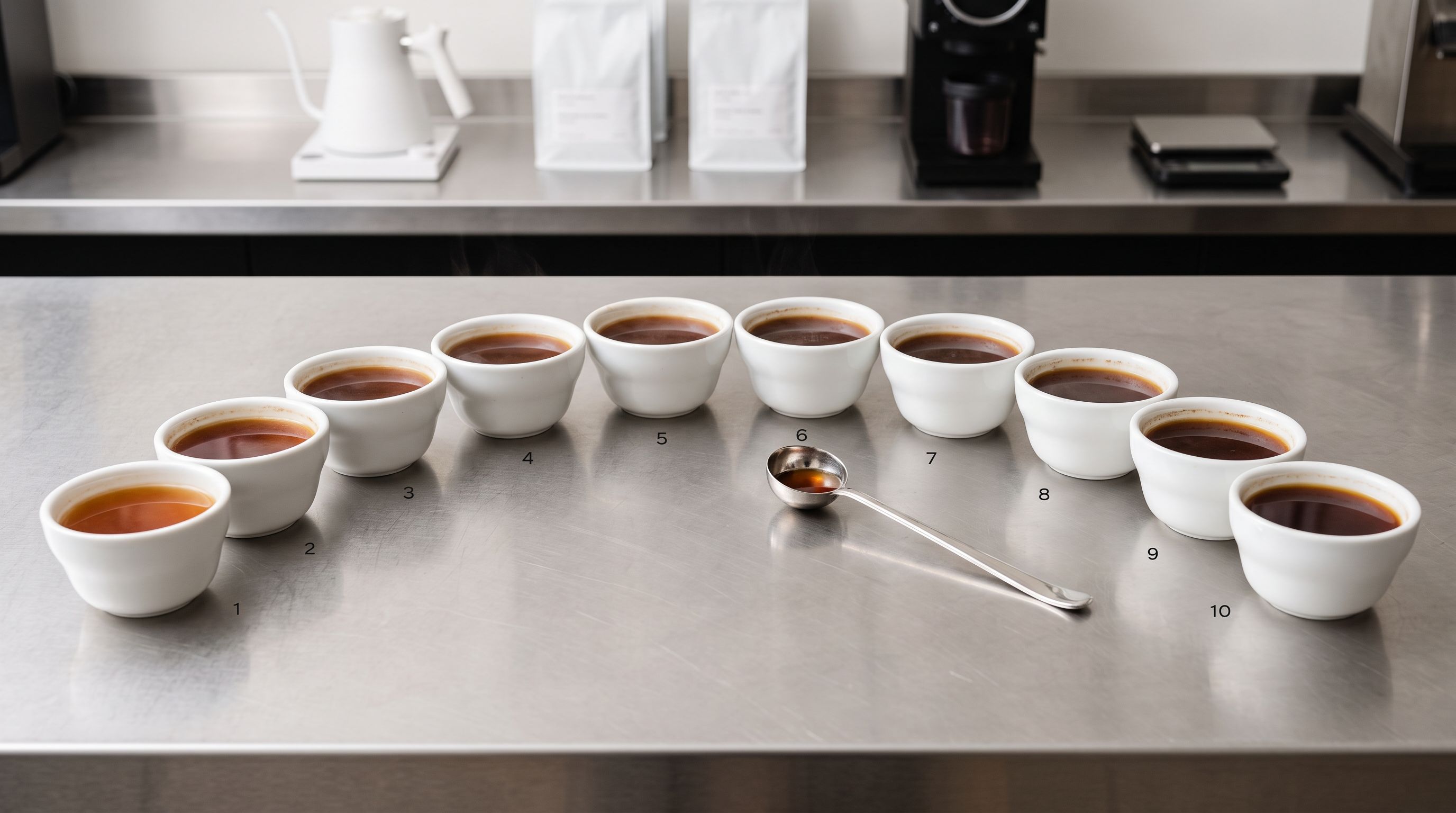
The 40-coffee catalogue that produced generic product pages now has a complete origin taxonomy in Shopify. Processing method, origin country, origin region, roast level, and tasting notes are all typed, filterable fields.
Customers searching for a natural process Ethiopian can reach a Smart Collection that shows only those coffees. Wholesale buyers can see the roast date on the product page and place orders knowing they are ordering within the peak extraction window. The Shopify Flow automation updates freshness status automatically as each coffee ages.
None of that required writing better descriptions. It required moving existing supplier data from a spreadsheet column into a Shopify metafield column during the import.
Key takeaways:
- Standard Shopify fields cannot store processing method, origin region, or roast date in a way that drives collections and filters. Custom metafields solve this.
- The
custom.roast_datefield enables a Shopify Flow freshness automation that no description field can replicate; it updates without manual editing as the coffee ages. - Grind size and pack size belong in variant Options, not metafields, because they affect pricing and inventory separately.
- Import-time tags drive automatic Smart Collection membership. A coffee tagged with
processing:naturaljoins the Natural Process collection the moment it is imported. - Sensory-Rich AI descriptions generated from structured tasting note and origin data are qualitatively different from standard-style descriptions; they contain information the generic output cannot produce.
Try Importier free at importier.app
Set up your first import in under five minutes.
Importier brings products into Shopify with AI descriptions, category metafields, and data enrichment on every run.
Free for your first 10 products. No credit card needed.