Google Shopping Condition Attribute: Shopify Guide
On this page
A refurbished electronics reseller imports 150 products from their trade supplier. The import completes without errors. Three weeks later, a Google Merchant Centre policy notification arrives: products submitted to Shopping appear to be refurbished or open-box but are labelled as new in the product feed. The merchant opens their Google channel settings in Shopify. Every product shows condition: new. The supplier file had no condition column. The import set nothing. Google assigned its default.
Ninety of those 150 products are B-grade certified refurbished or C-grade open-box. Submitting them as new is not a missing-data warning. It is a policy violation that can result in Shopping account suspension.
The Google Shopping condition attribute problem affects merchants across two very different situations: new-goods retailers who see an unfamiliar warning in Diagnostics and do not know what it means, and used or refurbished sellers whose catalogue is being misrepresented to Google without their awareness.
What the Condition Attribute Tells Google Shopping
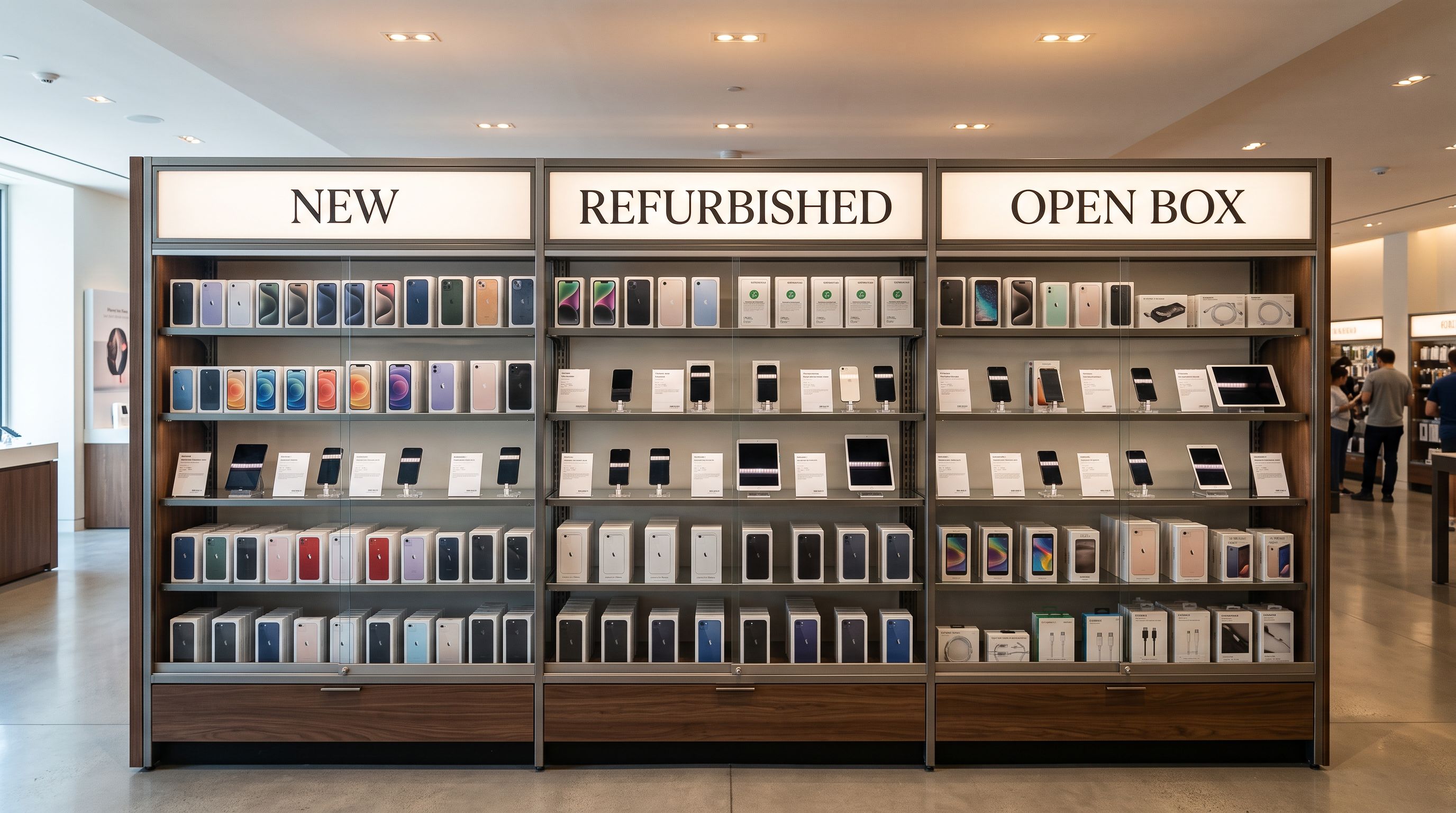
Google Shopping uses the condition attribute to classify every product as one of three values: new, refurbished, or used. Each carries a specific meaning that affects how the listing is presented to buyers and what policies apply to the merchant account.
According to Google's product data specification for the condition attribute:
- new: Brand new, never opened or used, in original packaging.
- refurbished: Professionally restored to working order, may or may not carry original packaging, may or may not include a warranty. This covers manufacturer-certified refurbished, off-lease equipment, and professionally restored trade-ins.
- used: Previously owned and used. Condition varies.
For merchants selling only new goods, the attribute carries low urgency. Google applies a default assumption of new for most product categories when condition is absent, so an unconfigured import of genuine new goods does not immediately cause disapprovals. Merchant Centre Diagnostics will show "Missing recommended attribute: condition [condition]" as a warning, not an error, for most standard retail categories.
For merchants selling refurbished or used goods, the situation is fundamentally different. An absent condition attribute is not a neutral gap. Google defaults to new for untagged products, meaning every product without an explicit condition value submits as new. If the products are visibly not new, Google's policy review process may flag the account for inaccurate product representation, which can escalate to listing removal or account suspension.
Why Supplier Files Skip the Condition Column
Supplier export files are optimised for inventory management, not for retail channel attributes. A supplier's internal systems track products by SKU, price, and quantity. Condition in the Google Shopping sense is a retail attribute, not an internal catalogue attribute.
For suppliers selling only new goods, condition is an unstated assumption. Every product they sell is new by definition, so there is no reason to include a condition column in any export. Merchants who import from these suppliers receive files that are complete from the supplier's perspective and incomplete from Google Shopping's perspective.
For suppliers selling mixed inventory (trade-ins, off-lease equipment, graded returns), condition is tracked using internal grading systems. A liquidation supplier might use Grade A, Grade B, and Grade C. A trade-in electronics supplier might use numeric scores from 1 to 10. A manufacturer's certified refurbished programme might have its own tier nomenclature. These internal codes do not match Google's three-value schema and require translation before they can populate Shopify's condition field correctly.
The gap between what suppliers export and what Google Shopping requires is consistent across supplier types: condition is either absent because it is assumed, or present in a format that does not map directly to the required values.
The Risk Exposure for Refurbished and Used Goods Sellers
A refurbished consumer electronics reseller with 150 products illustrates the exposure from a missing condition attribute at import time.
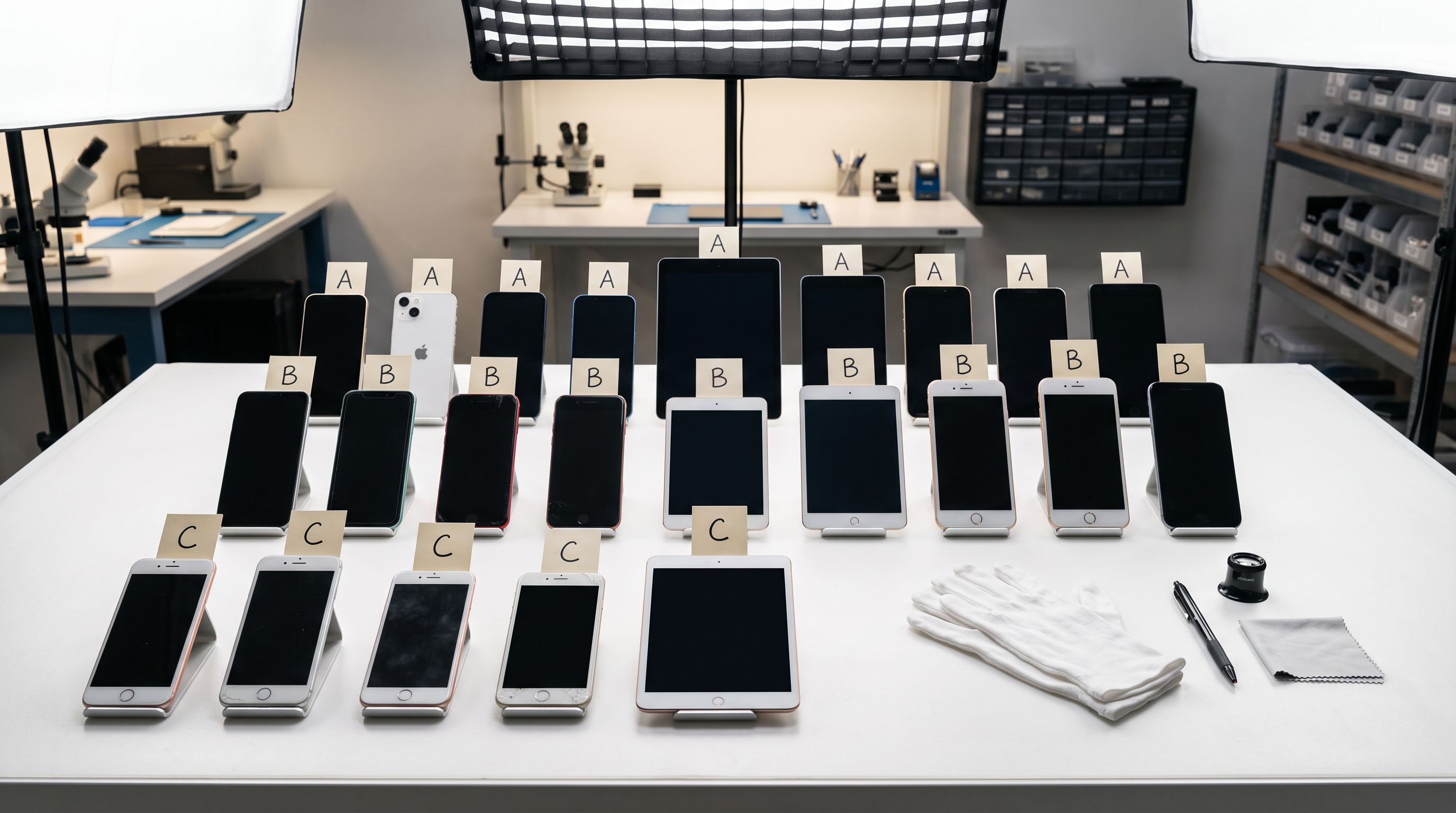
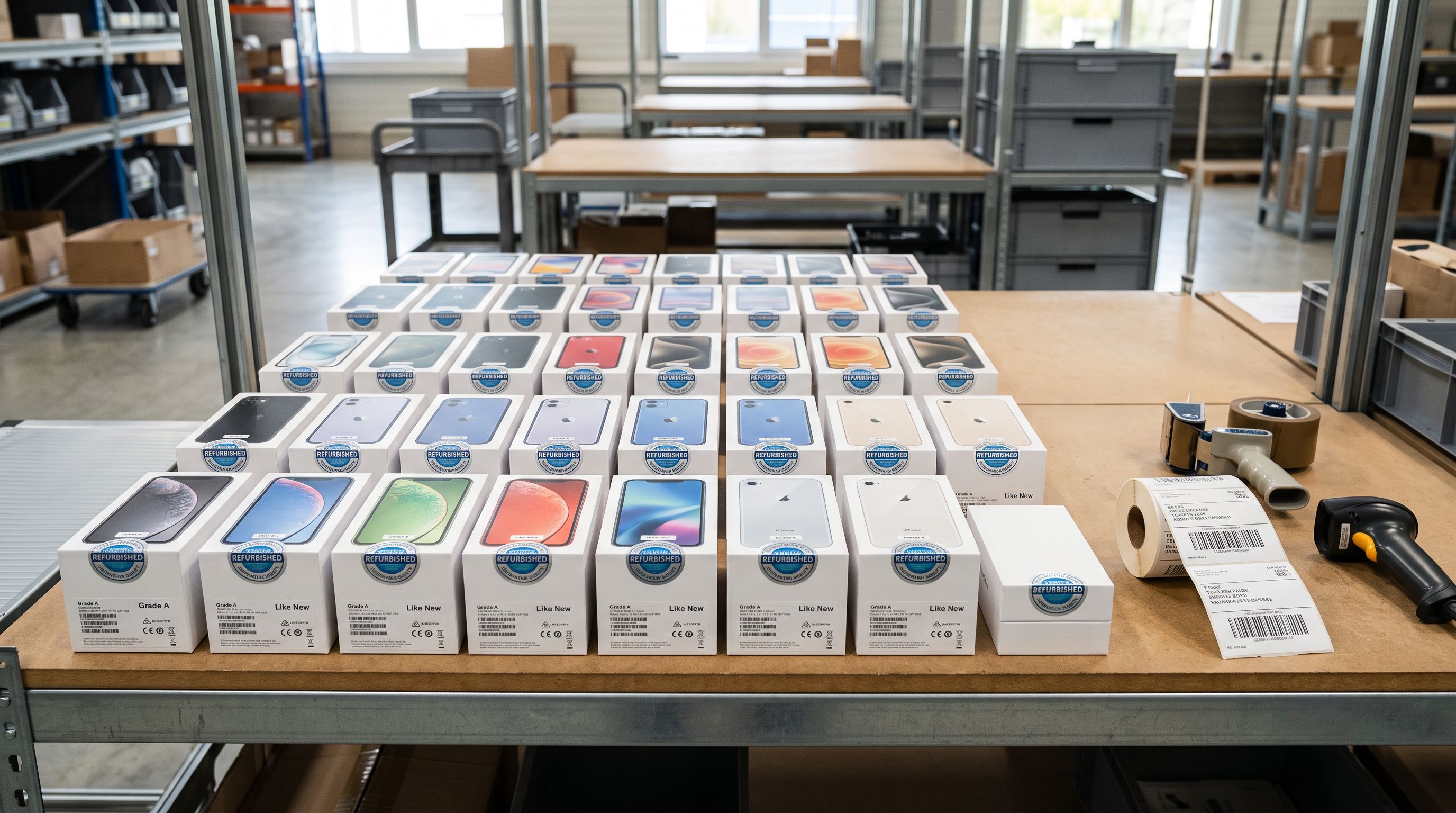
Their catalogue has three tiers. Fifteen products are A-grade as-new: devices purchased and immediately returned without activation, in original sealed packaging. Ninety products are B-grade certified refurbished: devices professionally restored by the reseller's repair team, tested to OEM specification, backed by a 90-day warranty, but not in original packaging. Forty-five products are C-grade open-box: devices opened and briefly used, returned in functional condition without original packaging.
Without explicit condition mapping at import, the feed submits all 150 products as new. The 15 A-grade products could defensibly be classified as new (sealed original packaging, never activated). The 90 B-grade refurbished devices cannot. The 45 C-grade open-box devices cannot.
Google's product review process examines listing images, product titles, and description content. A product titled "Certified Refurbished iPhone 14 Pro 128GB" submitted with condition: new creates a direct contradiction between the title and the condition attribute. According to Google's Shopping policies on product representation, inaccurate product information is a policy violation that may result in item disapproval or account suspension.

The risk scales with catalogue size. A 150-product catalogue with 90 misclassified products represents significant policy exposure. A 500-product refurbished catalogue with no condition mapping is a material compliance risk that accumulates with every feed sync.
For refurbished sellers, condition is not optional. An absent condition attribute is not missing data. It is an inaccurate declaration about the product's state.
Setting condition at import
Setting Condition at Import with Importier
Importier handles the condition attribute through two approaches: a batch default for all-new imports, and column mapping for mixed-condition catalogues.
Batch default for new-goods merchants
For retailers importing from new-goods suppliers where every product in the file is new, the straightforward path is a batch default. In Importier's import wizard, after the field mapper, the product settings step includes a condition default option. Set it to new and every product in the import batch receives condition: new automatically, without requiring a condition column in the supplier file.
This approach clears the "Missing recommended attribute: condition [condition]" warning from Merchant Centre Diagnostics on the next feed sync. If you save an import profile for this supplier, the condition default is saved with it and applies to every subsequent import from that source.
Column mapping for mixed-inventory resellers
For refurbished and used goods merchants, condition must come from the supplier file or be translatable from it.
If the supplier file has a condition column with values that match Google's schema exactly (new, refurbished, used), map that column to Shopify's Condition field in Importier's field mapper. The values pass through without transformation.
If the supplier uses internal codes (Grade A, Grade B, Grade C), use Importier's value mapping in the field mapper to translate each supplier code to the correct Google Shopping condition value before the import writes to Shopify.
- 01In Importier's import wizard, upload the supplier file and reach the field mapper. If the supplier file has a condition column, map it to Shopify's Condition field. If there is no condition column, proceed to the next step without mapping it.
- 02In the product settings section of the wizard, locate the condition default. For all-new catalogues with no condition column, select new. This applies to every product in the import batch. For mixed-inventory files with a mapped condition column, leave the default blank and rely on the column values instead.
- 03If the supplier uses internal codes that do not match Google's values, click the value mapping option on the mapped Condition field. Define the translation for each codeGrade A maps to new or refurbished, Grade B maps to refurbished, Grade C maps to used, according to how you represent each tier to buyers.
- 04Complete the import. After it finishes, open a sample of products in Shopify admin and verify the Condition field shows the expected value under the Shipping section of each product.
- 05Wait for the next Google channel feed sync and open Merchant Centre Diagnostics. Products with an explicit condition value will no longer show the Missing recommended attributecondition warning. For refurbished and used goods sellers, check that product listings in Shopping display the correct condition badge.

Adding Condition to Products Already in Shopify
For merchants who have already imported their catalogue without setting condition, a targeted update import adds the attribute to existing products without changing any other data.
The update import requires a file with the product Handle column and the Condition column. Export the current product list from Shopify using Importier's Full Shopify CSV export preset to get all handles. If all products are new, add a Condition column with new for every row. If products have different condition values, include the correct value per row.
In the import wizard's field mapper, map Handle to Handle and Condition to Condition. Leave every other field unmapped. The update import writes only to the condition field; existing titles, descriptions, images, pricing, and metafields remain unchanged.
The article on Shopify products missing from the Google Shopping feed covers the broader range of feed eligibility issues. Condition warnings fall in the "missing recommended attribute" category for most product types and reduce Shopping impression volume without causing outright disapproval in most categories. For refurbished and used goods specifically, clearing the condition gap also closes the policy compliance risk.
- All products submit to Google Shopping without a condition attribute. Google defaults to new for every product. Refurbished and used products are misrepresented as new in the feed. Risk of policy violation for inaccurate product information. Missing recommended attribute warning appears for every product in Diagnostics.
- Condition set as a batch default for all-new catalogues, or mapped from the supplier's condition column for mixed inventory. Each product submits the correct condition value. New goods clear the warning. Refurbished and used goods comply with Google policy. No inaccurate product representation risk.

How Condition Relates to Other Google Shopping Attributes
Condition sits alongside GTIN, MPN, and brand as one of the core attributes Google uses to identify and classify products in the Shopping catalogue. The article on Shopify MPN and Google Merchant Centre identifiers covers how brand and model number work together as the alternative identifier set when a GTIN is not available. Condition is a different dimension: GTIN and MPN identify which specific product a listing represents; condition describes the state of that product.
For refurbished goods sellers, both sets of attributes matter independently. A certified refurbished laptop needs both a correct GTIN or MPN (to match the product against Google's catalogue and enable price comparison) and a correct condition value (to signal to buyers and Google that this is a refurbished unit, not a new one). Addressing GTIN and condition in a single import pass is the most efficient path: map the GTIN from the supplier file or enable barcode lookup enrichment, and set condition by batch default or column mapping in the same import session.
Key Takeaways
-
"Missing recommended attribute: condition [condition]" in Google Merchant Centre Diagnostics means your Shopify products have no condition value in the Shopping feed. For new-goods merchants, it is an advisory warning. For refurbished and used goods merchants, an absent condition attribute means all products submit as new by default, which inaccurately represents the product and may violate Google's policies.
-
Supplier files almost never include a condition column. For new-goods suppliers, condition is an unstated assumption. For mixed-inventory suppliers, condition codes are internal to their grading system and require translation to Google's three-value schema.
-
For all-new catalogues, set a batch default at import time. In Importier's import wizard, select
newas the condition default for the import batch. This applies to every product in the file without requiring a condition column in the supplier file. -
For mixed-inventory catalogues, use value mapping in the field mapper. Map the supplier's condition column to Shopify's Condition field and translate internal grades (Grade A, Grade B, Grade C) to Google's exact values (
new,refurbished,used). -
For existing products without condition values, run a targeted update import. Map Handle and Condition only. All other product data is preserved. Condition warnings clear in Merchant Centre Diagnostics on the next feed sync.
Set the Google Shopping condition attribute at import time and keep your Shopify catalogue accurately represented at importier.app.
Set up your first import in under five minutes.
Importier brings products into Shopify with AI descriptions, category metafields, and data enrichment on every run.