Shopify Product Data for Food and Beverage Merchants

On this page
Shopify Product Data for Food and Beverage Merchants
A jar of artisan hot sauce has two product descriptions. The first is the one on the label: a short, evocative sentence about the smoky heat, the ingredients, and the occasion. The second is the one required by law: a full ingredient list in descending order of weight, an allergen declaration, a nutritional information panel per 100g and per serving, and a country of origin statement.
Most food merchants on Shopify write the first description and either omit the second entirely, bury it in a text block that regulators would not recognise as compliant, or maintain it in a separate spreadsheet that is perpetually out of date with what is actually on the shelf.
Food and beverage is the compliance segment of e-commerce. The product data challenge is not just importing variants (flavour, size, format, pack count): it is carrying the structured compliance and specification data that must accompany each product from catalogue to product page. This article covers the complete workflow for food and beverage merchants importing to Shopify.
The Two-Audience Problem
Food descriptions serve two audiences simultaneously. The consumer needs to understand taste, texture, occasion, and whether this product fits their lifestyle. The regulator needs to verify that ingredient declarations, allergen warnings, and nutritional data meet the requirements for the country the product is sold into.
Most food e-commerce product pages are written for one and neglect the other. A consumer-facing description that leads with "smoky chipotle undertones with a lingering heat" satisfies the buyer but gives regulators nothing. A compliance block that lists "Water, Chipotle Pepper (12%), Tomato Paste, Acidity Regulator (260), Contains: None" satisfies a food safety audit but does not convert retail traffic.
Importier's Ingredient Spotlight description style is the only one in the library designed specifically for food-compliant content. It generates descriptions that open with the key ingredients and their consumer-facing benefits, then move into structured compliance information using the product data from the supplier file. The output serves both the buyer who wants to understand what they are eating and the compliance function that needs to confirm what is declared on the page.
Variants in Food Catalogues
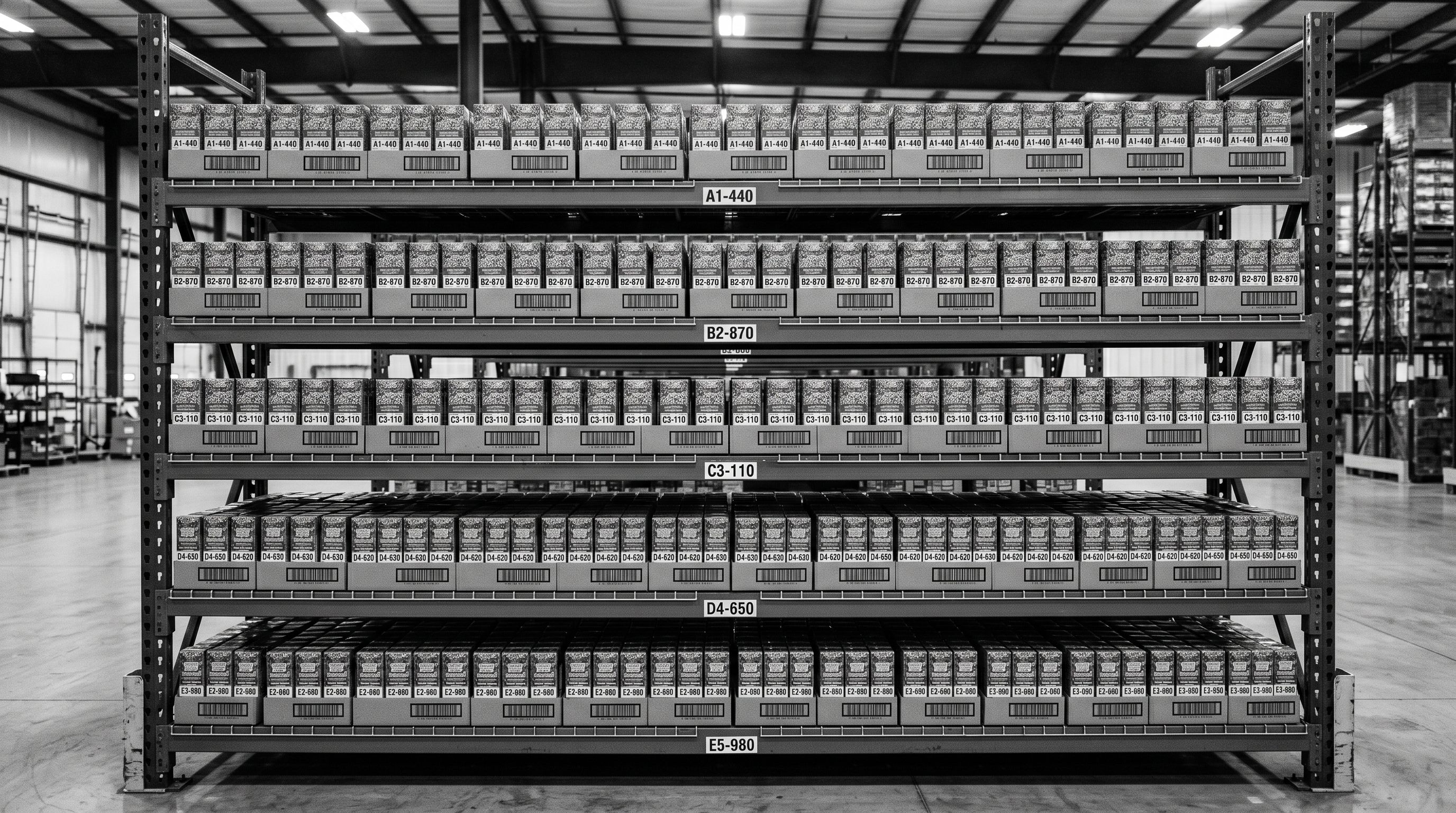
Food catalogues have high variant density. A single product line (say, a range of protein bars) might span 8 flavours, 3 pack sizes (single, 12-pack, 24-pack), and 2 formats (bar and bite). That is 48 variant combinations from one product. A supplier file for a food distributor with 30 SKUs can arrive with 200+ rows, one per variant.
Shopify's native importer requires a Handle column to group variant rows under a single product. Supplier files from food distributors, ERP exports, or wholesale catalogues do not use Handles. Each row has a product code (EAN or PLU), a product name, and variant-specific attributes, but no Shopify-format grouping.
Importier's Smart Variant Detection identifies which rows belong to the same product using 150+ patterns across 15+ industries, including Food and Beverage. For a protein bar range, it detects that rows sharing the same base product name but differing in flavour and pack size belong to the same Shopify product. The grouping proposal is editable before the import commits, so the merchant can correct any mismatched group before it creates incorrect variant structure in Shopify.
Variant options in food catalogues typically include:
- Flavour or variety (Chocolate, Vanilla, Strawberry)
- Format (bar, bite, powder, sachet)
- Pack size (single, 6-pack, 12-pack, 24-pack, 1kg, 2kg)
- Dietary certification variant (standard, gluten-free, vegan, sometimes sold as separate SKUs with distinct EAN codes)
Each variant combination needs its own barcode (EAN-13 or UPC-A). Importier's barcode lookup fills in GTIN, brand, and category data from the global barcode database when the supplier file includes EAN/UPC codes. For food products already in the barcode database, this enriches each variant with standardised product data without manual entry.
Nutritional and Compliance Data as Product Attributes
Food product data goes beyond what a standard product import captures. A food product's specification includes:
- Nutritional information per 100g (energy kJ/kcal, protein, fat, carbohydrate, sugars, dietary fibre, sodium)
- Nutritional information per serving (with serving size stated)
- Ingredient list in descending order by weight
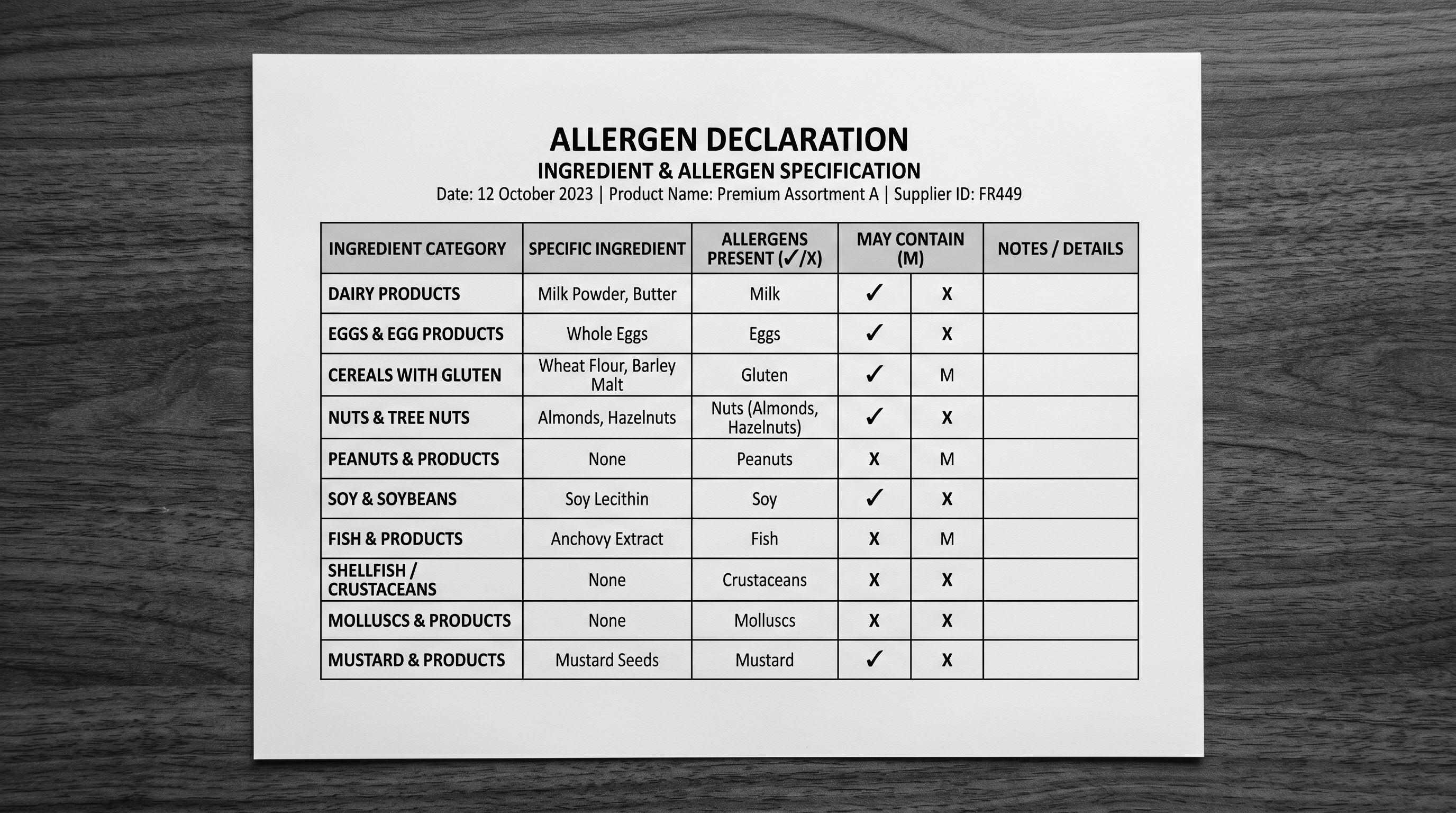
- Allergen declaration (mandatory per most food safety regulations: contains/may contain)
- Country of origin
- Storage instructions
- Shelf life / use-by date information
- Certifications (organic, non-GMO, Halal, Kosher, gluten-free)
Importier's Industry Pack for Food and Beverage is a pre-built set of Shopify category attribute configurations aligned to Shopify's Standard Product Taxonomy for food products. The pack covers 3,758 attributes across Importier's 22 industry packs, with the Food and Beverage pack providing the structured attributes that correspond to the nutritional and compliance data categories above.
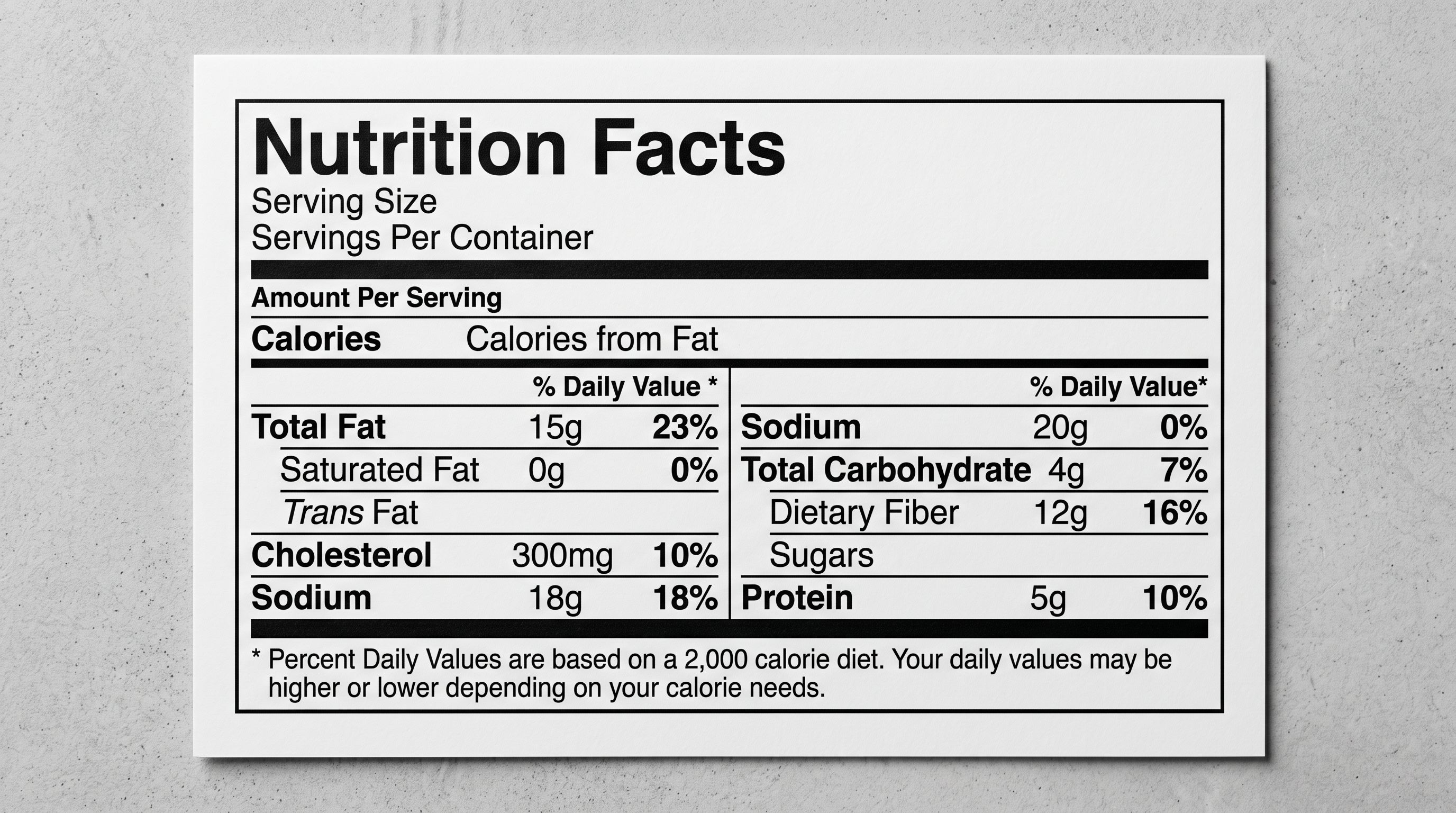
When the Industry Pack runs during import, it uses AI to match each food product to the relevant category in Shopify's taxonomy and fill the corresponding attributes. For a protein bar, this includes carbohydrate content, protein content, allergen declaration status, and dietary certifications. The attributes are stored as Shopify metafields that can be displayed on the product page, used in Google Shopping feeds, and accessed by AI shopping agents that match products to nutritional queries.
- Enter nutritional data per product manually in Shopify admin
- Maintain allergen declarations in a separate spreadsheet
- Re-enter compliance information for each market separately
- Group variant rows by hand (flavour × size × format)
- Write separate descriptions for consumer and compliance audiences
- No structured attributes for Google Merchant feed
- Ingredient Spotlight AI fills consumer + compliance description from supplier data
- Allergen declarations stored in product attributes via Food and Beverage Industry Pack
- Tax and Compliance settings store per-market compliance information once
- Smart Variant Detection groups flavour/size/format combinations automatically
- Barcode lookup fills GTIN, brand, and category for EAN-coded food products
- Category attributes populate Shopify taxonomy fields for Google Shopping feeds
AI Descriptions for Food Products
The Ingredient Spotlight description style in Importier generates descriptions that lead with the key active ingredients and their consumer-facing benefits, then move into structured product information. For food products, this mirrors the format that converts on speciality food sites: open with flavour and occasion, then cover ingredients, dietary credentials, and nutritional highlights.
An example for a protein bar using Ingredient Spotlight:
The description would open with the key protein source (whey isolate, pea protein, etc.) and the flavour experience, then move into the macronutrient breakdown (protein content per bar, carbohydrate content, sugar content), allergen declaration, and dietary certification (gluten-free, vegan, etc.). The AI draws all of this from the product data in the supplier file. The merchant does not need to rewrite the nutritional panel into prose.
Sensory-Rich is the secondary style for food products that emphasise the eating experience over the nutritional profile. Artisan condiments, speciality beverages, and gourmet food items benefit from descriptions that lead with taste, aroma, and occasion rather than a macronutrient breakdown. A Sensory-Rich description for a small-batch hot sauce would open with the flavour profile (the chipotle smoke, the vinegar sharpness, the residual heat) before moving into ingredients and use occasions. Neither style is appropriate for all food products: use Ingredient Spotlight for functional food, supplements, and products where nutritional content is the primary purchase driver; use Sensory-Rich for artisan, gourmet, and experience-led food products.
A food product description has two jobs: convince the buyer to purchase, and meet the regulatory requirements for every country the product is sold into. Writing for one and neglecting the other creates either a compliance gap or a conversion gap.
Country-Specific Compliance Settings
Food and beverage compliance varies significantly by country. The same product selling into Australia, the United States, and the European Union requires different information on the product page:
- Australia (ACCC / FSANZ): Ingredient list, allergen declarations (wheat, eggs, milk, peanuts, tree nuts, fish, shellfish, sesame, soy, lupin), country of origin (mandatory for food produced, grown, or packaged in Australia), nutritional information panel
- United States (FDA): Nutrition Facts panel (specific FDA format), ingredient list, allergen declaration under FALCPA (milk, eggs, fish, shellfish, tree nuts, peanuts, wheat, soybean, sesame), net quantity of contents
- European Union (Regulation 1169/2011): Mandatory ingredients list (14 major allergens must be emphasised), nutrition declaration per 100g, country of origin for specific categories (meat, fish, honey, olive oil, unprocessed pork), date of minimum durability
Importier's Delivery and Returns section (per-store, in Settings) stores the compliance information relevant to each market. For a food merchant selling into both Australia and the EU, the compliance block for the Australian store would include the FSANZ-format allergen declaration and country of origin statement; the EU store's compliance block would include the regulation-format allergen emphasis and the European nutrition declaration format.
The AI appends the relevant compliance block to the product description during import, meaning the generated description already contains the market-specific compliance language without the merchant needing to add it manually after generation.
Import Workflow for Food Merchants
- 01Configure the Food and Beverage Industry Pack in Settings before importing. Install only the Food and Beverage pack (and any relevant sub-packsBeverages, Supplements, Pet Food if applicable). The pack pre-configures the Shopify taxonomy attributes that Importier fills during import: nutritional, allergen, and certification fields.
- 02Set Delivery and Returns in Settings with the compliance information for your target market. Australian merchantsadd FSANZ-format allergen statement and country of origin. US merchants: add FDA allergen statement. EU merchants: add regulation-format allergen emphasis. This stores once and appends to every AI-generated description automatically.
- 03Configure Brand Voice for your food range register. Artisan food (Sensory-Rich)Warm, Descriptive tone with Excluded Words like 'product', 'item', 'quality'. Functional food (Ingredient Spotlight): Authoritative, Informative tone with Excluded Words like 'delicious', 'amazing', 'incredible'. The Excluded Words list prevents supplier-description clichés from appearing in the generated content.
- 04Select the description style. Use Ingredient Spotlight for protein bars, supplements, functional food, and products where nutritional content drives purchase decisions. Use Sensory-Rich for artisan condiments, speciality beverages, craft beverages, and gourmet food where taste experience is the primary appeal.
- 05Enable Barcode Lookup in Data Sources if your supplier file includes EAN or UPC codes. This fills GTIN, brand, and category data for food products already in the global barcode databaseuseful for branded packaged food where the data is authoritative and saves manual entry of brand and category per SKU.
- 06Run the import with Smart Variant Detection enabled. Food catalogues typically have one row per variant (flavour × size × format). The detection groups these automatically. Review the proposed grouping before committingconfirm that flavour variants and size variants are correctly grouped under their respective parent products, and split any groups where the AI has combined products that should remain separate.
For the broader approach to compliance product fields beyond food, the Shopify international tax and compliance guide covers how Importier's Tax and Compliance settings work for all product categories across 12+ markets.
Australia's FSANZ food labelling requirements document the mandatory elements for food sold in Australia under the Food Standards Code. The EU Food Information to Consumers Regulation (Regulation 1169/2011) is the authoritative source for European food labelling requirements, including the mandatory nutrition declaration format and the 14 allergens that must be emphasised in the ingredient list.
Try Importier free at importier.app
Set up your first import in under five minutes.
Importier brings products into Shopify with AI descriptions, category metafields, and data enrichment on every run.