Importier Setup for Retail, Wholesale, Dropshipping and D2C
On this page
How to Set Up Importier for Your Industry
Two merchants install Importier on the same day. One sells handmade ceramics direct to consumers through their own Shopify store. The other runs a wholesale tile business that imports 400-SKU spec sheets from three suppliers every month.
The correct settings for one merchant are the wrong settings for the other. The ceramics seller needs Sensory-Rich descriptions with a Brand Voice locked to their specific aesthetic vocabulary. The tile wholesaler needs spec-heavy Technical descriptions, Scheduled Imports on the Enterprise plan, and a persona drawn from the Construction industry pack. Using the ceramics configuration for tiles produces descriptions that sound like lifestyle copy for a homeware boutique. Using the wholesale configuration for ceramics produces descriptions that sound like a procurement catalogue.
Importier's general settings setup guide covers every available configuration field in the order a new merchant should work through them. This guide covers which of those settings matter most for four distinct business models and why.
Path 1: Retail (Brick-and-Click and Pure Online)
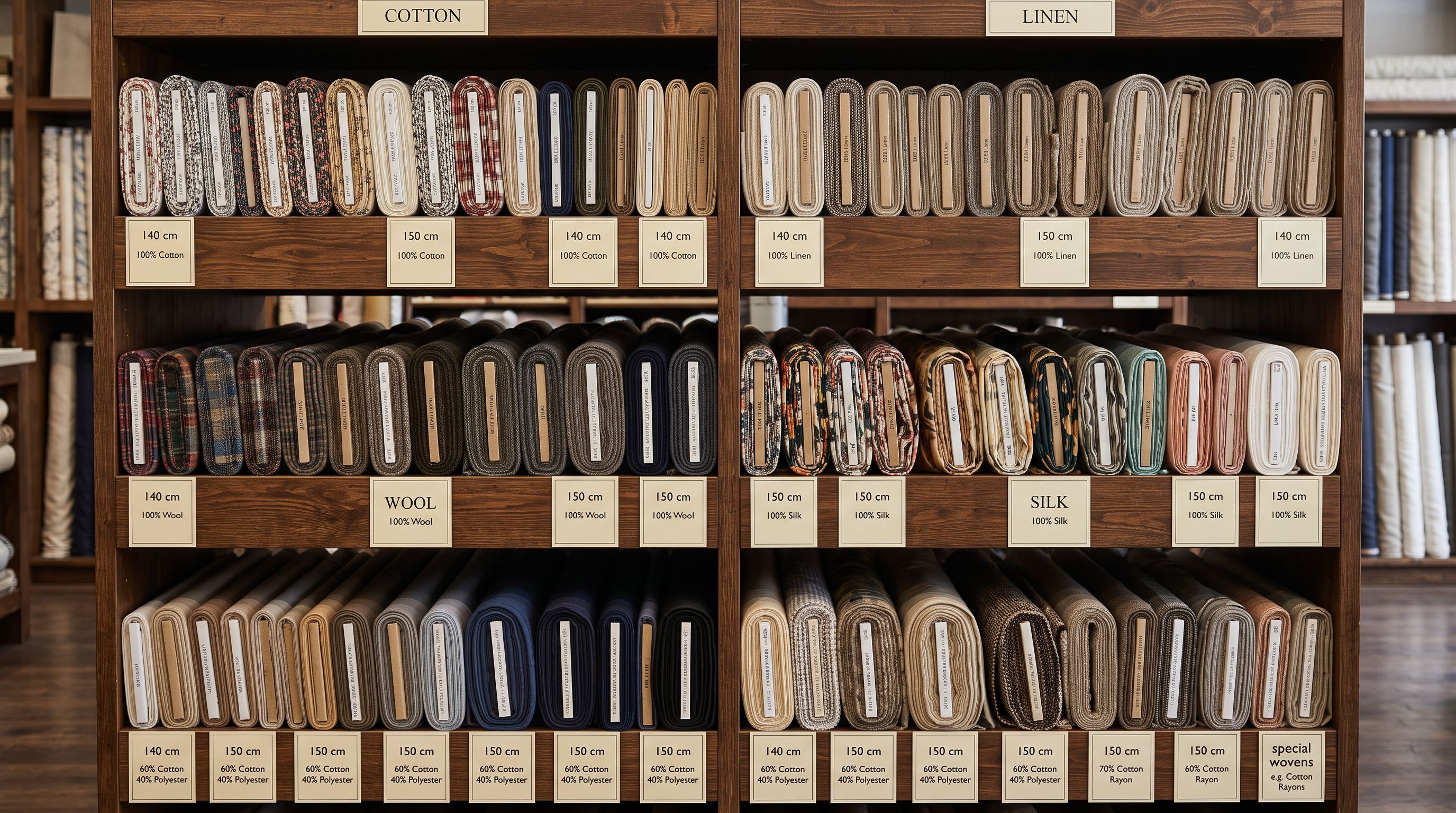
Retail merchants selling directly to consumers face a specific tension: product pages need to convert online traffic and support in-store staff simultaneously. A retail merchant using Shopify POS alongside their online store may import the same product that staff reference on the shop floor and customers browse on a phone.
Priority settings for retail
Variant Detection. Retail catalogues frequently arrive from suppliers with one row per colour-size-material combination. Importier's Smart Variant Detection identifies which rows belong to the same product across 150+ patterns and 15+ industries. Enabling this as a first step prevents the most common retail import problem: a 20-product catalogue arriving as 200 individual Shopify products because variant rows were not grouped.
Persona selection for product type. Retail covers enormous category diversity. A sporting goods retailer needs a different vocabulary than a homewares retailer. The 156 expert personas across 43 industries map to specific retail categories: Outdoor Specialist, Homewares Buyer, Consumer Electronics Reviewer, Footwear Specialist. Selecting the persona that matches what you sell changes the vocabulary, structure, and credibility signals in every generated description.
Description style: Benefits-First or Sensory-Rich. Benefits-First leads with the outcome a buyer wants, then ties it to a specific product attribute. Sensory-Rich leads with materials, texture, and physical experience. Both convert better than standard specification copy for retail buyers who are comparing alternatives or browsing for inspiration.
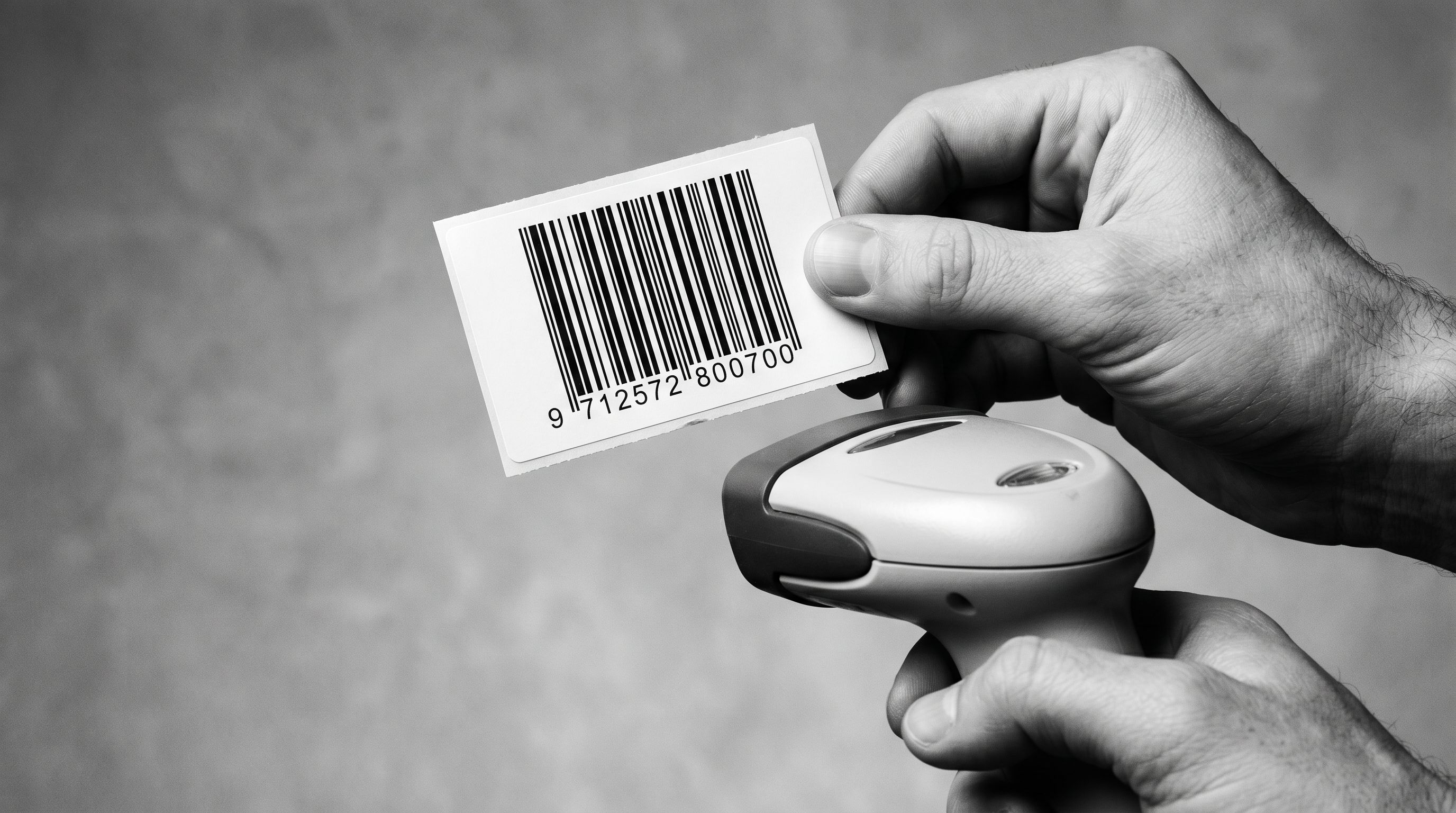
Barcode database lookup. For retail catalogues imported from established product lines, enabling barcode lookup fills in GTIN, brand, and category information from the global product database. For a retailer importing 200 branded products with barcodes already on the packaging, this reduces manual data entry significantly.

Industry Pack selection. Install only the packs that match your product categories. A homewares retailer should install Home and Garden, and potentially Furniture and Decor. A sporting goods retailer should install Sporting Goods and Outdoor Gear. Installing packs for categories you do not sell adds attributes that do not apply to your products and create noise in the import review.
Path 2: Wholesale and B2B
Wholesale merchants import large catalogues from multiple suppliers, update them frequently, and need descriptions that serve procurement buyers rather than retail consumers. The configuration priorities are almost entirely different from retail.
Priority settings for wholesale
Technical Gadget or Benefits-First style. Procurement buyers need comparable specifications, not lifestyle copy. Technical Gadget description style leads with key specifications in a structured format that allows side-by-side comparison. Benefits-First is appropriate when the product has clear performance benefits that need explanation (industrial equipment, specialist materials). Emotional Storytelling and Sensory-Rich are not appropriate for wholesale. A procurement buyer does not need to imagine themselves using the product.
Persona selection for B2B. The Construction, Industrial Equipment, and Professional Services personas produce the right register for wholesale content. These personas understand that a specification like "tensile strength: 450MPa" belongs in the description, not as a footnote. A generic Retail persona will produce descriptions that read as consumer-facing even when the model, style, and content are all B2B.
Scheduled Imports for recurring supplier feeds. Most wholesale relationships involve recurring file deliveries: monthly price updates, quarterly catalogue additions, annual range refreshes. Importier's Scheduled Imports automate this cycle using a saved configuration. The Scale plan includes 2 scheduled imports; the Enterprise plan includes 10. For a wholesale merchant with multiple supplier relationships, the Enterprise plan's 10 scheduled imports means one automated import cycle per major supplier, each using the correct column mapping and AI configuration for that supplier's file format.
- Download supplier file manually each cycle
- Reformat column names to match Shopify every time
- Re-enter AI settings for each supplier's product category
- Spot-check for new variants added since last import
- Repeat for every supplier relationship
- Supplier file runs against a saved configuration automatically
- Column mapping profile persists from first import: remapping happens once
- AI model, style, and persona saved per scheduled import
- Smart Variant Detection catches new variants without manual checking
- Scale: 2 schedules, Enterprise: 10 (one per major supplier)
Tax and Compliance. If your wholesale business is registered for IOSS (EU imports), UK VAT, VOEC (Norway), or AU GST, configure these in the Tax and Compliance settings. Importier appends the relevant compliance information to the product delivery section in AI-generated descriptions. For B2B buyers in different tax jurisdictions, having the compliance details on the product page reduces pre-purchase queries.
Path 3: Dropshipping
Dropshipping merchants face a specific problem: the same supplier often sells the same products to hundreds of Shopify stores simultaneously. The product data (descriptions, titles, images) is identical across all those stores. Importier's role for dropshippers is differentiation: using AI to produce content that does not look like supplier copy, at the volume and speed dropshipping requires.
Priority settings for dropshipping
Brand Voice as the differentiation layer. Brand Voice is the highest-priority setting for dropshippers. The four Brand Voice inputs (tone, language, spelling variant, excluded words) produce descriptions that are stylistically distinct from other stores using the same supplier. A dropshipper selling the same wireless earphones as 200 other Shopify merchants can use Brand Voice to establish a specific voice (minimal and technical, warm and accessible, premium and aspirational) that their supplier's description never has.
The Excluded Words list is the highest-impact input. Supplier descriptions frequently overuse words like "premium", "high-quality", "top-of-the-range", and "perfect for". Adding these to the Excluded Words list prevents them from appearing in any AI-generated content, immediately separating the output from supplier copy.
Fast AI models for volume. Dropshipping catalogues can be large and update frequently. The Starter and Growth tier models (Amazon Nova Micro, Gemini 2.5 Flash Lite, GPT-4.1 Nano) generate descriptions faster and at lower cost than the Scale and Enterprise tier models. For a dropshipper importing 500 products per week, using a Fast model (Speed priority in AI model settings) processes the full import in minutes rather than hours. Reserve Enterprise-tier models (Claude Sonnet, GPT-5 Mini) for hero products where copy quality is the primary conversion lever.

A dropshipper selling the same product as 200 other Shopify stores cannot win on product selection. Brand Voice is the one configuration that separates their content from everyone using the same supplier feed.Standard or Benefits-First style. Standard generates clear, structured descriptions appropriate for a wide range of product categories. Benefits-First works well for products where the outcome matters more than the specifications (fitness gear, personal care, home organisation). Avoid Emotional Storytelling for high-volume dropshipping: it is slower to generate and the lifestyle framing requires product-category knowledge the AI may not have for obscure niches.
Import Undo as a rollback safety net. High-volume imports carry risk: a supplier file with unexpected formatting changes can produce incorrect variant groupings or truncated descriptions at scale. Import Undo reverts any import batch to the pre-import state in a single action. For dropshippers running frequent large imports, this removes the risk of a bad batch requiring manual correction of hundreds of products.
Path 4: D2C Brands
Path 4: Direct-to-Consumer Brands
D2C brands have established identities that need to be present in every product description. They also tend to have considered product design that benefits from description styles that capture the sensory or emotional dimension of what makes the product distinct.
Priority settings for D2C
Emotional Storytelling or Sensory-Rich style, with Brand Voice controls. D2C brands typically sell products with a strong aesthetic or experiential identity. Emotional Storytelling opens with a scene or problem the buyer recognises from their own life. Sensory-Rich leads with materials, texture, and physical experience. Both styles amplify the brand voice rather than describing the product from a neutral specification standpoint.
Brand Voice is equally important for D2C brands as it is for dropshippers, but for different reasons. The dropshipper uses Brand Voice to differentiate from competitors selling the same products. The D2C brand uses Brand Voice to maintain consistency across a catalogue that may be managed by different team members over time. Setting the Tone, Spelling Variant, and Excluded Words once ensures that every import and Store Scanner run produces descriptions in the same register.
Custom Sections for consistent page structure. D2C brands frequently have a specific page structure they want maintained across all products: a "How to Use" section, a "Materials and Sustainability" section, a "Care Instructions" section. The Custom description style allows the merchant to define section headings; the AI populates each section from the product data. For a D2C brand with a strong sustainability narrative, this means "Our Materials" and "Why We Made It This Way" appear on every product page, not just the ones the copywriter got to.

Ingredient Spotlight for consumables and skincare. D2C brands selling food, supplements, or personal care products benefit from the Ingredient Spotlight description style, which leads with the key active ingredients and their benefits. For a D2C skincare brand importing a new moisturiser, Ingredient Spotlight produces descriptions that match how consumers evaluate skincare products: by active ingredients first, sensory experience second, application instructions third.
Presets for product line segmentation. A D2C brand selling across multiple product lines (seasonal collection, core range, limited edition) may want different configurations for each line. Importier's Presets save a complete settings profile (AI model, style, persona, Brand Voice) under a named profile that can be applied to any import. A D2C brand can build a "Core Range" preset and a "Limited Edition" preset with different emotional registers and apply them to each collection as it imports.
- 01Identify your business model path. Retail (brick-and-click or pure online), Wholesale/B2B, Dropshipping, or D2C brand. Your path determines which settings to configure first.
- 02For Retailenable Smart Variant Detection, select a persona matching your product category, choose Benefits-First or Sensory-Rich style, enable barcode lookup, install Industry Packs for your categories only.
- 03For Wholesale/B2Bchoose Technical Gadget or Benefits-First style, select a B2B persona (Construction, Industrial Equipment, Professional Services), configure Scheduled Imports for each recurring supplier relationship, set up Tax and Compliance for your jurisdictions.
- 04For Dropshippingconfigure Brand Voice first (tone, excluded words), set AI model to Speed/Fast tier for volume imports, choose Standard or Benefits-First style, enable Import Undo as a rollback safety net.
- 05For D2C brandschoose Emotional Storytelling, Sensory-Rich, or Custom style, configure Brand Voice for tonal consistency, build Presets for each product line or collection, use Ingredient Spotlight for consumable or skincare product lines.
- 06Save your configuration as a named Preset before your first import. A saved Preset means every future import starts from the correct configuration for your business model rather than the default settings, which are optimised for no one in particular.
For a full walkthrough of every available setting in the order a new merchant should configure them, the Importier settings setup guide covers all configuration options with specific guidance on which choices matter most for first-time setup. For merchants deciding whether to use Importier or Shopify's native importer for a first import, Importier vs Shopify Native Import covers the practical differences including variant grouping, column mapping, and the Handle column requirement.

Shopify's merchant segmentation data covers the distribution of business models across the Shopify merchant base and what distinguishes each from a product and operations standpoint. Google's product data specification for different business types documents how Google Shopping requirements vary by merchant category, which influences which product attributes and description styles drive the highest quality scores.
Set up your first import in under five minutes.
Importier brings products into Shopify with AI descriptions, category metafields, and data enrichment on every run.