Shopify Import for Electronics and Tech Accessories
On this page
Shopify Electronics and Tech Accessories Import: Compatibility Data, Specs, and AI Descriptions
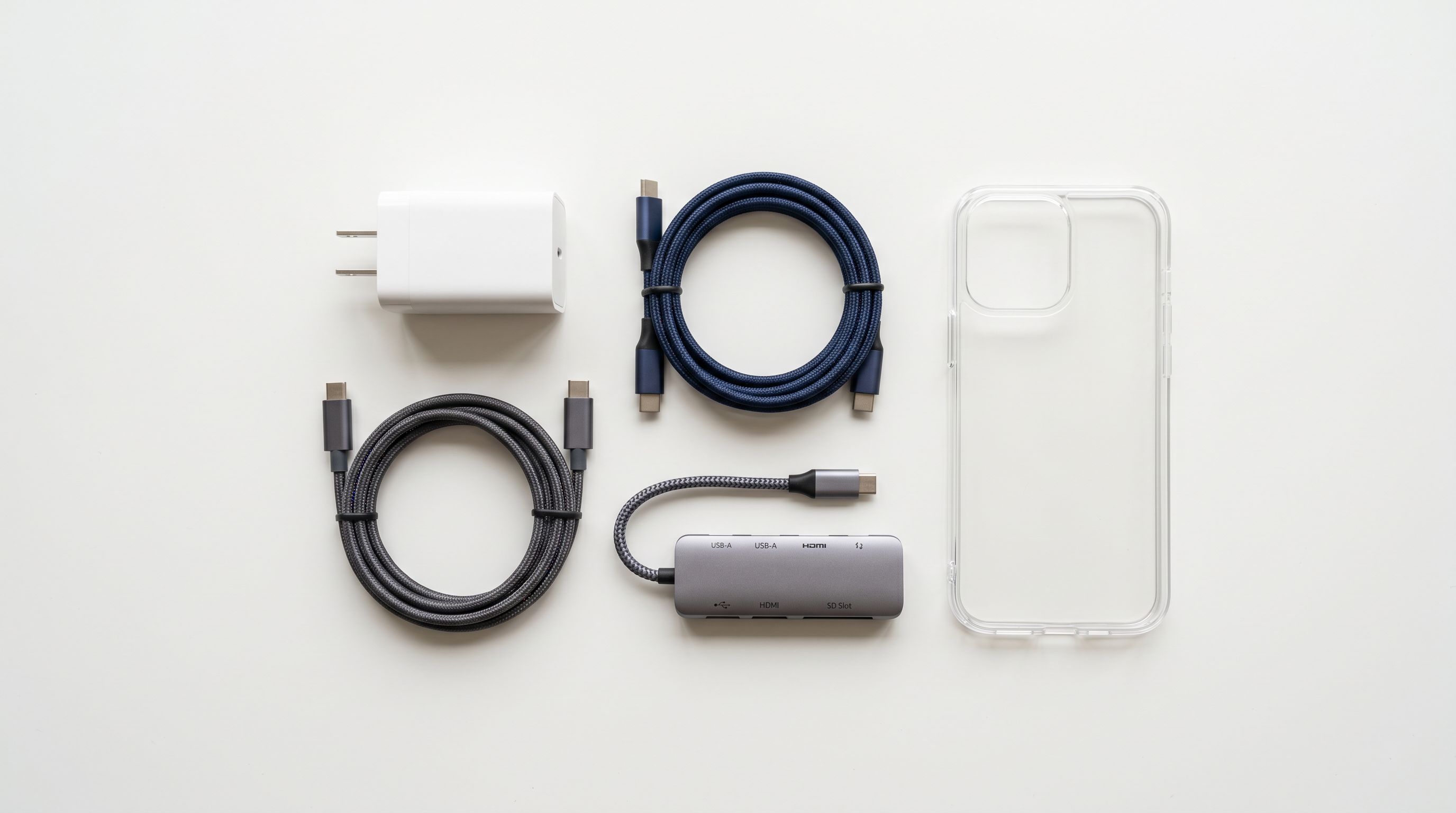
A phone accessories supplier CSV typically contains product name, SKU, price, colour, and an image URL. Sometimes it includes a brief description. What it rarely contains in structured form: the specific device models the product is compatible with, the connector type and version, the wattage and power delivery specification, the certifications (MFi, CE, FCC), or the manufacturer part number required for Google Shopping compliance.
The result of importing that file without additional configuration is a product catalogue where compatibility data lives only in unstructured product names and description text. A buyer searching for a USB-C case for a Samsung Galaxy S24 cannot filter by device model because the data does not exist as a structured attribute. A Google Shopping query for a 65W USB-C charger cannot match on wattage because the wattage is buried in the product name, not a metafield.
This guide covers how to configure a Shopify electronics and tech accessories import to produce product pages with structured compatibility attributes, specification data, and AI descriptions that lead with the technical detail buyers use to choose between products.
Why Electronics Accessories Imports Are Different
For most product categories, the purchase path is: identify the product type, filter by price and colour, read the description, buy. The specification data is secondary to the product identity.
For electronics accessories, the purchase path reverses. A buyer looking for a cable starts with the compatibility constraint: it has to fit their device and charger. A buyer looking for a phone case starts with the model: it has to be the right size for their specific phone. Specification data is not secondary; it is the filter that determines whether a product is relevant at all.
This means that a USB-C cable listed on a product page without a structured Compatible Devices or Connector Type metafield is effectively invisible to buyers filtering by compatibility and to AI Shopping agents matching on attribute queries. The product exists in the catalogue but cannot be found by the buyers most likely to purchase it.
The secondary problem is specification accuracy. Electronics products have precise technical specifications: wattage, input/output voltage, cable length, storage capacity, screen resolution, refresh rate. These numbers matter to buyers and they affect whether a product is returned after purchase. An import that places all specification data in unstructured description text produces product pages that cannot be compared systematically and that do not satisfy buyers who need exact specifications before purchasing.
What the Supplier File Usually Has and What It Needs
A standard electronics accessories supplier CSV typically contains:
- Product name (often with device model or spec embedded, e.g., "65W GaN Charger 2-Port USB-C")
- SKU and barcode (EAN or UPC)
- Price and cost price
- Colour as a variant column
- A brief description or marketing copy
- Image URLs
What is usually missing or incomplete in structured form:
- Compatible device list (often in product name or description text only)
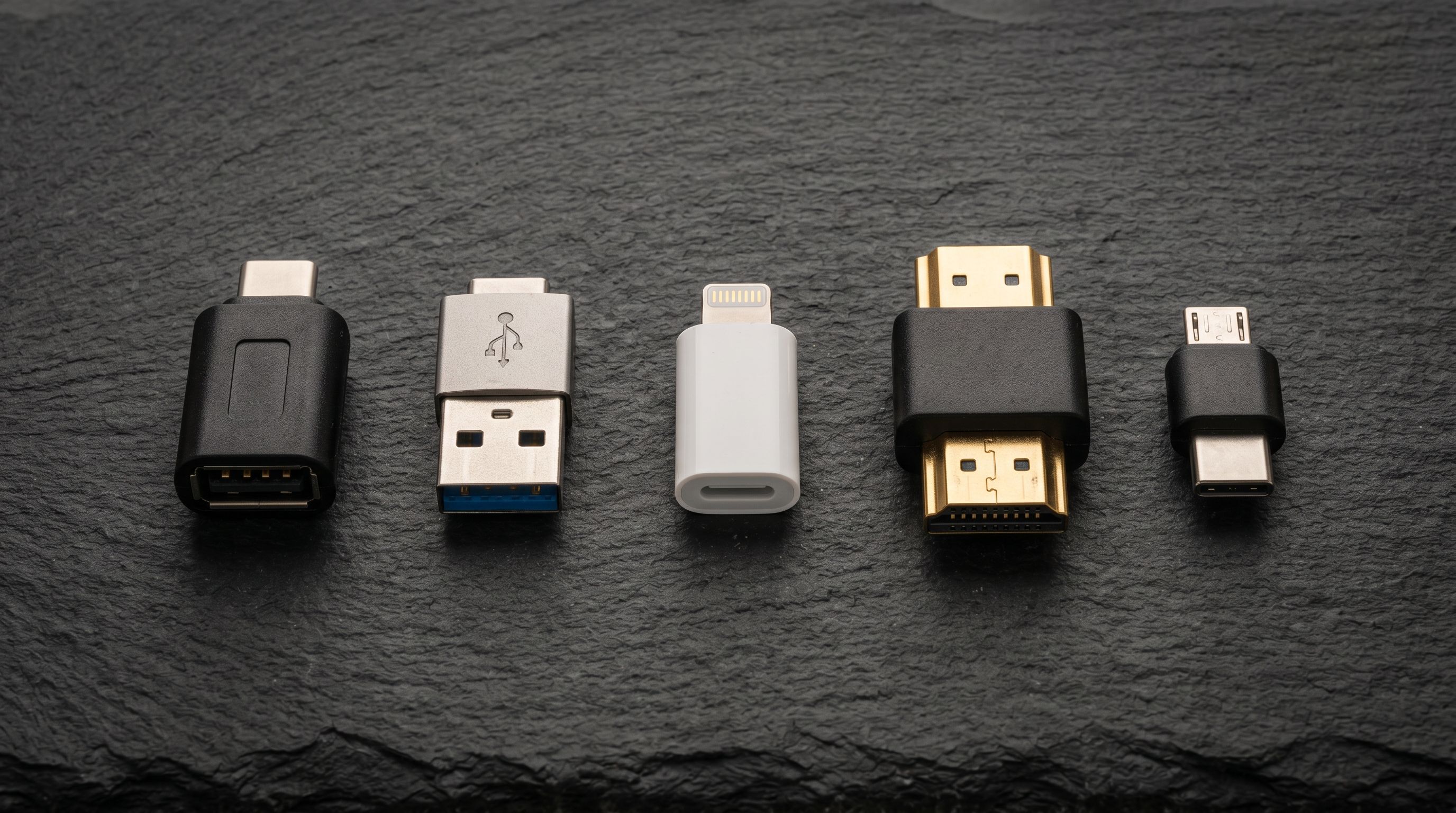
- Connector type and version (USB-C, USB-A, Lightning, HDMI 2.1, Thunderbolt 4)
- Wattage, voltage, and power delivery specification
- Cable length as a structured field
- MPN (manufacturer part number)
- Safety and compliance certifications (CE, FCC, RoHS, MFi)
- Input/output specifications for hubs and docks
The column mapping and metafield steps in the import address each of these gaps.
Step 1: Column Mapping for Electronics Accessories
Product name parsing for embedded specifications: electronics supplier files frequently embed the key specification in the product name itself. "iPhone 15 Case - Clear" contains the device model. "65W GaN Charger Dual Port" contains the wattage and port count. Importier's name parser can extract these components from structured naming conventions during the column mapping step and route them to the appropriate destination fields.
For a supplier file where every product name follows the pattern "[Wattage] [Product Type] [Ports] [Connector]," the parser identifies each component and routes wattage to the power specification field, connector to the connectivity field, and port count to the attribute for number of ports. Products that follow an irregular naming convention require manual mapping for those specific rows after import.
MPN and GTIN mapping: electronics products almost always have a manufacturer part number and a GTIN (EAN or UPC). These are required or strongly recommended fields in Google Shopping for electronics. Map the supplier's part number column to the Shopify MPN metafield and the barcode column to the Shopify barcode field. Barcode lookup runs during enrichment for products with recognised GTINs, returning additional specification data and the correct brand name.
Certification tags: if the supplier file includes certification columns (MFi Certified: Yes/No, CE: Yes/No, FCC: Yes/No), map them to Shopify product tags. Tags power collection filters and can drive certification badge displays. MFi certification is a meaningful trust signal for Apple accessories; mapping it as a tag allows a merchant to build an "MFi Certified" collection filter without post-import manual work.
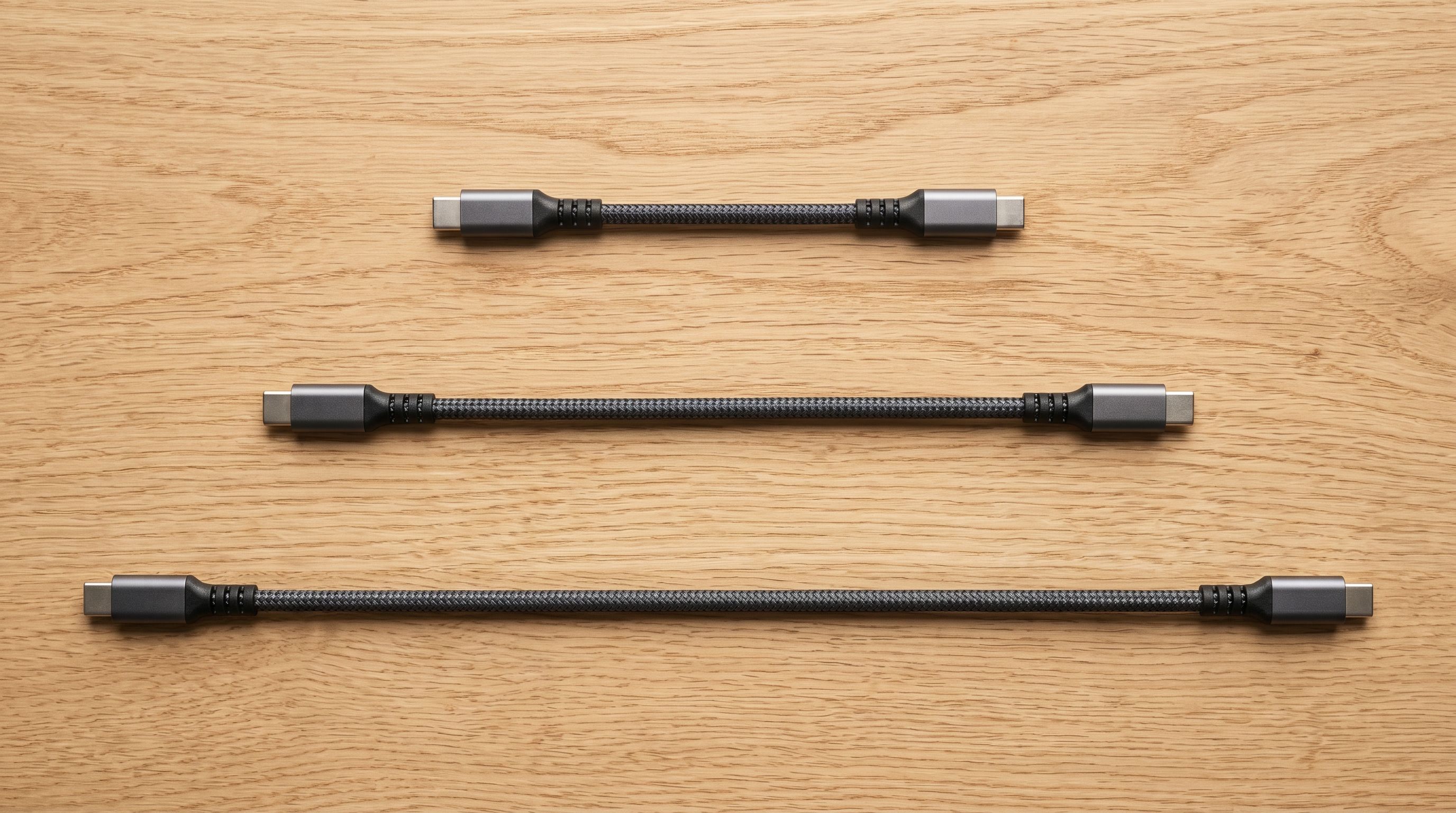
Cable length as a variant option: if the same cable is available in multiple lengths, map the length column to a Shopify variant option labelled "Length" with values in the unit the supplier uses (1 m, 2 m, 3 m). A cable available in two lengths and two colours is four variants: 2 lengths × 2 colours.
Step 2: Technical Gadget Descriptions for Electronics
Importier's Technical Gadget description style is designed for electronics products. It leads with the primary specification, then the secondary specifications, then the compatibility scope, and finally the use case or scenario.
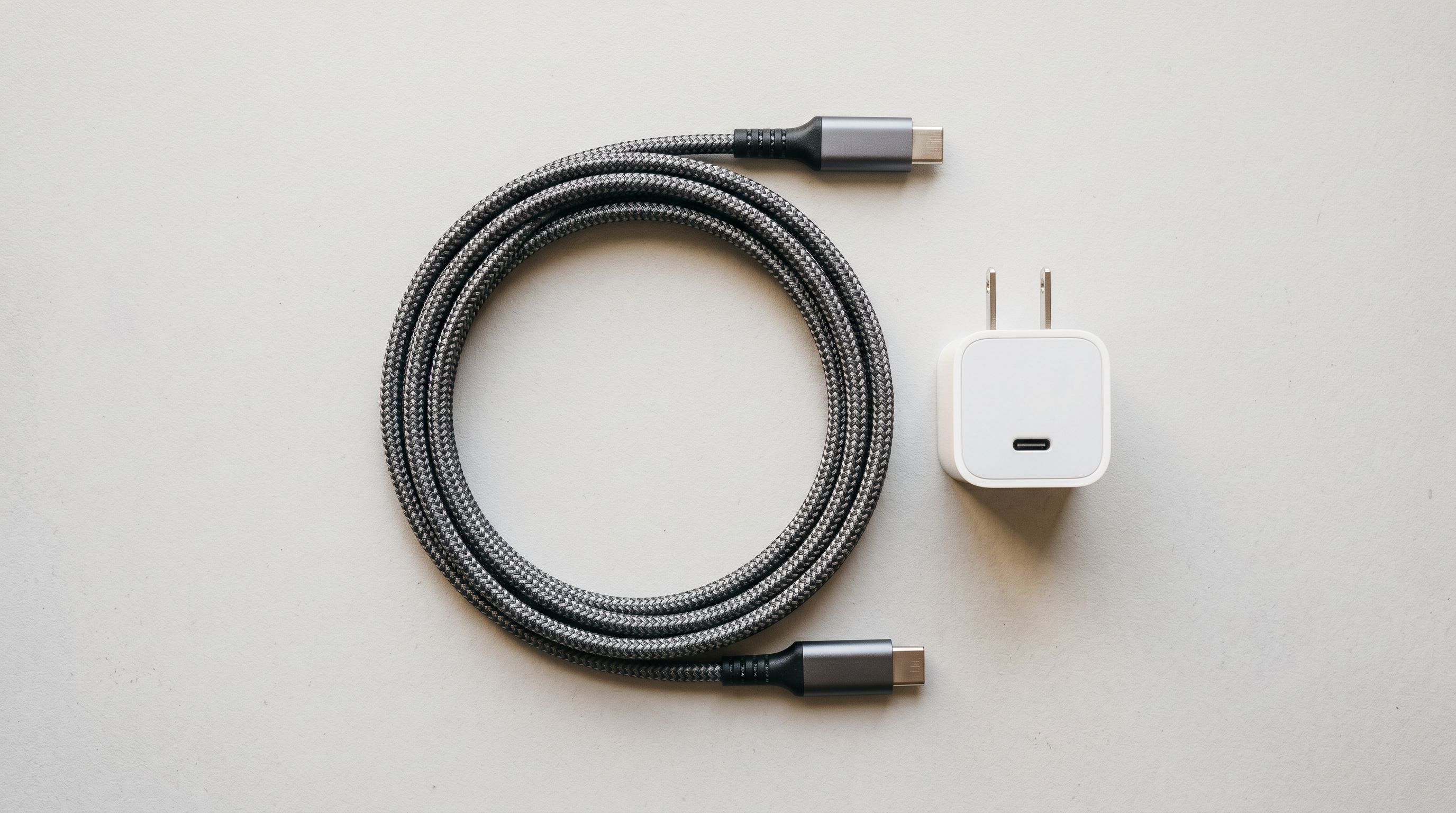
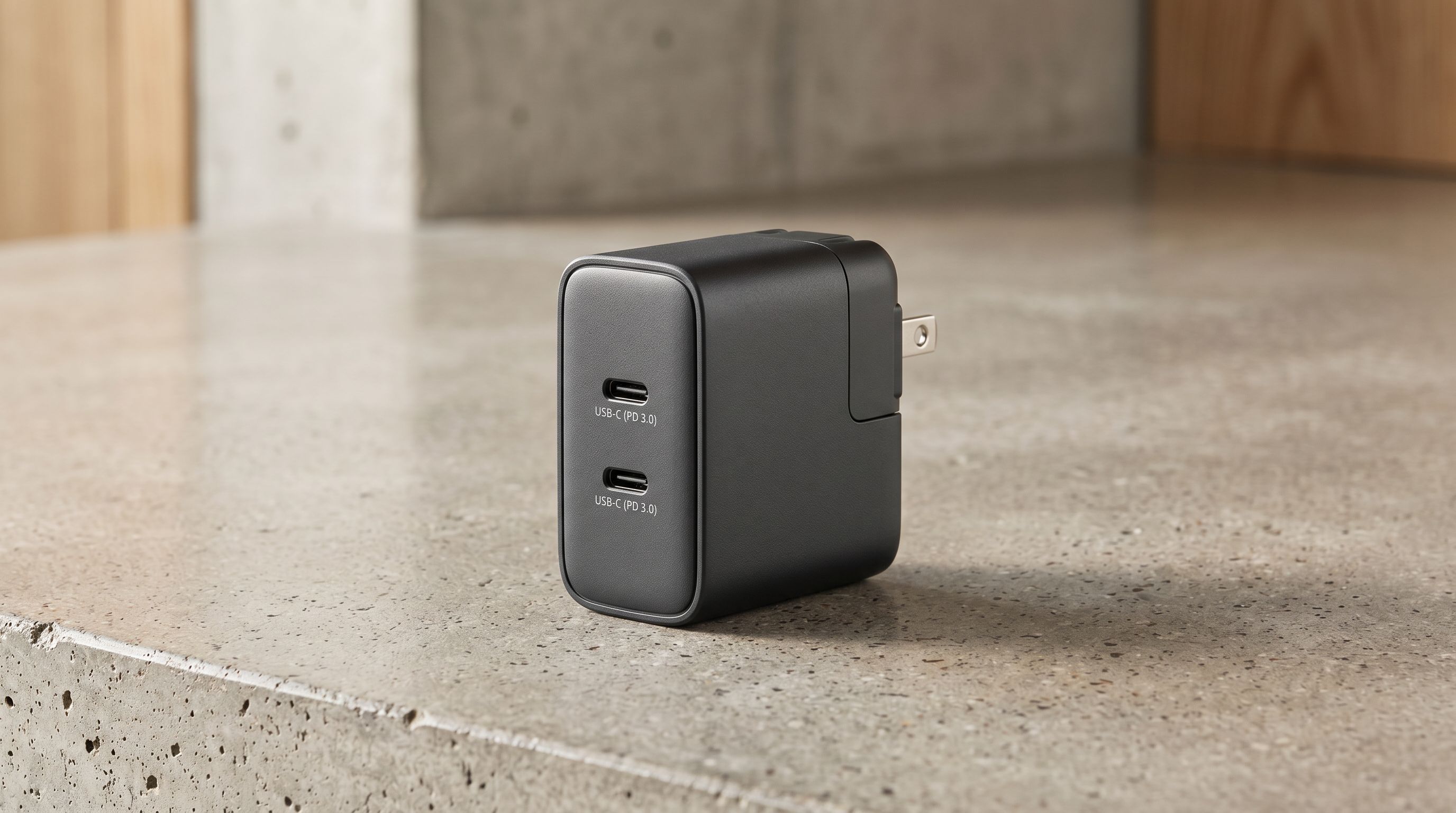
For a 65W GaN charger, a Technical Gadget description opens with the wattage (65W), the charging standard (Power Delivery 3.0), the number of ports and their types (2 × USB-C), then the foldable pin design and compact form factor, then the compatible device range (notebooks, tablets, smartphones), then the specific scenario ("charges a notebook from 0-50% in approximately 40 minutes while simultaneously charging a tablet at 20W").
A description generated with Benefits-First style for the same product would open with "charge your devices faster" and mention 65W somewhere in the second or third paragraph. For a buyer who already knows they need 65W PD 3.0, the Benefits-First output forces them to scan for the information they came for. The Technical Gadget output surfaces it in the first sentence.
A 65W GaN charger imported with Technical Gadget style opens its description with wattage, charging standard, and port configuration. A buyer comparing chargers can evaluate the product without reading past the first paragraph.
For screen protectors, cases, and other accessories where the specification is minimal and the primary differentiator is compatibility and material, the Standard description style produces adequate output. The rule of thumb: use Technical Gadget when the specification IS the product (cables, chargers, hubs, docks, storage devices) and Standard or Benefits-First when compatibility is the product's primary value but the specifications are simple.
Step 3: Industry Pack for Electronics Metafields
Shopify's Standard Product Taxonomy includes electronics and technology categories with structured attribute types. Importier's Industry Pack for this category covers the attributes relevant to accessories imports: connectivity (connector type and version), power rating, compatible devices, cable length, storage capacity, screen resolution, refresh rate, and certification status.
The multi-value metafield support in this category is particularly relevant for compatibility data. A USB-C hub compatible with 15 specific laptop models can list all 15 as structured values in a single Compatible Devices metafield rather than in unstructured description text. A memory card compatible with SD, SDHC, SDXC, and CFexpress formats can express all four as structured values. These multi-value attributes allow collection filters to match on any of the values in the set.
For Google Shopping and AI Shopping, structured compatibility data changes how products surface in queries. A search for "USB-C hub compatible with MacBook Pro M3" matches products where "MacBook Pro M3" appears in the structured Compatible Devices metafield. The same compatibility information buried in a description paragraph does not receive the same treatment.
- Compatibility data only in unstructured product names
- Wattage and specs in description text only
- MPN absent, GTIN not mapped to Shopify barcode field
- No connector type or power standard as structured attributes
- Collection filters cannot be built on device model or connector type
- AI Shopping matches by keyword in description, not by compatibility attribute
- Compatible devices as structured multi-value metafield
- Wattage, power standard, and port configuration as metafield attributes
- MPN mapped and GTIN to barcode field for GMC compliance
- Connector type, version, and power standard as structured metafields
- Collection filters for device model, connector type, certification buildable without code
- AI Shopping matches on compatibility attribute: device model, connector, wattage
Step 4: Variant Configuration for Electronics Accessories
Electronics accessories present two common variant structures.
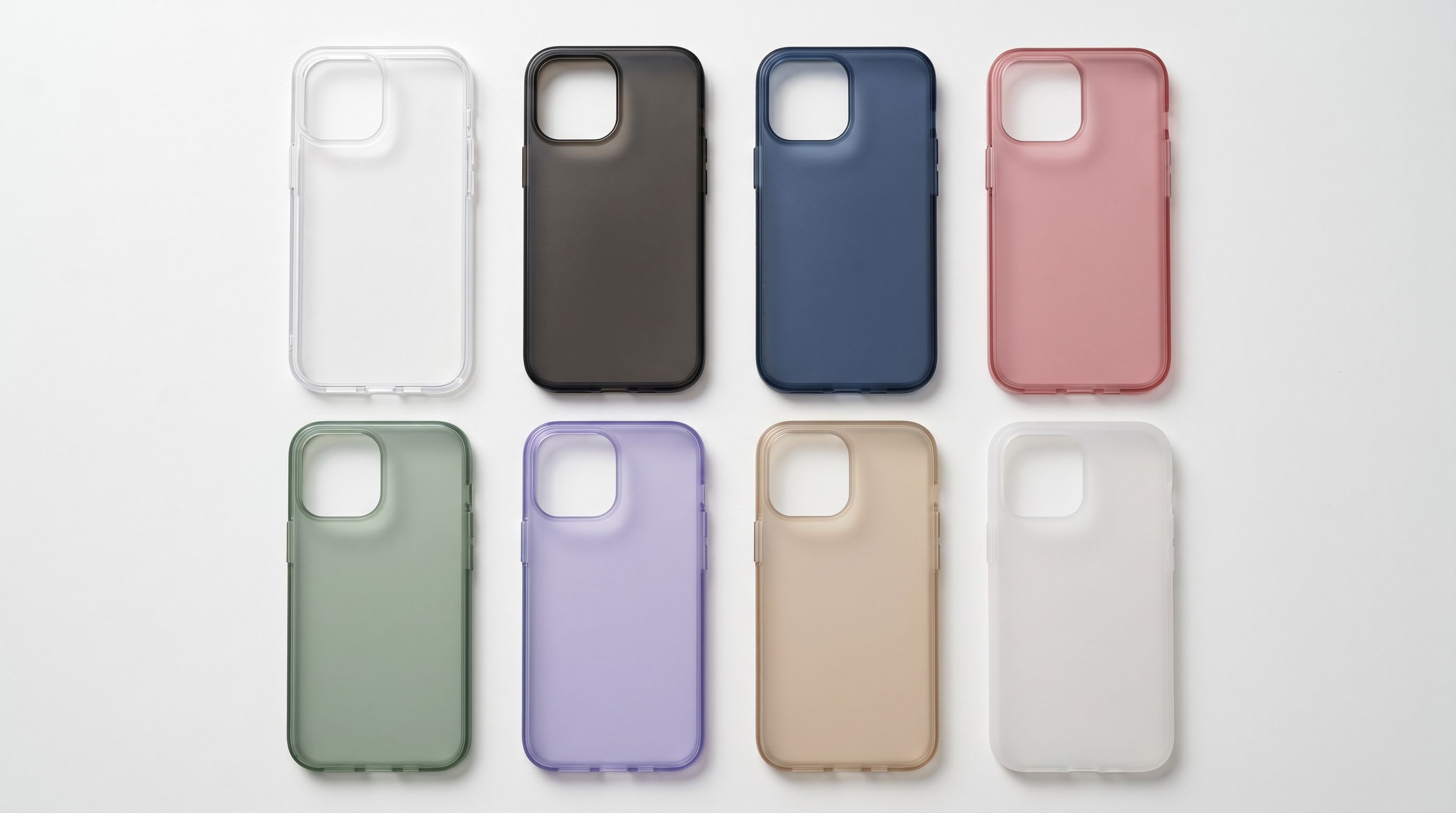
Colour-only variants: phone cases and screen protectors where the only variable is colour are the simplest configuration. Map the colour column to a Shopify variant option. Per-variant image mapping ensures the correct case colour displays when a buyer selects it.
Colour and length or colour and model variants: some accessories come in multiple lengths (cables) or multiple device model fits (cases in the same design for two different phone sizes). For a cable available in black and white in 1m and 2m lengths, map two variant options: Colour and Length. For a case designed for two related models (e.g., two screen sizes of the same phone generation), map the model fit as a variant option rather than creating separate products with near-identical names.
Storage capacity variants: external storage accessories (USB drives, portable SSDs) where the same device comes in 128GB, 256GB, 512GB, and 1TB capacities use a Storage Capacity variant option. The storage column maps to this option. Higher capacities carry different prices; map the cost and price columns at the variant level so each capacity tier has its own margin calculation.
A Worked Example: 200-SKU Phone Accessories Range
A consumer electronics distributor importing a phone accessories range received a supplier file with 200 rows covering cables, chargers, cases, and screen protectors. The file had: product name (with device model or specification embedded), SKU, EAN barcode, price (EUR), colour, and image URLs. No structured compatibility column, no certification column, no MPN.
Import configuration:
- Currency conversion: EUR to AUD at the current exchange rate, applied at the import level.
- Barcode lookup: the EAN barcodes matched 160 of 200 products, returning brand names, MPN data, and in 40 cases additional specification data that was not in the supplier file.
- Name parser: extracted device model from product names following the pattern "[Model] [Product Type] [Colour/Material]" for the case and screen protector range. Extracted wattage and port configuration from charger product names.
- Compatible Devices: mapped from the extracted device model for cases and screen protectors. Chargers and cables received a broader compatible devices value (all USB-C devices) populated via the Industry Pack's AI matcher rather than extracted from the product name.
- Certifications: MFi certification applied as a batch-level tag to the Apple cable and charger range, CE and FCC applied across all chargers where the supplier had confirmed certification in a separate document (applied as batch-level tags in the import wizard).
- Description style: Technical Gadget for cables, chargers, and hubs; Standard for cases and screen protectors.
The import produced 180 products with structured compatibility data, 160 with MPN from barcode lookup results, and descriptions that opened with the specification rather than generic accessories copy for the technical product range.
The Shopify import column mapping guide covers how to configure name parser rules and mapping profiles for supplier files that embed specifications in product names. The Shopify barcode lookup guide covers how barcode enrichment returns brand, MPN, and specification data during the import enrichment step.
- 01Map the barcode column to the Shopify barcode field and enable barcode lookup enrichment in the import settings. For electronics accessories, lookup returns brand names, MPN data, and in many cases specification detail that does not appear in the supplier file.
- 02Configure name parser rules for product names that embed specifications. A naming convention like '[Wattage] [Product Type] [Ports]' can route wattage to a power specification field and port count to a structured attribute without manual row-by-row editing.
- 03Select Technical Gadget as the description style for specification-driven products (cables, chargers, docks, hubs) and Standard or Benefits-First for accessory products where compatibility is the primary value. Assign a tech-specific persona to maintain the appropriate tone across the range.
- 04Apply the Electronics and Technology Industry Pack in the category metafields step. Map connector type, wattage, compatible devices, and storage capacity where available. Use multi-value metafields for products compatible with multiple device models or storage formats.
- 05Map certification columns to Shopify tags (MFi, CE, FCC, RoHS). If certifications apply to a product range rather than individual products, apply them as batch-level tags in the import wizard rather than as per-product manual entries.
Google's product data specification for Merchant Centre documents the required and recommended attributes for electronics products in Shopping campaigns, including how GTIN, brand, MPN, and compatibility attributes are processed. Shopify's Standard Product Taxonomy overview explains how the taxonomy categories work for merchants building filtered collections and connecting to AI Shopping channels.
Try Importier free at importier.app
Set up your first import in under five minutes.
Importier brings products into Shopify with AI descriptions, category metafields, and data enrichment on every run.