Shopify Craft Beer and Brewery Product Import
On this page
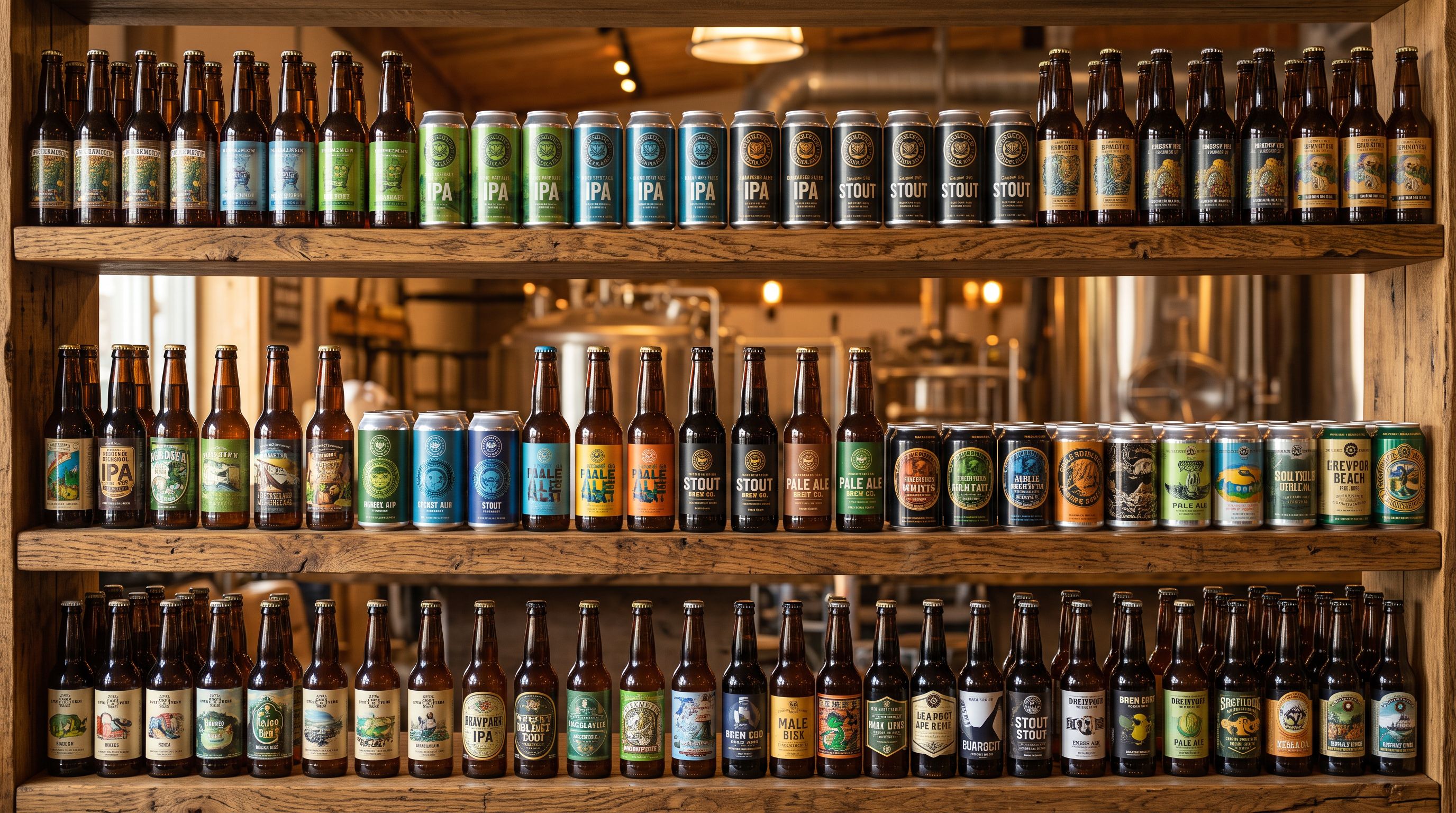
A craft brewery with 84 products imports its entire range to a new Shopify store: year-round core beers, seasonal releases, and a rotating single-hop series. The import completes. The products appear. Then the brewer tries to build a "Session Ales" collection filtered by ABV below 4.5% and discovers there is no ABV field on any product. There is no style classification, no hop variety, no IBU rating, and no batch number. Everything the brewery's regulars use to make decisions about what to drink is locked inside the product descriptions as prose paragraphs. The storefront has no way to filter by it, and the Google Shopping feed cannot read it.
A shopify craft beer brewery product import differs from a standard catalogue import because beer product data is structured around dimensions that Shopify's default fields do not cover. Alcohol content, bitterness rating, hop bill, serving style, and batch rotation are all craft-beer-specific requirements that a generic supplier CSV will not include and that Shopify's Title, Description, and Price fields cannot hold in a way that search, filtering, and compliance integrations can act on.
Why Craft Beer Product Data Needs Structured Fields
A beer product page that relies only on the description to communicate ABV, style, and hop character creates three problems simultaneously.
The first is filtering. A customer browsing for a session beer under 4.5% ABV cannot filter by what is in a text paragraph. A collection that auto-includes IPAs based on a tag ("IPA") works only if tags are applied consistently across every product, which is unreliable at import scale. Shopify's product filtering reads metafields and structured attributes, not description content.
The second is discovery. Google Shopping, the AI Shopping tab, and product data feeds read category metafields for attribute matching. A beer product with no ABV or style metafield will not appear in queries like "low-alcohol craft beer" or "West Coast IPA under $20" because the attributes the AI needs to match the query to the product do not exist as structured data.

The third is compliance. In the UK, any drink containing more than 1.2% ABV must display its alcohol content. In the EU, allergens including sulfites must be declared on the product listing when present above the regulatory threshold. A description paragraph satisfies neither requirement at the storefront level because theme filters, accessibility tools, and marketplace integrations cannot parse prose.
Solving all three problems at import time, before the products are live, is the correct approach. Retrofitting structured data across 84 products after they are published requires re-importing or manual editing that the brewery could have avoided.
Mapping Beer Product Data to Shopify Metafields at Import
Importier's Food and Beverage Industry Pack activates the category attribute fields that craft beer products need. When the pack is applied during the shopify craft beer brewery product import, the import wizard includes attribute columns for alcohol content (ABV%), style classification, hop variety, IBU rating, serving temperature, food pairing, batch or vintage identifier, and sulfite declaration.
These fields correspond to Shopify's Standard Product Taxonomy attributes for alcoholic beverages, which align with what Google Shopping and AI shopping agents read when evaluating product data completeness. A beer product with a populated style attribute and an ABV value can appear in filtered collection pages and in AI shopping responses to taste-and-ABV queries.
The challenge for most breweries is that their own spreadsheets do not use column names that match these fields. A brewing spreadsheet might have a column called "Alcohol (%)" rather than the taxonomy-aligned field name, or a "Description" column that contains the tasting notes, hop bill, ABV, and IBU all in one paragraph. The import wizard's column mapping step lets the brewer match their spreadsheet columns to the correct attribute fields. Where no column exists, the brewery can enter the data as enrichment context for individual products, or Importier can populate common fields like country of origin from available data.
Batch rotation and description style
Managing the Seasonal Rotation: When Every Release Is a New Import
Most craft breweries do not import once. Seasonal releases, single-batch limited editions, and rotating taps mean new products arrive every few weeks. A summer saison arrives in October's build-up, a winter stout launches in February, and the single-hop series rotates every six weeks. Each rotation is a new set of products to import, map, and push.

Importier's Scheduled Imports handles this rotation for Scale and Enterprise plan subscribers. A brewery can set up a recurring import from a cloud-shared spreadsheet (Google Drive or Dropbox), with Importier checking the file every week or two for new rows and importing only the additions. The Import History records every batch, showing which products were added in which import session so the brewery can trace when each release went live and what data was imported with it.
For smaller breweries on Starter or Growth plans, the import process remains the same. It runs manually for each release. The template set up for the first import (column mapping, pack selection, description style, brand voice) saves as an import profile that the brewer can reload for each subsequent batch, reducing a 30-minute setup to a two-minute file upload and review.
According to UK Food Standards Agency allergen guidance, businesses selling food and drink online must provide full allergen information in the product listing so customers can make informed decisions before purchase. For beer and cider, this includes sulfite declarations for products where sulfur dioxide or sulfites are present above 10mg/kg. A structured metafield for the sulfite declaration means it can appear in an allergen filter on the storefront and in automated compliance checks, rather than requiring a customer to search through description text to find it.

- 01Set up the import spreadsheet with one row per beer productinclude columns for your own data (Product Name, ABV, Style, IBU, Hop Varieties, Batch Number, Serving Temp, Food Pairing, Allergens including sulfites, Tasting Notes, Price, Stock). Your column names do not need to match Shopify's; the mapping step handles translation.
- 02Upload the spreadsheet to Importier's import wizard and open the column mapping step. Match your ABV column to the alcohol content attribute, your Style column to the style classification attribute, and your Allergens column to the allergen declaration fields. The Food and Beverage Industry Pack auto-suggests the matching attribute fields as you map.
- 03Activate the Food and Beverage Industry Pack for the batch. The pack populates category metafields for ABV, IBU, serving temperature, food pairing, and allergen declarations including the sulfite field.
- 04Select the description styleSensory-Rich for taste-forward tasting notes that lead with aroma, flavour profile, and finish; or Ingredient Spotlight for hop-focused technical descriptions that name varieties and processes. Enter tasting notes and the hop bill as enrichment context before generating.
- 05Run the Import Reviewverify ABV values are populated across all products, style classifications are correct, and allergen declarations are present for any beers with sulfite content. Check the variant structure for any products sold in multiple format variants (can/bottle/keg).
- 06Push to Shopify. After the first import, save the column mapping and pack settings as an import profile so the next batch import loads your configuration automatically.
Tasting Notes and Descriptions for Craft Beer Product Pages
A description style matters more for craft beer than for most product categories. Beer is a sensory product. Customers make decisions based on flavour, aroma, bitterness, and occasion, not on a specification sheet. A description that leads with "This 6.2% IPA contains Citra and Mosaic hops" provides the technical data but not the sensory invitation.
Importier's Sensory-Rich description style generates copy that leads with the experience: what the beer smells like when the can is opened, what hits first on the palate, how the bitterness develops, what food it sits beside. The technical data (ABV, hop varieties, IBU) appears after the sensory lead rather than replacing it. For a craft brewery audience that makes purchasing decisions based on taste profile and occasion, this sequence converts better than a spec-first description.
Craft beer customers already know what an IPA is. They are deciding which IPA, and the answer is in the aroma, the mouthfeel, and the finish. Not in the ABV number.
For technical buyers (beer traders, hospitality buyers, bottle shop buyers), Importier's Ingredient Spotlight style shifts to a hop-and-process-forward format: the hop varieties are front and centre, dry-hopping schedule noted, yeast strain and fermentation process mentioned. The same beer can have two descriptions depending on which channel it is being listed on, and both can be generated from the same enrichment context.
According to FSANZ food labelling standards, alcohol percentage, standard drink content, and allergen declarations are mandatory on all food and beverage listings sold in Australia, including online. Breweries selling through a Shopify store into the Australian market must ensure these declarations are present per product and not buried in description text that the theme cannot surface in filter queries.
Batch Numbering and Vintage Data for Limited Releases
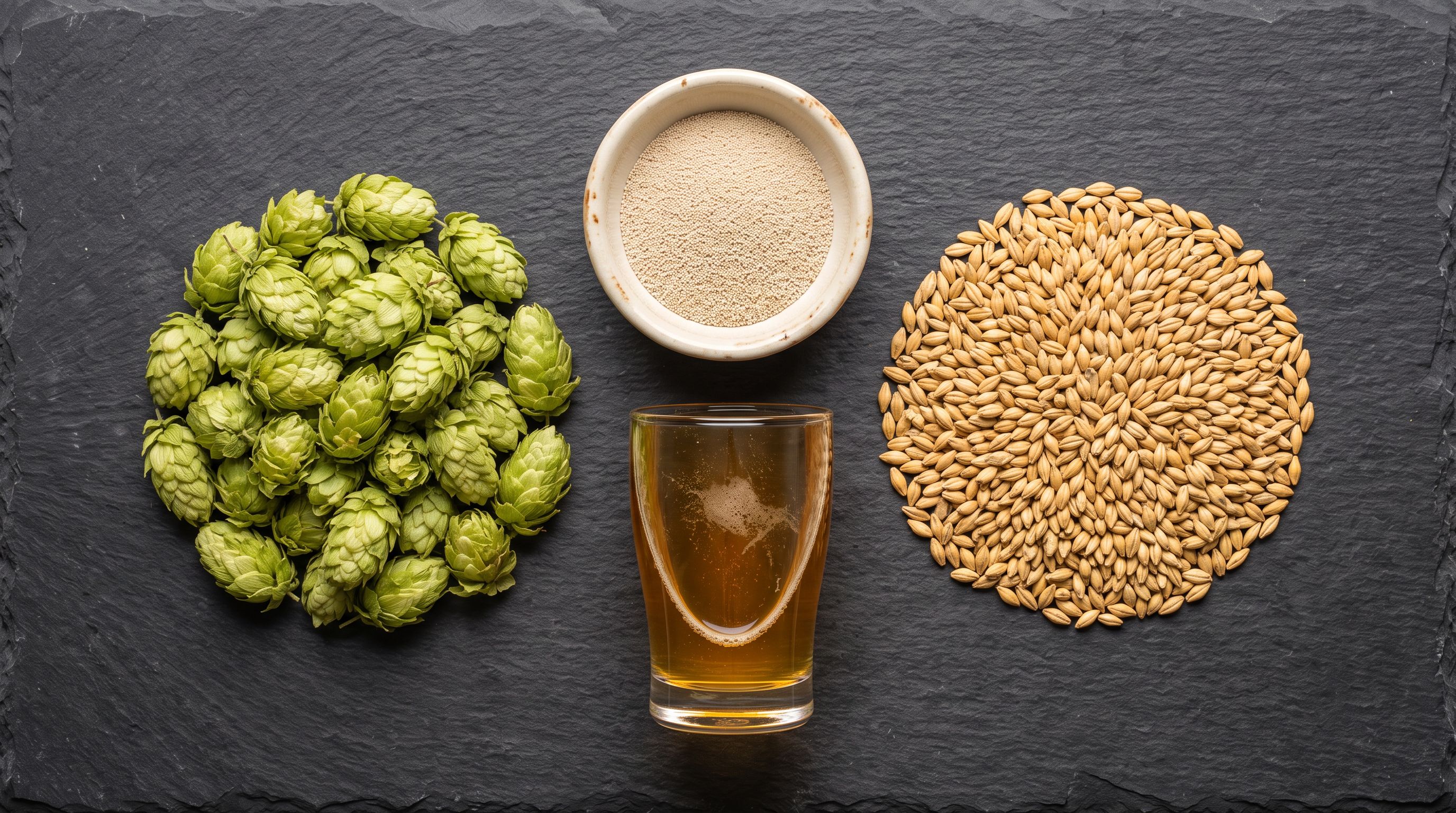
Limited-release and batch-specific beers present a data structure challenge. A New England IPA might be brewed three times a year, each batch with slightly different hop ratios and a different batch number. In Shopify, these are typically separate products (each batch is distinct) rather than variants of the same parent product, because they have different descriptions, different tasting notes, and potentially different prices.
The import structure for batch releases uses the batch number as a distinguishing element in the product title (Beer Name: Batch 23, Beer Name: Batch 24) and as a standalone metafield (batch/vintage identifier) so the storefront can display it and future imports can be cross-referenced against it in the Import History. Importier's Import History records show which products came from which import session by date and file name, so the brewery can trace any product back to the batch file that created it.
- Description: A hoppy IPA with citrus notes, 6.2% ABV. Limited batch release
- No ABV metafield: cannot build 'Session Ales under 4.5%' collection
- No style filter: customers cannot browse by IPA, Stout, Pale Ale
- Sulfite declaration: buried in description prose
- Batch number: in the title only, not queryable
- ABV metafield: 6.2% (powers Smart Collection rule and Google Shopping attribute)
- Style: West Coast IPA, enables filtered browsing and AI shopping agent matching
- Sulfite declaration: structured metafield, visible in allergen filter
- Batch number: searchable metafield separate from title, traceable in Import History
- Description: Sensory-Rich tasting note leads with aroma and palate, technical data follows
Key Takeaways for a Shopify Craft Beer Brewery Product Import
Craft beer product data is not generic product data. Getting the structure right at import time enables the filtering, discovery, and compliance functionality that brewery customers expect.

- Metafields over description prose: ABV, IBU, style, hop variety, serving temperature, and allergen declarations belong in structured metafields that filters, collections, and shopping feeds can read. Description paragraphs satisfy none of these functions.
- Sulfite declarations need a dedicated metafield: beer and cider containing sulfites above the regulatory threshold require explicit labelling. A structured sulfite metafield satisfies this in a way that description text cannot, and it surfaces in allergen filter searches on the storefront.
- Food and Beverage Industry Pack populates the attributes: activating the Industry Pack during the import brings in the correct category attribute fields for alcoholic beverages without requiring the brewery to know Shopify's taxonomy structure in advance.
- Sensory-Rich descriptions convert for taste-driven buyers: leading with aroma, palate, and occasion performs better than a spec-first format for customers making purchase decisions based on flavour profile. Importier generates this from tasting notes entered as enrichment context.
- Batch rotation needs a repeatable import workflow: save the column mapping and pack settings as an import profile after the first import so each subsequent seasonal release loads the same configuration in two minutes.
Import your brewery catalogue with correct ABV, style, allergen, and tasting note data at importier.app.
Set up your first import in under five minutes.
Importier brings products into Shopify with AI descriptions, category metafields, and data enrichment on every run.