Shopify Camera Accessories Import: Specs as Metafields

On this page
A photography accessories retailer imports 180 products from two suppliers: prime lenses, variable ND filters, and carbon-fibre tripods. The supplier spreadsheets include the product name, price, SKU, and a description column that reads something like "67mm variable ND2-ND400 filter, compatible with Canon, Nikon, Sony." That is everything the supplier provides. After the import, shoppers using the store's filter panel to find all 67mm-thread accessories get zero results. The thread size is buried in the description text, not stored as a filterable structured attribute.
A second problem surfaces when a customer asks which lenses are compatible with their Sony E-mount camera. The store has no way to answer the question with a filter. The compatibility data exists in the product descriptions, but it is plain text. No filter panel, no AI shopping comparison, and no Google Shopping feed can parse structured values from an unstructured paragraph.
This is the shopify camera accessories import challenge. Camera and optics products carry more structured technical attributes per product than almost any other category: focal length, maximum aperture, minimum aperture, filter thread size, optical design, compatible camera systems, image stabilisation, autofocus type, and minimum focusing distance. Entering these manually across 180 products takes days. Importier's Electronics & Technology Industry Pack fills them automatically at import time.
What the Electronics & Technology Industry Pack Covers for Camera Accessories Import
Shopify's Standard Product Taxonomy includes Camera & Optics as a top-level category with specific attribute types for lenses, filters, tripods, and camera bodies. The Electronics & Technology Industry Pack maps these taxonomy attributes and fills them from supplier data during import.
For camera lenses specifically, the pack fills:
- Focal Length: single values (50mm) and ranges (70-200mm)
- Maximum Aperture: filled from text like "F/1.8", "f1.8", or "1:1.8" (all normalised to the same taxonomy value)
- Minimum Aperture: filled where present in supplier data
- Compatible Camera Systems: Canon EF, Nikon F, Sony E-mount, Micro Four Thirds, and 20+ other mount standards
- Image Stabilisation: Yes/No or specific system name (Optical IS, VR, OSS)
- Autofocus: Yes/No with optional type (STM, USM, Wave Motor)
- Minimum Focusing Distance: in centimetres
For filters, the pack fills:
- Filter Thread Size: in millimetres (49, 52, 58, 67, 72, 77, 82, 95)
- Filter Type: ND, Polarising, UV, Graduated ND, IR
- ND Stop Range: for variable ND filters (ND2-ND32, ND2-ND400)
- Compatible Camera Systems: same as lenses
For tripods:
- Maximum Load Capacity: in kilograms
- Maximum Height: in centimetres
- Material: Aluminium, Carbon Fibre, Magnesium Alloy
- Head Type: Ball head, Pan-tilt, Fluid head, None

Multi-Value Compatibility: Why Camera Accessories Import Needs Structured Attributes
The most valuable attribute for camera accessories is Compatible Camera Systems, and it is almost always multi-value. A third-party lens manufacturer typically builds one lens that fits multiple mounts. A 50mm f/1.8 prime ships in Canon EF, Nikon F, Sony E-mount, Pentax K, and Fujifilm X variants from one product listing.
Importier's multi-value support handles this at import time. A supplier column that reads "Canon EF / Nikon F / Sony E-mount / Micro Four Thirds" gets parsed into four separate taxonomy values, each stored as a distinct category metafield entry. On the product page, they render as four separate pills:
Compatible Camera Systems | Canon EF Nikon F Sony E-mount Micro Four Thirds
This matters for three reasons:
Filter panels: Shopify Search and Discovery uses category metafield values to power faceted navigation. Each pill is a distinct, machine-readable value. A shopper filtering by "Sony E-mount" gets every product where Sony E-mount is stored as a separate entry, not as part of a pipe-separated string.
AI shopping agents: An AI shopping agent comparing lens compatibility reads structured pills, not a description paragraph. When a shopper asks "which lenses in this store fit my Sony A7 camera?", the agent reads the Compatible Camera Systems metafield across every lens product and returns an accurate result.
Google Shopping: The Google Merchant Centre feed reads structured taxonomy attributes. A lens with four compatible mounts listed as separate taxonomy entries satisfies the feed's compatibility attribute requirements without additional feed configuration.
The same applies to Filter Thread Size. A variable ND filter that fits 67mm, 72mm, and 77mm threads stores each as a separate pill. A shopper with a 72mm front element on their lens finds the filter with a single filter selection.
Two-phase matching in practice
How Importier Fills Camera Attributes From Inconsistent Supplier Data
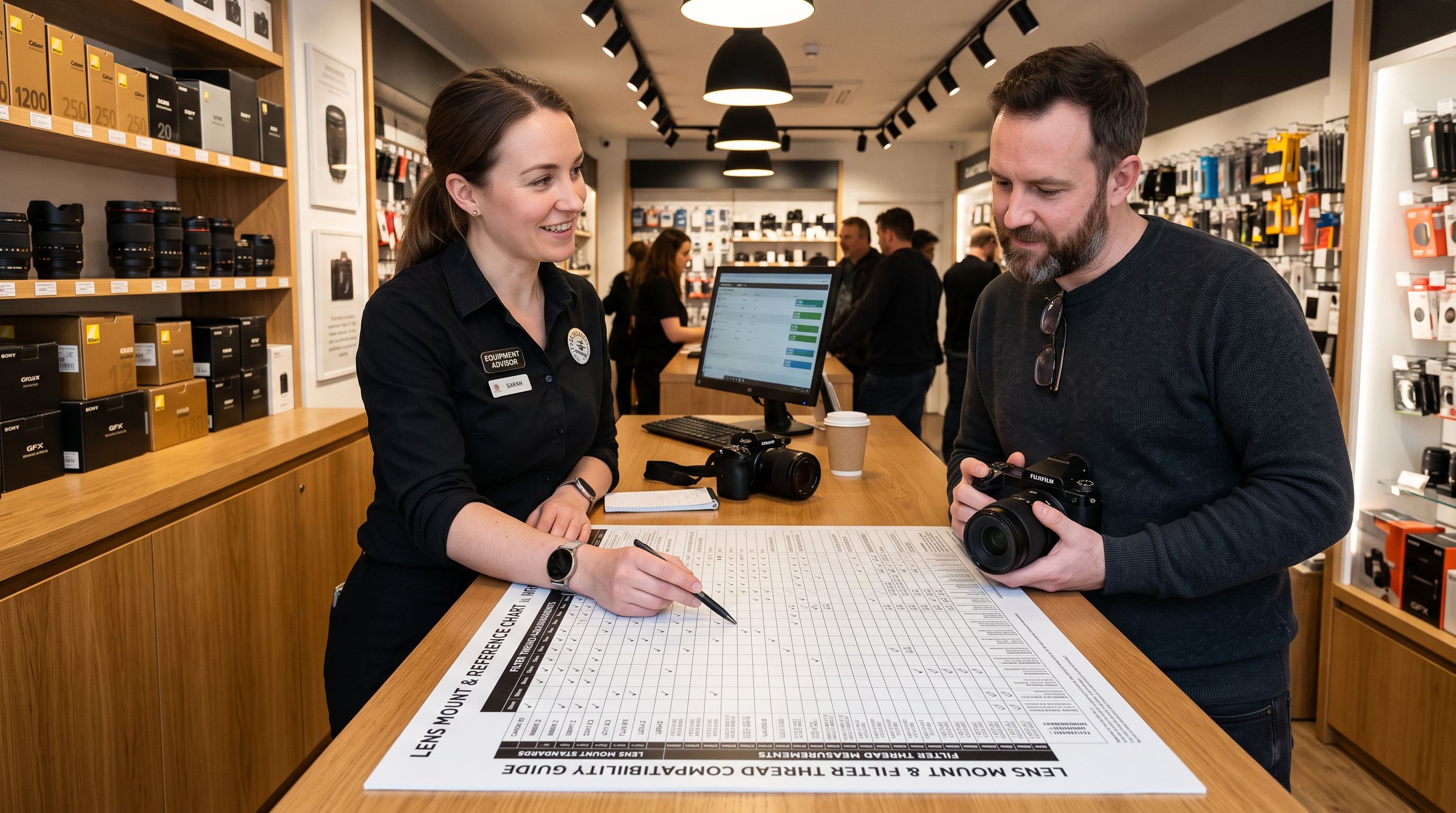
Camera accessory suppliers are not consistent with how they present technical data. One supplier lists aperture as "F/1.8", another as "Maximum Aperture: f1.8", a third embeds it in the product name as "1:1.8 lens". Thread sizes appear as "67mm", "67 mm", and "Filter Size: 67". Mount compatibility appears as "For Canon EF", "Canon EF Mount", "EF-mount compatible", and just "Canon EF".
Importier's two-phase matching handles this:
Phase 1: Text matching. The system scans supplier data for values that directly match or closely match taxonomy attribute values. "Canon EF" and "Canon EF Mount" both resolve to the Canon EF taxonomy entry. Thread sizes expressed as numbers with or without the "mm" suffix match the corresponding taxonomy values.
Phase 2: AI matching. For values where text matching does not produce a confident result, the AI reads the supplier data in context and selects the closest permitted taxonomy value. "STM" in a supplier description column resolves to the "Stepping Motor" autofocus type. "Min focus 30cm" resolves to the Minimum Focusing Distance attribute value.
The AI only picks from pre-defined Shopify taxonomy values, so the result is always a valid attribute entry. It does not invent values or add free-text entries that would fail feed validation.
- 01Add the supplier CSV or Excel file in Importier. For camera accessories, the file typically includes product name, SKU, price, description, and sometimes a specifications column. The auto-mapper identifies common headers such as Price, SKU, and Description
- 02In the column mapping step, verify the mapping between supplier columns and Shopify fields. For multi-value columns such as Compatible Camera Systems or Filter Thread Size, confirm the separator character (slash, comma, pipe) so Importier parses the values correctly
- 03Select the Electronics and Technology Industry Pack in the category metafields step. The pack auto-matches to the correct taxonomy category based on the product data. Camera lenses map to Camera Lenses, filters map to Camera Filters, tripods map to Tripods and Supports
- 04Review the AI description settings. The Technical Gadget description style is recommended for camera accessoriesit leads with sensor and optical specifications before describing the user benefit, which matches how photographers evaluate products
- 05Confirm the import preview. For each product, the preview shows which taxonomy attributes were filled and their values. Products where the supplier data did not yield a confident attribute value show a blank for that attribute. Blanks are expected for unusual or specialised specifications not present in the supplier file

Entering 15 technical attributes manually across 180 camera products is 2,700 data entries. Importier fills them from the supplier file in a single import pass.
What Appears on the Product Page After Import
Once the import is complete, the attributes appear in Shopify admin under the product's Metafields section immediately, before any theme configuration. On the storefront, the Product Metafields block on the product page renders them in Shopify's standard two-column pill format.
For a 50mm prime lens product page:
- Focal Length | 50mm
- Maximum Aperture | F/1.8
- Compatible Camera Systems | Canon EF Nikon F Sony E-mount
- Image Stabilisation | No
- Autofocus | Yes (STM)
- Minimum Focusing Distance | 35cm
For a 67mm variable ND filter:
- Filter Thread Size | 67mm
- Filter Type | Neutral Density
- ND Stop Range | ND2-ND400
- Compatible Camera Systems | Canon EF Canon RF Nikon F Sony E-mount
A shopper on a product page sees the same structured attributes they would find in a specialist camera store. Each attribute is separate from the description text, which remains free for the merchant's brand voice, use-case explanation, and quality narrative.
For more on the difference between category metafields (like these optical attributes) and custom product metafields, see Shopify Product Metafields vs Category Metafields.

Google Shopping Feed Attributes for Camera Accessories
Google's structured data specification for products includes technical attributes that affect Shopping visibility and AI-powered comparison features. For camera accessories, several of these map directly to Shopify's taxonomy attributes that the Electronics & Technology Industry Pack fills.
The most important are:
Compatible Camera Systems: Google uses this attribute to power compatibility-based Shopping searches ("ND filter compatible with Sony A7"). When the attribute is stored as structured taxonomy data, Google reads it directly from the Shopify product feed without additional feed configuration.
Filter Thread Size: Google Merchant Centre uses this to match filters to camera bodies in Shopping. A 67mm filter with Filter Thread Size stored as a category metafield shows in "compatible accessories" searches for cameras with 67mm threads.
Focal Length and Aperture: These attributes appear in Google Shopping's technical specifications panel for lens products. Products that include them in the structured data feed perform better in comparison queries.
The Electronics & Technology Industry Pack fills these attributes during import. Products reach Google Shopping with complete technical data on day one, without requiring a separate feed configuration step.

- Enter Focal Length, Aperture, Compatible Systems, Thread Size, and 10 more attributes per product: 180 products with 15 attributes each = 2,700 manual data entries
- Inconsistent attribute names: supplier A says Canon EF, supplier B says EF-mount; the filter panel treats them as different values, splitting search results
- Compatible camera systems entered as a single text string: one shopify filter option, not filterable by individual mount standard
- Google Shopping feed missing technical attributes: products fail compatibility searches and do not appear in specification-comparison panels
- Electronics and Technology Industry Pack fills up to 15 category attributes per camera product from supplier data in one import pass
- Two-phase matching normalises inconsistent supplier notation: F/1.8, f1.8, and 1:1.8 all resolve to the same taxonomy aperture value
- Multi-value support stores each compatible camera system as a separate taxonomy entry: filter panels and AI shopping agents read individual mount values
- Google Shopping receives structured technical attributes from the category metafield taxonomy, satisfying feed specification requirements for cameras and optics
Key Takeaways
- Camera accessories have more technical attributes per product than most categories. Focal length, aperture, filter thread size, and compatible camera systems are all required for filterable storefronts and Google Shopping visibility. Manual entry across 180 products is not a viable approach.
- The Electronics and Technology Industry Pack fills these attributes from supplier data. Focal length, maximum and minimum aperture, filter thread size, filter type, compatible camera systems, and image stabilisation all fill automatically during the import pass.
- Multi-value compatibility attributes matter most. A lens or filter that fits multiple camera mounts must store each mount as a separate taxonomy entry, not a pipe-separated string. Separate entries power filter panels, AI shopping agents, and Google Shopping compatibility searches.
- Inconsistent aperture and mount notation is handled by the AI matching phase. "F/1.8", "f1.8", and "1:1.8" all resolve to the same taxonomy value without manual data cleaning before importing.
- Technical attributes appear in Google Shopping immediately after import. The Electronics and Technology Industry Pack fills attributes that map directly to Google's camera and photography data specification, so products are feed-eligible with complete technical data from day one.
Import your camera accessories catalogue with the Electronics and Technology Industry Pack at importier.app.
Set up your first import in under five minutes.
Importier brings products into Shopify with AI descriptions, category metafields, and data enrichment on every run.