Shopify January Sale Clearance Import: Bulk Price Reductions
On this page
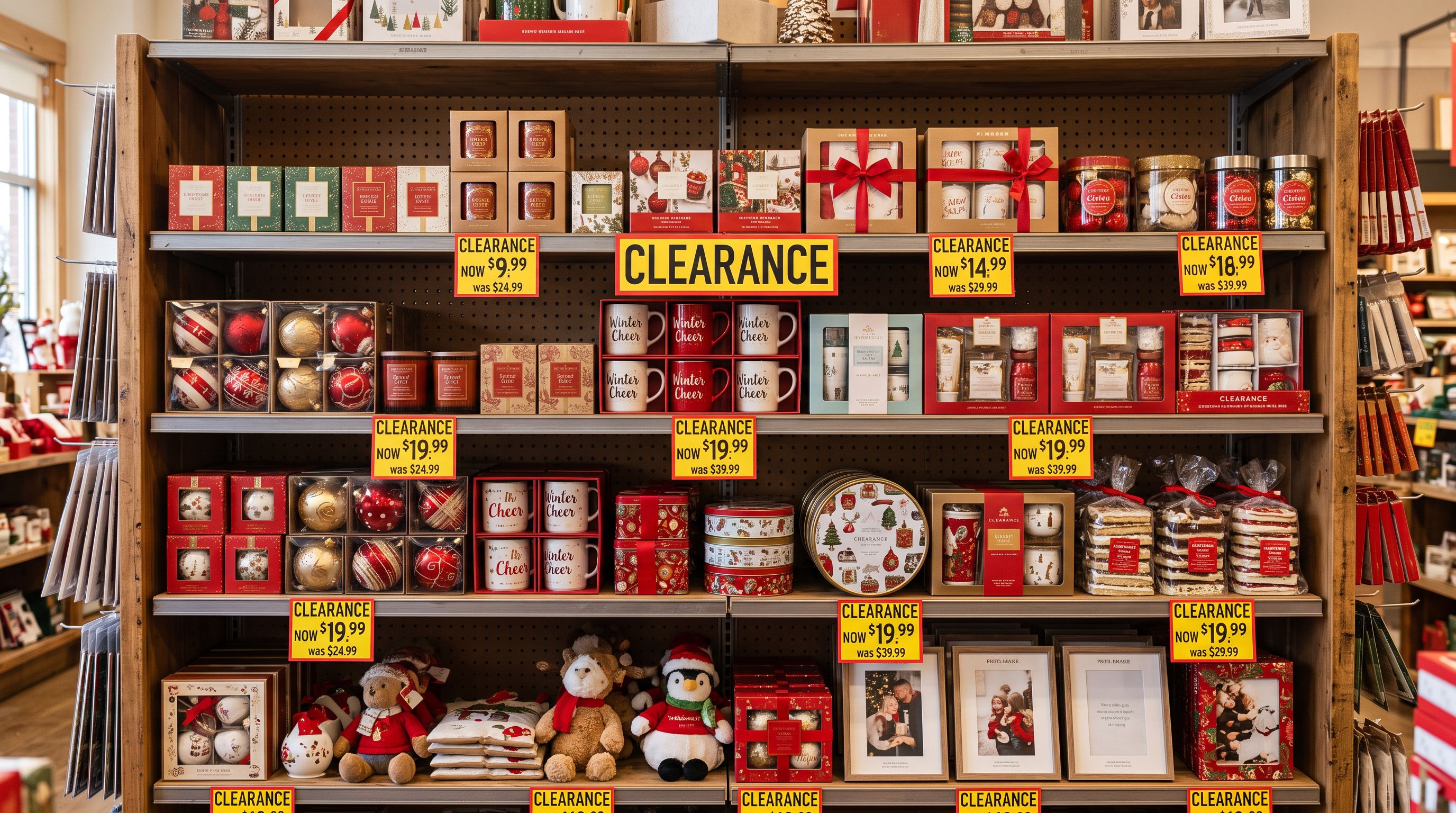
A Manchester gift retailer finished Christmas dispatch on 27 December. They had 400 seasonal products to move through a Shopify January sale clearance bulk import: 280 still-tagged gift hampers, 90 candle sets, and 30 premium bath collections that had not sold. Every product had to go to clearance pricing with the original price shown as a strikethrough by 28 December.
At 9pm on the 27th, they started editing products in Shopify admin. By 11pm they had updated 60 products. At 1am they gave up and launched the sale on those 60 while the remaining 340 sat at full price. The January sale did most of its revenue in the first 48 hours. Those 340 products missed nearly all of it.
The problem was not the pricing decision: it was the mechanism. Shopify's native CSV importer and bulk edit tools can handle a Shopify january sale clearance bulk import, but the workflow for doing it correctly with compare-at prices showing the original RRP requires steps that are not obvious until the first clearance sale reveals them.
Why Clearance Imports Are Different From Price Updates
A standard supplier price update changes one field: the product price. It runs on a schedule, it is not urgent, and the only risk is importing a wrong value.
A clearance import changes two interdependent fields simultaneously under time pressure:
- Price: the clearance price (what the customer pays)
- Compare-at price: the original full price (what shows as the strikethrough)
The relationship between these two fields is what makes clearance imports technically precise work. The compare-at price must be higher than the price for Shopify to display the sale badge and strikethrough. If the compare-at is equal to or lower than the price, Shopify silently removes the sale indicator. A clearance import that sets price to $40 but leaves compare-at at $38 (from a previous promotion) displays no discount badge at all.
Getting both fields right, for 400 products, in a single import pass before the sale window opens: that is the operational challenge.
The Compare-At Trap in Clearance Imports
The most common error in a clearance import is using a Shopify product export as the input file without auditing the compare-at column first.

When a merchant exports their full product catalogue, Shopify includes a compare_at_price column. For products that had a promotional compare-at set during Black Friday or a pre-Christmas sale, that column still holds the promotional value. A candle set originally priced at $65, temporarily promoted at "Was $85, Now $65" for a Black Friday sale, and then returned to $65 with no active compare-at will export with the compare_at_price column blank (or at $0 if the field was cleared).
If the merchant opens this export, sets the price column to $42 for clearance, and imports without touching the compare-at column, Shopify treats the blank compare-at as $0, which is less than $42. No badge. No strikethrough. The product shows at $42 with nothing to indicate it was reduced.
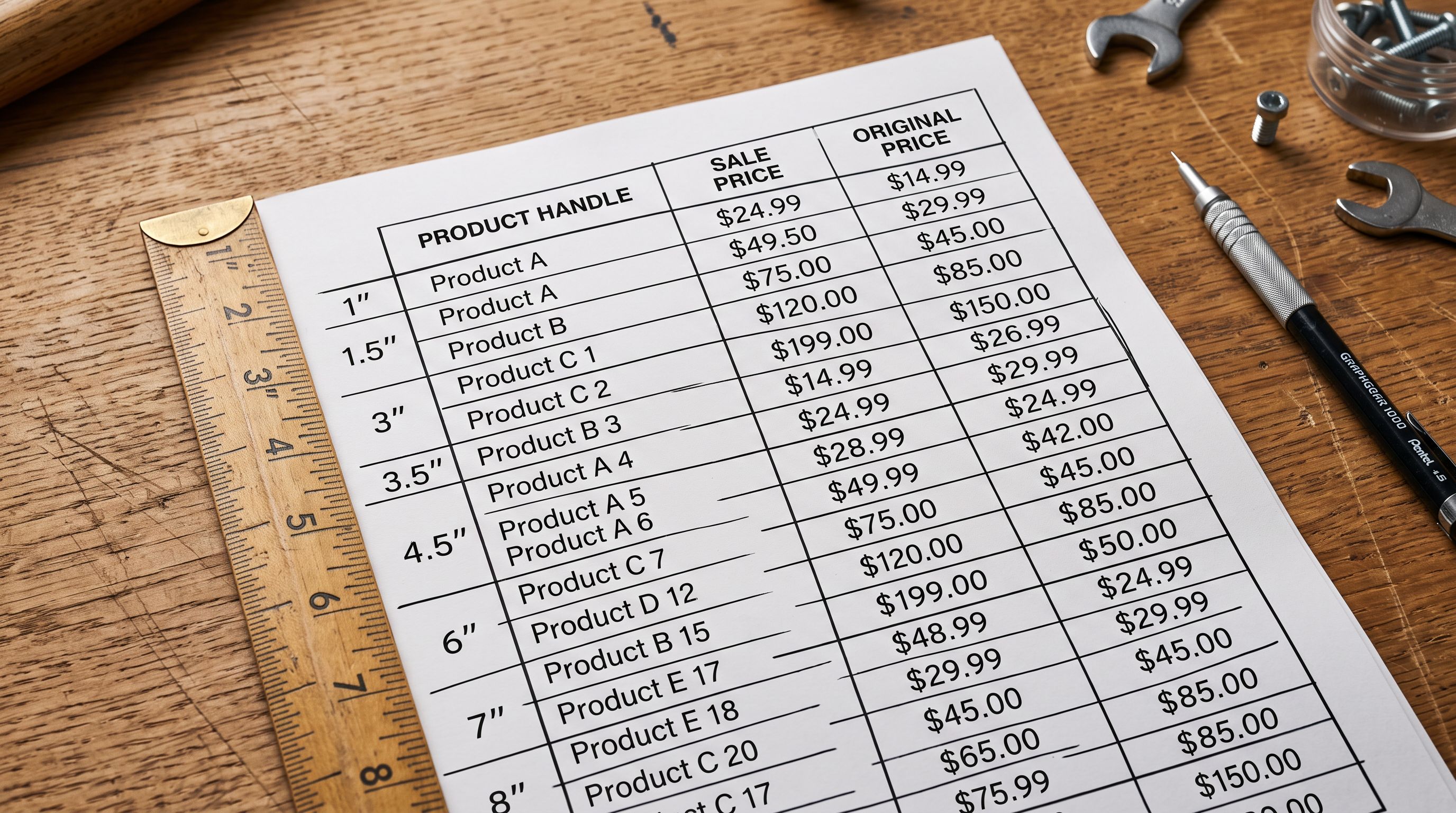
The correct input for a clearance import is not the Shopify export. It is a pricing file built specifically for the clearance event with both columns explicitly set:
| Handle | Price | Compare At Price |
|---|---|---|
| candle-gift-set-large | 42.00 | 65.00 |
| hamper-deluxe | 55.00 | 89.00 |
| bath-collection-premium | 35.00 | 58.00 |
The Compare At Price column carries the original full price, not the promotional compare-at from a previous event. This is a data preparation step that happens before the import, not during it.
According to Shopify's compare at price documentation, the compare-at price is a reference price field that Shopify uses to calculate and display the percentage discount when it exceeds the selling price. It is set per variant, which means a product with three size variants requires three compare-at values in the import file.
- 01Prepare a clearance pricing CSV with three columnsHandle (matches your Shopify product handles exactly), Price (the clearance selling price), and Compare At Price (the original full price, not a promotional price from a previous event).
- 02Upload the file to Importier and use the field mapper to map Handle to the product match key, Price to the selling price field, and Compare At Price to the compare-at field. Leave every other column unmapped. This is criticalan unmapped column does not reach Shopify and cannot overwrite existing data. Descriptions, images, tags, and metafields are all preserved.
- 03Review the mapped data before confirming. Verify that every compare-at value is higher than its corresponding price. Importier flags rows where compare-at is equal to or less than price during the review step. Fix any flagged rows before confirming.
- 04Set the import mode to Update existing products only. A clearance import should never create new products.
- 05Confirm and push. Importier updates only the price and compare-at fields for each product. The rest of the product data is untouched. Add the tag clearance-2026 as a batch default before confirming so every updated product joins the clearance collection automatically.
Building Clearance Collections at Import
Clearance collections work the same way as any other tag-based Smart Collection in Shopify. The tag clearance-2026 applied as a batch default during the clearance import creates an automatic collection membership for every product that goes through the import.
A practical clearance collection structure:
- Main clearance collection: Smart Collection with rule
tag contains clearance-2026. Everything on clearance in one browsable page. - Category clearance collections: Smart Collections with
tag contains clearance-2026ANDtag contains [category]. A "Clearance Candles" collection usesclearance-2026+candles. - Price-tier clearance collections: Smart Collections with
tag contains clearance-2026ANDvariant price <= [amount]. An "Clearance Under $30" collection for buyers hunting the deepest discounts.
The category and product tags were set at the original Christmas import. The clearance-2026 tag added during the clearance import is the only new addition. All three collection types populate automatically.
A clearance sale is not a sale unless buyers can find it. The tag added at import is what makes the clearance collection populate. Without it, discounted products sit in their original collections with no sale indicator pointing buyers to them.
AI Descriptions for Clearance Stock
Clearance product descriptions need to do something different from full-price descriptions. A gift hamper described as "the perfect gift for someone who appreciates the finer things" was the right description in November. In January, at a 40 per cent discount, it is still accurate but it no longer reflects the buyer's context.
Buyers browsing a January clearance sale are motivated by value, limited availability, and the specific knowledge that this is the last chance at this price. Clearance descriptions that lead with the discount framing convert better than descriptions that treat the product as still at its original positioning.
Rewriting descriptions for clearance
Importier's Store Scanner can identify all products tagged clearance-2026 and generate updated descriptions for that filtered set without touching the rest of the catalogue. The Benefits-First description style works well for clearance stock because it leads with what the buyer gets (the product + the value at this price) rather than the emotional gift framing that worked in November.

For a retailer with 400 clearance products, this is a batch operation: filter by clearance-2026, select Benefits-First style, apply the clearance persona across the batch, review and push. The original Christmas descriptions are overwritten only on the clearance-tagged products. Year-round stock is untouched.
- The kind of gift that says you thought about it. A hand-poured sandalwood candle that fills a room without announcing itself, paired with an evening that finally feels like it belongs to them.
- Everything they need to make a Sunday morning feel like a deliberate choice.
- Full-size sandalwood candle, premium bar soap, and bath salts: the complete set at 38 per cent below the original price. Remaining stock from the Christmas range, cleared at $42.
- Three-piece bath collection reduced from $58. Same products that sold through in December, available while stock lasts.
The right-hand descriptions are not better writing. They are writing that matches where the buyer is: looking for genuine value, aware of the clearance context, and not shopping for someone else.
Post-Clearance Cleanup and Restocking
After the January sale closes, clearance products need to leave the clearance collection and either be archived or re-priced for the new season.
The clearance-2026 tag is the handle for this. A Shopify export filtered by that tag gives you the exact set of products that went through the clearance event. From there:
- Products that sold out: archive via a status update import (Handle + Status: archived). The archived products are off the storefront but preserved in Shopify's records.
- Products with remaining stock: remove the clearance-2026 tag and reset compare-at to blank via an update import. This removes them from the clearance collection and returns them to their normal category collections without the sale badge.
- Products being discontinued: delete-ready for a manual bulk action in Shopify admin once the team confirms nothing is still in transit.
The seasonal catalogue management guide covers the archive versus delete decision for end-of-season stock in more detail. For clearance products specifically, archiving rather than deleting preserves the product page URL, which may have accumulated backlinks and search equity from the Christmas selling season.
Importier's Import History logs the original Christmas import and the January clearance import as separate batches. If a product needs to be traced (a customer queries a return, or a supplier needs to match a SKU to an original order), both the original pricing and the clearance pricing are on record.
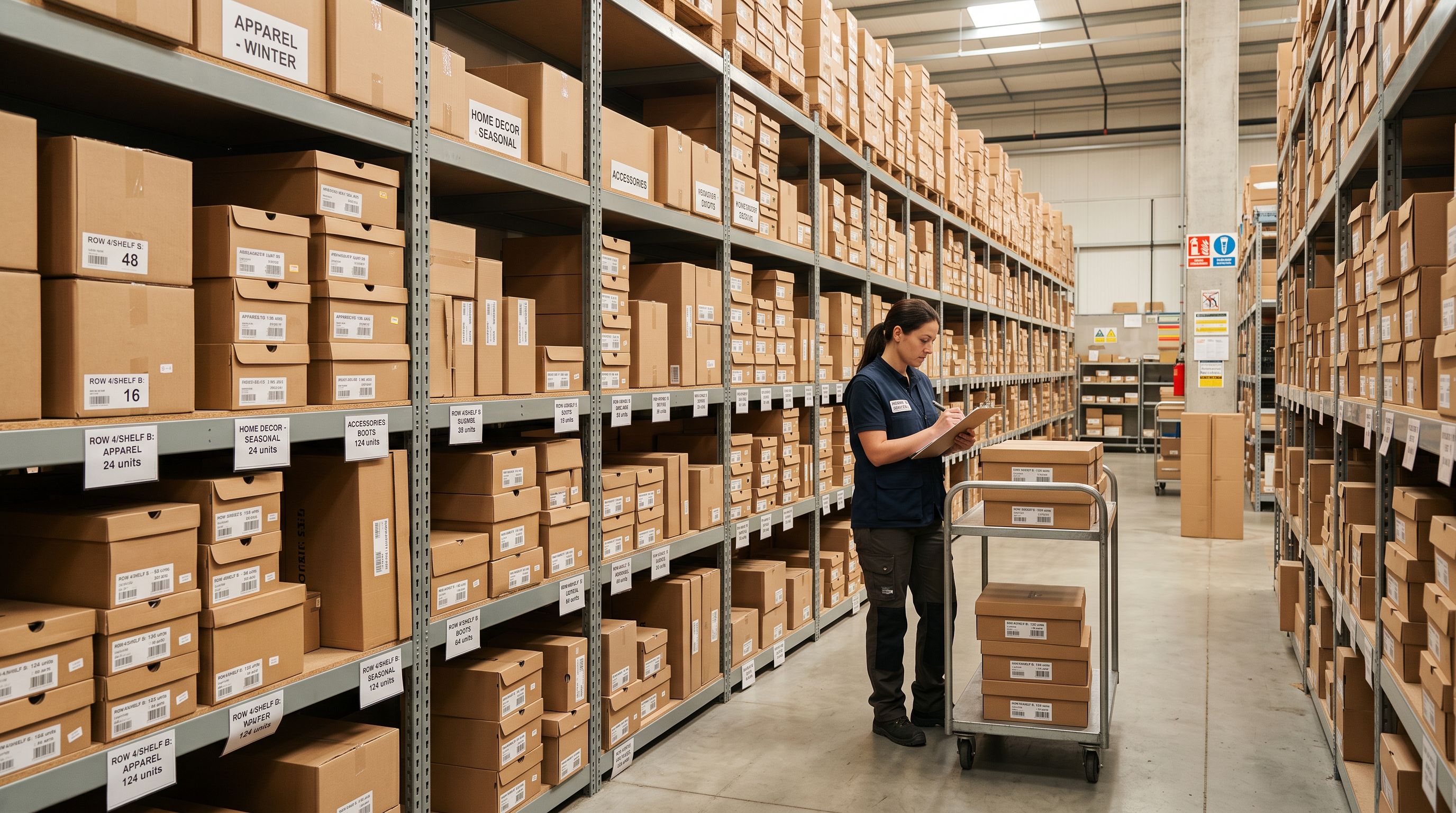
According to the National Retail Federation's January consumer data, January sales drive significant post-holiday spending as consumers redeem gift cards and spend budget freed up by the holidays. A clearance catalogue that goes live on 28 December captures both the immediate post-Christmas window and the January gift-card spend that follows.
The shopify-christmas-gift-season-product-import guide covers the original seasonal import that produces the stock going into the clearance event. Running both the Christmas import and the January clearance import through Importier means the product handles, tags, and field structure are consistent across both passes.
Key Takeaways
-
Clearance imports update two fields simultaneously: price (the clearance price) and compare-at price (the original full price). Setting only the price without the compare-at removes the sale badge and strikethrough from the product page.
-
Do not use a Shopify product export as your clearance pricing input. Previous promotional compare-at values in the export column will corrupt the discount calculation. Build the clearance pricing file from scratch with Handle, Price, and Compare At Price columns only.
-
Map only the fields you intend to change. In Importier's field mapper, leave descriptions, images, tags, and metafields unmapped. They are preserved automatically. Only map Handle (match key), Price, and Compare At Price for a price-only clearance update.
-
Add the clearance-2026 tag as a batch default. This populates clearance Smart Collections automatically without any post-import collection assignment.
-
Update AI descriptions for clearance context. A gift-framed Christmas description does not convert for a clearance buyer. Use Importier's Store Scanner filtered by the clearance tag to regenerate descriptions with a Benefits-First style for the clearance product set only.
-
Archive, do not delete, sold-out clearance stock. The clearance-2026 tag identifies the products. Archiving preserves URLs and search equity accumulated during the Christmas season.
Run your January clearance update at importier.app and have 400 products at clearance pricing before the post-Christmas window opens.
Set up your first import in under five minutes.
Importier brings products into Shopify with AI descriptions, category metafields, and data enrichment on every run.