Shopify AI Product Descriptions in the Wrong Language: How to Fix It
On this page
A pet supplies merchant in Québec runs a French-language Shopify store. Every page, collection, and checkout flow is in French. In April, they import 80 products from a supplier and use Importier to generate descriptions for all of them in one batch. The descriptions generate quickly and look well-structured. The merchant pushes them to Shopify and moves on. Two weeks later, a customer leaves a review complaining that the product pages are in English while everything else on the site is in French. The merchant checks and finds 80 product description pages fully in English on a French-language storefront.
Nothing went wrong with the import. The AI generated exactly what it was instructed to generate: English-language product descriptions. The instruction was implicit: when no language is specified, the AI models default to English. The merchant's Shopify store locale and the AI description generator are independent systems. Setting one does not automatically configure the other.
Why the AI Writes in English by Default
AI language models generate text in the language they are instructed to use. When an Importier Brand Voice configuration does not specify a language, the underlying models produce English descriptions. This is not a translation step applied to English output. The models write in the target language natively when instructed to do so. Without a language instruction, English is the default output of every model in the Importier catalogue.
The disconnect between store locale and description language is a common configuration gap for international merchants and migrating stores. Merchants who set up their Shopify store in French or German tend to configure their theme, collections, navigation, and checkout copy in that language through Shopify's own settings. Importier's Brand Voice is a separate configuration step that does not inherit from the Shopify store settings. A merchant who never opens Brand Voice and changes the language setting will generate English descriptions indefinitely, even with a fully localised storefront.
The problem compounds with volume. A merchant who imports 200 products and generates descriptions in one batch has 200 English pages on a French storefront. Noticing the problem early and fixing it before the batch is pushed saves regeneration costs and prevents the mismatch from reaching customers and being indexed by Google.

Fixing existing descriptions and preventing the problem on future imports both involve the same configuration step: setting the language in Brand Voice. The fix is one setting, not a complete reconfiguration.
Setting the Language in Brand Voice
The Brand Voice configuration in Importier includes a Language field that specifies the target language for all AI-generated descriptions from that account. The field accepts a plain language name: "French", "German", "Spanish", "Dutch", "Italian", "Portuguese (Brazil)", "Japanese", "Korean", "Simplified Chinese", and all other major languages supported by the underlying models.
Setting this field instructs every description generation from that point forward to produce output in the specified language. It applies to descriptions generated through the import wizard, the Store Scanner, and the FAQ Generator.
For the Québec pet supplies merchant, the fix is to open Brand Voice, set Language to "French", and regenerate all 80 product descriptions using the Store Scanner's Replace mode. The new descriptions will be written in French natively, not translated from English.
Fixing wrong-language descriptions and preventing recurrence
Regenerating Existing Wrong-Language Descriptions
For merchants who have already pushed English descriptions to a non-English store, the regeneration workflow is:
- 01Open Brand Voice in Importier. Locate the Language field and set it to the correct language for your store (e.g., 'French' for a French-language Québec or France store, 'German' for a German store). Save the Brand Voice configuration. All subsequent description generation will use this language.
- 02Open Store Scanner and select the products that received wrong-language descriptions. If the entire catalogue needs correction, scan without a collection filter and process all products in Replace mode. If only specific collections are affected (e.g., the products imported last week), use the collection filter to target only those.
- 03Set the mode to Replace. This overwrites the existing English descriptions with freshly generated descriptions in the configured language. Append mode would add French text after the existing English text, producing mixed-language descriptions. Replace is always correct for a language fix.
- 04Enter any product-specific enrichment context in the appropriate language. If the products are pet food, enter the target customer and product positioning in French (e.g., 'Aliments naturels pour chiens adultes actifs, audience ciblepropriétaires de chiens au Québec'). The AI uses this context to generate descriptions with the correct regional register, not just the correct language.
- 05Review 3-5 generated descriptions before pushing to Shopify. Confirm the output is in the correct language and that any regional dialect considerations are handled correctly (see below).
- 06Push to Shopify. The Store Scanner replaces all previously generated English descriptions with the new language-correct versions across all flagged products.
Dialect and Regional Considerations
Language is not monolithic. French for France and French for Québec differ in vocabulary, register, and formal conventions. German for Germany, Austria, and Switzerland diverge on some terminology. Portuguese for Brazil and Portugal differ enough that a description written for one market may read as foreign to the other.
Importier's language field accepts regional specifications: "French (Canada)", "Portuguese (Brazil)", "Spanish (Latin America)". When the standard language name is used without a qualifier, the AI produces the most commonly used register for that language, which is typically the European standard. For merchants serving a specific regional market, specifying the regional variant produces more natural-sounding copy.
For UK merchants, spelling conventions (optimise vs. optimize, colour vs. color, catalogue vs. catalog) are important for brand consistency and sometimes for regulatory compliance in product descriptions. Setting the language to "English (UK)" or including explicit spelling instructions in the Brand Voice description field instructs the AI to use UK conventions throughout.
The enrichment context field also accepts language-specific instructions that go beyond what the language field provides. A German merchant whose products use formal "Sie" address rather than informal "du" should note this in the Brand Voice description. A Spanish merchant whose products use Castilian "vosotros" constructions rather than Latin American "ustedes" should specify this in the context. These register distinctions are difficult to infer from product data alone but straightforward to specify as explicit instructions.
Multi-Language Stores and Shopify Markets
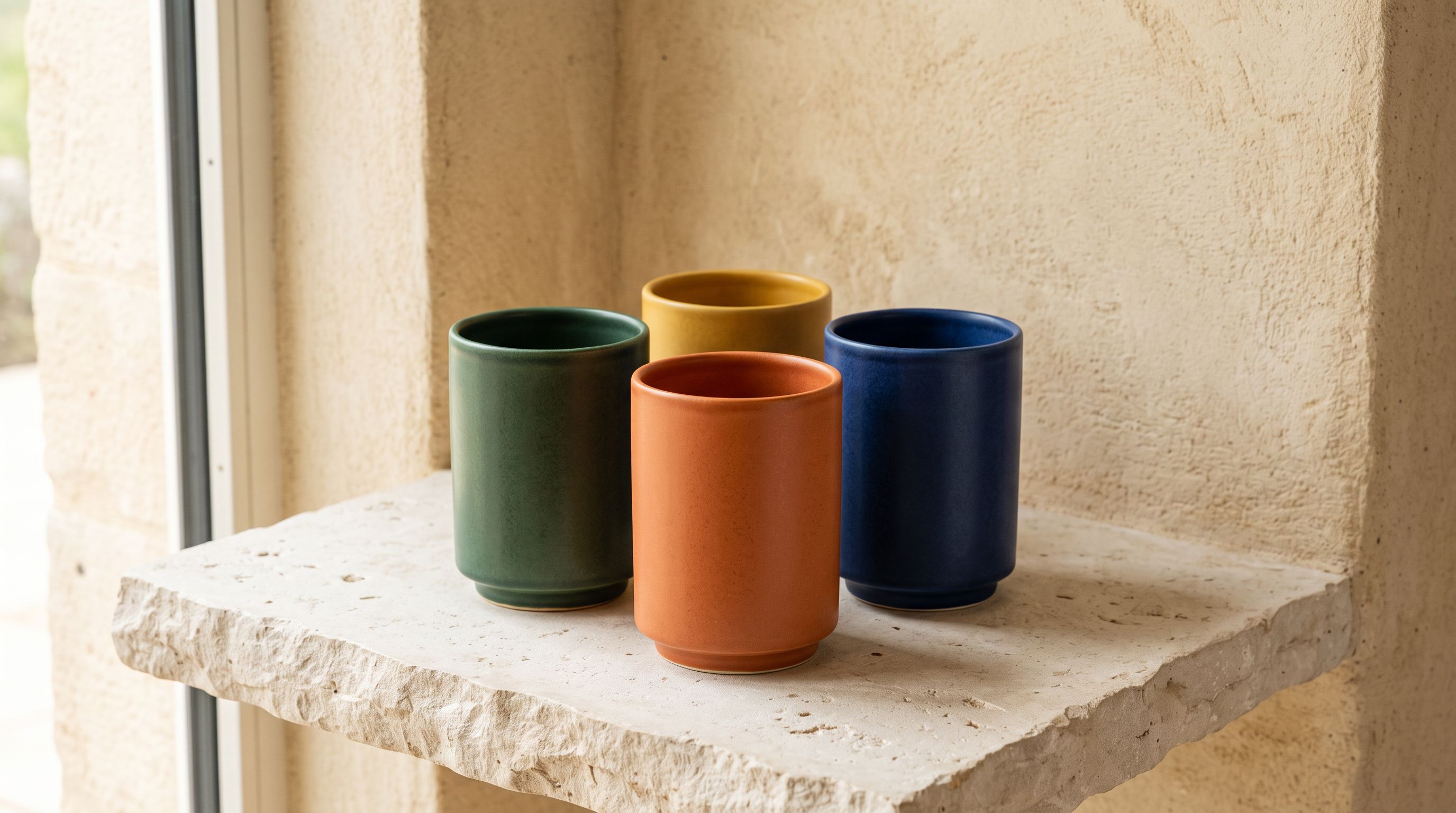
Some merchants run stores that serve multiple language markets simultaneously. A Belgian e-commerce store might need product descriptions in both French and Dutch. A Swiss store might need French, German, and Italian versions. Shopify Markets handles the storefront localisation for these merchants, but it requires separate product description content for each locale.
For multi-language Shopify stores, the workflow involves generating descriptions separately for each target language:
- Set Brand Voice language to French, generate descriptions for all products, export the French descriptions
- Set Brand Voice language to Dutch, generate descriptions for all products, export the Dutch descriptions
- Import each language set into the appropriate Shopify translation fields for each product
The Brand Voice export and the Descriptions Only export preset in Importier's Product Export make this workflow practical for catalogues above 100 products. For smaller catalogues, the generation step can be run twice (once per language) and the descriptions copied to the translation fields manually.
A merchant running a truly multilingual storefront should also consider whether the AI model tier matters for each language. Some models in the Importier catalogue perform better in European languages than others. For languages with less training data in mainstream AI models (regional languages, minority languages), testing a higher-tier model against a lower-tier model on 5-10 sample products identifies quality differences before committing to a full catalogue generation run.
Checking for Language Consistency After Generation
After regenerating descriptions in the correct language, a quick quality check confirms that the output is consistent:
- All descriptions in the target language. If any descriptions are in English, the generation run may have encountered a model error or timeout that fell back to a cached English version. Identify and regenerate the affected products.
- No code-switching mid-description. Some products with English-only product names (technology brands, ingredient names with no local-language equivalent) may produce descriptions that switch between languages mid-sentence. This is usually handled correctly by well-instructed models but worth checking in a sample of 10-15 products across different categories.
- Consistent register throughout. If the Brand Voice is configured for formal address and a few descriptions use informal address, the inconsistency was likely caused by insufficient context in the Brand Voice description field. Add explicit register instructions and regenerate the inconsistent descriptions.

According to Shopify's language configuration guide, product content (titles, descriptions, metafields) must be translated separately from the theme interface text. Shopify's built-in translation system and third-party translation apps handle the storefront display, but the actual content: the descriptions, FAQs, and titles in each language — must be separately authored or generated. Importier's language-specific generation handles the content creation step for each locale.
The AI writes in the language it is instructed to use. Without a language instruction, that is English. One field change in Brand Voice applies the correct language to every description generated from that account forward.
Key Takeaways for Shopify AI Product Descriptions in the Wrong Language
Wrong-language descriptions on a localised Shopify store are a configuration gap, not a capability limitation. The fix is a single setting in Brand Voice.
- The Shopify store locale does not configure the AI description language: the two systems are independent. Setting your store to French does not instruct Importier to generate French descriptions. The Language field in Brand Voice is the correct place to configure this.
- Native-language generation is not translation: when Brand Voice language is set to French, the AI writes descriptions in French from the product data directly. This produces idiomatic French copy rather than English descriptions run through a translation model.
- Use the regional variant for the correct dialect: "French (Canada)" produces Québécois French; "Portuguese (Brazil)" produces Brazilian Portuguese. The standard language name defaults to the European standard. Specify the regional variant for markets where dialect conventions matter.
- Regenerate with Store Scanner Replace mode to fix existing descriptions: Replace overwrites the English descriptions with new language-correct ones. Append mode adds language-correct text after the English text and produces mixed-language descriptions.
- Multi-language stores require separate generation runs per locale: generate once per target language and place each output into the appropriate Shopify translation field. The Descriptions Only export preset supports this workflow.
Fix wrong-language product descriptions across your Shopify catalogue at importier.app.
Set up your first import in under five minutes.
Importier brings products into Shopify with AI descriptions, category metafields, and data enrichment on every run.