Shopify Product Type Taxonomy: Build It Before You Import
On this page
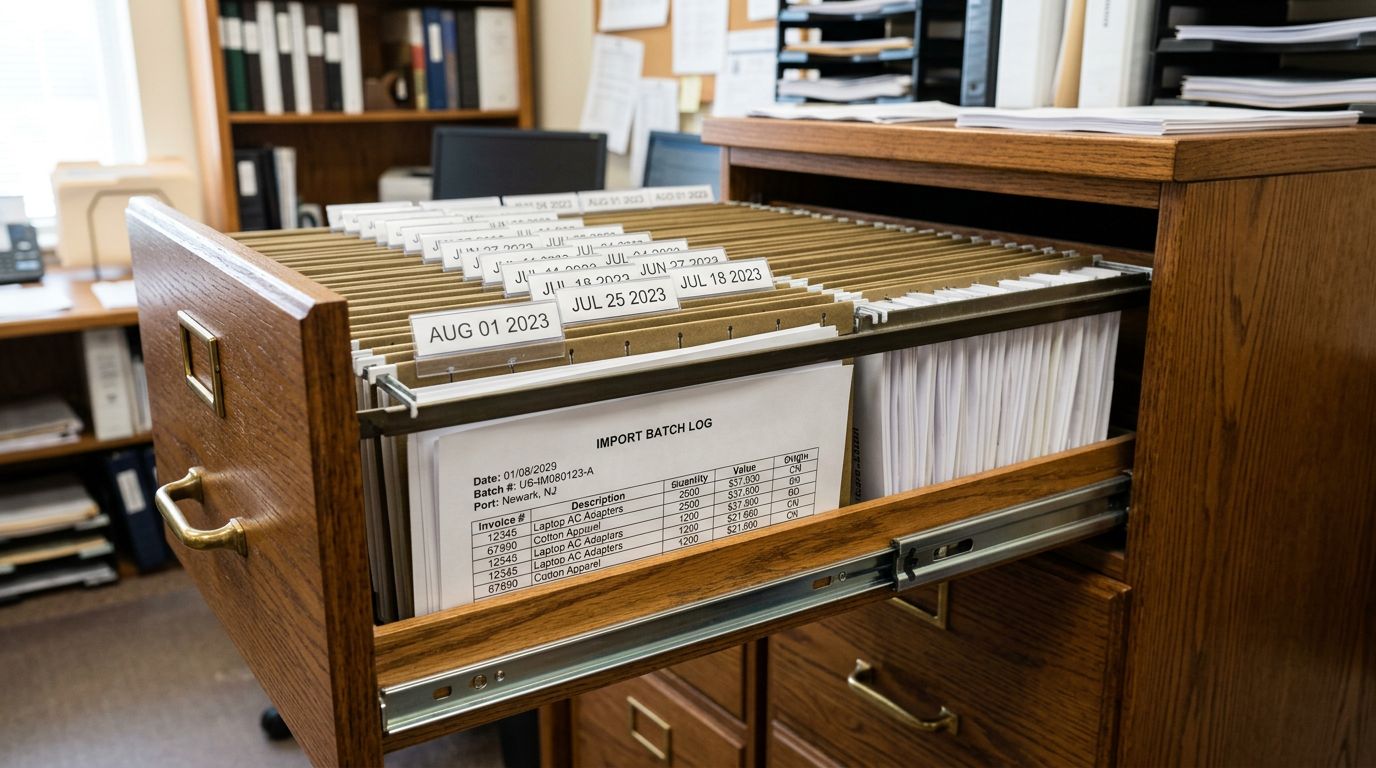
A fashion accessories retailer imported 200 products from three suppliers across two weeks. Each supplier used their own category naming: the first sent Accessories and Women's Accessories, the second sent WMN-ACC and JWLRY, the third sent jewellery and Jewelry (different spellings for the same product category). After import, the automated collection rule for the store's main Accessories collection matched 61 of 200 products. The other 139 were correctly imported, correctly priced, and invisible to every collection on the storefront.
The problem was not the import. The problem was the absence of a product type taxonomy before the first supplier file arrived.
Shopify's Product Type field accepts any string and validates nothing. A product with type JWLRY is as valid to Shopify as a product with type Jewellery. The difference is that JWLRY matches no collection rule, no type-based facet, and no Google Merchant Centre category string the merchant intended. The validation failure is silent until the collections are empty.
What Product Type Actually Controls
Product Type in Shopify is a free-text field that the merchant defines. It is distinct from Shopify's Standard Product Taxonomy (the built-in 5,000-category hierarchy used for metafield filters), which is opt-in at the category level. Product Type is a simpler field, but it controls three things that matter significantly to how the catalogue functions:
Automated collection rules. Shopify's automated collections evaluate product type as an exact-match or contains condition. A collection with the rule "Product Type is equal to Running Shoes" includes only products where the Product Type field contains exactly Running Shoes. A product with type Running Shoe (singular), running shoes (different case), or Athletic Footwear is excluded from that collection permanently unless its type is corrected.
Storefront type-based navigation. Themes that surface type-based facets in search and collection pages read the Product Type field directly. Inconsistent types produce filter options like Accessories, Women's Accessories, WMN-ACC, jewellery, and Jewelry as separate filter entries, each with a small product count, none of them matching what a merchant actually intends to show.
Google Merchant Centre product_type attribute. When Importier exports products to a Google feed, the Product Type field maps to the product_type attribute in the feed. Google uses product_type as a categorisation signal alongside google_product_category. A consistent product type taxonomy improves GMC categorisation and ad targeting precision. Inconsistent or supplier-code product types weaken the signal.

Design the Taxonomy Before You Import
A product type taxonomy is a controlled vocabulary: a fixed list of acceptable values for the Product Type field. Every product imported to the store must have a type that exists on the list. Every supplier file must map to the list before import runs.
Designing the taxonomy before import prevents the inconsistency problem at its source. Fixing it after import requires either a re-import (viable for recent batches with Import History), a Store Scanner bulk replace pass (viable for established catalogues), or manual product-by-product editing (not viable at any scale above 50 products).
The design exercise takes one to two hours for a catalogue of 2,000 products. The questions it answers:
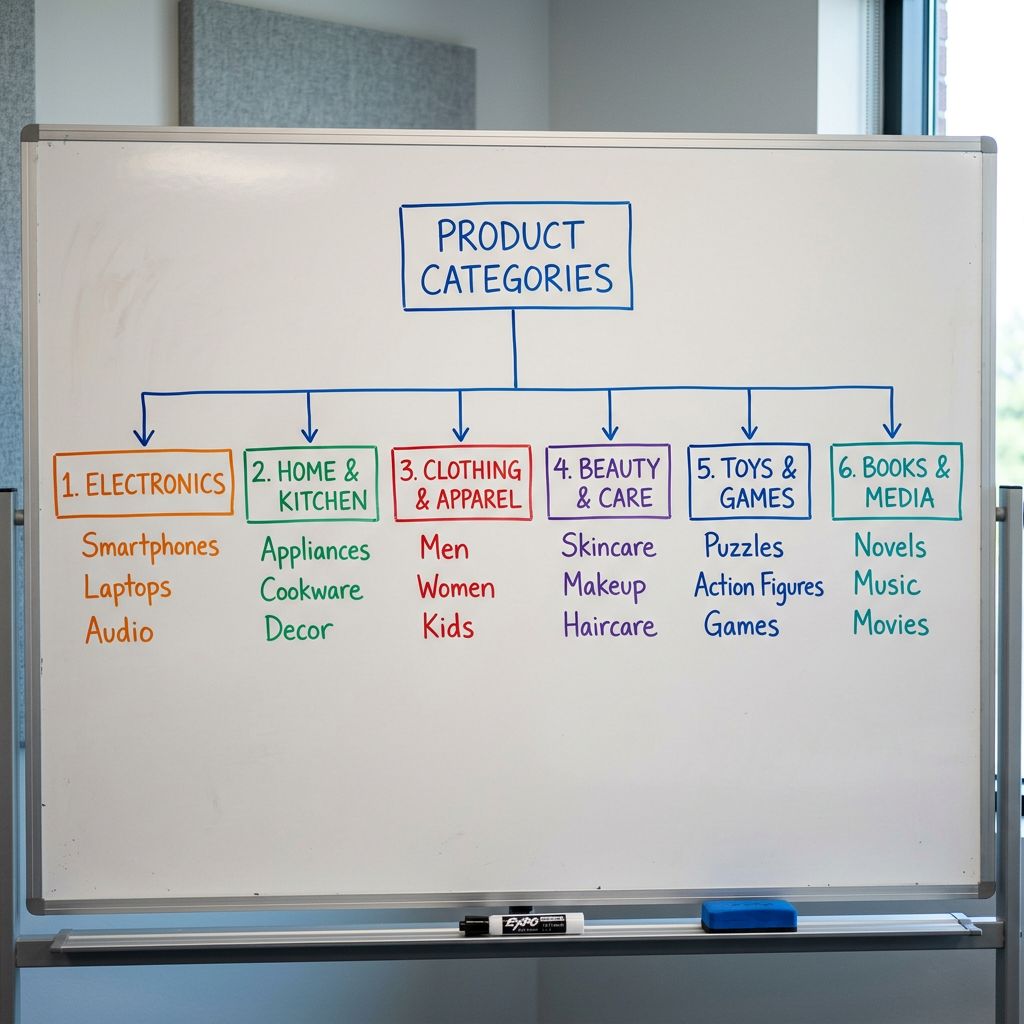
How deep should the hierarchy go? A taxonomy with a single top-level value (Accessories) is too broad to support meaningful collection rules or filter navigation. A taxonomy with four-level codes (WMN > ACC > JWLRY > NECK) is too narrow and too opaque to maintain across suppliers. The practical depth for most catalogues is one or two levels:
- Flat list:
Rings,Necklaces,Earrings,Bracelets,Watches(works well for catalogues under 500 products with distinct categories) - Two-level:
Jewellery - Rings,Jewellery - Necklaces,Jewellery - Earrings(works well for catalogues with parent categories that need separate collection rules at both levels)
Singular or plural? Pick one and enforce it. Running Shoe and Running Shoes are different values in an exact-match collection rule. The convention that survives supplier variation most reliably is plural for product types that are usually bought in pairs or sets (Earrings, Running Shoes, Socks) and singular for everything else (Watch, Ring, Necklace). Document the convention and apply it to every value on the list.
Title case or sentence case? Shopify's collection rules are case-sensitive. Running Shoes and running shoes are different values. Use Title Case for all product type values: it is the most common convention and survives manual entry by staff better than lowercase.
How many values? A taxonomy with 200 product type values is as useless as no taxonomy: collection rules become unmaintainable and filter navigation produces too many options for customers to navigate. Aim for 20 to 60 values for a catalogue of 500 to 5,000 products. If a category would contain fewer than 10 products, merge it with its nearest parent.
A product type taxonomy is a controlled list. Its value comes from having every product on the same list, not from the size or depth of the list.
Google Product Category as a Foundation
Using Google Product Category as a Starting Point
Designing a product type taxonomy from scratch produces varying quality depending on how much merchandising discipline the team has. Using Google's Product Category taxonomy as a starting point produces a taxonomy that is consistent with an internationally maintained controlled vocabulary, compatible with GMC's google_product_category attribute, and detailed enough to support meaningful collection rules.
Google's Product Category taxonomy contains thousands of leaf values organised into parent categories. For most Shopify catalogues, the relevant section is a small subset: the leaf values for the categories the merchant actually sells.
The process:
- List every category the catalogue covers.
- Find the corresponding Google Product Category leaf value for each category.
- Adopt the Google leaf value label as the Product Type value:
Running Shoes,Necklaces,Sofas & Sectionals,Smartphones. - Apply the singular/plural and title-case convention where it conflicts with the Google label.
The result is a taxonomy that maps one-to-one to a Google Product Category value. When the Google feed is generated, the product_type attribute already uses a label that corresponds directly to a google_product_category value, strengthening both signals.
For multi-category catalogues where Google's hierarchy does not have a precise leaf match (artisan products, handmade goods, speciality food), derive the taxonomy value from the nearest relevant Google leaf and add a qualifier: Artisan Ceramics - Bowls, Speciality Coffee - Whole Bean.
Building the Taxonomy Into the Import Workflow
- 01Draft the taxonomy list before any supplier file arriveswrite down every category the catalogue needs to cover, assign a Product Type value to each using Title Case and your chosen singular/plural convention, and document the list in a shared location accessible to everyone who runs imports
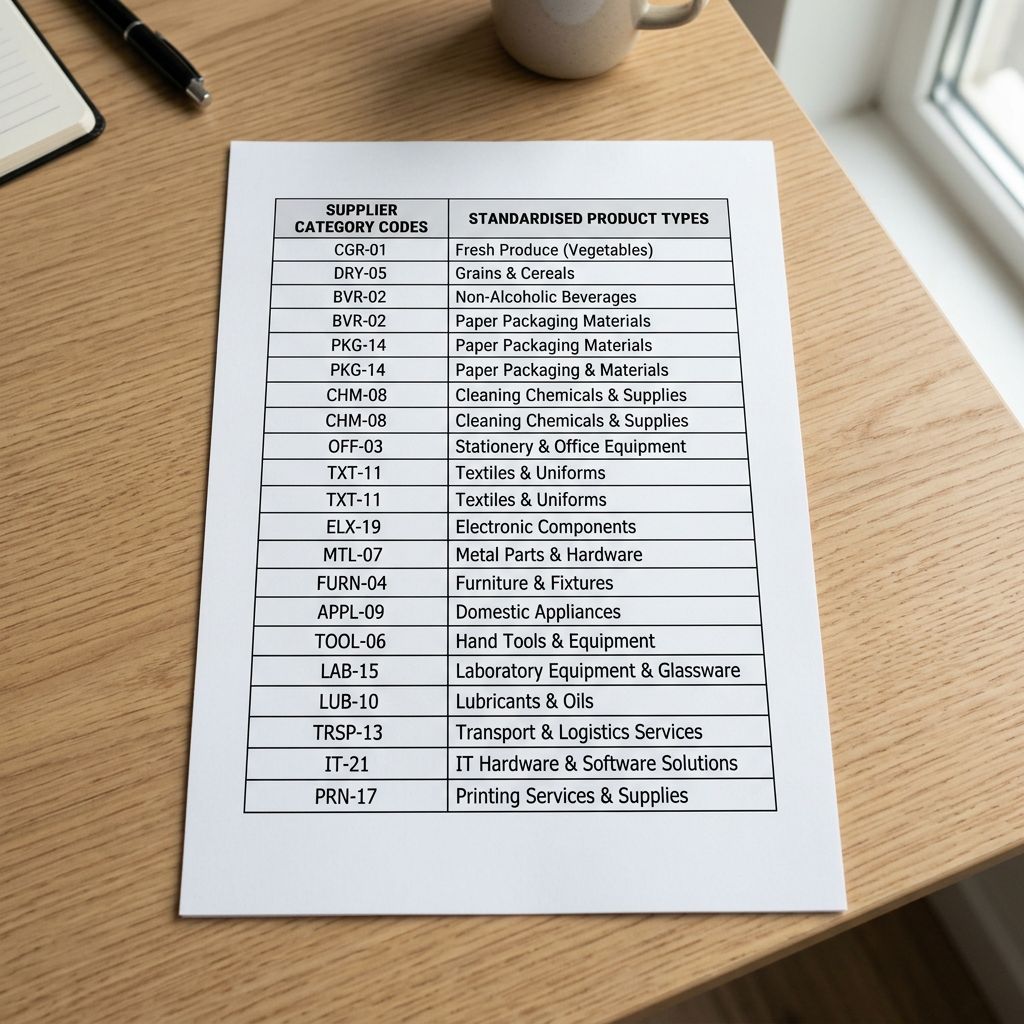
- 02Map each supplier's category column to the taxonomy listcreate a mapping table for each supplier (supplier value in column A, taxonomy value in column B) so the transformation is documented and repeatable
- 03Apply the mapping in Importier at import timeuse the column mapping step to apply the supplier-to-taxonomy transformation before the products enter Shopify; for small deviations, set a fixed Product Type value for the entire batch
- 04Save the transformation as an import profile per supplierthe saved profile applies the correct taxonomy mapping every time that supplier's file is imported, without manual intervention
- 05After import, run the SEO Audit export preset and filter on Product Typeany product with a blank type or an unmapped value appears immediately; correct before publishing
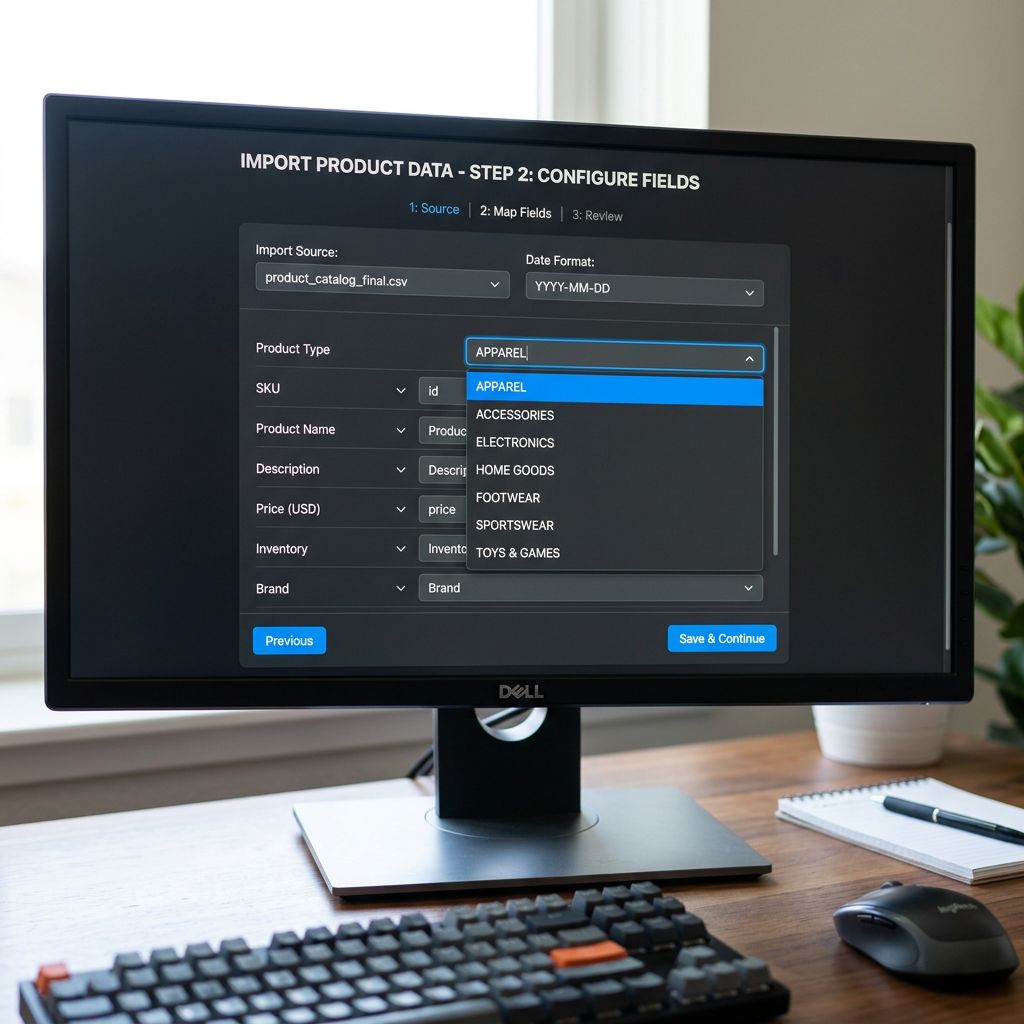
The import profile is the enforcement mechanism. A profile saved for each supplier stores the column mapping, the transformation rules, and the fixed Product Type override if the supplier's values are too inconsistent to map reliably. Once the profile is set up, a new batch from the same supplier imports with the correct taxonomy applied automatically.
For new suppliers whose category values have not been mapped yet, Importier surfaces the unmapped column values at the column mapping step. The merchant decides whether to add a transformation rule (map supplier value A to taxonomy value B) or override the entire batch with a fixed type. Either decision is saved to the profile for all future batches from that supplier.
The product type import workflow covers the at-import column mapping in detail, including how to handle the three most common supplier CSV failure modes: hierarchical taxonomy strings, SKU prefix codes, and a missing type column entirely.
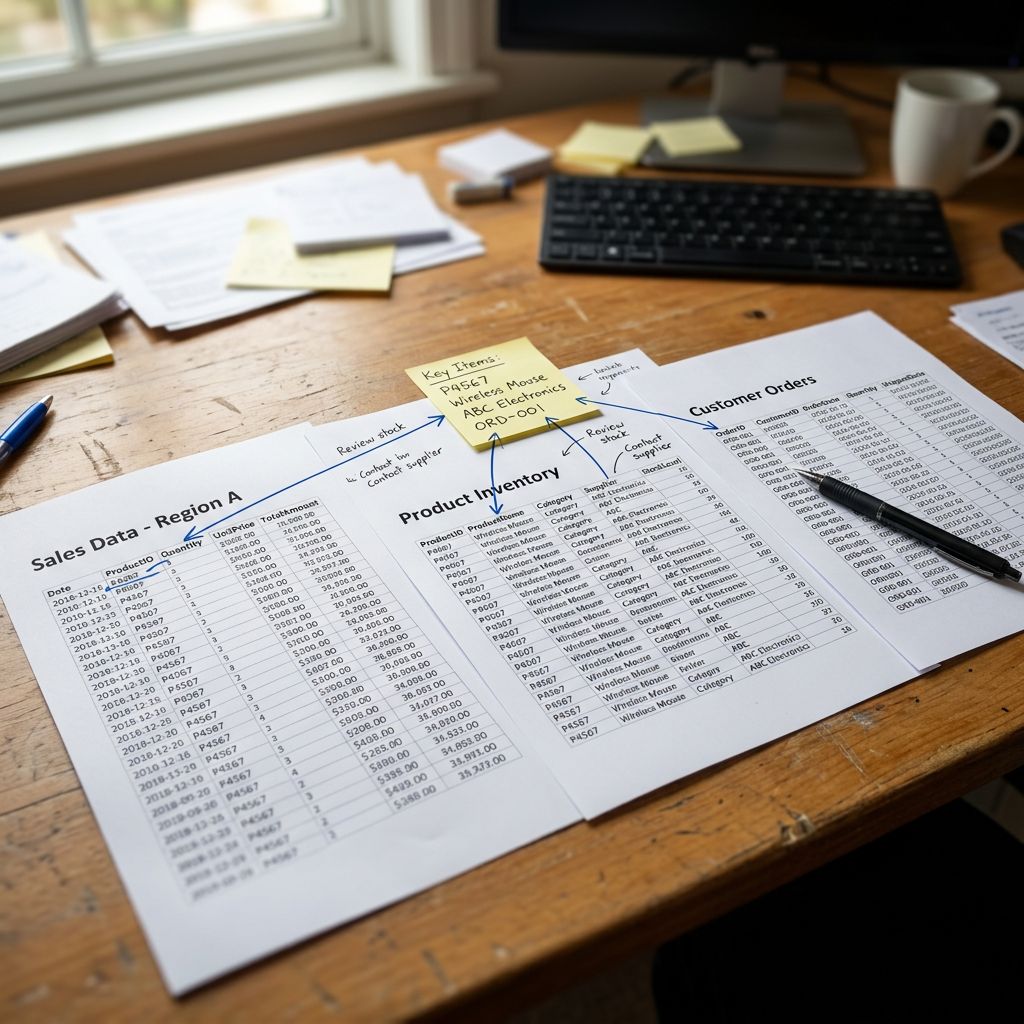
Multi-Supplier Taxonomy Enforcement
A single-supplier catalogue with one import profile is straightforward to maintain. A catalogue with six suppliers across three buying teams requires active enforcement to prevent taxonomy drift.
Drift sources in multi-supplier catalogues:
- A new supplier whose CSV has not been mapped yet imports with raw supplier category codes.
- A staff member runs an import without selecting the correct profile, bypassing the transformation rules.
- A supplier updates their product range and adds new category values that do not yet have a mapping.
The enforcement checklist for multi-supplier catalogues:
One canonical taxonomy list. The list lives in a shared document. Every new supplier gets mapped to it before their first import runs, not after their products are in Shopify with wrong types.
Profiles required, not optional. Every supplier has a named profile in Importier. No import runs from the base settings. Every batch runs from a supplier-specific profile. The profile name includes the supplier name so the mapping is unambiguous.
Post-import type audit. After every import, the SEO Audit export preset in Importier generates a CSV of all products in the batch. Filter the Product Type column. Any value not on the canonical taxonomy list is an error requiring correction before the batch publishes.
Taxonomy list updates go through review. When a new product category requires a new taxonomy value, the value is added to the canonical list first, the naming convention is confirmed, and all relevant supplier profiles are updated. New values are not added in production imports as one-off overrides.
For large catalogues, the enterprise product data standards approach formalises this into a data governance document. The product type taxonomy list is a component of that document alongside variant naming conventions, tag taxonomy, and metafield standards.
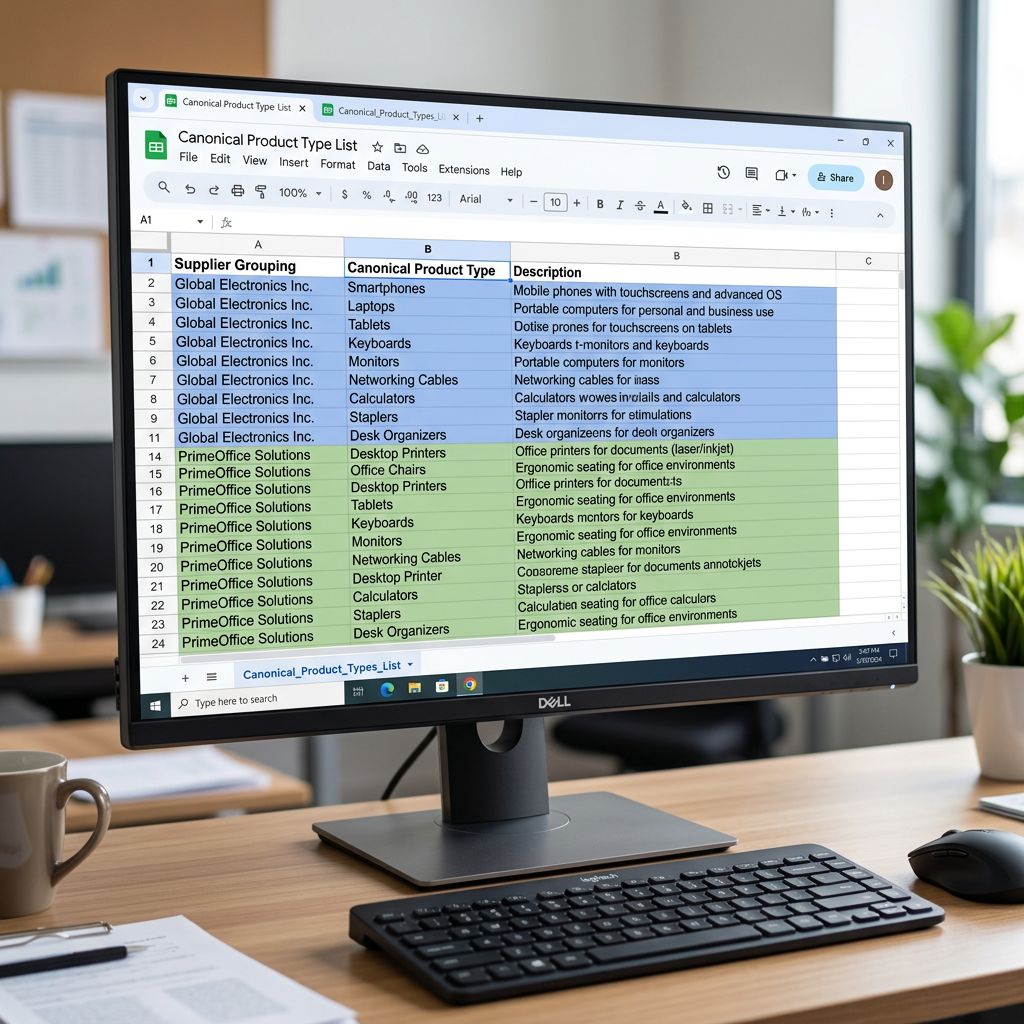
- Automated collections match 30% of products: three suppliers use three different naming conventions
- Filter navigation shows 12 product type options from inconsistent imports, each with 5-15 products
- Google Merchant Centre product_type attribute contains supplier codes that do not correspond to any GMC category
- New supplier file imported with raw category codes, fixing requires re-import or Store Scanner bulk replace
- Taxonomy drift compounds with each new supplier
- Automated collections match 100% of intended products: all types map to the canonical list
- Filter navigation shows 5 clean product type options matching the merchant's intended categories
- product_type attribute maps directly to Google Product Category leaf values
- New supplier mapped to taxonomy before first import runs; profile saves the mapping for future batches
- Taxonomy drift caught at import time by SEO Audit type-column review
The fashion accessories retailer's 139 missing products were recovered with a Store Scanner bulk replace pass: replace Women's Accessories, WMN-ACC, jewellery, and Jewelry with Jewellery across the catalogue in a single operation. The canonical taxonomy list they built afterwards had 18 values covering their full catalogue. The next three supplier imports ran through profiles that applied the mapping automatically. None of the 18 values appeared as a new variant.
Try Importier free at importier.app.
Set up your first import in under five minutes.
Importier brings products into Shopify with AI descriptions, category metafields, and data enrichment on every run.