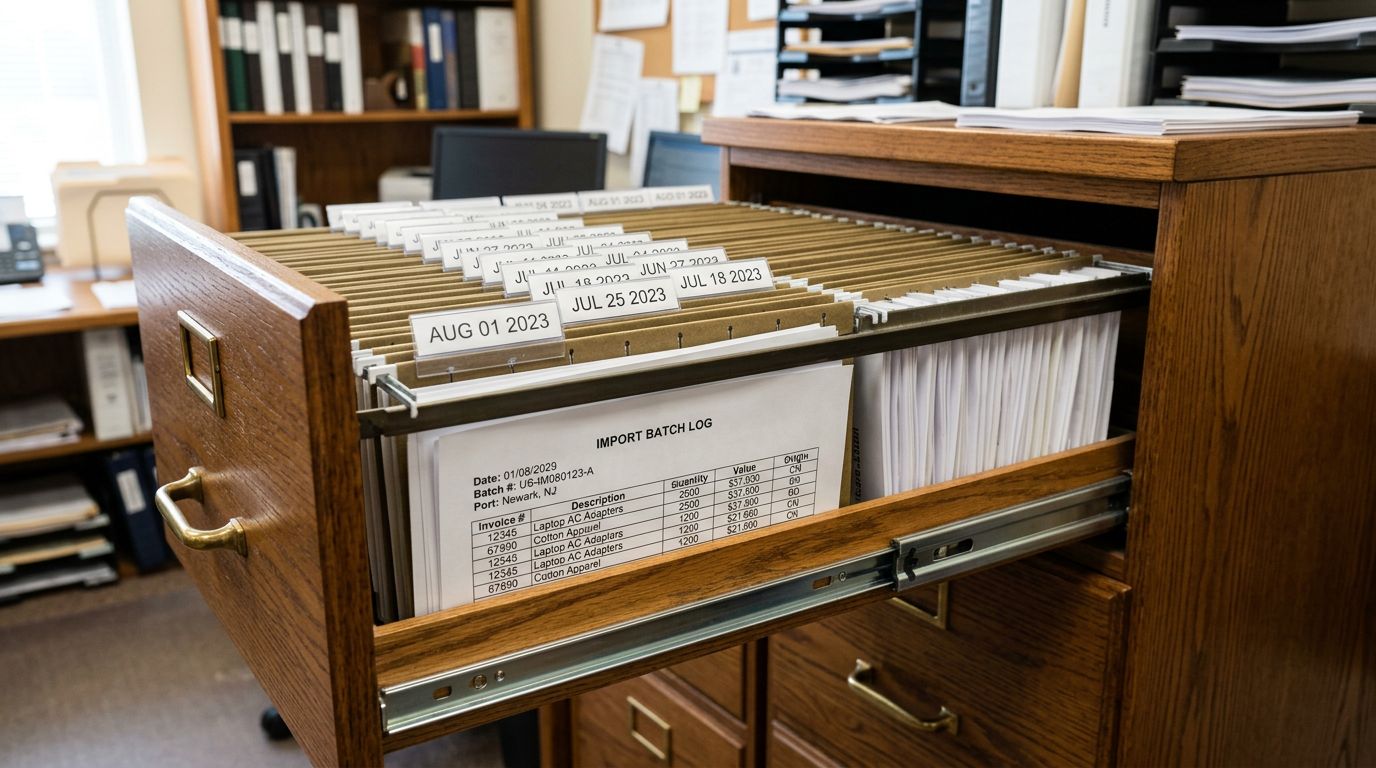
Shopify Product Import Testing Protocol: QA Before You Publish

On this page
A furniture retailer completed a 1,800-product import at 4 pm on a Friday. The products imported without errors. The team published everything and went home for the weekend. On Monday morning, 140 products had a zero price (the price column had been populated with RRP values in a format Shopify read as text, not currency), 60 products had images swapped between variants (the image assignment column referenced a staging URL that no longer resolved correctly), and 23 products had their dimensions metafield populated with the product description text.
The import tool had worked correctly. The import file had a systematic error. Nobody had checked the imported products before publishing.
A testing protocol does not prevent import errors from existing in the source file. It prevents those errors from going live on a storefront. For imports where the stakes are high (a full catalogue launch, a BFCM stock addition, a supplier onboarding), the protocol is the gap between a clean launch and a Monday morning recovery session.
What Pre-Publish QA Catches That Pre-Import Checks Miss
The product import checklist validates the source file before the import runs: column mapping, title format, price field format, variant structure, and image URL accessibility. That validation catches structural errors in the file.
Pre-publish QA catches a different category of problem: errors that only become visible after Shopify has processed the file and created product records. These include:
- Silent field mapping failures. A column that maps to the wrong Shopify field imports without error. Shopify accepts any text in most fields. The error is visible only when the product record is inspected.
- Currency and unit interpretation errors. A price formatted as
$120.00or120,00(European decimal) imports as$0or$12000rather than$120. The import succeeds; the price is wrong. - Image assignment drift. In a large batch, image URLs that resolve during import may not resolve correctly to the expected products, particularly when one supplier file contains multiple products sharing similar handles.
- Variant consolidation results. When Importier's variant grouping combines separate records into a single product with options, the result needs visual confirmation: do the variant names match merchant expectations, and do the images assign to the correct options?
- AI description quality at scale. Description generation runs correctly on 98% of products in a batch. The 2% with unusual titles, non-English source text, or ambiguous product types need human review before going live.

The Five-Step QA Protocol
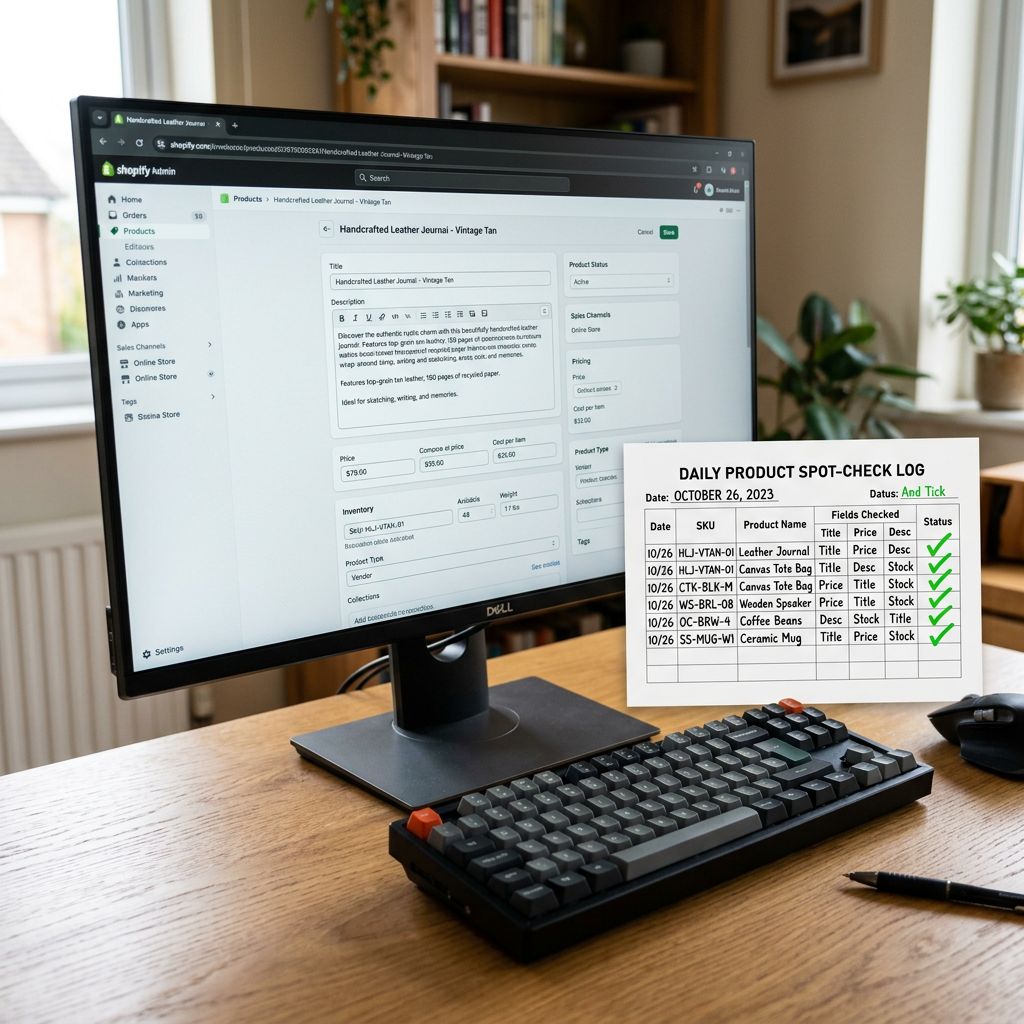
- 01Spot-check 10 products per categoryopen each product record in Shopify admin and verify that title, description, price, and product type are populated correctly and contain the expected content (not a SKU in the title field, not a price of zero, not a description that reads as raw HTML or an unprocessed shortcode)
- 02Verify images on 20 products across the batchconfirm that the featured image loads at full resolution, that variant images (if present) match the correct option, and that no product shows a broken image icon or placeholder
- 03Check variant structure on every product that has optionsconfirm that colour and size options group under one product record (not as separate products), that the option names match the brief, and that the inventory and pricing per variant are correctly assigned
- 04Run the SEO Audit export preset in Importier and review the completeness mapany product with a blank description, zero price, missing product type, or missing category metafield appears as a gap row; fix these before publishing
- 05Sign off in batchespublish products that pass the spot-check; tag products that fail as review-required with a note specifying the issue; address flagged products before their batch goes live
The five steps take approximately 30 to 45 minutes for a 500-product batch. For a 3,000-product import, the spot-check sample is larger (20 products per category) but the protocol is the same. The time investment scales with the catalogue size, not with the consequence of missing an error, which is constant.
Using a Development Store as a Staging Environment
For high-stakes imports (a full catalogue launch, a platform migration, a BFCM stock addition), the QA protocol runs against a Shopify development store before the production import.
A development store mirrors production Shopify behaviour and accepts the full import workflow including AI description generation, variant grouping, and metafield population. Products in a development store can be inspected and corrected without any customer-facing exposure.
The staging approach:
- Run the full import on the development store.
- Complete the five-step QA protocol against the development store's products.
- Fix the source file for any issues found.
- Re-import the corrected file to the development store.
- Repeat until the development store import passes the full protocol.
- Run the same corrected file on the production store.
The catalogue migration planning workflow covers this approach in detail for platform migrations: the test migration to a development store finds transform errors before they affect the live catalogue. For large batch imports, the same logic applies: errors found in development cost nothing. Errors found in production cost the time to correct them live.
For merchants without Shopify development store access, a Draft publication status serves as the equivalent safety layer: all imported products remain invisible to customers until the QA sign-off is complete and the publication status changes to Active.
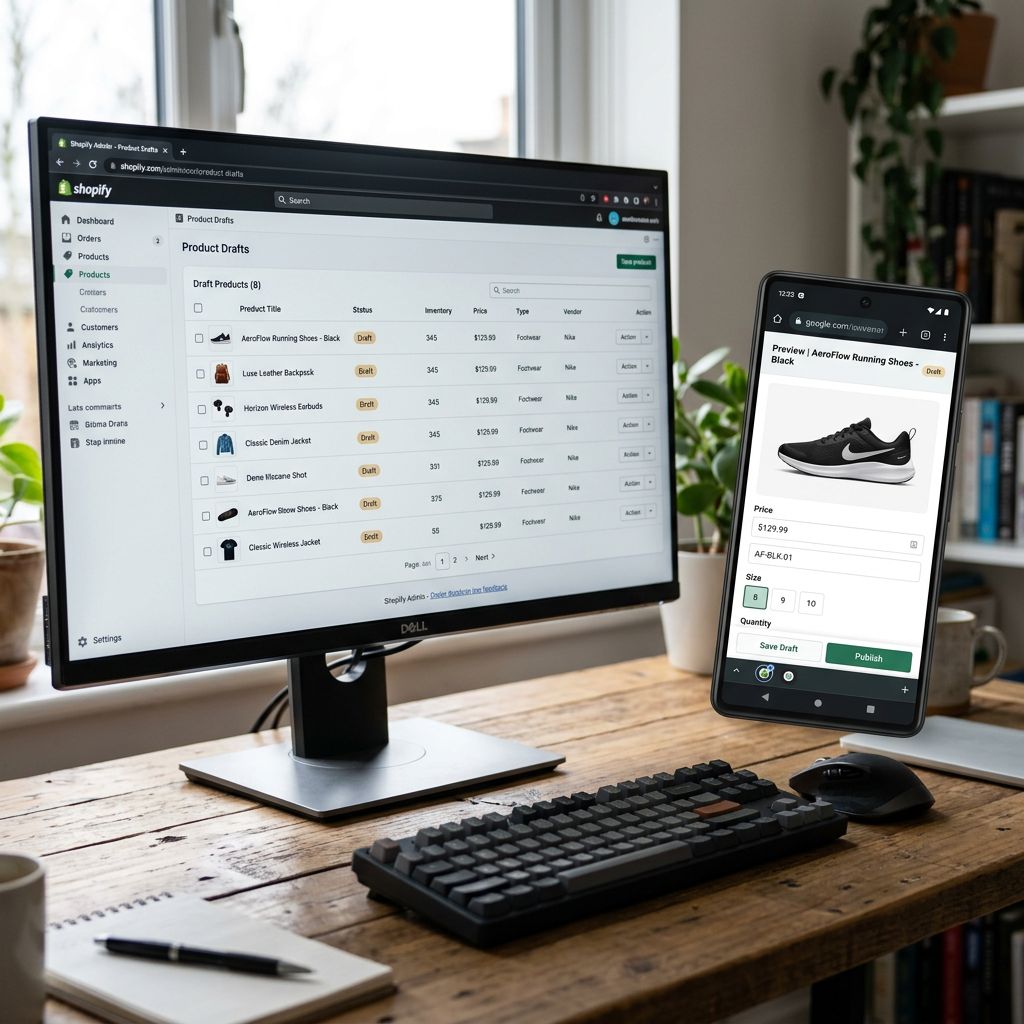
A product imported as Draft is invisible to customers but fully visible in Shopify admin. Draft publication is the simplest staging environment for merchants without a separate development store.
Mobile and Desktop Verification
What to Check on Mobile vs Desktop
A product page that looks correct in Shopify admin may render differently on a mobile device. Post-import QA should include a visual check of product pages on both form factors before publishing.
Desktop checks: product title renders at the correct length without truncation, description formatting (paragraph breaks, bullet points, any bold or italic text) displays as intended, all images load at the expected resolution, variant selector shows the correct options, and the price displays with the correct currency symbol and decimal format.
Mobile checks: the featured image scales correctly to the mobile viewport without cropping key product details, the variant selector is usable without zoom on a standard phone screen, and the description does not render as a single unbroken text block (a common result when AI-generated descriptions include paragraph formatting that the theme does not support).
For product types that rely heavily on image galleries (clothing, homewares, jewellery), mobile image rendering is the highest-risk element to verify before going live. A description error is correctable post-publish with minimal customer impact. A product where the primary images appear distorted on mobile affects every product page view until corrected.
The spot-check sample for mobile verification does not need to cover the full batch. Five products per category on a real mobile device (not a browser emulator) is sufficient to confirm that the theme renders the import correctly.

Common Post-Import Issues and How to Catch Them
Blank titles. Caused by a title column that contains empty cells in the source file. The SEO Audit export preset flags these as missing-title rows. In a batch of 300 products, blank titles are rarely noticed during the import but immediately visible in a storefront search result.
Zero prices. Caused by a price field that contains non-numeric content or a currency symbol that Shopify does not strip. The spot-check of 10 products per category catches this in the first product affected. The SEO Audit export preset's completeness map does not flag zero prices explicitly, but a manual filter on the Price column of the exported CSV identifies every zero-price product in the batch.
Wrong images on variants. Caused by image assignment column errors when the source file has multiple rows per product (one per variant). Verifying 20 products with variants across the batch catches this pattern before it goes live across hundreds of products.
Duplicate handles. Caused by two products with identical titles in the source file. Shopify appends a numeric suffix to the second handle, creating a URL different from what the redirect plan expects. The spot-check of 20 image products catches visible handle issues; the Shopify admin bulk editor allows a filtered view of all products to identify numeric-suffix handles.
Description quality outliers. AI description generation produces high-quality output for products with well-structured source data. Products with very short titles (single words), product codes as titles, or non-English content in the source field generate descriptions that need review. The spot-check sample should include at least one product from each of these categories if they exist in the batch.
For the import audit log workflow, post-import issues found during QA become part of the batch record: the issue type, the number of products affected, the correction applied, and the re-import or manual edit that resolved it. This record supports retrospective analysis of which supplier files or product types generate the most post-import corrections.

- 140 zero-price products go live, discovered Monday morning
- Image assignment errors visible to customers before correction
- Variant structure problems require post-publish manual editing per product
- Blank titles affect search result display and Google indexing from day one
- Description quality outliers reach customers and require individual review post-publish
- Zero-price products caught by spot-check before publication
- Image loading verified on 20 products across the batch before going live
- Variant consolidation confirmed visually before the batch publishes
- SEO Audit export flags blank titles for correction before Active status
- Description outliers caught in sample review and regenerated before publish
The Sign-Off Checklist
Before any batch changes from Draft to Active, the sign-off checklist confirms:
- Spot-check complete (10 products per category reviewed)
- Zero-price products resolved
- Broken or misassigned images corrected
- Variant structure confirmed on all products with options
- SEO Audit export reviewed and gaps addressed
- Mobile rendering verified on a sample
- Description quality outliers regenerated or edited
For multi-team import workflows, this sign-off belongs to the QA lead role in the approval chain. The tag-based workflow (seo-approved, copy-approved, publish-approved) gates bulk publication on the QA sign-off. No batch publishes from Draft to Active without the QA lead's tag.
The furniture retailer's Monday morning recovery took two days. The QA protocol that would have prevented it takes 45 minutes. The ratio holds at any catalogue size.
Try Importier free at importier.app.
Set up your first import in under five minutes.
Importier brings products into Shopify with AI descriptions, category metafields, and data enrichment on every run.