Shopify Product Image Alt Text: How to Add It in Bulk
On this page
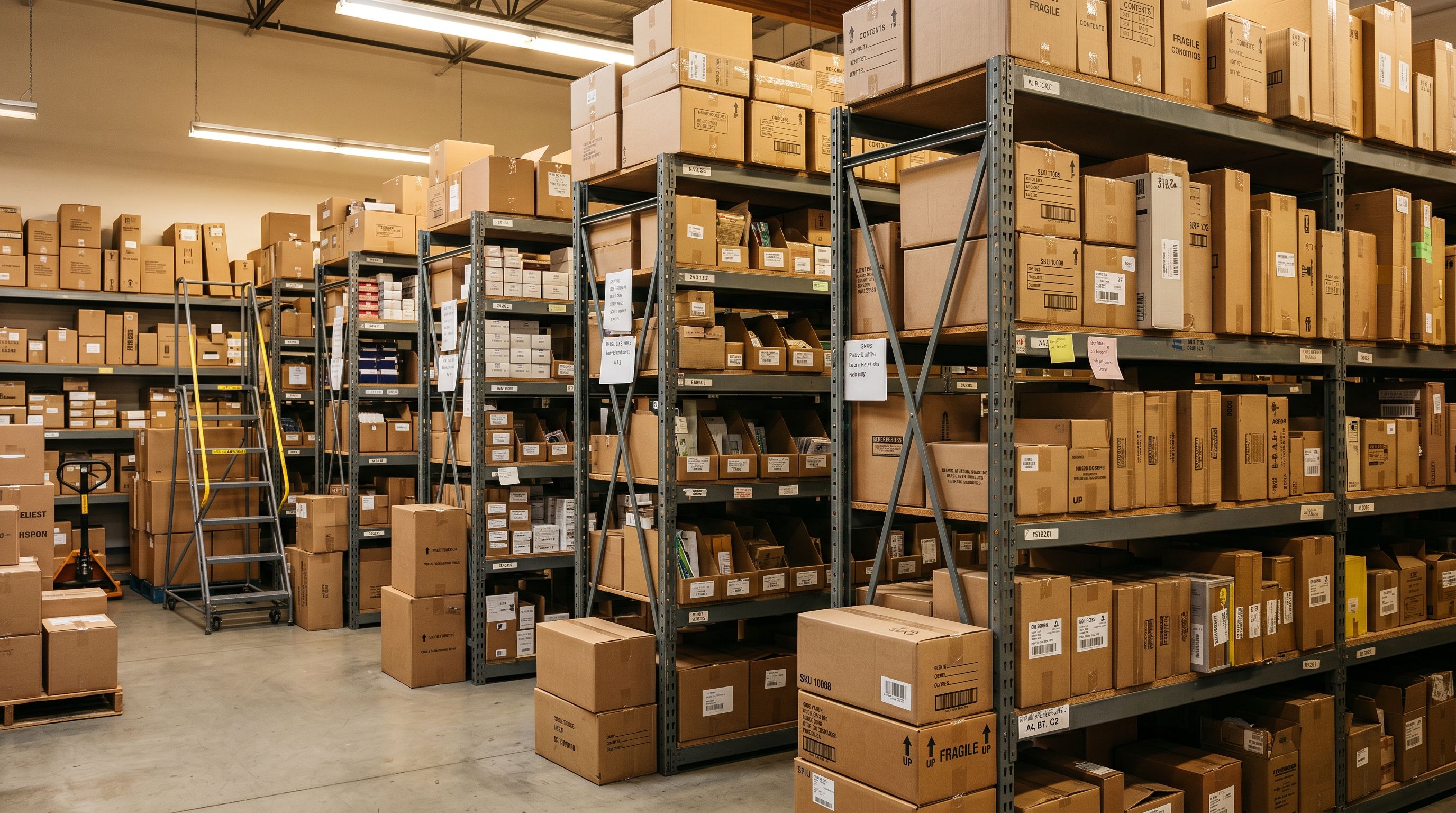
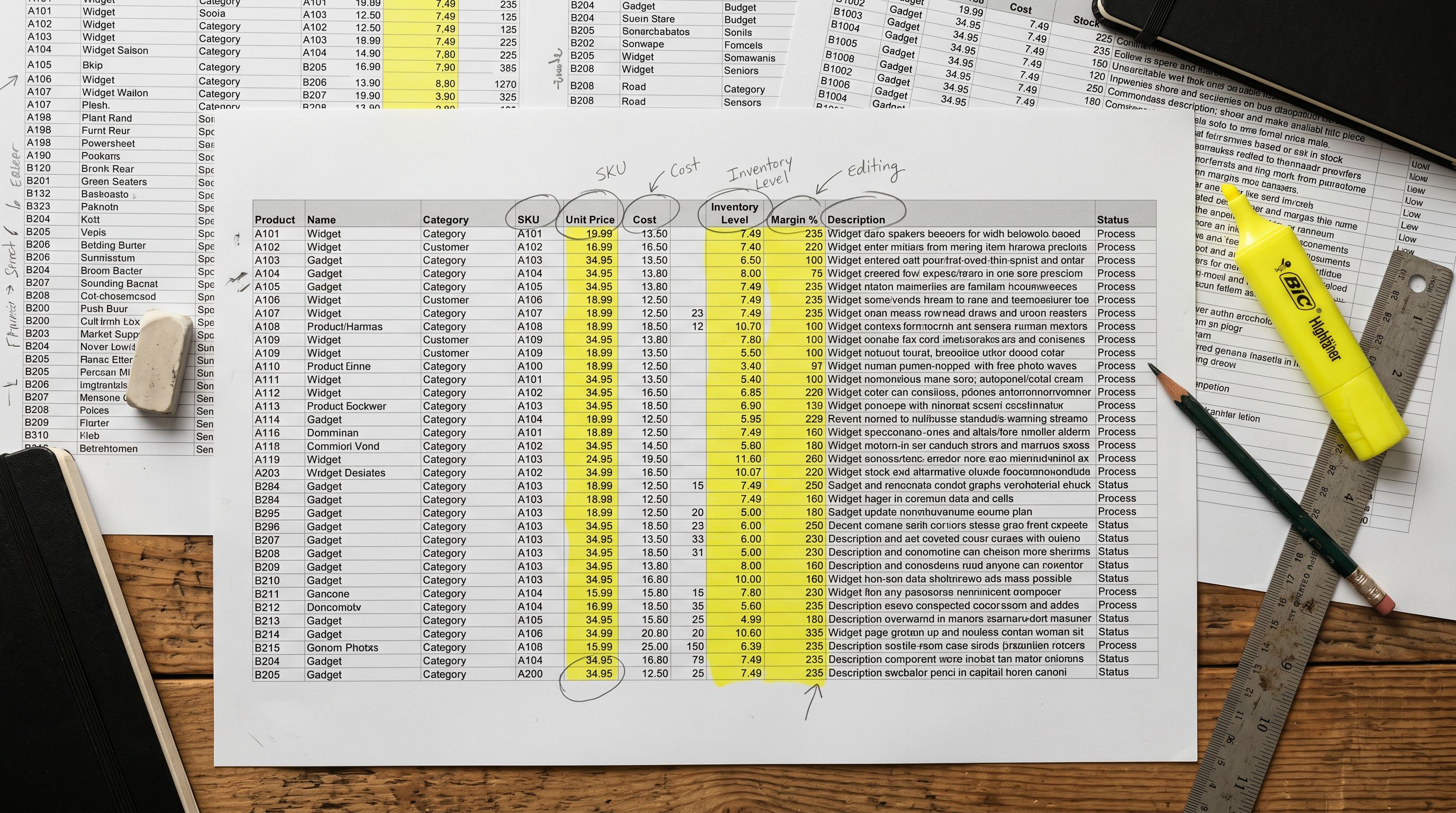
A Shopify store with 800 products and 4 images per product has 3,200 image alt text fields. In most stores, every one of those fields is either blank or set to the product title repeated verbatim: "Men's Wool Coat", "Men's Wool Coat", "Men's Wool Coat", "Men's Wool Coat": four identical strings across four different images of the same product.
Neither approach works. Blank alt text fails screen reader users and gives Google Images no text signal to index against. Title-stuffed alt text repeats information the merchant already provided in the product title and teaches none of the three audiences that read alt text anything useful about what the image actually shows.
The shopify product image alt text bulk problem is not that merchants do not know alt text exists. Most do. It is that generating descriptive alt text for 3,200 images manually is impractical, and the tools that automate product import do not surface alt text as part of the workflow.
Three Audiences Read Your Alt Text
No other product data field serves three entirely different audiences at the same time. A product description targets human buyers and search crawlers. A price targets human buyers. A GTIN targets search and shopping feeds. Alt text is unique: screen reader users, Google Image search indexing, and AI shopping agents each read it for a different purpose.
Screen reader users hear alt text announced when a screen reader focuses an image. A blind or low-vision shopper navigating your product page hears the product title from the heading, then moves to the images. If every image alt text says "Men's Wool Coat", they hear the product title four more times with no new information. "Double-breasted charcoal wool coat with notch lapels and two patch pockets, front view" tells them what they cannot see: angle, distinguishing feature, detail shown.
Google Image search uses alt text as the primary text signal when indexing product images. Google's image search best practices explicitly recommend "brief, descriptive alt text" and warn against keyword stuffing. A product image with descriptive alt text ranks for image searches that match the description's specific attributes. An image with the product title as alt text competes against every other image with the same keyword.
AI shopping agents (Google AI Mode, Perplexity Shopping, ChatGPT Shopping) increasingly read image-level metadata as a supplementary product signal. A buyer asking "charcoal coat with notch lapels" gets a stronger attribute match from a product whose images are alt-tagged with colour and collar style than from a product whose images all say "Men's Wool Coat".

shopify product image alt text bulk: What Blank and Generic Alt Text Costs
Blank alt text is an accessibility failure on every image. WebAIM's alt text guidance defines informative images (images that convey content) as requiring meaningful alt text under WCAG 2.1 Level AA. A store with 3,200 blank alt text fields on informative product images has 3,200 accessibility failures. This is not a cosmetic concern: accessibility compliance affects a store's legal exposure in markets where WCAG compliance is expected of commercial websites.
Generic title-only alt text is a different problem from blank alt text, but it is not a solution to it. It satisfies the accessibility minimum (the field is not blank) while providing no informational value beyond the heading the reader already heard.
- 'Men's Wool Coat' repeated on all 4 images
- No image-level attribute data for Google Image search
- No angle, colour, or detail information for AI shopping agents
- Screen reader user hears product title 4 additional times
- Identical text across all gallery images; each image adds zero new information
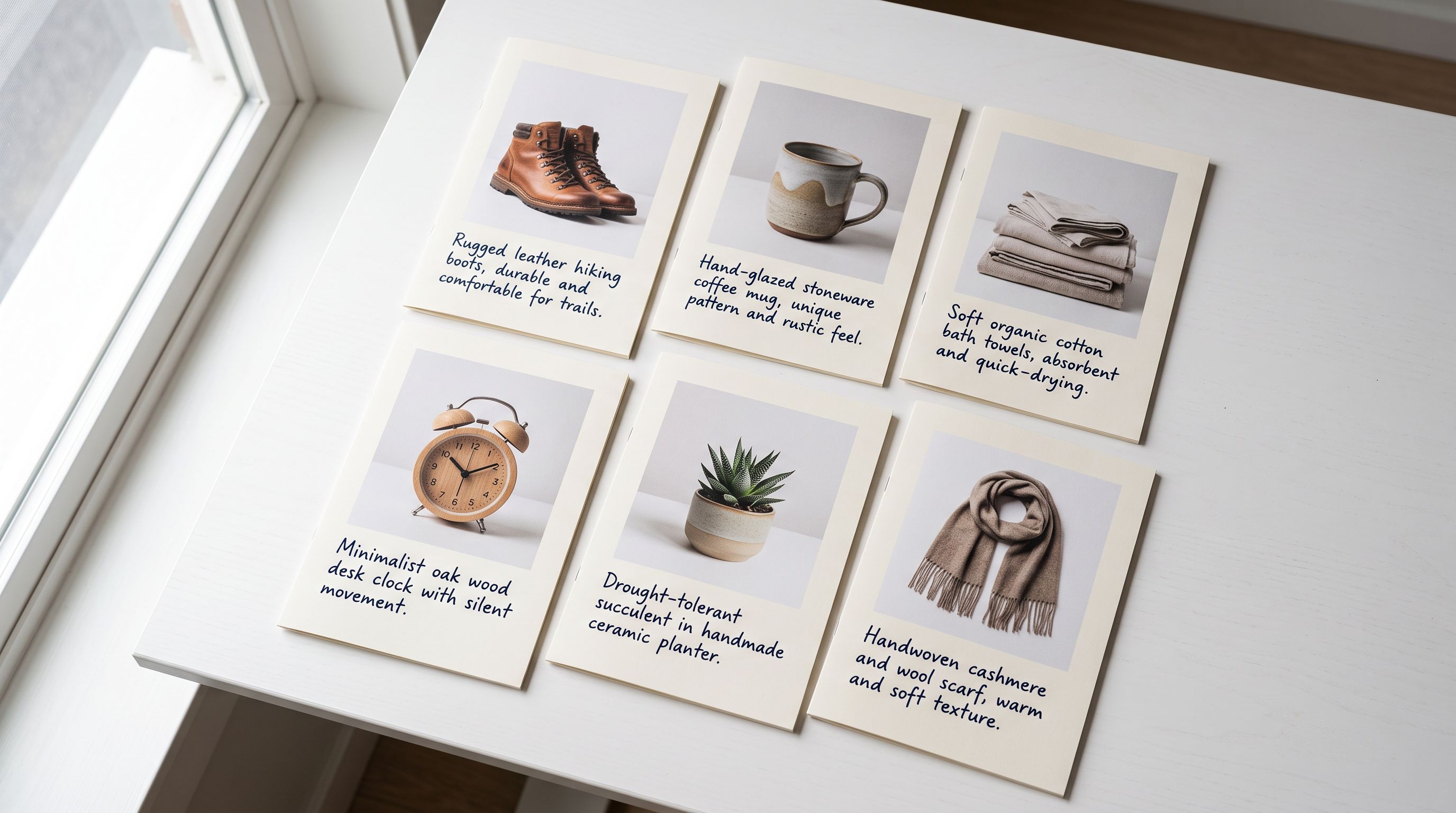
- 'Double-breasted charcoal wool coat, front view'
- 'Notch lapel detail and patch pocket close-up, charcoal wool'
- 'Wool coat worn by model outdoors, showing length and silhouette'
- 'Back view of wool coat showing single vent and side pockets'
- Each image adds a distinct attribute signal: colour, detail, angle, silhouette
The cost of title-only alt text is compounding: a gallery of four images with generic alt text provides only one attribute signal (the product title). A gallery of four images with descriptive alt text provides four distinct signals. A product with 800 similar SKUs can differentiate each one at the image level if alt text is descriptive and specific to each image's content.
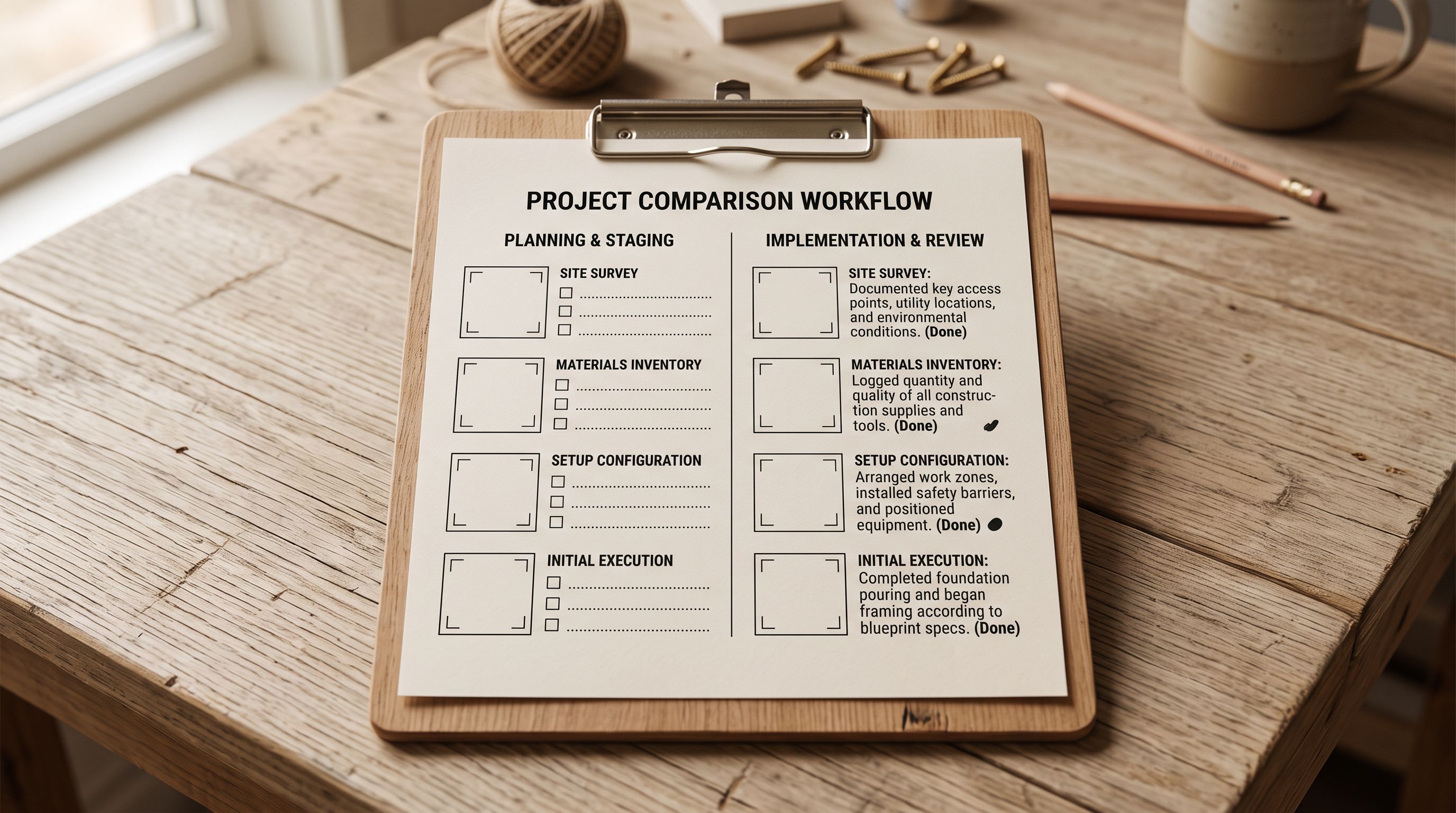
The Alt Text Format That Serves All Three Audiences
The format that works for screen readers, image search, and AI shopping agents is the same: a description of what the image shows, in plain language, in that specific image.
A useful structure: [distinguishing attributes], [image context]
Examples:
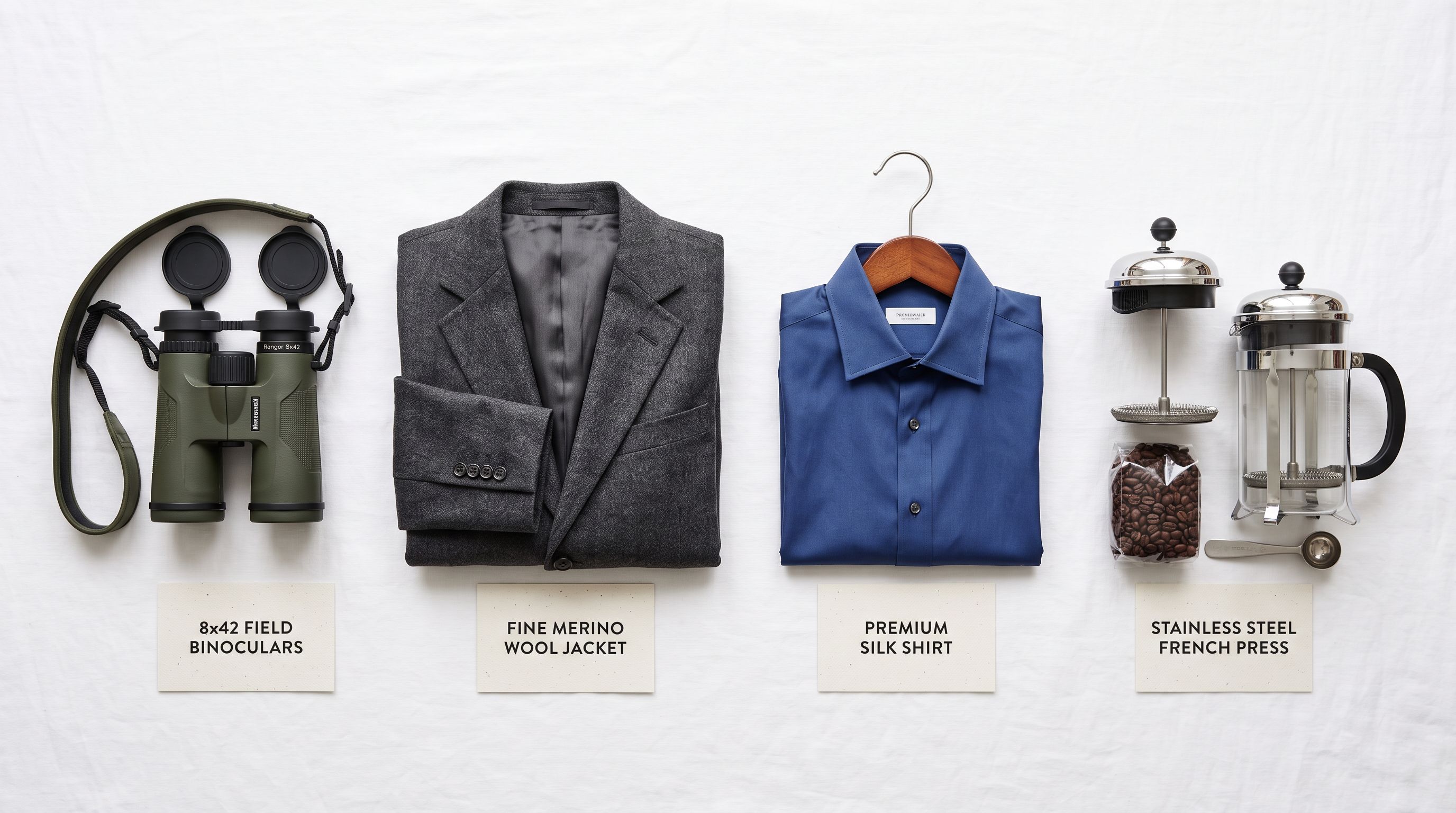
- "8x42 waterproof binoculars in olive green, angled top view showing focus wheel and rubber armour"
- "Double-breasted charcoal wool coat with notch lapels, front view on white background"
- "Blue silk wrap dress with kimono sleeves and tie waist, worn by model in outdoor setting"
- "Stainless steel French press with matte black handle, three-quarter view showing mesh plunger"
What makes these work for all three audiences: they name the product type, a distinctive attribute (colour, material, style detail), and the image angle or context. The screen reader user gets a mental image of what they cannot see. Google's image index gets a text description that matches specific image search queries. The AI shopping agent gets confirmation that the image contains the attributes the buyer queried.
Most Shopify stores have 3,000+ product images and zero descriptive alt text. Each blank field is a missed signal to three different audiences that read it.
What to avoid:
- Blank: no information for any audience
- Product title only: duplicates the heading, adds nothing specific to this image
- Keyword strings: "buy wool coat cheap wool coat men's coat UK": fails all three audiences and triggers Google's keyword-stuffing penalty
- Filename: "IMG_4821.jpg": communicates nothing
- "Image" or "photo" alone: the image role is already communicated; the alt text should describe what the image shows
The length target for product image alt text is 8-15 words. Longer than a filename, shorter than a sentence fragment. Each image in a gallery should have distinct alt text; the description should match what that specific image shows, not the product generally.
shopify product image alt text bulk: Generating It at Import Time
Adding alt text at scale
The most efficient point to generate alt text is during the product import itself. When Importier processes a product import, each image's alt text field is set in the same pass that creates the product record. Generating alt text at import means the images arrive in Shopify with alt text already populated; there is no backfill step needed.
Importier's AI generates alt text from the product title, category attributes, and image position. For a product imported as "8x42 Waterproof Binoculars, Olive Green" with attributes including lens diameter, waterproofing rating, and prism type, the alt text generation produces image-specific descriptions:
- Image 1 (primary): "8x42 waterproof binoculars in olive green, front view showing objective lenses and rubber armour"
- Image 2 (secondary): "Focus wheel and hinge detail on olive green 8x42 binoculars, close-up view"
- Image 3 (gallery): "8x42 binoculars in olive green with neck strap attached, angled three-quarter view"
- Image 4 (lifestyle): "Olive green 8x42 binoculars used outdoors, held at eye level against a natural background"
Each alt text is distinct because each image is indexed by position. Image 1 gets the primary product description. Later images get progressively more specific: detail shots, alternative angles, lifestyle contexts. The pattern ensures that a gallery of four images contributes four distinct attribute signals rather than four repetitions of the product title.
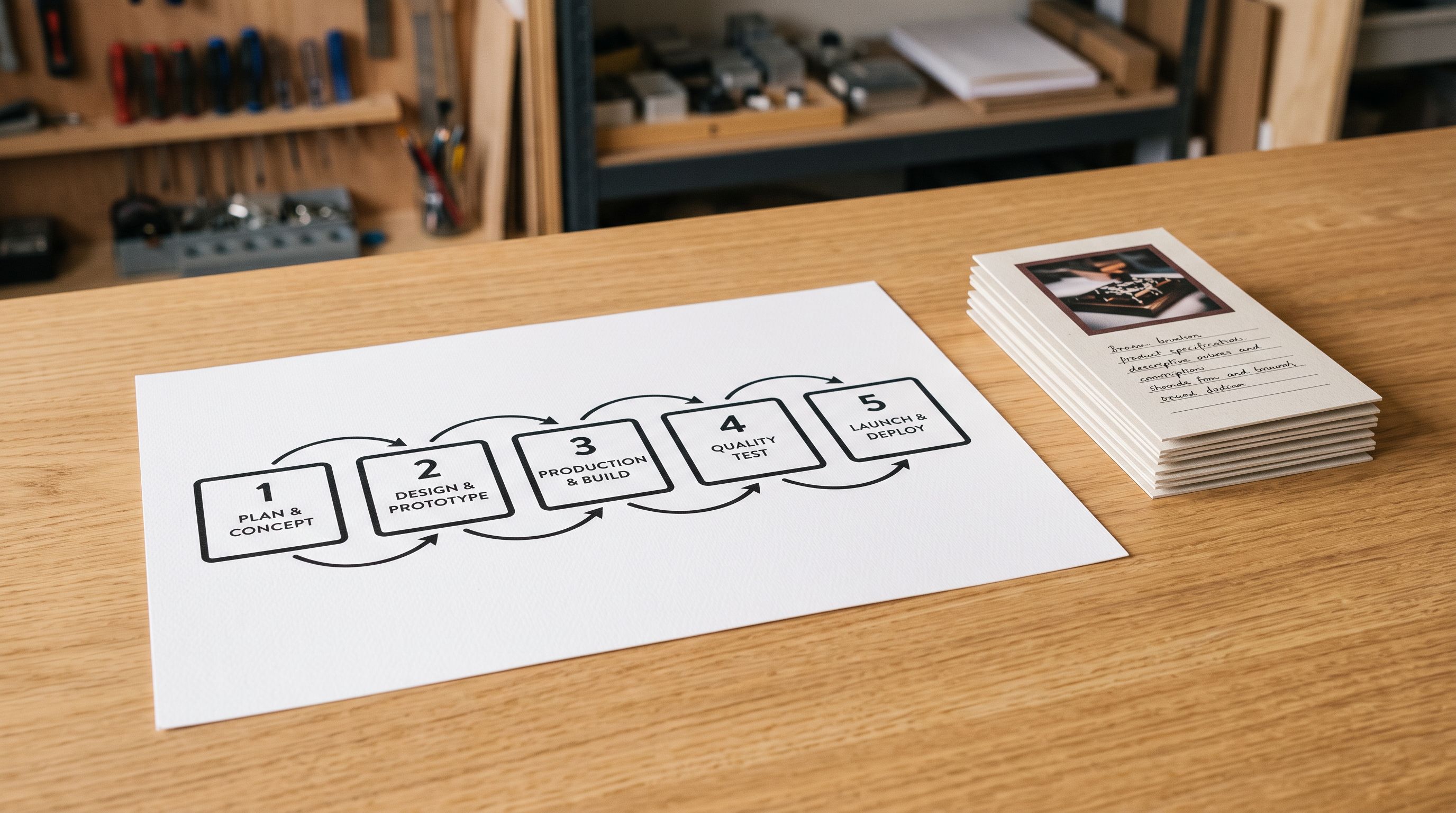
- 01Step 1At the import configuration stage, confirm that alt text generation is enabled for the import batch. In Importier's import wizard, the image settings panel includes alt text generation options. Select the generation mode: AI-generated from product attributes (recommended for most categories) or template-based from a defined format string.
- 02Step 2Map your product attributes to the alt text generation input. The AI uses product title as the base and enriches it with category attributes from your import file or from an Industry Pack applied during import. More specific attribute data (colour, material, dimensions) produces more descriptive alt text.
- 03Step 3Set the image position labels. Importier detects image count per product and labels each image by position. You can customise the position labels (primary, detail, lifestyle, back view) or use the automatic position numbering. These labels become part of the alt text context, distinguishing image 1 from image 4.
- 04Step 4Run the import. Alt text is generated for each image in the same processing pass that creates product records, metafields, and AI descriptions. For a 200-product import with 4 images per product, 800 alt text fields are generated and written to Shopify in the single import run.
- 05Step 5Spot-check the generated alt text on a sample of products after import. Open 5-10 products in Shopify admin, click each image, and verify the alt attribute is populated and descriptive. For products with unusual image compositions (technical diagrams, close-up swatches rather than product photos), review those specifically; the AI's context for non-standard image types may need a style override.
Updating Existing Products with Bulk Alt Text
For a store that already has products in Shopify without alt text, the update path is a Store Scanner pass followed by a bulk alt text generation run.
Importier's Store Scanner identifies products with blank or generic alt text across the existing catalogue. The scan returns a list of products and image counts, sorted by which products have the highest existing impressions in Search Console (if connected) or by import date. High-traffic products with blank alt text are the highest-priority fix: they are already receiving visitors but converting image search impressions to image clicks at a fraction of what descriptive alt text would enable.
The bulk alt text generation run applies the same AI generation logic used at import time to the existing product set. The run reads each product's existing title and attribute data, generates alt text per image position, and writes it back to the Shopify product media records via the API. For a catalogue with 500 products and 3 images per product on average, a bulk run updates 1,500 image alt text fields in a single operation.

The Shopify product data quality guide covers the full scope of data gaps that affect search and shopping performance, with alt text as one of the fields in the data completeness audit. The Shopify product SEO audit guide covers how alt text fits into a product-level SEO review alongside titles, descriptions, and structured data. The image import guide for Shopify covers how to attach and format images during the initial product import before alt text generation.
Key Takeaways
The shopify product image alt text bulk opportunity is large in most Shopify stores. A store with 800 products and 4 images per product has 3,200 alt text fields. Most of them are blank or generic.
Key points:
- Alt text serves three audiences simultaneously: screen reader users (accessibility), Google Image search (SEO), and AI shopping agents (product attribute signals). No other product data field does this.
- Blank alt text is an accessibility failure on every informative image. Generic title-only alt text satisfies the compliance minimum while adding zero informational value to any of the three audiences.
- Descriptive alt text format: distinguishing attributes (colour, material, style detail) + image context (angle, composition, setting). Each image in a gallery should have distinct alt text describing what that specific image shows.
- Import time is the most efficient point to generate alt text. Importier generates descriptive alt text per image position during the product import pass: 800 alt text fields for a 200-product × 4-image import in the same run that generates descriptions and metafields.
- Existing catalogues with blank alt text can be updated via Store Scanner + bulk generation run. Prioritise products with existing search impressions first; they receive traffic now and benefit from descriptive alt text immediately.
- Length target: 8-15 words per alt text field. Enough to be descriptive, not so long it becomes a paragraph. Distinct text across every image in the gallery.
Start generating descriptive alt text for your Shopify product images at importier.app. AI alt text generation at import and bulk Store Scanner updates are available on the Growth plan and above.
Set up your first import in under five minutes.
Importier brings products into Shopify with AI descriptions, category metafields, and data enrichment on every run.