Shopify Product Enrichment Workflow: Import to AI Content
On this page
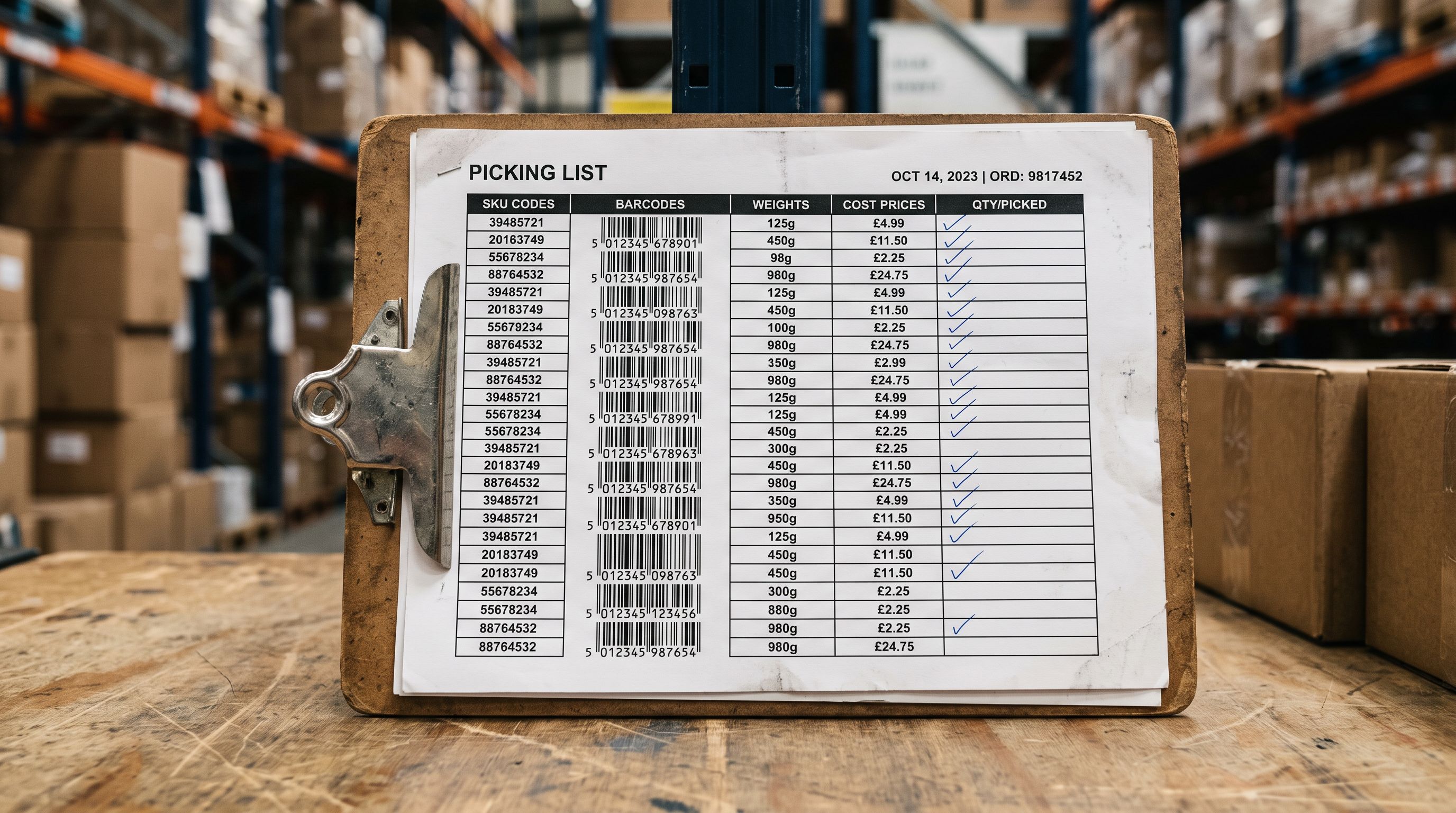
A pet supplies wholesaler received a supplier export from a New Zealand manufacturer: 240 products, each identified only by an internal code like "PS-440-M", with blank description fields, no product category, and a weight in grams. The price, barcode, dimensions, and a single image URL were present. Everything else was absent.
The Shopify storefront needed 240 products that could rank on Google, convert browsing pet owners, and pass Google Shopping validation. The raw supplier file was none of those things. It was an inventory record.
The gap between a supplier's data format and a retail-ready Shopify catalogue is the enrichment gap. Closing it manually means a copywriter spending three weeks writing descriptions, a data analyst mapping category codes, and an SEO specialist optimising titles. Importier's shopify product enrichment workflow closes it at import time.
What the Enrichment Gap Looks Like in Practice
A supplier file is designed to serve the supplier's warehouse. The fields that matter internally are: SKU, barcode, cost price, dimensions, and stock level. Product names are part numbers. Descriptions either do not exist or are written for a B2B buyer who already knows what the product is.
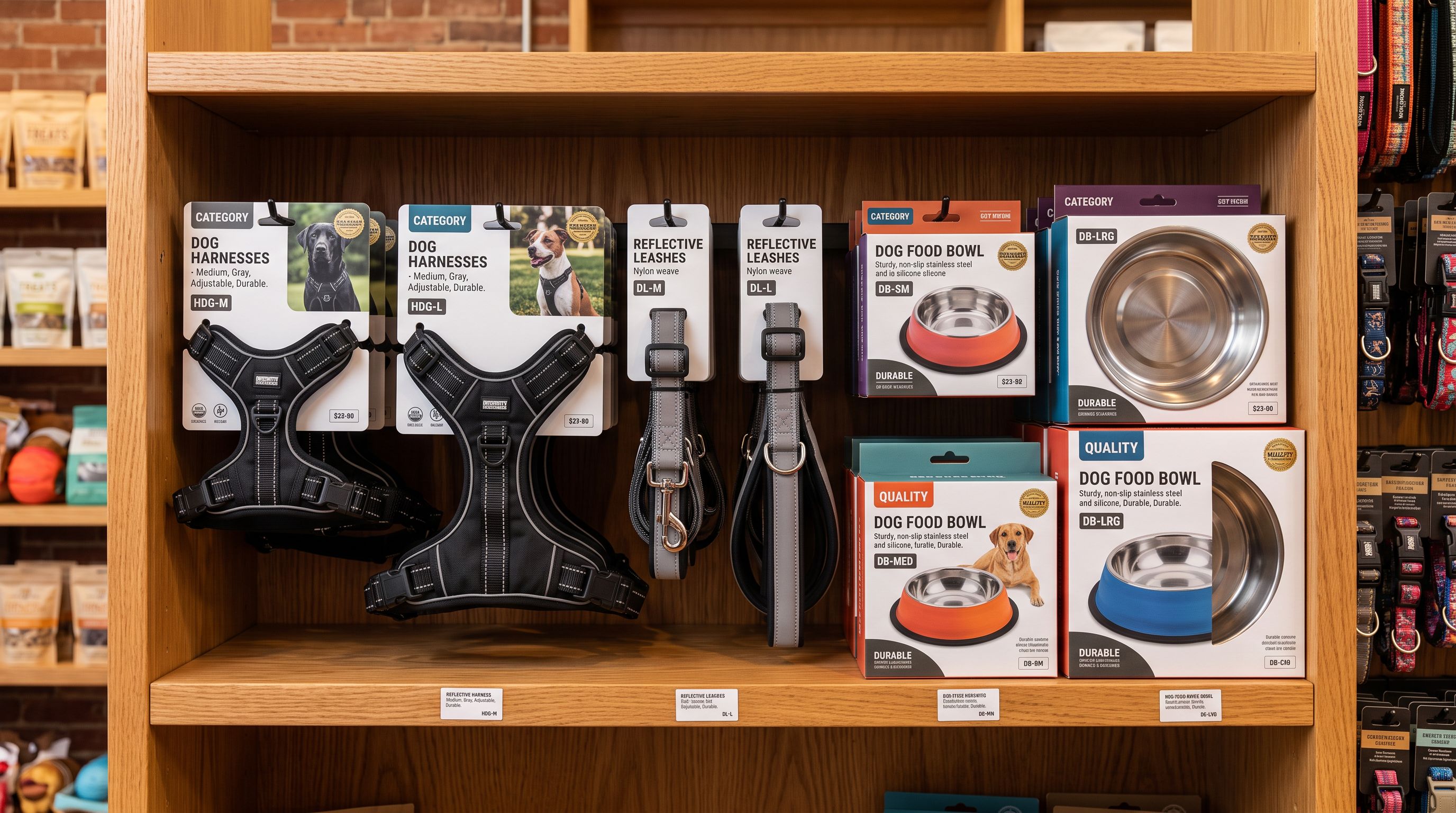
For the pet supplies merchant, the 240 products included dog harnesses, leashes, food bowls, and grooming tools. The supplier code "PS-440-M" meant "Pet Supplies, item 440, medium". The storefront needed that to become "Medium Dog Harness, Reflective Strips, Adjustable Chest 50-70cm, Suitable for Breeds 15-30kg".
The enrichment gap is not just a content problem. Missing titles hurt Google Shopping eligibility. Blank description fields leave no organic keyword surface. Missing category taxonomy blocks automated collection assignment and structured data for AI shopping agents.
This is a different problem from the missing-fields problem covered in a data enrichment workflow (filling in weight, barcodes, and HS codes from barcode lookups). The fields here are present (weight, dimensions, barcode) but the content is absent. No description. No consumer-facing title. No category context. The raw data needs to become content.
The Four Enrichment Steps at Import Time
From Inventory Record to Product Catalogue
Importier applies four enrichment steps during the import wizard. Each step runs in sequence, with the output of one feeding into the next.
Step 1: Title Optimisation
Supplier titles are compact and code-centric. Title Optimiser rewrites them for the target channel during import. For the pet supplies merchant, it translated "PS-440-M Dog Harness" into a structured retail title: front-loaded species, feature, and size for Google Shopping eligibility; primary keyword in position one; character count within Shopify's display limits.
Title Optimiser is configured per import batch. A batch destined for Google Shopping gets different title rules than a batch being added to a wholesale trade portal. The configuration stays saved for the next import from the same supplier; the rules apply without reconfiguration.
Step 2: AI Description Generation
Importier generates descriptions using the merchant's choice of AI model (18+ models across 4 tiers) and description style (7 styles). Each description draws on the available product data: title, attributes, weight, dimensions, barcode-sourced product information, and any enrichment context the merchant supplies.
For the pet supplies merchant, the Benefits-First style with the Pet Care persona produced descriptions structured around the question every buyer asks: "is this right for my dog?" Each description led with breed suitability range, then the feature set, then safety certifications. The 156 expert personas carry industry-specific knowledge: the Pet Care persona knows that double-D ring attachments are a buyer criterion for high-energy breeds, and writes accordingly.
The same products can be regenerated with the Technical Specifications style for a wholesale trade site, or the Comparison Ready style for a price-comparison feed. The import configuration stays separate from the storefront configuration, so the retail and wholesale versions coexist without overwriting each other.
Step 3: FAQ Generation
Importier's FAQ Generator creates 2 to 10 question-and-answer pairs per product, drawing from the product's attributes, description, and enrichment context. FAQs are stored as a metafield, not as Body HTML, which means they can be surfaced selectively (product page FAQ accordion, structured data, a dedicated component) without affecting the main description.
For the pet supplies merchant, the FAQ Generator produced questions like "Is this harness suitable for pulling breeds?" and "How do I measure my dog's chest for the right fit?" These are the questions pet owners type into search and ask AI shopping agents.
A supplier file has the product data. The FAQ Generator extracts the questions buyers ask and builds the answers from the data that is already there.
Step 4: Category Metafield Mapping
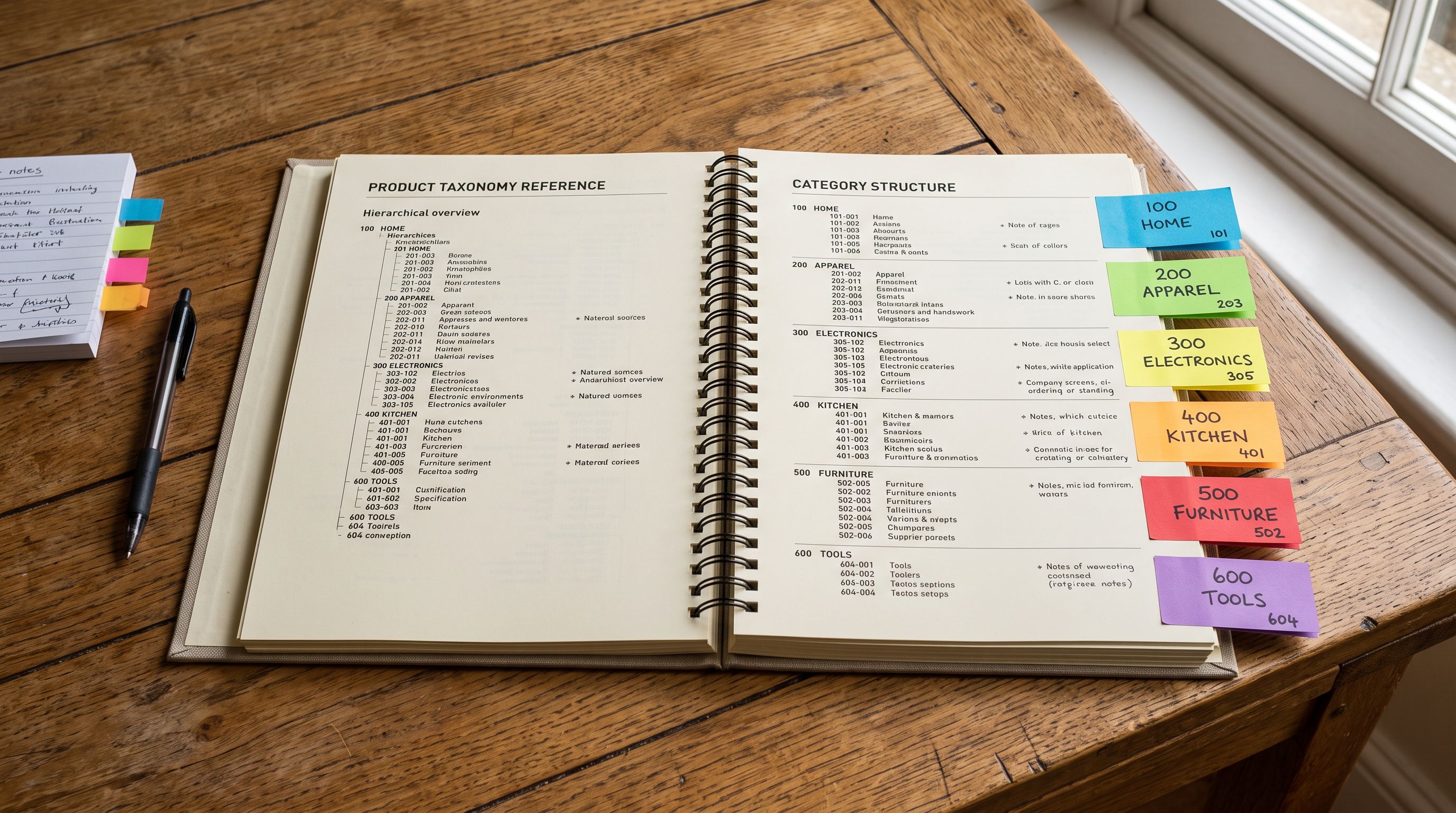
Importier's 22 Industry Packs map products to Shopify's Standard Product Taxonomy, assigning structured attributes for each product category. For pet supplies, the Pet Care pack assigns attributes including species compatibility, age range (puppy/adult/senior), material, closure type, weight capacity, country of origin, and care instructions. The 22 packs cover 3,758 attributes across the full breadth of Shopify's catalogue taxonomy.
These are not custom metafields. They are Shopify-standard category metafields, consistent across every store, used by Google Shopping algorithms and AI shopping agents for cross-catalogue product comparison. A product with 12 filled category attributes can be matched against structured queries ("dog harness reflective medium adjustable") with a specificity that a plain text description cannot achieve.
For the pet supplies merchant, 240 products received an average of 12 filled category attributes each, applied during the same import that generated their descriptions and titles.
- 01Configure the importmap supplier CSV columns to Shopify fields; set Title Optimiser rules for the target channel; select the AI model and description style from the import wizard.
- 02Run AI description generationselect the description style (Benefits-First for retail, Technical Specifications for wholesale), choose the Industry Pack persona that matches your product category, and start the batch. Each product generates a description from its own attribute data.
- 03Generate FAQsrun the FAQ Generator on the same product batch. FAQs are stored as a metafield, separate from the description, available for structured data or a page component.
- 04Map category metafieldsapply the Industry Pack for the product category. The pack assigns Shopify Standard Taxonomy attributes automatically from the imported data: species, age, material, dimensions, care instructions.
- 05Review and push to Shopifythe import wizard shows each enriched product before the final push. Products that failed enrichment due to insufficient source data are flagged for manual review before they go live.
Exporting the Enriched Catalogue for Each Channel
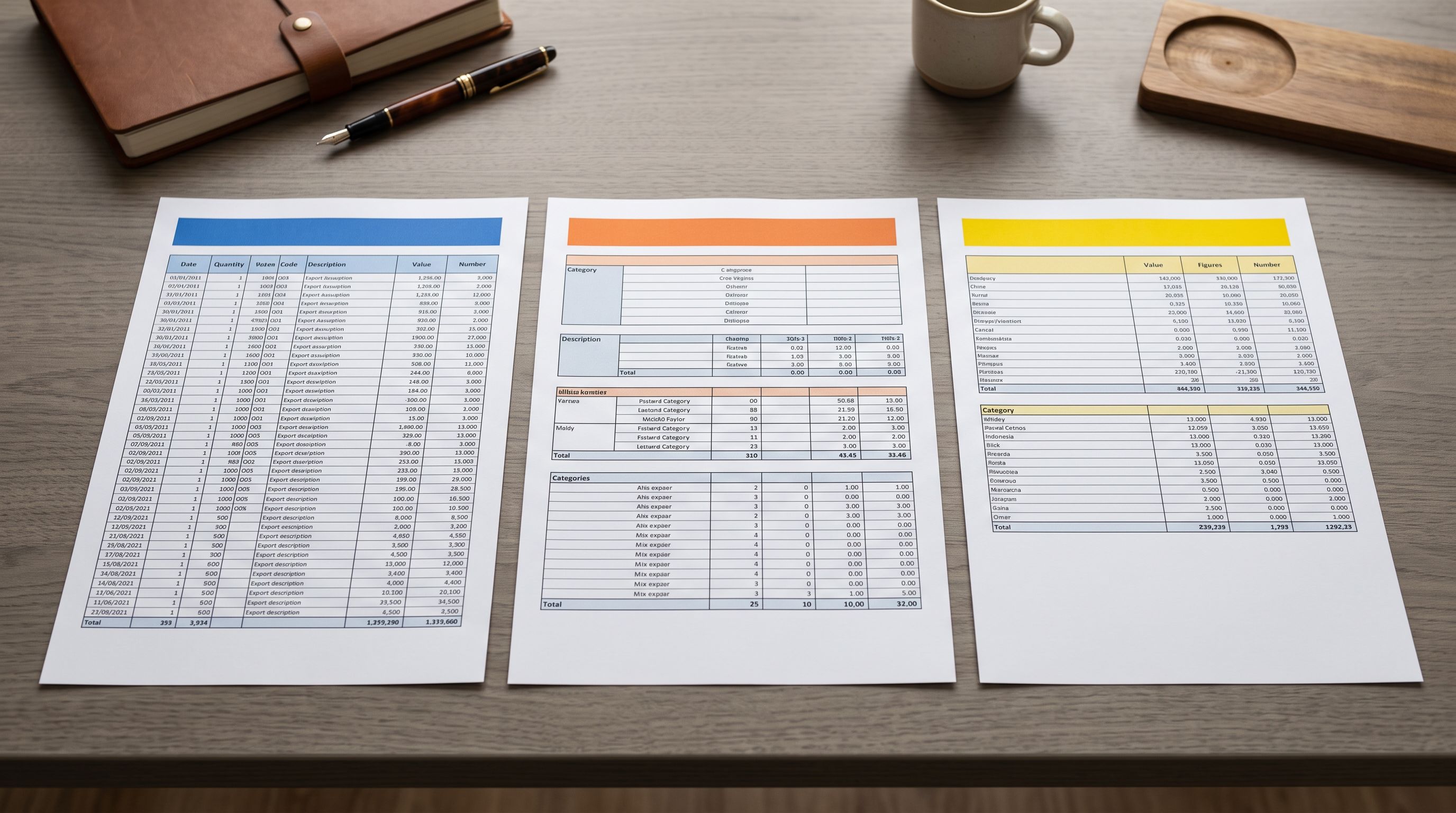
After enrichment, the same catalogue feeds multiple channels through Importier's 8 export presets. Each preset applies channel-specific rules automatically:
- Google Shopping: maps
google_product_categoryto the taxonomy code, formats titles within Google's 150-character limit, includes GTIN from barcode data, assigns condition and brand fields from vendor data - eBay: formats titles within eBay's 80-character limit, maps category taxonomy to eBay category IDs, structures item specifics from category metafields
- Amazon: generates the flat file format with ASIN-mapping columns, maps category attributes to Amazon's required item type fields
- Full CSV: the complete Shopify export with all metafields intact, for backup, migration, or channel upload
For the pet supplies merchant, the Google Shopping export included the enriched titles, descriptions, and category taxonomy for all 240 products in a file ready to upload to Google Merchant Centre. No post-export editing was required.
According to Google Merchant Centre's product data quality guidelines, products with complete titles, accurate descriptions, and filled taxonomy fields qualify for more Shopping ad auction types than products with thin or missing data. The enrichment workflow produces the data quality that Google's algorithm scores.
Measuring Enrichment Quality Before and After
Importier's SEO Audit export preset scans the catalogue and returns a CSV of products with data quality gaps: empty description fields, titles under a threshold length, missing barcodes, blank brand fields, and unfilled required category attributes.
For the pet supplies merchant, the SEO Audit before import showed 240 products flagging description-empty. After the enrichment workflow, the same audit returned 3 products still flagging: three edge-case items with insufficient source data to generate a description without manual review. The remaining 237 products had all required fields populated.
The before/after audit converts "we ran enrichment" into "we ran enrichment and 237 out of 240 products now have all required fields for Google Shopping eligibility". That specificity is what makes the workflow measurable rather than approximate.
- Copywriter writes each description individually (3-4 minutes per product for 240 products is 12-16 hours of writing time)
- Category taxonomy looked up product by product (30-60 seconds each for a 240-product catalogue is 2-4 hours of data entry)
- FAQ copy is either skipped or written generically without product-specific answers
- Each channel needs a separate spreadsheet reformatted by hand
- Quality measured by spot-checking; no systematic before/after audit
- AI generates all descriptions in one batch pass (240 products in under 15 minutes)
- Industry Pack maps category taxonomy automatically from the imported product data: 22 packs, 3,758 attributes applied at import
- FAQ Generator creates 2-10 Q&A pairs per product drawn from the product data already in the import batch
- 8 export presets produce channel-ready files from the same enriched catalogue
- SEO Audit export before and after the import measures exactly which fields changed and which products still need attention
Key Takeaways
- The enrichment gap is the distance between a supplier's inventory record format and a retail-ready Shopify catalogue. Closing it at import time removes the need for a separate copywriting, data-entry, and category-mapping phase after import.
- Importier's enrichment workflow applies four steps in sequence during the import wizard: Title Optimiser formats titles for the target channel; AI description generation uses 7 styles, 156 expert personas, and 18+ models; FAQ Generator creates structured question-and-answer pairs stored as metafields; Industry Packs assign category attributes from Shopify's Standard Taxonomy.
- The same enriched catalogue exports through 8 presets for Google Shopping, eBay, Amazon, and other channels. Each preset applies channel-specific field formatting automatically without requiring a separate editing step.
- Importier's SEO Audit export measures enrichment quality before and after the import, returning a list of products with unfilled fields rather than a count and an error code.
- The workflow is repeatable. Import configuration saved from the first batch (persona, description style, Title Optimiser rules, Industry Pack selection) applies to every subsequent file from the same supplier without reconfiguration.
For the full AI description generation workflow including Brand Voice configuration, description style selection, and persona matching, the AI product descriptions guide covers those steps in detail. For filling missing data fields (weight, barcode, HS code, country of origin) rather than generating content, the product data enrichment guide covers the complementary workflow.
Start your enrichment workflow at importier.app.
Set up your first import in under five minutes.
Importier brings products into Shopify with AI descriptions, category metafields, and data enrichment on every run.