Shopify AI Product Enrichment: Using the Context Field

On this page
A hardware merchant importing 80 cast iron hand planes ran AI enrichment on the batch. The enrichment step is meant to fill missing weight, product type, and category data automatically using the product titles and descriptions as input.
Shopify AI product data enrichment gave every hand plane a weight of approximately 180 grams. The actual weight ranges from 800 grams to 2.2 kilograms depending on the model.
The problem: the word "plane" in the product titles was being read as a reference to a thin, flat surface or a woodworking chip rather than as a hand tool. Without additional context, the AI estimated weights appropriate for thin aluminium stock or wooden craft pieces, not for precision-cast iron workshop tools.
The merchant caught the error in the import review step before pushing to Shopify. The fix took 30 seconds: adding a context hint that the batch contained heavy cast iron hand tools.
What Shopify AI Product Data Enrichment Fills
Importier's enrichment step runs after the import file is loaded but before products are pushed to Shopify. For each product, the AI reads the title, description, and any available specifications and attempts to fill fields that are missing or blank in the source file.
The fields it fills include:
- Weight: in grams, kilograms, pounds, or ounces, based on the product's likely physical characteristics
- Product Type: the Shopify
product_typefield, which drives automated collections and reporting - Category: the Shopify standard taxonomy category for the product
- HS code: the Harmonised System customs code for cross-border shipping declarations
- Country of Origin: the manufacturing origin for customs and compliance purposes
For the majority of products in a well-labelled catalogue, default enrichment works without configuration. A product titled "Stainless Steel Chef's Knife, 20cm" will receive an accurate weight estimate, a correct product type ("Knives & Cutting Tools"), and a plausible HS code without any additional input.
The challenge comes with specialist catalogues where the product names are ambiguous, use industry-specific terminology, or describe physical characteristics in ways that the general AI model does not immediately recognise as a specific product category.
What the Enrichment Context Field Does
The context field is a plain-text input in Importier's enrichment settings. It accepts a free-form description of the type of products in the import session.
When enrichment runs, the AI reads both the individual product titles and the context field before making estimates. The context field is not a per-product override. It is a batch-level instruction that applies to every product in the session.
This means the merchant writes one hint, and every product in the batch receives enrichment informed by that hint.
For the hardware merchant's batch of 80 hand planes, the context field contained: "Cast iron woodworking hand planes and accessories. Products range from 800g to 2.2kg depending on model size. These are precision workshop tools, not decorative items."
After adding the hint, the enrichment step produced weight estimates that matched the manufacturer's specification sheets within 150 grams for every product in the batch.
Three Catalogues Where the Context Field Makes the Difference
When to add a context hint
Catalogues with Ambiguous Product Names
Industry terminology that is immediately clear to the merchant and their customers is often unfamiliar to a general-purpose AI. The context field bridges this gap.
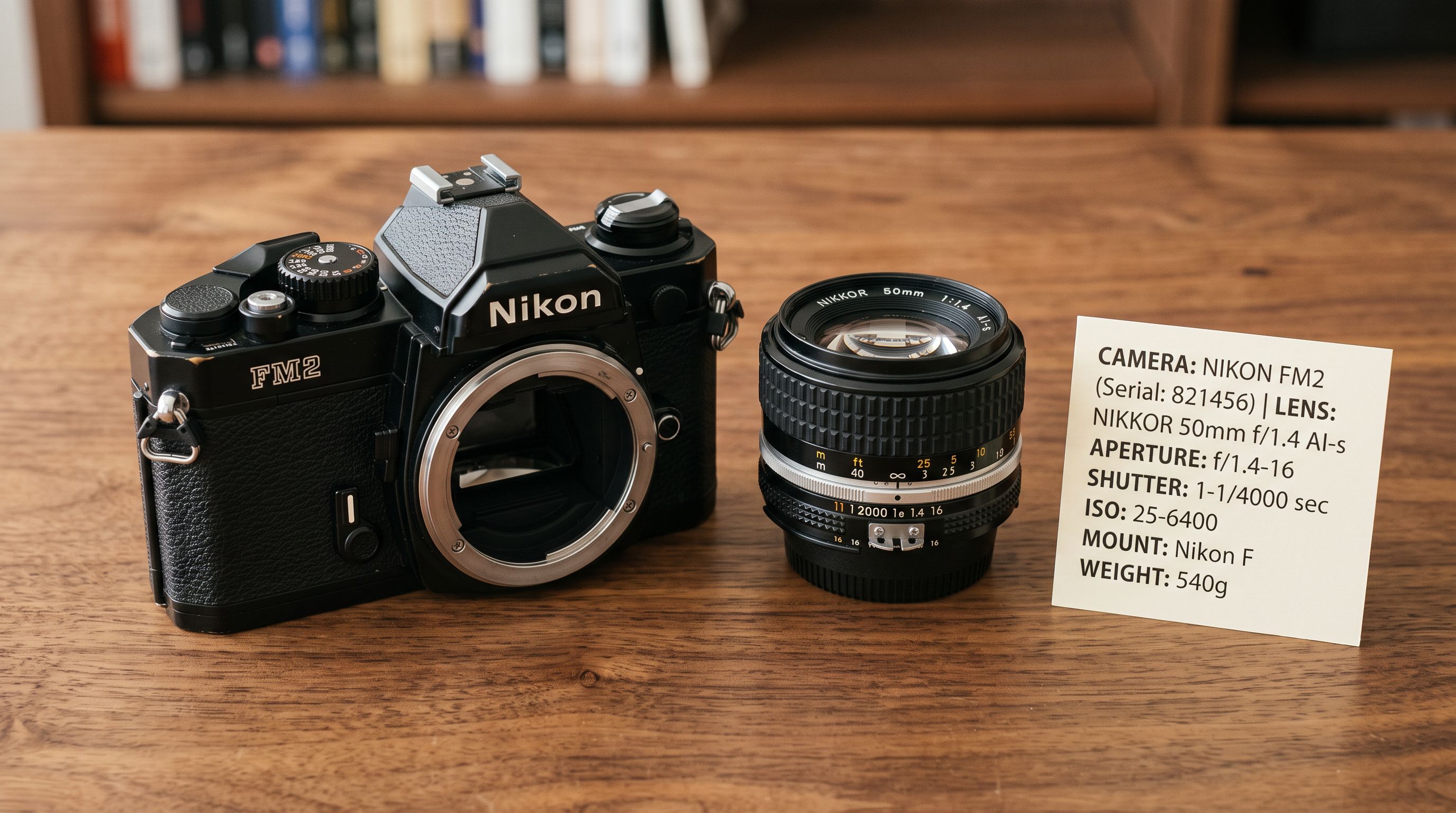
Vintage camera equipment: A catalogue of film cameras, lenses, and accessories uses model names like "Pentax Spotmatic F" or "Rolleiflex 3.5E." These are recognisable product names with well-documented specifications, but without context the AI may classify a 35mm film SLR camera under "Photography Accessories" rather than "Film Cameras" and estimate its weight as 400 grams rather than 920 grams.
Context hint: "35mm film SLR cameras and medium format cameras, 400g-1,800g. All products are analogue film cameras, not digital."
Traditional herbal supplements: A catalogue of dried herbs, tinctures, and loose-leaf teas uses names like "Ashwagandha Root Powder 100g" and "Valerian Root Tincture." Without context the AI may classify these as general food products rather than as dietary supplements and miss relevant HS codes for botanical preparations.
Context hint: "Traditional herbal supplements and botanical preparations, all sold as food supplements under UK food supplement regulations."
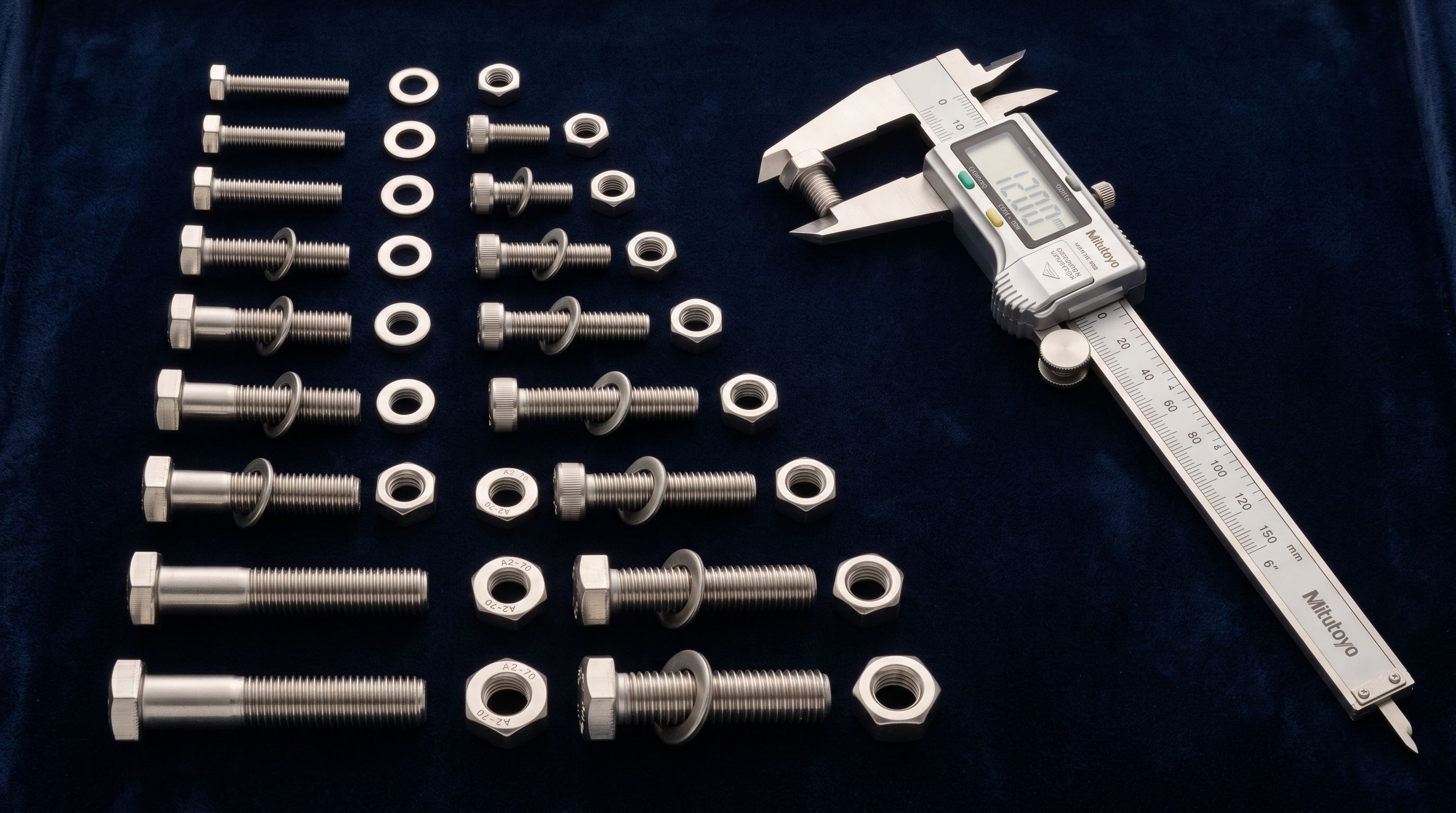
Specialist hardware fasteners: A catalogue of machinist hardware includes products named by standard codes: "M8 x 1.25 Socket Head Cap Screw, 316 SS, 30mm." Without context this reads as a set of dimensions and materials, and the AI may estimate weights significantly below the actual weight of a stainless steel machine screw at this specification.
Context hint: "Machined metal fasteners and hardware: socket head cap screws, hex bolts, nuts, and washers. Stainless steel (316 grade) unless noted. Individual unit weights range from 2g to 85g per piece."

Catalogues Sold by Non-Standard Units
Some specialist merchants sell products in units that do not map naturally to the weight fields Shopify expects.
A raw materials merchant selling beeswax by the kilogram block, upholstery foam by the sheet, or leather by the hide may list weight-per-unit in ways the AI reads as total batch weight rather than per-product weight.
Context hint: "All weights listed are per individual unit/piece sold. Beeswax blocks are sold individually. Foam sheets are sold as single sheets. Weight listed is the shipping weight for one unit."
Catalogues with Regulatory Compliance Requirements
Some products require specific HS codes or country-of-origin declarations for import/export compliance. The AI's default enrichment produces a best-guess HS code based on product type, but for regulated products a specific code may be required.
Context hint: "All products manufactured in Germany under CE Directive for electrical equipment. Country of Origin: DE. Products are classified as low-voltage electrical components."
The context field does not guarantee a specific HS code (the AI still makes an estimate), but providing manufacturing context and product classification details improves accuracy for subsequent manual review.
How to Write an Effective Context Hint
- 01Identify what the AI gets wrong firstrun enrichment without a context hint on a small sample batch (10-20 products). Review the filled values in the import preview. Note which fields are inaccurate and what the AI chose instead of the correct value.
- 02State the product category in plain languageuse the most common name for the product category, not trade codes or internal terminology. 'Cast iron workshop hand tools' is clearer than 'ferrous precision-machined equipment'.
- 03Include the weight range for the batchgive the AI a range rather than a single value: 'products in this catalogue weigh between 800g and 2.2kg' is more useful than '1.5kg average'. Ranges let the AI scale estimates relative to the product being enriched.
- 04State what the products are NOT when relevantambiguity usually has a clear wrong interpretation. 'Film cameras, not digital cameras' and 'dietary supplements, not pharmaceuticals' tell the AI which interpretations to exclude.
- 05Add the primary material and origin country if relevant for HS codes'stainless steel, grade 316, manufactured in Germany' gives the AI the material and origin context needed for more accurate HS code estimates.
Keep the context hint under 100 words. Longer hints do not produce proportionally better results. The AI reads the hint as additional context, not as a constraint.
The context field is not a per-product instruction. One hint, written once, guides the AI for every product in the import session.
When You Do Not Need the Context Field
For most standard product catalogues, the context field adds no value. The AI enrichment works without hints when:
- Products have descriptive titles that include material, dimensions, or recognised brand names
- The catalogue covers common consumer categories (clothing, electronics, kitchenware, cosmetics, footwear)
- The supplier's file already includes weight and category data that the merchant is importing directly
Adding a context hint to a standard catalogue of kitchen appliances does not improve enrichment accuracy and does not cause errors. It is not needed. The context field is for specialist catalogues where the product titles alone do not give the AI enough to work with.
The test is straightforward: import a sample batch without a hint, review the enriched values in the preview step, and add a hint only if the values are wrong. Most merchants who import standard consumer goods from well-labelled supplier files will never use this field.
Combining the Context Field with Selective Enrichment
Importier's enrichment settings allow the merchant to control which fields the enrichment step fills. A merchant who already has accurate weight data in their supplier file but needs HS codes and country of origin can enable enrichment for those fields only, leaving weight unchanged.
The context field works with selective enrichment. If enrichment is running only for HS codes, the context hint focuses the AI on the information relevant to HS classification: product category, materials, and manufacturing origin.
This combination is particularly useful for cross-border merchants whose supplier files include weights (required for their domestic shipping calculations) but do not include HS codes or origin declarations (required for import documentation in the destination country).
- AI reads product titles only for weight and category estimates
- Ambiguous product names produce generic estimates (e.g., 'plane' estimated at 180g)
- HS codes may map to the most common category rather than the specific regulated category
- Weight estimates require manual correction across the entire batch before pushing
- Enrichment errors caught at checkout when shipping rates calculate incorrectly
- AI reads product titles plus the batch-level context for every estimate
- Specialist product names enriched with category and weight range context produce accurate estimates
- HS codes benefit from material and origin context for more specific classification
- Preview step shows plausible values across the batch with significantly fewer outliers requiring correction
- Context hint written once applies to all 80 products without per-product editing
After Enrichment: The Import Preview Step
Regardless of whether a context hint is used, the import preview step is the verification gate before any data reaches Shopify.
The preview table shows enriched values for every product in the batch alongside the original source values. Inaccurate enrichment is visible before the push: a product showing 180g when the correct weight is 1,400g is immediately visible in the weight column.
For batches where enrichment has been run with a context hint, the preview gives the merchant confirmation that the hint worked. If values are still wrong for a subset of products (different sub-categories within the batch, or unusual outliers), those can be corrected in the review step before pushing.
The enrichment context field is one part of the broader Shopify AI product data enrichment workflow. For reference on what Shopify weight fields affect (shipping rates, fulfilment rules, and carrier-calculated rates), Shopify's documentation on product weight and shipping explains how each weight value is used downstream. For HS code classification across product categories, the World Customs Organisation trade tools provide the reference nomenclature that Shopify uses in its customs fields.
For merchants importing products with HS codes for cross-border compliance, adding HS codes and country of origin to Shopify products covers the field requirements, where they appear in Shopify admin, and how to validate HS codes before customs declarations are filed.
Key Takeaways
The enrichment context field guides Importier's AI for specialist catalogues where product names are ambiguous, use trade-specific terminology, or describe products in ways that the general AI model interprets incorrectly.
- The context field is a batch-level instruction, not a per-product override. Write the hint once and every product in the import session benefits from the additional context.
- Run a sample batch without a hint first. If the preview step shows accurate enrichment values, no hint is needed. Add a hint only when the AI is guessing wrong.
- Include the product category, weight range, primary material, and what the products are not. These four elements address the most common sources of enrichment error for specialist catalogues.
- Keep hints under 100 words. Longer hints do not produce proportionally better results.
- Selective enrichment focuses the hint. If you only need HS codes, enable only HS code enrichment. The context hint applies to whatever enrichment fields are active.
- The import preview step is the final check. Enriched values are visible before any data reaches Shopify. Catch and correct remaining outliers in the preview before pushing the batch.
Start importing with AI enrichment at importier.app.
Set up your first import in under five minutes.
Importier brings products into Shopify with AI descriptions, category metafields, and data enrichment on every run.