Shopify Import Variant Detection: Group SKUs Automatically
On this page
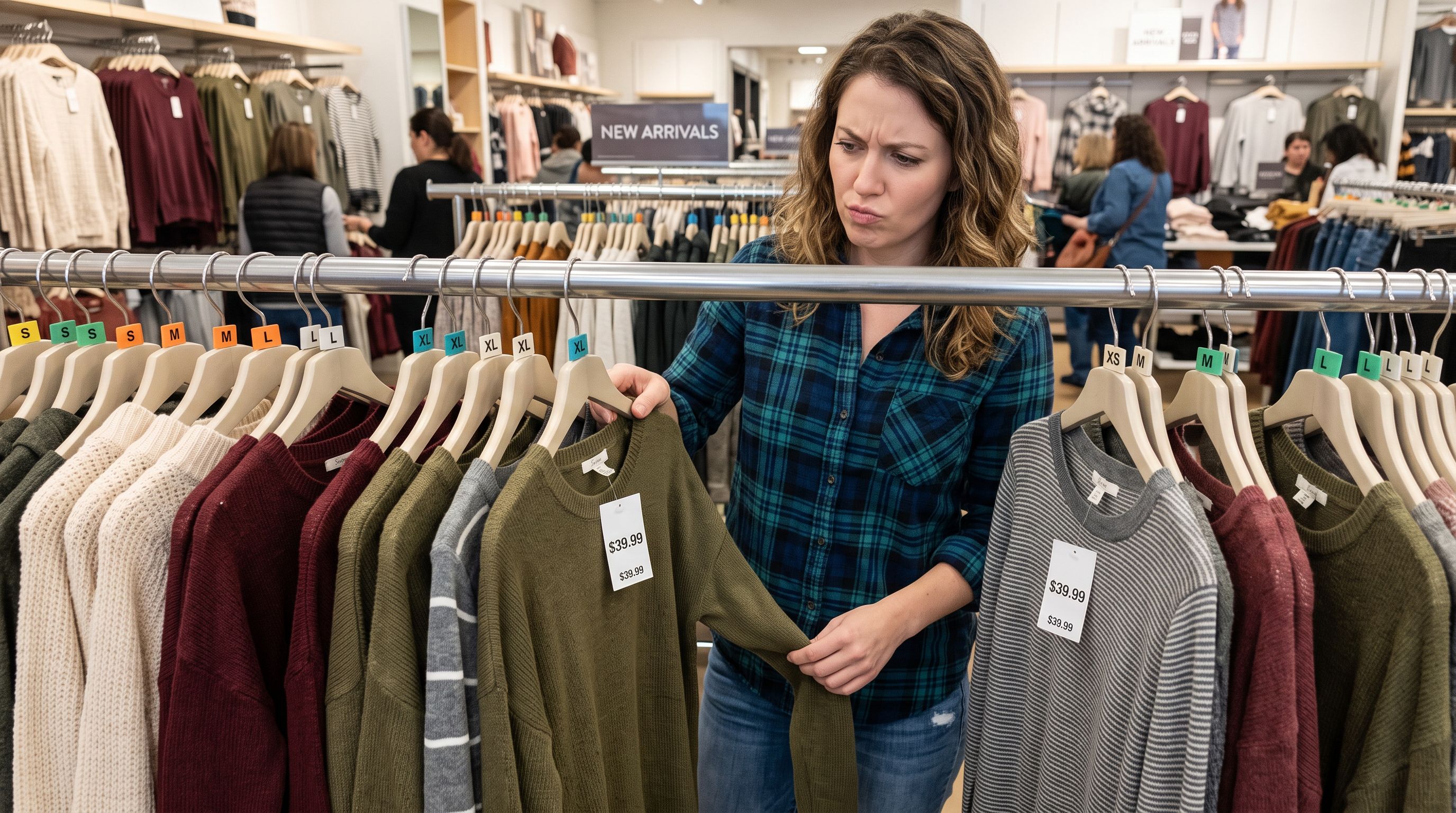
A sporting goods merchant receives a supplier CSV with 600 rows. Each row is a single SKU: "Running Shoe Model A Size 7", "Running Shoe Model A Size 8", "Running Shoe Model A Size 9", and so on, repeated across six colourways. In the supplier's system, these are 180 separate product records. In Shopify, they should be 6 products, each with 5 size variants. Importing the CSV row-by-row into Shopify produces 180 separate product listings, each selling a single size-colour combination, instead of 6 clean product pages with a size selector and colour swatch.
Shopify import variant detection solves this. Importier analyses each row in the supplier file, identifies the attribute that differentiates rows that belong to the same base product, and groups those rows into a single Shopify product with the correct variant structure before anything is written to the store.
What the Supplier CSV Problem Actually Looks Like
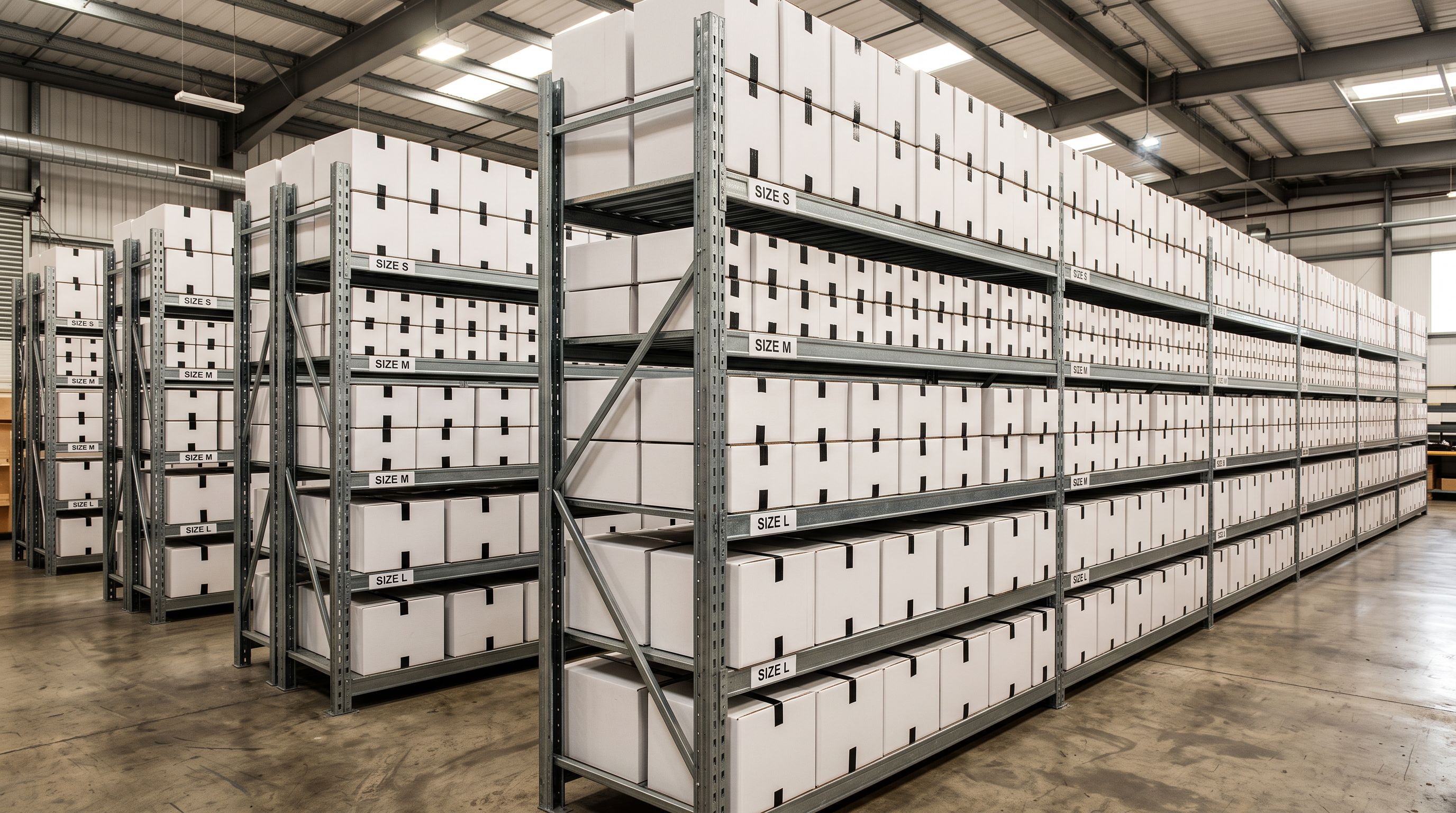
Supplier CSV files are built around inventory management, not storefront display. A supplier tracks each SKU individually because each size and colour has its own barcode, its own stock level, and its own fulfilment record. Their export format reflects this: one row per SKU, every attribute on every row, no parent-child grouping.
Shopify's product model works differently. A product can have up to three options (Colour, Size, Material, for example), and each unique combination of option values is a variant. A "Running Shoe Model A" product with 5 sizes and 6 colourways has 30 variants, all within the same product listing. Shoppers see a single product page with size and colour selectors, not 30 separate search results.
The gap between these two models is the variant detection problem. Without detection, a direct row-by-row import produces as many Shopify products as there are rows in the CSV. With detection, rows that belong to the same product are grouped before the import runs. Shopify's own CSV product import format supports variants as multiple rows sharing a product title, but it requires the source file to already be structured that way; most supplier exports are not.
How Importier's Variant Detection Works
Importier's variant detection runs in the import review step, before any product data is written to Shopify. The system analyses the source file and looks for rows that share a base product identity but differ on one or more attribute values.
The detection uses two complementary approaches.
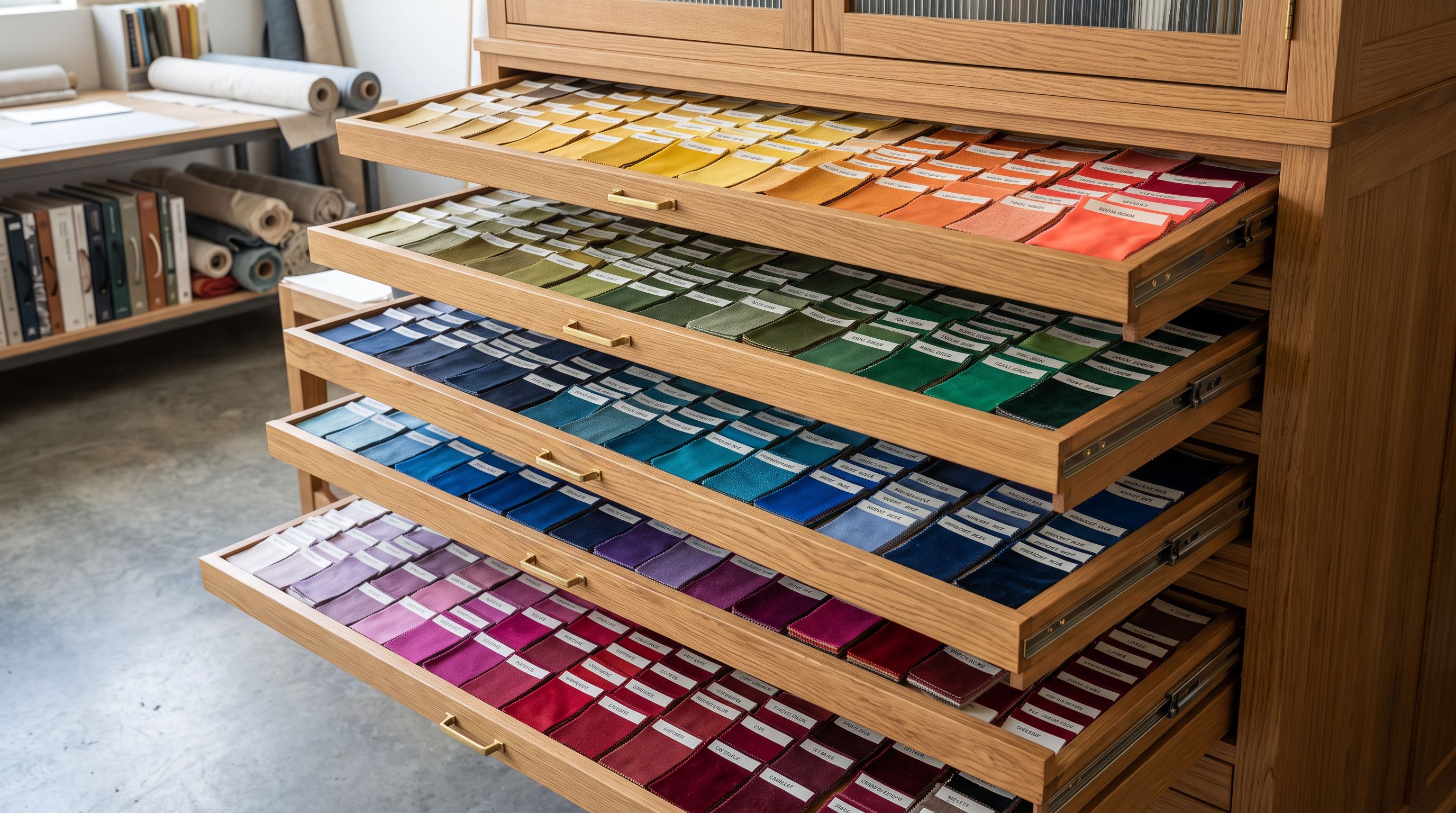
Pattern matching across 150+ predefined patterns. Importier maintains a library of more than 150 regex-based variant detection patterns organised by attribute category: Size, Colour, Storage and Memory, Weight, Volume, Pack Size, Material, Flavour, Scent, Power, and Dimensions. These patterns cover the naming conventions suppliers use across 15+ industries. A size column that uses "S / M / L / XL" triggers the size pattern. A column with values "Black", "Navy", "Forest Green", and "Burgundy" triggers the colour pattern. A "64GB / 128GB / 256GB" column triggers the storage pattern.
The pattern library handles the variation in how suppliers express the same attribute. "Small", "SM", "S", "s", "small" all match the size pattern. "Charcoal Gray", "charcoal grey", "Charcoal", and "CHARCOAL" all match as colour variants of the same base value. The patterns are case-insensitive and handle common abbreviations and spelling variants.
AI analysis for ambiguous groupings. Some supplier CSVs present grouping challenges that pattern matching alone cannot resolve. A product line where different sizes have different weights, different SKUs with only a numeric suffix distinguishing variants, or product descriptions that include size information embedded in the title rather than in a separate column. These cases require understanding the relationship between rows rather than just matching column values against patterns.
Importier's AI analysis step handles ambiguous groupings by evaluating multiple signals: title similarity across rows, SKU prefix patterns, price relationships between rows (colour variants typically have the same price; size variants sometimes differ), and the full set of attribute columns in the file. The AI determines whether rows should be grouped and, if so, which attribute forms the option axis for the variant structure.
The 150+ pattern library covers what is predictable. The AI analysis handles what is ambiguous. Together they address the full range of variant structures that appear in real supplier files.
The Three-Option Limit and How Detection Handles It
Shopify products support a maximum of three option types per product, and each option can have up to 100 values, as outlined in Shopify's product variants documentation. This constraint shapes how Importier handles products that technically have more than three differentiating attributes.
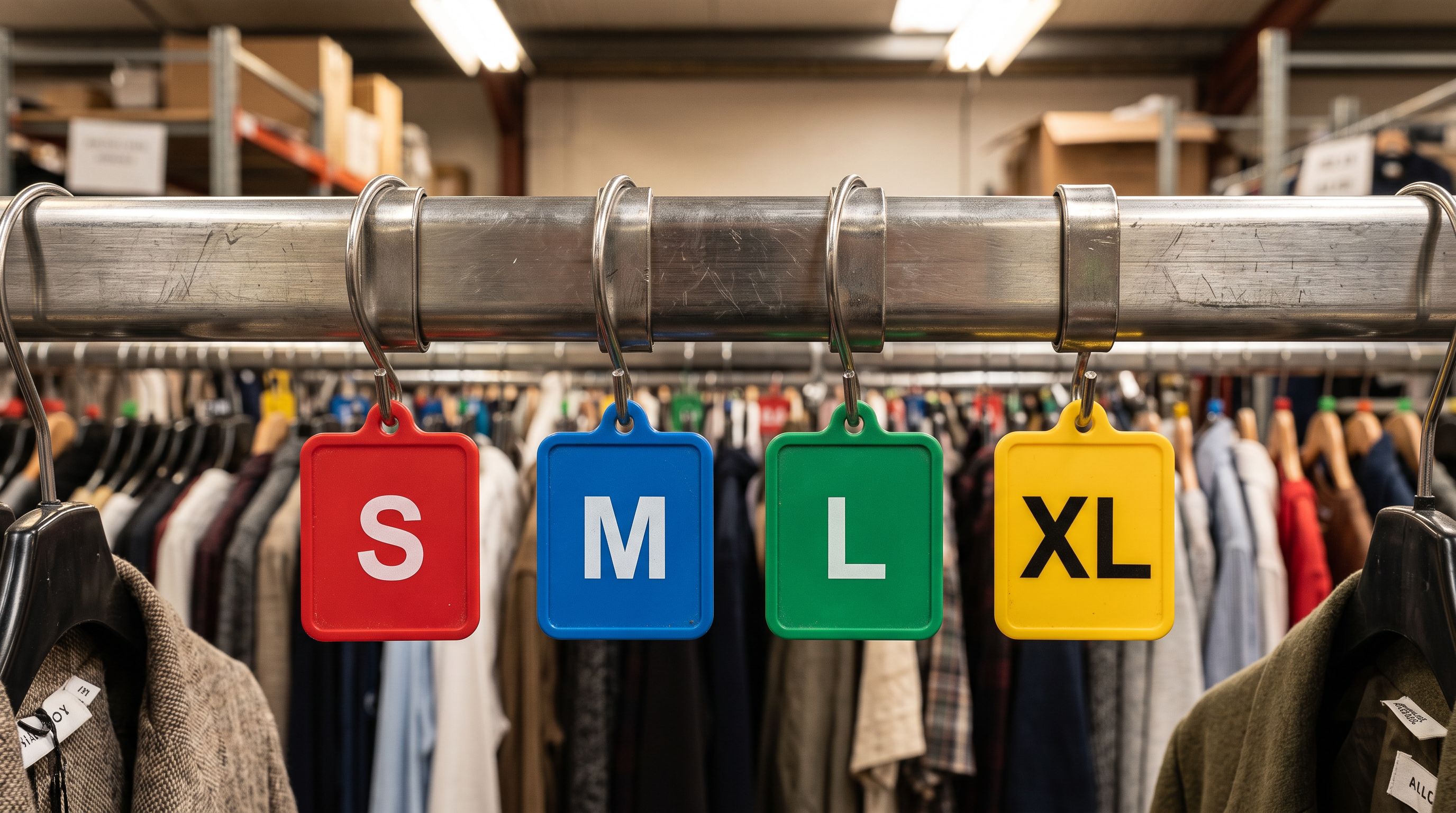
A consumer electronics product might differ on storage capacity, colour, and whether it includes a charging cable. Three attributes, three options. This maps cleanly. A fashion product might differ on size, colour, material, and fit (slim vs. regular). Four attributes exceeds Shopify's three-option limit.
When detection identifies more than three variant attributes in a supplier's data, Importier surfaces this in the review step and provides options for how to handle the fourth attribute:
- Encode it in one of the existing option values ("Slim Fit - Navy" combining fit and colour into a single option value)
- Store it as a product metafield rather than a variant option (preserving the data without creating a fourth option)
- Split the product into separate Shopify products by the fourth attribute (a "Slim Fit" product and a "Regular Fit" product, each with colour and size variants)
The review step shows the proposed variant structure before anything is committed to Shopify, so the merchant can approve the grouping, adjust the option mapping, or override the detection result for specific products in the batch.
- 01Step 1Upload the supplier CSV to Importier's import wizard. The file is analysed before any mapping configuration is required.
- 02Step 2Importier runs variant detection across all rows, identifying which columns contain variant-differentiating values and which rows share a base product. The detection result shows proposed product groups.
- 03Step 3Review the detected variant structure in the import preview. Each proposed Shopify product shows its grouped variants, the option names assigned, and the number of variants per product.
- 04Step 4Adjust any detection results that need correction. A product where the automatic grouping does not match your intent can be ungrouped, regrouped, or have its option name changed before the import runs.
- 05Step 5Confirm the import. Importier creates the parent product once per group, sets the option names and values, and creates variants for each grouped row with the correct barcode, SKU, price, and inventory quantity per variant.
Industries Where Variant Detection Has the Highest Impact
The variant detection system is used across all import categories, but the impact is largest in industries where products naturally have many attribute combinations.
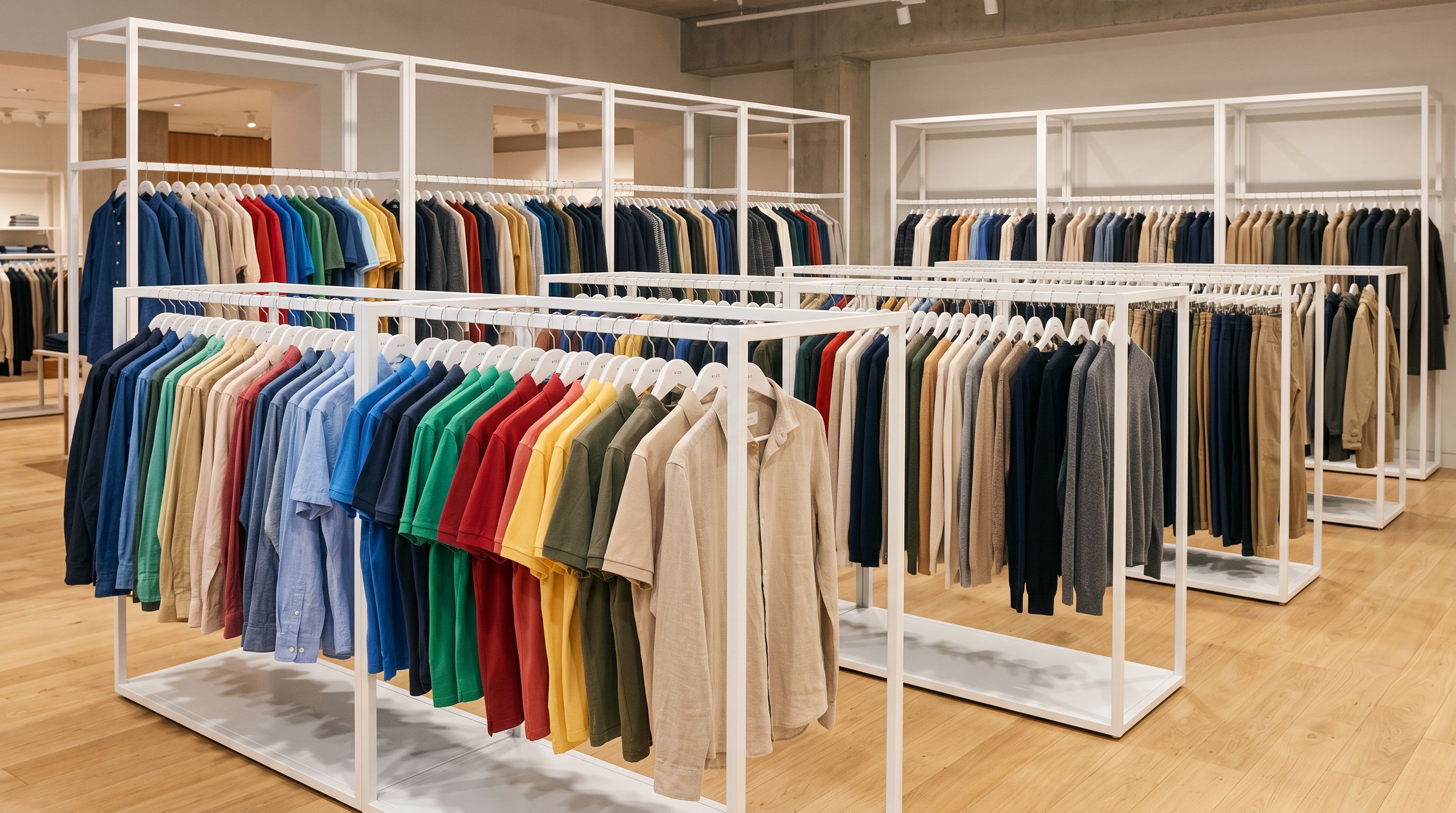
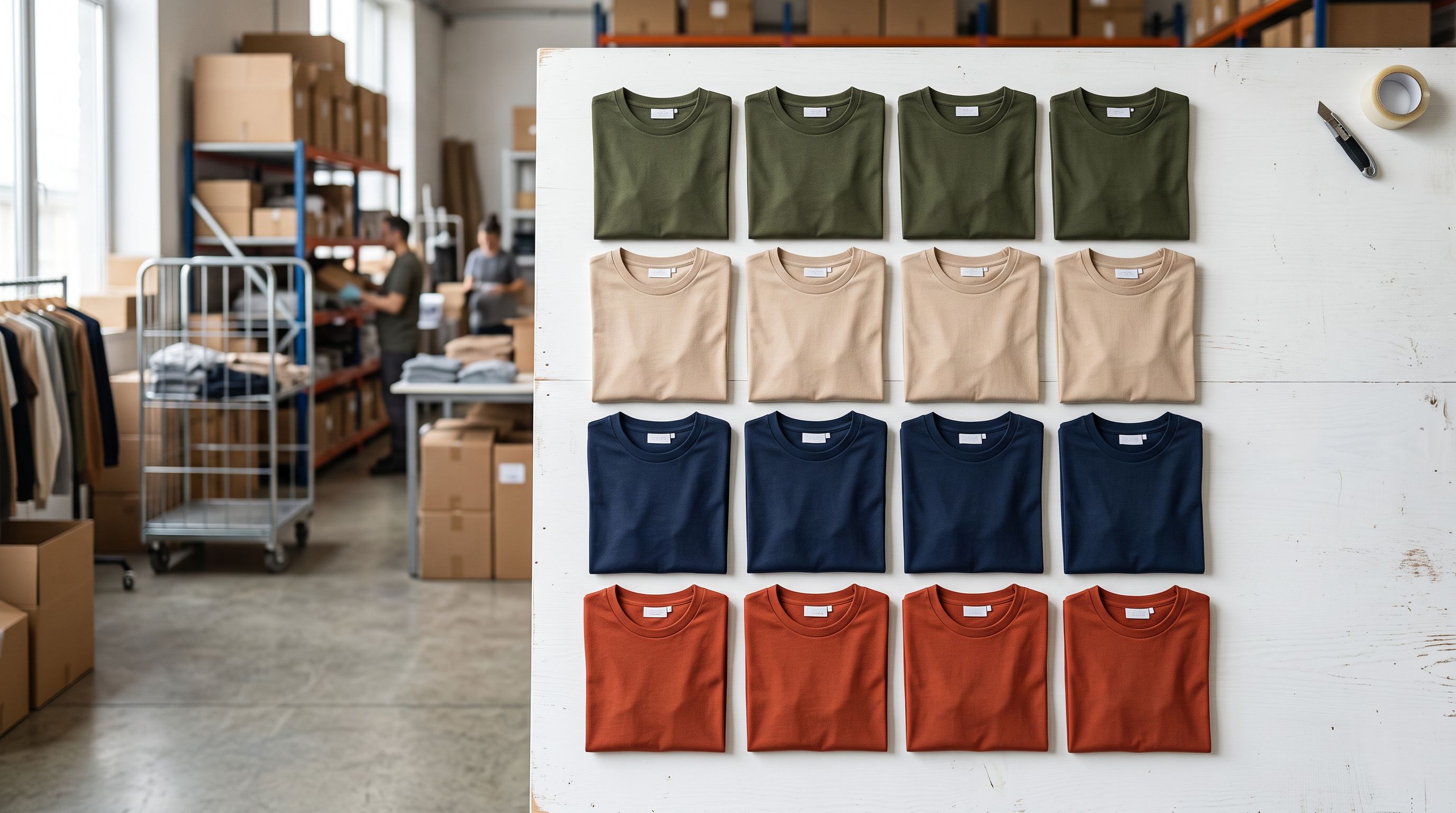
Apparel and footwear. A fashion importer bringing in seasonal stock from a supplier typically receives a CSV where every size and colour is a separate row. A single t-shirt design in 4 colours and 5 sizes is 20 rows in the supplier file; Importier's detection groups them into one Shopify product with Colour and Size options. The 22 Industry Packs include Apparel and Footwear packs with attribute definitions that align with the variant patterns for these categories.
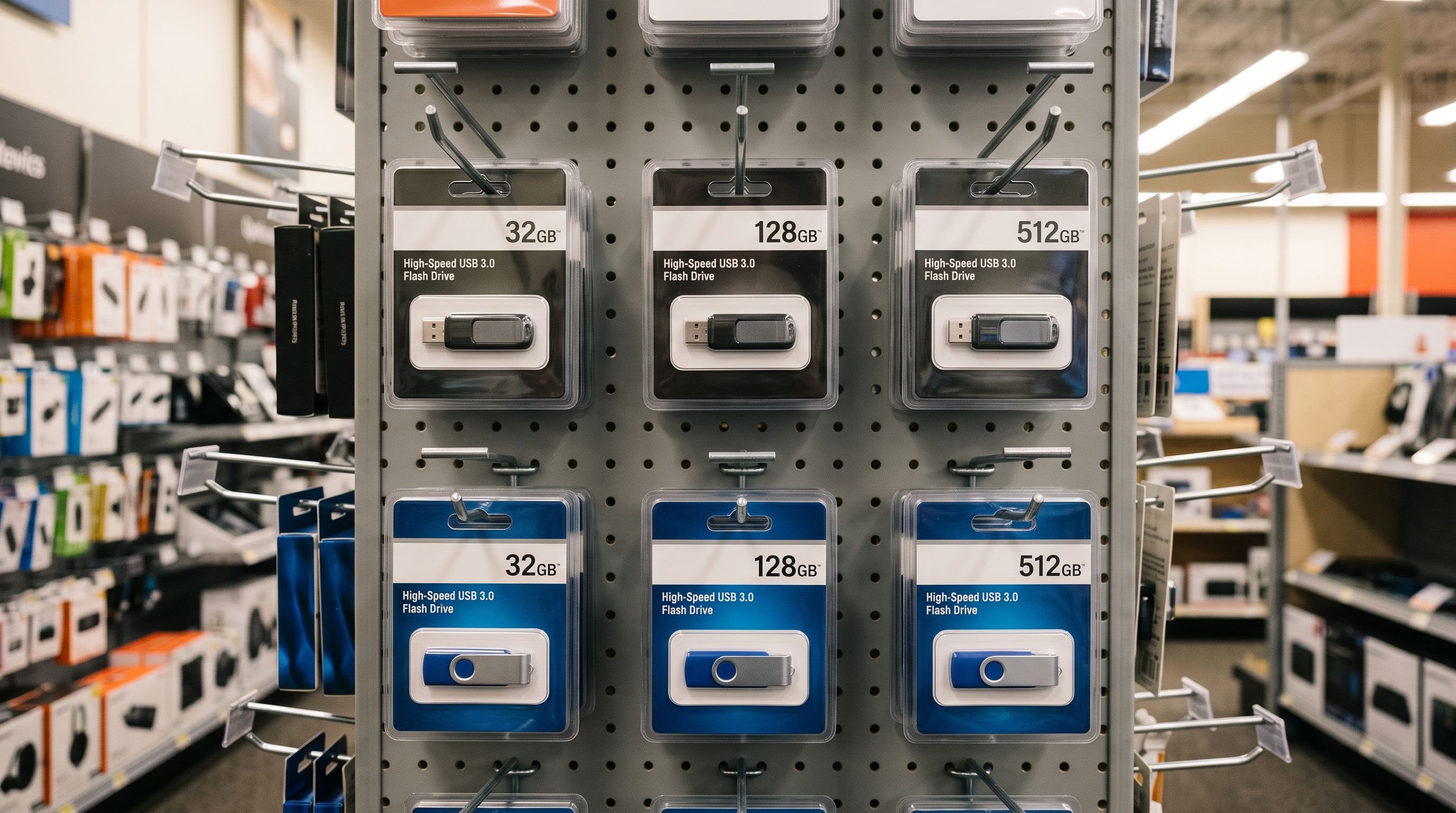
Consumer electronics. Memory cards, USB drives, SSDs, and mobile accessories typically vary by storage capacity. A supplier exporting their USB drive range produces rows for 32GB, 64GB, 128GB, and 256GB variants of the same device. Importier's storage pattern detects these as variants of a single product, grouping them by the capacity suffix in the product title or a dedicated capacity column.
Health and beauty. Skincare and hair care products frequently vary by size (30ml, 50ml, 100ml, 200ml) and sometimes by formula variant (Original, Sensitive, Fragrance-Free). Volume and formula patterns handle both attribute axes.
Food and beverage. Pack size detection groups single-unit, 3-pack, 6-pack, and 12-pack variants of the same product. The supplier's export, with separate rows for each pack configuration, becomes a single Shopify product with a Pack Size option.
For AliExpress to Shopify imports, variant detection handles the per-variant scraping output directly. Each variant scraped from a listing page becomes one row in the detection input, and the system groups them back into the Shopify product structure before push.
What Happens When Detection Gets It Wrong
Variant detection produces a result the merchant reviews before the import commits. A detection error does not cause a bad import. It creates a correction opportunity in the review step.
The most common correction scenario is over-grouping: two products that share a title prefix but are genuinely separate products get grouped as variants of each other. A supplier file with "Protein Bar Chocolate Fudge 50g" and "Protein Bar Vanilla 50g" might group as colour variants of the same product if the detection reads "Chocolate Fudge" and "Vanilla" as flavour values. In this case, the merchant reviews the proposed grouping, sees that these are distinct products with different compositions (not just flavour variations of a base product), and ungroups them before the import runs.
The review step shows the full proposed structure: which rows are grouped together, what option names are assigned, and how many Shopify products the import will create. A CSV with 600 rows that groups into 180 products is visible before the import begins. Importier also shows how many rows were ungrouped (treated as standalone products) and the reason, either no matching pattern found, or the row being the only member of a potential group.
The import history records the final grouping result. If a merchant imports and later decides the variant structure needs to change, Importier's import undo feature can revert the entire batch before making corrections to the source file and re-running the import with adjusted settings.
- 600 supplier SKU rows produce 600 Shopify products; each size and colour is a separate listing
- Store search returns dozens of near-identical results for the same base product in different attributes
- Inventory count shows 600 products instead of the actual catalogue of 180 base products
- Shopify automated collections and filters show bloated, hard-to-navigate results
- Each grouped variant has to be manually recreated in Shopify admin after the import, one product at a time
- 600 supplier SKU rows detected and grouped into 180 Shopify products before the import runs
- Store search returns one product per base model with colour and size selectors
- Inventory count reflects 180 distinct products; variants are tracked per product
- Shopify automated collections and search filters return clean catalogue without duplicate single-SKU listings
- Variant structure is proposed and reviewable before the import commits; no post-import manual grouping required
Variant detection runs before the import, not after
Key Takeaways
Shopify import variant detection in Importier addresses the fundamental mismatch between supplier inventory systems (one row per SKU) and Shopify's product model (one product with multiple variant options).
- Supplier CSVs use one row per SKU by design. Their systems track inventory per variant, so their exports are per-variant. Importing row-by-row into Shopify without detection produces as many products as there are rows.
- Importier's 150+ pattern library covers the major attribute categories. Size, Colour, Storage, Volume, Pack Size, Material, Flavour, Scent, Power, and Dimensions patterns handle the naming conventions used across 15+ industries, case-insensitively and with abbreviation handling.
- AI analysis handles groupings pattern matching cannot resolve. Products where variant attributes are embedded in titles, where SKUs use numeric suffixes, or where rows have complex multi-attribute relationships are evaluated by the AI step.
- Shopify's three-option limit is managed in the review step. When a supplier's product has more than three differentiating attributes, Importier surfaces this before the import and provides options: encode into combined option values, store the fourth attribute as a metafield, or split into separate products.
- The detection result is always reviewed before the import runs. The preview shows the proposed grouping, the option names, and the variant counts per product. Corrections happen at this stage, not after the products are in Shopify.
- Import undo provides a recovery path. If the grouping result reaches Shopify and needs revision, the entire batch can be reverted from import history before correcting the source file and re-importing.

Import supplier CSVs with automatic variant detection at importier.app.
Set up your first import in under five minutes.
Importier brings products into Shopify with AI descriptions, category metafields, and data enrichment on every run.