Shopify Import Product Weight: Fix Missing and Wrong Values
On this page
A pet supplies merchant imports 500 products from a wholesale supplier. The import completes without errors. Three weeks later, a customer complains that shipping costs are wrong. The merchant checks Shopify and finds that every product in the store has a weight of 0.0kg. The 8kg bags of dog food are shipping at the same carrier rate as 100g treats because Shopify calculated every product's shipping cost on a zero-weight basis. Three weeks of underpaid shipping later, the margin hit is already done.
Shopify import product weight errors are among the quietest and most costly mistakes in the import process. No error is reported when a weight is missing. No warning fires when a value is in the wrong unit. Products import cleanly and appear live in the store while every shipping rate calculation behind them is wrong.
What Shopify Does with Product Weight
Shopify uses the product weight field in two distinct ways, and both fail silently when the value is missing or incorrect.
Carrier-calculated shipping rates. When a merchant configures carrier-calculated shipping (Australia Post, UPS, FedEx, DHL, Canada Post), Shopify passes the product weight to the carrier's API at checkout. The carrier returns a rate based on the weight, dimensions, and destination. A product with 0.0kg weight tells the carrier the shipment weighs nothing. The carrier returns the minimum possible rate, which is usually the cheapest tier. For heavy products shipped at the lightest tier rate, the merchant pays the difference out of margin on every order.
Weight-based shipping rules. Merchants who configure manual shipping rules by weight (0-500g costs $5.90, 500g-2kg costs $8.90, 2kg-5kg costs $12.50) rely on the product weight field to determine which rule applies at checkout. A 2kg product with 0.0kg weight triggers the 0-500g rule and charges the customer $5.90 for a shipment that costs the merchant $12.50. The error scales with order volume.
Shopify's own Shopify product import and update guide notes the weight field as a required field for carrier-calculated shipping. When a merchant skips it at import, Shopify defaults to zero.
Why Product Weight Goes Missing or Wrong After Import
Weight errors in Shopify imports trace back to four consistent causes.

No weight column in the supplier CSV. Supplier CSV files exported from inventory management systems often omit weight entirely. The supplier's system tracks weight internally for logistics purposes but does not include it in the product data export by default. The merchant imports the file, maps every other column, and only notices the missing weight when checking shipping rates weeks later.
Wrong unit, same value. Shopify's default weight unit is kilograms. Supplier CSV files frequently express weight in grams, pounds, or ounces. A supplier who lists weight as "500" meaning 500 grams imports into a kilogram-unit Shopify store as 500 kilograms. Every order placed on that product returns the maximum carrier rate tier (or gets rejected by the carrier's weight limit entirely). A pet food merchant whose products range from 100g to 5kg would import them as 100kg to 5,000kg if the unit mismatch is not caught.
The reverse problem is equally common. A wholesale supplier in the United States exports weight in pounds. Their "2.5" for a 2.5-pound product imports into an Australian Shopify store (where the merchant configured kg as the store unit) as 2.5kg, which is approximately 5.5 pounds. Shipping rates are wrong in the other direction: overstated weight charges the customer too much and may cause abandoned carts.
Weight embedded in the product title. Many supplier catalogues do not use a dedicated weight column at all. Instead, they embed the weight in the product title: "Protein Powder Vanilla 1kg", "Dog Kibble Large Breed 8kg", "Hand Soap Refill 500ml". The product weight as a machine-readable field is absent; the human-readable weight is part of the name. An import wizard that does not extract weight from product titles imports every product at 0.0kg regardless of what the title says.
Unit field present but mismatch with store settings. Some supplier exports include both a weight value and a weight unit column (grams, kg, lbs). If the import tool reads only the value column and ignores the unit column, or if the store's weight unit setting changed since the import template was last configured, the value imports in the wrong unit.
A 500g product imported as 500kg ships at the maximum carrier rate tier on every order. The error is silent at import time and only visible when the shipping invoices arrive.
How to Find Products with Wrong or Missing Weight
Shopify admin does not offer a direct filter for weight = 0 or weight not set. The fastest way to audit weight data across a catalogue is via CSV export.

Export and inspect. In Shopify admin, go to Products → Export → All products → Export as CSV for Excel. The exported file includes a Weight column. Filter for rows where Weight is 0 or blank. Importier's export presets include a Full Shopify CSV export that produces the same output in a format ready for re-import once weights are corrected.
Check a sample of product pages. In Shopify admin, open a product, scroll to Shipping, and check the Weight field. For a catalogue of several hundred products, sampling ten products from different supplier batches and different weight ranges confirms whether the issue is universal (all imports have 0 weight) or batch-specific (one supplier's file was missing the column).
Check your shipping rate logs. Shopify's Orders report shows the shipping charge collected per order. If carrier-calculated shipping is enabled, compare the charge collected against the actual postage cost on a sample of recent orders. Systematically low charges for heavy products confirm the weight miscalculation.
- 01Step 1Export your full Shopify product catalogue as a CSV from Importier's export step or from Shopify admin. Open the exported file and filter the Weight column for rows where the value is 0 or blank. This gives you the scope: how many products are affected and from which supplier batches.
- 02Step 2Open the original supplier CSV files for the affected batches. Check whether a weight column exists, what it is named (Weight, Gross Weight, Net Weight, Shipping Weight), and what unit the values are expressed in. This identifies whether the problem is a missing column, a naming mismatch, or a unit error.
- 03Step 3Correct the weight data. If the supplier CSV has weight in grams and your Shopify store is in kilograms, divide all values by 1,000 and add a unit note to the column name for clarity. If weight is absent, add it from the supplier's product specifications or product descriptions where weight is embedded in the title.
- 04Step 4Re-import the corrected supplier file using Importier. In the import wizard, map the corrected Weight column to the Shopify Weight field and set the unit correctly. Select 'Update existing products' mode so the weight value is added to existing products without duplicating them.
- 05Step 5After the import completes, verify a sample of products in Shopify admin. Check the Shipping section of each product page and confirm the Weight field now shows the correct value in the correct unit. Run a test shipping rate calculation in your store or via the Shopify Shipping Rate Calculator to confirm the carrier rates are now returning the expected values.
How Importier Handles Weight at Import
Importier's import wizard addresses each weight failure mode through a combination of flexible column mapping and AI enrichment.

Unit auto-detection from column names and value ranges. When the import wizard processes a supplier file, it analyses the weight column name and the distribution of values to infer the unit. A column named "Weight_g" with values in the range of 100 to 5,000 is identified as grams and converted to kilograms before mapping to the Shopify field. A column named "lbs" with values in the range of 0.2 to 50 is identified as pounds and converted at 0.453592 kg per pound. The detected unit and conversion factor are shown in the import preview before the import commits.
Non-standard column name mapping. The import wizard recognises the naming variants suppliers use for weight: Weight, Product Weight, Gross Weight, Net Weight, Shipping Weight, Item Weight, and unit-suffixed variants (Weight (kg), Weight_g, WeightLbs). Any of these maps to the Shopify Weight field without manual configuration.
AI enrichment for missing weight fields. When a supplier CSV has no weight column at all, Importier's AI enrichment step can infer the product weight from the product title and description. A product titled "Protein Powder Chocolate 2kg" supplies enough signal to set the weight at 2.0kg. A product described as "500g jar of raw honey" supplies the weight from the description. The enrichment is applied during the import review step and shown in the preview alongside other enriched fields, so the merchant can confirm the inferred values before the import commits.
This is the same enrichment described in the Shopify product data enrichment guide: weight is one of five fields most commonly absent from supplier CSVs, alongside product type, HS code, country of origin, and barcode. Importier's enrichment pass handles all five in the same review step.
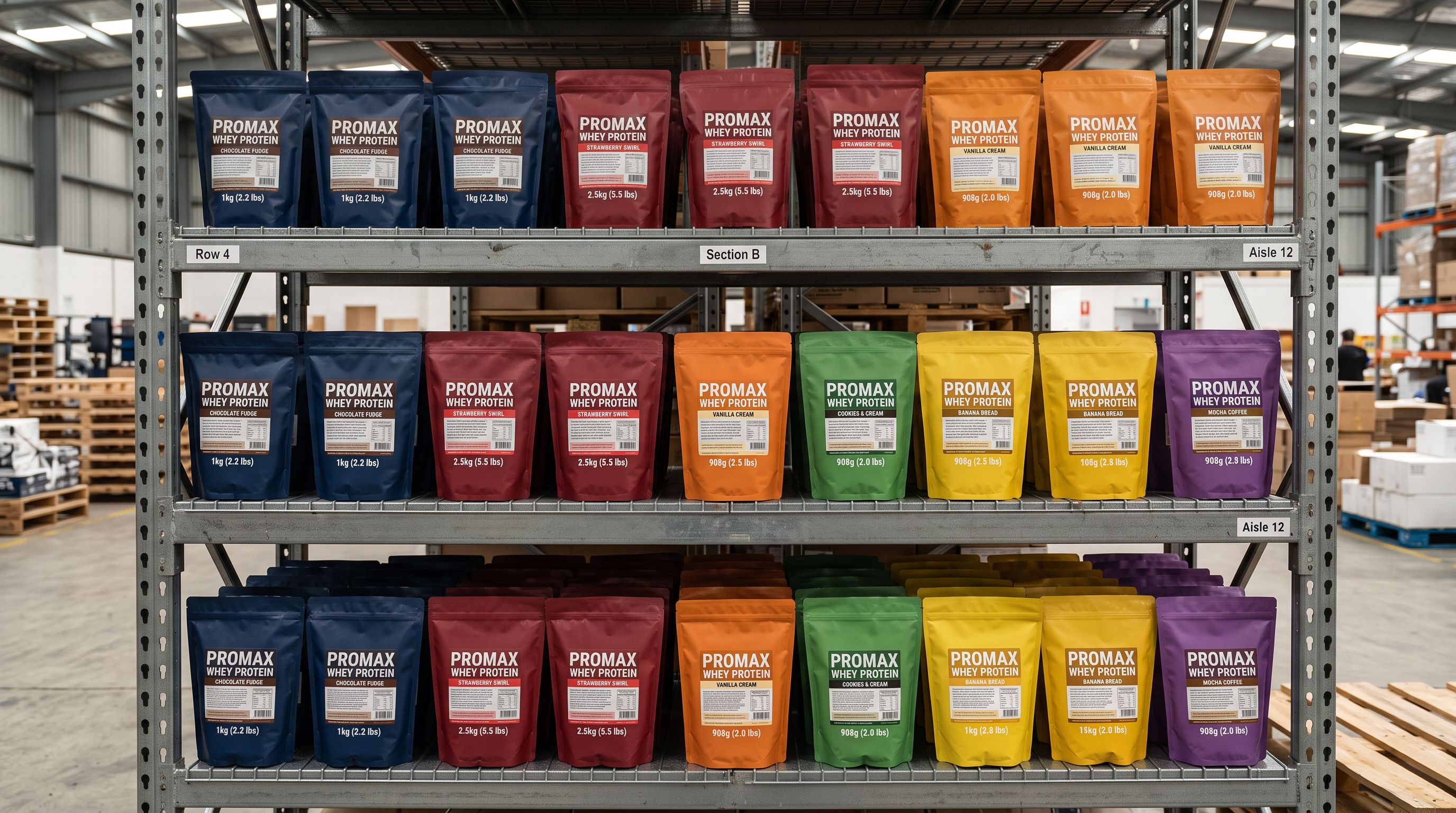
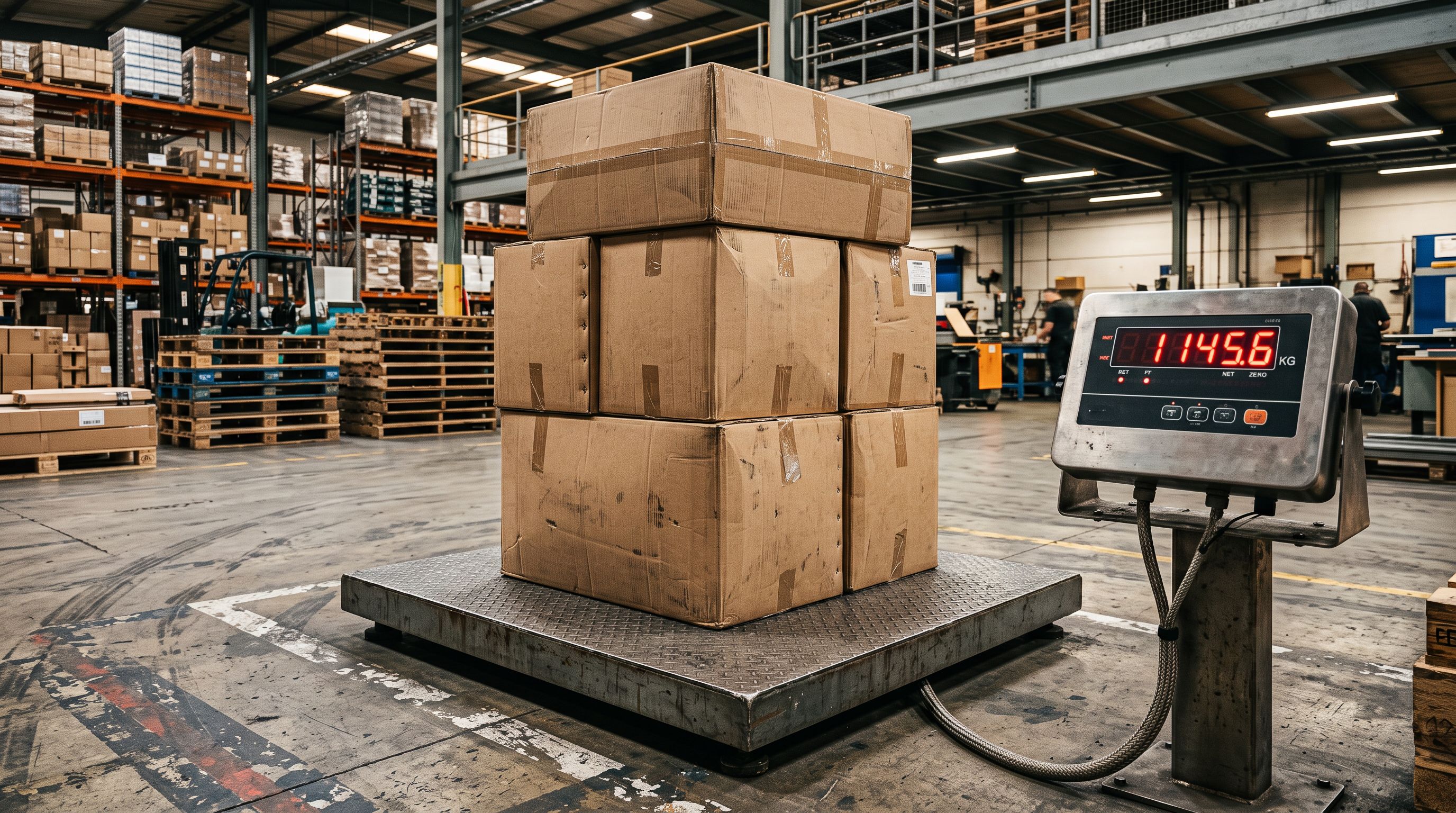
Import preview shows weight before committing. The import preview screen shows the proposed weight value for every product in the batch, formatted in the store's weight unit. A merchant who sees 500.000 kg for a product that should be 500 g can catch the unit mismatch at the preview stage and adjust the mapping before the import runs.
Fixing Weight on Already-Imported Products
For catalogues already live in Shopify with incorrect weight data, the corrective workflow is a targeted re-import in update mode.
If the original supplier file is available: correct the weight values or add a weight column, then re-import the file in Importier's update mode. The importer matches existing Shopify products by SKU or barcode, updates the weight field on each matched product, and leaves all other fields (descriptions, images, collections) unchanged.
If the original file is not available: export the affected products from Shopify as a CSV (or use Importier's Full Shopify CSV preset), add a Weight column with the correct values, and re-import the corrected file in update mode. This is also the approach for adding weight to products imported from multiple supplier files where the original files are no longer organised by batch.
For Shopify Plus merchants using import cost price data alongside weight, both fields can be corrected in the same re-import pass. The corrected supplier file includes both Weight and Cost columns, and the update import touches both fields per product in one operation.
- Supplier CSV weight column absent: all products import at 0.0kg; carrier rates calculated on zero weight for every order
- Supplier CSV uses grams: Shopify kg store imports 500g product as 500.000kg; every order gets maximum carrier rate tier
- Weight embedded in product title is ignored; no enrichment of absent weight fields
- No pre-import preview of weight values; errors discovered only after orders begin shipping wrong
- Correcting 500 products requires manual Shopify admin editing or a separate re-import process
- AI enrichment infers weight from product title and description when column is absent; shown in preview before import commits
- Unit auto-detection identifies gram vs kg vs pound columns and converts to store unit before mapping
- Non-standard column names (Gross Weight, Net Weight, Item Weight, Weight_g) map to Shopify Weight field automatically
- Import preview shows proposed weight for every product before anything is committed to the store
- Re-import in update mode corrects weight on existing products without affecting descriptions, images, or collections
Weight affects shipping rates, Google Shopping, and carrier compliance
Key Takeaways
Shopify import product weight errors are silent at import time and expensive in operation. The fix is straightforward once the cause is identified.

- Shopify defaults to 0.0 when weight is missing. Zero is a valid value. Shopify does not flag it as an error. The shipping rate miscalculation accumulates silently until an order is placed and the carrier rate comes back at the wrong tier.
- Unit mismatch is the most common cause of wrong (not missing) weight. A supplier who expresses weight in grams and a Shopify store configured in kilograms will import every product at 1,000x the correct weight. Carrier APIs will return maximum rates or reject the shipment as overweight.
- Shopify's default weight unit is kilograms. This can be changed in Settings > Shipping and delivery. Matching the store's unit setting to the supplier's unit is the prerequisite for correct import. Shopify's carrier-calculated shipping documentation covers how weight flows from the product field to the rate calculation.
- AI enrichment fills missing weight from product titles and descriptions. Importier's enrichment step reads "500g jar" or "2kg bag" and maps the value to the weight field. The inferred weight is shown in the import preview for confirmation before the import commits.
- Weight in the wrong unit can be fixed by re-importing with a corrected mapping. Importier's update mode matches existing Shopify products by SKU or barcode and applies the corrected weight without touching descriptions, images, or collections.
- Export first to understand scope. A full CSV export, filtered for weight = 0, shows exactly how many products are affected and from which batches. This determines whether the fix is a single re-import or needs multiple supplier files corrected.
Fix missing and wrong weight values on import at importier.app.
Set up your first import in under five minutes.
Importier brings products into Shopify with AI descriptions, category metafields, and data enrichment on every run.