Shopify Headless Product Data Import for Custom Storefronts
On this page
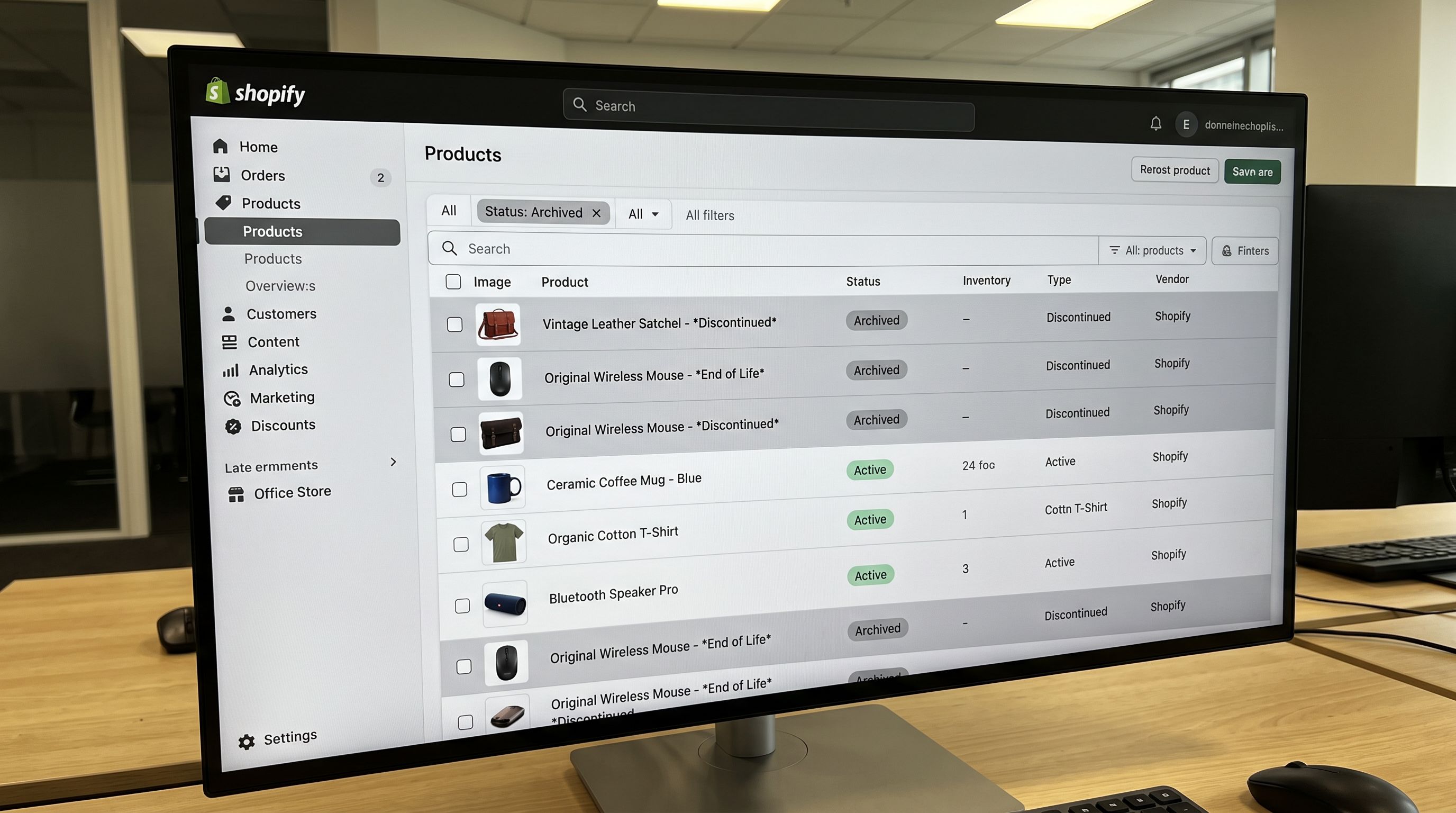
A developer rebuilding a DTC brand's storefront on a custom React app queries the Shopify Storefront API for product data. They find three structural problems in the catalogue: 40% of products are missing the metafields the frontend component expects to render the product specifications panel; 200 products have descriptions containing inline CSS from their original Magento export that overrides the storefront's own stylesheet; and variant option names are inconsistent across the catalogue: "Colour" from one supplier, "Color" from another, "Shade" from a third, which breaks the variant selector component's option-matching logic.
None of these are runtime errors. The API returns data. The storefront renders. But the missing metafields show empty panels, the conflicting inline styles produce inconsistent text rendering, and the variant naming inconsistency forces the component to handle a dozen edge cases rather than a clean option structure. These are shopify headless product import data structure problems; they originate at the point where product data was written to Shopify, not at the Storefront API layer.
What Headless Storefronts Need from Shopify Product Data
A traditional Shopify Online Store renders product data through Liquid templates where missing fields degrade gracefully: an empty metafield renders nothing, and the layout absorbs the gap. A headless storefront querying the Shopify Hydrogen framework or the raw Storefront API is a React (or similar) application with explicit component contracts. Components expect specific fields, specific types, and specific structures.
The implications for product imports are direct:
Metafields are load-bearing in headless. In a Liquid storefront, metafields are used for supplementary content: specs panels, product badges, or extended descriptions. In a headless storefront, metafields often carry the core presentation data that components are built around. A "technical specifications" component queries a specifications metafield as a structured JSON object. If the metafield is absent, the component receives null and must either hide, show a fallback, or throw an error. At scale, metafields missing from an imported catalogue are not a cosmetic gap; they are broken component contracts across every affected product.
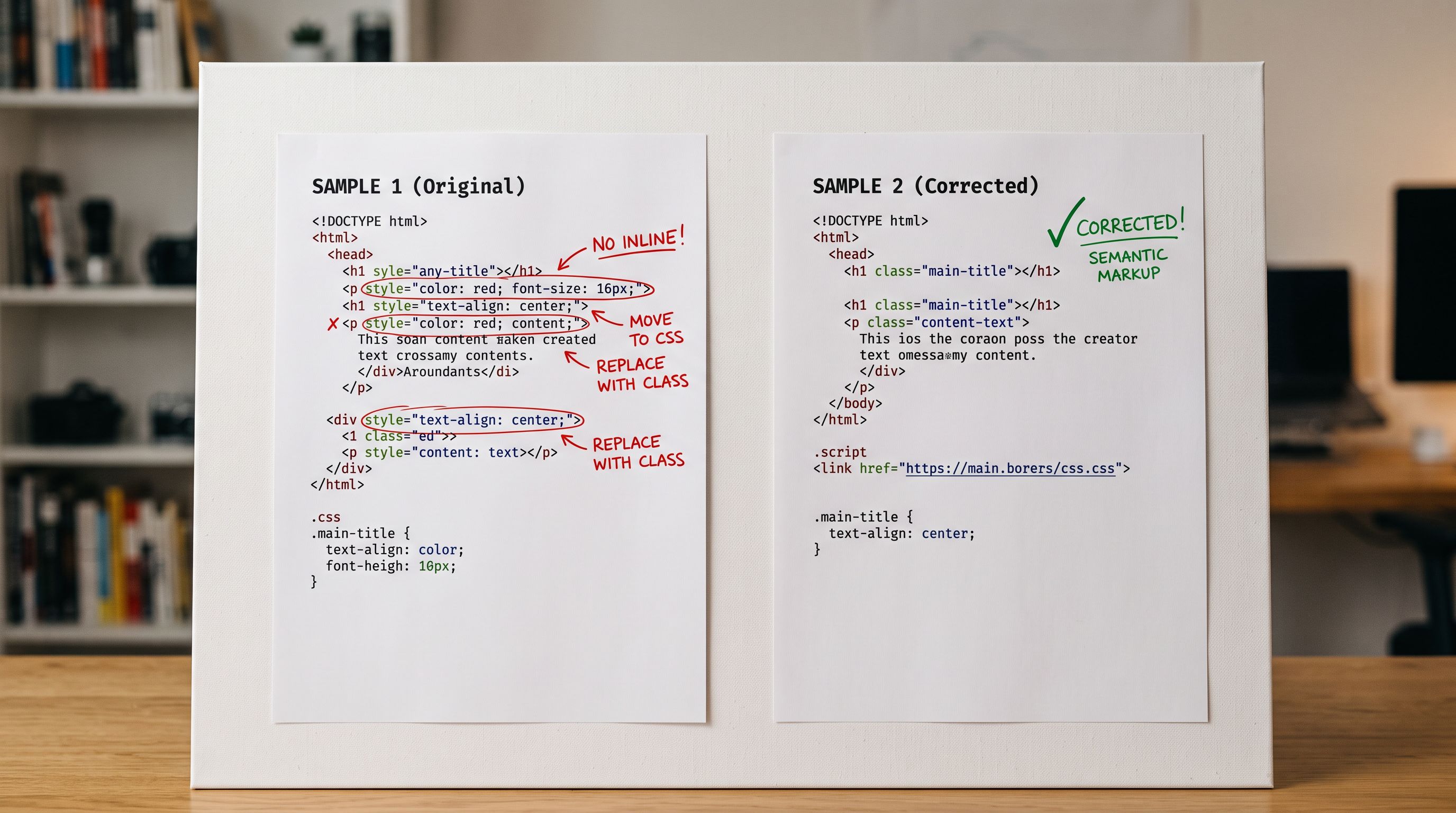
Description HTML is rendered differently. Shopify's descriptionHtml field on the Storefront API returns the full HTML stored in the product description. In a Liquid storefront, Shopify's own CSS handles this HTML. In a headless storefront, this HTML is injected into a component using something equivalent to dangerouslySetInnerHTML in React. Inline styles, <font> tags, <span> elements with hardcoded colours, and other formatting artefacts from supplier exports survive this injection and override the storefront's CSS. A headless merchant importing descriptions from supplier PDFs, Magento exports, or WooCommerce CSV files inherits the source formatting into their carefully designed component library.
Variant option names must be consistent. The Storefront API returns variants with their option names and values as-is from Shopify. A component rendering a colour swatch selector is typically coded to look for a specific option name, or to map option names to display logic. When option names vary across supplier sources ("Colour", "Color", "Shade", "Hue"), the component either needs explicit handling for every variant or silently renders the option as a generic dropdown. For a storefront serving multiple product categories from multiple suppliers, option name normalisation at import time prevents ongoing frontend maintenance.
Metafields as the Primary Data Layer for Headless
For headless merchants, metafields are not a supplementary feature; they are the structured data layer that powers component rendering. A specifications table, a related products panel, a size guide overlay, and a sustainability badges section are all typically driven by product metafields, not by the description field.
Headless-compatible metafield imports require two things the standard product import often skips: a defined metafield schema and consistent population at catalogue scale.
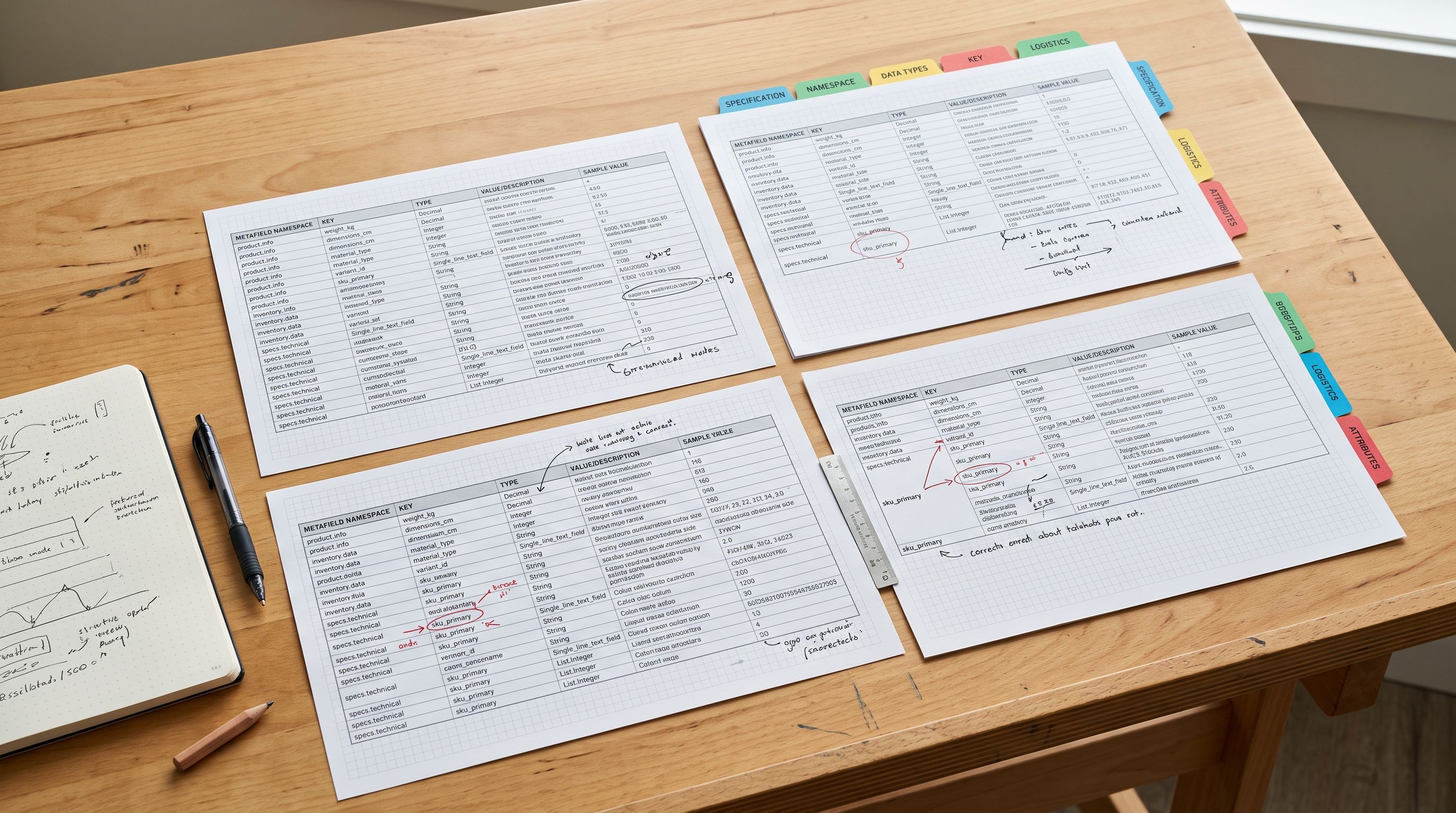
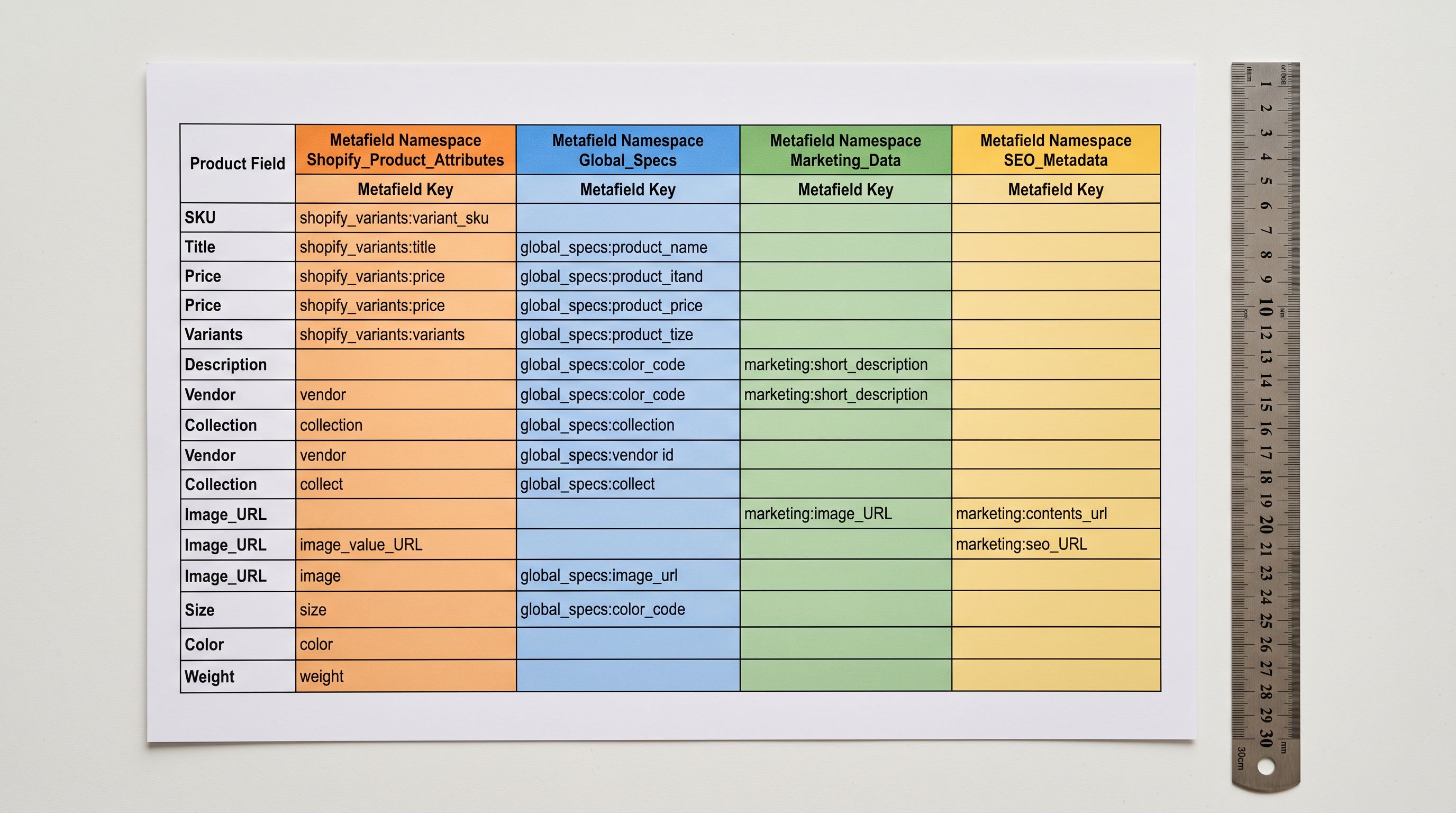
Metafield schema. A headless component is built against a specific namespace, key, and type. A size guide component queries custom.size_guide_url as a URL type. A specifications component queries custom.technical_specs as a JSON object. Every product that should display these components must have these metafields populated with the correct type and value. An import that creates metafields with varied namespaces or inconsistent types (storing some size guides as URLs, others as plain text descriptions) produces components that must handle both formats or silently fail.
Catalogue-scale population. A headless storefront's components are designed for the full catalogue, not for the dozen products the developer used to build and test the component. An import that populates technical specification metafields for 80% of products leaves 20% of the catalogue with broken spec panels, which are visible on live pages, not hidden by a template fallback.
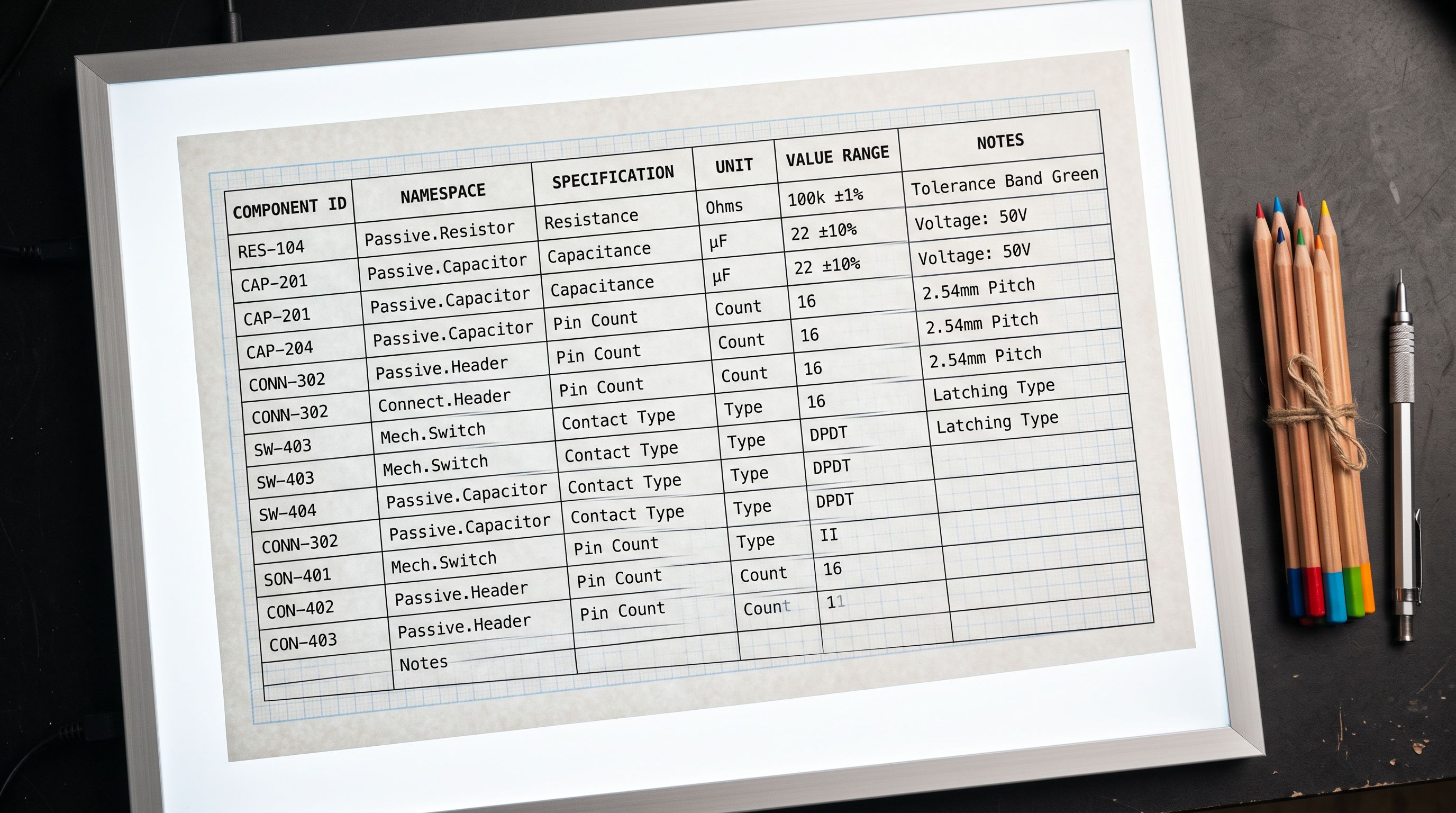
A metafield that exists on 80% of a catalogue is not a data quality problem in a Liquid storefront. In a headless storefront, it is a broken component on 20% of product pages.
Importier's metafield import maps source file columns to specific namespace:key pairs and enforces the correct Shopify metafield type per field. For headless merchants, the import template encodes the metafield schema that matches the frontend component contracts, so every product in the import receives the same metafield structure regardless of what the source supplier provided.
Description HTML and Headless Rendering
The description field is the most common source of rendering inconsistency in headless storefronts built on imported product catalogues.
Supplier data arrives in several formats. PDF catalogues converted to descriptions often contain rich formatting with inline styles. WooCommerce and Magento exports typically include <span> and <div> elements with hardcoded colours and font sizes. Google Shopping feed exports include <b> tags that may conflict with the storefront's heading hierarchy. When this HTML is injected into a headless component, the inline styles win over the component's CSS because they have higher specificity.
The approaches to resolving this at import time:
Strip to plain paragraphs. Importier's AI description generation produces clean paragraph HTML without inline styles, <span> tags with formatting attributes, or hardcoded colours. Using AI-generated descriptions rather than importing supplier descriptions raw eliminates the inline style problem at the source.
Import as plain text, let the frontend format. Some headless merchants prefer to import descriptions as plain text and handle all formatting in the component layer. This is the cleanest approach for design consistency. Importier's description format setting controls the output; plain text output is an option for headless imports specifically.
Post-import HTML cleaning. For existing catalogues with inline-style descriptions, Importier's re-import workflow can overwrite the description field only, applying clean AI-generated descriptions to all affected products without touching other product data.
- 01Step 1Before the import, define the complete metafield schema your headless components require. List every namespace, key, and type your components query. This becomes the metafield mapping specification for the import. A component that queries custom.technical_specs as a JSON object must receive that field on every product it renders.
- 02Step 2In Importier's column mapping step, map supplier CSV columns to the exact namespace:key pairs your components expect. Set the metafield type for each field. Save this mapping as a named import template; future imports of the same supplier catalogue apply the same metafield schema without reconfiguration.
- 03Step 3For descriptions, choose between importing supplier HTML (with a cleaning pass) or generating fresh AI descriptions in Importier's description step. For headless storefronts where the component library controls all typography, generated descriptions in plain paragraph format are typically the cleaner choice.
- 04Step 4Normalise variant option names in the source file before importing. If your storefront's variant selector component expects 'Colour' as the option name, search and replace 'Color', 'Shade', and 'Hue' across the source CSV before the import runs. Importier's column mapping step cannot rename option values, but pre-import normalisation in the source file is straightforward.
- 05Step 5After import, run Importier's SEO Audit export and filter for products where key metafields are empty. This identifies catalogue gaps before they appear as broken components on live pages. Fix the gaps with a targeted re-import covering only the metafield columns for affected products.
Variant Structure and Predictable Option Naming
The Storefront API returns a product's variants with their option names exactly as stored in Shopify. A product with variants defined as ["Colour", "Size"] returns those strings to the frontend. A different product in the same catalogue with variants defined as ["Color", "Size"] returns different strings for what is conceptually the same option.
Frontend components handling variant selectors are typically coded one of two ways: they look for a specific option name ("Colour") and render a colour swatch when found; or they render all options generically as dropdowns. The first approach produces the stronger UI but requires consistent naming. The second approach avoids the naming dependency but produces a worse UI for all options.
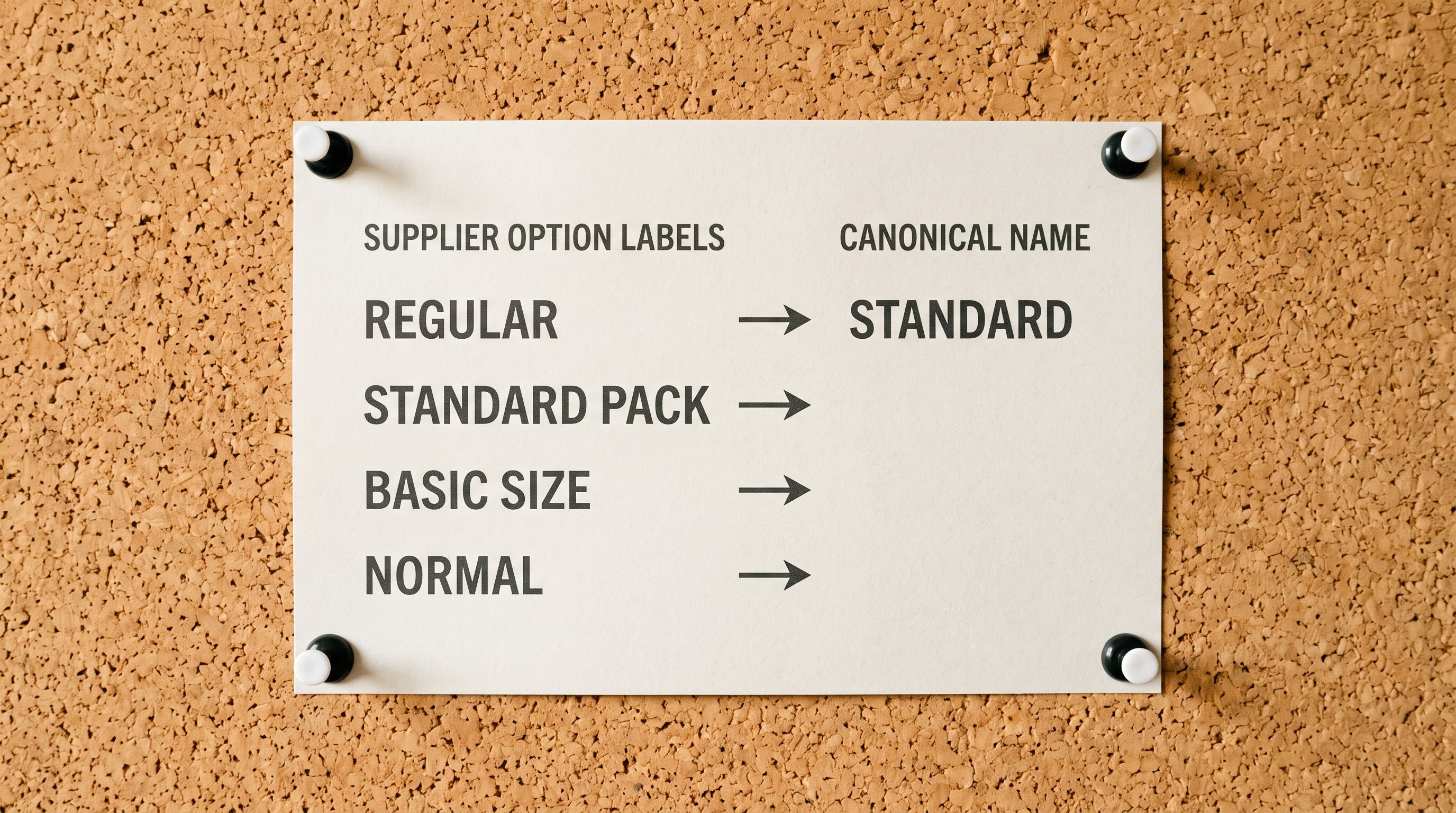
Inconsistent option naming in an imported catalogue forces the second approach onto the storefront, or requires ongoing frontend maintenance each time a new supplier is added. The fix is normalisation at import time. Importier's import wizard includes a variant option normalisation step where merchants define canonical option names ("Colour", "Size", "Material") and map supplier variants to those canonical names during import. A product arriving with "Shade: Midnight Blue" is imported as "Colour: Midnight Blue", matching every other colour variant in the catalogue.
Importier's Export Presets for Headless Data Outputs
Beyond importing product data into Shopify, headless merchants often need to export product data in specific formats for use outside Shopify: populating a CMS, feeding a search index, or seeding a product recommendation engine.
Importier's 8 export presets include configurations for structured data outputs. The relevant ones for headless merchants:
Full catalogue export. Exports all product fields including metafields, variant data, and inventory by location. This is the starting point for a headless merchant who needs to audit their catalogue's data completeness before configuring components.
SEO Audit export. Exports title, description, metafield status, and SEO fields per product. For headless merchants, filtering this export for empty metafields shows where the component data layer is incomplete.
Custom field export. Exports a selected set of metafield columns. Headless merchants use this to extract structured product data for populating an Algolia search index, a Contentful CMS, or a custom recommendation engine running outside Shopify.
The export presets are the other side of the import template: the import template defines the schema that goes into Shopify, and the export preset defines what comes back out in the shape downstream systems need.
The Shopify category metafield and taxonomy setup guide covers how Importier maps product data to Shopify's standard metafield definitions. For headless merchants, those standard metafield definitions are the fields Shopify exposes through the Storefront API's product nodes, which is the base layer that custom metafields build on top of.
- Metafields populated on 80% of catalogue; 20% of product pages have broken component rendering
- Supplier descriptions contain inline styles from Magento or WooCommerce exports; override storefront CSS in headless rendering
- Variant option names differ across suppliers; frontend component forced to handle multiple option name variants
- No export preset configured; data completeness audit requires manual product-by-product inspection
- Re-import after discovering component issues requires overwriting all product fields
- Metafield schema defined before import; all products in batch receive correct namespace:key:type for every component
- AI-generated descriptions in plain paragraph format; no inline styles, no formatting conflicts with component CSS
- Variant option names normalised at import time to canonical names the frontend component expects
- SEO Audit export configured; metafield completeness filterable across full catalogue immediately post-import
- Metafield-only re-import available for corrective passes without touching descriptions or images
The import is part of the component architecture, not separate from it
Key Takeaways
Shopify headless storefronts expose product data structure problems that Liquid storefronts absorb silently. Missing metafields, inconsistent variant option names, and inline-style description HTML all become visible rendering failures when the frontend component layer has explicit data contracts.
- Headless components have explicit metafield contracts. A component built to render a specifications table expects a specific namespace:key:type combination on every product it renders. Missing metafields produce broken components at scale, not graceful omissions.
- The Storefront API returns what Shopify stores. Problems in imported product data cannot be fixed at the API layer. Resolving them requires correcting the import configuration and running a targeted re-import for affected fields.
- Supplier description HTML conflicts with headless CSS. Inline styles from Magento, WooCommerce, and supplier PDF exports override the storefront's component CSS. Generating clean descriptions at import time, or importing as plain text, prevents the conflict.
- Variant option name normalisation at import prevents ongoing frontend maintenance. Components coded to look for "Colour" break when a new supplier's products arrive as "Color" or "Shade". Normalising to canonical option names at import time is a one-time configuration; handling it in the frontend is recurring maintenance for every new supplier.
- Importier's import template encodes the metafield schema. Once namespace:key:type mappings are configured for a supplier catalogue, they save to the import template and apply automatically on future imports. The template is the headless component contract expressed as import configuration.
- The SEO Audit export surfaces data completeness gaps before they appear as broken pages. Filter for empty metafields post-import to identify which products need a corrective metafield-only re-import before the component relies on their data.
Structure headless-compatible product data at import at importier.app.
Set up your first import in under five minutes.
Importier brings products into Shopify with AI descriptions, category metafields, and data enrichment on every run.