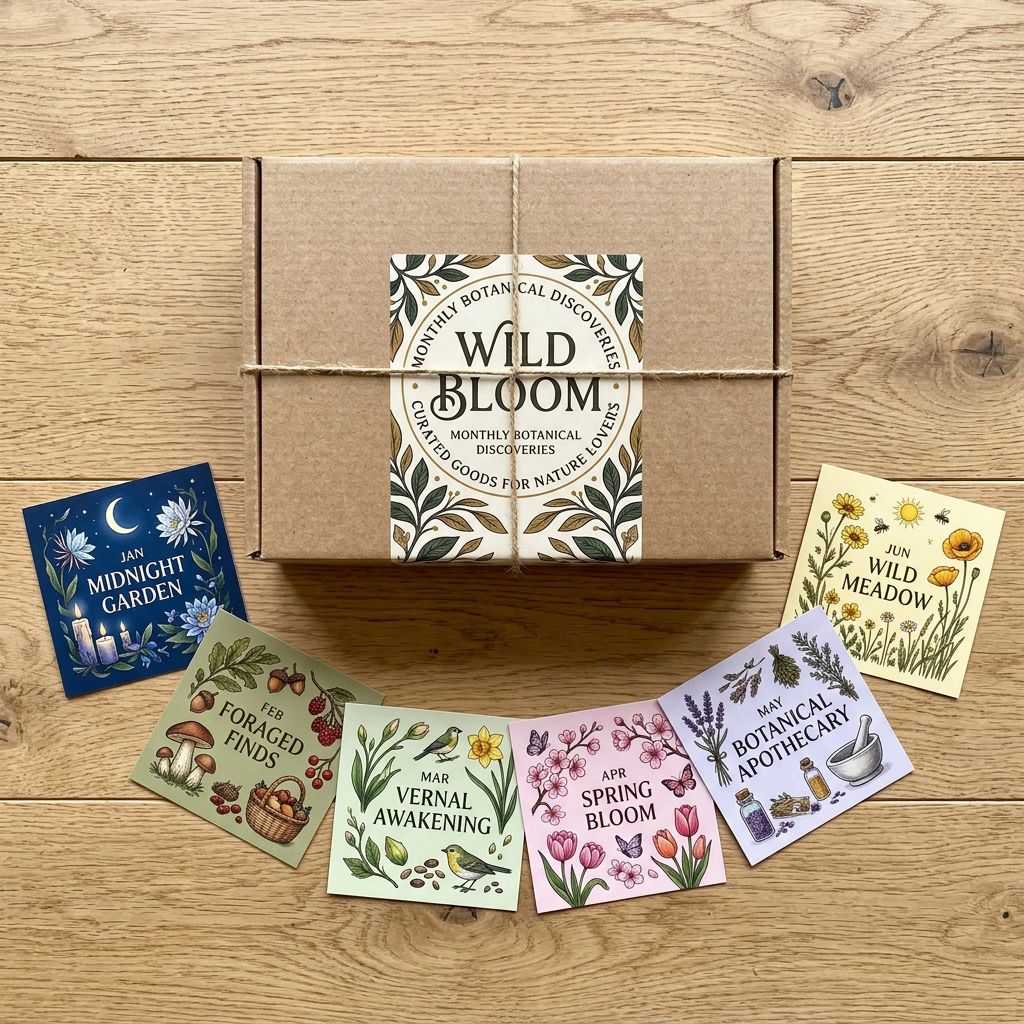
Shopify Holiday Gift Card Import: Structure Gift Sets for BFCM

On this page
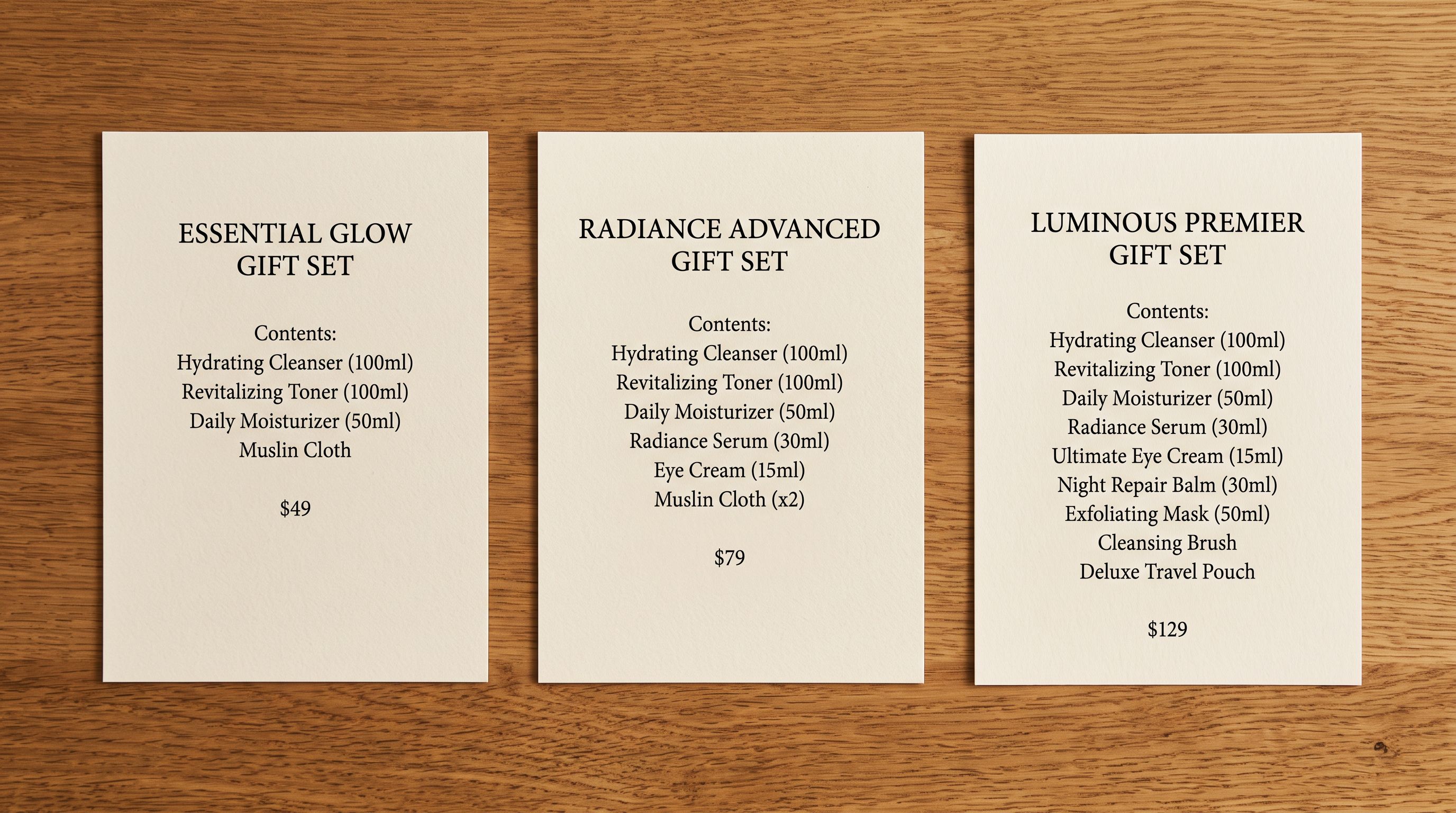
A skincare brand preparing for BFCM has three problems on its hands in November. First, it needs gift set products on its Shopify store: three tiered sets at $45, $75, and $125, each containing different product combinations. Second, it needs e-gift card denomination pages at $25, $50, $100, and $200. Third, it needs AI-written descriptions for all of them in time for the November 29 Black Friday launch.
The import path for each is different.
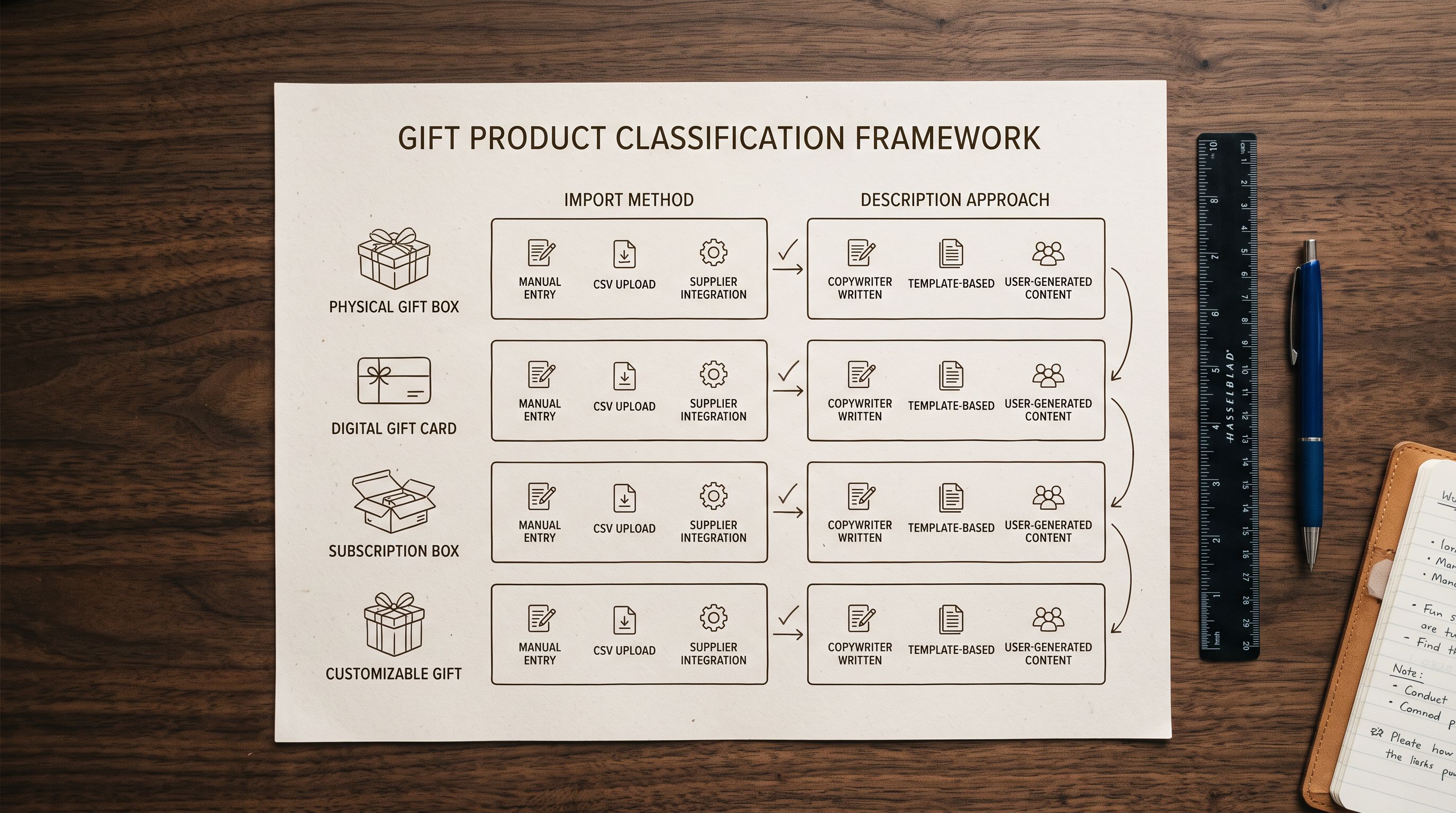
Gift sets are standard Shopify products. They have titles, descriptions, variants, images, and metafields. They are importable via Importier in the same way as any product, with AI descriptions generated from the contents of each set.
Shopify's native gift card is a different product type with its own management interface. A gift card product holds a denomination value and generates a unique redemption code at purchase. This product type is created and managed through Shopify's gift card system, not through a standard product CSV import.
Understanding which is which saves a November week that cannot be recovered.
Structuring Gift Sets as Importable Products
A gift set has a name, a price, and a list of items it contains. In Shopify, it lives as a standard product. The import file needs:
- Title: the gift set name ("Glow Starter Set", "Luxe Skincare Gift", "Complete Collection Gift")
- Handle: URL slug (
glow-starter-set,luxe-skincare-gift,complete-collection-gift) - Vendor: brand name
- Product Type:
Gift Set - Tags:
gift,bfcm-2026,christmas-2026,gift-setand any relevant category tags - Variant Price: the gift set retail price
- custom.set_contents: a text metafield listing what's in the set (used for description generation and product page display)
The custom.set_contents metafield is the key field for AI description generation. It contains a plain-language list of what the set includes: "30ml Vitamin C Serum, 50ml Hydrating Moisturiser, 15ml Eye Cream" for a $75 set. When Importier generates descriptions from this data, it reads the contents and writes for the gift-giver.
The Gift-Giver Description Problem
Writing Descriptions for Gift-Givers, Not Recipients
Standard product descriptions address the person buying for themselves: "this serum reduces fine lines and brightens dull skin." A gift set description addresses someone buying for another person: "for anyone who takes their skincare seriously, this trio covers morning routine essentials."
The shift in perspective changes what goes in the opening sentence, what claims matter, and what occasions get mentioned. Importier's AI description generation handles this via persona and style configuration.
For holiday gift sets, configure:
- Persona: Gift Curator (within the Beauty & Personal Care industry personas) writes gift-first copy that positions products as gifting occasions rather than individual purchase decisions
- Description style: Benefits-First works well for gift sets because it leads with the recipient benefit ("for the person who always runs out of moisturiser before finishing the serum")
- custom.set_contents in the import file: include this in the mapped columns so the AI reads the specific contents during generation
A three-set range generates three distinct descriptions in the same import session. The $45 set opens with "for a first step into proper skincare": a gift for someone new to it. The $125 set opens with "for the person whose routine is already established but whose collection has gaps."
The descriptions write to price point. A $45 gift set that gets an $125-tier description sounds presumptuous. The AI persona, combined with the price field in the import, calibrates the register.
For the approach to structuring tiered product ranges in an import file, the tiered product line import guide covers Handle naming, tag strategy, and per-tier AI configuration in detail.
The Six-Step Gift Set Import Workflow
- 01Build the import fileCreate one row per gift set. Columns: Title, Handle, Vendor, Product Type (Gift Set), Tags, Variant Price, custom.set_contents. Leave images blank; add product photography after import.
- 02Upload to Importier and configure AIMap columns. Set persona to Gift Curator (or closest available beauty/lifestyle persona). Set description style to Benefits-First. Map custom.set_contents to the metafield destination.
- 03Generate descriptionsRun the AI generation pass in the same session. Review the three descriptions in the preview. Each should open with a gift-recipient framing, not a self-purchase framing.
- 04Push the batchPush the gift set products to Shopify. They are created as active products. Add to a Gift Sets collection by tag rule (tag is gift-set).
- 05Add images and pricingUpload product photography in Shopify Admin or via a second import pass with an Image Src column. Set Compare At Price if running a BFCM promotion.
- 06Set up gift card denomination pages separatelyIn Shopify Admin, go to Products > Gift cards. Create denomination options ($25, $50, $100, $200). These are native Shopify products, not CSV-imported. Use Shopify's default gift card template or a custom one.
Setting Up Gift Card Denomination Pages
Shopify's native gift card product is managed from Products > Gift cards in Admin. Creating denomination options:
- Create the gift card product in Shopify Admin (not via import)
- Add denominations as the gift card's preset amounts
- The gift card product page lets buyers select a denomination and optionally enter a recipient email address for digital delivery
- Each purchase generates a unique redemption code
The Shopify gift card products documentation covers the full setup, including how to customise the gift card email template that delivers the code to the recipient.
The gift card product page needs a written description just like any other product, but it cannot be generated via import because the product is not imported. Write it directly in Shopify Admin, following the same gift-giver perspective: "not sure what to get? Give them the choice." Keep it brief (under 80 words). The denomination selector and delivery mechanic explain themselves.
| Product type | Import path | AI description |
|---|---|---|
| Gift set (physical bundle) | Import via Importier CSV | Generated in import session from set contents |
| Gift set (virtual/digital bundle) | Import via Importier CSV | Generated in import session from product list |
| Shopify gift card (redemption code) | Native Shopify Admin (Products > Gift cards) | Written manually in Admin; not generated via import |
| Physical gift card stock (the card itself) | Import via Importier CSV as standard product | Generated in import session |
BFCM Timing: What to Finish Before November 29
For BFCM 2026 (Black Friday November 28, Cyber Monday December 1), the gift catalogue needs to be live and indexed before Black Friday. Google's search index requires days to weeks to process new product pages, and social and email campaigns pointing to gift set URLs need those URLs to work before the campaign launches.
Working backwards from November 28:
- November 1-7: Import gift set products. Generate AI descriptions. Add photography.
- November 7-14: Set up gift card denomination pages in Admin. Configure BFCM pricing (Compare At Price for sale badging).
- November 14-21: Add gift sets and gift cards to Christmas navigation menus. Test purchase flows for both product types. Submit sitemap to Google Search Console if new products are present.
- November 21-28: BFCM campaign emails and social posts reference gift set URLs. Ensure all product pages are live and correctly priced before launch.
This article is written on November 4, which means there are 24 days before Black Friday. The import window is now.

- Gift set descriptions written from scratch for each tier; gifting framing inconsistent across sets
- No single import pass for the full range; products added to Shopify one at a time
- custom.set_contents must be manually entered for each product in Admin
- AI descriptions default to self-purchase framing; require manual rewrite for gift context
- Product type and tag structure inconsistent; gift collection requires manual curation
- AI descriptions generated from custom.set_contents in a single import session; gift-giver framing built into persona selection
- Full gift range (3 tiers, all denominations) imported in one pass; identical column mapping across all sets
- custom.set_contents metafield captures set contents at import time for both description generation and product page display
- Gift Curator persona writes gift-first copy calibrated to price point
- Product Type and tags set at import; automated collection assignment from tag rule requires no manual curation
Gift set descriptions have one job: make the gift-giver feel like they have made the right choice. The description addresses confidence in the selection, not features of the products inside.
The product metafields import guide covers how to set up and map custom metafield destinations like custom.set_contents in Importier's column mapping interface.

For merchants running physical gift card stock (a card sold at a retail price that the buyer then redeems), that product is a standard importable item. Create it as a product with denomination as the variant option (Denomination: $25 / $50 / $100 / $200) and import it normally. It is not the same product type as Shopify's digital gift card; it is a physical product that happens to be a card.
Try Importier free at importier.app.
Set up your first import in under five minutes.
Importier brings products into Shopify with AI descriptions, category metafields, and data enrichment on every run.