Shopify Q1 New Arrivals Import: Ready Your Pre-Season Catalogue

On this page
An Australian homewares buyer attends Reed Gift Fairs in Melbourne every February. Retail buyers at the fair ask for a URL to browse the full range after a conversation at the booth. If that URL shows the merchant's current in-season range instead of the new season lines, it misses the purpose of the conversation entirely.
The new season Q1 range exists in November. Supplier pre-order sheets arrive in October and November. The products will not arrive in the warehouse until January or February. But the Shopify catalogue needs to show them in February, which means the import work happens now, in November, three months before stock arrives.
This is the pre-season import problem. The products are real, the data is partial, and the deadline is set by the trade show calendar, not the warehouse receiving dock.
What Makes Pre-Season Imports Different
A regular product import brings in products that exist physically: the merchant has the stock, the barcode, and the final supplier product sheet. All fields are present. The import maps them and the product goes live.
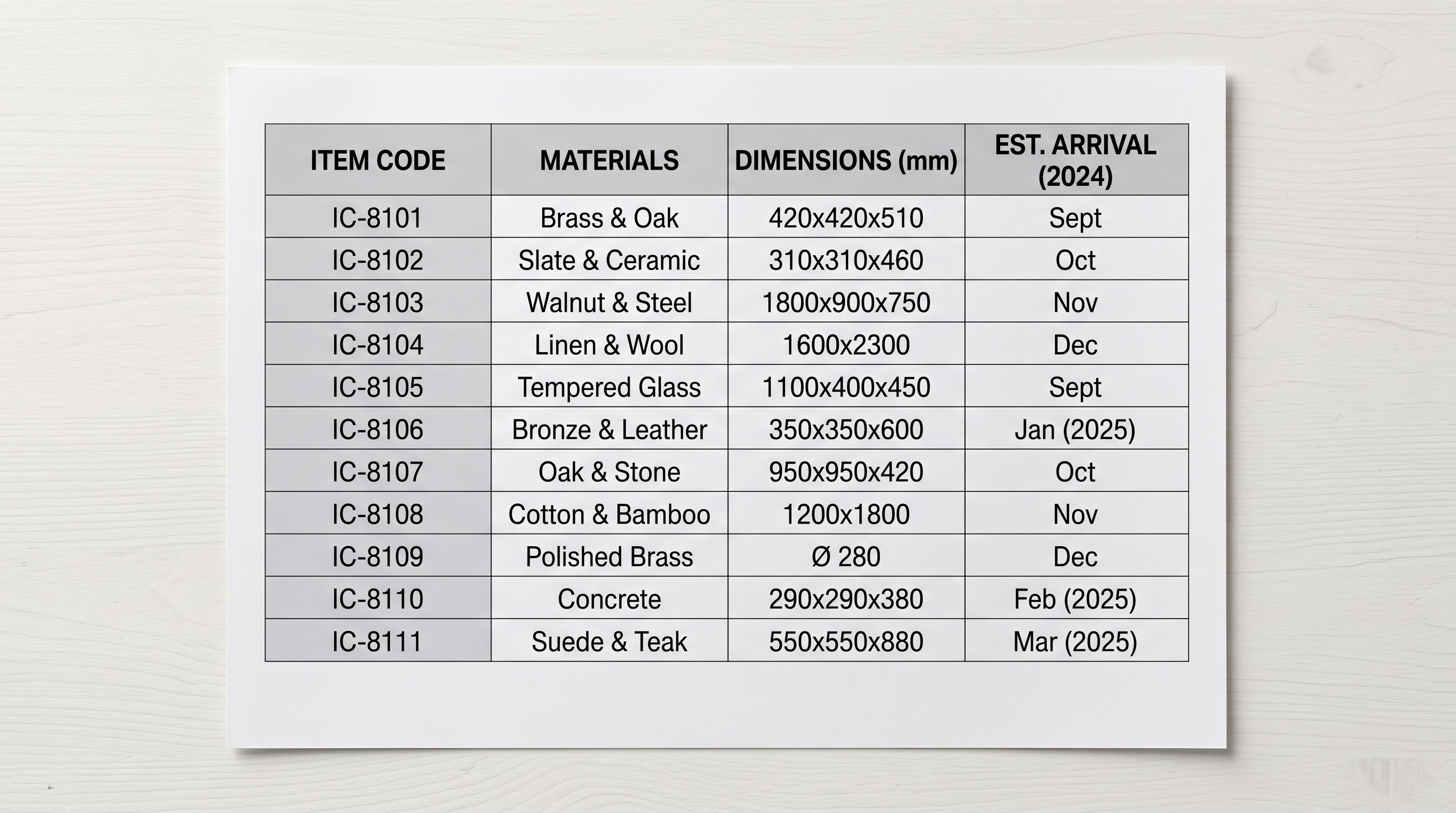
A pre-season import works from a different document: a supplier pre-order sheet or range catalogue. This document typically has:
- Product names and codes (confirmed)
- Wholesale prices (confirmed, or close)
- Approximate retail prices (estimates that may change)
- Material and colour descriptions (usually confirmed)
- No barcodes (pre-production, assigned after manufacture)
- Variant counts that may change (a colourway gets dropped, a size range expands)
- An indicative arrival date (month and year, not a specific date)
The import must work with what is confirmed and leave provisional fields blank or flagged for update when final data arrives.
Setting Up the Arrival Date Metafield
Before importing, create a custom metafield definition in Shopify Admin under Settings > Custom data > Products. Shopify's guide to product metafield definitions covers the full range of field types and configuration options.
- Namespace:
custom - Key:
arrival_date - Type: Date
- Name: Arrival Date
This field captures the expected month a product will be available for despatch. For February new arrivals, the value is 2027-02-01 (first of the month as a placeholder; update to the specific ship date when confirmed).
The arrival date metafield serves two purposes. First, it drives any "arriving in February" messaging a theme developer can wire up on the product page. Second, it creates a filter set: a Shopify automated collection using arrival_date is after 2027-01-31 groups all Q1 new arrivals automatically.
For the broader structure of product metafields in an import file, the product metafields import guide covers namespace, key, and type configuration in detail.
Building the Import File
Building the Import File from Supplier Sheets
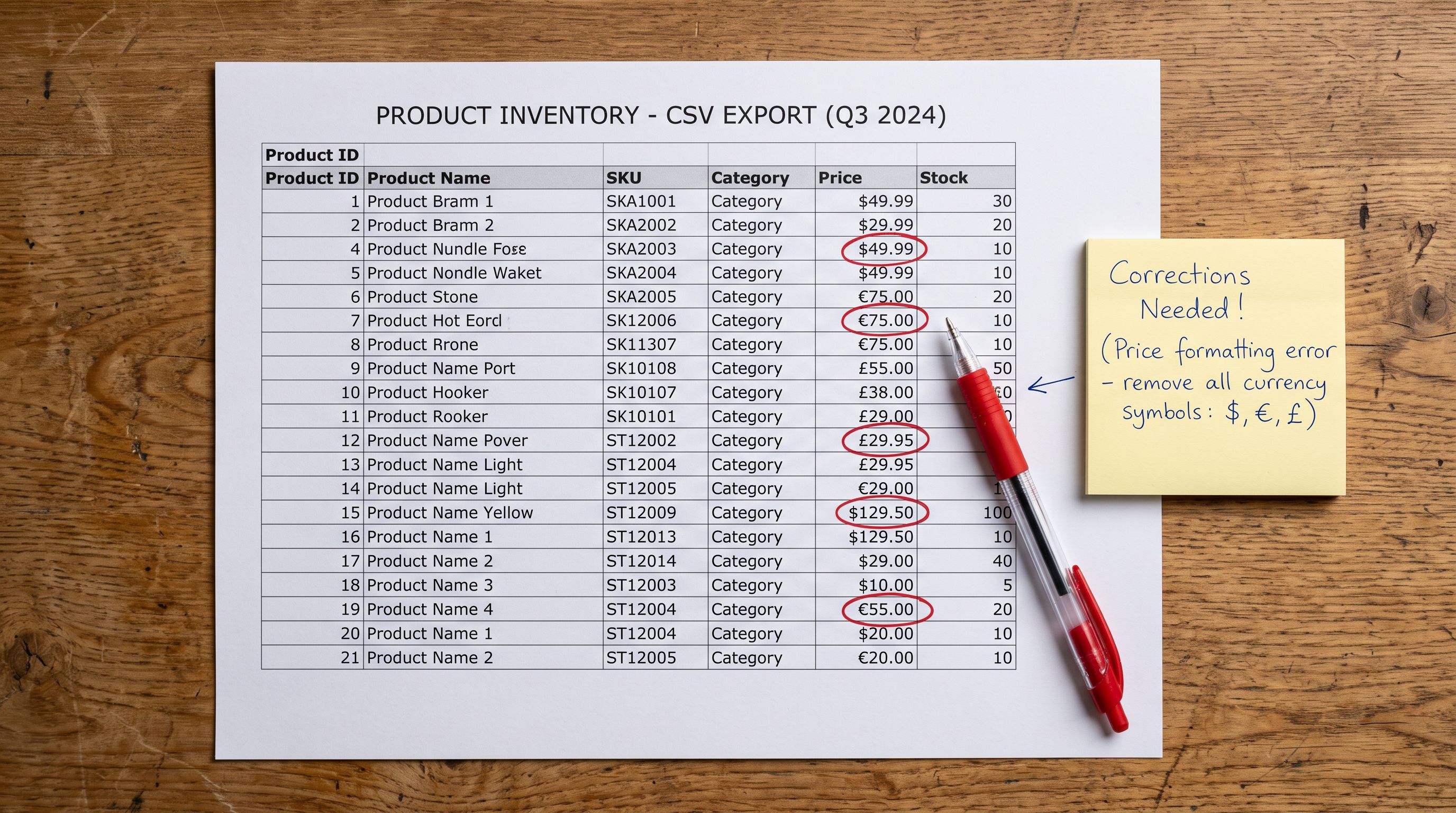
Supplier pre-order sheets are usually Excel files or PDFs. The column structure differs from what Importier expects. The pre-season import file needs at minimum:
- Title: the product name as it will appear in the store
- Handle: URL-safe slug (generate from title: lowercase, hyphens, no special characters)
- Vendor: supplier name
- Product Type: category (used for automated collection assignment)
- Tags: include
new-arrivals-q1-2027,season-spring-2027, and any other relevant classification tags - Variant SKU: supplier product code (not a barcode; this is the pre-production SKU)
- Variant Price: retail price (even if provisional)
- custom.arrival_date: formatted as
YYYY-MM-DD - Status:
active(the product will be published but not yet in navigation)
Fields to leave blank in a pre-season import:
- Barcode / GTIN (not yet assigned)
- Variant Inventory Qty (no stock yet)
- Weight (may not be in the pre-order sheet)
- Compare At Price (set when final pricing is confirmed)
Importier's column mapping handles partial imports cleanly: unmapped columns are skipped. The import creates the product record with what is available. Fields left blank do not overwrite if you run a subsequent update import when final data arrives, provided you map only the columns that have changed.
Generating Descriptions Before Products Arrive
Waiting for products to arrive in the warehouse before writing descriptions delays the catalogue by six to ten weeks. Pre-season imports give Importier enough data to generate descriptions immediately.
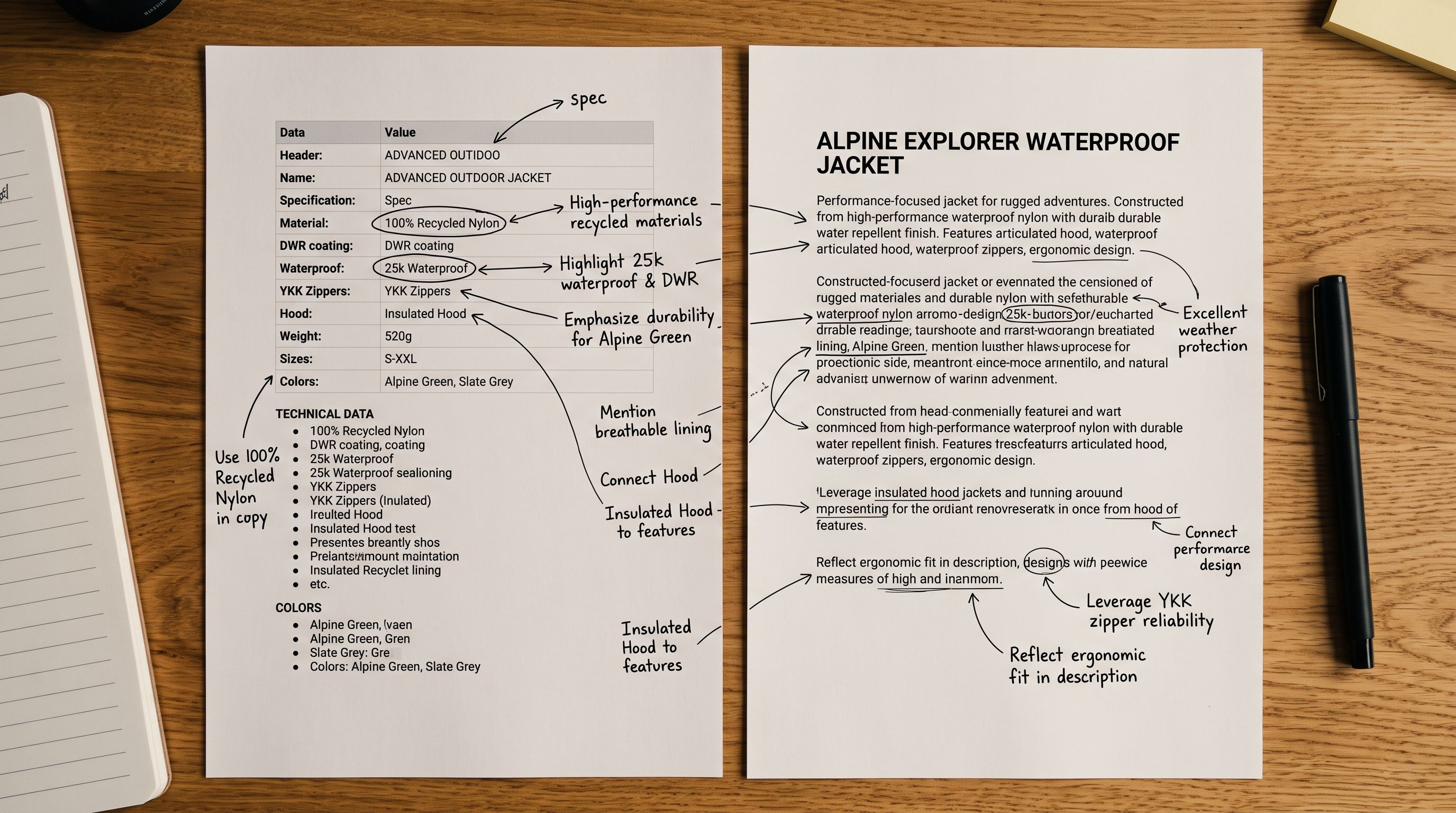
For a homewares pre-order sheet with material, dimensions, country of origin, and a brief product synopsis, the AI description generation runs in the same import session. The description does not require hands-on experience with the physical product: it draws on the same information a copywriter would use when writing from a supplier brief.
For a range of Q1 new arrivals, configure the generation settings:
- Industry Pack: Homewares & Interiors (22 packs, 3,758 attributes includes home goods terminology and styling vocabulary)
- Description style: Benefits-First works well for new arrivals where the buying proposition (what this product adds to a room, how it performs) matters more than a pure feature list
- Persona: Select from the 156 expert personas; for interior homewares, the "Interior Styling Editor" persona writes with authority on how a piece fits a room rather than just what it is made of
A typical pre-order sheet row contains enough data for a 100-150 word description that covers the key buying points. The description can be refined once the product is in hand; the first version serves the buyer deck and the trade show conversation.
For how saved import profiles carry pre-season configuration into ongoing weekly updates, including AI style and persona selections: an import profile saved during the pre-season run becomes the template for the final update import when products arrive.

Publishing as Coming Soon
Products imported for the Q1 range should be published but not yet surfaced in navigation or sitemap. Shopify's product status and sales channel settings control this:
- Status:
active(products exist in the store, accessible via direct URL) - Sales channels: Online Store turned on, but the products are not added to any navigation menu
- Search and Discovery: set to
hiddenin the Search & Discovery app (prevents Google from indexing the product until it is in stock and ready to sell)
This configuration makes the product accessible by direct URL (for a QR code at a trade booth, or a link sent to a buyer in an email) without surfacing it in the main catalogue or search results.
When stock arrives and the product is ready to sell, the final update import sets the barcode, updates the quantity, confirms the price, and the product moves into active navigation.
- 01Create the arrival_date metafield definitionIn Shopify Admin under Settings > Custom data > Products, create custom.arrival_date as a Date type.
- 02Build the pre-season import fileExtract product data from supplier pre-order sheets into a CSV. Include Title, Handle, Vendor, Product Type, Tags, Variant SKU, Variant Price, and custom.arrival_date. Leave barcode, inventory, and weight blank.
- 03Upload to Importier and configure AI generationMap columns, select Industry Pack and description persona. Set Status to active. Run the AI description generation in the same session.
- 04Review and pushCheck a sample of descriptions in the preview. Confirm arrival dates are correctly formatted. Push the batch.
- 05Set sales channel visibilityIn Shopify Admin, verify new products are on the Online Store channel but excluded from navigation menus. Set to hidden in Search and Discovery if using the app.
- 06Plan the update importWhen final supplier data arrives (barcodes, confirmed prices, inventory quantities), run a second import updating only those fields using saved profile column mapping. The descriptions, metafields, and tags remain intact.
The November to February Timeline
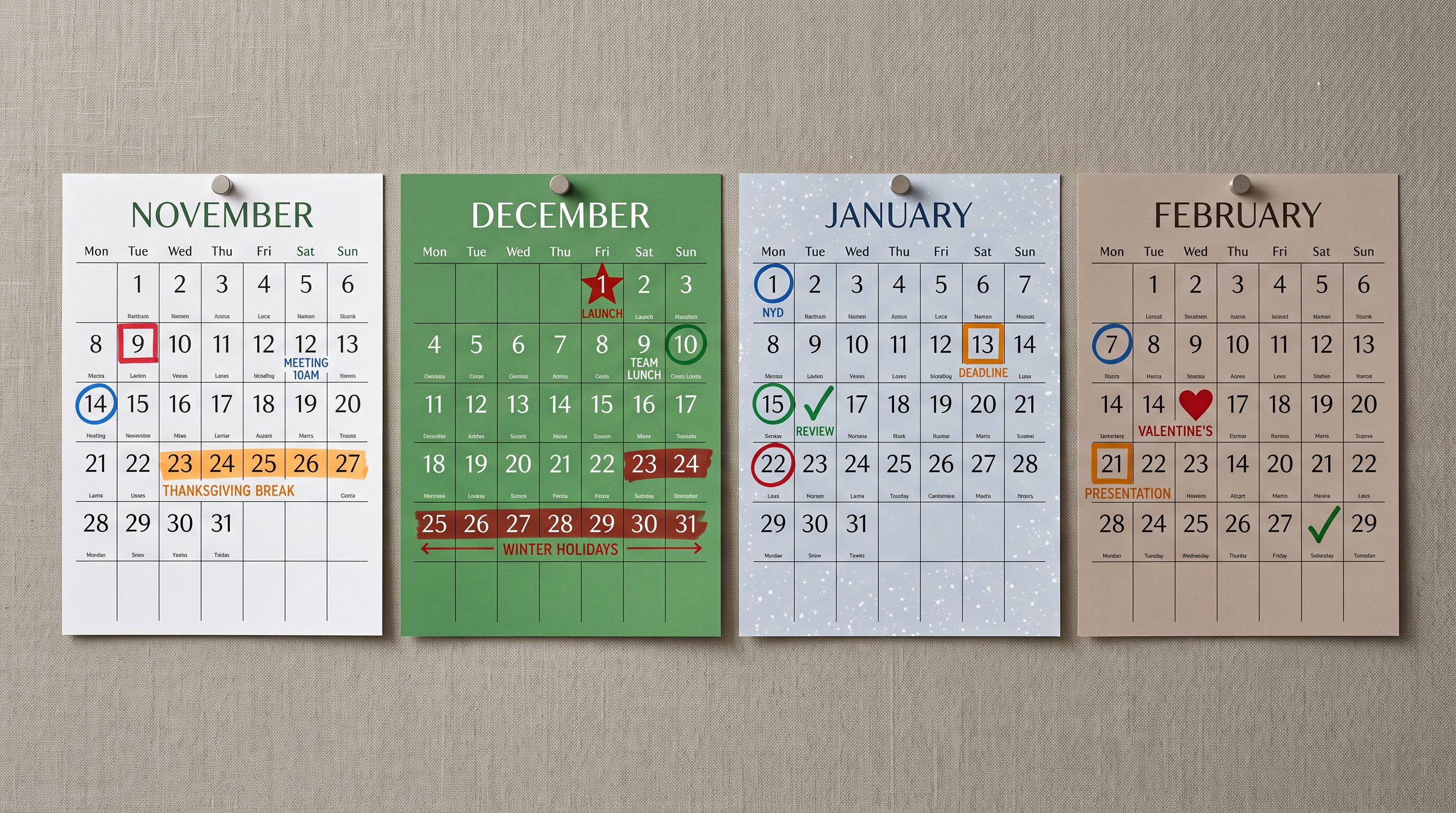
For an Australian merchant preparing for Reed Gift Fairs (Melbourne, February):
| Month | Import activity |
|---|---|
| November | Pre-season import from supplier pre-order sheets. AI descriptions generated. Products live via direct URL. |
| December | Refine descriptions from any early samples received. Update prices if confirmed. QR code tested against live product URLs. |
| January | Update import with barcodes as supplier production completes. Inventory set to expected arrival quantities. Photography added. |
| February (pre-fair) | Products added to navigation. Search & Discovery visibility turned on. Full catalogue live and ready for buyer discovery during the fair. |
The import work is front-loaded into November, when supplier sheets arrive, before the December peak trading period competes for time. By February, the catalogue maintenance is incremental updates, not a rushed first-time import.
- Descriptions written from scratch in January, competing with BFCM recovery and Q4 close
- Barcodes awaited before products exist in Shopify; catalogue not live until February week of fair
- AI descriptions require re-doing in full when final product arrives; no draft to refine
- No arrival date metafield; no automated collection grouping new arrivals for buyers
- February trade show booth links to in-season catalogue; buyer QR scan shows wrong range
- AI descriptions generated in November from supplier spec sheets; refined when product arrives
- Products live by direct URL in November; catalogue accessible to buyers three months before fair
- Description draft exists from November; final update import adds barcodes and inventory without touching descriptions
- custom.arrival_date metafield drives automated collections and estimated arrival messaging
- Buyer QR code scans to full Q1 range; direct URLs ready before trade fair opens
Pre-season catalogues require a two-pass import strategy: one pass in November with what is confirmed, one pass in January with what has been finalised. Each pass builds on the previous rather than replacing it.
The two-pass approach works because Importier's update-existing mode maps only the columns present in the second import file. The November import sets descriptions, tags, and arrival dates. The January import adds barcodes, quantities, and confirmed prices. The two passes together produce a complete product record by February without any manual editing session in between.
For merchants in the UK preparing for Spring Fair Birmingham (February), and those in continental Europe preparing for Ambiente Frankfurt (February), the same pre-season timeline applies. The trade show calendar, not the stock arrival date, sets the catalogue readiness deadline.
Try Importier free at importier.app.
Set up your first import in under five minutes.
Importier brings products into Shopify with AI descriptions, category metafields, and data enrichment on every run.
Free for your first 10 products. No credit card needed.