How to Add FAQs to Newly Imported Shopify Products

On this page
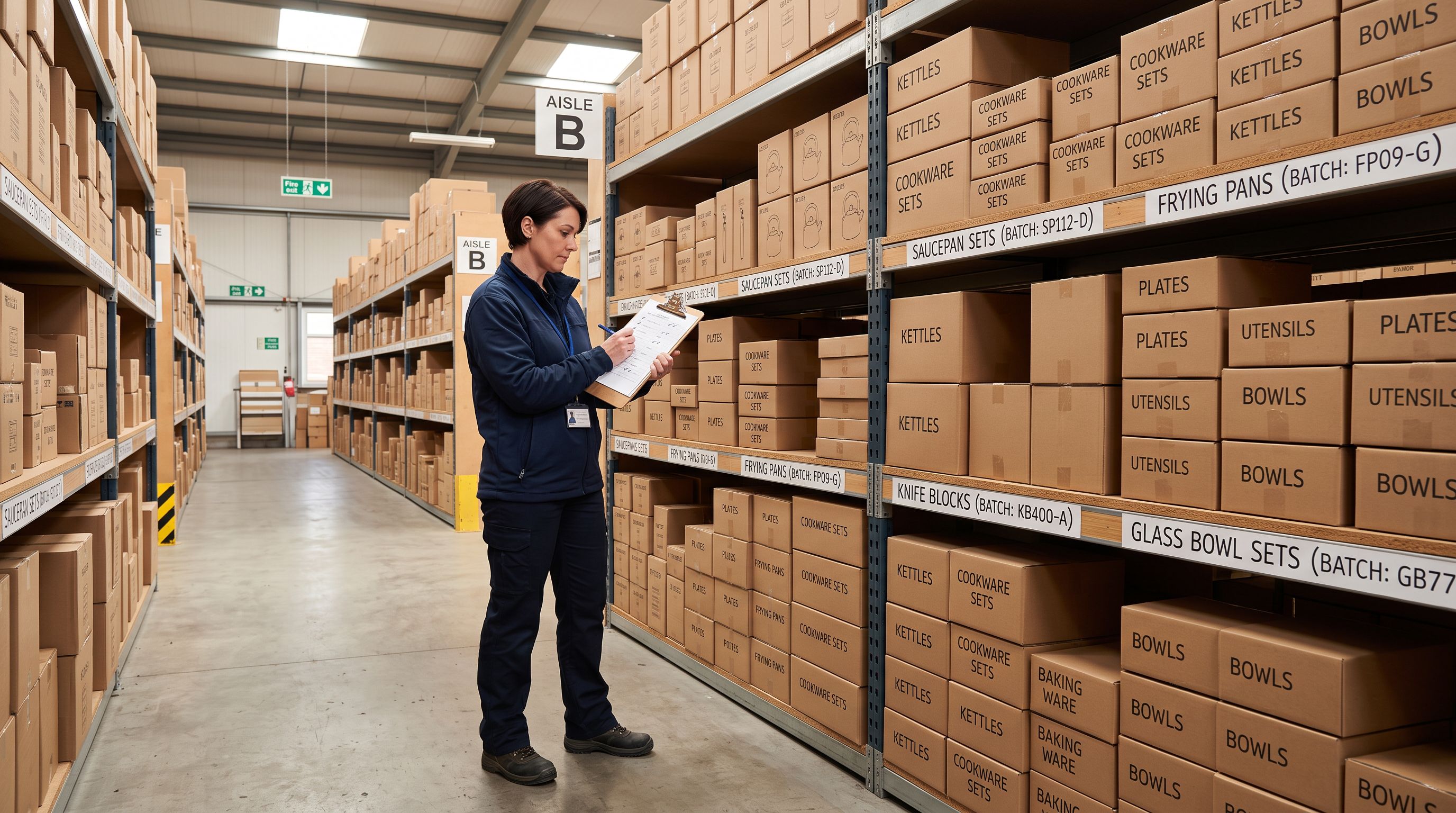
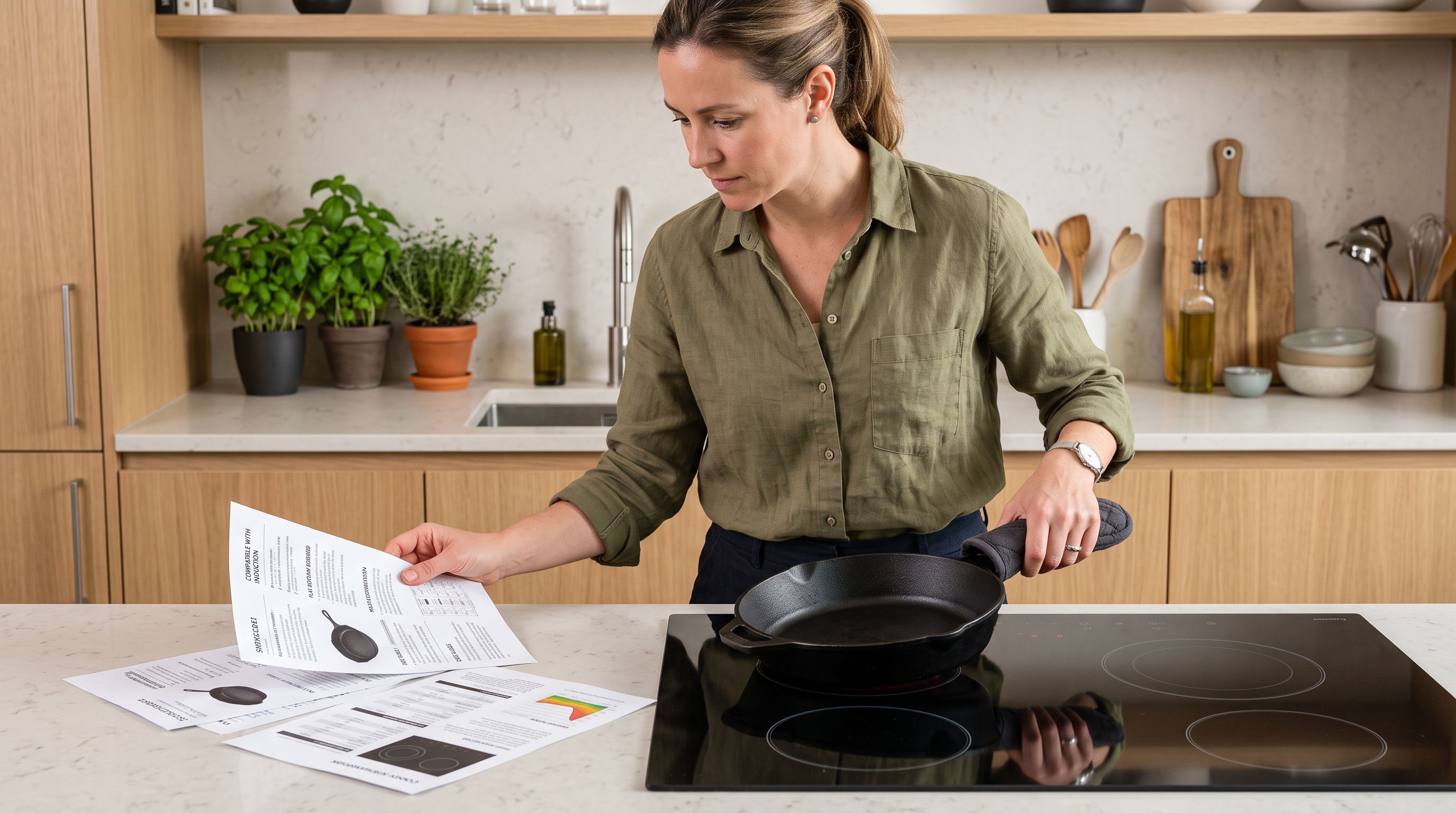
A home goods merchant imports 180 products from a new Australian kitchenware supplier. The import completes cleanly. Product pages go live with titles, descriptions, weights, and prices. A customer lands on a cast-iron skillet page and wants to know whether it works on an induction cooktop, how to season it before first use, what the handle material is, and whether the lid is sold separately. None of this is on the page. The customer leaves.
The imported description covers dimensions and weight. The supplier's data file did not include FAQs. Writing 180 product-specific FAQ sets manually would take days. Running Importier's FAQ Generator on the newly imported collection takes under 10 minutes.
The workflow is straightforward: import first, run the FAQ Generator on the imported batch immediately after, publish with complete product pages.
Why product FAQs matter more after an import than at any other time
When a merchant adds products individually, they usually have time to answer common questions as they write descriptions. When 180 products arrive in a single import from a new supplier, those details exist in the supplier's product catalogue, their website, and their product manuals, not on the Shopify product page.
An import creates a gap between the product data that exists (title, price, dimensions) and the product knowledge customers need to purchase confidently. FAQs close that gap at scale.
According to Shopify's guidance on product page content, product pages should answer the questions customers would otherwise contact support to ask. For imported products, that means the merchant needs to know which questions each product triggers, and have answers in place before the first customer lands on the page.
Preparing newly imported products for the FAQ Generator
The FAQ Generator targets products by collection, vendor, or SKU pattern. Before running it on a newly imported batch, the products need to be identifiable as a group using one of those three criteria.
Three ways to mark an import batch for targeting:
By collection. During the import wizard, assign all products to a staging collection (for example, "New Arrivals September 2026" or "Kitchenware Batch 1"). Once the import completes, the collection contains exactly the products from that batch. The FAQ Generator can target this collection.
By vendor. If all products in the import batch come from the same supplier, their Vendor field will already be consistent. The FAQ Generator's vendor filter targets all products from a given vendor regardless of which collection they sit in.
By SKU pattern. If the supplier uses a recognisable SKU prefix (for example, "KW-" for kitchenware), the SKU filter targets that pattern across the entire catalogue. This is useful for multi-supplier imports where different batches use distinct SKU structures.
For the kitchenware merchant, assigning products to a "New Arrivals September" collection during import means the FAQ Generator can target exactly those 180 products without touching the rest of the catalogue.
Running the FAQ Generator on an imported batch
- 01Open the FAQ Generator from the Importier dashboard and select the collection, vendor, or SKU pattern that corresponds to the import batch
- 02Set the FAQ count per product (2 is the minimum, 10 is the maximum). Five FAQs per product covers the most common purchase questions without overwhelming the page
- 03Set the push mode to Append if the products already have FAQ metafields from a previous run, or Replace if this is the first FAQ pass for these products
- 04Review the FAQ configuration and run the generatorprogress shows in real time as FAQs are generated and written to the product metafields in Shopify
The FAQs are stored as structured metafield data on each product. For them to appear on the product page, the Shopify theme must have a metafield display section configured. Most modern themes support this natively; older themes may need a liquid snippet added to the product template.
What the FAQ Generator produces
Category-specific FAQ outputs for imported product ranges
The FAQ Generator produces different output depending on the product it is writing for. For the kitchenware import, the cast-iron skillet and the ceramic dinner set both receive 5 FAQs, but those FAQs address completely different questions because the products are different.
The cast-iron skillet might receive:
- "Is this skillet compatible with induction cooktops?"
- "How do I season this skillet before first use?"
- "Is the handle oven-safe?"
- "What is the maximum oven temperature for this product?"
- "How do I clean cast iron without stripping the seasoning?"
The ceramic dinner set from the same import batch might receive:
- "Is this dinnerware dishwasher safe?"
- "Is this microwave safe?"
- "What is the diameter of the dinner plate?"
- "Are replacement pieces available separately?"
- "Is this product lead-free?"
Both products came from the same supplier CSV. Neither FAQ set existed in that CSV. The FAQ Generator draws from the product title, description, product type, and category to generate answers that are specific to each item.
- 900 FAQ answers written manually across 180 products
- 75+ hours of writing time
- Generic FAQs that don't address individual product characteristics
- Customer abandonment from unanswered questions on product pages
- 900 FAQ answers generated in under 10 minutes
- FAQs specific to each product's category and attributes
- Structured metafield storage for theme display and schema markup
- Product pages complete and answerable before the first customer lands
FAQ count configuration for different product types
The right FAQ count depends on how complex the product is and how many questions customers typically ask before purchasing.
Two FAQs per product is appropriate for commodity products where price, dimensions, and shipping are the only variables. A plain white t-shirt or a basic storage container does not require 8 FAQs.
Five FAQs per product is the standard for most imported catalogues. This covers the purchase decision questions (compatibility, sizing, materials, care, returns) without creating a page-scroll burden for customers.
Eight to ten FAQs per product suits technical or high-consideration products where customers need to verify specifications before purchasing. Electronics with compatibility requirements, fitness equipment with weight and assembly specifications, and food products with dietary and allergen questions all benefit from higher FAQ counts.
For the kitchenware merchant, 5 FAQs per product covered the purchase questions for straightforward items and still provided useful content for the more technical products in the range. A single FAQ count setting applies to the entire run, so for mixed catalogues, it is worth splitting the import batch into two collections by complexity and running the FAQ Generator twice with different counts.
Using FAQ schema for Google rich results eligibility
FAQs stored as metafields can be rendered with FAQ schema markup on the product page, making the product eligible for Google's FAQ rich results in search. When a product page has valid FAQ schema, Google may display the FAQ answers directly in the search result, expanding to show 2-3 question-and-answer pairs below the page title and description.
This is relevant for newly imported products specifically because FAQ schema eligibility requires the FAQ content to already be on the page when Google crawls it. Products imported without FAQs may be crawled and indexed before the merchant has time to add FAQ content manually. Running the FAQ Generator immediately after import means FAQ schema is present from the first crawl.
The FAQ schema implementation depends on the Shopify theme. Most modern themes that support FAQ metafield display also implement the schema markup automatically. For themes that do not, a liquid snippet needs to add the FAQPage and Question types. This is a one-time theme configuration, not something that changes between product imports.
An import creates a gap between the product data that exists and the product knowledge customers need. FAQs close that gap at scale, and they need to be in place before the first customer lands on the page.
The Append and Replace modes for imported products
The FAQ Generator offers two push modes: Append and Replace. For newly imported products with no existing FAQ metafields, both modes produce the same result. The distinction matters when products have been through a previous FAQ run.
Append mode adds the newly generated FAQs to whatever FAQ content already exists on the product. For a product with 3 existing FAQs, Append mode with a 5-FAQ run produces 8 FAQs total. This is useful when a batch of products received an initial FAQ run with 2 FAQs per product and the merchant wants to expand to 5.
Replace mode overwrites any existing FAQ content entirely and replaces it with the new output. This is the correct mode for a first import run and also for refreshing FAQ content after the product description or category has changed significantly.
For newly imported products, Replace mode is the standard choice. The products have no existing FAQ metafields, so Append and Replace produce identical results, but selecting Replace as the default habit prevents accidental duplicate FAQ accumulation if the FAQ Generator is ever run twice on the same collection.

Running the FAQ Generator for each batch in a multi-supplier import
Merchants who import from multiple suppliers in the same period, for example five supplier imports over a two-week period, can run the FAQ Generator separately for each import batch by targeting each vendor or collection individually.
This matters because different suppliers produce products in different categories. Supplier A sends electronics accessories; Supplier B sends kitchen tools; Supplier C sends fitness equipment. The FAQ questions for these three categories are completely different. Running the FAQ Generator three times (once per vendor) produces category-specific FAQs for each batch rather than a single generic run that applies average-category questions across all three.
The process is the same each time: identify the import batch by vendor or collection, configure the FAQ count appropriate to that product category, run the generator. Each run takes under 10 minutes regardless of batch size.
For a merchant running five supplier imports per fortnight, adding a FAQ Generator run after each import adds 10-15 minutes to the overall workflow. Manually writing FAQs for every product from every import is not a realistic option at scale.

Key takeaways
- Import creates a FAQ gap. Products arrive with title, price, and description data from the supplier. FAQ content does not exist in most supplier files. The FAQ Generator fills this gap immediately after import.
- Target by collection, vendor, or SKU. Assign newly imported products to a staging collection during the import wizard, then run the FAQ Generator targeting that collection. This scopes the run to exactly the products that need FAQs.
- FAQ count depends on product complexity. Five FAQs per product covers most imported catalogues. Technical or high-consideration products benefit from 8-10 FAQs per product.
- Run Replace mode for a first pass. Newly imported products have no existing FAQ metafields. Replace mode sets a clean baseline and prevents accidental duplication if the FAQ Generator runs twice on the same collection.
- FAQ schema eligibility starts from the first crawl. Running the FAQ Generator immediately after import means product pages are schema-eligible when Google first indexes them, not after a manual back-fill.
Add FAQs to every newly imported product at importier.app.
Set up your first import in under five minutes.
Importier brings products into Shopify with AI descriptions, category metafields, and data enrichment on every run.