Shopify Export Presets: Importier's 8 Options Explained
On this page
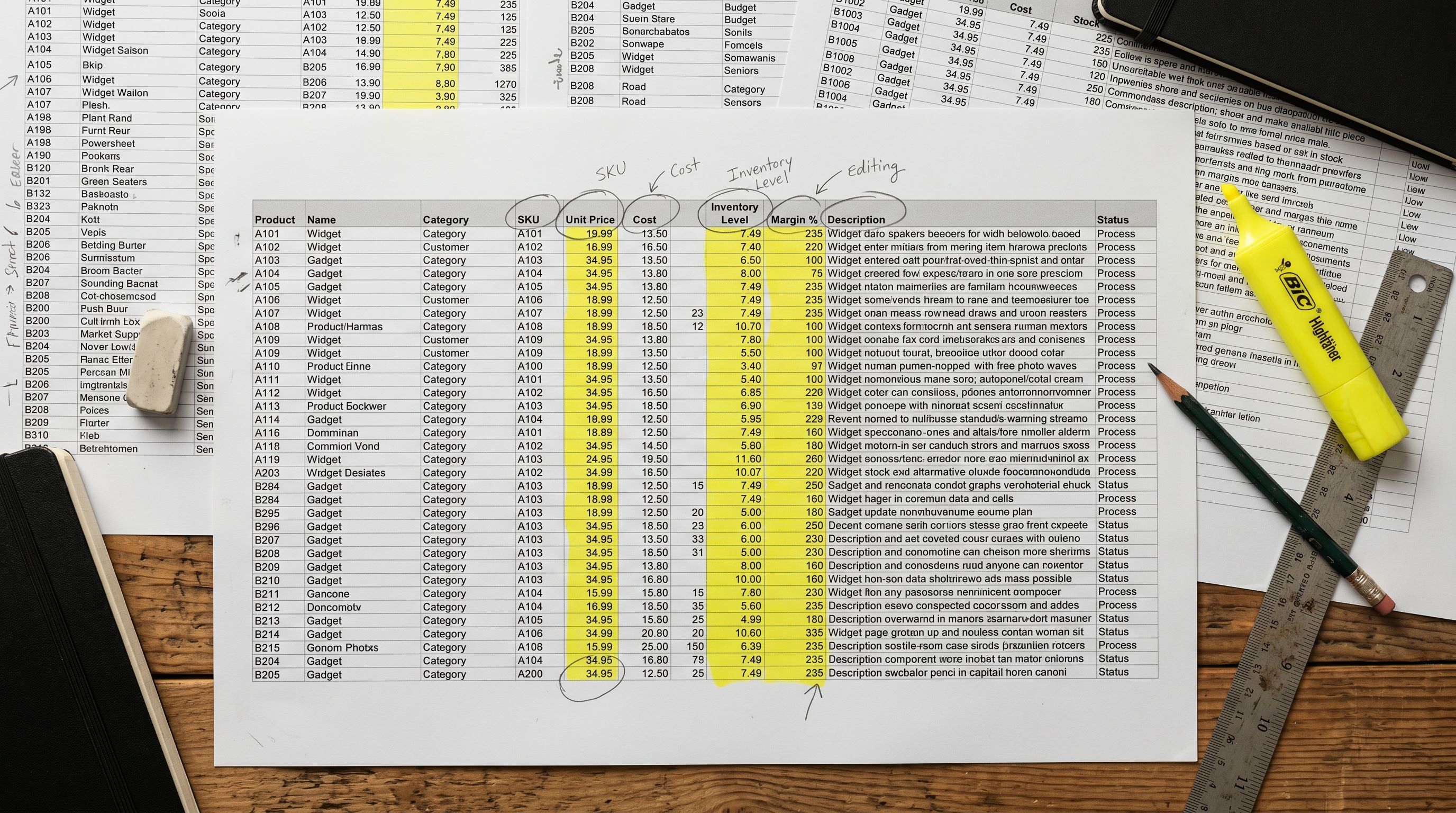
A homewares merchant has been using Importier for four months. They have imported 450 products from three suppliers, run AI description generation across the full catalogue, and populated category metafields for Google Merchant Centre compliance. Now they need to do three things before the summer sale: check SEO titles across all products, share descriptions with their marketing agency for a voice audit, and update prices for 80 seasonal products.
Doing this in Shopify admin means clicking into each product individually. At two minutes per product, 450 products takes 15 hours.
Importier's export presets let the merchant pull exactly the data slice they need for each task: SEO fields for the title audit, descriptions only for the agency review, pricing fields for the price update. Each preset produces a focused CSV with only the columns relevant to the task.
What the Export Presets Are
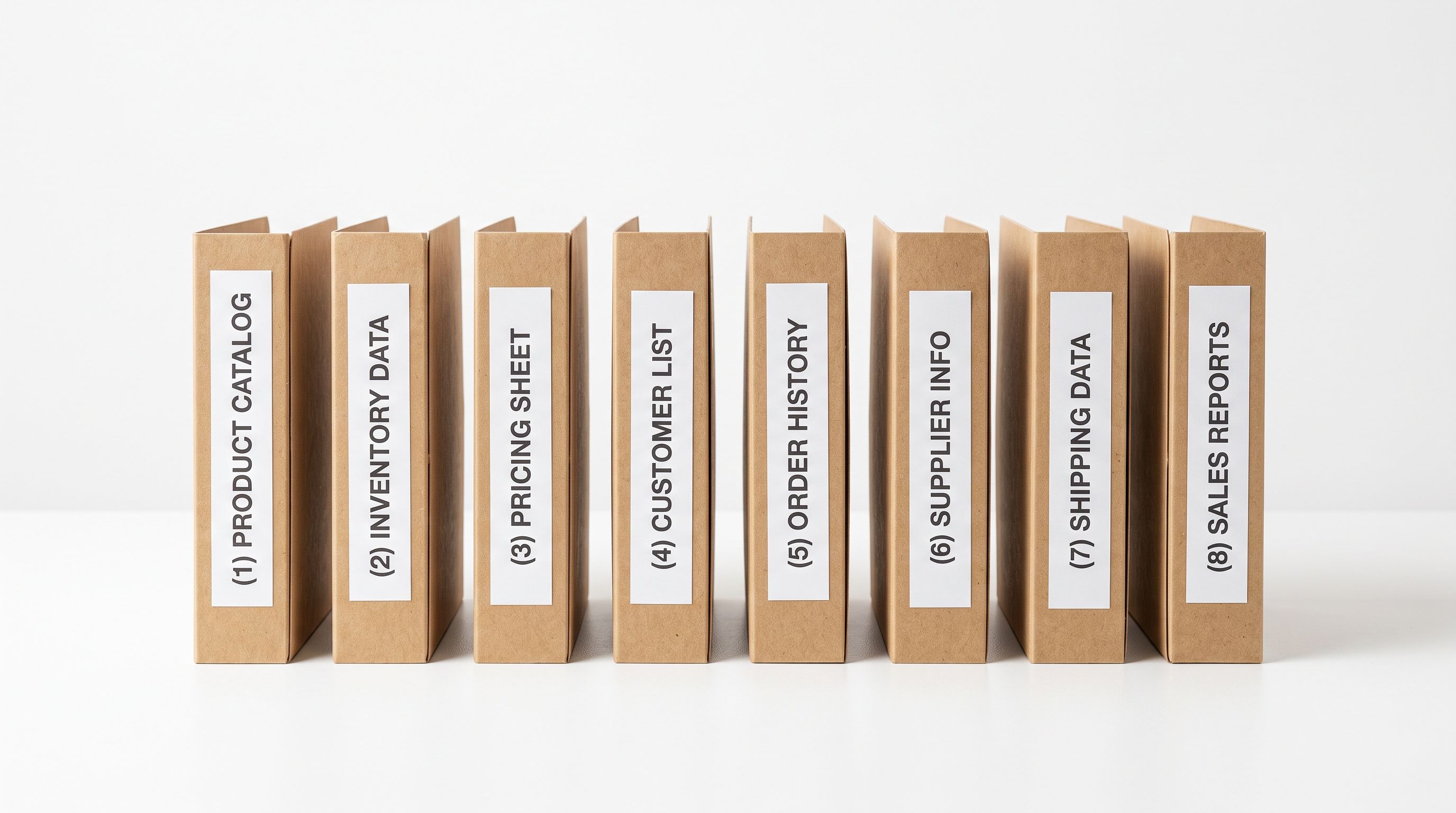
Importier includes 8 export presets. Each one produces a different subset of product data as a CSV file. The presets do not trigger any product count charges: exports are free regardless of plan, because the AI work that created the data was already counted at generation time.
The 8 presets:
- Full Shopify CSV: every product field, Shopify-format, importable back into Shopify
- Descriptions Only: product title plus AI-generated description body for each product
- Inventory: SKU, barcode, stock level, and location data across all variants
- SEO Audit: product handle, SEO title, meta description, and generated description in one row
- Pricing: title, SKU, regular price, compare-at price, and cost price across all variants
- Images: product title, image URLs, and image alt text for all product images
- Metafields: category metafield values and custom metafield data for each product
- Tags: product title, product type, vendor, and tags
Each preset can be filtered by collection and publication status before export, so a merchant can export seasonal products only, or published products only, without exporting the full catalogue.
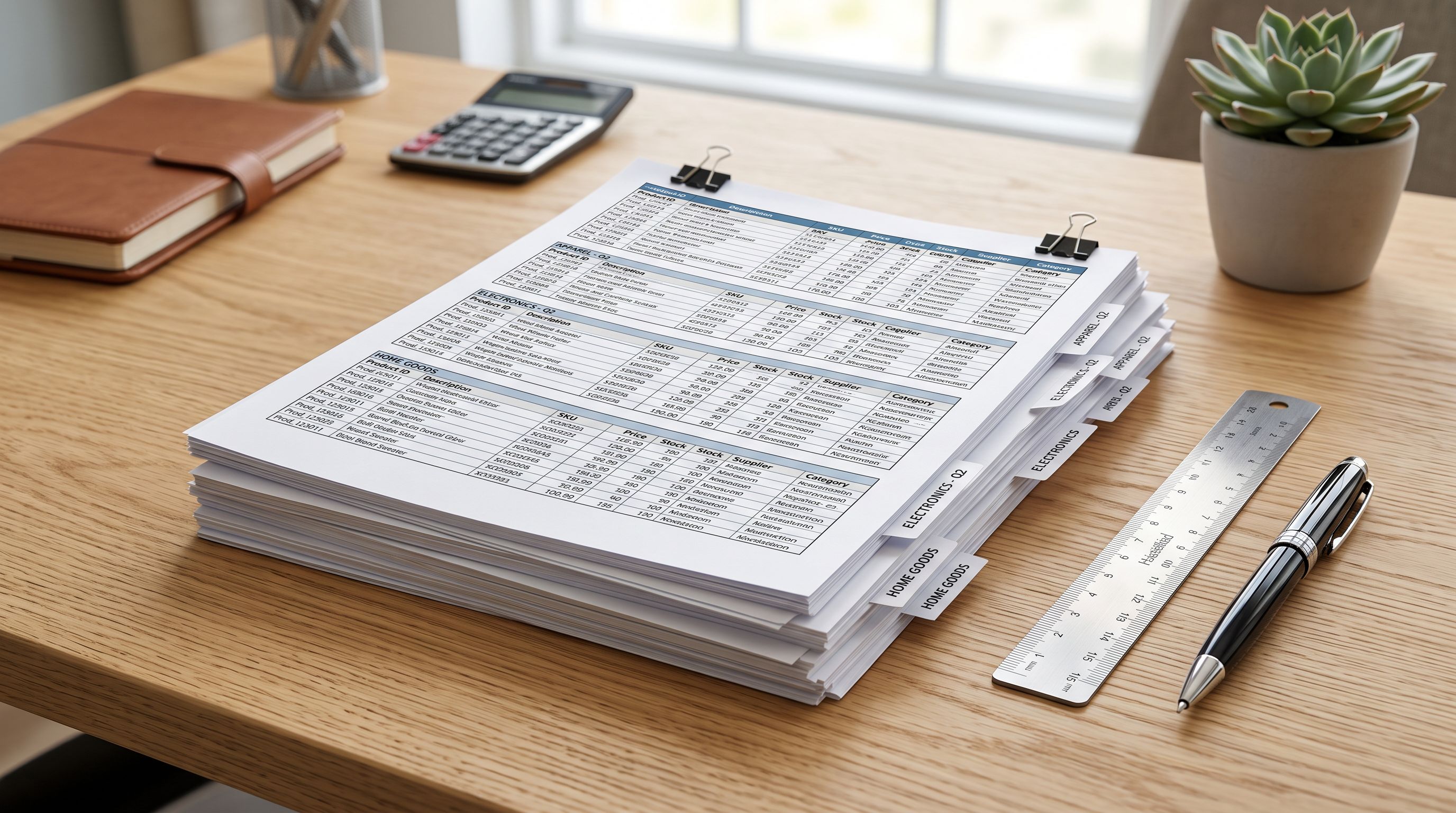
Full Shopify CSV
The Full Shopify CSV preset exports the complete product record in Shopify's native import format. Every field is included: title, body, vendor, product type, tags, all variant data (SKU, price, compare-at price, weight, inventory quantity), and image URLs.
This preset is used for two main purposes:
Store migration. When a merchant moves their Shopify store to a new account, or sets up a staging store, the Full Shopify CSV re-imports the full catalogue without needing to re-run AI generation. The descriptions and metafields have already been generated; the export captures them in re-importable form.
Complete backup. The Full Shopify CSV serves as a point-in-time snapshot of the catalogue. For merchants who make bulk edits (AI description re-generation, price changes, metafield updates), exporting a Full Shopify CSV before a bulk operation creates a recovery point if the edit needs to be reversed.
On Growth and above plans, the Full Shopify CSV is also Matrixify-compatible, making it suitable for advanced import workflows that use Matrixify as the import layer for complex operations like collection assignment, page creation, or redirect management. Shopify's import and export documentation covers the native CSV format requirements; the Full Shopify CSV preset produces a file that meets those requirements exactly.

Descriptions Only
The Descriptions Only preset exports two columns per product: the product title and the AI-generated description body.
The primary use case is sharing AI-generated content with an external copywriter or marketing team for review. A copywriter receiving 450 rows with title and description can review voice, brand compliance, and accuracy without needing access to the Shopify admin or Importier.
For merchants who generate descriptions in batches and want to spot-check quality before pushing to Shopify, the Descriptions Only export lets the review happen in a spreadsheet, with changes made by overwriting the description cells and then re-importing using the column mapping step.
The SEO Audit preset
SEO Audit
The SEO Audit preset is the most diagnostic of the eight. It exports four fields per product in a single row: the product handle (URL), the Shopify SEO title, the Shopify meta description, and the AI-generated product description.
Having all four fields in one spreadsheet row reveals patterns that are invisible in Shopify admin.
Meta description length audit. Meta descriptions under 140 characters are too short to use the full available space in Google's search results. Meta descriptions over 155 characters get truncated. Google's guidance on controlling search snippets notes that well-written meta descriptions improve click-through rate even when Google rewrites them for specific queries. Sorting the SEO Audit export by meta description length column immediately surfaces every product that falls outside the 140-155 character target range. For a 450-product catalogue generated in bulk, a significant number of products will have descriptions that are slightly too short or too long because the AI output does not precisely target character counts.
SEO title uniqueness check. If two products have identical SEO titles (common when similar products are generated in the same AI batch), both rows appear adjacent after sorting by the SEO title column. Duplicate SEO titles are a known ranking signal issue: Google treats them as competing for the same query.
Handle consistency. Shopify auto-generates handles from product titles at the time of creation. For imported products, handles may be based on the original supplier product code rather than the cleaned title. The SEO Audit export shows every handle alongside the current title so the merchant can identify handles that no longer match the product's positioning.
Read more about how Importier generates and optimises product descriptions to understand how the description in the SEO Audit export is produced.

The SEO Audit preset makes visible what Shopify admin cannot show you: all your SEO titles, meta descriptions, and product handles side by side in a spreadsheet, sortable and filterable without clicking into each product individually.
Inventory
The Inventory preset exports SKU, barcode, stock quantity, and location data for every variant across all products. It does not include descriptions, SEO fields, or pricing.
Common uses:
Supplier reconciliation. When a supplier sends a stock update file, the Inventory export gives the merchant their current Shopify stock levels in the same format. Differences between the two can be identified row by row.
SKU audit. For catalogues imported from multiple suppliers, SKUs may follow different conventions (some numeric, some alphanumeric, some with dashes). The Inventory export brings all SKUs into one CSV for a format consistency review.
Third-party fulfilment reporting. Some 3PL providers require a regular stock snapshot from the merchant's storefront. The Inventory export provides this in a clean, system-agnostic CSV without needing to build a Shopify API integration.
Pricing
The Pricing preset exports title, SKU, regular price, compare-at price, and cost price (where stored) for all variants. Variant rows are included, so a product with five size variants appears as five rows.
Before a seasonal sale, a merchant can export Pricing, add a "Sale price" column in the spreadsheet by applying a percentage reduction formula, and reimport the file with the updated compare-at prices in bulk. The same workflow applies to supplier price increases: export the current prices, apply the uplift formula, reimport.
The Pricing export is also useful for cross-referencing pricing consistency. Products imported from different supplier CSV files at different times may have inconsistent price formatting (some with tax included, some without). Reviewing the Pricing export in a spreadsheet is faster than checking the Shopify admin variant list per product.

- 01In Importier's dashboard, navigate to the Export section. Select the preset that matches your taskPricing for a price audit, SEO Audit for title and description review, Inventory for stock reconciliation, or Descriptions Only for sharing with a copywriter.
- 02Apply filters if you only want a subset of your catalogue. Filter by collection to export seasonal products only, by publication status to export only published products, or by product type to target a specific category. Leave all filters blank to export the full catalogue.
- 03Click Export. Importier generates the CSV file from your current product data in Shopify. For large catalogues (500+ products), generation may take 30-60 seconds. The file downloads to your browser's default download location when ready.
- 04Open the file in a spreadsheet application. Review, edit, or share as needed for your task. For price updates or description edits that you want to push back to Shopify, make changes in the spreadsheet and reimport using Importier's import wizard with column mapping to match the preset's column names back to Shopify fields.
- 05After your audit or edit is complete, keep the export file as a dated record of your catalogue state at that point in time. A dated export before a bulk AI re-generation pass gives you a recovery file if you need to revert any products to their previous descriptions.
Images
The Images preset exports product title, all image URLs, and image alt text for every image attached to each product.
Primary use cases:
Missing image audit. Products without images appear as rows with empty image URL fields. For a catalogue assembled from multiple import sources, some products may have been imported without images. The Images export identifies them without clicking through Shopify admin.
Alt text review. Image alt text affects both accessibility and Google Image Search ranking. Importier sets alt text during import, but the Images export lets a merchant review alt text across all products at once and identify entries that were auto-generated with generic text.
CDN migration. When a merchant migrates their Shopify store or restructures their CDN, the Images export provides the full list of current image URLs as a starting point for the URL replacement map.
Metafields and Tags
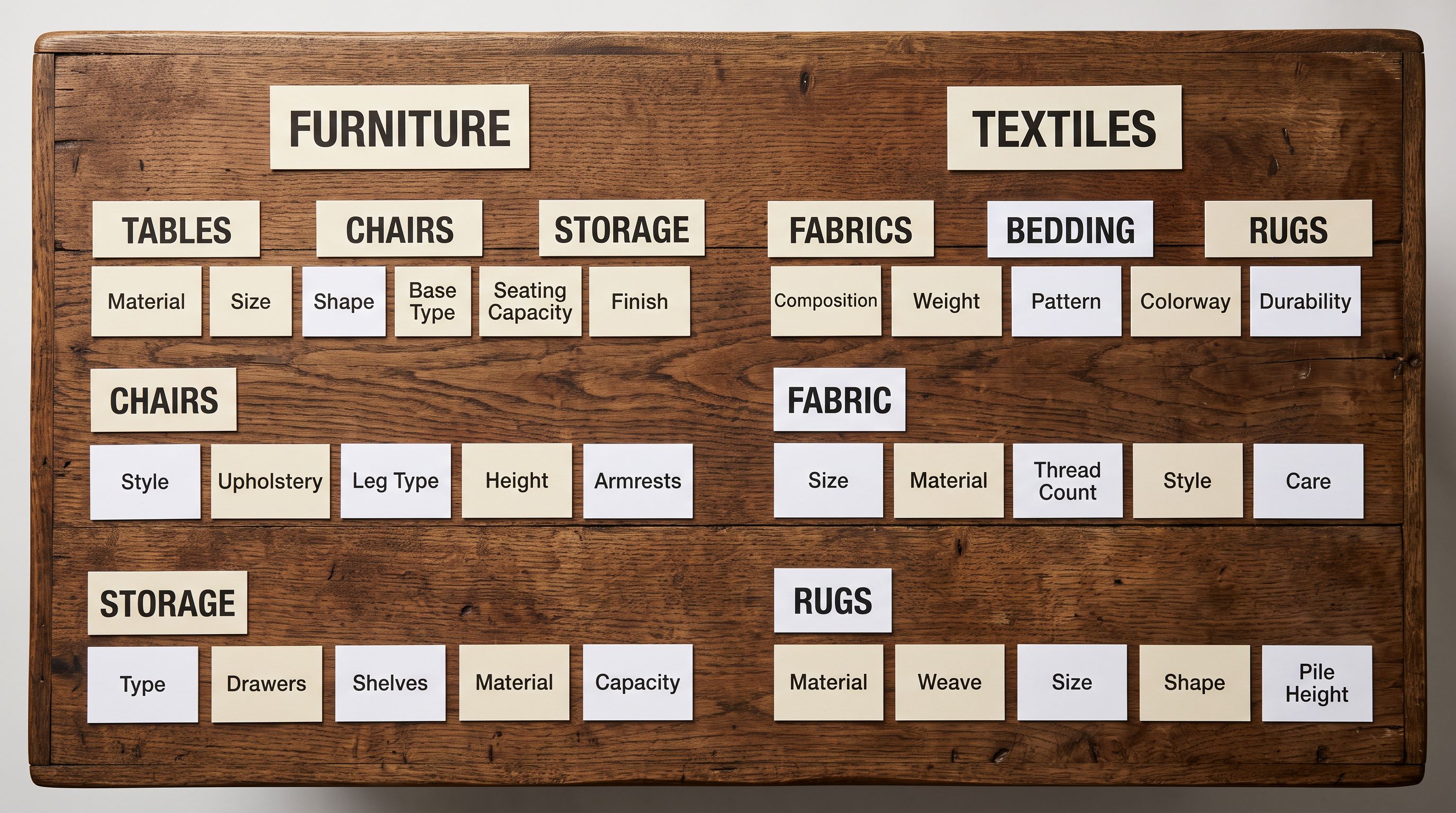
The Metafields preset exports the category metafield values and any custom metafield data for each product. For merchants who use Importier's Industry Packs to populate Google Merchant Centre attributes (material, colour, size, age group, gender), the Metafields export shows the current attribute values across the full catalogue in one file.
This is useful for a Google Merchant Centre audit: export Metafields, open the CSV, and check that mandatory attributes (GTIN, brand, colour, size) are populated for every product that requires them for Shopping ads approval.
The Tags preset exports product title, product type, vendor, and tags. Tag consistency is a common issue in catalogues assembled over time: the same category might be tagged as "winter-coats", "winter coats", and "Winter Coats" across different import batches. The Tags export makes inconsistencies visible by sorting the tags column alphabetically.
- Click into each product individually to check SEO fields
- No bulk view of meta descriptions: must check product by product
- Price updates require opening each variant row in Shopify admin
- Image audit requires browsing the media section product by product
- No single view of all tags across the full catalogue
- Sharing descriptions with a copywriter requires admin access or screenshots
- SEO Audit preset shows all handles, SEO titles, and meta descriptions in one CSV
- Sort meta descriptions by character count to find out-of-range entries instantly
- Pricing preset exports all variant prices in a spreadsheet for bulk formula edits
- Images preset lists all product image URLs and alt text for a full catalogue audit
- Tags preset shows all tags in one file for consistency review and cleanup
- Descriptions Only preset lets copywriters review and edit AI content in a spreadsheet
Key Takeaways
Importier's 8 shopify export presets let merchants pull exactly the data slice they need for each catalogue task, without clicking through Shopify admin product by product.
- 8 presets for different tasks: Full Shopify CSV for backup and migration, Descriptions Only for copywriter review, Inventory for stock reconciliation, SEO Audit for meta title and description analysis, Pricing for bulk price edits, Images for image and alt text audits, Metafields for attribute compliance checks, Tags for taxonomy consistency review.
- Exports do not consume your monthly product quota: the count is taken at AI generation time, not at export time. Export freely.
- The SEO Audit preset is the most diagnostic: all SEO titles, meta descriptions, and handles in one CSV, sortable by character count to find out-of-range entries across a 450-product catalogue in seconds.
- Filter before exporting to get a targeted slice: filter by collection, publication status, or product type to export only the products relevant to your current task.
- Export before bulk operations as a recovery point: a Full Shopify CSV export before a major AI re-generation pass or pricing update gives you a rollback file if you need to revert changes.
Read more about the enrichment workflow that produces the descriptions captured in the Descriptions Only and SEO Audit exports for the full picture of how Importier generates the content those presets export.
Export your Shopify catalogue at importier.app.
Set up your first import in under five minutes.
Importier brings products into Shopify with AI descriptions, category metafields, and data enrichment on every run.