How Shopify Store Scanner Filters Target Specific Products
On this page
A cosmetics distributor with 900 products across three brand lines wanted different description styles for each brand. CeraVe products needed clinical, pharmacy-first copy. Cetaphil products needed accessible, family-friendly descriptions. L'Oréal products needed aspirational beauty language. All three brands were in the same Shopify collections, sold to different buyer segments, with different brand guidelines.
Running Store Scanner on the full catalogue applied one description style and one persona to all 900 products.
The SKU pattern filter changed that. The distributor ran three Store Scanner passes: one for products matching CERAVE-*, one for CETAPHIL-*, one for LOREAL-*. Each pass used a different AI persona and description style. The output was 900 accurately-styled descriptions in 22 minutes, none requiring manual editing for tone.
Why One Setting Does Not Fit Every Product
Store Scanner's strength is the scale at which it operates. A full catalogue scan touches every product in the store in a single session. For homogeneous catalogues, that is exactly what the job requires.
For catalogues with distinct product segments, one setting produces descriptions that are accurate for some products and wrong for others.
A medical equipment supplier might carry pulse oximeters, blood pressure cuffs, and mobility aids in the same Store Scanner session. The Technical Gadget description style produces excellent output for the oximeters and blood pressure cuffs: sensor specifications, accuracy ratings, measurement ranges. For mobility aids, that same style produces a tone that emphasises technical specification over the practical support the product offers the user.
Running the full catalogue with one style settings produces technically accurate descriptions for two-thirds of the products and tone-mismatched descriptions for the other third. The merchant is left with an edit queue for the products that got the wrong voice.
Store Scanner's three filters (collection, SKU pattern, and barcode pattern) allow targeted passes that apply different settings to different product groups. The full catalogue does not need to be homogeneous for the tool to work effectively.
Collection Filter: Segment by Product Category
The collection filter restricts a Store Scanner pass to products in one or more Shopify collections. It reads from the store's existing collection assignments, with no re-tagging required.
This filter is most useful when a Shopify store uses collections to represent distinct product categories with different content requirements.
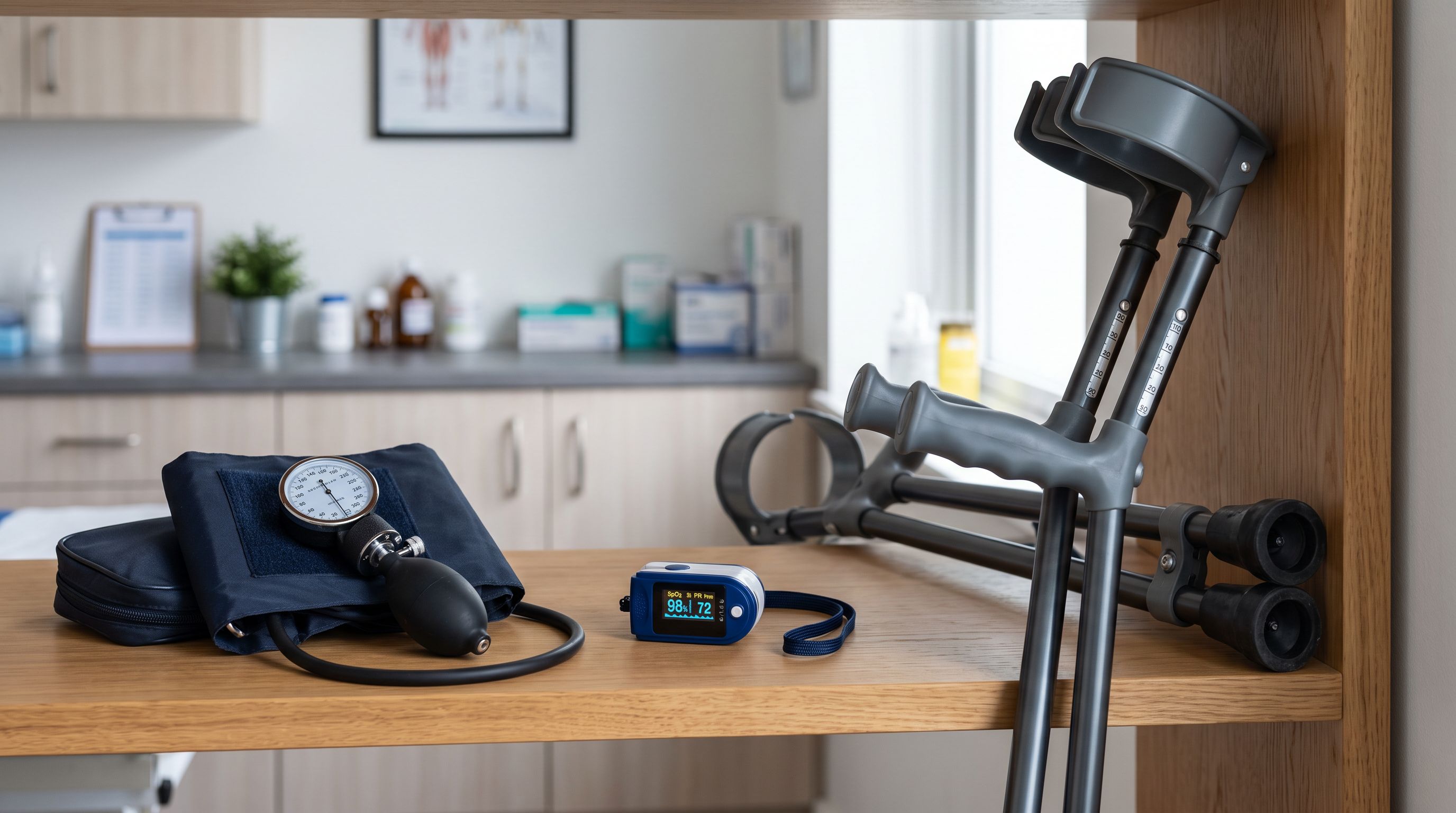
Sports and outdoors store: A merchant sells running gear, rock climbing equipment, and yoga accessories in the same store. Each collection has a different audience with different priorities.
Running gear descriptions benefit from performance metrics: stack height, heel-to-toe drop, outsole grip type, shoe last width. Rock climbing equipment descriptions require safety emphasis: CE EN 892 compliance, kN rating, UIAA certification for dynamic ropes, recommended for single or half-rope use. Yoga accessories benefit from material comfort and sustainability language: natural rubber, cork, recycled PET, antimicrobial surface treatment.
Running Store Scanner with the collection filter set to "Rock Climbing" and the Technical Gadget style, followed by a second pass on "Running Gear" with performance metrics in the description keywords, followed by a third pass on "Yoga" with the Sensory-Rich style and a wellness persona, produces appropriate output for all three collections.
A full-catalogue scan with one style would produce either technically-oriented climbing descriptions applied to yoga mats, or lifestyle-oriented yoga descriptions applied to load-rated carabiners: neither is acceptable for a specialist outdoor retailer.
The collection filter does not require the merchant to manually identify which products are in which collection. If the collection already exists in Shopify, the filter targets it directly.
The three filters
SKU Pattern Filter: Segment by Brand or Supplier
The SKU pattern filter restricts a Store Scanner pass to products whose SKU matches a specified pattern. Pattern matching uses prefix syntax: BRAND-* matches all SKUs starting with "BRAND-".
This filter is particularly effective for stores that source from multiple suppliers or carry multiple brands, where each supplier's SKUs share a common prefix.
Wholesale stationery distributor: A distributor carries 600 products from six pen and notebook brands. Each brand uses a distinct SKU prefix: LAMY-, PARKER-, PELI-, RODI-, LEUC-, MOLES-. Lamy, Parker, and Pelikan are precision-engineering brands where technical specification matters most. Rhodia, Leuchtturm1917, and Moleskine are heritage and artisan brands where material quality, paper characteristics, and usage ritual carry the description.
Running one Store Scanner pass with Technical Gadget style produces excellent descriptions for the engineering brands and flat, specification-heavy descriptions for the artisan brands. Running one pass with Emotional Storytelling style produces the reverse: compelling heritage copy for Rhodia notebooks and tonally inappropriate "experience" language for a Parker fountain pen that needs its nib material, grip section, and fill mechanism described accurately.
- 01Run a Store Scanner pass filtered to SKU pattern LAMY-* with the Technical Gadget style and the Writing Instruments Expert persona.
- 02Run a second pass filtered to PARKER-* with the same Technical Gadget style and the Luxury Writing persona for a more refined tone.
- 03Run a third pass filtered to RODI-*, LEUC-*, and MOLES-* with the Emotional Storytelling style and the Heritage Crafts persona.
- 04Review the description preview for each pass before pushing. Each pass can be assessed and approved independently.
- 05Push each pass to Shopify. Products from each brand receive appropriate copy.
Without the SKU pattern filter, the merchant would need to export each brand's products into a separate CSV, run separate import sessions with different settings, then re-import the descriptions. The filter consolidates this into one Store Scanner session with no CSV preparation required.

SKU pattern filtering matches the way supplier catalogues are actually structured: products from the same supplier share a common SKU prefix, and descriptions for that supplier need the same voice.
Barcode Pattern Filter: Segment by Manufacturer
The barcode pattern filter restricts a Store Scanner pass to products whose barcode (EAN, UPC, or GTIN) matches a specified pattern. This filter is less commonly used than collection or SKU filtering, but useful in wholesale contexts where the SKU naming convention provides no usable pattern.
GS1 barcodes encode the manufacturer's GS1 company prefix in the first 6-10 digits. For a wholesale distributor carrying products from multiple manufacturers, the barcode prefix identifies the manufacturer even when SKUs are manufacturer part numbers with no shared format.
Electronics wholesale distributor: A distributor holds 400 products from four electronics manufacturers. Their catalogue uses each manufacturer's own part numbers as SKUs, with no shared prefix and no naming convention the merchant controls. But each manufacturer's barcodes share the same first 7 digits (their GS1 company prefix assigned by GS1).
The barcode pattern filter lets the distributor target one manufacturer's products per Store Scanner pass, even though the SKU naming convention provides no usable pattern. The first manufacturer's products (barcodes starting with their prefix) are described with the Technical Gadget style and the Electronics Engineer persona. A second manufacturer's products (a different barcode prefix) are described with the same Technical Gadget style but a different set of description keywords suited to their product category.
This use case is niche but solves a segmentation problem that would otherwise require manually sorting 400 products into four separate lists before running Store Scanner.
Running Multiple Filtered Passes in One Session
Store Scanner supports sequential passes within a single session. After a filtered pass completes and the descriptions are pushed, the filter settings can be changed and a new pass can be initiated without leaving the tool. Each pass carries its own style, persona, tone, and description settings.
- One description style applied to all 900 products
- Clinical precision copy applied to lifestyle products
- Aspirational language applied to pharmacy-first products
- 60% accurate descriptions, 40% requiring manual correction
- Edit queue of ~360 products after the run
- Pass 1: Technical Gadget style for clinical brand products
- Pass 2: Sensory-Rich style for lifestyle brand products
- Pass 3: Aspirational tone for premium brand products
- Each pass previewed independently before pushing
- No manual edit queue: each segment receives appropriate copy
Sequential filtered passes take longer than a single full-catalogue pass. For a 900-product catalogue divided into three 300-product segments, three consecutive passes take roughly three times as long as one full scan. The trade-off is descriptions that need no tone correction, versus a fast run that produces a backlog of mismatched copy to fix manually.
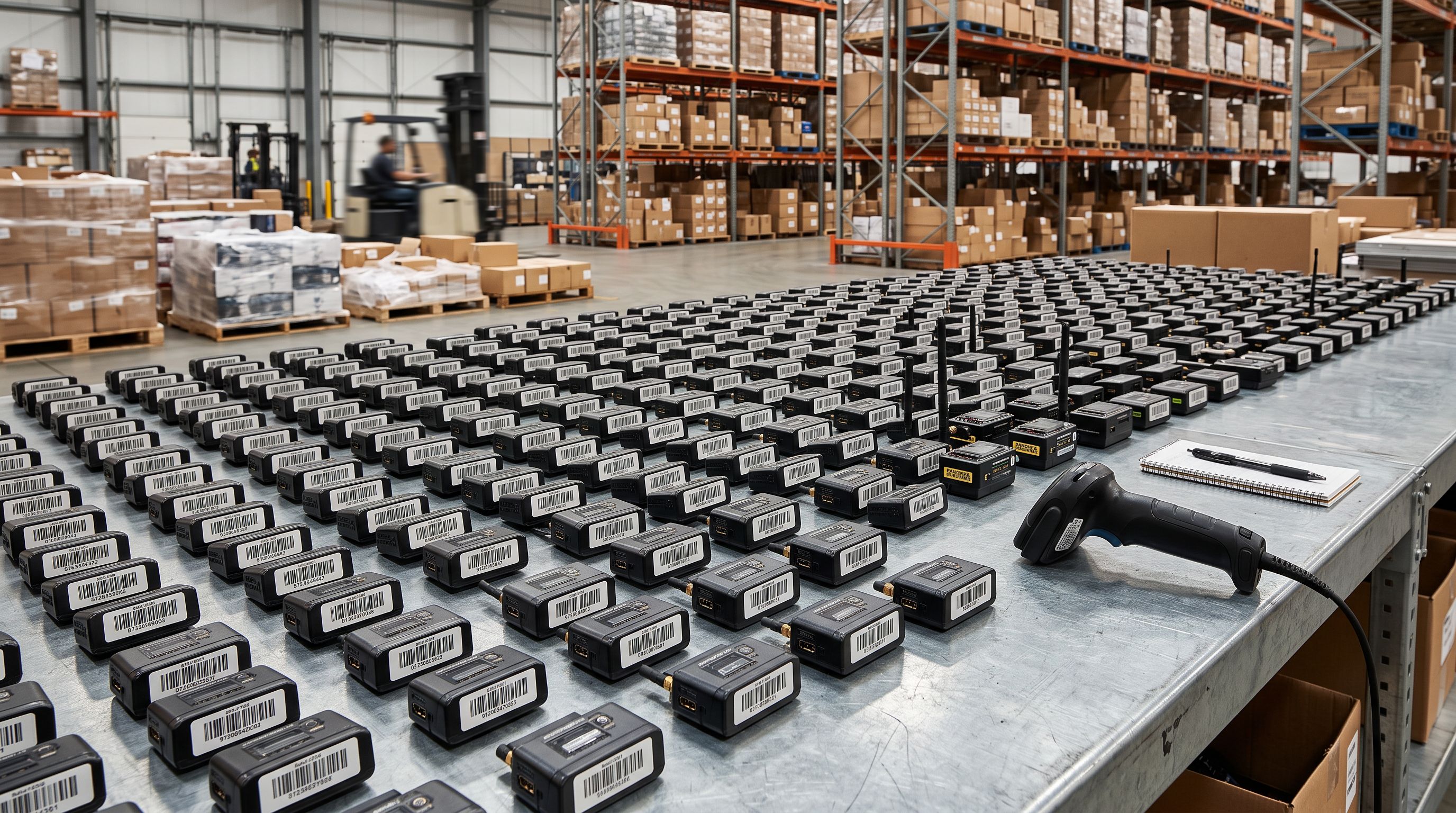
For most multi-brand or multi-category catalogues, the time saved on manual editing after a filtered run exceeds the extra time spent running the additional passes.
When Filters Are Not Necessary
For homogeneous catalogues (one product type, one audience, one supplier, one brand voice), the collection and SKU filters add complexity without adding value.
A merchant who imports 200 products from a single kitchenware supplier and uses one consistent description style for every product does not need filters. A full catalogue scan in Store Scanner produces accurate output for every product without segmentation.
Filters are for catalogues where the answer to "which description style is right for this product?" genuinely differs by product group. If the same style and persona works for every product, use the full scan and skip the filters entirely.
The full Store Scanner workflow, including how the four-pass approach covers descriptions, enrichment, and metafields across an entire catalogue, is documented in Shopify Store Scanner: fixing existing product data. For catalogues where some products already have descriptions that should be extended rather than replaced, Shopify Store Scanner Append mode covers how to add AI content alongside existing copy on a targeted subset.
For structuring Shopify collections to match the segments you will filter by, Shopify's collection management guide covers automated versus manual collections and how collection criteria interact with product assignments. For SKU naming conventions that make pattern filtering predictable across a multi-brand catalogue, Shopify's SKU guidance explains how consistent prefix conventions support catalogue operations beyond just filtering.
Key Takeaways
Store Scanner's collection, SKU pattern, and barcode pattern filters allow targeted description runs on specific product segments. A full catalogue scan with one setting produces tone-mismatched descriptions for multi-brand or multi-category stores. Filters let each segment receive appropriate copy without manual sorting or separate import files.
- Collection filter targets products in specific Shopify collections. Use it when collections represent distinct product categories with different description requirements (clinical vs lifestyle, technical vs artisanal, premium vs everyday).
- SKU pattern filter targets products whose SKU matches a prefix pattern. Use it when multiple brands or suppliers share SKU naming conventions. One filtered pass per brand, each with appropriate persona and style settings.
- Barcode pattern filter targets products by barcode prefix. Use it when the manufacturer is identifiable by GS1 barcode but not by SKU, which is common in wholesale distribution with mixed sourcing and manufacturer-issued part numbers.
- Multiple passes in one session are supported. Run filtered passes sequentially, preview each before pushing, and adjust settings between passes.
- Filters are not necessary for homogeneous catalogues. One supplier, one brand, one audience: run the full scan and skip the filters.
- The trade-off is time for quality. Three filtered passes take three times as long as one full scan, but deliver appropriate descriptions for each segment without a manual editing queue afterwards.
Start targeting your catalogue at importier.app.
Set up your first import in under five minutes.
Importier brings products into Shopify with AI descriptions, category metafields, and data enrichment on every run.