Shopify SEO Title: Why Your Product Title Isn't Enough

On this page
Shopify SEO Title vs Product Title: Why Two Fields Control What Google Shows
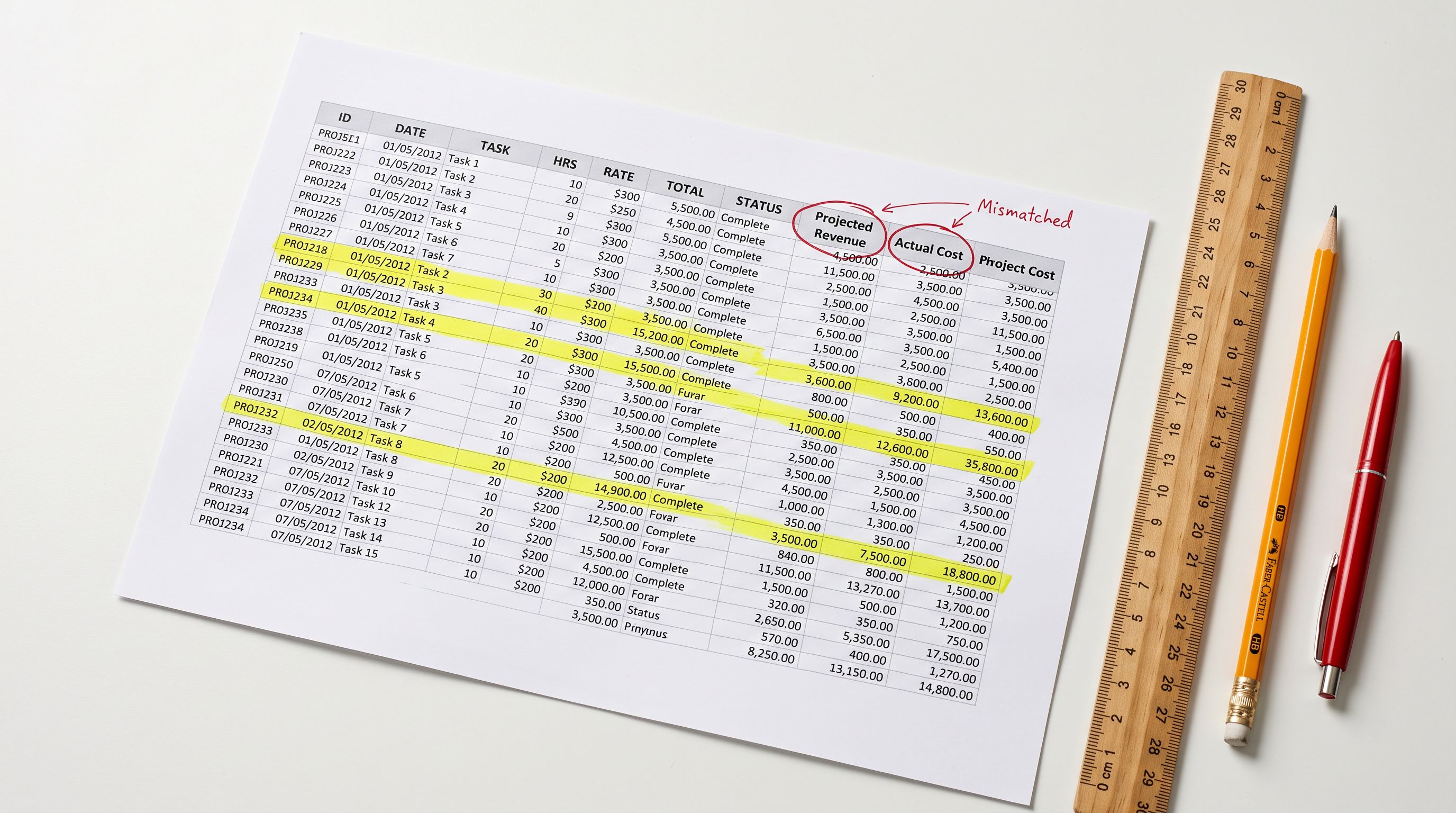
Pull up your Shopify store in Google Search Console. Look at the titles Google is using for your product listings. For most stores, they match the product titles in Shopify admin exactly: "Blue Cotton Shirt - Store Name", "400ml Ceramic Mug", "Men's Running Shoes, Black". If those titles came from a supplier CSV, they might look even less polished: "MENS CASUAL SHIRT BLUE CTN L/XL REF4829A".
Below each title, where your meta description should be, Google has picked whatever text it found useful on the page. That might be the first sentence of your product description. It might be text from your footer. It might be a sentence fragment pulled from your return policy.
This is Shopify's default behaviour, and it applies to every product where you have not set a Shopify SEO title and meta description manually. For stores with large catalogues imported from supplier CSVs, it applies to nearly every product.
The two Shopify title fields and what each one controls
Every Shopify product has a Product Title and a SEO Title (also called the meta title). They populate different HTML elements and appear in different places.
The Product Title is the H1 heading on your product page. It appears in collection listings, in cart line items, on order confirmation emails, and in admin product searches. It is written for shoppers who are already browsing your store. You can write it however works best for your theme layout and your customers.
The SEO Title populates the <title> element in your page HTML. This is what Google reads, indexes, and displays as the clickable blue link in search results. It is also used in social sharing previews when the product is shared on social platforms. Shoppers encounter this title before they ever reach your product page.
If you leave the SEO Title field blank, Shopify defaults to the Product Title. That means whatever you named the product for internal purposes becomes your search listing headline. For cleanly named products, that can work reasonably well. For supplier-formatted titles with part numbers, all-caps formatting, and truncated descriptions, it produces search listings that do not communicate what the product is and do not earn clicks.
The same logic applies to the meta description. Leave it blank, and Google generates its own by pulling text from the page. Google's auto-selected snippet is often a generic sentence mid-description, a policy statement, or something structurally odd pulled from navigation markup. You are, in effect, handing Google responsibility for your pre-click marketing copy.

What your Shopify SEO title needs to do
A well-written Shopify SEO title has one job: tell a searcher that this result matches their query and is worth a click. It has approximately 50-60 characters (580 pixels in Google's display) before it is truncated. Everything that matters needs to fit in that window.
The standard formula for retail product pages is: [Primary keyword] | [Brand] or [Brand] [Product Type] [Key Attribute]. The goal is keyword relevance at the front, brand signal at the end, and a description accurate enough that the searcher does not feel misled when they arrive.
"Blue Cotton Shirt | Store Name" fits in 26 characters and communicates the product. "MENS CASUAL SHIRT BLUE CTN L/XL REF4829A - Store Name" runs 53 characters, fails to communicate anything useful to a searcher, and likely triggers Google to rewrite the title entirely using text from elsewhere on the page.
Google rewrites meta titles more often than most merchants realise. According to Google's public guidance, they rewrite titles when the provided title is too long, too short, stuffed with keywords, not descriptive enough, or inconsistent with the page content. A rewritten title is a title you no longer control.

For Google Merchant Centre, the format differs from standard organic SERP titles. GMC recommends a structure of brand + product type + key attributes, formatted in title case, and the character limit extends to 150 characters. These are two different fields with two different requirements, and writing one set of titles that works well for both is not straightforward to do by hand.
The meta description
Why the meta description matters even though it is not a ranking signal
Google has confirmed that the meta description does not directly affect keyword rankings. Merchants often treat that as a reason to deprioritise it. That reasoning misses the point.
The meta description controls your click-through rate from a given ranking position. A product ranking at position four with a compelling meta description can generate more traffic than a product at position two with a blank or auto-generated one. Click-through rate affects how many visitors you get from search, and therefore how much revenue your organic rankings actually produce.
The meta description is not SEO copy. It is pre-visit conversion copy. The goal is a click, not a ranking.
A well-written product meta description does three things: confirms the product matches the search intent, communicates one concrete benefit or differentiator, and creates a reason to click rather than scroll to the next result.
"White ceramic mug, 400ml capacity, microwave and dishwasher safe. Free shipping over $50. Ships next business day." That is 116 characters that tell a searcher exactly what they get and prompt an action. Compare that to whatever sentence Google might pull from the third paragraph of your product description.
The target length is 140-160 characters. Shorter than that leaves empty space in the search result. Longer and Google truncates mid-sentence, which looks unprofessional and cuts off the call to action.
Understanding how product descriptions affect your organic rankings provides the broader context for how all three content fields, including product description, SEO title, and meta description, work together.
How Importier generates Shopify SEO titles and meta descriptions
Importier generates the SEO title, meta description, and product description in a single AI batch run. There is no separate step for meta content, and no additional cost per product. Every product that passes through the AI description step gets all three fields populated at once.
The SEO title is generated within the 50-60 character target by default. It pulls from the product title, product type, and key attributes in the product data to construct a title that communicates the product and fits Google's display window. The meta description is generated at 140-160 characters, structured with the benefit statement before the call to action.
Richer product data produces more specific meta content. A product record with accurate product type, vendor, and specification data generates a meta title like "Merino Wool Running Socks | Thornfield Outdoor" rather than the generic "Running Socks | Store Name" you get from minimal input. Running the AI description generation step with complete product data makes a measurable difference in meta content quality.
Brand Voice applies to meta content the same way it applies to product descriptions. If your brand avoids certain terms, uses specific vocabulary, or maintains a particular tone, those constraints carry through to the SEO title and meta description. An electronics retailer targeting technical buyers gets different meta copy from a lifestyle homeware brand, even for similar products. The Brand Voice configuration, including your voice description, include keywords, avoid words, and example copy, feeds into both the product description and the meta fields in the same run.
25 AI models are available for generating meta content, spanning four plan tiers from Starter through Enterprise. There are no per-token charges. Every product in the batch gets meta content generated through whichever model you select.

- 01Configure Brand Voice in Importier settingsadd your voice description, keywords to include, words to avoid, and example copy
- 02Select your preferred AI model and description style in the import wizard
- 03Run the AI description step during product import via the 14-step wizard
- 04Review generated SEO titles and meta descriptions in the preview step
- 05Confirm import and all three content fields push to Shopify simultaneously
Google Merchant Centre compliance mode
Standard organic SERP titles and Google Merchant Centre titles have different requirements. The GMC compliance mode in Importier's AI description settings formats the SEO title according to GMC's recommended structure: brand name positioned correctly, title case applied, key product attributes included. This is relevant for stores running Google Shopping campaigns, where title format can directly affect ad eligibility and impression share.
Merchants running both organic SEO and Shopping ads often find that a title written for one context performs poorly in the other. GMC compliance mode addresses this by generating titles that meet Shopping feed requirements from the start, rather than requiring a separate optimisation pass after products are already live.
Setting SEO titles retroactively on an existing catalogue
For stores already on Shopify with products carrying blank or inadequate meta fields, the Store Scanner retroactive workflow applies. You do not need to re-import products.
The SEO Audit export preset generates a CSV that flags every product in your catalogue against four content fields: meta title, meta description, product description, and category metafields. It shows which products have missing meta content at a glance, without requiring manual checking through the admin.
Store Scanner then filters to those products and runs the AI generation step in Replace mode, writing fresh SEO titles and meta descriptions without modifying the product description. You can target only the products with missing meta fields if you are satisfied with the descriptions but want to improve search listings specifically.
For generating meta content in bulk across your full catalogue, including large stores with hundreds or thousands of products that have never had meta fields set, the bulk workflow covers the process in detail.
What the Shopify SEO Title field actually controls
The SEO Title field in Shopify admin appears in the "Search engine listing" section of any product. It requires opening each product individually in the standard admin interface. There is no way to bulk-edit SEO titles or meta descriptions from Shopify's native bulk editor. The fields are simply not available there.
That limitation has a practical consequence: for a store with 500 products, setting SEO titles and meta descriptions manually means 500 individual page opens, 500 character counts, and 500 text fields written from scratch. At five minutes per product (a realistic minimum for writing quality meta content), that is over 40 hours of work for content that most shoppers never see directly, but that directly affects how many of them find you.
The 50-60 character recommendation is based on Google's display behaviour, not a platform constraint. Shopify does not enforce a character limit on the SEO Title field itself. Importier enforces the target range during generation: the AI produces titles within bounds rather than requiring manual trimming after the fact.
- Product Title becomes the Google listing headline
- Supplier-formatted titles appear unedited in search results
- Meta description auto-generated by Google from page content
- Character limits not enforced, titles truncate mid-word in search
- Manual editing required per product: 40+ hours for 500 products
- SEO title generated within 50-60 character target
- Structured for keyword relevance and readability in search results
- Meta description generated as 140-160 character pre-click benefit copy
- GMC compliance mode available for Shopping feed title formatting
- All three content fields generated in one AI batch run per product
Key takeaways
- The Shopify Product Title and SEO Title are separate fields that serve different audiences. The Product Title is for shoppers already on your site. The SEO Title is for searchers deciding whether to visit.
- Leaving the SEO Title blank causes Shopify to default to the Product Title, which is often the wrong format for search result display.
- Leaving the meta description blank hands Google control over your pre-click marketing copy, which rarely produces an effective search listing.
- A well-written meta title targets 50-60 characters with the primary keyword near the front. A well-written meta description targets 140-160 characters and communicates a concrete benefit.
- Importier generates both fields in the same AI run as the product description, meaning every imported product can arrive in Shopify with all three content fields complete.
Try Importier free at importier.app
Set up your first import in under five minutes.
Importier brings products into Shopify with AI descriptions, category metafields, and data enrichment on every run.