Shopify Pinterest Ads: Prepare and Export Product Catalogue
On this page
An accessories merchant uploaded 310 Shopify products to Pinterest Ads Manager as her first Pinterest Ads product catalogue. Seventy-two were rejected on the first attempt. The rejection report showed a count and an error code (missing_required_attribute) but no product-level breakdown.
After cross-referencing the Pinterest Ads catalogue data specification against the Shopify export, the problem became clear: the google_product_category field was blank on all 72 products, and 61 of those also had no brand attribute.
Neither field is required by Shopify's native Pinterest channel for organic Shopping listings. The same products had been visible on Pinterest Shopping for months without issue. Pinterest Ads is stricter.
This is the core problem with preparing a Shopify Pinterest Ads product catalogue: the organic Pinterest Shopping channel and the Pinterest Ads catalogue both pull from Shopify product data, but they require different fields. Preparing for Pinterest Ads is a distinct step from setting up Pinterest Shopping organic listings, and merchants who have already set up organic listings often assume the data is ready. It is usually not.
Why Pinterest Ads Requires a Separate Catalogue Workflow
Pinterest's organic Shopping channel syncs automatically through the Shopify Pinterest channel integration. The sync handles the foundational fields: title, description, price, availability, images, and product URL. That is enough for organic Pinterest Shopping.
Pinterest Ads (specifically Shopping Ads and Catalogue Sales Ads) uses a separate product catalogue that the merchant uploads to Pinterest Ads Manager. This catalogue has stricter field requirements because Pinterest uses it for bid management, ad targeting, and category reporting. All three purposes require structured attribute fields that the organic sync never enforced.
The fields Pinterest Ads requires that the organic sync does not enforce:
google_product_category: a numeric code from Google's product type taxonomy, required for Shopping Ads bidding and category reportingbrand: the brand or manufacturer namecondition:new,used, orrefurbished
The fields Pinterest Ads recommends that organic Shopping does not check:
gtin: the product barcode (UPC, EAN, JAN, or ISBN)mpn: the manufacturer part number, accepted as an alternative to GTIN where barcodes are absent
A merchant whose organic Pinterest Shopping listings have been live for a year can still have their first Pinterest Ads catalogue upload partially rejected because these fields were never populated.
Finding the Missing Fields Before the Upload
Auditing Your Catalogue
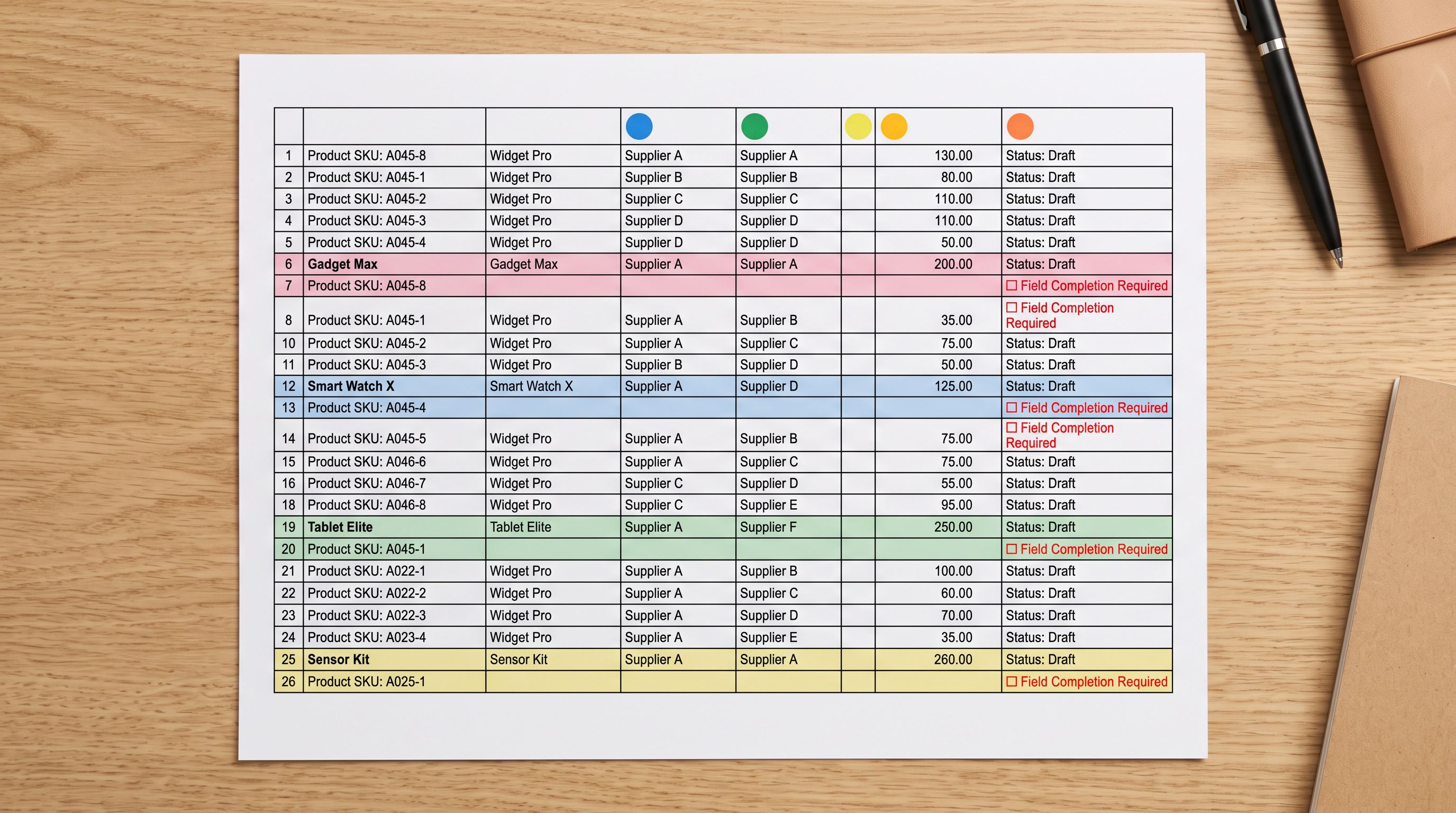
The fastest way to discover which products will fail Pinterest Ads catalogue validation is to audit the data before the upload, not after. Discovering the gap in Pinterest Ads Manager means receiving a count and an error code. Discovering it in an export means receiving a list.
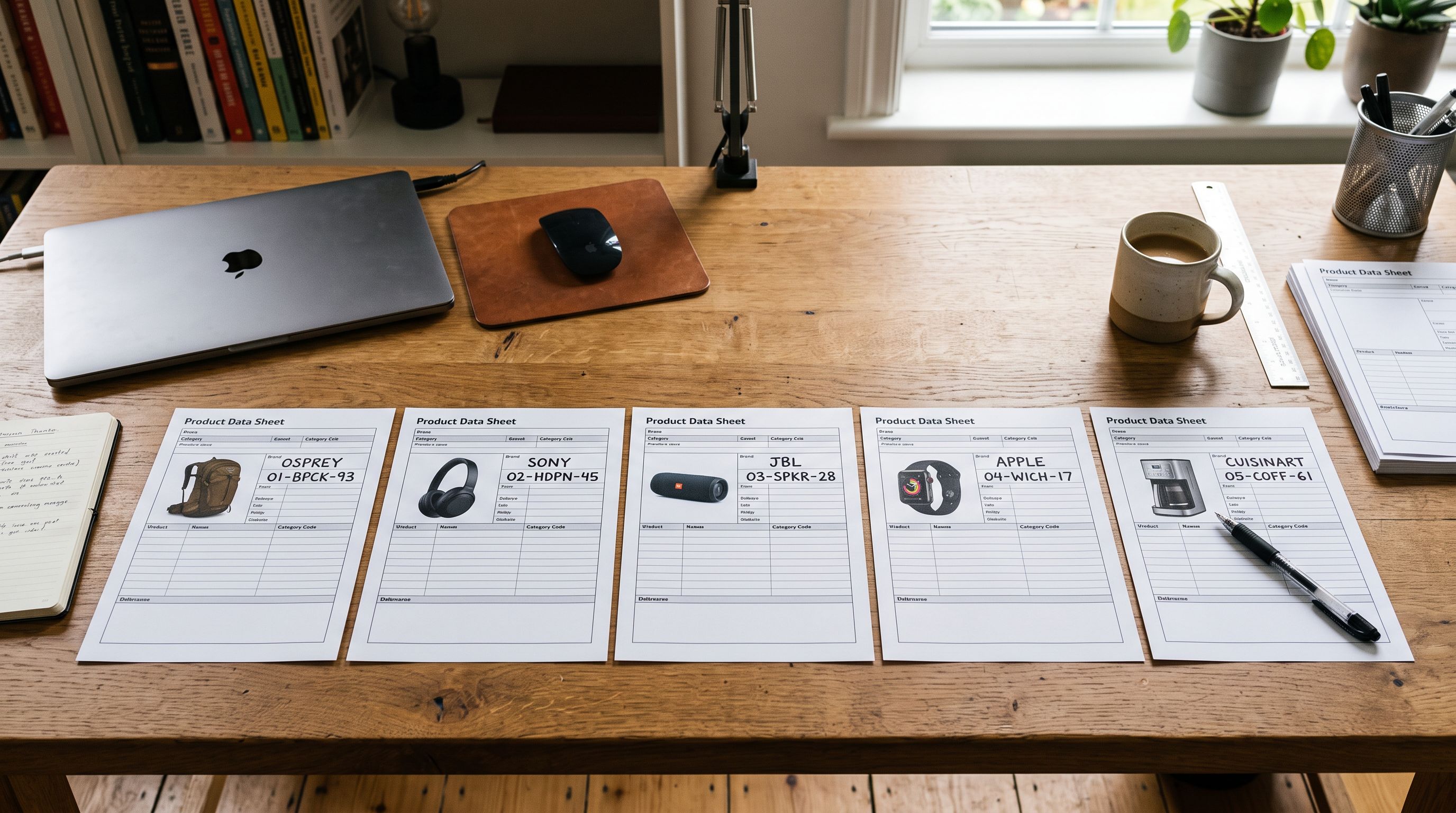
Importier's SEO Audit export scans the product catalogue and flags products with empty title fields, empty description fields, missing or malformed barcodes, and other data gaps. For the accessories merchant, the SEO Audit export returned 72 rows flagged for the missing google_product_category field. Sixty-one of those also had an empty brand field.
The SEO Audit export surfaces the gap without fixing it. The resolution comes in the import step.
Adding google_product_category and Brand to Your Products
google_product_category is a numeric code from Google's product type taxonomy, the same taxonomy Google Shopping uses. Pinterest Ads adopted this taxonomy as the standard for category matching and bid management because it is established, machine-readable, and covers all major product types with enough specificity to support targeted bidding.
The taxonomy value is a number, not a text label. For a leather handbag, the correct value is 188 (Apparel and Accessories > Handbags, Wallets and Cases > Handbags), not the string "Handbags". A more specific code gives Pinterest more information for targeting: 188 outperforms the parent Apparel and Accessories (166) for shopping ads because it narrows the category the ad competes within.
For the accessories merchant, most of her 310 products fell into three categories: handbags, wallets, and jewellery. Each group needed a different google_product_category code. Products that share a category can receive the same code via a batch import; products that span multiple categories need a column in the CSV that maps each row individually.
Adding google_product_category via Importier:
- Export the current product list using the Full CSV preset.
- Add a
google_product_categorycolumn to the CSV. Look up the numeric code for each product category from the Google taxonomy. - Import the CSV back into Importier with the new column mapped to the Google Product Category metafield.
- Push to Shopify.
Adding brand to existing products:
The accessories merchant's supplier CSV had no brand column. For products already in Shopify, Importier's Store Scanner can run a targeted update to the brand metafield (filtering to the relevant collection or SKU pattern and writing the correct brand value) without touching description content, pricing, or any other product data.
For new imports that consistently come from the same supplier or brand, adding a batch-level brand default to the import means the field is populated at the point of import and never needs a correction pass later.
Generating Ad-Ready Descriptions for Pinterest Ads
Descriptions for Paid Placements
According to Pinterest's Shopping Ads guide, Shopping Ads display the product description in the expanded ad unit. This is a different context from organic Pinterest Shopping, where the first 160 characters of the description are indexed for discovery matching and the full text rarely appears on screen.
For organic Pinterest Shopping, description styles that match a visual discovery intent (Emotional Storytelling and Sensory-Rich) perform better because the shopper is browsing rather than comparing. For Pinterest Ads, the description serves a shopper who has already expressed intent by searching for or engaging with a Shopping Ad. The description needs to hold up to comparison.
For the accessories merchant, applying Importier's Brand Voice configuration with a purchase-intent instruction produced better ad descriptions than the standard brand tone:
Voice description for ads: "Confident and specific. Write for a shopper comparing products. Lead with the defining physical attribute: leather type, construction, dimensions. Follow with one sentence on the primary use scenario. No aspirational claims."
Keywords to include: leather type, lining material, dimensions, number of compartments, hardware colour
Words to avoid: perfect, stunning, timeless, elevated, essential
This configuration is separate from the Brand Voice setup the merchant uses for her Shopify storefront descriptions. Importier lets the merchant run different Brand Voice passes for different output contexts.
The storefront description can remain discovery-focused; the ad catalogue description can be optimised for purchase comparison. The same products, two different description styles, applied in separate generation passes.
A shopper who clicks a Pinterest Shopping Ad is comparing products, not browsing for inspiration. The description that works for organic discovery rarely works for paid placement.
Exporting the Shopify Pinterest Ads Product Catalogue
With the required fields populated and descriptions refreshed for the ads context, the export step produces the catalogue file Pinterest Ads Manager accepts.
Importier's Full CSV export preset outputs a Shopify-format CSV with all product fields: title, description, vendor (the brand), tags, barcode, and all metafields. The google_product_category values added in the earlier step export as a standard column in this file. The brand field exports as the vendor column, which Pinterest Ads Manager maps to brand during the catalogue upload.
- 01Run the SEO Audit export to identify products missing google_product_category or brand. Note which products need each field and what values they should receive.
- 02Add google_product_category by importing a CSV with the taxonomy code column mapped to the Google Product Category metafield. Use batch defaults for product groups that share a single category.
- 03Add or correct brand values via a column-mapped import for new products, or via Store Scanner for products already in Shopify.
- 04Configure Brand Voice for the ad catalogue contextlead with physical attributes, include specifications, avoid aspirational framing. Run the generation pass on the ad catalogue product set.
- 05Export the final catalogue using the Full CSV preset. This output includes all metafields, including the category and brand values added in steps 2 and 3.
- 06Upload the CSV to Pinterest Ads ManagerCatalogue, Create Catalogue, Manual Upload. If Pinterest Ads Manager shows field mapping errors, the SEO Audit export from step 1 identifies which fields to fix.

Keeping the catalogue current:
Pinterest Ads catalogue data ages as prices, availability, and stock change. For merchants on Scale or Enterprise plans, Importier's Scheduled Import feature can automate a weekly refresh cycle. Set a weekly export on a fixed schedule, generate updated descriptions for any new products added since the last refresh, and re-upload to Pinterest Ads Manager to keep the catalogue current.
For Starter and Growth merchants, a monthly manual refresh (export, check for new products that lack required fields, re-upload) is the minimum. A catalogue with outdated prices or availability causes ad disapprovals and wastes spend on unavailable products.

- Missing fields discovered only after Pinterest Ads Manager rejects the upload
- Rejection report shows a count, not which products or which fields failed
- google_product_category must be looked up and added product by product
- Brand Voice for ad descriptions cannot be separated from storefront descriptions
- No pre-upload audit of field completeness available
- SEO Audit export flags missing fields before the upload attempt
- Products with gaps are listed with their SKUs, so the fix is targeted
- Batch import adds google_product_category to an entire product group in one pass
- Separate Brand Voice configuration runs for ad catalogue context only
- Full CSV export produces a Pinterest-compatible catalogue file with all required fields populated
Key takeaways:
- Pinterest Ads and Pinterest Shopping organic use the same Shopify product data but require different fields. Organic Shopping does not enforce
google_product_category,brand, orcondition. Pinterest Ads requires all three. - Use Importier's SEO Audit export before the first Pinterest Ads catalogue upload to find products with empty required fields. The SEO Audit returns a list of affected products; Pinterest Ads Manager returns only a count and error code.
google_product_categoryvalues come from Google's product type taxonomy. Use the most specific numeric code that accurately describes the product. Specificity improves Pinterest's ability to match the ad to relevant shopping queries.- Set up a separate Brand Voice configuration for the Pinterest Ads description pass. Ad descriptions serve a comparison context, not a discovery context. Lead with physical attributes and specifications rather than aspirational language.
- Importier's Full CSV export includes all metafields, including
google_product_categoryvalues added via import. That CSV file maps directly to Pinterest Ads Manager's manual catalogue upload format. - Scale and Enterprise merchants can use Scheduled Imports to automate a weekly catalogue refresh and keep price and availability current in Pinterest Ads.
For product data preparation for organic Pinterest Shopping listings (description styles, structured attributes for discovery surfaces, and how the native Shopify sync works), the organic Pinterest Shopping guide covers those requirements in detail. For the full google_product_category taxonomy mapping workflow and how the same values feed Google Shopping feeds, the Google Merchant Centre product data guide covers the taxonomy lookup and import process.
Try Importier free at importier.app.
Set up your first import in under five minutes.
Importier brings products into Shopify with AI descriptions, category metafields, and data enrichment on every run.