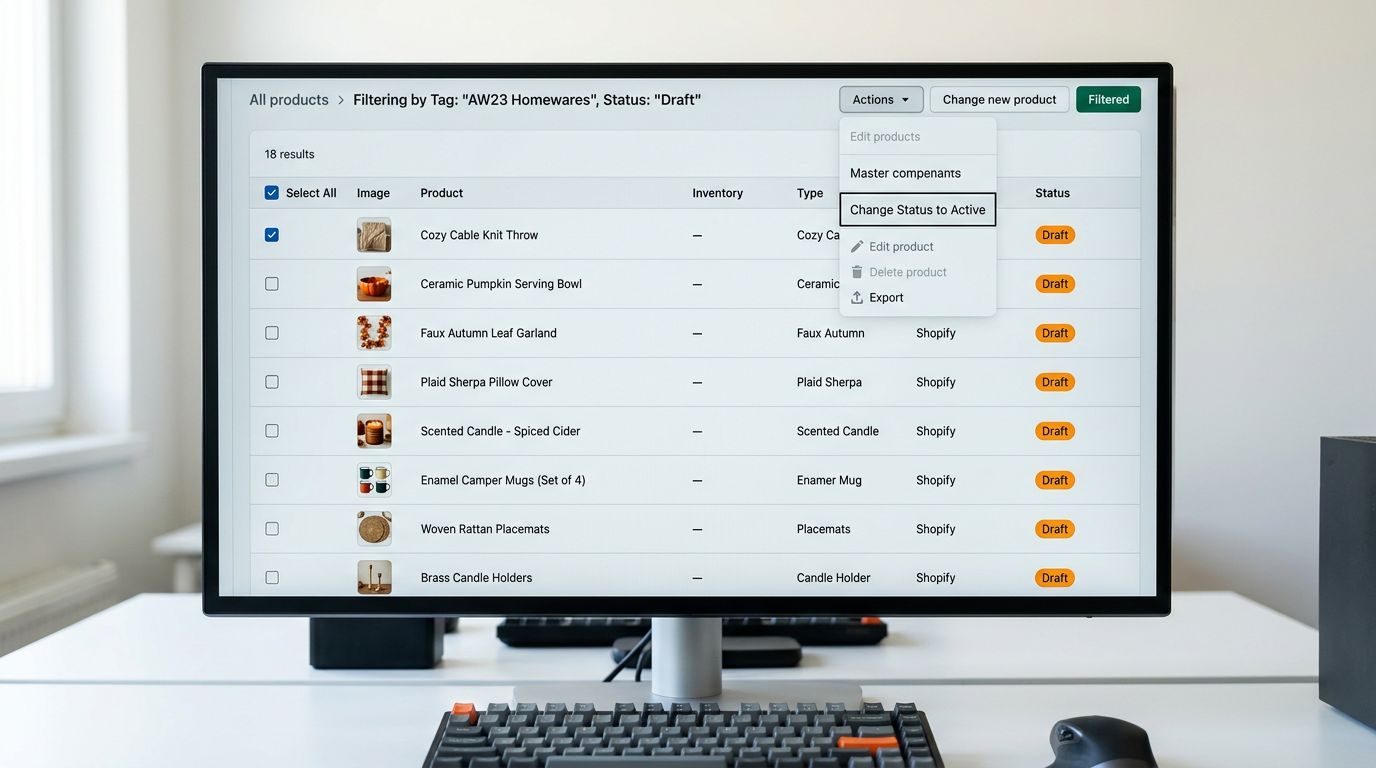
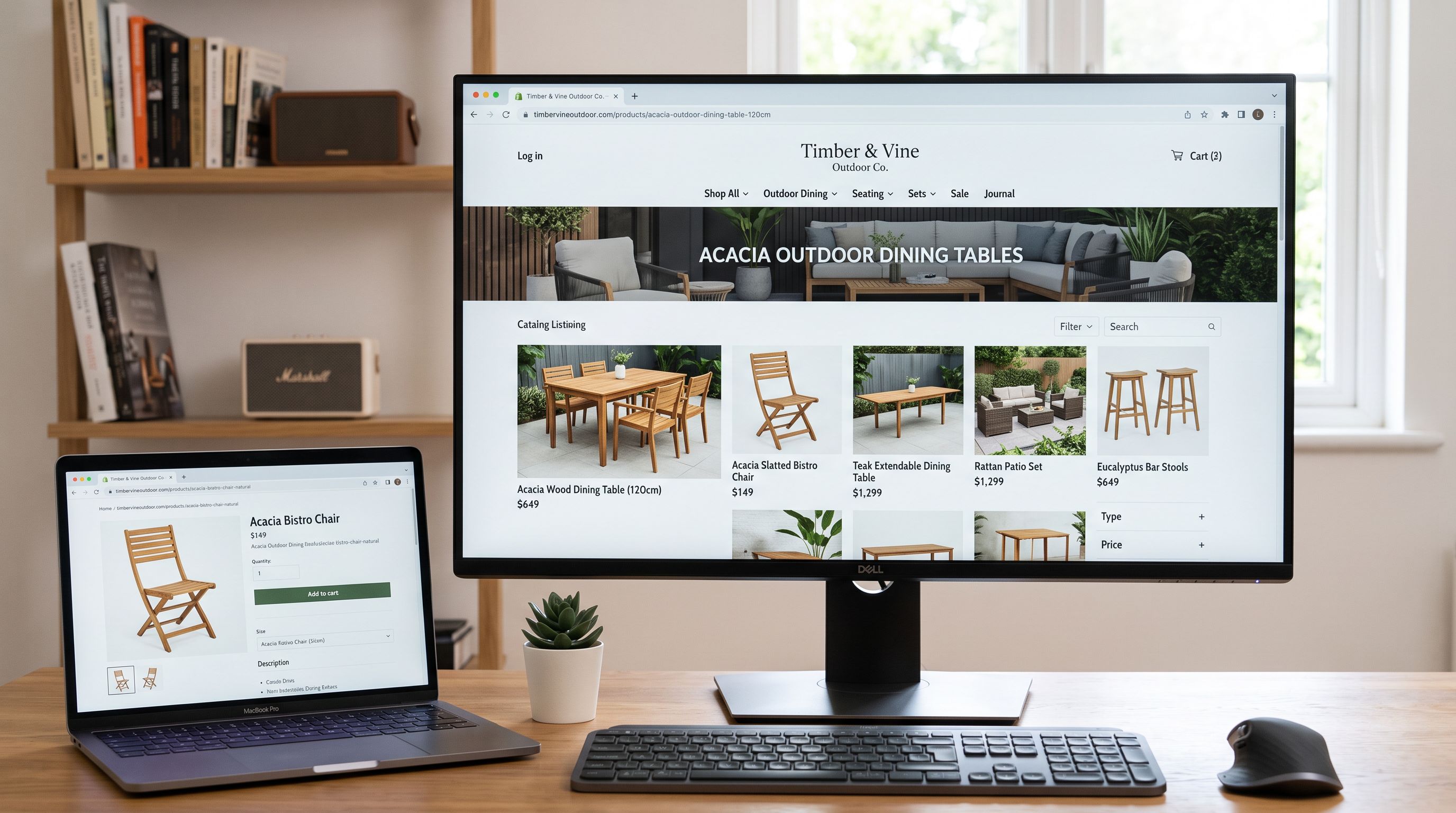
Shopify Product Import for Furniture and Home Furnishings Stores

On this page
Furniture merchants importing supplier catalogues into Shopify face a data structure problem that most other product categories do not. Their buyers filter by room dimensions before anything else: a buyer looking for a dining table for a 3-metre-wide dining room will not evaluate a table that does not confirm its width as a filterable attribute. When that information sits in description text rather than a structured Width field, the product is invisible to that filter on both Shopify's storefront search and Google Shopping.
The second problem arrives in the supplier file itself. A furniture catalogue typically carries material and size as separate rows: one row for the 4-seater dining table in Natural Oak, one for the 6-seater in Natural Oak, one for the 4-seater in Walnut, and so on. A three-colour by three-size table arrives as nine rows in the CSV. Without variant grouping, nine separate Shopify products appear for what the buyer expects to find as one product with two option dropdowns.
This article covers how to configure Importier for a furniture and home furnishings catalogue: grouping material and size variants correctly, mapping dimension data to structured attribute fields, managing weight for shipping thresholds, and choosing description styles for the mixed audience of furniture buyers.
Why furniture product data structure determines what buyers can find
Furniture buyers apply dimension constraints before any other filter. A buyer searching for a 3-seater sofa that fits a specific alcove is not browsing by style or price point. They are filtering by width, depth, and seat count. Shopify's storefront search and Google Shopping both return results for dimension-filtered queries using structured attribute data, not keyword matching in description text.
Shopify's Standard Product Taxonomy includes specific category paths for seating, tables, storage furniture, and bedroom furniture, each with corresponding dimension and material attribute fields. These taxonomy attributes are what Shopping uses for category-level browsing and dimension-range filters. Merchants whose furniture sits in the correct taxonomy category with populated attribute fields gain impression share on the specific queries furniture buyers use when they have already decided on their room constraints.
Google's product data specification supports structured attributes for furniture including product length, width, height, and weight. Merchants who declare these as structured attribute fields rather than dimension text in descriptions allow Google Shopping to serve their products for dimension-filtered queries that competitors with text-only data cannot reach.

Handling colour, material, and size variants at import
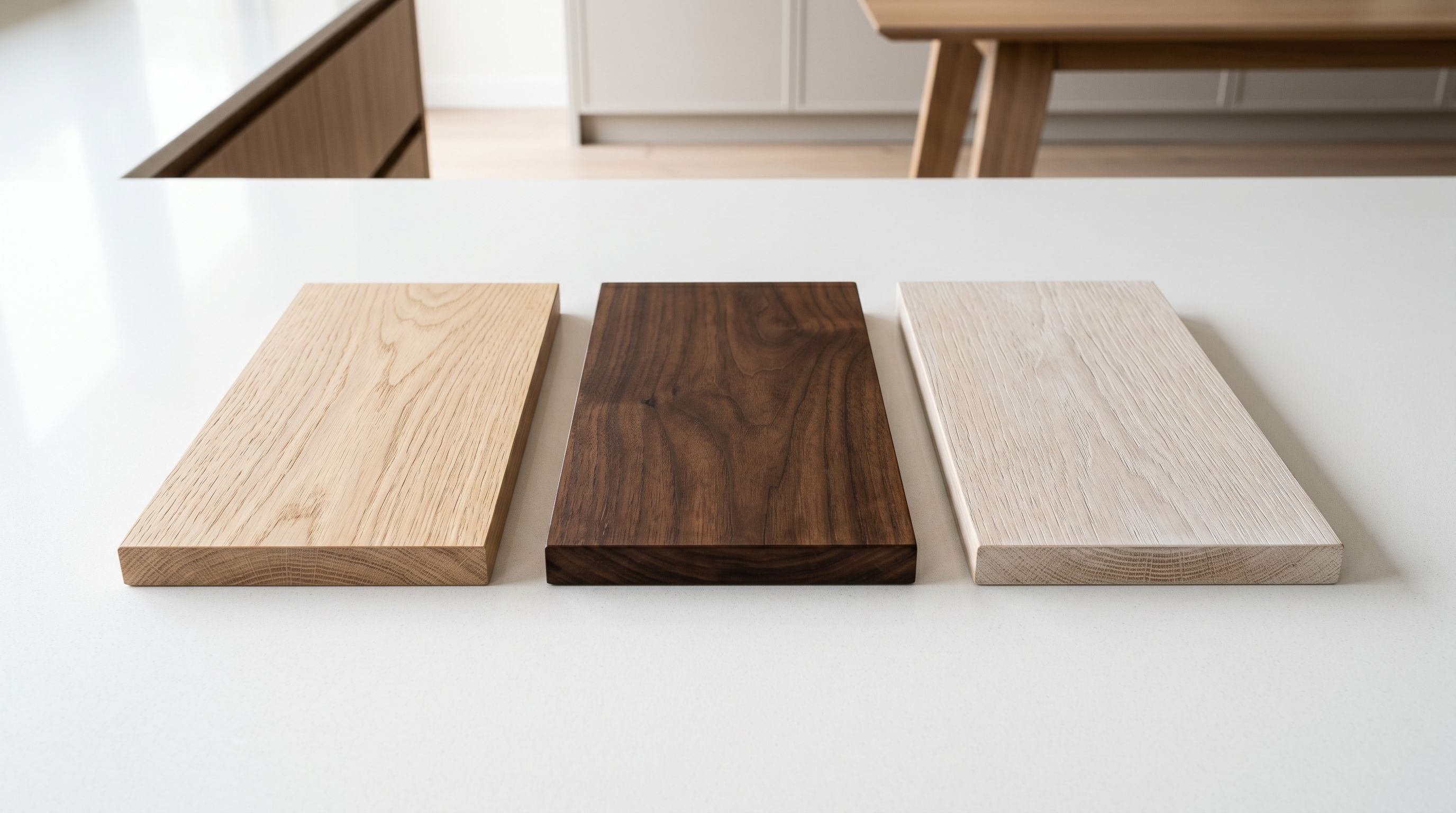
Furniture supplier files create a specific variant grouping problem. A dining table available in three wood species (Natural Oak, Walnut, White Washed) and three sizes (4-seater, 6-seater, 8-seater) arrives as nine rows in a supplier CSV: one row per colour-and-size combination. Without grouping, nine separate Shopify products appear for what is a single product model.
Importier's Smart Variant Detection identifies the wood species or finish as the Colour option and the seating capacity as the Size option. The nine rows group into one Shopify product with two option dropdowns: Colour (Natural Oak, Walnut, White Washed) and Size (4-Seater, 6-Seater, 8-Seater). The buyer selects their preferred combination from a single product page rather than navigating nine separate listings, each of which might rank against the others in search.
A specific complexity arises when the variant dimensions differ by size. Each seating configuration has a different width: 120cm for the 4-seater, 160cm for the 6-seater, 200cm for the 8-seater. Importier maps the seating capacity as the Size variant option and the corresponding dimensions as per-variant taxonomy attributes. The attribute panel updates to show the correct Width, Depth, and Height values when the buyer selects their preferred configuration.
- 9 separate products for one table in 3 colours and 3 sizes
- Wood species and size in product titles only
- Same description on every product regardless of configuration
- Inventory tracked across 9 separate product records
- 1 product with Colour and Size option dropdowns
- Per-variant dimension attributes (Width, Depth, Height) that update on selection
- Single description pulling from the correct variant's attribute data
- Inventory tracked per variant under one product record
For upholstered furniture, such as sofas, armchairs, and dining chairs with fabric seats, the variant structure typically adds a Fabric option. A sofa available in three sizes and five fabric colours arrives as fifteen rows. Importier detects Colour (the fabric name or colour code) and Size (the configuration: 2-seater, 3-seater, corner left, corner right) and groups them into one product with two option dropdowns. For sofas with both a fabric choice and a leg finish choice, a three-option grouping covers Fabric, Leg Finish, and Size. The import wizard's variant preview confirms the grouping before the import runs.
Read more about how Smart Variant Detection groups size and colour rows at import.
Mapping dimension data to structured attribute fields
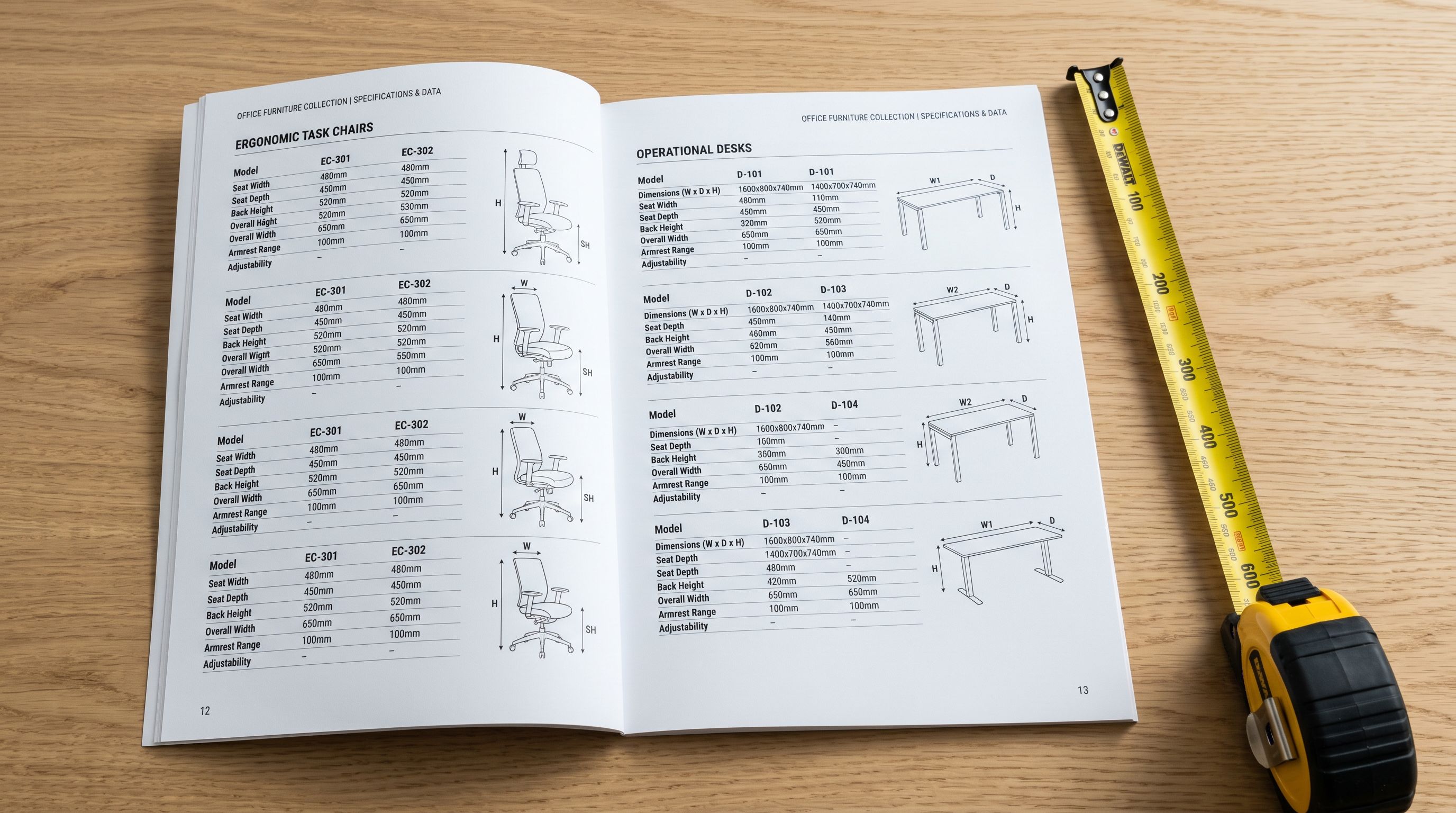
The most common structural problem in furniture supplier files is dimension data arriving as a combined string in a single column. A supplier may carry the full set of measurements as "120cm W x 80cm D x 76cm H" or "W:120 D:80 H:76" in a column labelled "Specifications" or "Product Dimensions". When this column is pushed to Shopify's body_html field, the dimension data appears in the description as unstructured text: visible to a buyer who reads it, but invisible to the structured attribute filter that Google Shopping and Shopify's own faceted search rely on.
Importier's Furniture Industry Pack adds dimension attribute columns to the import configuration. For supplier files where dimensions arrive as a combined string, the AI reads the specification column and assigns the extracted values to the Width, Depth, and Height attribute fields during the enrichment phase. A note in the enrichment context field confirming the format ("The Specifications column carries dimensions as Width x Depth x Height in centimetres") guides the parsing so the correct measurement is assigned to each attribute.
The Furniture Industry Pack adds these category attribute columns to the import:
- Width (primary dimension, the one buyers filter by for room fit)
- Depth (seat depth for seating; table depth for dining furniture)
- Height (floor to highest point for tables; seat height for seating)
- Weight (packed weight in kilograms, used for shipping rate calculation)
- Material type (solid wood, engineered wood, MDF, upholstered, rattan, metal)
- Finish (oak, walnut, pine, white wash, natural, painted)
- Assembly required (yes or no, as a structured boolean attribute)
- Maximum load (in kilograms, for shelving, beds, and seating with weight ratings)
- Seating capacity (for dining chairs, sofas, and bench seating)
The AI assigns taxonomy values from Shopify's pre-defined list rather than free text. A material declared as "solid American white oak" in a supplier column maps to the taxonomy's solid wood value, which Google Shopping reads as a canonical material attribute rather than an unvalidated string.
- 01Step 1Load your supplier file in the import wizard and complete column mapping, including the specifications or dimensions column
- 02Step 2Select the Furniture Industry Pack matching your primary category (Dining Furniture, Seating, Storage, Bedroom, or Home Office)
- 03Step 3Review the attribute column preview and confirm Width, Depth, Height, Weight, Material type, Finish, and Assembly Required are mapped correctly
- 04Step 4Add a note to the enrichment context field if your dimension column uses a combined format, confirming the order and unit of measurement
- 05Step 5Review the variant grouping preview and confirm Colour (wood species or fabric) and Size (seating capacity or dimension label) are correctly detected before the import runs
Read more about how Industry Packs assign category metafields to your products.
Weight, assembly requirements, and delivery thresholds
Furniture weight has an immediate downstream effect on shipping rate calculation. A dining table weighing 45kg ships by freight courier rather than standard parcel, which changes the shipping rate shown at checkout. If the product weight field is missing or inaccurate, the shipping cost displayed to the buyer is wrong: under-quoting absorbs the gap as a margin loss at fulfilment, while over-quoting increases cart abandonment for buyers who see an unexpectedly high shipping cost before they have committed to the purchase.
Importier's weight inference fills in missing weight data for products where the weight column is absent from the supplier file. The AI estimates weight from product type, confirmed dimensions, and material type. For a solid oak 6-seater dining table with declared dimensions of 200cm by 100cm by 76cm, the estimate is reliable enough to populate the field without manual entry. For products where the supplier does provide weight data, the column maps directly to Shopify's product weight field and no inference is needed.
Assembly Required as a structured boolean attribute does two things: it sets the buyer's expectation before purchase, and it filters out buyers who are not willing to assemble, reducing returns from customers who did not realise the product arrived in flat-pack form.
For furniture merchants offering free delivery above a specific order value or weight threshold, the product weight field feeds into Shopify's shipping rate rules accurately. A merchant offering free freight delivery on orders over $300 where the item weighs under 30kg needs the weight field populated correctly for the rule to apply at checkout. An incorrectly low weight causes the free-delivery rule to fire for freight shipments that should carry a charge.
Descriptions for furniture buyers

Furniture buyers are not a homogeneous audience. The buyer purchasing a solid timber dining table from an artisan furniture maker is motivated differently from the buyer purchasing a flat-pack office desk from a volume retailer. Description style selection should reflect which audience the product targets.
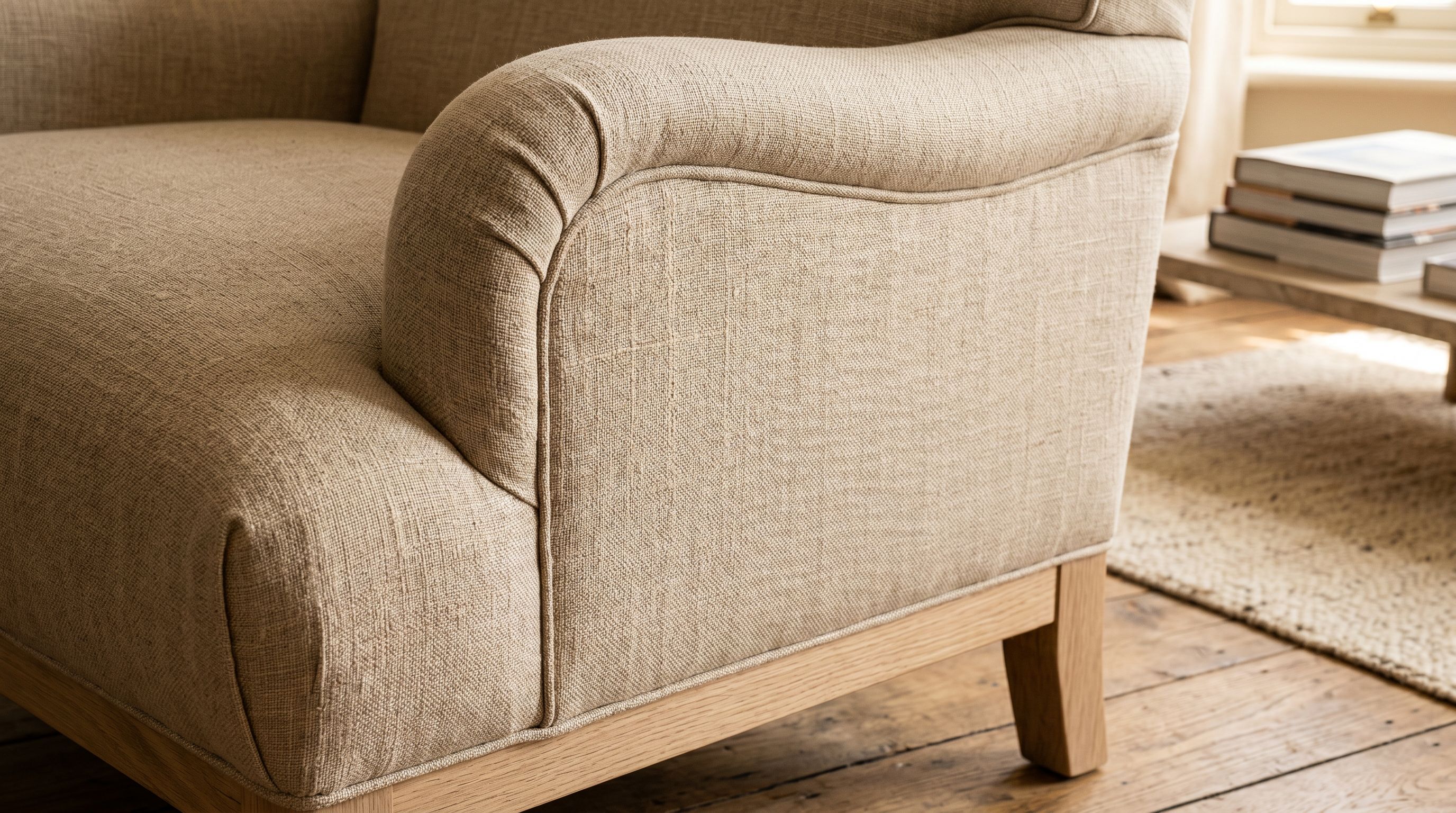
For upholstered furniture including sofas, armchairs, and dining chairs with fabric seats, the Sensory-Rich description style leads with the tactile experience: the grade of fabric, the seat depth, the cushion fill ratio, the arm height. These are the qualities the buyer cannot evaluate from a photograph and needs confirmed before purchasing a high-value item that cannot be returned easily once used. A Sensory-Rich description for a linen-upholstered 3-seater sofa opens with the hand feel and the sitting experience before covering dimensions and delivery options.
For functional furniture including shelving, desks, filing storage, and flatpack bedroom ranges, the Benefits-First or Technical Gadget style leads with the outcome or the specification. A buyer evaluating a modular shelving system wants confirmed load capacity, adjustable shelf spacing, and wall-fixing compatibility before they care about the finish. Technical Gadget leads with those parameters in the first paragraph.
Importier's 156 expert personas include Interior Design Consultant, Furniture Retail Buyer, and Home Decor Specialist options. The Interior Design Consultant persona applies description language suited to buyers making considered, high-value decisions: spatial language, material specifics, and the placement context for each piece.
Read more about when Sensory-Rich leads with tactile experience for upholstered products.
Recommended configuration for furniture stores
Recommended import settings for furniture and home furnishings catalogues
Industry Pack: Dining Furniture for tables and dining chairs. Seating for sofas, armchairs, and occasional chairs. Bedroom Furniture for beds, wardrobes, and chests. Storage for bookshelves, cabinets, and sideboards. Home Office for desks, office chairs, and filing units. For catalogues covering multiple furniture categories, run separate import sessions per category with the matching pack.
Description style: Sensory-Rich for upholstered furniture where the buyer's decision turns on fabric quality and comfort. Benefits-First for flatpack and functional furniture where the buyer is evaluating storage capacity or desk surface area. Technical Gadget for high-specification ergonomic seating and office furniture where adjustment range and dimension data are the primary decision drivers.
Persona: Interior Design Consultant for artisan and premium furniture. Furniture Retail Buyer for volume and flatpack ranges. Home Decor Specialist for accent furniture and decorative pieces where the styling context matters to the buyer.
Variant options: Confirm Colour (wood species, finish, or fabric colour) and Size (seating capacity or configuration label) in the variant grouping preview. For upholstered furniture with both fabric choice and leg finish choice, confirm both as separate Colour and Material options.
Enrichment: Enable weight inference for any product row missing a declared weight value. Add a note to the enrichment context field if your dimension column uses a combined format, confirming the order and unit. For branded furniture with EAN codes, barcode lookup retrieves manufacturer-confirmed dimension and weight data from international product registries, reducing the need for manual enrichment across large catalogues.
Set up your first import in under five minutes.
Importier brings products into Shopify with AI descriptions, category metafields, and data enrichment on every run.