Shopify Checkout Customisation: Product Data at Import

On this page
A jewellery merchant installs a Shopify checkout extension that adds an engraving personalisation field at checkout. The extension is coded to read a product metafield with the namespace custom and the key engravable: if it finds true, it displays the engraving input. If the metafield is absent or any other value, it shows nothing. The extension works perfectly on the 12 products the developer tested it with. The merchant then runs a Shopify checkout product attributes import of their 200-product catalogue from a supplier CSV. The engraving option never appears on any of the new products. There is no error in the Shopify admin and no error in the checkout. The extension simply reads the metafield, finds nothing matching its expected namespace and key, and falls back silently.
This is the gap between installing a checkout extension and making it work at scale: the extension's logic depends on product-level data that must be present before the buyer reaches checkout. That data arrives through product imports. Getting the metafield namespace, key, and value format right at import time determines whether the checkout customisation works or not.
How Shopify Checkout Extensions Read Product Attributes
Shopify's checkout extensions are UI components built with the Checkout UI Extensions API that render inside the Shopify checkout. They can display offers, collect buyer input, or modify the order summary based on product data.
At checkout, an extension can query the product's metafields, variant metafields, and product type to determine what to display. A gift-wrapping extension might check whether the product's gift_wrappable metafield is true before showing the wrapping option. A personalisation extension reads an engravable metafield to show or hide a text input field. A bundle extension reads a bundle_components metafield to display the items included in a set.
The extension reads these metafields in real time as the buyer progresses through checkout. If the metafield is present with the expected namespace and key, the extension logic runs. If the metafield is absent, uses a different namespace, or contains an unexpected value type, the extension branch that shows the customisation option is never reached.
What Product Attributes at Import Enable Checkout Customisation
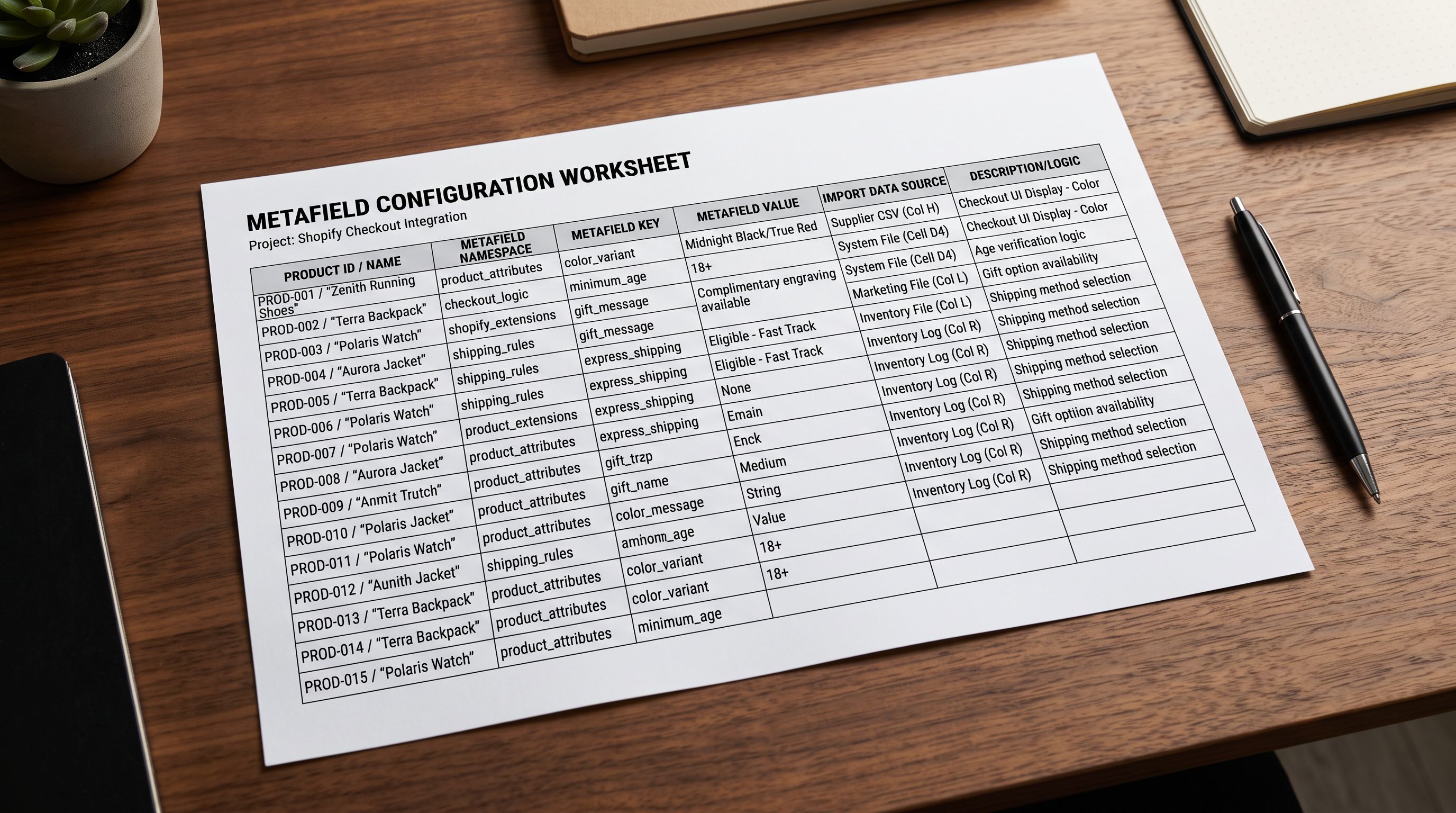
Product data set at import time controls what checkout extensions can offer buyers. The most common import-driven checkout customisations are:
Personalisation fields. Engraving, monogramming, embroidery, and custom message options are triggered by a boolean metafield that the checkout extension checks per product. A jewellery merchant importing rings, pendants, and bracelets sets an engravable: true metafield on items that can be engraved and false on items that cannot. The checkout extension reads this at checkout and shows or hides the text input accordingly.
Gift options. Gift wrapping, gift messages, and gift receipts are commonly controlled by a product metafield that triggers a checkout extension section. An import that includes a gift_wrappable metafield on applicable products allows the checkout extension to offer gift wrapping only on those items, not on all orders.
Bundle disclosure. Merchants selling product bundles often use a checkout extension to list the components included in a bundle order. This requires a bundle_components metafield imported at the bundle product level, formatted as a structured list that the extension can parse and render.
Material and care declarations. For merchants required to display material composition or care instructions at checkout (EU textile labelling, Australian consumer law compliance), a product-level metafield imported from the supplier data can be surfaced in the checkout summary by an extension.
Compliance flags. Age verification, hazardous goods warnings, and terms-of-sale acknowledgements at checkout can be triggered by product-level metafields set at import. A metafield marking a product as age-restricted allows the checkout extension to insert the age verification step only for orders containing those products.
Every checkout personalisation option that depends on product-level data has two dependencies: the extension code that reads the data, and the import that puts the data there. Building the extension without planning the import means the extension only works on products configured manually, not at catalogue scale.
Line Item Properties and Variant Data at Checkout
Line item properties in Shopify are the buyer-facing customisation inputs attached to a specific product in the cart. An engraving field, a gift message box, or a colour selection dropdown added at the product page level become line item properties that follow the item through to checkout and fulfilment.
Variant data imported at the product level also feeds into the checkout experience. A product imported with a ring_size variant option (rather than sizing managed through a separate line item property) gives the checkout access to a structured size value that is passed to the order as a variant ID, not a free-text property. For merchants building checkout extensions that respond to specific variant attributes, having that data structured as a variant at import versus as a metafield changes which API the extension uses to read it.

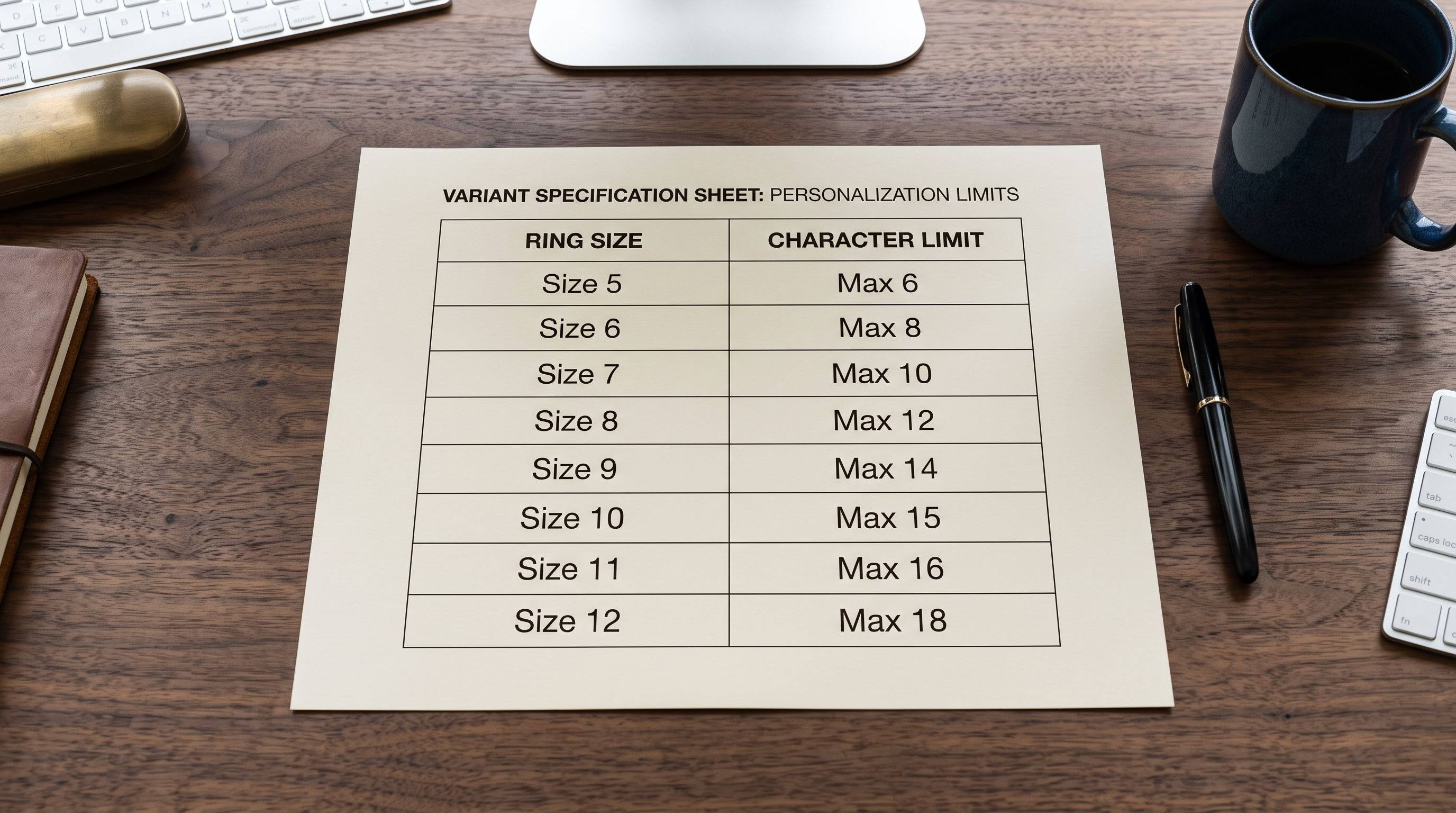
Shopify's metafields documentation outlines the distinction between product metafields (stored on the product, readable at checkout) and variant metafields (stored on specific variants, readable when that variant is in the cart). A product with multiple variants may need metafields at both levels: a base-level engravable: true metafield on the product, and a variant-level max_engraving_characters metafield that varies by variant (a thin ring may allow fewer characters than a wide band).
Metafield Namespace Alignment: The Import Detail That Breaks Checkout
The most common point of failure when scaling checkout extensions to an imported product catalogue is namespace mismatch. It is also the hardest to diagnose because the checkout extension and the product both appear to be functioning correctly in the admin.
Here is the pattern:
A developer builds a checkout extension using the namespace custom and the key personalisation_type. The extension reads product.metafields.custom.personalisation_type at checkout. If the value is engraving, it shows the engraving input. If embroidery, it shows the thread colour selector.
The merchant then imports 300 products from a supplier CSV. The CSV has a column called Personalisation. The import mapping step connects Personalisation to a new metafield. The import creates metafields with the namespace product_attributes and the key personalisation because that is how the import tool interpreted the column name. The values are present; the metafield data was imported correctly. But the extension reads custom.personalisation_type, and the data is stored at product_attributes.personalisation. The extension finds nothing and shows no customisation options.
This failure produces no error message in Shopify admin, no failed import notification, and no checkout error. The extension simply does not trigger for those products.
The fix requires either changing the extension code to read the namespace used in the import, or re-importing the products with metafields mapped to the exact namespace and key the extension expects. For merchants with an existing checkout extension and a new catalogue import, the second option is usually faster.
- 01Step 1Before importing, get the namespace and key of every metafield the checkout extension reads. If the extension was built by a developer, ask for the exact API query strings the extension uses to read product metafields. These are the namespace:key pairs that must match in the imported data.
- 02Step 2Map your supplier CSV columns to those exact namespace:key pairs in Importier's column mapping step. If the supplier CSV has a column called 'Can Engrave' that maps to the extension's custom.engravable metafield, create that exact mapping: namespace=custom, key=engravable, value=true or false.
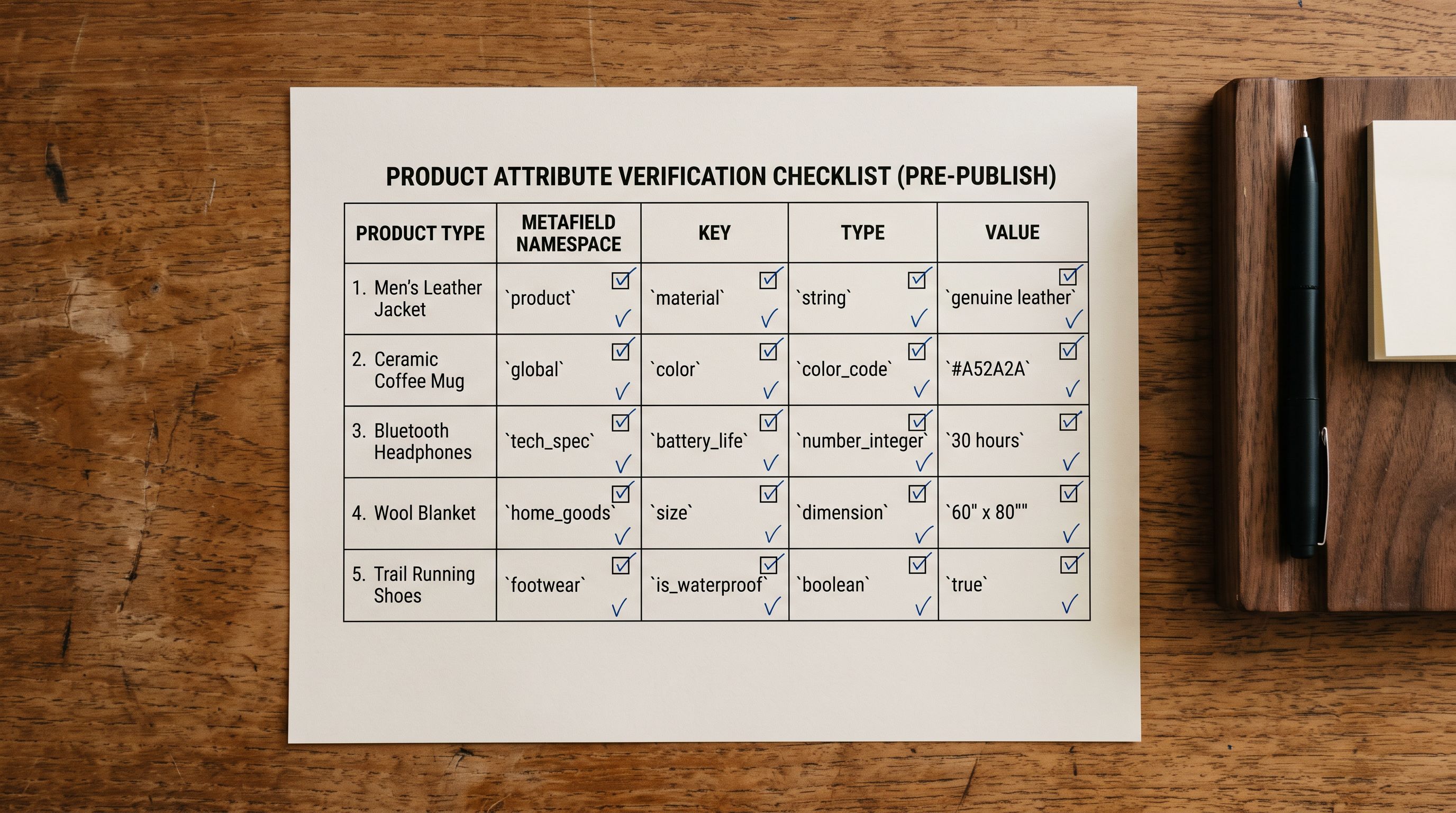
- 03Step 3Set the metafield type correctly. Shopify metafields are typed: boolean, single_line_text_field, integer, json, and others. An extension reading a boolean metafield will not correctly interpret a text value of 'true'. Importier's metafield import step lets you set the type per field; match the type to what the extension expects.
- 04Step 4After import, verify one product in Shopify admin (Products → product → Metafields) and confirm the metafield appears with the correct namespace, key, type, and value. Then add that product to a test cart and check whether the checkout extension behaves as expected. One verified product before you confirm the full import is correct saves re-importing 300 products.
- 05Step 5For variant-level metafields (where different variants of the same product need different metafield values), Importier's variant import mapping applies metafields per variant row in the source file, not just at the product level. Use this for cases like max engraving length varying by ring size, or bundle component lists varying by configuration.
Importier's Metafield Import for Checkout-Aware Product Data
Importier's 22 Industry Packs include 3,758 attributes, many of which align directly with checkout customisation fields for specific industries. A jewellery pack includes attributes for material composition, ring size ranges, and personalisation availability. A gift pack includes gift-wrappable flags and gift message character limits. These attributes are imported as named metafields with consistent namespaces across the catalogue.
For merchants building checkout extensions on top of an Importier-imported catalogue, the relevant workflow is:
Metafield namespace control. The import mapping step in Importier lets merchants set the namespace and key for each imported field. This is the step where namespace alignment with the checkout extension is set. The mapping is saved per import template, so future imports of the same supplier catalogue apply the same namespace:key pairs automatically.
Type enforcement. Importier's metafield step enforces the correct Shopify metafield type per field. A boolean field stays boolean through the import. A structured JSON field (such as a bundle components list) is validated before import rather than arriving as a string that the checkout extension cannot parse.

Bulk metafield import for existing catalogues. For merchants who already have products in Shopify but need to add checkout-relevant metafields to their existing catalogue, Importier's re-import workflow updates metafields on existing products without overwriting descriptions, images, or other product data. The re-import targets metafield fields only, leaving the rest of the product record unchanged.
The Shopify category metafield and taxonomy setup guide covers how Importier maps imported product data to Shopify's standard metafield definitions, which is the same namespace system that checkout extensions read. The category taxonomy alignment described there applies directly to checkout extension metafield reads.
- Extension reads custom.engravable; imported products have product_attributes.personalisation; extension never triggers
- Merchant cannot identify why checkout extension shows no personalisation options for new products
- Each imported product requires manual metafield entry in admin to make extension work
- Re-import required after discovering namespace mismatch; 300 products need corrective update
- Variant-level metafields missing; extension cannot distinguish per-variant customisation limits
- Import mapping sets namespace=custom, key=engravable exactly as the extension code reads it
- Extension triggers correctly on all imported products without post-import configuration
- Metafield type set at import (boolean, text, integer) matches the type the extension expects
- Import template saves the namespace:key mapping; future imports apply the same configuration automatically
- Variant-level metafields mapped per variant row; extension reads per-variant limits correctly at checkout
The import is part of the checkout extension, not a separate step
Key Takeaways
Shopify checkout extensions that depend on product-level data require that data to be present, correctly typed, and stored under the exact namespace and key the extension reads. A bulk product import that does not plan for these requirements produces a checkout extension that works only on manually configured products.
- Checkout extensions read metafields by exact namespace:key pair. An extension looking for
custom.engravablewill not readproduct.engravableorengrave.enabled. The namespace and key are case-sensitive and must match exactly what the extension code queries. - Namespace mismatch produces no error. The extension silently skips its customisation logic when the expected metafield is absent. There is no admin warning, no checkout error, and no import failure notification. Diagnosis requires comparing the extension's metafield query strings against the actual metafields stored on imported products.
- Metafield types matter at checkout. An extension expecting a boolean will not correctly interpret a text value of "true". Set the metafield type in Importier's mapping step to match the type the extension expects; this prevents silent type mismatches that cause extension logic to fail.
- Variant-level metafields are separate from product-level metafields. A checkout extension that adjusts its behaviour per variant (different character limits for different ring sizes, different bundle disclosures for different configurations) reads variant metafields, not product metafields. These must be mapped per variant row at import time.
- Importier's import template saves namespace:key mappings. Once the mapping between supplier CSV columns and the checkout extension's expected metafield namespace:key pairs is configured, it saves to the import template. Future imports of the same catalogue apply the same mapping without reconfiguration.
- Get the extension's metafield query strings before importing. The single most effective action for merchants with a checkout extension and a new catalogue import is to ask their developer for the exact namespace:key pairs the extension reads, then configure the import mapping to match those strings before running the import.
Configure checkout-ready product attributes at import at importier.app.
Set up your first import in under five minutes.
Importier brings products into Shopify with AI descriptions, category metafields, and data enrichment on every run.