Shopify Australia GST Product Import: Tax Configuration
On this page
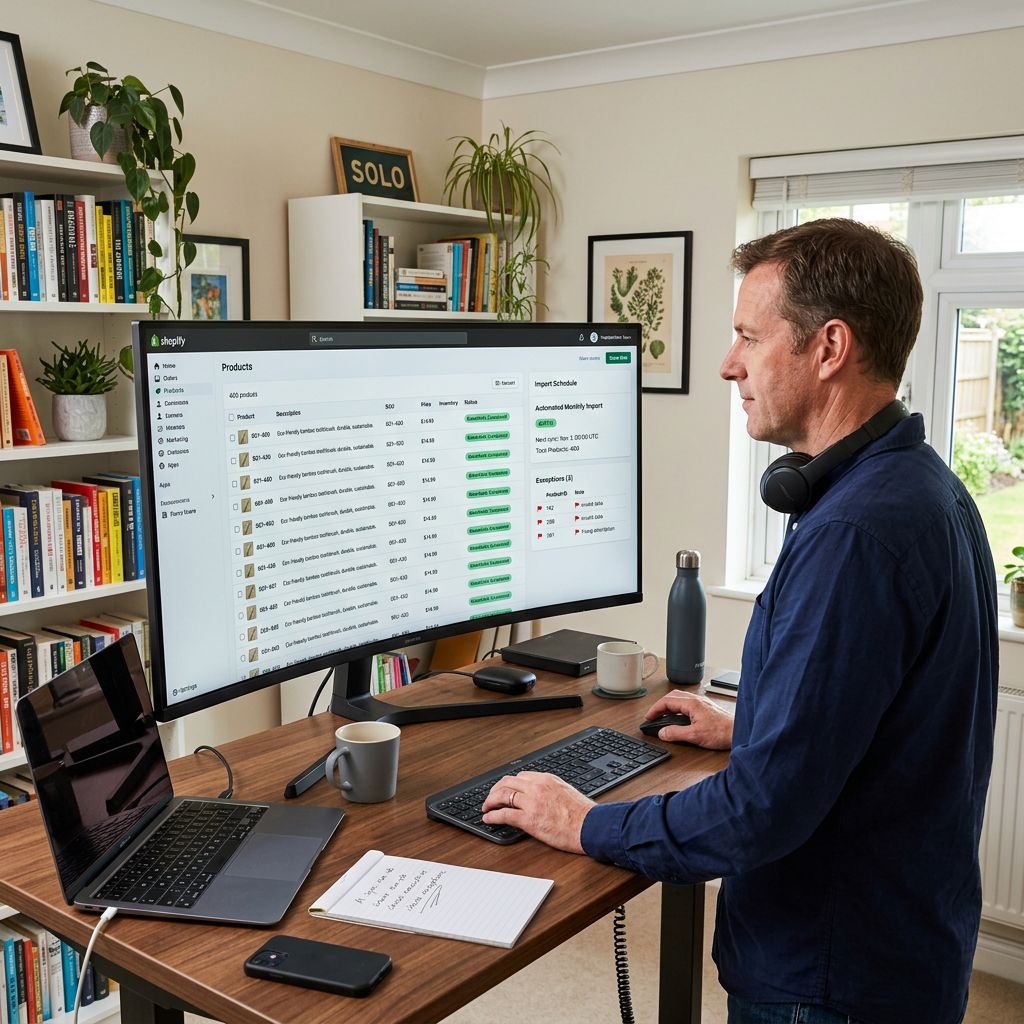
A health food merchant in Sydney imports 300 supplement and wellness SKUs from a supplier CSV. The import completes without errors. Two months later, reviewing their BAS, they realise they have been charging and remitting GST on protein powders and meal replacement shakes that are GST-free under Australian tax law. They have over-collected from every Australian customer and over-reported their GST liability to the ATO. Fixing it means issuing refunds, amending the BAS, and correcting the product settings on 300 Shopify products one by one.
The cause is a default that no one warned them about. Shopify sets every imported product as taxable unless the import file explicitly says otherwise. Supplier CSV files do not include a taxable field. A Shopify Australia GST product import without a Taxable column charges GST on everything regardless of the product's actual GST status.
This article covers how Australian GST works at the product level in Shopify, which categories are GST-free, how to configure GST correctly during a bulk import, and how to audit existing products for incorrect GST settings.
Australian GST Basics for Shopify Merchants
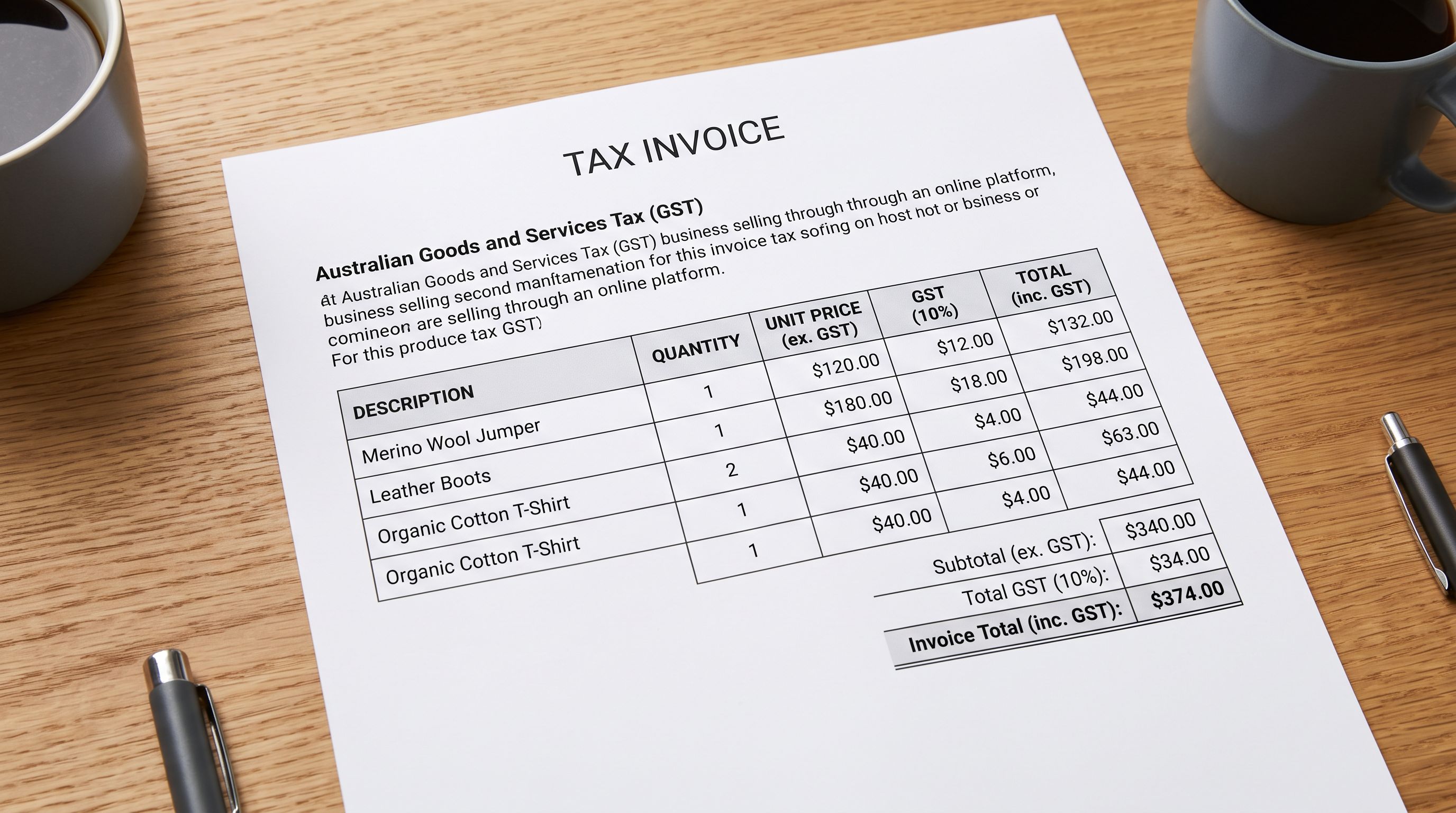
Australia's Goods and Services Tax (GST) is a 10% tax applied to most goods sold in Australia. GST-registered businesses collect it from customers and remit it to the ATO through their Business Activity Statement (BAS). Merchants must register for GST once their annual turnover exceeds $75,000 AUD.
The critical distinction for product importers is that not all goods are taxable at 10%. The ATO's GST guide on when to charge GST identifies three categories of supply: taxable supplies (10% GST), GST-free supplies (0% GST, but the merchant still claims input tax credits), and input taxed supplies (no GST charged, no input tax credits claimed).
For Shopify merchants selling physical goods, the relevant distinction is between taxable and GST-free supplies. The main GST-free categories for product-based businesses are:
- Food for human consumption: broadly GST-free, with significant exceptions including confectionery, savoury snacks, soft drinks, alcoholic beverages, and food sold hot and ready to eat
- Medical aids and appliances: listed medical devices, aids for people with disabilities, and certain therapeutic goods
- Educational materials: school textbooks, educational software, and materials for recognised educational institutions
- Exports: goods physically exported from Australia to overseas customers are GST-free regardless of product category
How Shopify Handles GST at the Product Level
Shopify's tax system for Australian stores works at two levels: the store-level tax settings and the product-level taxable flag.
At the store level, Australian merchants configure their Shopify store to use Australian tax rates, enter their ABN, and choose whether prices are displayed tax-inclusive or tax-exclusive. Shopify generates tax-compliant invoices with the ABN automatically. These store-level settings are set once and rarely change.
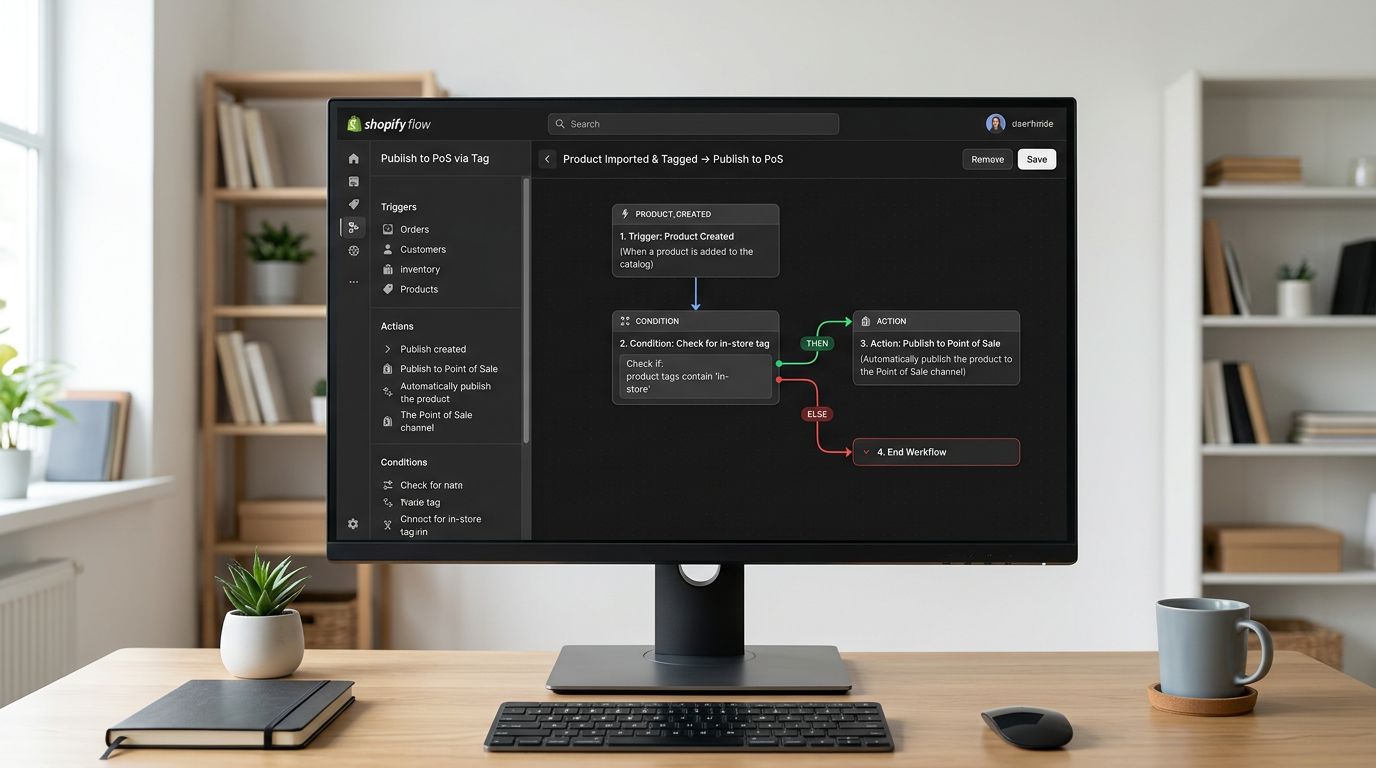
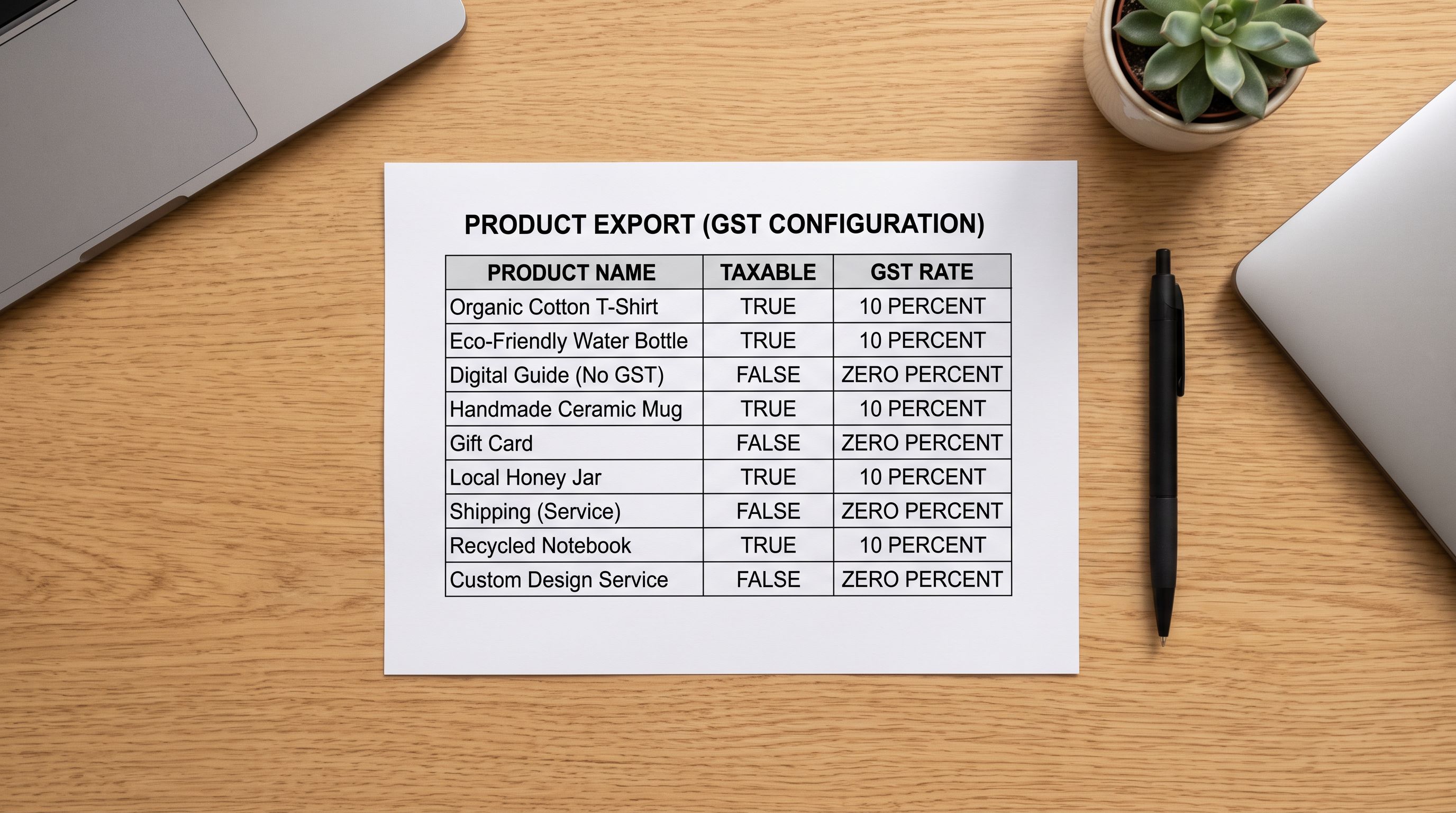
At the product level, each product and variant has a taxable boolean field. When taxable is true, Shopify applies the applicable tax rate (10% GST for Australian customers). When taxable is false, no tax is applied regardless of the customer's location.
The problem for bulk importers: Shopify's CSV import defaults every product to taxable: true unless the import file includes a Taxable column set to FALSE for specific rows. A supplier CSV with no tax column will import every product as taxable. For merchants with mixed catalogues, this creates GST errors at scale.
Which Products Are GST-Free in Australian eCommerce
The GST-free categories that most often catch Shopify merchants are food and health products. The ATO's GST and food guidance covers several hundred food rulings, but the practical categories for supplement and health food merchants are:
Fresh and unprocessed food. Fruit, vegetables, meat, fish, and eggs are GST-free. Merchants selling fresh produce or packaged food via Shopify should import these as non-taxable. The specific GST treatment of food and beverage products for Shopify varies significantly by product type and packaging.
Bread and cereals. Bread, biscuits, rice, pasta, and cereals are GST-free. Crackers and savoury biscuits are generally taxable.
Dairy products. Milk, cheese, butter, and yoghurt are GST-free. Ice cream and flavoured dairy desserts are taxable.
Health foods and supplements. This is where most errors occur. A protein powder marketed as a food product is GST-free. A protein supplement marketed as a therapeutic good (listed on the ARTG with an AUST L or AUST R number) may be taxable. Meal replacement shakes that meet the definition of a food are GST-free. The same product repositioned as a therapeutic good can become taxable. For Shopify merchants importing a vitamins and supplements catalogue, the GST status of each product category needs to be verified against its marketing claims, not just its ingredients.
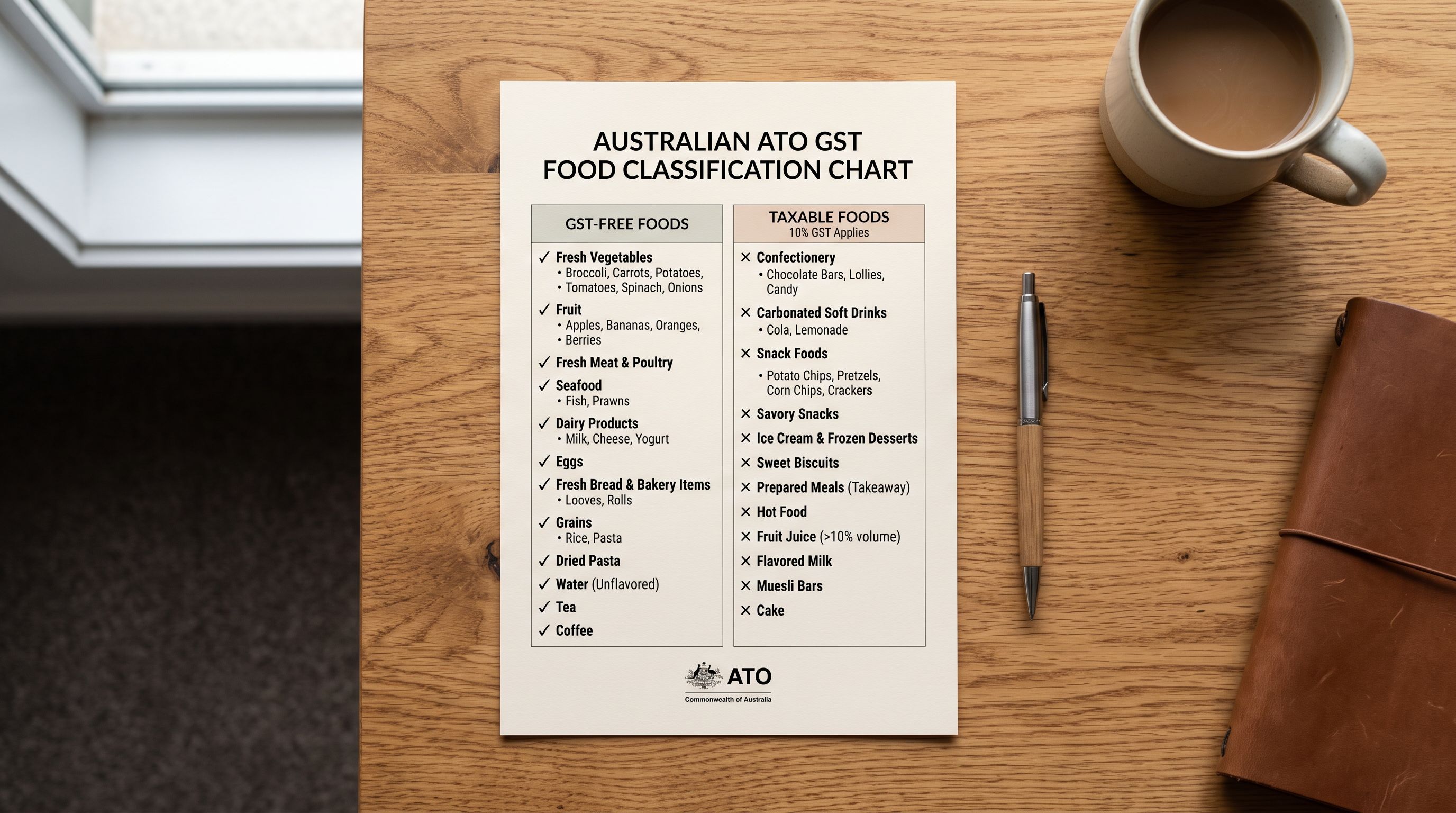
What is always taxable regardless of food status. Confectionery (including protein bars that are predominantly sugar), carbonated drinks, alcohol, and any food sold in a heated or ready-to-eat state.
The most common GST error in Shopify bulk imports is marking health food products as taxable when they are GST-free. A merchant importing 300 supplement SKUs as taxable over-collects from every Australian customer and over-reports GST on every BAS until the error is found.
Configuring GST at Import Time with Importier
Fixing GST settings after a bulk import is time-consuming: each product must be opened individually or updated via a corrective CSV re-import. The point of control is the original import.
Importier's 14-step import wizard includes a tax and compliance step where merchants configure the taxable status of products before they are pushed to Shopify. For a catalogue with mixed taxable and GST-free products, the approach is:
- Identify which products are GST-free before the import using the product type, vendor data, or category from the supplier file.
- Add a
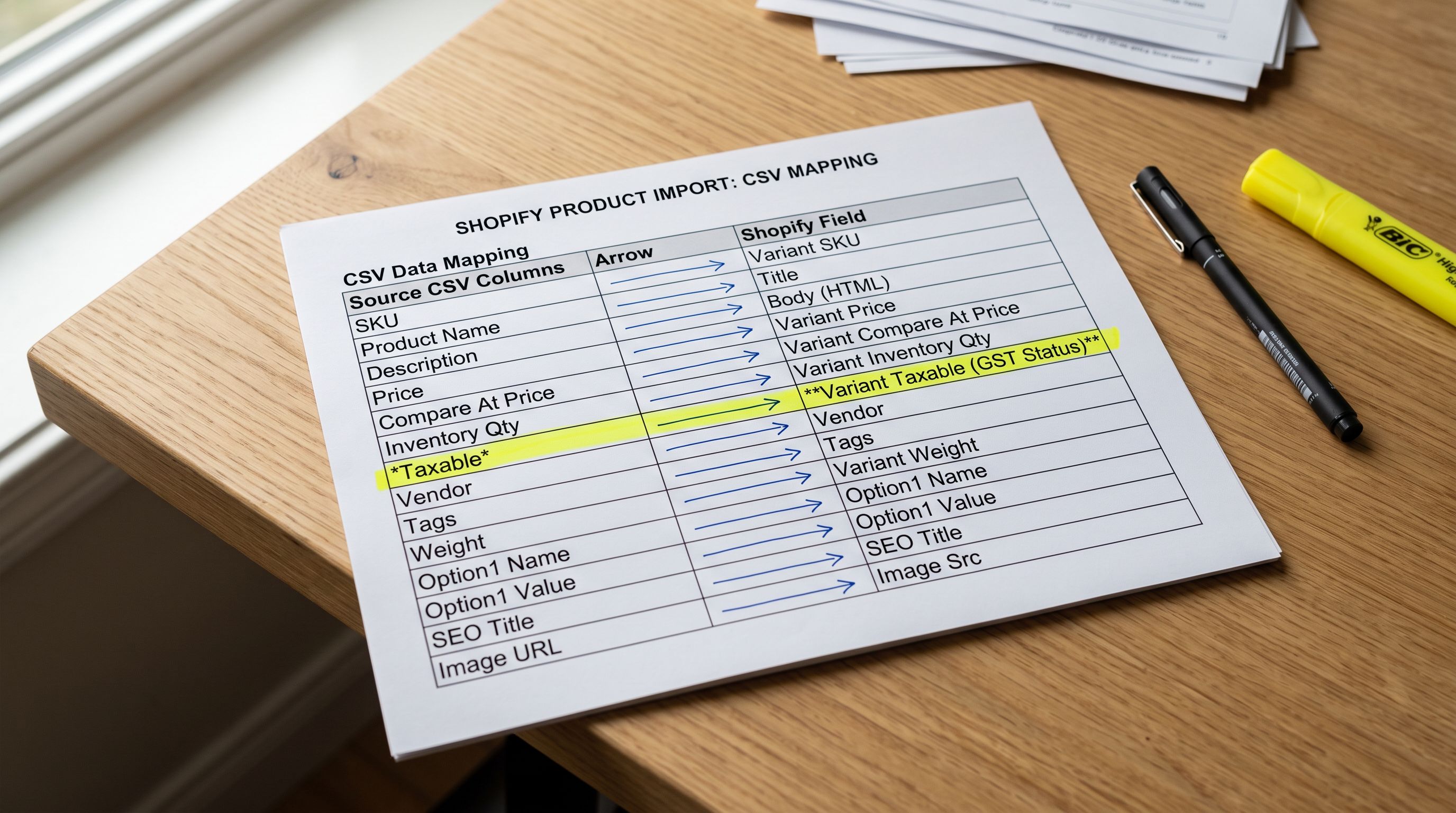
Taxablecolumn to the supplier CSV withTRUEfor taxable products andFALSEfor GST-free products. - In Importier's column mapping step, map the
Taxablecolumn to Shopify'sTaxablefield. - Importier carries this mapping through the 14-step wizard, so the products arrive in Shopify with the correct taxable flag already set.
For catalogues where the supplier file does not have tax data, the alternative is to import by product type: import all health food products in one batch with taxable: false, then import taxable products in a second batch. This avoids the need to correct individual product settings after import.
- 01Step 1Before importing, sort the supplier file by product type or category. Identify which categories are GST-free under Australian law: fresh food, most health foods, medical aids, educational materials, and any products being exported outside Australia.
- 02Step 2Add a Taxable column to the supplier file. Set it to FALSE for GST-free products and TRUE for taxable products. For products where you are unsure of the GST status, mark them TRUE and review with your accountant before setting them live.
- 03Step 3In Importier's import wizard, map the Taxable column to the Shopify Taxable field in the column mapping step. Importier preserves this mapping through the import, so products arrive in Shopify with the correct taxable flag.
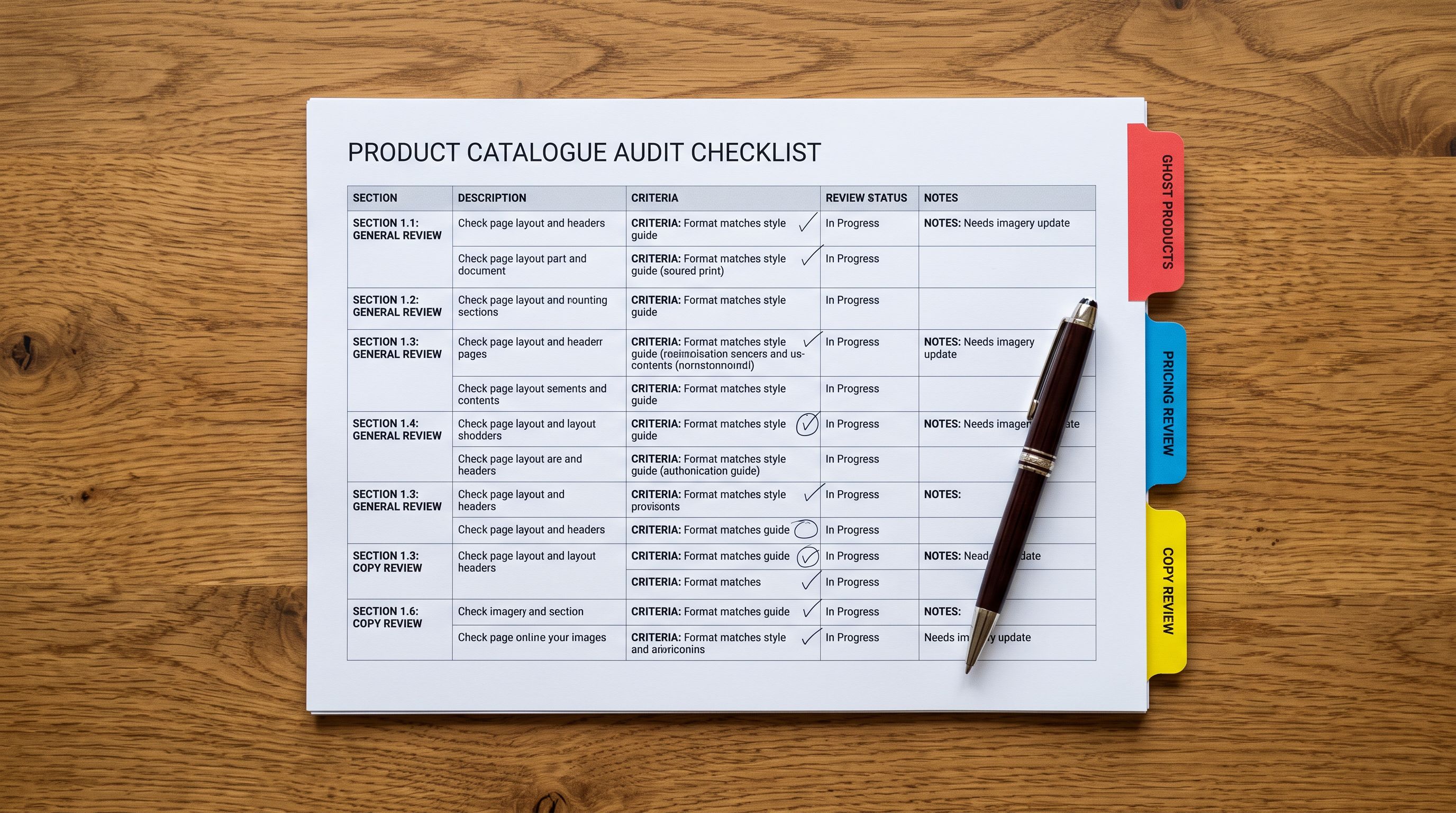
- 04Step 4After the import completes, export the catalogue using Importier's SEO Audit preset. This produces a row per product including the product type and taxable status. Review the export to confirm GST-free products are showing FALSE in the taxable column.
- 05Step 5For any products incorrectly set to taxable, prepare a corrective CSV with the handle column and a Taxable column set to FALSE, then use Shopify's CSV import or Importier's import to update those specific products by handle.
Handling International Customers and Export GST
For Australian merchants selling to overseas customers, export sales are GST-free regardless of the product's taxable status within Australia. A protein powder that is taxable in Australia (say, because it is registered as a therapeutic good) is still GST-free when shipped to a customer in the UK or US.
Shopify handles export GST automatically at checkout when the store's Australian tax settings are configured correctly: no GST is applied to orders with a shipping address outside Australia. Merchants do not need to set individual products as non-taxable for exports.
However, for merchants running a Shopify store where Australian and international orders are both significant, the Importier import flow can include Importier's region-specific compliance flags. These work alongside the taxable setting to surface the right compliance language in AI-generated descriptions: Australian products get ACCC-compliant description language; export products can include country-of-origin statements that some destination markets require.
Auditing Existing Products for GST Errors
For merchants who have already imported products without configuring GST, the fastest audit path is the SEO Audit export from Importier. This export includes the product's taxable status as a column, alongside product type, vendor, and tags.
In the export, filter for:
- Products where
taxable = trueAND product type includes health food, supplement, or wellness categories - Products where vendor suggests a health or food supplier AND taxable = true
This filtered list is the candidate set for GST review. Cross-reference against the ATO's GST-free food categories and the merchant's own product knowledge to identify which products should be changed to taxable: false.
- Every product imports as taxable=true by default
- Health food and GST-free supplement SKUs charge 10% GST to Australian customers
- BAS over-reports GST liability; ATO compliance risk
- Fixing requires re-importing or manually updating hundreds of individual product records
- Supplier CSV has no tax column; Shopify fills the gap with taxable=true
- Taxable column added to supplier file before import; FALSE for GST-free categories
- GST-free products arrive in Shopify with taxable=false already set at import
- BAS reflects accurate GST liability; no over-collection from customers
- No corrective work needed post-import; Importier preserves the taxable mapping through the 14-step wizard
- SEO Audit export after import confirms taxable status per product for review
Verifying GST settings before your next BAS
Key Takeaways
Australian GST configuration is a product-level setting in Shopify, not a store-level setting. Every bulk import that does not explicitly set taxable status defaults to taxable=true, which means GST on everything. For merchants with health foods, supplements, medical aids, or educational materials, that default creates compliance risk.
- Every Shopify import defaults to taxable=true. Supplier CSV files do not include a Taxable column. Without one, every imported product charges GST regardless of its actual GST status under Australian law. Adding a Taxable column before import is the fix.
- Health food GST-free status depends on how the product is marketed. Protein powders and meal replacements sold as foods are GST-free. The same products registered as therapeutic goods may be taxable. When unsure, check the ARTG registration and the ATO's GST and food guidance before setting the taxable flag.
- Export sales are automatically GST-free in Shopify when Australian tax settings are configured. International customers are not charged GST regardless of a product's taxable setting within Australia.
- The Importier SEO Audit export shows taxable status per product. For existing catalogues with suspected GST errors, this export filtered by product type and taxable=true identifies the products to review.
- Fix GST configuration at import time, not after. Correcting taxable settings post-import requires a re-import or individual product edits. Configuring the Taxable column in Importier's column mapping step at import time takes the same effort once and avoids remediation work later.
For the broader picture of how Importier handles international tax compliance settings including IOSS, UK VAT, and VOEC alongside Australian GST, that article covers the multi-region configuration workflow.
Manage your product GST settings at import at importier.app.
Set up your first import in under five minutes.
Importier brings products into Shopify with AI descriptions, category metafields, and data enrichment on every run.