Shopify Year-End Catalogue Audit: Close the Year With Clean Product Data
On this page
The last week of December is the wrong time to discover that 40 products on your Shopify store still have "perfect for Christmas gifting" in their descriptions. Or that nine products created for a June flash sale are still active, indexed by Google, and appearing in search results for terms your store should not rank for. Or that six variants from a discontinued colourway are still tracked in your inventory system, dragging down your average stock count accuracy.
A year-end catalogue audit runs in December, before January 1, and covers the cleanup that falls between the cracks of normal operations. It is different from a BFCM catalogue audit in both timing and scope. The pre-BFCM catalogue audit focuses on product data quality to protect BFCM revenue. The year-end audit focuses on catalogue hygiene to start January with accurate, clean product data.
The Ghost Product Problem
A ghost product is an active Shopify product that no one actively manages. It exists in the catalogue, it is indexed by Google, it appears in exports and reports, but it is not in any customer-facing collection and no one on the team thinks of it when planning the range.
Ghost products accumulate through several routes:
Campaign-specific products: gift sets, bundles, or limited-edition products created for a specific event (BFCM, Christmas, a brand collaboration) that ended. The campaign ended; the products stayed active. Some may be in a "Sale" collection. Most are just floating, indexed but invisible.
Supplier line discontinuations: a supplier drops a product line mid-year. The merchant stops ordering it and stops promoting it, but forgets to archive the Shopify product. The product page still exists, still ranks, and still accepts orders if inventory is set to allow overselling.
Variant proliferation from testing: merchants testing new size or colour options sometimes create variants during setup and then remove them from fulfilment without archiving the product. The parent product remains with partially valid variants.
Migration debris: if the store ever imported from another platform or from a supplier feed, some products may have landed in Shopify with duplicate handles, odd titles, or categories that do not match the current store structure. These sit untouched because they technically work but are not properly curated.
Ghost products erode catalogue quality over time. They appear in bulk exports, inflate product counts in reports, and occasionally rank for unintended search terms that bring in irrelevant traffic.
Identifying Ghost Products for Archiving
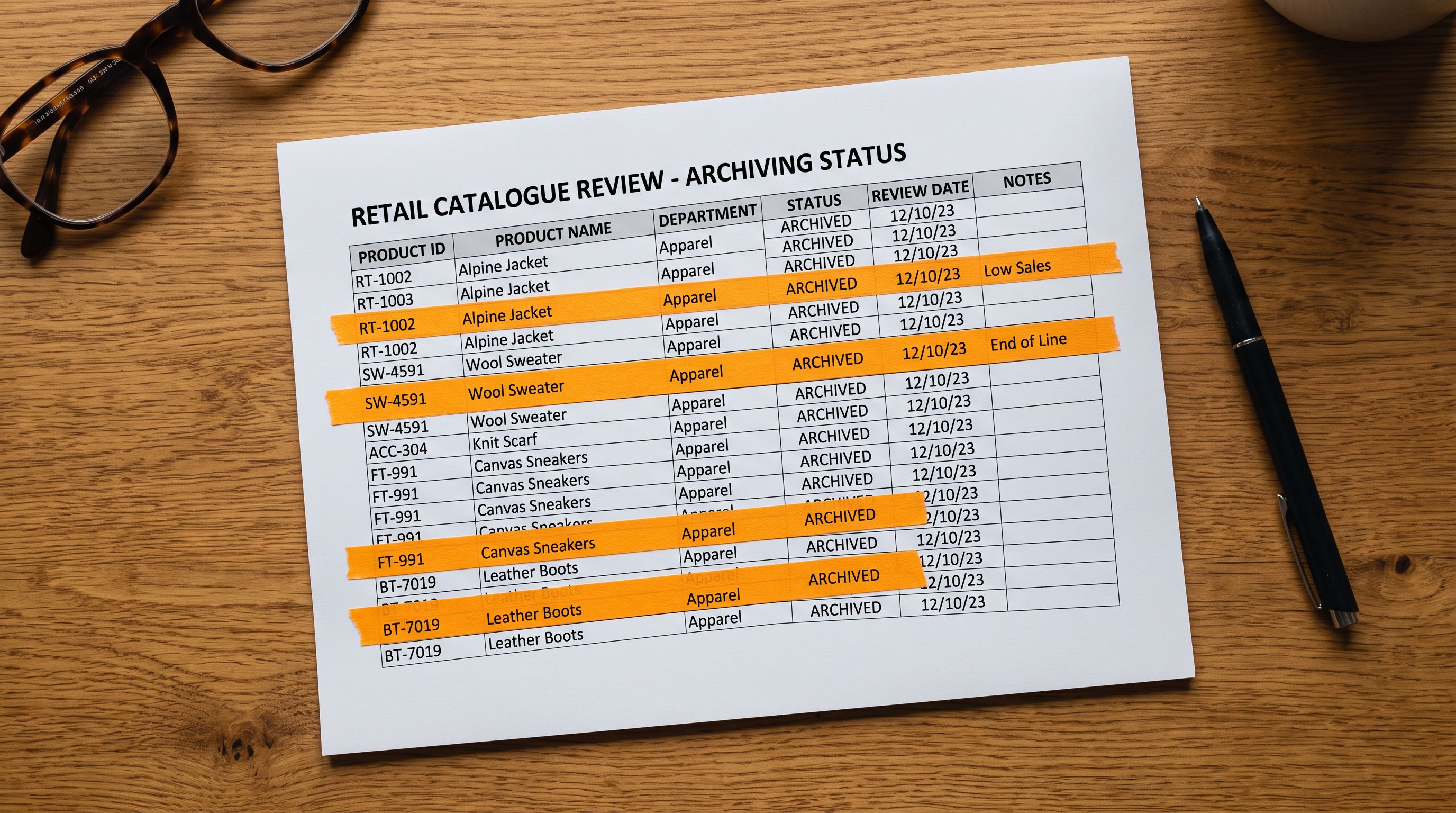
The year-end audit starts with an export of the full catalogue. Use Importier's export function to produce a complete product list with status, collection membership, inventory levels, and last-modified date.
Review the export for:
Active products with no collection: a product that is active but not assigned to any customer-facing collection is invisible to buyers unless they have the direct URL. If the product is genuinely discontinued, archive it. If it belongs somewhere, add it to the right collection.
Active products with zero inventory and no reorder date: products showing zero units across all locations with no known incoming stock should be reviewed. If they will not be restocked, archive them. If they will, leave them active and set a restock note.
Products last modified more than 180 days ago: in a well-maintained catalogue, products get updated regularly (prices, descriptions, images, inventory). A product untouched for six months warrants a review. It may be a ghost, or it may be a stable product that simply does not need frequent updates. Either way, confirm it belongs in the active catalogue.
Shopify's archive and delete documentation covers what archiving does: the product is hidden from the storefront and collections but remains accessible by direct URL and in the admin. Deleting is permanent. For products that might be relaunched or whose sales history matters, archive rather than delete.
The Stale Seasonal Copy Problem
Seasonal descriptions are written to convert during a specific window. "The perfect Christmas morning coffee ritual" converts in December. It undermines the store in March.
A year-end audit is the right moment to identify all product descriptions, titles, and metafields that contain seasonal references that will be wrong in January. Common instances:
- "perfect for the Christmas gifting season"
- "ideal for cold winter mornings" (in a Southern Hemisphere store)
- "back to school ready" (from an August campaign)
- "BFCM price - limited time" in a Compare At Price label or product description
- "our biggest sale of the year" in a description written in November
Importier's Store Scanner export can identify these across the full catalogue. Run the Descriptions Only export, then search the resulting file for seasonal trigger words. The list of flagged products becomes the input for a description regeneration pass.
For products that need year-round evergreen descriptions, regenerate them in Importier using the same persona and style settings as the original import. The AI regeneration pass in the new year updates descriptions without touching prices, inventory, or other product fields.

The Pricing Debris Problem
Clearing Compare At Price Debris
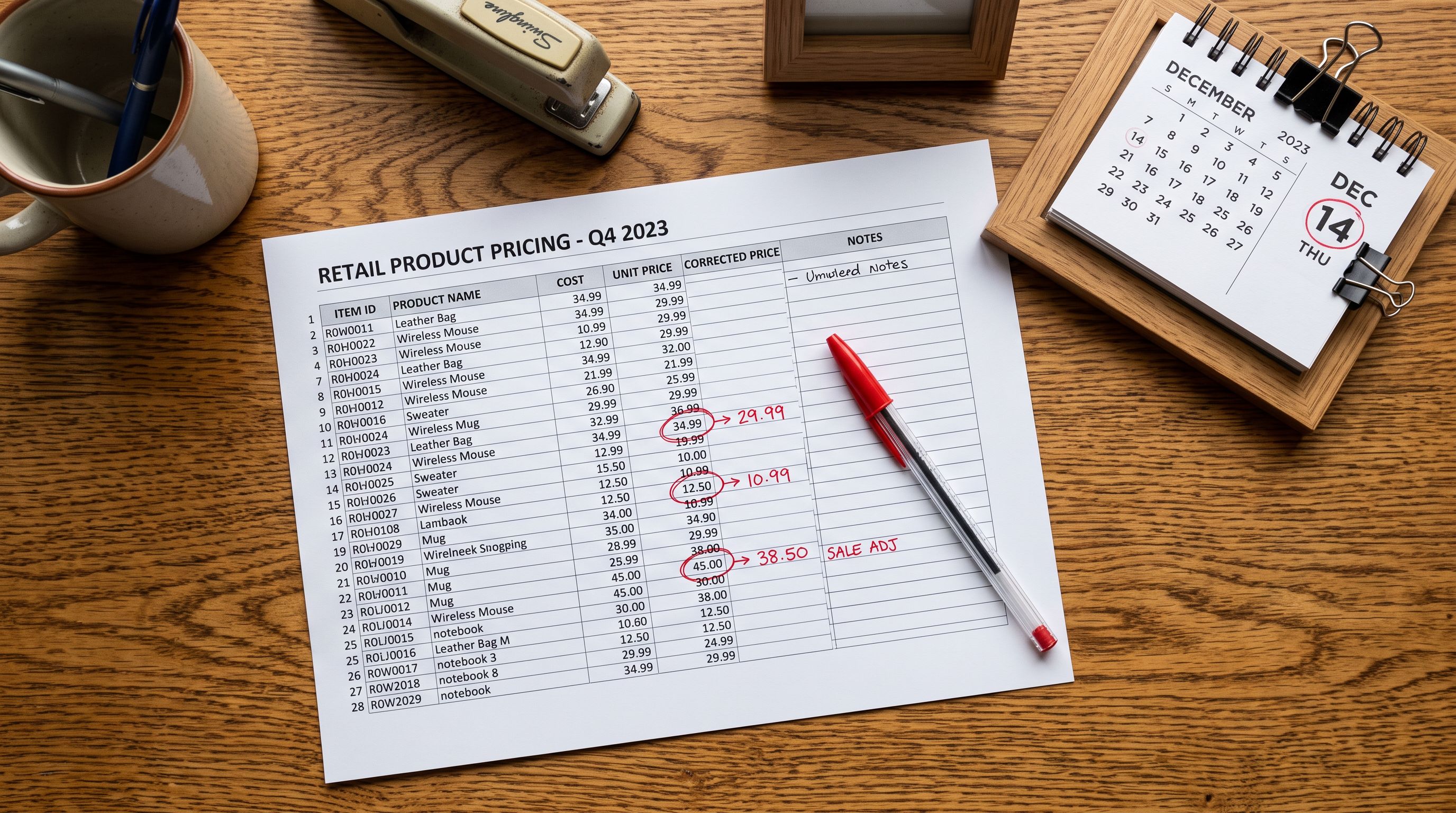
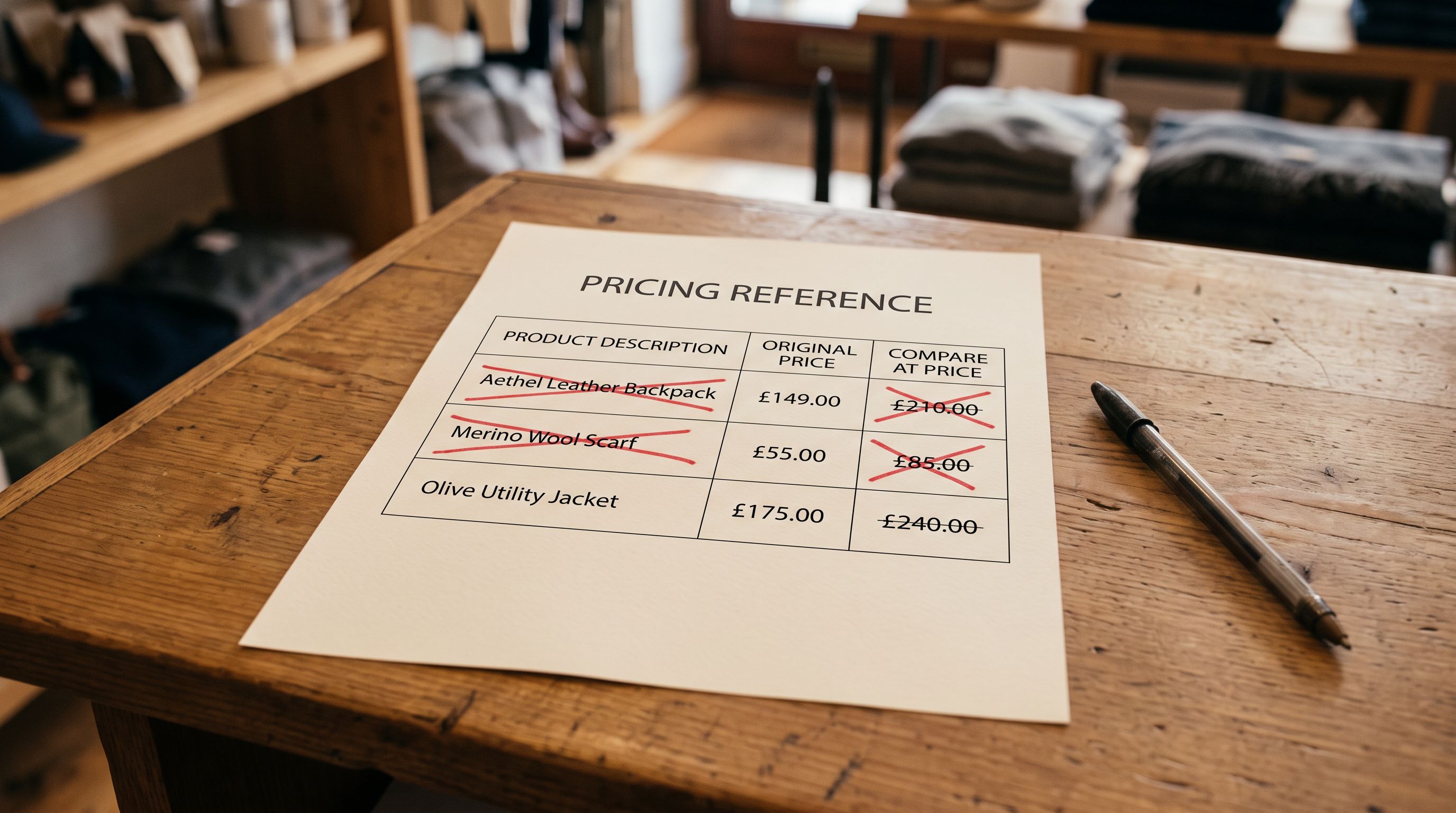
Compare At Price debris accumulates when sale events set the field but the post-event cleanup does not fully run. After a year with BFCM, Boxing Day, mid-year sales, and other events, some products may still carry Compare At Price values from events that ended months ago.
A year-end audit checks for active products with a Compare At Price value that should not have one. The bulk Compare At Price management guide covers how to identify these in an export.
The fix is a reconciliation import with a blank Compare At Price column for all affected products. Same approach as the post-BFCM Compare At recovery but applied to the full range rather than just the BFCM product scope. Products with stale "was/now" pricing running into January create a credibility issue: buyers who see a "was $120, now $80" display in February know the sale ended months ago. The store trains them to ignore the pricing signals.
| Pricing debris type | How it accumulates | Year-end fix |
|---|---|---|
| Stale BFCM Compare At | Post-BFCM recovery import ran on most products but missed a subset | Export → filter products with Compare At set → blank-cell recovery import |
| Mid-year sale Compare At | June or July sale set Compare At; cleanup import was not run | Same blank-cell recovery import, broader scope |
| Reversed compare-at values | Import error set Compare At lower than Variant Price; no sale badge shows | Export → identify reversed pairs → correction import |
Running the Year-End Audit in Importier
The audit workflow uses Importier's export function rather than the import function. Export first, fix the data, then import the corrections.
- 01Run the full catalogue exportuse the Full Shopify CSV export preset in Importier. This gives you one row per variant with all fields including status, collection tags, inventory, Compare At Price, and description length.
- 02Identify ghost productsfilter for active products with no collection tags and zero or low inventory. Add these to a review list. Archive the confirmed ghosts in Shopify Admin.
- 03Search for seasonal copyopen the Descriptions Only export. Search for seasonal keywords (Christmas, BFCM, sale, limited time, winter, summer). Flag each product for description regeneration.
- 04Identify pricing debrisfilter the export for rows where Compare At Price is not blank. For each product, verify whether the Compare At value is current and intentional. Build a blank-cell recovery import for the ones that need clearing.
- 05Run the description regeneration passupload the flagged products to Importier for description regeneration. Keep the same persona and style settings unless the brand voice has changed. Review the generated descriptions before pushing.
- 06Run the Compare At recovery importupload the blank-cell file for products with stale Compare At values. Use Update existing products only mode.
- 07Verify the January-ready cataloguere-run the Full Shopify CSV export after all fixes are applied. Confirm ghost products are archived, descriptions are evergreen, and Compare At is clean across the range.
What the Year-End Audit Is Not
A year-end audit is not an opportunity to redesign the catalogue structure, change the product taxonomy, or refresh every description. That scope expands without limit and usually does not finish before January.
The audit targets three specific problems (ghost products, stale copy, pricing debris) and fixes each with a defined export-review-import workflow. Products that do not fall into one of these three categories are left alone.
Shopify's recommendation in their product organisation guide is to review product organisation and collection logic annually. A year-end audit is a natural fit for this review, but keep the scope to what can be completed before January 1.
- Ghost products accumulate indefinitely; product count inflates over time
- Seasonal descriptions run through the wrong season unnoticed until a customer or reviewer flags them
- Compare At debris persists through Q1 undermining pricing credibility
- No systematic record of what was cleaned or when
- January starts with unknown catalogue debt from the previous year
- Ghost products identified by export filter and archived on a defined schedule
- Descriptions Only export surfaces all seasonal copy in a single pass for bulk regeneration
- Blank-cell recovery import clears all Compare At debris in one operation
- Export-before-and-after provides an audit record of catalogue state at year-end
- January starts with a confirmed, clean catalogue baseline
An audit run in December finds seasonal copy before January does. An audit run in February finds it after three weeks of buyers have read it.
For merchants who run the year-end audit as an annual process, the BFCM catalogue audit in October becomes easier to run because the baseline is already clean from the previous December. The two audits reinforce each other: October checks data quality before the peak, December restores it afterwards.
Try Importier free at importier.app.
Set up your first import in under five minutes.
Importier brings products into Shopify with AI descriptions, category metafields, and data enrichment on every run.
Free for your first 10 products. No credit card needed.