Shopify HS Codes: Setting Them for International Shipping
On this page
Every Shopify product shipped internationally needs an HS code. Without one, customs authorities at the destination country cannot classify the product, calculate the correct import duty, or clear the shipment efficiently. Shopify HS codes sit quietly in the Shipping section of each product page, but merchants who ignore them pay for it in the form of delayed deliveries, unexpected charges passed on to customers, and returns.
This guide explains what HS codes are, where they live in Shopify, how to find the right code for each product, and how to fill them across a large catalogue without spending weeks on manual research.
What Are HS Codes and Why Do Shopify Merchants Need Them
The Harmonised System is a standardised numerical method of classifying traded products, maintained by the World Customs Organisation. Every country uses it. An HS code is a 6-digit number (extended to 8, 10, or more digits by individual countries) that identifies what a product is for customs purposes.
Shopify stores the code in the "HS or Tariff code" field under the Shipping section of each product. When you or your customer's logistics carrier submits customs documentation, this code tells customs officers what duty rate applies, what safety regulations might trigger, and whether any import restrictions exist.
Merchants who sell internationally need Shopify HS codes for three specific reasons. First, customs clearance requires the code to process the shipment at all, particularly for markets with strict documentation requirements. Second, duty calculation: buyers in the EU, UK, Australia, and other markets are increasingly seeing accurate duty estimates at checkout rather than surprise bills on delivery. Third, Google Merchant Centre: the January 2026 GMC enforcement update made product data quality a hard requirement, and missing or incorrect HS codes are a documented reason for product disapprovals in Shopping campaigns.
The Cost of Getting HS Codes Wrong
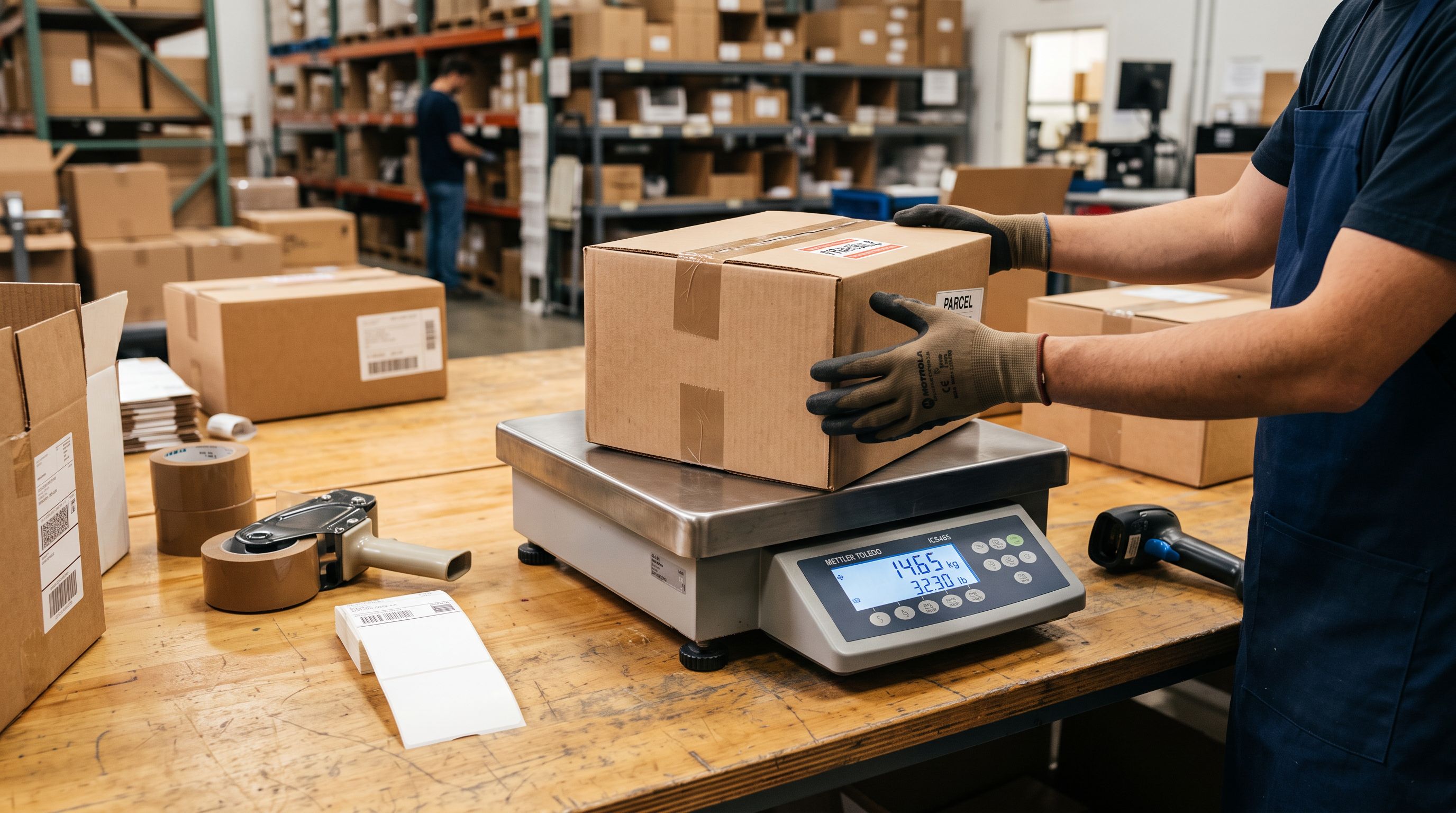
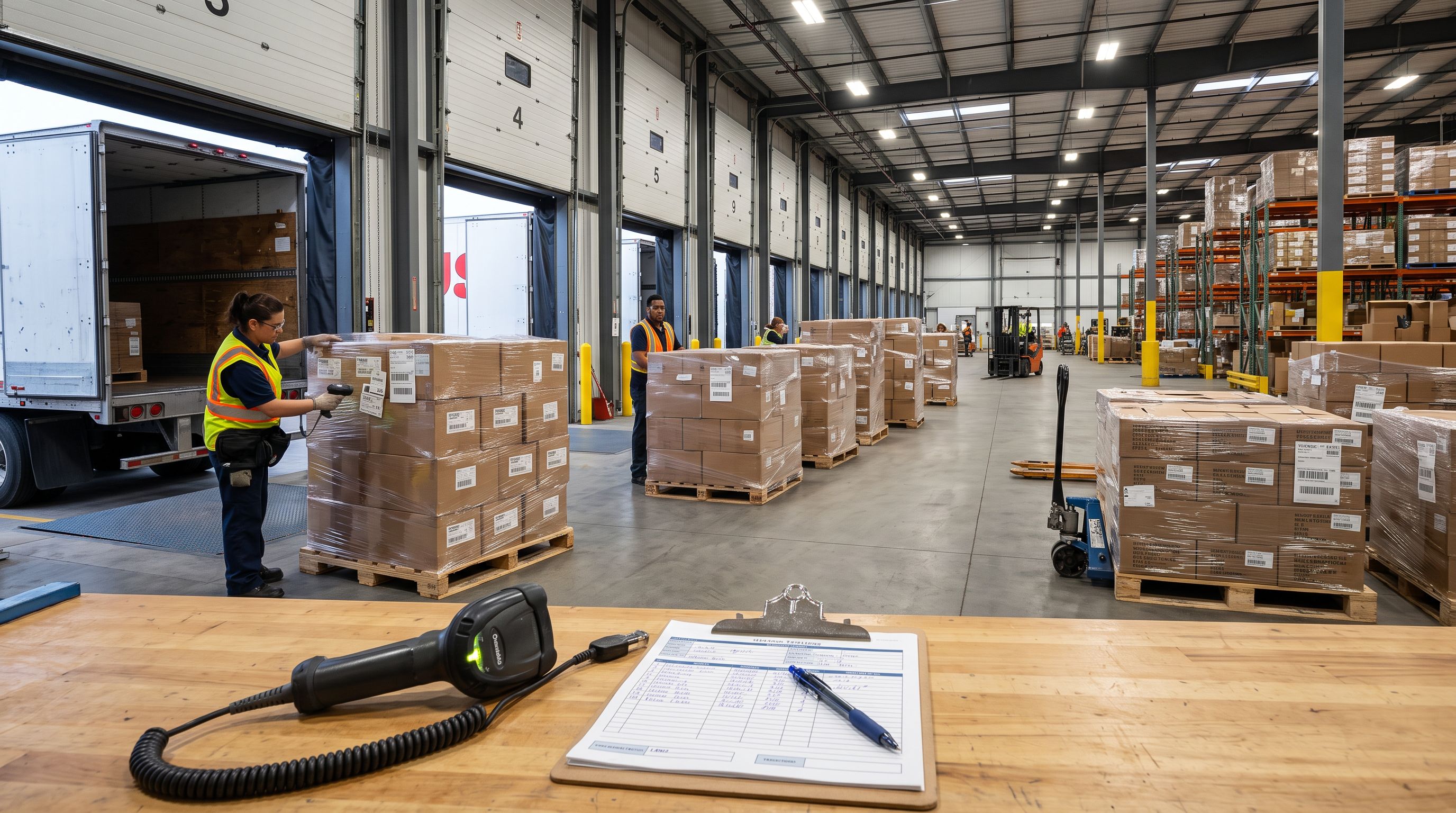
The consequences of missing or incorrect Shopify HS codes are specific and measurable. Customs delays are the most common: a shipment without a valid HS code is held at the border while the carrier or customs broker resolves the classification, adding days to delivery time.
Incorrect duty calculation is a larger problem at scale. If you ship to the EU under IOSS, the declared product value and HS code together determine whether your IOSS registration covers the shipment or triggers a separate import VAT event. A wrong code can push a product into a duty bracket your registration does not cover, resulting in a tax event your customer was not expecting.
For Google Shopping, the January 2026 enforcement update explicitly requires GTIN and product data completeness. Products with missing customs fields, including HS codes, are flagged for review and can be disapproved. If you rely on Shopping for acquisition, a gap in customs data across hundreds of products is a visible problem in your GMC dashboard.
Finding HS Codes for Your Products Manually
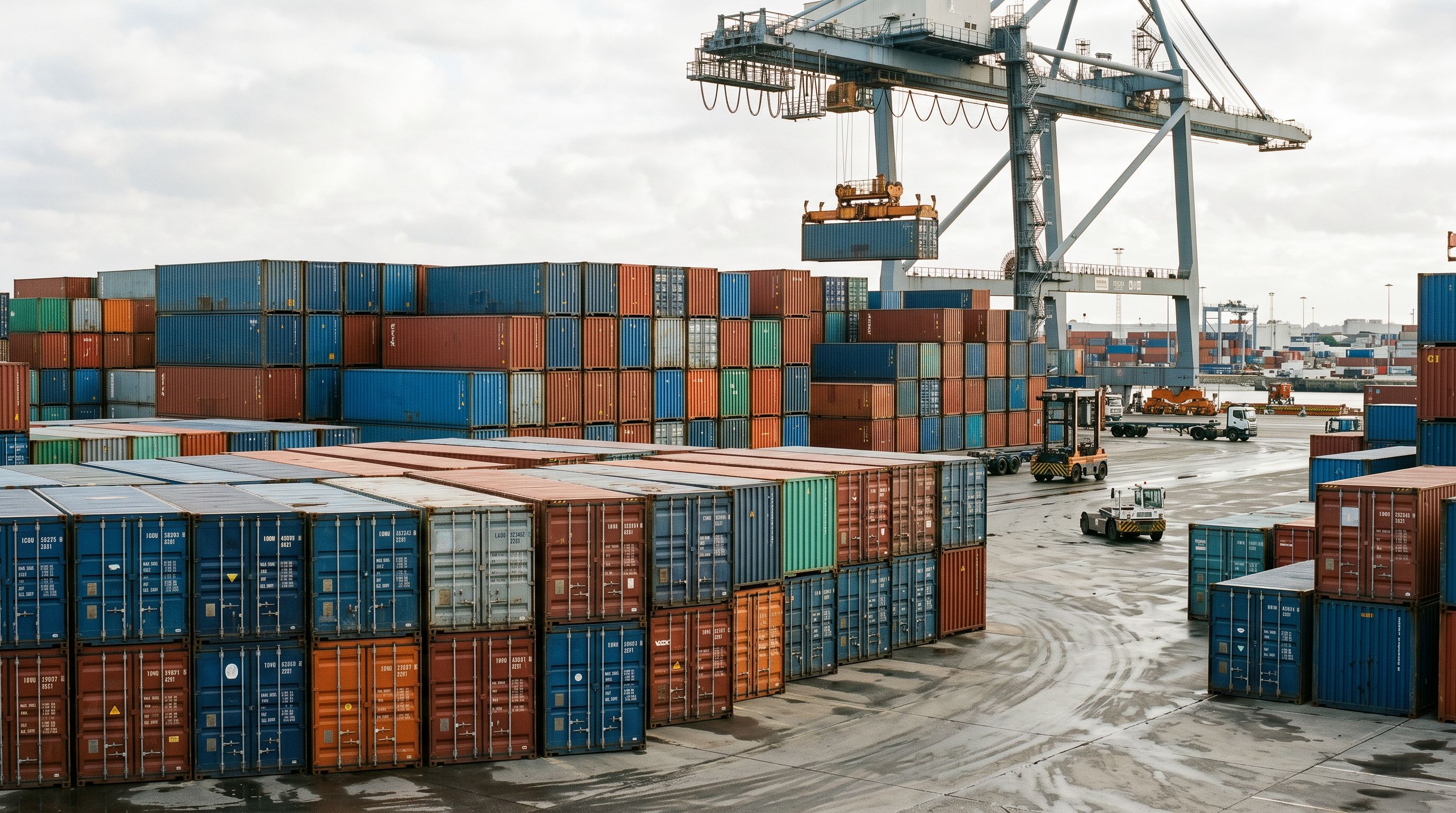
The World Customs Organisation publishes the full HS nomenclature, and most national customs authorities maintain searchable databases. The UK Trade Tariff, Australia's Integrated Cargo System, and the US Harmonized Tariff Schedule are the most commonly consulted for Shopify merchants in English-speaking markets.
Finding the right code requires reading the schedule carefully, understanding the product's composition, primary function, and intended use, then navigating through a tree of headings and subheadings to the correct 6-digit code. For straightforward products, this takes 5 to 15 minutes. For products with ambiguous classification (a product that could qualify under multiple categories, a mix of materials, or a custom configuration), it can take longer and may require a customs broker opinion.
The scale problem is significant. A catalogue of 500 products at 10 minutes each is over 80 hours of classification work. A catalogue with ambiguous products, multi-component sets, or rapidly changing SKUs requires ongoing maintenance as codes are periodically updated by the WCO. Most merchants with more than 50 international products do not do this manually. Their HS code fields stay empty.
The Automated Approach
Where to Add Shopify HS Codes
Before covering how to fill HS codes at scale, it is worth knowing exactly where they live in Shopify admin so you understand what is being filled.
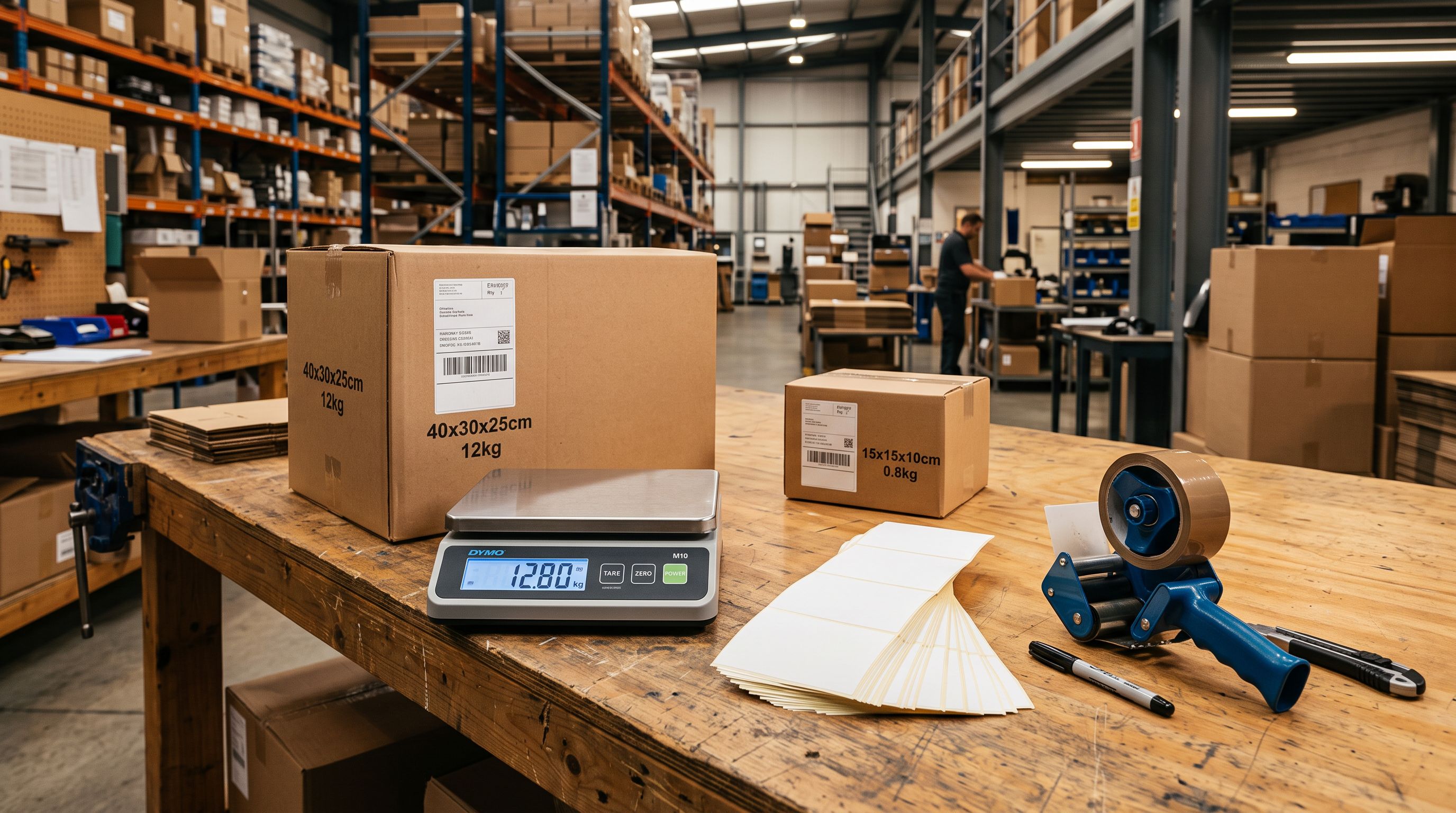
Each product has a Shipping section on its detail page. This section contains three related fields: "HS or Tariff code", "Country/Region of origin", and "Weight". All three are required for a complete customs record. Customs authorities use the HS code to classify the product, the country of origin to apply preferential tariff rules (if applicable), and the weight to calculate shipping duties in markets that charge on a weight basis.
Shopify does not validate the HS code format beyond accepting digits. It is up to the merchant to enter a valid code from the correct tariff schedule for the destination market.
- 01Open the product in Shopify adminGo to Products and click the product you want to update
- 02Scroll to the Shipping sectionThe section sits below the pricing and inventory fields
- 03Enter the HS or Tariff codeType the 6-10 digit code from the relevant tariff schedule
- 04Set Country or Region of originSelect the country where the product was manufactured
- 05Confirm the Weight is setWeight is required alongside HS code for customs documentation
- 5-15 minutes per product researching the tariff schedule
- 500 products = 40-125 hours of classification work
- Human error risk on ambiguous classifications
- Codes need manual updating when WCO updates the schedule
- Country of origin and weight still require separate entry
- AI classifies products during the 14-step import wizard
- 500 products enriched in the same run as the import
- Enrichment context field lets you add hints for niche products
- Weight, country of origin, and HS code filled in one pass
- Barcode lookup retrieves additional classification data from product GTINs

How Importier Fills HS Codes Automatically
Importier's AI data enrichment identifies missing fields during the product import process and fills them using the product's existing data as classification signals. HS code is one of the five fields the enrichment step targets by default, alongside weight, product type or category, country of origin, and barcode.
When the enrichment step runs, the AI analyses the product title, description, product type, tags, and any category data already in the record. It cross-references this against the HS tariff schedule to identify the most accurate 6-digit code for each product. For products with a barcode or GTIN, Importier also calls the barcodelookup.com API, supplemented by Google Gemini, to retrieve published product data that includes manufacturer classification information. This gives the enrichment step a second signal to work from when the product's own data is thin.
The enrichment context field gives merchants a way to guide the AI for specialist or niche catalogues. If you import industrial components, chemical compounds, or products with multiple possible classifications, you can add a short description of the product's primary use or composition in the context field. The AI uses this as a weighting input when the product title alone is ambiguous.
A 500-product import that would take over 80 hours to classify manually is enriched with HS codes, weight, country of origin, and AI-generated descriptions in a single import run.
Country of origin and weight are filled in the same enrichment pass. This means the customs record arrives complete after the import, rather than requiring a separate data entry step for each of the three fields. Products imported via the 14-step wizard with enrichment enabled arrive ready for international shipping without additional admin work per product.
For merchants on any plan, AI data enrichment is included in the guided import wizard. The enrichment step appears as part of the wizard flow and is configurable before the import runs.
Backfilling HS Codes on Existing Products
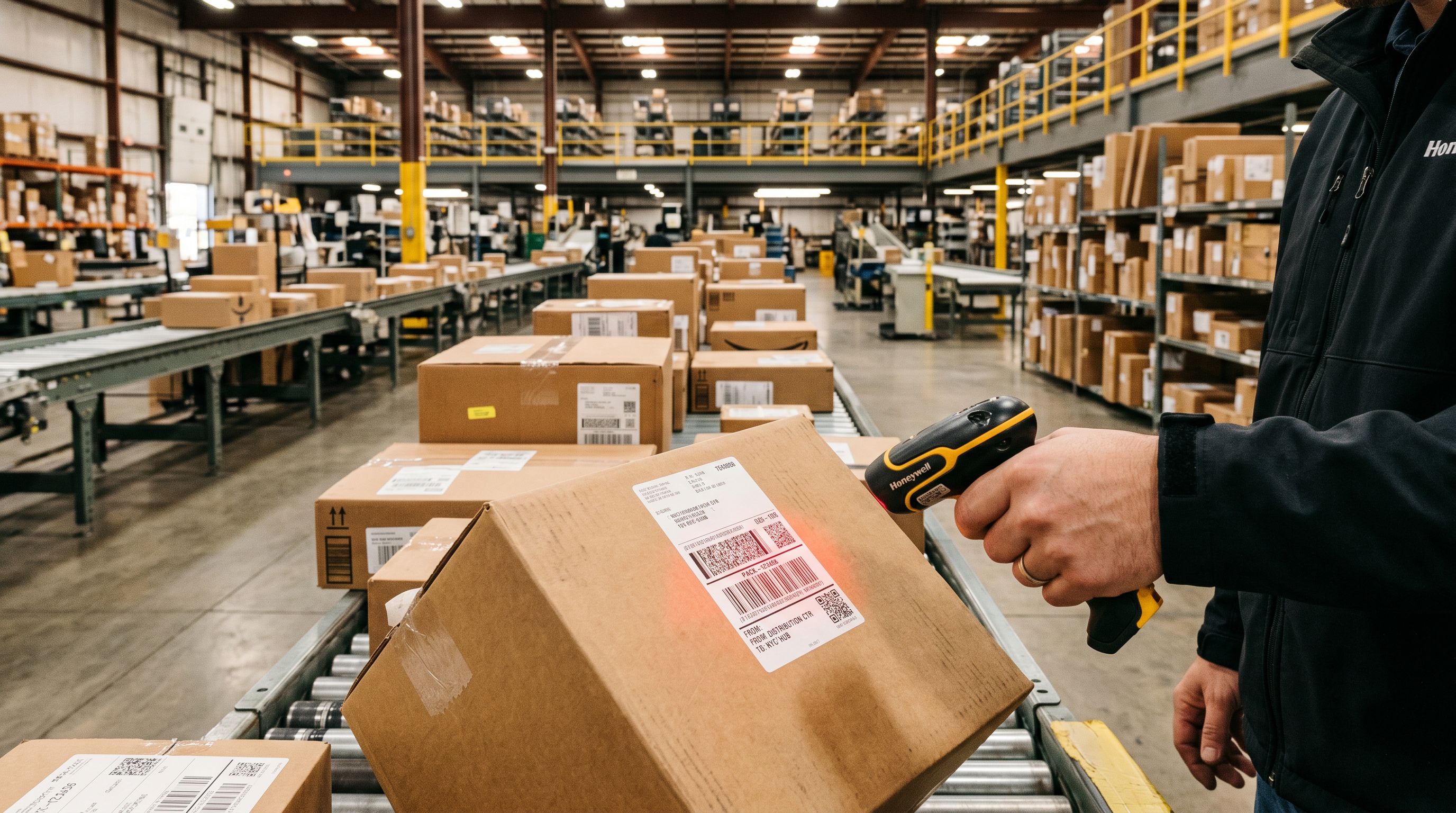
Not every merchant starts with a clean import. Many Shopify stores have catalogues built over years, with products added manually, imported from multiple sources, or migrated from another platform. The HS code field on these products is typically empty.
Importier's Store Scanner identifies products with missing customs data across an existing catalogue. You can filter by collection, SKU pattern, or barcode pattern to scope the enrichment run to a specific subset of products. For example, if you have a collection of products you recently started shipping internationally, you can run enrichment only on that collection rather than the full catalogue.
The enrichment can also run on a full catalogue scan. For a store with 500 products and no HS codes currently set, a Store Scanner run with data enrichment enabled fills the missing HS codes, country of origin, and weight fields across the catalogue without requiring a re-import. This makes backfilling an existing catalogue practical in a way that manual research at scale is not.
HS Codes, International Tax Compliance, and Google Merchant Centre
HS codes do not operate in isolation. They connect to several other compliance requirements that Shopify merchants selling internationally need to manage.
Shopify international tax compliance covers IOSS, UK VAT, VOEC, and GST registration requirements in detail. The HS code is the classification input that determines which duty bracket applies in each destination market. When IOSS covers shipments under EUR 150, the HS code tells the destination country's customs system whether the product qualifies for the low-value scheme or triggers a separate import event.
For Google Merchant Centre, HS codes contribute to the product data completeness score that affects Shopping eligibility. As covered in the Shopify Google Merchant Centre disapprovals guide, the January 2026 enforcement update made product data quality a ranked factor in Shopping eligibility. Importier's AI category matching and data enrichment address the data completeness requirements across HS codes, product taxonomy, weight, and barcodes in a single operation.
Key Takeaways
- HS codes are required for customs clearance, duty calculation, and Google Merchant Centre compliance on any product shipped internationally
- Each product needs three fields for a complete customs record: HS or Tariff code, Country of origin, and Weight
- Manual classification takes 5-15 minutes per product; a 500-product catalogue requires 40-125 hours of research
- Importier's AI data enrichment fills HS code, country of origin, and weight automatically during the import wizard on any plan
- Store Scanner backfills missing customs data on existing Shopify catalogues without a full re-import
Import your first products in under 5 minutes at importier.app
Related Articles
Set up your first import in under five minutes.
Importier brings products into Shopify with AI descriptions, category metafields, and data enrichment on every run.