Matrixify vs Importier: Shopify Import Tool Compared
On this page
Merchants searching for a Matrixify alternative are usually reaching the same inflection point: Matrixify handles the data movement reliably, but they need content generation, taxonomy, or a source format that Matrixify does not support. This comparison covers what each tool does, where each stops, and which choice fits which situation.
Matrixify is a serious import tool. It earns its reputation. This is not a case of one tool winning over the other. It is a question of what problem you are actually trying to solve.
What Matrixify Does
Matrixify (formerly Excelify) is built around bulk data operations for Shopify via structured Excel and CSV files. It handles a broad set of Shopify resource types: products, orders, customers, collections, metafields, blog posts, and redirects.
Its strengths are significant:
Update-in-place. Matrixify can update specific fields on existing products by matching handle or ID without overwriting unrelated data. If you need to update prices across 5,000 products without touching descriptions or images, Matrixify handles this precisely.
Full Shopify resource coverage. Products are one of many objects Matrixify handles. A store migration that includes customer records, order history, and URL redirects alongside products is a Matrixify workflow by design.
Structured mapping and complex formats. Matrixify's format is well-documented and flexible. Power users who understand the column structure can construct imports that handle almost any product configuration, including multi-location inventory, metafield arrays, and variant-level pricing.
Google Sheets scheduling. Recurring imports via Google Sheets are possible with Matrixify, which suits technical teams who maintain live spreadsheets as a data source.
For agencies and developers running full platform migrations, Matrixify is a reliable, battle-tested tool.

Where Matrixify Stops
Matrixify's limitation is its scope. It moves structured data you already have. Several common merchant tasks fall outside that scope.
No AI content generation. Matrixify imports whatever description is in your spreadsheet. If your supplier CSV arrived with thin copy, machine-translated text, or a single sentence per product, Matrixify imports it as-is. Generating, rewriting, or improving descriptions is not part of the tool.
No category metafield management. Shopify's Standard Product Taxonomy introduced hundreds of category-specific metafields across every product category. Matrixify can import metafield values you have already structured in your spreadsheet, but it does not generate, suggest, or validate taxonomy values. Building those values manually at scale requires knowing the taxonomy structure, finding the correct permitted values for each category, and entering them product by product.
No marketplace or PDF import. Matrixify works with files you provide. It cannot extract products from an Amazon listing, an eBay page, an AliExpress catalogue, or a supplier PDF invoice. If your source data is not already in a structured spreadsheet, Matrixify cannot help you get it there.
Steep learning curve. Matrixify's format requires familiarity. Merchants who are not comfortable with Excel or Shopify's data schema often find configuration difficult. The documentation is thorough, but the tool assumes technical confidence.
When You Need a Matrixify Alternative
Matrixify becomes limiting when your data is not already complete and structured. The common scenarios:
Your supplier sends product data as a PDF invoice, not a spreadsheet. Your products are sourced from an Amazon or AliExpress catalogue with no CSV available. Your descriptions need to be generated, not just moved. Your products need to be classified into Shopify's taxonomy and you cannot do that manually at scale. You are a merchant, not a developer, and Matrixify's format is not something you want to learn.
These are the situations where an alternative makes sense.
What Importier Does
Importier is a Shopify embedded app that combines product import, AI content generation, and category metafield management in a single 14-step wizard.
Import formats. Importier accepts CSV, Excel (.xlsx and .xls), TSV files, and PDF supplier invoices parsed using Google Gemini AI. The wizard handles column auto-mapping, header row selection, and variant grouping automatically. A 200-product Excel import that might take 90 minutes to configure in Matrixify typically completes in under 3 minutes with Importier.
AI description generation. Importier generates product descriptions using 18-plus AI models across four plan tiers, including Claude, GPT, Gemini, Llama, and Grok. Merchants choose from 7 description styles and 156 expert personas across 43 industry categories. A 500-product import arrives with unique, on-brand descriptions generated alongside the import, not as a separate step requiring another tool.
Category metafields. Importier automatically assigns Shopify category metafields via 22 industry packs covering 3,758 attribute types. The two-phase matching process uses text matching first, then AI for ambiguous cases, drawing only from Shopify's permitted taxonomy values. Products that would take days to classify manually are assigned correct taxonomy values during the import.
Marketplace import (Enterprise plan). Firecrawl-powered scraping extracts products from Amazon, eBay, AliExpress, Walmart, Etsy, and any supplier website. Per-variant extraction captures accurate images, barcodes, and pricing per variant.
Feature Comparison
- CSV, Excel, and Google Sheets import
- Handles orders, customers, collections, redirects
- Update-in-place for existing records
- Scheduled imports via Google Sheets
- No AI content generation
- No category metafield assistance
- No marketplace or PDF import
- Requires spreadsheet and format knowledge
- CSV, Excel, PDF, and marketplace import
- 14-step guided wizard with auto column mapping
- AI descriptions: 7 styles, 156 personas, 25 models
- Category metafields: 22 industry packs, 3,758 attributes
- Marketplace import from Amazon, eBay, AliExpress
- Store Scanner for existing catalogue enrichment
- No order, customer, or blog post import
- No per-token charges on any plan
The gap is clear: Importier does not handle orders, customer records, or other Shopify resources. Its scope is product import with AI content and taxonomy classification built in.
Pricing at a Glance
Matrixify pricing ranges from a free tier with limited operations to approximately $200/month for high-volume use. Charges are based on records processed per job, which can scale significantly for large catalogues run frequently.
Importier charges a flat monthly subscription:
| Plan | Monthly | Products per month | |------|---------|-------------------| | Explore | $0 | 10 | | Starter | $9 | 50 | | Growth | $29 | 200 | | Scale | $99 | 1,000 | | Enterprise | $499 | 5,000+ |
All plans include AI description generation and category metafields with no per-description charges. Annual billing saves 17 to 25 per cent. Importier billing appears on the merchant's existing Shopify invoice.
Choosing the right tool
When Matrixify Is Still the Right Tool
Matrixify remains the stronger choice when:
You need to import non-product Shopify data. Orders, customer records, redirects, collections, and blog posts are all Matrixify territory. Importier is product-only.
You are running a full platform migration that requires data integrity. Agencies and developers handling a complete store transfer, where every record must be moved correctly and verifiably, find Matrixify's structured format and update-in-place capability essential.
Your data is already complete and structured. If your spreadsheet has every required field formatted correctly, descriptions are already written, and you need reliable import with precise control over which fields update, Matrixify's format handles this well.
- 01Export your existing Shopify products to verify field coverage
- 02Structure supplier data to match Matrixify column format
- 03Map columns and configure update mode (add or update-in-place)
- 04Run a test import on a small batch before full execution
- 05Verify output and use Matrixify job log to resolve errors
Is Importier the Right Matrixify Alternative for You?
Importier is the right choice when:
Your product data needs descriptions. Supplier CSVs rarely include usable copy. Importier generates unique, SEO-optimised descriptions during the import so products arrive ready to sell. For 500 products, that is descriptions that would take 125 to 250 hours to write manually, generated in minutes.
You are importing from PDFs or marketplace URLs. Supplier invoices, Amazon listings, eBay pages, and AliExpress catalogues cannot go into Matrixify without first converting them to spreadsheets. Importier handles these sources directly, with AI extracting and structuring the data.
You need category metafields filled automatically. Shopify's Standard Product Taxonomy requires specific attribute values per category. Importier assigns them during import without manual configuration. A 500-product catalogue that would take days to classify manually is handled in a single run.
You are a merchant, not a developer. The 14-step wizard is designed for people who know their products but are not spreadsheet power users. No format knowledge is required.
You are updating descriptions on existing products. Importier's Store Scanner identifies products with thin or missing descriptions and regenerates them without a full reimport. This is a workflow Matrixify does not offer.

A 500-product import that takes 2 hours to configure in Matrixify typically completes in under 3 minutes in Importier's guided wizard, with AI-generated descriptions and category metafields included.
Using Both Together
Some agencies and merchants use Matrixify and Importier at different stages of the same workflow.
A common pattern for platform migrations: run the product import with Importier to get products into Shopify with descriptions and category metafields assigned automatically. Then use Matrixify to handle non-product data: customer records, order history, and URL redirects from the previous platform. WooCommerce migrations often follow this structure, where product data and store data come from different sources and need different tools.
Another pattern for ongoing operations: use Importier to generate descriptions and assign category metafields on existing products, then export using Importier's Matrixify-compatible export format on Growth plans and above. Products move between the two tools without reformatting.
The two tools do not compete on most use cases. Where they overlap on product import from structured CSV files, Importier is faster for merchants who need content generated and taxonomy assigned. Matrixify is more appropriate when surgical field-level control matters more than content generation.
The Core Difference
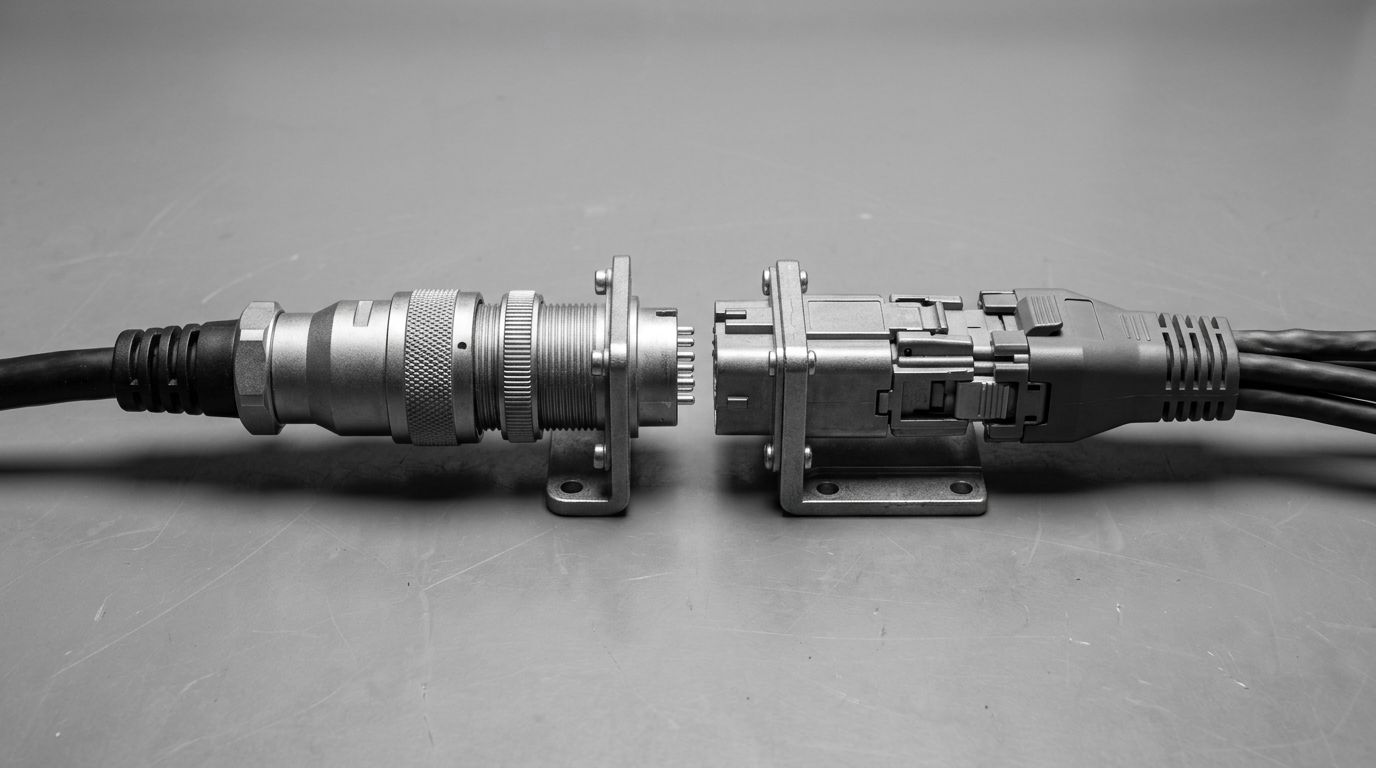
Matrixify is a data operations tool for technically capable users who have complete, structured data and need reliable movement of that data into Shopify with precise control.
Importier is for merchants who need to import products, generate content, and assign taxonomy, without configuring spreadsheets or writing code. Shopify has released an AI toolkit for developers who build in code editors. Importier serves the merchants those stores are built for.
The question is not which tool is better. It is which problem you are solving. If your challenge is moving complete, structured data into Shopify with surgical field control, Matrixify is appropriate. If your challenge includes content generation, taxonomy assignment, or importing from sources that are not already spreadsheets, Importier covers the full workflow.
Try Importier free at importier.app
Related Articles
Set up your first import in under five minutes.
Importier brings products into Shopify with AI descriptions, category metafields, and data enrichment on every run.