How to Import Products from Any Website to Shopify

On this page
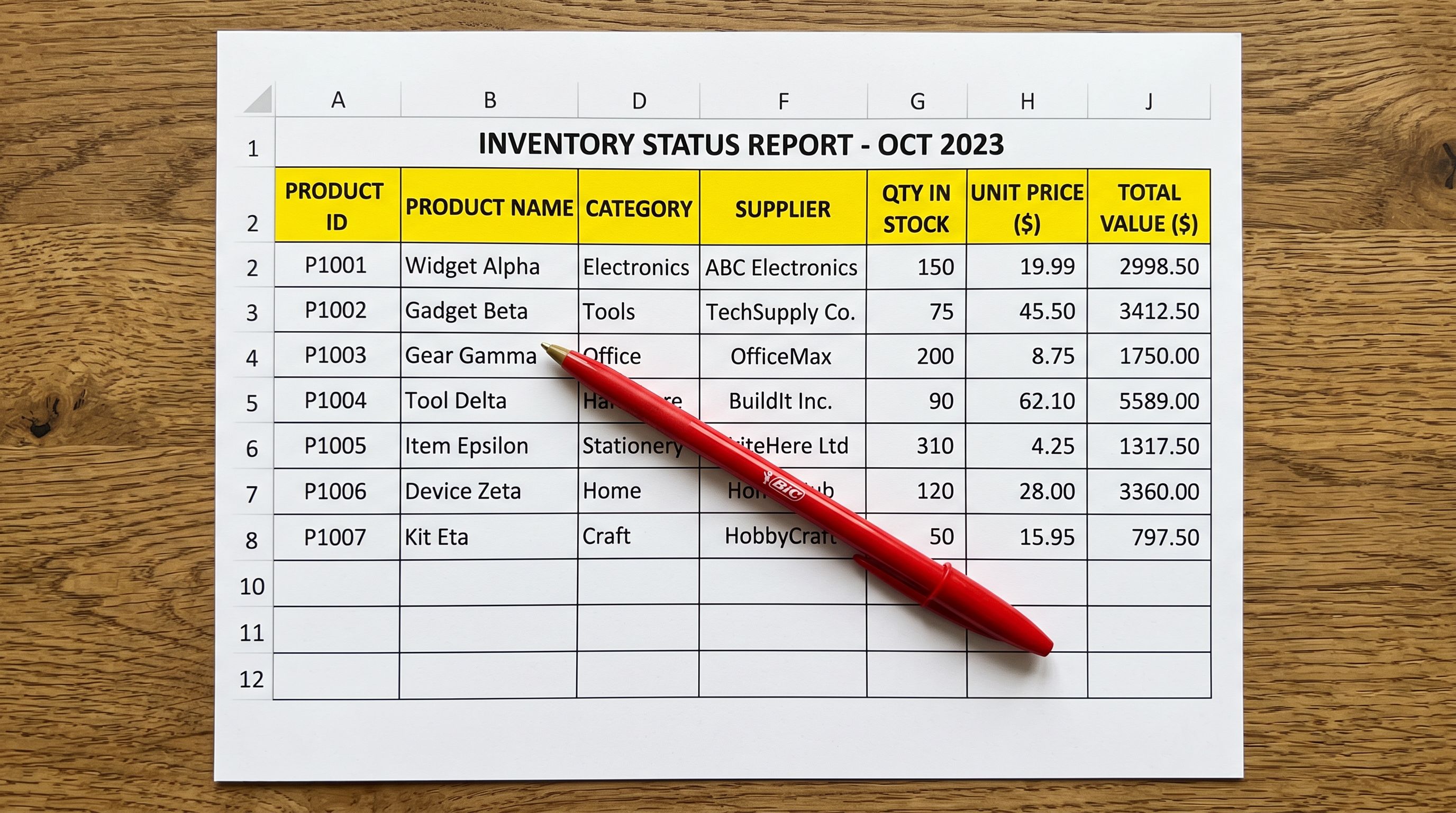
Not every supplier sends a CSV. Some wholesalers list their products on a trade website but do not offer data exports. Some brands publish their catalogue on a public site with no download button anywhere. Some smaller distributors simply send you a link and say "take what you need."
At five minutes per product on a good day, 50 products is over four hours of work. A 200-product supplier range is a full two days. For merchants who stock multiple suppliers or regularly onboard new ranges, this is an ongoing cost that never goes away.
Paste a product URL, or queue a list of URLs, and Importier extracts the product data, generates AI descriptions, and pushes the products directly to your Shopify store. No CSV, no spreadsheet, no copying.
The Challenge
Why Supplier Websites Are a Common Import Source
Most import workflow guides assume products arrive as CSV files or from established marketplaces. In practice, many merchants' suppliers do not work that way.
Smaller wholesalers and niche distributors often have trade websites built for browsing, not data export. Their product pages contain everything a merchant needs (title, price, variants, specifications, images), but there is no download button. Contacting the supplier for a CSV is often met with a file that is incomplete, formatted incorrectly, or not forthcoming at all.
Some brand-specific situations where a website is the only source:
- A UK distributor who lists trade products on a password-protected portal with no export function
- A boutique manufacturer who publishes their range on a public website but does not supply retailers with data feeds
- A B2B marketplace listing that contains the product data but not in a format that maps cleanly to Shopify's import schema
- A competitor's store (for merchants building comparative pricing references or restocking from an authorised reseller)
- A local importer who has product pages on their website but handles orders by phone and email
In all of these cases, the data exists. The problem is extraction.
The Manual Extraction Problem
Manually transferring products from a website to Shopify is tedious but straightforward for a handful of products. At scale, it accumulates into a significant operational cost.
A product copied manually requires: opening the supplier page, reading the title and retyping it in Shopify, copying the description (which is usually supplier copy that needs rewriting anyway), noting the price and entering it plus any markup, downloading each image and uploading it separately, and configuring each variant (size, colour, and any other option) one at a time.
At five to ten minutes per product including reasonable care, 100 products is 8-17 hours. For a seasonal stock refresh across three or four supplier websites, this is recurring work that adds up to days per quarter.
The problem compounds when the supplier's description is low quality. Copying it verbatim to your Shopify store creates duplicate content between your site and the supplier's site, which affects search ranking for both pages.

The Solution
How Importier's Any Site Import Works
Importier's Any Site feature is part of the Marketplace Import suite, available on the Enterprise plan. It uses Firecrawl for reliable page scraping, including pages with anti-bot protection that standard scrapers cannot reach.
Here is what happens when you import a product URL:
- 01Paste the URLEnter a single product page URL or queue a list of URLs for batch processing
- 02Firecrawl extracts product dataFirecrawl loads the supplier page and extracts structured data including title, description, price, images, SKU, barcode, and variants
- 03Per-variant scrapingEach variant is scraped individually to capture different images, prices, and barcodes that standard scrapers miss
- 04AI description generationThe scraped description is rewritten from scratch, producing original copy in your chosen style and tone
- 05Price markupApply a markup percentage or fixed amount. The extracted price becomes the cost basis and the marked-up price goes live in Shopify
- 06Category metafieldsImportier assigns category metafields automatically using 22 industry packs covering 3,758 attribute types from Shopify's Standard Product Taxonomy

Bulk Processing
Bulk Import: Queue Multiple URLs
For merchants importing a full supplier range, entering URLs one at a time is not practical. Importier's bulk import mode lets you queue multiple product page URLs at once.
You provide a list of URLs (either pasted directly or uploaded as a text file) and Importier processes each one in parallel. Progress tracking shows which products have been extracted, which are queued, and which (if any) have encountered an extraction error. Retry logic handles transient failures.
- 50 products: 4+ hours of work
- 200 products: 2 full working days
- Duplicate supplier copy on your store
- Manual variant configuration one at a time
- 50 products: under 10 minutes
- 200 products: under 30 minutes
- Original AI-generated descriptions
- Variant structure mapped automatically
The bulk import result is a set of Shopify products with original AI descriptions, variant structure mapped to Shopify's options format, price with markup applied, and category metafields assigned. No post-import cleanup needed.
What Gets Extracted and What to Verify
Firecrawl extracts what is structured and machine-readable on the page. For most modern supplier websites, this includes the full product data. For some older or heavily custom-built pages, extraction is less complete.
Typically extracted reliably:
- Product title
- Product description (as input for AI rewriting, not used verbatim)
- Price (including variant-specific pricing where structured data is available)
- Images (main image and gallery images)
- Variants (size, colour, other options) where structured in the page source
- SKU where displayed
- Barcode/GTIN where displayed
Sometimes requires manual review:
- Products with very complex variant structures (e.g., build-your-own configurators)
- Pages that load product data entirely via JavaScript with no server-rendered content
- Products where variant images are behind an interactive selector with no predictable URL structure
Importier's import preview step shows you exactly what was extracted before you confirm the import. If a product extracted incompletely, you can edit it during preview or skip it and handle it manually.

Content Quality
Making Imported Content Unique
Importing product data from a supplier site brings the same duplicate content risk as any other import source. If Importier pushed the supplier's description verbatim to your Shopify store, that content would exist on two public pages: the supplier's site and yours.
Importier addresses this by rewriting descriptions through its AI generator rather than copying supplier text. You configure:
- Style: seven options including Standard, Technical Gadget, Benefits-First, Emotional Storytelling, and Sensory-Rich
- Persona: 156 expert personas across 43 industry categories
- Tone: Professional, Casual, Persuasive, Luxurious, or Technical
- AI model: 25 options across four plan tiers
Every product imported via Any Site gets an original description generated from its extracted attributes. The supplier's text is used as raw input data, informing what the AI knows about the product, but the output is unique to your store.
This is the same AI description pipeline used across Importier's other import methods. The difference with Any Site import is that the input comes from a live product page rather than a CSV or marketplace listing.
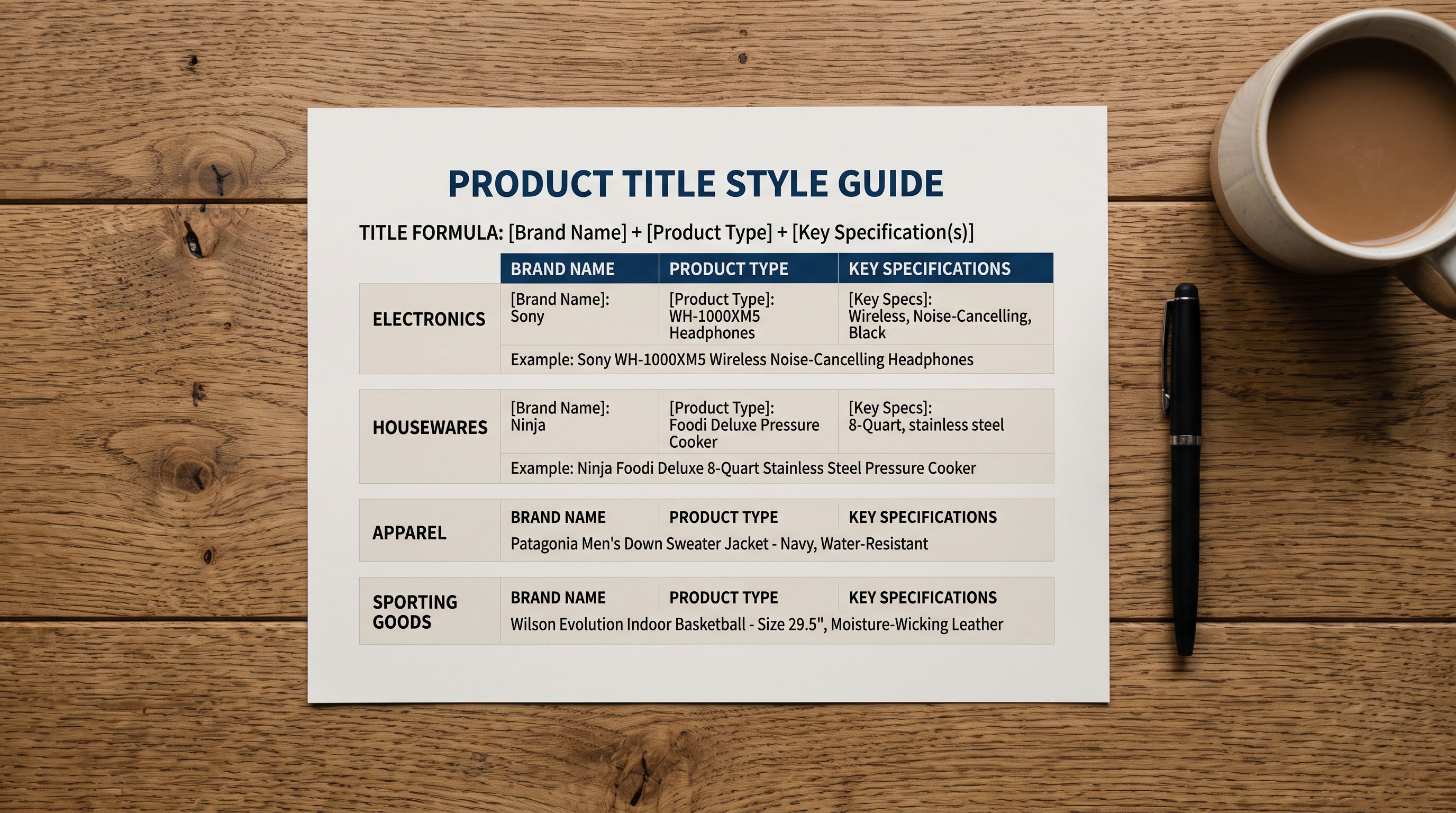
After import, if you want to further refine titles, run the Title Optimizer to apply keyword front-loading and marketplace presets. For high-consideration products, add FAQs via the FAQ Generator to cover the purchase questions buyers are likely to ask.

Who Benefits Most from Any Site Import
Boutique retailers stocking niche brands. Smaller brands often do not maintain data feeds or respond to CSV requests. Their trade website is the only product source. Any Site import removes the need to negotiate data supply agreements.
Merchants adding new supplier ranges. Evaluating a new supplier often means importing a sample range to test. Any Site import makes it practical to do this quickly without a full supplier integration setup.
Multi-channel merchants restocking from authorised resellers. Where a merchant sources from an authorised reseller rather than directly from the brand, the reseller's website may be the most reliable product data source.
B2B importers working from trade portals. Many trade portals have product pages accessible to registered buyers. Any Site import can handle authenticated pages where login credentials are required to access product data.
Getting Started
Getting Started with Any Site Import
Any Site import is available on Importier's Enterprise plan, which also includes access to the full marketplace import suite for Amazon, eBay, AliExpress, and other platforms.
To run your first Any Site import:
- 01Open ImportierOpen Importier from your Shopify admin
- 02Navigate to Marketplace ImportGo to Marketplace Import in the left navigation
- 03Select Any SiteChoose Any Site from the import source options
- 04Paste URLsEnter a product URL or upload a list of URLs for bulk import
- 05Review the previewCheck the extracted product data before confirming
- 06Configure settingsSet AI description settings, price markup, and category options
- 07Run the importConfirm and let Importier process your products
The import completes with products appearing in your Shopify catalogue fully described, categorised, and priced. No CSV, no spreadsheet, no manual entry.
Try Importier free at importier.app
Related Articles
Set up your first import in under five minutes.
Importier brings products into Shopify with AI descriptions, category metafields, and data enrichment on every run.