# Shopify Vitamins and Supplements Import: Flavours, Allergens
> Importing vitamins and supplements to Shopify loses flavour variants, ingredient data, and serving sizes. Here is how to structure the import.
- Published: 2026-07-25
- Author: Importier Team
- Category: Industry Guides
- Canonical: https://www.importier.app/blog/shopify-vitamins-supplements-import
---
A sports nutrition brand imports 60 protein powder SKUs from a manufacturer. Each product exists in four flavours (Chocolate, Vanilla, Strawberry, Unflavoured) and three sizes (1lb, 2lb, 5lb). Prices differ by size but not by flavour. The import completes. In Shopify, the merchant finds 60 separate product listings instead of 5 products with variant options. The ingredient list for each product is a paragraph in the description, mixed in with marketing copy. Serving size, allergen status, and form (powder, capsule, bar) are nowhere in the catalogue. The shopify vitamins supplements import has flattened a structured product range into unmanageable individual listings.
For a supplement brand selling to informed buyers who compare ingredient stacks, serving sizes, and allergen profiles before purchasing, this structural collapse has direct consequences. A customer searching for a chocolate protein powder under 200 calories per serve cannot filter by any of those attributes because they exist only as text in a description, not as queryable data.
## Why Shopify Vitamins and Supplements Imports Break Standard Catalogues
Standard Shopify product fields accommodate one level of variant complexity cleanly: a t-shirt in three colours and four sizes is two option types with straightforward price relationships. Supplement catalogues introduce three complications that standard imports do not handle.
**Multi-axis variant groupings with price differences at one axis.** A protein powder in four flavours and three sizes needs both flavour and size as variant options. Price differs by size but not by flavour. A standard import that treats each SKU as a separate product produces 60 listings. Variant detection that correctly identifies the two axes produces 5 products, each with a 12-variant grid (4 flavours × 3 sizes), at the correct price points.
**Ingredient lists as structured data.** A supplement label lists active ingredients with amounts per serve: "Whey Protein Concentrate 20g, Leucine 3g, Glutamine 2g." A customer comparing two proteins looks at these numbers, not at the description. When the ingredient list is a paragraph in the product description, it is not searchable, not comparable, and not structured for display in a two-column attribute layout. An ingredient list belongs as a structured metafield, not as prose.
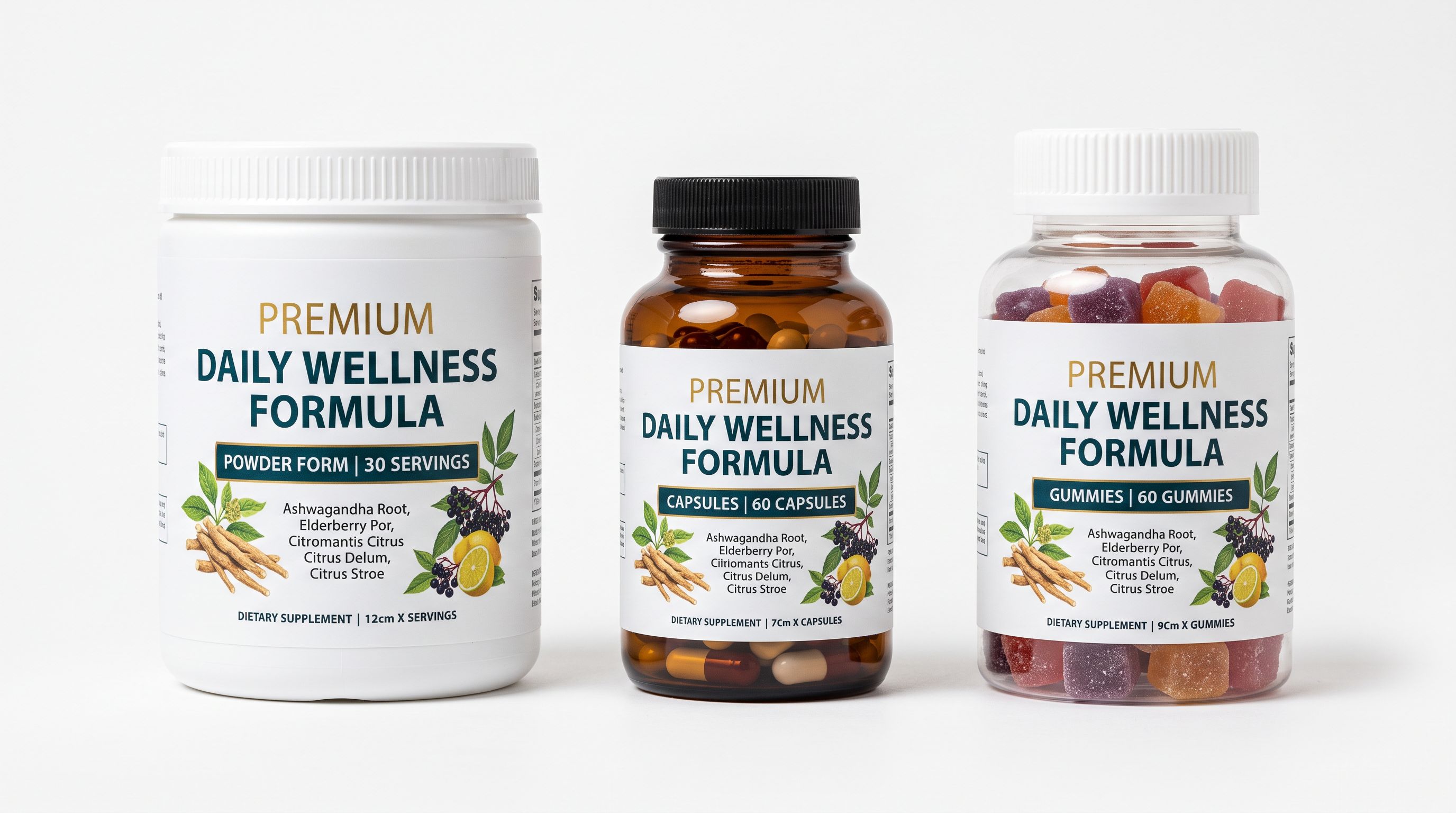
**Form as a variant or attribute.** The same supplement formula often comes in powder, capsule, and gummies form. Form affects serving method and price, but it is not size or colour. When form is not recognised as a variant axis, powders, capsules, and gummies import as separate unrelated products with no connection in the Shopify catalogue.
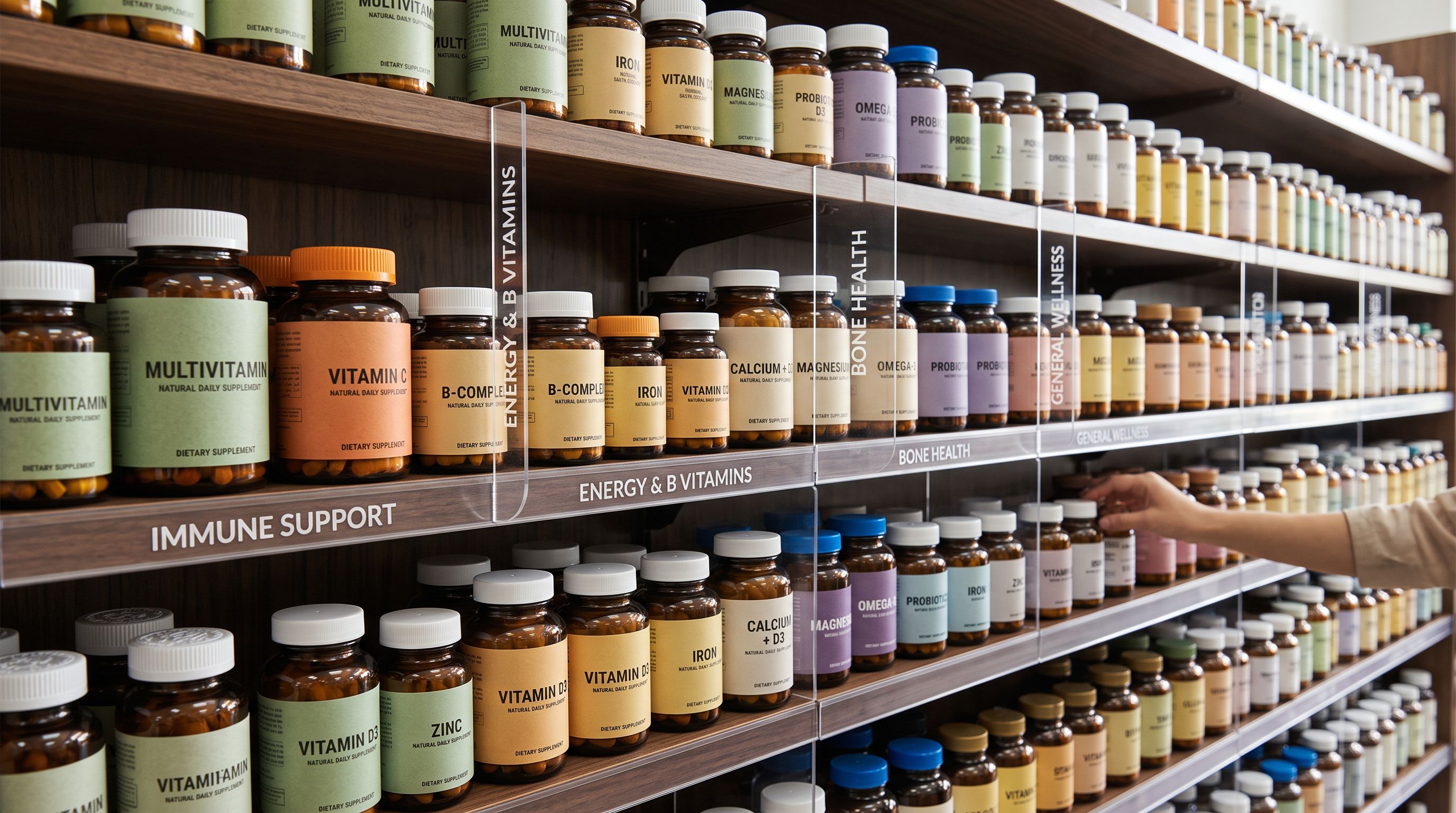
A customer buying a pre-workout supplement reads the caffeine content, the beta-alanine dose, and the artificial sweetener status before they read any marketing copy. If those data points exist only in a description paragraph, the customer cannot filter or compare. They leave and find a store that provides structured data.
## The Ingredient Spotlight Description Style
Importier's 7 description styles produce different outputs optimised for different product types and audiences. For vitamins and supplements, **Ingredient Spotlight** is the purpose-built style.
Ingredient Spotlight generates descriptions that lead with the active ingredient stack before any marketing language. For a protein powder, the generated output starts with the protein source, the amino acid profile, and the per-serve macros. For a multivitamin, it starts with the vitamin and mineral forms (methylfolate vs folic acid, methylcobalamin vs cyanocobalamin) and their doses relative to the recommended daily intake.
This matters because supplement buyers are not reading for entertainment. A buyer comparing three magnesium supplements reads: which form (glycinate, oxide, citrate), what dose, and whether it is third-party tested. Ingredient Spotlight generates descriptions in the vocabulary of those comparisons: bioavailability, chelated forms, elemental vs compound doses, and absorption mechanisms.
**Standard** style produces a balanced overview of what the product is and its key benefits. For supplements, Standard produces readable descriptions but does not foreground the ingredient data that informed buyers prioritise.
**Benefits-First** style works for supplements marketed to general fitness audiences where the customer is not a supplement specialist. "Supports muscle recovery, boosts energy, and reduces soreness" is Benefits-First framing. It works for a mass-market protein range but not for a medical-grade supplement brand where the customer is comparing ingredient forms.
The [supplements and nutrition specialist persona](https://importier.app/blog/shopify-product-description-persona), one of 156 expert personas across 43 industries in Importier, writes with the vocabulary of a sports dietitian or functional medicine practitioner: bioavailable forms, per-serve doses, absorption cofactors, and third-party certification language. A customer who knows the difference between magnesium glycinate and magnesium oxide recognises this vocabulary immediately.
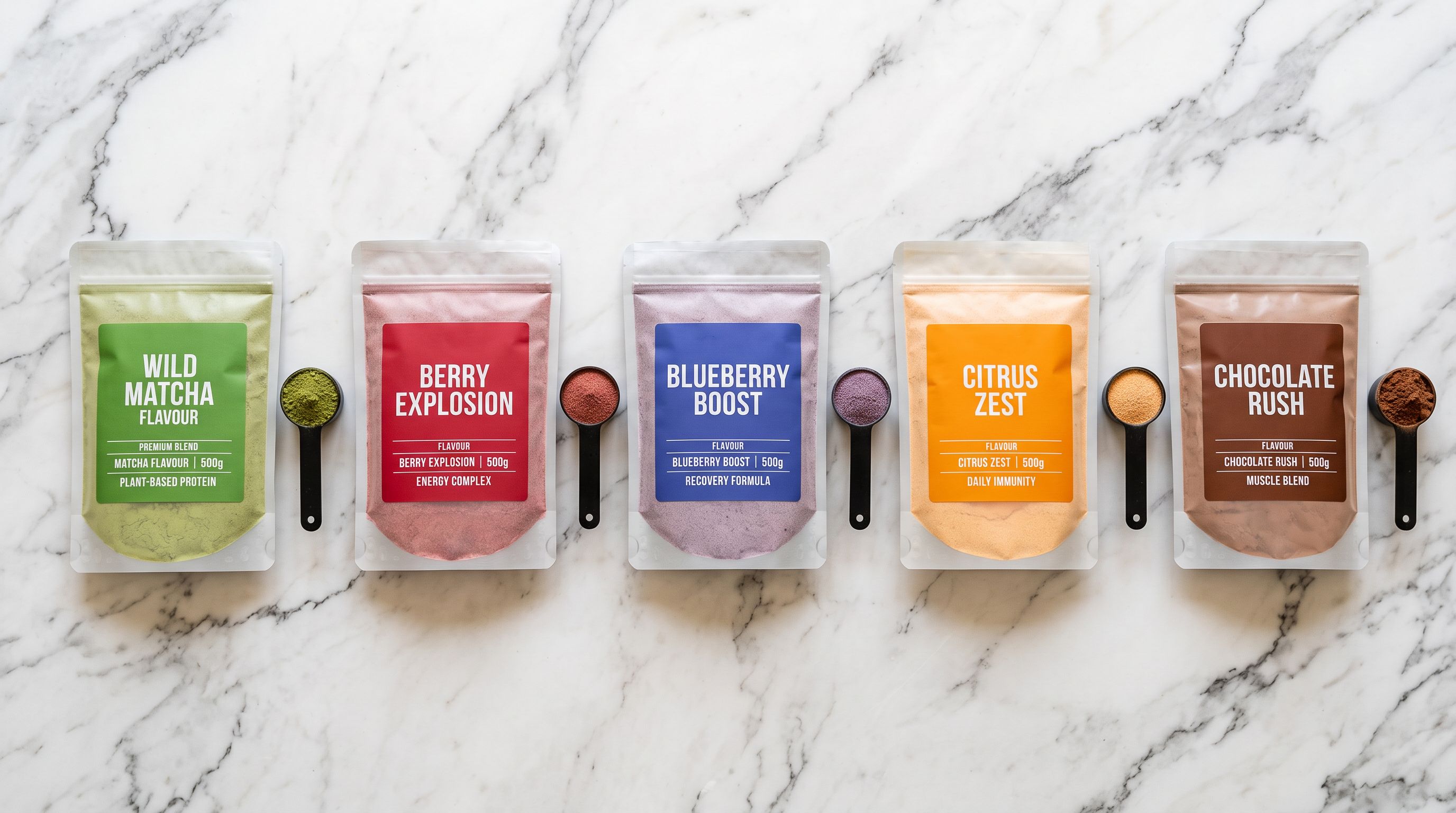
The supplement buyer reads the ingredient panel, not the tagline. A description that leads with "fuel your performance" without stating the protein source, the amino acid profile, and the per-serve dose is a description that sends that buyer to a competitor.
## The Health and Wellness Industry Pack at Import Time
Importier's [22 Industry Packs](https://importier.app/blog/shopify-industry-packs) are built on Shopify's Standard Product Taxonomy. The Health and Wellness Industry Pack covers the attribute set for dietary supplements, vitamins, protein powders, and functional food products.
At the category metafields step of the 14-step import wizard, the Industry Pack reads each product's available data and maps it to the taxonomy's approved attribute vocabulary. For a supplement import, the pack populates:
- **Flavour** (from the taxonomy's approved flavour vocabulary: Chocolate, Vanilla, Strawberry, Unflavoured, and dozens of others)
- **Form** (powder, capsule, tablet, softgel, gummies, liquid, bar)
- **Net weight** and **serving size** from the product data or enrichment context
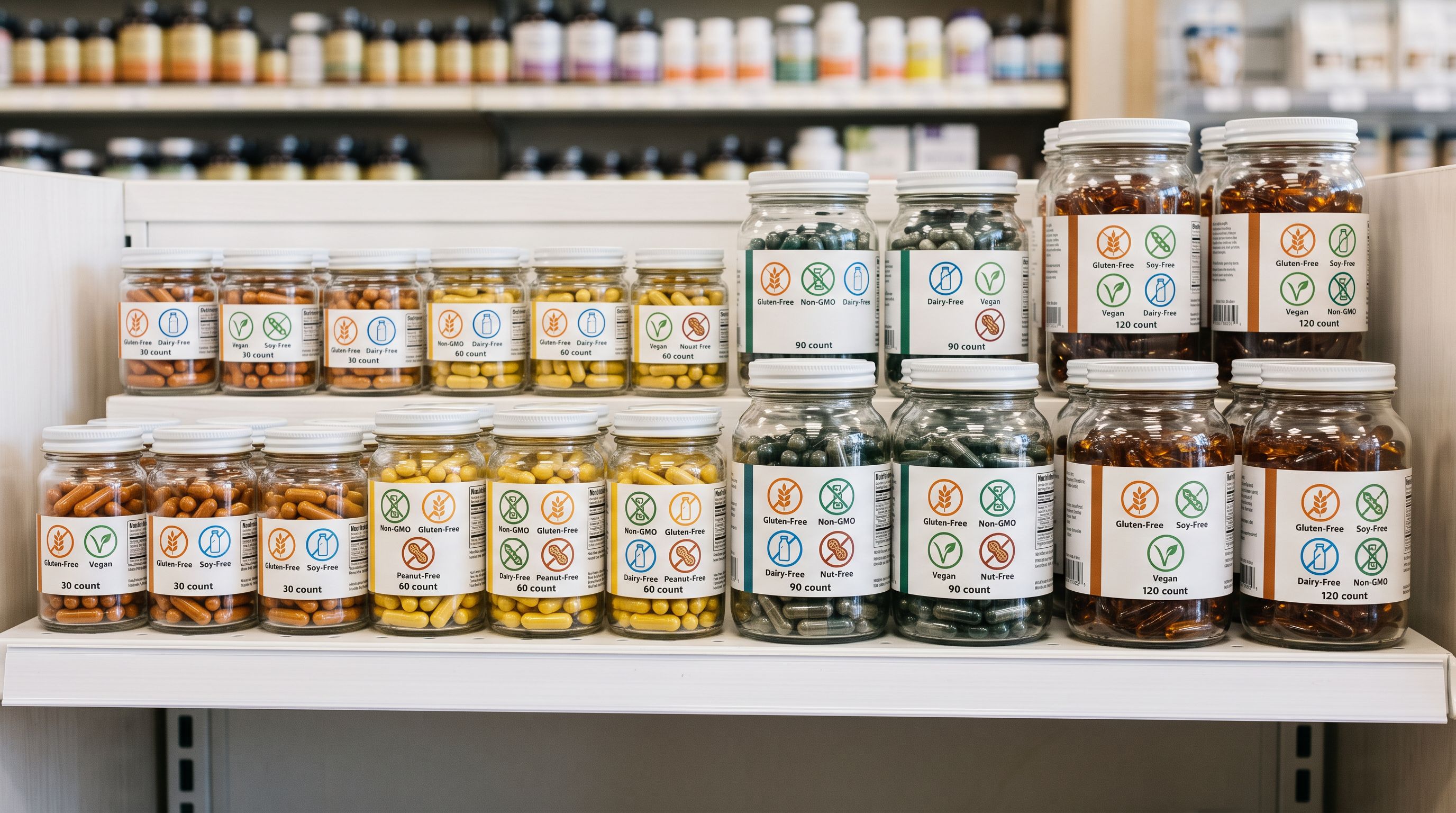
- **Allergen information** (dairy-free, gluten-free, soy-free, nut-free) as structured attribute pills
- **Age group** (adult, senior, children, all ages) where specified
- **Dietary certifications** (vegan, vegetarian, halal, kosher) where the product data includes them
- **Target user** (men, women, unisex) for gender-marketed supplement lines
The FDA-required disclaimer ("This statement has not been evaluated by the Food and Drug Administration. This product is not intended to diagnose, treat, cure, or prevent any disease") cannot be stored as a taxonomy attribute because it is a fixed regulatory text, not a variable product attribute. It is stored as a custom text metafield that the storefront template displays consistently beneath every supplement product description. This approach satisfies the [FDA's requirements for dietary supplement labelling and advertising](https://www.fda.gov/food/dietary-supplements/dietary-supplement-labeling-guide) while keeping the disclaimer out of the product description where it would disrupt the ingredient-first content structure.
## Variant Detection for Supplement Catalogues
Importier's 150+ variant detection patterns span 15+ industries, with Flavour, Volume, Weight, and Pack Size as named pattern categories. For supplement catalogues, variant detection handles several configurations that standard retail patterns do not cover.
**Flavour variants.** Chocolate Fudge, Double Chocolate, and Dark Chocolate in a protein range are distinct flavours, not the same variant with different names. Variant detection distinguishes product-level flavours (Chocolate vs Vanilla as separate options) from sub-variant naming conventions within a flavour family. The detection patterns recognise the primary flavour axis across 50+ named flavours in the supplements domain.
**Size and serving count variants.** Protein powders in 1lb, 2lb, and 5lb sizes, and capsule supplements in 30, 60, 90, and 180 count configurations, need the size/count axis as the price-differentiating variant option. The Weight and Pack Size pattern categories detect these groupings across the most common supplement size notations.
**Form variants.** When the same supplement formula is available as a powder and a capsule, form is a variant axis if price differs by form. If price is the same, form may be better stored as an attribute rather than a variant option. The import wizard allows the merchant to define whether form creates a separate variant option or appears as a taxonomy attribute. For a product range where the capsule costs more than the equivalent powder serving, form as a variant axis preserves the correct price relationship.
## After Import: Building Supplement-Ready Collections
Once supplement products arrive in Shopify with structured metafields, the catalogue supports the filtering and comparison workflows that informed buyers expect.
**Allergen-filtered collections.** A Smart Collection conditioned on `allergen = dairy-free` pulls every dairy-free product across the full range, including protein powders, pre-workouts, and vitamins. For a supplement store serving customers with dietary restrictions, this collection updates automatically as new products are imported.
**Form-based navigation.** Customers who prefer capsules over powders navigate differently to customers building meal plans. A Smart Collection conditioned on `form = capsule` gives capsule-preferring buyers a filtered view of the full range, without manual curation as new SKUs arrive.
**Certification collections.** Vegan customers searching for certified vegan supplements get a relevant collection when `dietary = vegan` is a structured attribute on every qualifying product. The same attribute feeds [Shopify's Standard Product Taxonomy](https://shopify.dev/docs/api/admin-graphql/latest/objects/TaxonomyAttribute) for Google Shopping categorisation, which surfaces the product correctly when a customer searches for "vegan protein powder" in Google Shopping.
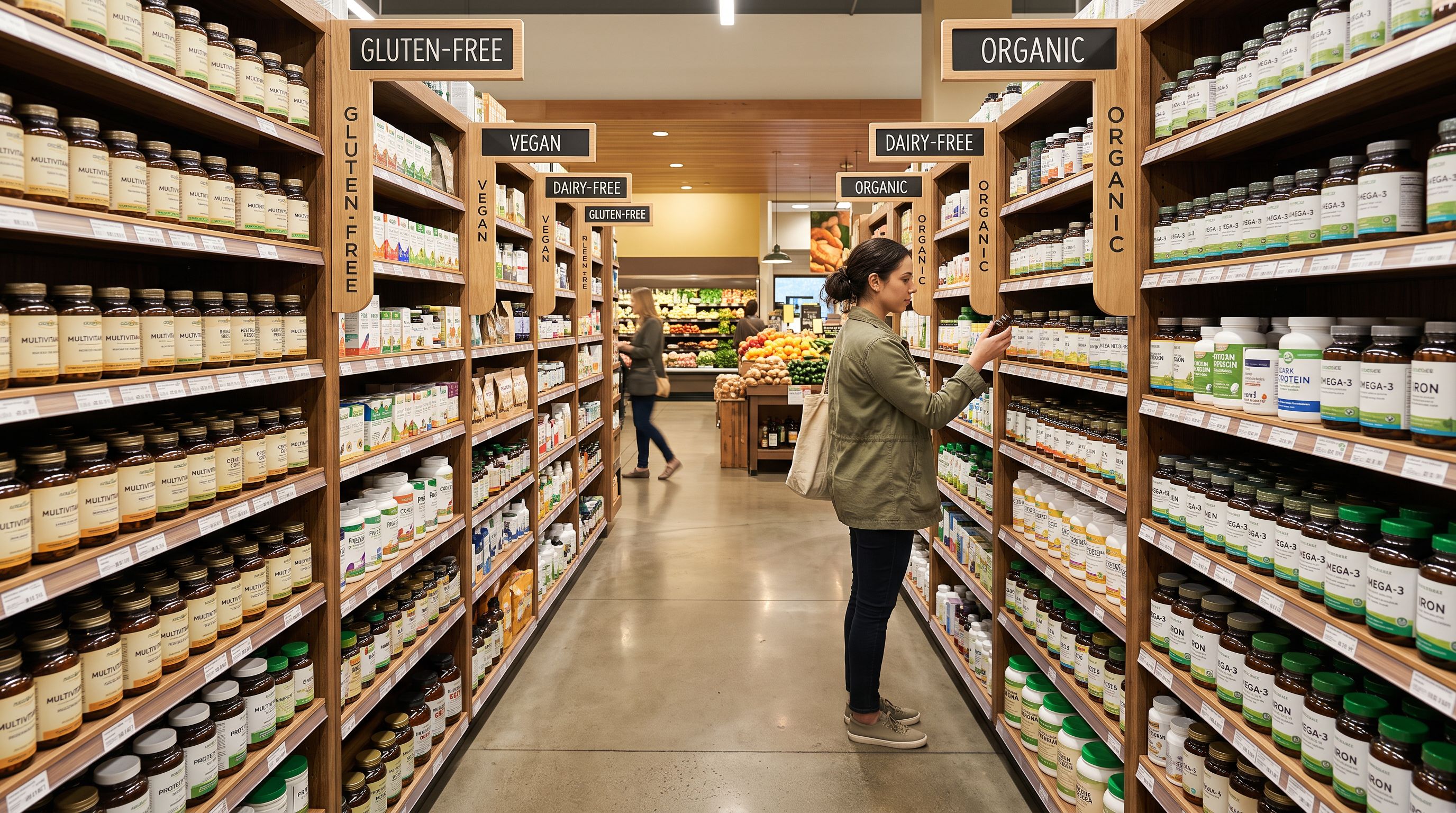
Ingredient data in a description paragraph cannot power a "compare" feature, a filtered search, or a personalised recommendation. The same data stored as a metafield is queryable, sortable, and exportable for compliance reporting. The import is where this choice is made. Retrofitting structured metafields across a 60-product catalogue after the fact takes hours; doing it at import time takes the same effort as importing without it.
## Shopify Vitamins and Supplements Import: Key Takeaways
A shopify vitamins supplements import succeeds when flavour, size, form, ingredient data, and allergen status reach Shopify as structured, queryable fields rather than text in a description.
- Supplement catalogues introduce multi-axis variant groupings (flavour × size × form) that standard imports flatten into separate product listings. Importier's 150+ variant detection patterns group these correctly, producing products with variant grids at the right price points.
- Ingredient Spotlight description style leads with the active ingredient stack, dose, and form before marketing language. This matches how informed supplement buyers evaluate products.
- The supplements and nutrition specialist persona (one of 156 across 43 industries) writes with the vocabulary of bioavailability, chelated forms, elemental doses, and third-party certifications.
- Importier's Health and Wellness Industry Pack (one of 22 Industry Packs built on Shopify's Standard Product Taxonomy) populates flavour, form, net weight, allergen status, and dietary certifications as structured attribute pills at import time.
- The FDA disclaimer is stored as a custom storefront metafield, not in the product description, so it displays consistently without disrupting the ingredient-first content structure.
- After import, Smart Collections conditioned on allergen, form, and dietary certification attributes automatically populate and update as new products are added.
Import your supplement catalogue at [importier.app](https://importier.app). Importier's 14-step import wizard handles flavour and size variant grouping, Ingredient Spotlight descriptions, and Health and Wellness metafields in a single import run.