# Shopify Variant Detection: How Importier Groups SKUs at Import
> Supplier CSVs list one row per SKU. Importier's variant detection groups those rows into correctly structured Shopify products with options and variants.
- Published: 2026-08-20
- Author: Importier Team
- Category: Import Guides / File Imports
- Canonical: https://www.importier.app/blog/shopify-variant-detection-import
---
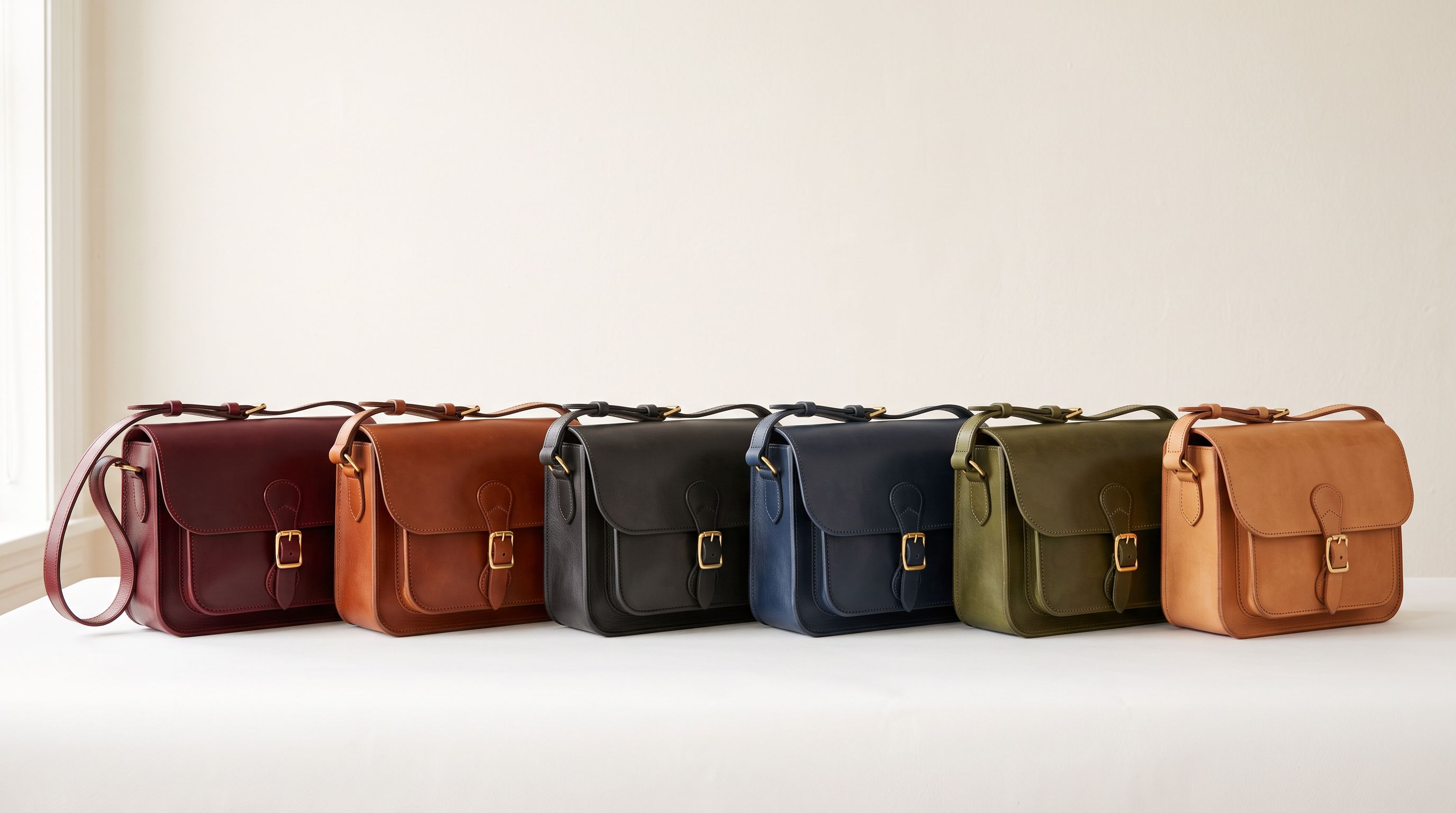
A fashion accessories merchant downloads a supplier price list as a CSV. The file has 480 rows: one per SKU. The product range consists of 40 bag styles, each available in four colours and three sizes. Every combination has its own SKU, its own barcode, and its own row in the CSV.
When the merchant imports this file into Shopify using the native importer, the result is 480 separate Shopify products: one per row. Customers see 480 individual items in the store rather than 40 products with selectable colour and size options. Navigation breaks. The search index fills with near-identical listings. Collections become unmanageable.
Fixing this manually means restructuring 480 rows into Shopify's multi-variant CSV format: identifying which rows belong together, extracting the colour and size from each SKU or title, assigning them as option values, and re-ordering the file so variant rows follow their parent. For 40 products × 12 variants each, that is several hours of spreadsheet work before a single product reaches Shopify correctly.
Importier's shopify variant detection runs during the import preview step. It reads the flat supplier CSV, identifies which rows are variants of the same product, extracts the option values (colour, size, material, or whatever the pattern reveals), groups them into parent products, and presents the grouped result in the Import Review step before any product is pushed to Shopify.
## Why Flat CSVs Create One Product Per Row
Suppliers export product data from their own systems: ERPs, warehouse management software, or their own Shopify stores. Those systems are optimised for inventory tracking, not for the Shopify storefront format.
From an inventory perspective, each SKU is a distinct item. A navy shoulder bag in size medium (SKU: BAG-NVY-M) and the same bag in size large (SKU: BAG-NVY-L) are two inventory records, each with its own barcode, stock quantity, and pick location. The supplier's CSV reflects this: one row per SKU.
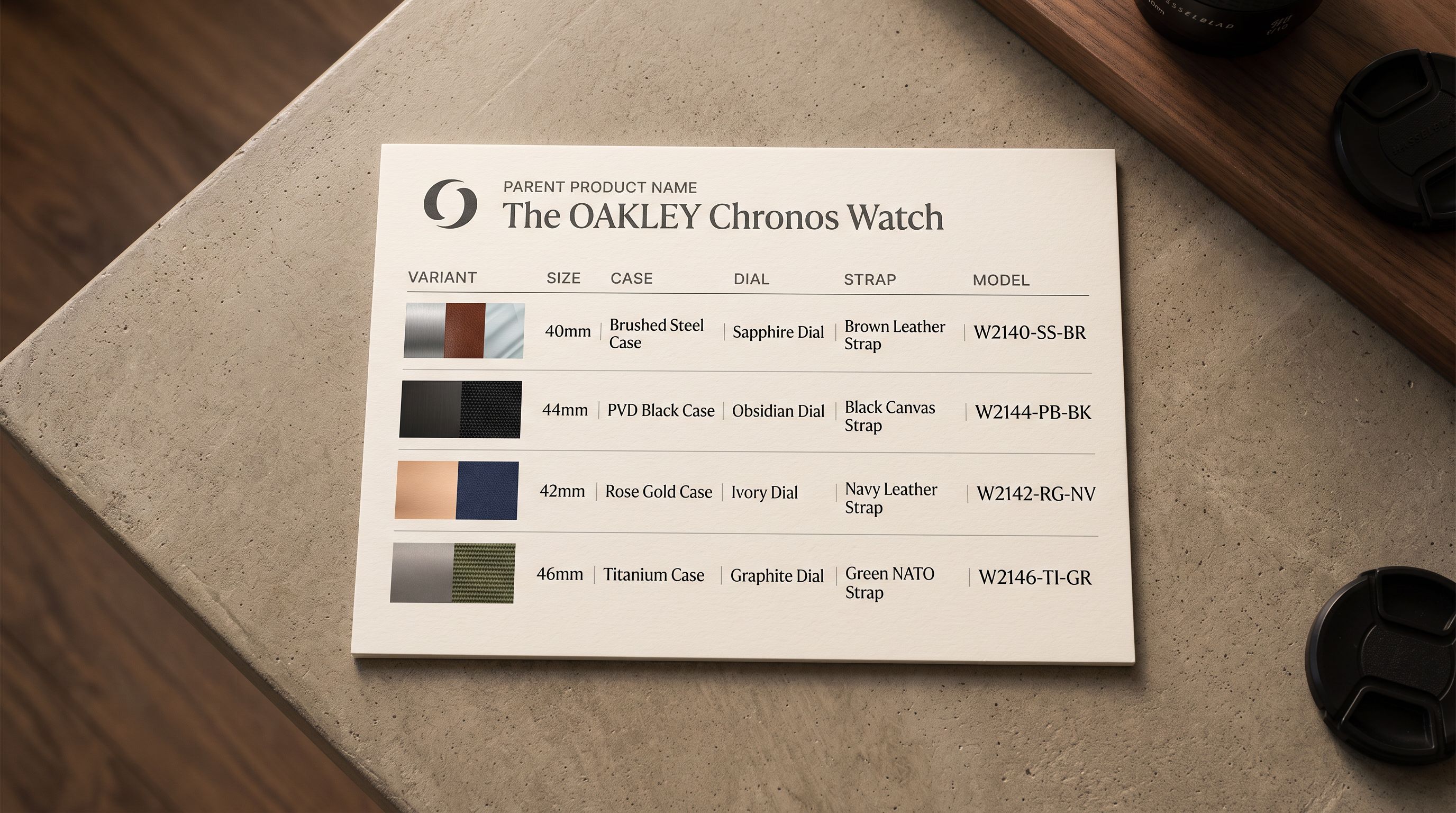
[Shopify's product variant structure](https://help.shopify.com/en/manual/products/variants) works differently. A Shopify product is the parent entity with a title, description, and images. Variants are child records under the product, each with their own SKU, price, and inventory quantity. The parent product holds the option definitions (Size, Colour); each variant holds the specific option values (Medium, Navy).
When Shopify's native importer encounters a flat CSV without explicit parent-child grouping, it reads each row as a new product. The importer has no mechanism to detect that rows 1-12 are all variants of the same bag and should be merged into one Shopify product. It creates 12 separate products.
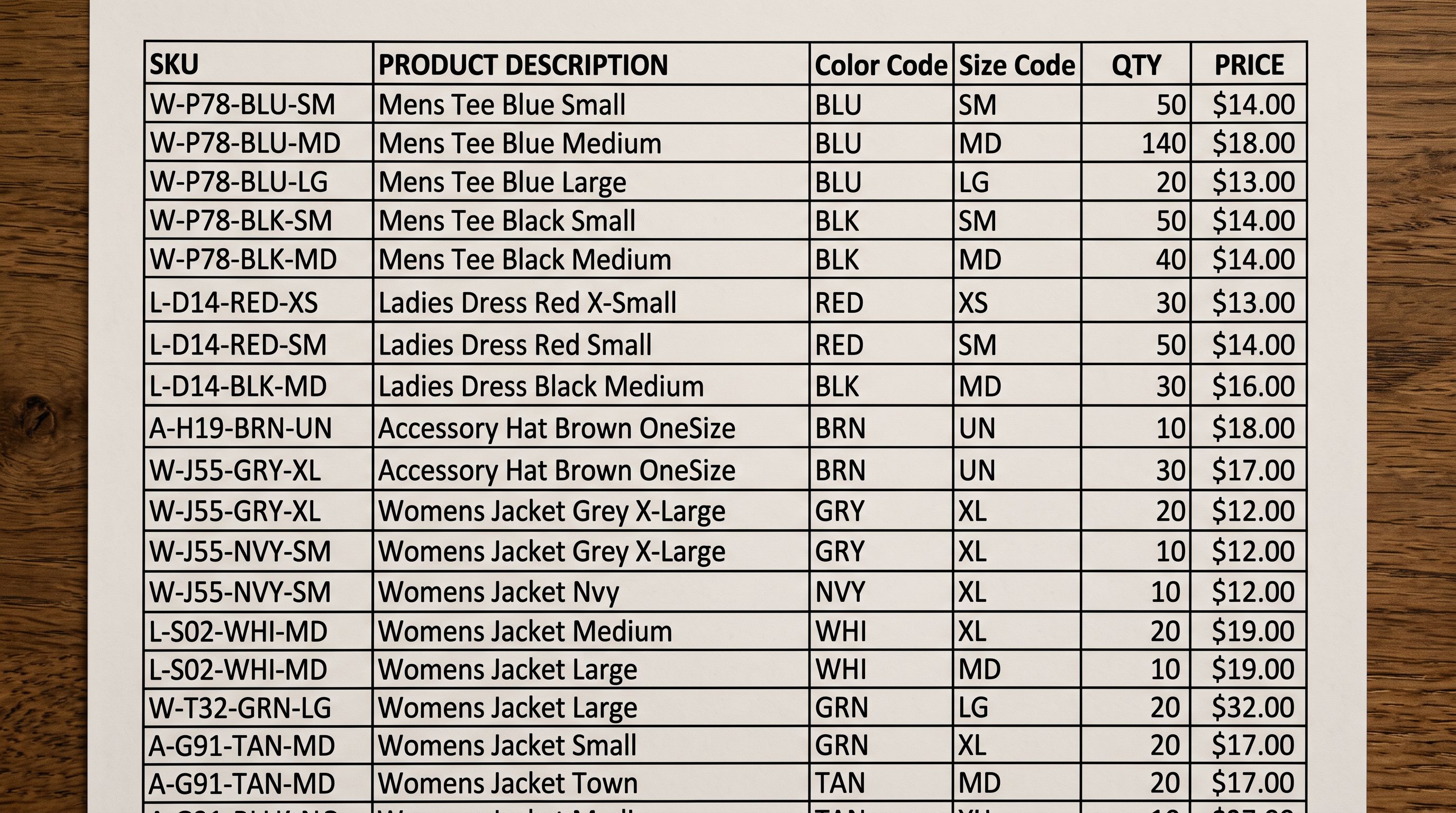
Not every flat import is a problem. A merchant importing 200 unique products, each with only one variant (no size, no colour options), expects one Shopify product per CSV row. Importier's variant detection distinguishes between genuinely single-variant products and rows that should be grouped. A product row with no detectable variant pattern (no colour or size suffix in the title or SKU, no matching sibling rows) imports as a single product. Detection runs selectively: it groups what can be grouped and leaves the rest as individual products.
## How Importier Detects Variants
Importier uses 150+ detection patterns across 15+ industries to identify which rows in a flat CSV belong together as variants of the same product.
The detection runs in two stages.
**Stage 1: Product family identification.** Importier looks for rows that share a common base title or SKU prefix with only a variant suffix differing. "Women's Linen Blazer - Small" and "Women's Linen Blazer - Large" share the base "Women's Linen Blazer". "SKU-BLZ-SM" and "SKU-BLZ-LG" share the prefix "SKU-BLZ". Rows that match on the base element are grouped into a candidate product family.
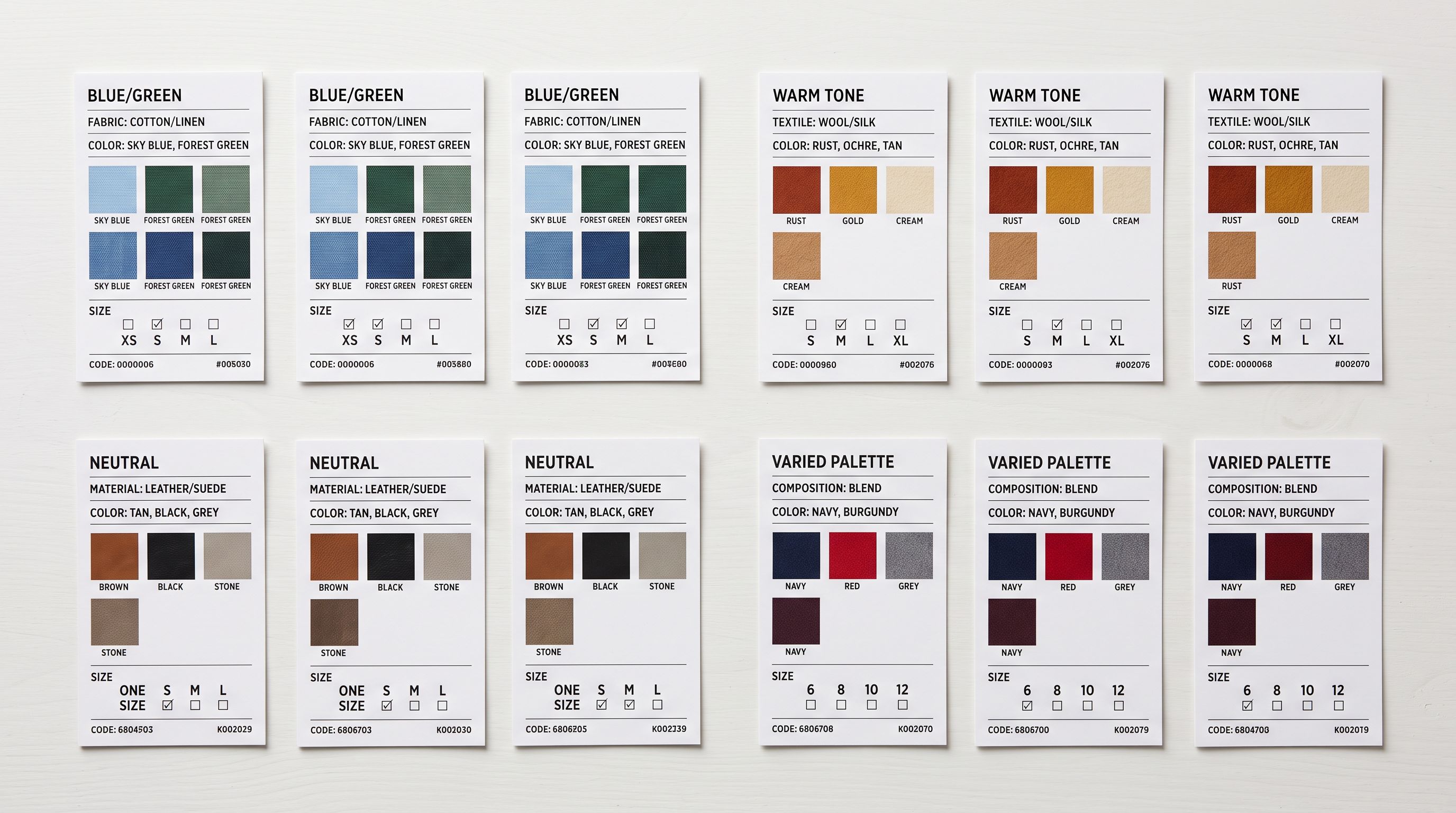
**Stage 2: Option extraction.** Once rows are grouped into families, Importier identifies what varies between them: the suffix or embedded value that makes each row distinct. Common patterns include:
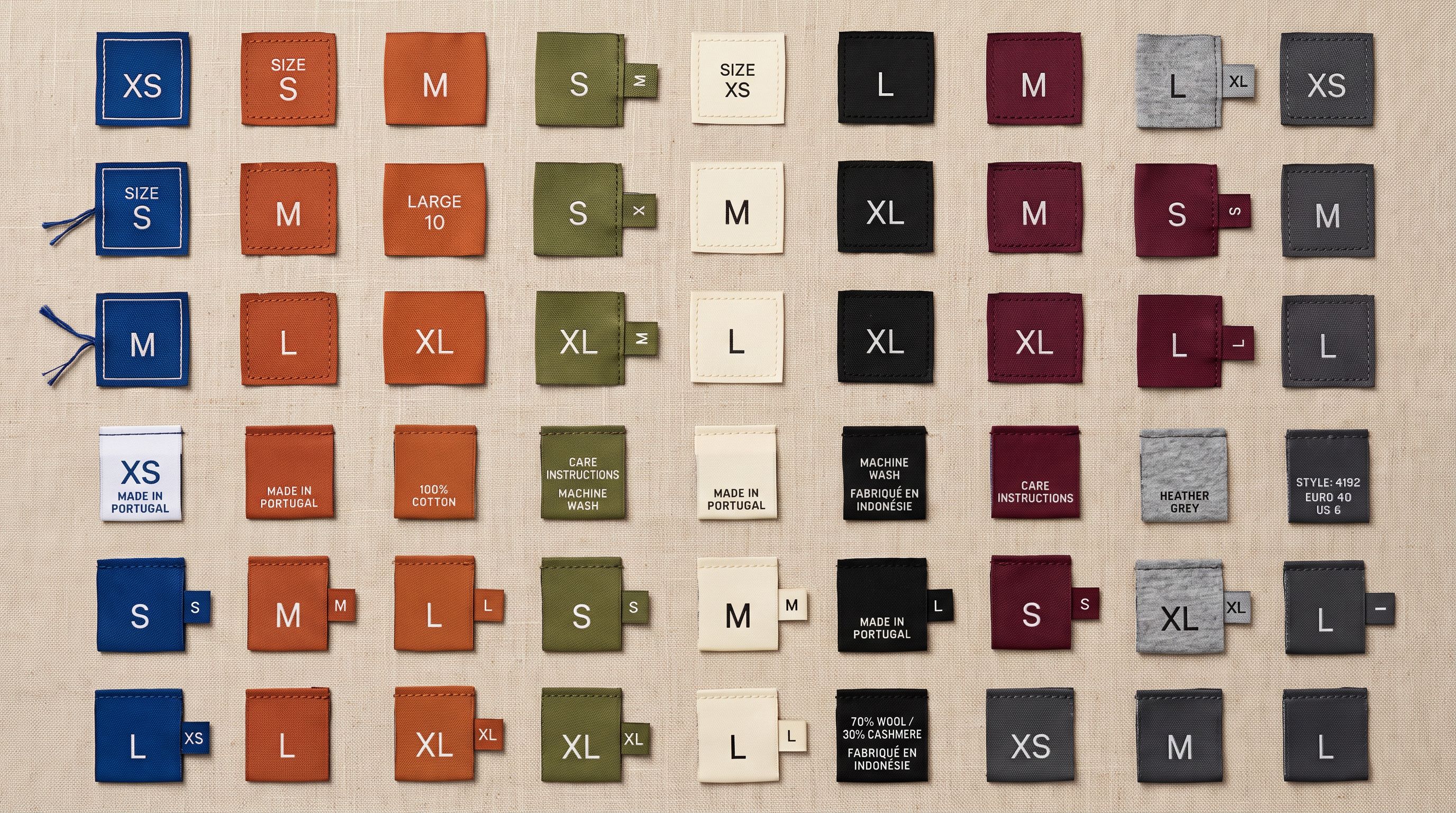
- **Size codes:** S, M, L, XL, XXL, 2XL, 3XL, Small, Medium, Large, US 6, EU 38, 8.5
- **Colour names:** Navy, Red, Black, Charcoal Grey, Off-White, Forest Green
- **Material variants:** Leather, Vegan Leather, Canvas, Nylon
- **Weight or volume:** 250g, 500g, 1kg, 250ml, 500ml
- **Pack sizes:** Single, 3-Pack, 6-Pack
- **Industry-specific patterns:** thread count for bedding, SPF rating for sunscreen, wattage for lighting
The extracted value becomes the variant's option value in Shopify. Importier creates the Shopify option definition (Size, Colour, Material) on the parent product and assigns the correct value to each variant row.
## The Import Review Step
After detection runs, the Import Review step shows the grouped result. The merchant sees 40 product cards rather than 480 individual rows, each card showing the product title, the detected option names (Size, Colour), and the variant rows grouped beneath it.
For each grouped product, the review shows:
- **Product title:** the base name extracted from the variant rows
- **Options detected:** the option names (Size, Colour) and the values assigned to each variant
- **Variant count:** how many variants were grouped under this product
- **SKU and price per variant:** confirming the correct values were preserved
If the detection looks wrong: a product grouped incorrectly, or an option name labelled generically as "Option 1" because the pattern was ambiguous, the merchant can correct it in the review step before pushing. Fixing a grouping mistake in the review step takes seconds. Fixing it in Shopify admin after the push means editing each variant individually across every affected product.
The Import Review step shows variant groupings before a single product reaches Shopify. Mistakes caught in review cost seconds to fix; mistakes caught after import cost hours.
## 150+ Patterns Across 15+ Industries
Importier's 150+ variant detection patterns are organised by industry because the vocabulary of variation is industry-specific.
**Fashion and apparel:** size conventions differ by region and product type. A clothing size "S" in Australia may be labelled "8" (AU standard), "36" (EU), or "6" (US). Importier's apparel patterns recognise all three conventions and treat them as size variant values. Shoe sizes follow the same principle: AU, US, EU, and UK conventions are all detected as footwear size variants without the merchant having to specify which convention the supplier uses.
**Food and beverage:** products vary by weight, volume, and pack size. A coffee product sold in 250g, 500g, and 1kg bags has three variants distinguished by weight. A condiment sold in 250ml and 500ml bottles has two variants distinguished by volume. Both patterns are detected without treating them as separate products.
**Homewares and furniture:** products vary by finish, material, and dimension. A dining chair available in oak, walnut, and painted white has three material variants. A bookshelf available in 3-shelf and 5-shelf configurations has two dimension variants. Importier's homewares patterns detect these without requiring the merchant to define the variant structure in advance.
**Health and beauty:** products vary by size, scent, formulation, and SPF rating. A moisturiser sold in 30ml, 50ml, and 100ml sizes has three volume variants. A sunscreen sold in SPF 30 and SPF 50 has two formulation variants. Both are standard patterns in the health and beauty category.
## What Happens With Unrecognised Patterns
When Importier encounters a row pattern it does not recognise as a known variant structure, it does not guess. The row imports as a standalone product. The merchant can review unmatched rows in the Import Review step and manually specify how they should be grouped if needed.
For merchants whose suppliers use proprietary internal codes as variant identifiers (for example, a SKU suffix like "-V1", "-V2", "-V3" that means Small, Medium, Large internally but has no dictionary mapping), Importier's column mapping step lets the merchant define a custom transformation. The vendor-specific suffix maps to Importier's size option, and the detection applies that mapping to all rows in the import.
This matters for long-term import reliability. A merchant who imports from the same supplier every month does not want to manually correct unrecognised patterns each time. Saving the custom mapping in an import profile means the next import from the same supplier applies the same transformation automatically.
Read more about [how import profiles save custom column mappings for repeat supplier imports](https://importier.app/blog/shopify-import-profiles) for the full picture of setting up a reusable import configuration.
## Variant Pricing After Detection
When Importier groups rows into a parent product with variants, each variant's price is preserved from the original CSV row. A supplier file where different sizes carry different prices, a common practice for clothing and footwear, import with the correct per-variant price in Shopify.
If the supplier CSV has the same price across all variants (flat pricing regardless of size or colour), Importier sets the same price on every variant under the product. No price information is lost or averaged.
[Shopify's product import guide](https://help.shopify.com/en/manual/products/import-export/import-products) documents the expected column format for variant pricing in the native CSV. Importier's column mapping step translates supplier price columns, whether they are named "Price", "RRP", "Wholesale price", or something else, to Shopify's Variant Price field before any pricing data is pushed.
For merchants who discover variant prices were set incorrectly after an import, the Pricing export preset exports all variant prices to a CSV for review and bulk correction. Read more about [what to do when variant prices import incorrectly](https://importier.app/blog/shopify-variant-price-wrong-after-import) for the full fix workflow.
Variant detection runs on every import that contains flat SKU rows. There is no separate mode to activate.
## Key Takeaways
Importier's shopify variant detection identifies which rows in a flat supplier CSV belong together as variants of the same product, groups them into correctly structured Shopify products, and presents the result for review before anything is pushed.
- **Flat CSVs create one product per row in Shopify:** the native importer has no mechanism to detect variant families. Importier's detection fills this gap without requiring the merchant to restructure the file first.
- **150+ patterns across 15+ industries:** detection covers size, colour, material, volume, weight, pack size, and industry-specific patterns (footwear sizing conventions, thread counts, SPF ratings). The pattern library is organised by industry because the vocabulary of variation differs between product categories.
- **Import Review confirms groupings before pushing:** the merchant sees the detected variant structure before any product reaches Shopify. Corrections made in review take seconds; corrections made in Shopify admin after import can take hours.
- **Custom mappings for proprietary codes:** when a supplier uses vendor-specific codes as variant identifiers, a column mapping rule translates those codes to Shopify options. Saved in an import profile, the mapping applies automatically on every subsequent import from the same supplier.
- **Per-variant pricing is preserved:** each variant row's price carries through from the supplier CSV to the Shopify variant record, including price differences between sizes or colours.
Import and structure your variant catalogue at [importier.app](https://importier.app).