# Shopify Translate and Adapt: Fix the Source Content First
> Shopify Translate and Adapt translates whatever product content exists. Thin or supplier-written descriptions produce bad translations. Here is the fix.
- Published: 2026-07-24
- Author: Importier Team
- Category: Store Management / SEO & Discoverability
- Canonical: https://www.importier.app/blog/shopify-translate-adapt-product-data
---
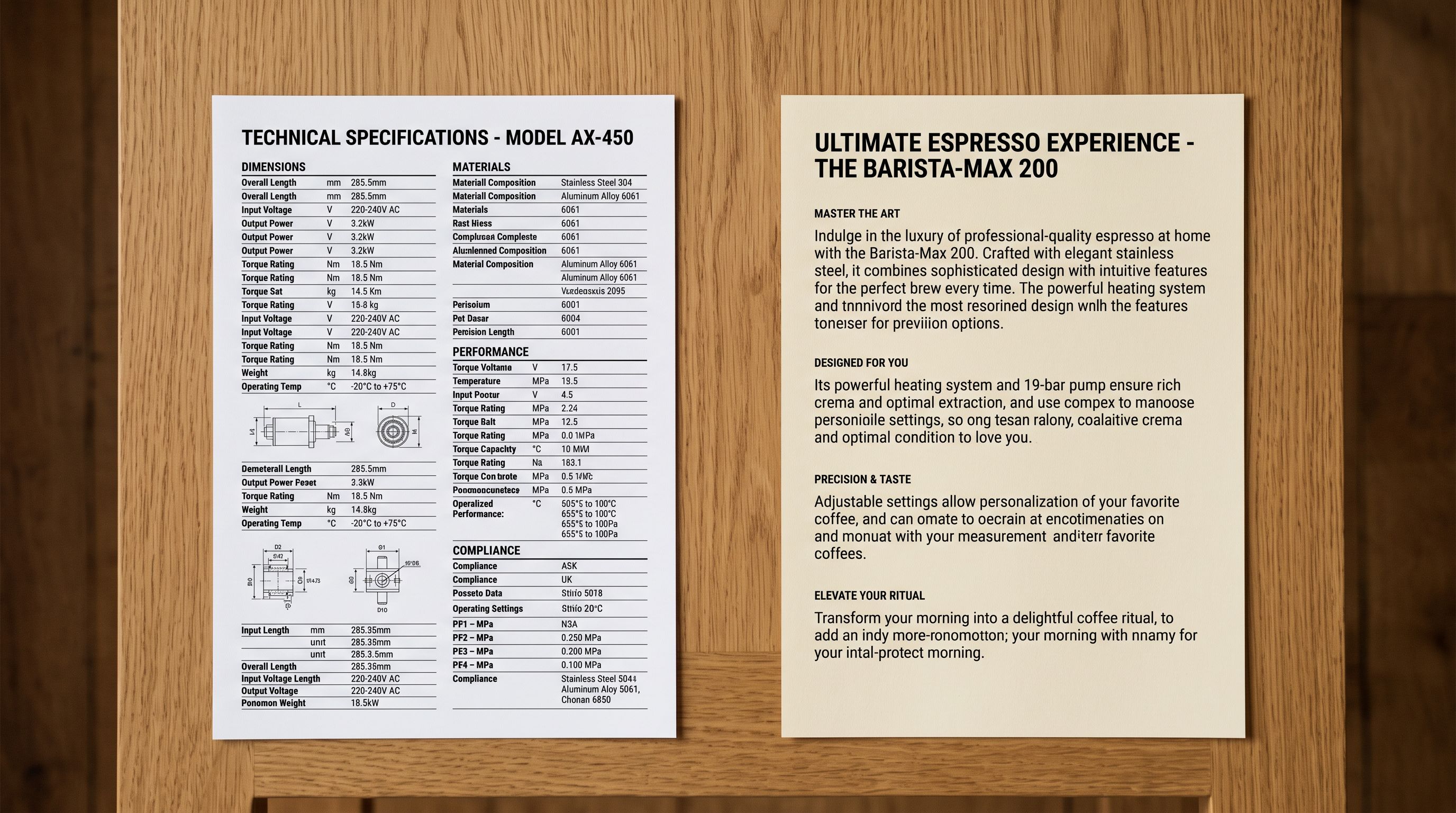
A homewares merchant enables French and German in Shopify Markets and installs Shopify Translate and Adapt to localise the store for those markets. The app translates all 400 product descriptions overnight. The merchant reviews a sample of the French output and finds the translations are unusable: fragmented sentences, repeated words, literal translations of English idioms that make no sense in French, and product names that appear untranslated in the middle of otherwise French paragraphs.
The Shopify Translate and Adapt app did exactly what it was designed to do. The problem is that the source content, copied from the supplier catalogue two years earlier, was never written as proper product descriptions. It was specification data, partially formatted, with English phrases mixed into what appeared to be machine-translated copy from the manufacturer's original Chinese documentation.
Shopify Translate and Adapt product data quality depends entirely on the quality of the source content it translates. The app cannot fix a bad description. It can only translate one.
## What Shopify Translate and Adapt Does (and Does Not Do)
Shopify Translate and Adapt is a Shopify-native app that translates store content into additional languages for markets served through Shopify Markets. For product content, the app translates the title, description, handle, SEO title, and SEO description of each product. It connects to a translation provider (Shopify's built-in AI translation or a third-party service) and generates target-language versions that merchants can review and edit.
Translate and Adapt works by reading your existing product content and producing a translated version. It cannot infer product details that are not in the source, fix structural problems in the description, or fill gaps in product information. The output ceiling is the quality of the input.
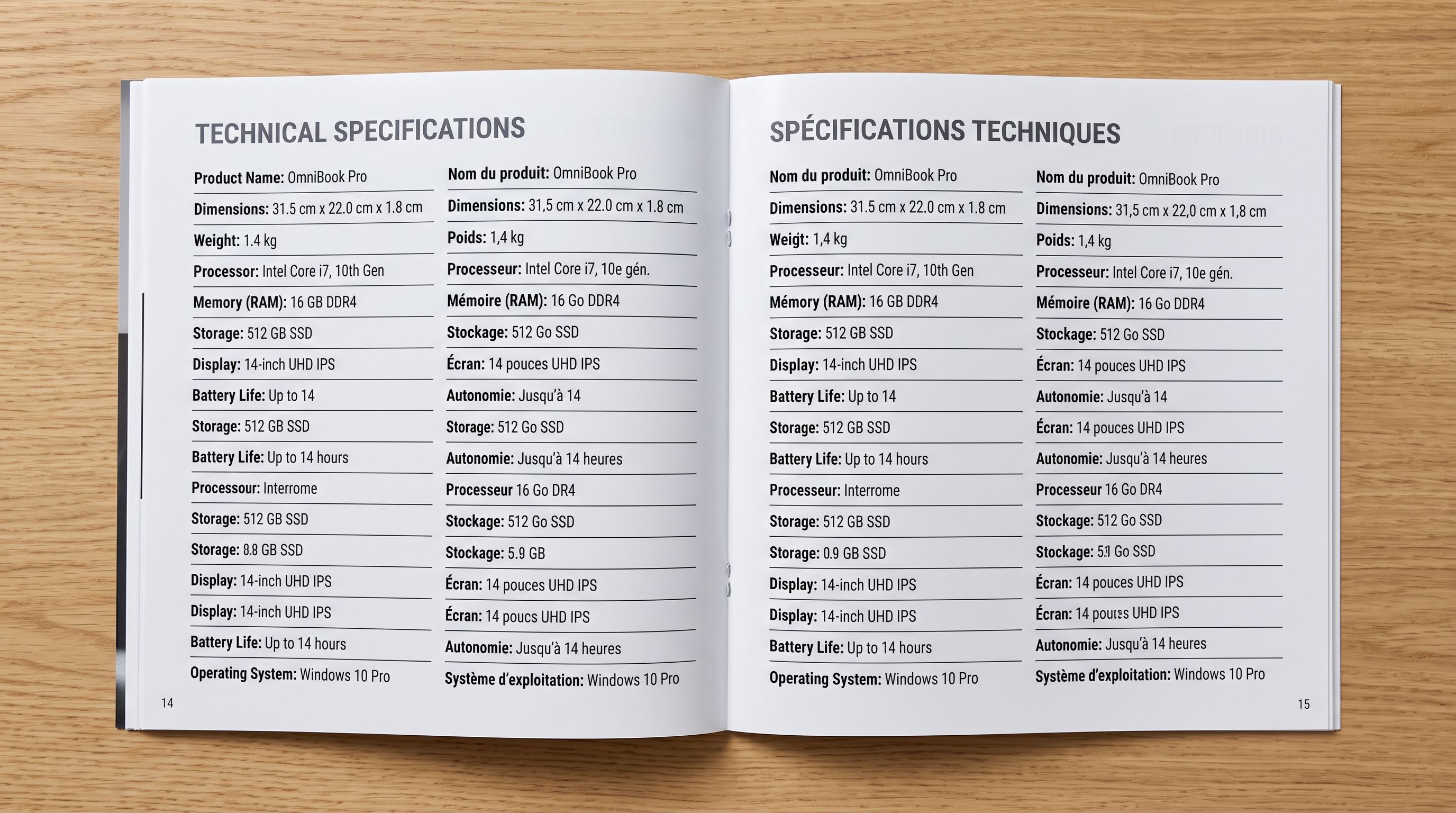
The practical implication: a product description that is thin, broken, or inconsistently structured in English produces a thin, broken, and inconsistently structured French or German description. A description written in fragmented English ("High quality. Many features. Good for all. Order now.") produces equivalent fragments in the target language. The problem is not the translation. The problem is the source.
According to [Shopify's documentation on Translate and Adapt](https://help.shopify.com/en/manual/markets/languages/translate-and-adapt-app), the app is designed for merchants who already have quality store content in their primary language and need to localise it for additional markets. The prerequisite for good translations is good source content.
## Three Source Content Problems That Break Translation
Merchants who discover translation problems after enabling a new market typically trace the issue to one of three root causes.
**Supplier-copied descriptions with broken structure.** Supplier catalogues are written for B2B buyers, not end consumers. The copy tends to list specifications in a fragmented format: "Material: polyester 60% cotton 40%. Weight: 450GSM. Available in sizes S, M, L, XL, XXL." When translated into French, this produces an equally fragmented French specification list that reads as catalogue data, not a product description a retail customer would engage with.
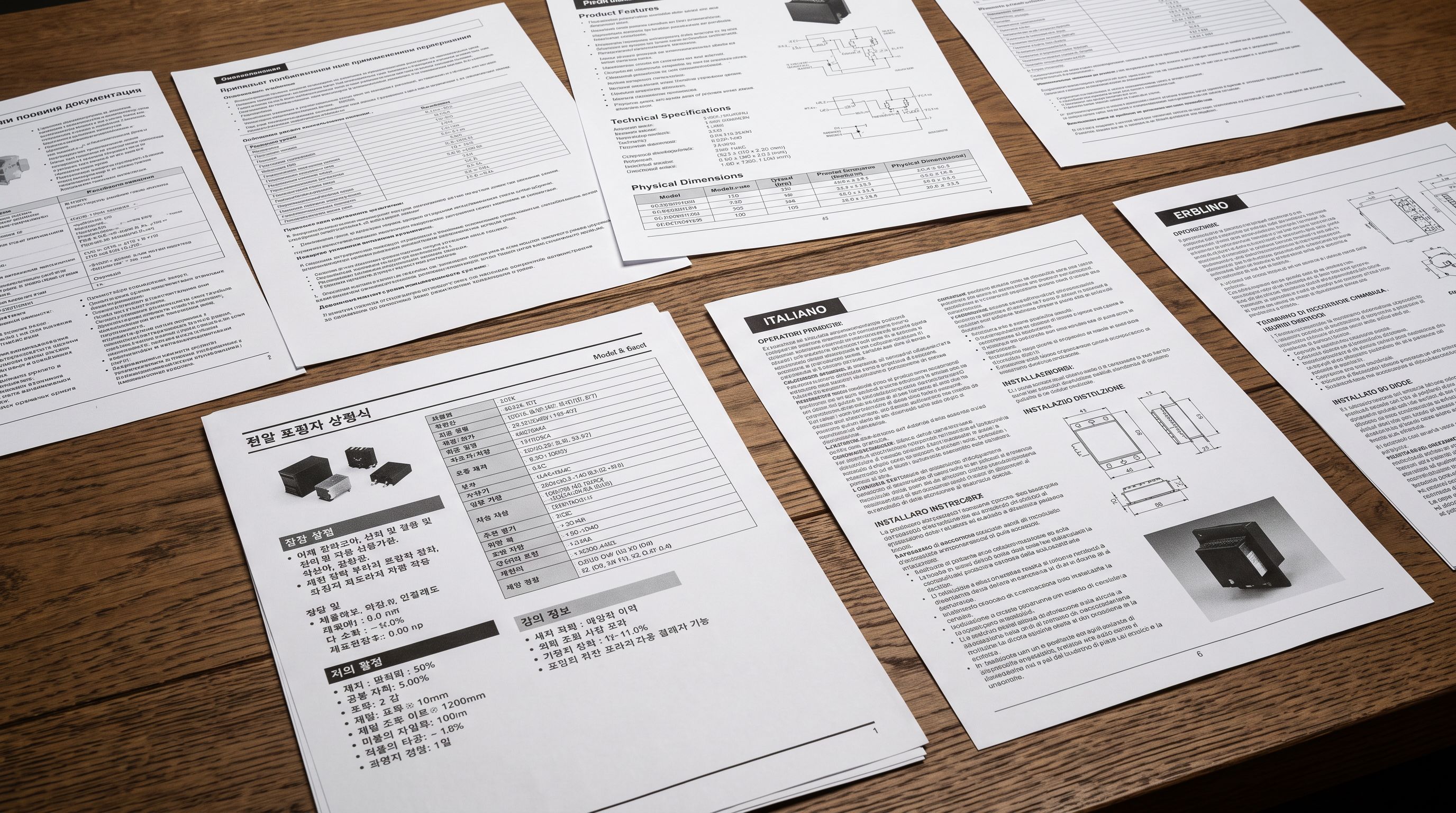
**Foreign-language source content.** A merchant importing from a manufacturer in Korea, Italy, or Germany sometimes imports descriptions written in the manufacturer's language and leaves them in the product record. Translate and Adapt treats these as the source language and produces a confusing output: partial Korean text that did not translate correctly, embedded in an otherwise French product page.
**Inconsistent vocabulary across the catalogue.** A catalogue where the same product attribute is described differently across products ("high-grade steel" in one listing, "premium stainless alloy" in another, "surgical steel" in a third) produces inconsistent translations. The translation engine cannot harmonise vocabulary that was never consistent to begin with.
All three problems have the same upstream cause: the product content was never reviewed or rewritten before reaching the translation step.
Translation surfaces whatever is in the product record. A supplier description that was written for a purchase order, not a customer, reaches French or German shoppers in its translated form. The language changes. The quality does not improve.
## The Import-First, Translate-Second Workflow
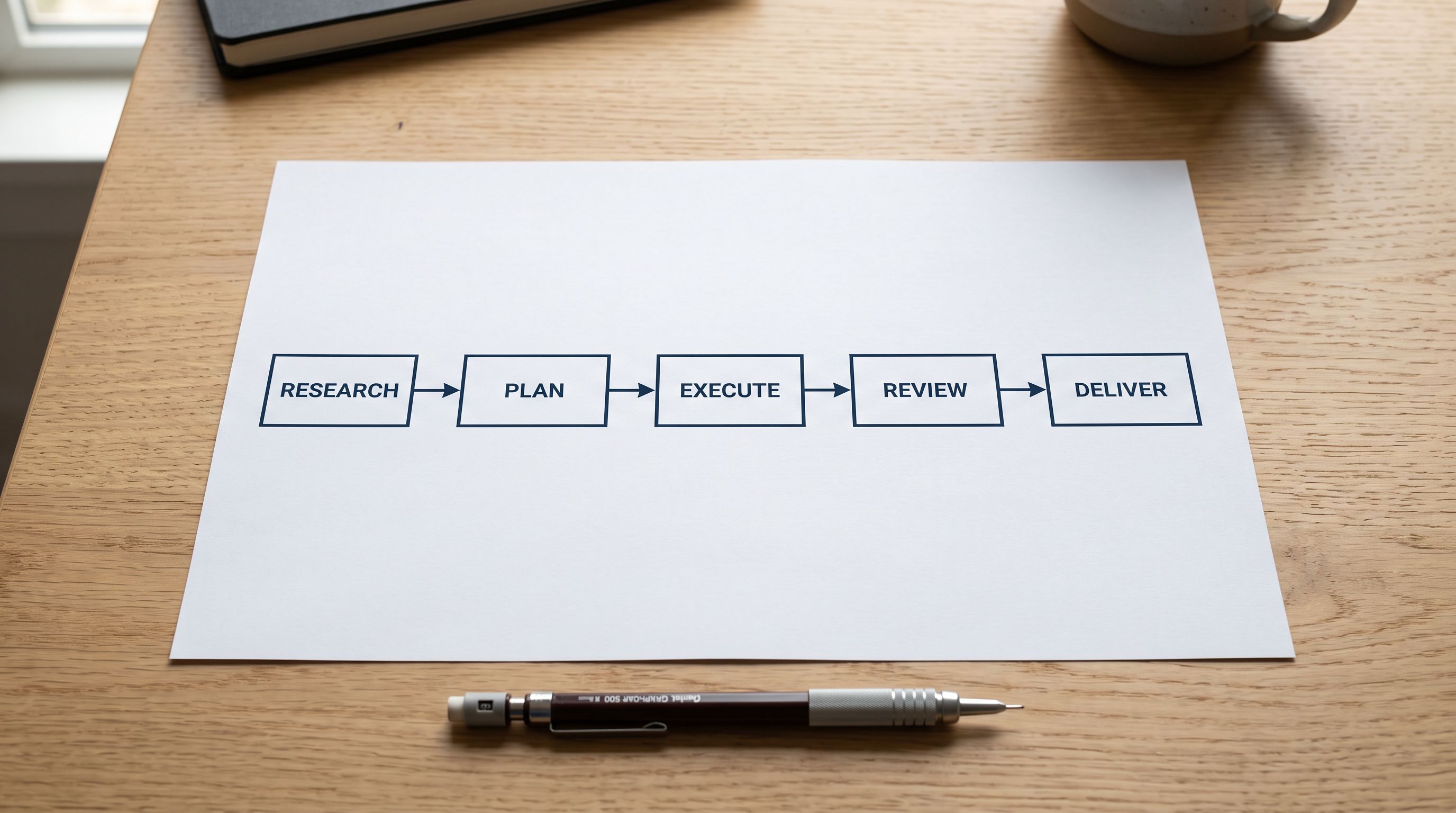
The solution to translation quality problems is to fix the source content before the translation step runs. For merchants who import products from suppliers, the most efficient point to fix source content is at import time, before the products reach the Shopify catalogue.
Importier's AI description generation runs during the 14-step import wizard. At the description generation step, the AI reads the available product data (supplier description, title, specifications, any context the merchant provides) and writes a new description in the merchant's brand voice. The output is clean English prose, consistently structured, and written for a retail customer rather than a B2B buyer.
## Setting the Description Style for Translation Readiness
Not every description style produces equally translation-friendly output. The choice of style affects how the translated content reads in the target language.
**Sensory Rich and Emotional Storytelling** styles use idiomatic English phrases and evocative language. These styles produce compelling English descriptions, but some idiomatic expressions do not translate cleanly. "This throw wraps you in a Sunday morning" is elegant English. Its direct French translation may be less effective. For catalogues targeting multiple European markets, these styles work best when the merchant reviews and lightly edits the English descriptions for translatability before the translation step.
**Benefits-First and Technical Gadget** styles produce structured, factual descriptions with minimal idiomatic content. Feature-benefit lists, specification callouts, and direct product statements translate accurately across languages because they are structured similarly to how product content is written in most markets. For large catalogues going into multiple languages, these styles are the lowest-friction path to quality translations.
**Standard** style is the most neutral. It produces a straightforward description of what the product is and what it does. For merchants who are unsure which style fits best, Standard provides clean source content that translates well across languages without requiring the merchant to make a strong editorial choice.
Importier's [description style guide](https://importier.app/blog/shopify-product-description-styles) covers all 7 styles with product category examples. For a catalogue being prepared for Translate and Adapt, the decision between styles has a translation-quality dimension that pure English readability does not capture.
## What Translate and Adapt Still Requires from the Merchant
Even with clean source content from Importier's import pass, Translate and Adapt requires some merchant input that cannot be automated.
**Brand-specific terminology.** Translation engines do not know which product names, ingredient names, or brand terms should remain untranslated. A skincare brand that markets its hero ingredient by a proprietary name needs to configure that term as "do not translate" in the app's glossary. This is merchant knowledge that lives outside the product data.
**Market-specific regulatory terms.** Some markets require specific legal language in product descriptions. The EU requires certain safety statements on category-specific products. These cannot be handled by translation alone. They require market-specific copy added by the merchant after translation.
**SEO title and meta description localisation.** Translate and Adapt translates SEO titles and meta descriptions, but keyword research in French or German is different from English keyword research. A translated SEO title may not match how French or German shoppers search for the product. For markets where SEO performance matters, translated SEO content often requires a human review pass.
According to [Shopify's Markets documentation](https://help.shopify.com/en/manual/markets), each market can have its own pricing, domains, and language settings. The language layer is one component of a full market configuration, not a standalone solution.
## After Import and Before Translation: A Pre-Translation Checklist
Before running the Translate and Adapt translation pass on a newly imported catalogue, a 10-minute audit prevents the most common translation failures.
**Check for foreign-language content.** In Shopify admin, use the product search to look for non-English characters in product descriptions. Any product with Cyrillic, CJK, or Arabic characters in the description field has foreign-language source content that will produce a bad translation. Identify these and use Importier's [Store Scanner](https://importier.app/blog/shopify-store-scanner) to regenerate descriptions for the flagged products before translation runs.
**Check for placeholder and template text.** Supplier imports sometimes include placeholder text ("Description to be updated", "Contact supplier for full specifications"). These translate as-is and produce confusing content in the target language. Filter products by description length; products with fewer than 100-character descriptions are candidates for description generation before translation.
**Check description consistency across the catalogue.** For the translation to produce a consistent-sounding catalogue in the target language, the source descriptions should use consistent vocabulary. A quick word-frequency check on a sample of descriptions identifies the most common attribute terms , if the same attribute is described multiple ways, standardise the English before translating.
## Shopify Translate and Adapt Product Data: Key Takeaways
A successful shopify translate adapt product data workflow treats translation as the final step of a content process that starts at import.
- Translate and Adapt translates whatever product content exists in the source language. It cannot improve thin descriptions, fix broken formatting, or resolve foreign-language content that was imported without being rewritten.
- The three source content problems that break translation are supplier-copied descriptions with broken structure, foreign-language content left in the product record, and inconsistent vocabulary across the catalogue.
- Fixing source content at import time is more efficient than fixing it after translation fails. Importier's AI description generation at the import step produces clean, consistently structured English descriptions that translate well.
- For multi-language catalogues, Benefits-First and Technical Gadget styles produce the most consistently translation-ready output. Sensory Rich and Emotional Storytelling styles work well in English but may require light editing for translatability before the translation pass.
- Before running translation on a newly imported catalogue, audit for foreign-language content, short/placeholder descriptions, and inconsistent vocabulary. Address these with Importier's Store Scanner or a targeted reimport before the translation step.
- Brand-specific terminology, market regulatory language, and localised SEO content still require merchant input after translation. These cannot be fully automated.
Import and generate descriptions for your multi-language catalogue at [importier.app](https://importier.app). Importier's 14-step import wizard handles description generation in your target style before the translation step runs.