# Shopify Sample Product Import: Display and Showroom Items
> Display models and sample products need condition disclosure and single-unit inventory controls. Here's how to import them correctly in Shopify.
- Published: 2026-09-16
- Author: Importier Team
- Category: Import Guides / File Imports
- Canonical: https://www.importier.app/blog/shopify-sample-display-product-import
---
A furniture retailer closes three showroom locations with 43 display model pieces to clear. The shopify sample display product import showroom single item challenge begins immediately: floor models, ex-demo items, and one prototype that never entered production. Each is a single unit. Some have minor wear (light scratches on feet, small fabric marks), some are in near-perfect condition. All need to be listed and sold through the Shopify store before the lease ends in six weeks.
The merchant exports a product list and starts the import. The import wizard maps columns to standard Shopify fields: title, price, vendor, inventory quantity. The products go live. Within three days, two customers contact support after receiving display models they expected to be new. One leaves a negative review. The items were listed identically to the regular in-stock catalogue with no condition disclosure.
This is the shopify sample display product import showroom single item problem. The import was technically correct. But display models and regular products have different inventory rules, different pricing logic, and a legal obligation to disclose condition. A standard import workflow handles none of these.
## What Makes Display and Sample Products Different
A display model is not a new product. It has a purchase history, a condition status, and a maximum quantity of exactly one. It may have minor cosmetic flaws that require disclosure. Its price reflects condition, not just the market rate.
These differences create four import requirements that regular products do not have:
**Single-unit quantity:** a display model can only be sold once. The inventory quantity is 1, and overselling must be prevented. Setting Continue selling when out of stock to false is mandatory; setting it to true (the default for some import workflows) means a second customer can order a product that does not exist.
**Condition disclosure:** Australian Consumer Law requires that sellers disclose the condition of pre-owned, returned, or used goods at the point of sale. A display model listed as a new product is a compliance problem, not just a customer service issue. The condition must appear in the product description or as a visible product attribute before purchase.
**Pricing logic:** display stock is typically priced at the RRP as a compare-at price with a reduced actual price reflecting the condition. A near-perfect ex-showroom item might sell at 20% off RRP; a visibly worn demo item might sell at 40% off. This pricing logic is different for every item in the batch.
**Collection routing:** display and sample products should not appear in the same collections as new in-stock items. A customer browsing the "Sofas" collection expects available-to-order products, not a one-off display model listed alongside them without context.
Listing a display model identically to a new product creates two problems simultaneously: a customer experience failure when the item arrives in used condition, and a potential consumer law compliance issue. The condition must be disclosed at the product level before purchase, not explained in a post-purchase email. This requires condition data to live in the product record, which means importing it as a structured attribute.

## Why Standard Import Workflows Fail for One-Off Items
Standard import workflows are designed for catalogue products: consistent format, repeatable structure, multiple units per SKU. Display and sample products violate most of these assumptions.
**Every item is unique.** A regular import maps one set of column values to all products in the batch. A display product batch has per-item variation in condition, pricing, and condition notes. The Natural Linen Sofa (ex-display, near-new, 15% off RRP) and the Oak Dining Table (display model, light surface marks, 30% off RRP) cannot share the same import row template.
**No supplier file exists.** Regular imports pull from a supplier CSV. Display stock import pulls from the merchant's own inventory list, which typically exists as a spreadsheet the operations team assembled manually from a physical inspection of the items.
**The quantity column is dangerous.** A standard import that sets quantity to 1 for all products looks correct. But if the import profile has Continue selling when out of stock enabled from a previous regular import, every display model can be oversold. The setting lives at the product level and must be explicitly set to Deny at import time.
**Shopify has no built-in display status field.** There is no native Shopify product field for "condition: display model" or "as-displayed: yes." Condition disclosure must be stored as a custom metafield or embedded in the product description, then surfaced by the theme. A standard import that does not map condition data drops this information entirely.

## Building the Condition Metafield Schema
Before importing display and sample products, the metafield structure needs to be in place. A condition schema for display items typically covers four fields:
- **`display.condition`**: the condition tier. Type: `single_line_text_field`. Suggested values: Near New, Ex-Display, Display Model, Demo Unit, Prototype. This value appears in the collection filter and in the product page badge.
- **`display.condition_notes`**: free-text description of specific cosmetic issues. Type: `multi_line_text_field`. Example: "Light scratch on right rear foot, fabric in excellent condition." This is the disclosure detail visible to the customer.
- **`display.original_rrp`**: the original recommended retail price before condition discount. Type: `number_decimal`. Used for context: shows what the item would cost new.
- **`display.showroom_period`**: how long the item was on the showroom floor. Type: `single_line_text_field`. Example: "18 months." Adds context to condition without requiring the merchant to justify the discount price.
The `display` namespace groups all condition-related metafields together in the Shopify admin product panel. The [shopify-custom-metafield-definitions-import](/blog/shopify-custom-metafield-definitions-import) guide covers namespace design and type selection in more detail, including how to set up metafield definitions before the first import.
## The Import Workflow for Display and Sample Products
The display stock import starts not with a supplier CSV but with a physical inspection spreadsheet. The operations team walks each item and records condition tier, condition notes, original RRP, and the display period. This spreadsheet becomes the import file.
The import profile for display stock should be saved separately from regular product import profiles. Display stock imports happen infrequently (clearance events, store closures, refurbished item batches), but the column mapping and settings are complex enough that rebuilding from scratch each time is error-prone.
## Pricing Logic for Display Stock
Display product pricing uses Shopify's compare-at price field to show both the original RRP and the discounted selling price on the product page. The merchant sets two prices per item in the inspection spreadsheet:
- **Compare At Price:** the original RRP (what the item sells for new). Set to `display.original_rrp` value.
- **Price:** the selling price after condition discount. Typically RRP minus 15-40% depending on condition tier.
This pricing structure shows customers the value context (what they would pay new) alongside the condition-discounted price. The markdown percentage is not mandatory to display, but the compare-at price provides the reference point automatically through Shopify's pricing display.
For prototype items or one-of-a-kind samples with no RRP (because they never went to full production), set the compare-at price to the internal cost-to-produce estimate or leave it blank. A blank compare-at price shows only the selling price without a strikethrough reference.

## SKU Structure for One-Off Display Items
Regular catalogue products use SKUs that repeat across multiple units (the same SKU appears on every unit of the same product). Display and sample products need SKUs that are unique per physical item, because two physically different display models of the same product are not the same inventory unit.
A recommended format for display stock SKUs: `DISP-[PRODUCT-CODE]-[CONDITION-CODE]-[SEQUENCE]`.
Examples:
- `DISP-SOF-NAT-LIN-ND-001`: Natural Linen Sofa, Near-new condition, unit 001
- `DISP-TAB-OAK-DIN-DM-001`: Oak Dining Table, Display model, unit 001
- `DISP-SOF-NAT-LIN-DM-002`: Natural Linen Sofa, Display model condition, unit 002 (different physical unit than unit 001)
This format makes each display item's SKU unique while embedding enough information to identify the product and condition tier from the SKU alone.
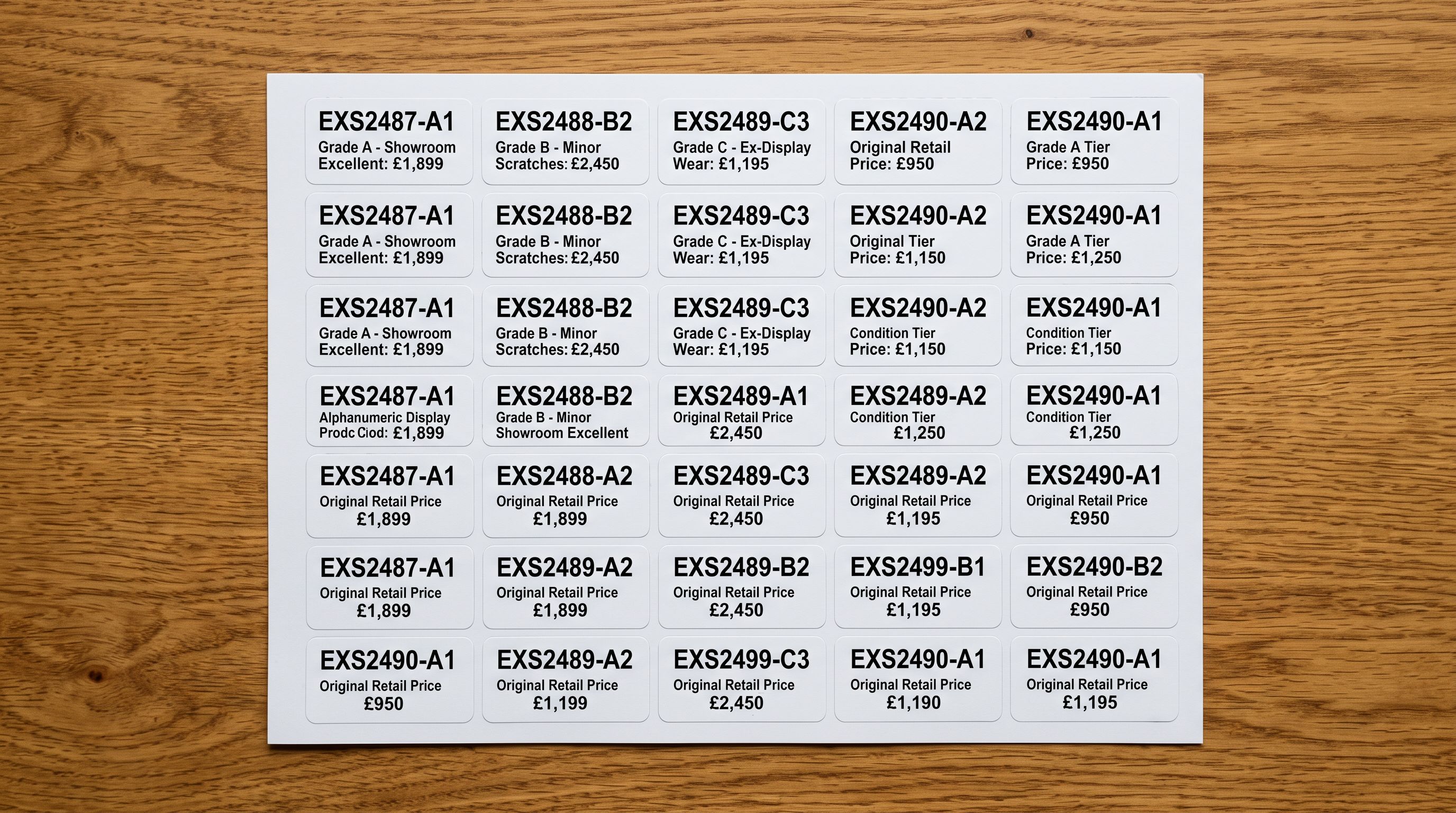 The sequence number (001, 002) distinguishes physically different units of the same product in different condition states.
The import wizard maps the SKU column to the Variant SKU field. Because every display item has a unique SKU, the import correctly creates separate product records rather than grouping them as variants of the same product.
A display model listed identically to a new product is not a pricing problem. It is a condition disclosure problem that surfaces the moment the item arrives at the customer's door.
## AI Descriptions for Condition-Specific Products
Display and sample products require descriptions that communicate condition honestly without devaluing the brand or making the item sound unappealing. The Importier AI description generator can work with condition data from the import file to produce descriptions that balance disclosure with appeal.
The Technical Gadget description style (or the Benefits-First style for lifestyle products) with a condition-aware context field produces the most useful output. The context field in Importier's AI settings accepts free-text instructions that shape all descriptions in the batch.
For a display stock batch, the context field might read: "These are ex-showroom display models. Each item is a single unit. Describe the condition accurately using the display.condition and display.condition_notes fields. Lead with the product's quality and appeal, then disclose the condition tier and any specific notes. Do not use language that devalues the brand."
The generated description leads with the product attributes (material quality, design, dimensions) and ends with the condition disclosure: "This piece is an ex-display model. Condition: Near New. Notes: Light scratch on right rear foot; fabric in excellent condition. Display period: 18 months."
According to [the ACCC's guide on consumer guarantees](https://www.accc.gov.au/consumers/consumer-rights-guarantees/consumer-guarantees), Australian consumer law guarantees apply to second-hand goods, and sellers must not misrepresent the condition of a product. A display model sold as new-condition stock without disclosure violates these guarantees if the item shows wear inconsistent with new condition. The condition metafields and AI-generated condition disclosures satisfy this requirement at the product record level.
## Collection and Tag Strategy for Display Stock
Display and sample products should live in a separate collection from regular in-stock items. The collection routing works through tags applied at import time:
- Apply tag `display-stock` to all items in the batch (set in import wizard batch settings)
- Apply condition-tier tags (`near-new`, `ex-display`, `demo-unit`) for sub-filtering
- Exclude products tagged `display-stock` from the main category collections using Shopify collection conditions
The main "Sofas" collection is set with the condition: Product tag does not contain `display-stock`. A dedicated "Display Models & Ex-Showroom" collection uses the inverse condition: Product tag contains `display-stock`. This routes display items automatically at import time through tag assignment, without requiring manual collection edits after the import.
According to [Shopify's inventory management documentation](https://help.shopify.com/en/manual/products/inventory/manage-inventory-tracking), inventory tracking set to Deny stops sales when quantity reaches zero, preventing overselling. For display stock where every item is a quantity-1 unit, this setting is the safety mechanism that prevents two customers from completing checkout on the same physical item.
The [shopify-limited-edition-product-import](/blog/shopify-limited-edition-product-import) article covers similar single-unit quantity controls for limited-run products, including how import batch settings and collection routing interact for small-quantity launches. The tag-based routing approach works for display stock in the same way it works for limited-edition drops.

## Key Takeaways
- **Display and sample products need condition disclosure, single-unit inventory controls, and separate collection routing:** none of which a standard import workflow provides automatically. The requirements must be built into the import configuration before the products go live.
- **The condition metafield schema (display.condition, display.condition_notes, display.original_rrp, display.showroom_period) stores all disclosure information at the product level**, where it can be surfaced by the storefront theme and is accessible via Shopify's Admin API for reporting.
- **Set inventory policy to Deny at import time** for all display stock. A display model is a single physical unit. The import batch setting applies this across all 40+ items without per-product manual edits.
- **Unique SKU structure per physical item** (`DISP-[PRODUCT]-[CONDITION]-[SEQUENCE]`) prevents display items from being grouped as variants of the same product and identifies each unit from the SKU alone.
- **AI descriptions with a condition-aware context field** produce disclosure-compliant product copy that leads with appeal and ends with condition notes, satisfying both the customer experience and Australian Consumer Law requirements for condition disclosure.
Import and list your display and sample stock correctly, first time, at [importier.app](https://importier.app).