# Shopify Re-import Breaks Product URLs: Preserve Handles
> Re-importing products to Shopify can silently change product URLs, breaking backlinks and SEO rankings. Here is how to find the problem and prevent it.
- Published: 2026-07-25
- Author: Importier Team
- Category: Import Guides / File Imports
- Canonical: https://www.importier.app/blog/shopify-reimport-breaks-product-urls
---
A homewares merchant has spent 18 months building a 450-product Shopify catalogue. Each product page has accumulated backlinks from interior design blogs, positions in Google Search, and customer bookmarks. The merchant receives a new supplier catalogue and runs an import to update prices and add 30 new products. The import completes without errors. Two weeks later, Google Search Console starts reporting hundreds of 404 errors. The merchant investigates and discovers that product URLs have changed across a large part of the catalogue.
The old URLs (the ones Google indexed, the ones customers bookmarked, the ones blog posts linked to) now return 404. The products are still in the store, but at new URLs that the old links do not know about. The shopify reimport broke product urls by creating new products instead of updating existing ones, generating new URL handles in the process.
## What Shopify Product Handles Are
Every Shopify product has a handle: the URL-safe identifier that appears in the product's web address. A product titled "Ceramic Planter 20cm" gets the handle `ceramic-planter-20cm` and the URL `https://yourdomain.com/products/ceramic-planter-20cm`.
Shopify generates the handle automatically from the product title when the product is first created. The handle then stays fixed regardless of what happens to the title. If a merchant manually edits the product title from "Ceramic Planter 20cm" to "Ceramic Planter - 20cm Round", the handle remains `ceramic-planter-20cm`. The URL does not change unless someone deliberately edits the handle field.
This stability is valuable. Google indexes the URL and builds ranking signals around it over months. Backlinks point to it. Customer bookmarks use it. The handle is the permanent identity of the product page.
The problem arises when a re-import does not recognise that an incoming product matches an existing Shopify product. Instead of updating the existing product (preserving its handle), it creates a new product from scratch. A new product gets a new auto-generated handle, derived from the product title as it exists in the import file.
A URL is not just an address. It is a ranking asset. Google builds page authority around a specific URL over months and years. Changing the URL does not transfer that authority automatically. A 301 redirect preserves most of it, but a 404 (no redirect) loses everything accumulated at the old URL.
## How Supplier Catalogue Updates Trigger Handle Changes
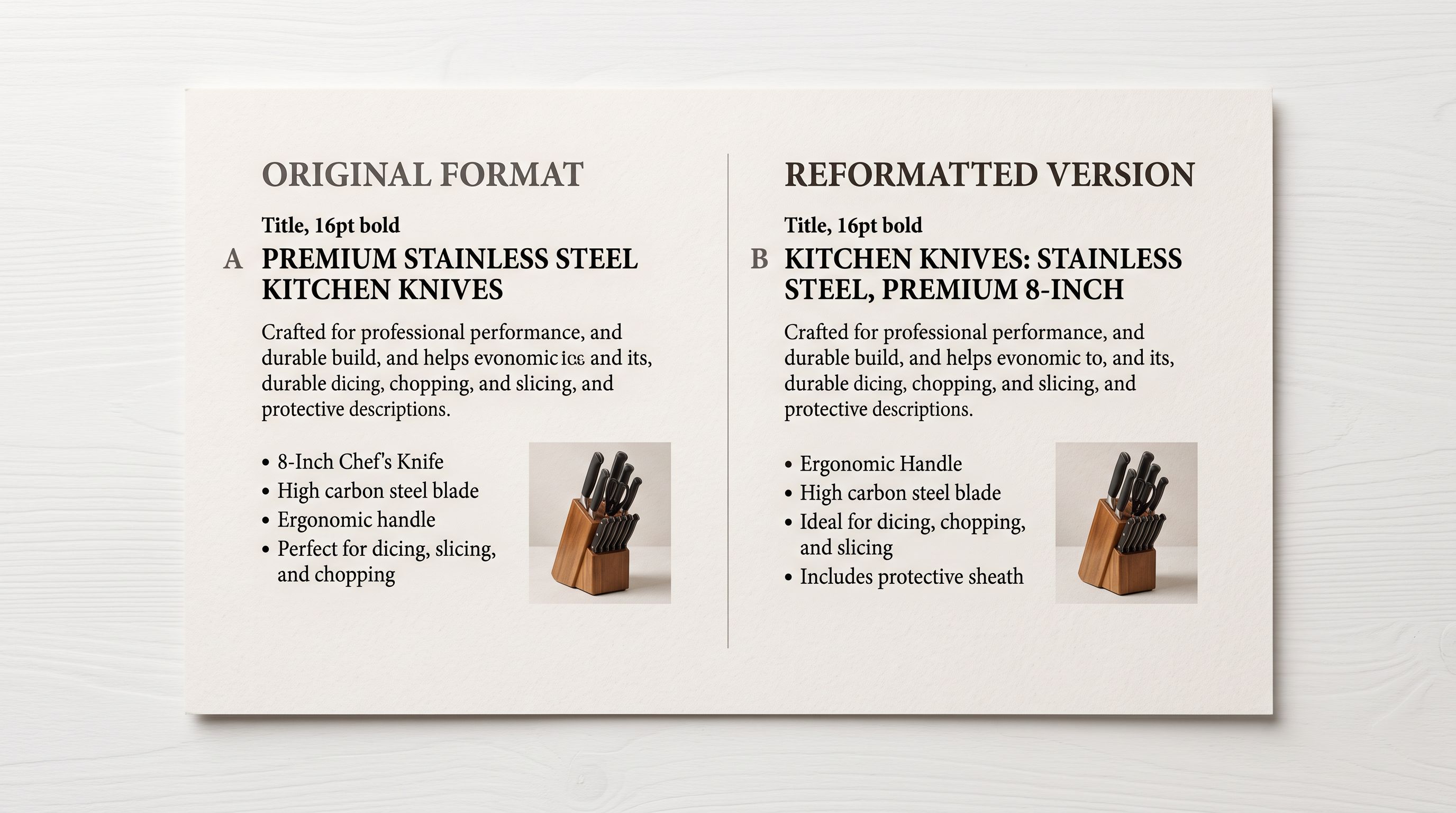
The most common cause is a supplier reformatting their product titles between catalogue updates. A supplier who previously listed "Blue Ceramic Planter 20cm" may update their catalogue to "Ceramic Planter - Blue - 20cm". Both titles refer to the same physical product, but an import tool that matches products by title does not recognise them as the same.
When the import runs, it looks at the incoming product title "Ceramic Planter - Blue - 20cm" and finds no Shopify product with that exact title. It treats the row as a new product and creates it, generating the handle `ceramic-planter-blue-20cm`. The original product "Blue Ceramic Planter 20cm" (handle: `blue-ceramic-planter-20cm`) remains in the catalogue untouched. Now the merchant has two products: the original at its established URL, and a duplicate at a new URL, with no price or stock connection between them.
If the import included 150 products with reformatted titles, 150 duplicate products are created and 150 original products remain as stale listings. The duplicate detection does not trigger because the match was title-based and the titles differ.
A second scenario: the import tool uses the Shopify CSV `Handle` column to match products, but the supplier's export does not include handles. The import tool generates new handles from the incoming titles for every row, regardless of whether a matching product already exists.
A third scenario: the merchant re-imports a catalogue after cleaning up product titles manually. They changed "Widget 500ml BLUE" to "Blue Widget 500ml" for consistency. The new import uses the supplier's original title format "Widget 500ml BLUE", which no longer matches the cleaned-up version. Again, new products are created.
## How to Tell If Shopify Re-import Broke Your Product URLs
The clearest signal is a spike in 404 errors in Google Search Console after an import. Navigate to Search Console, select the Coverage or Pages report, and filter by "Not found (404)". If the error count increased after the import date, the URLs returning 404 are a starting point for investigation.
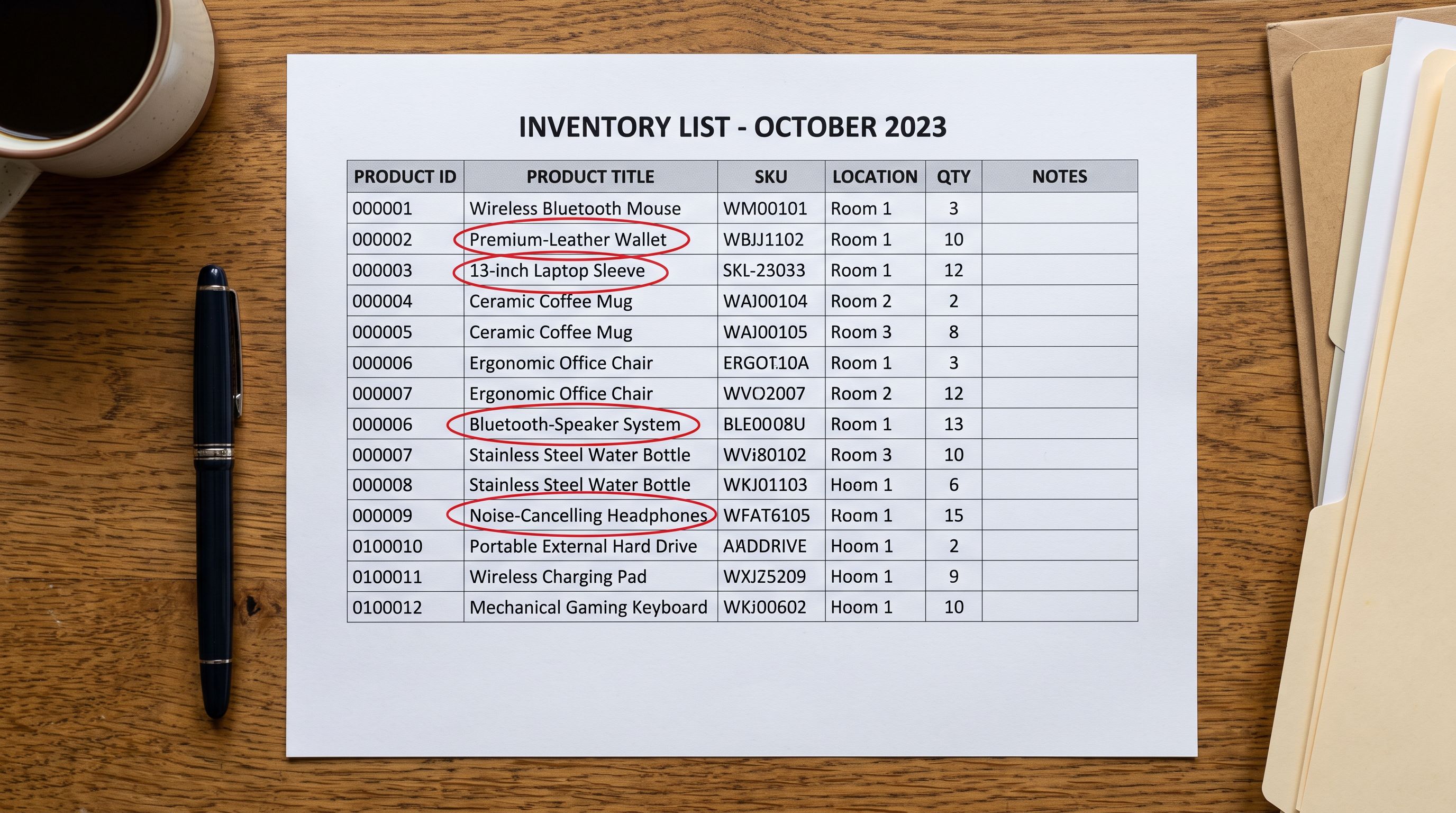
A more proactive approach: before running a re-import, export the current product catalogue from Shopify with the Handle column included. After the import, export again. Compare the handle lists between the two exports. New handles that did not exist before the import indicate products that were created (rather than updated). Missing handles from the pre-import export indicate products that may have been deleted or replaced.
Importier's [Import History](https://importier.app/blog/shopify-import-history) shows each import batch's product count alongside the date and file. If a batch that was supposed to update 150 existing products shows 150 new products created, the match logic failed and new products were created rather than existing ones updated.
A re-import that updates 300 products should not increase your total product count. If your product count rises by 300 after a re-import, the import created duplicates instead of applying updates.
## The Correct Matching Logic for Re-imports
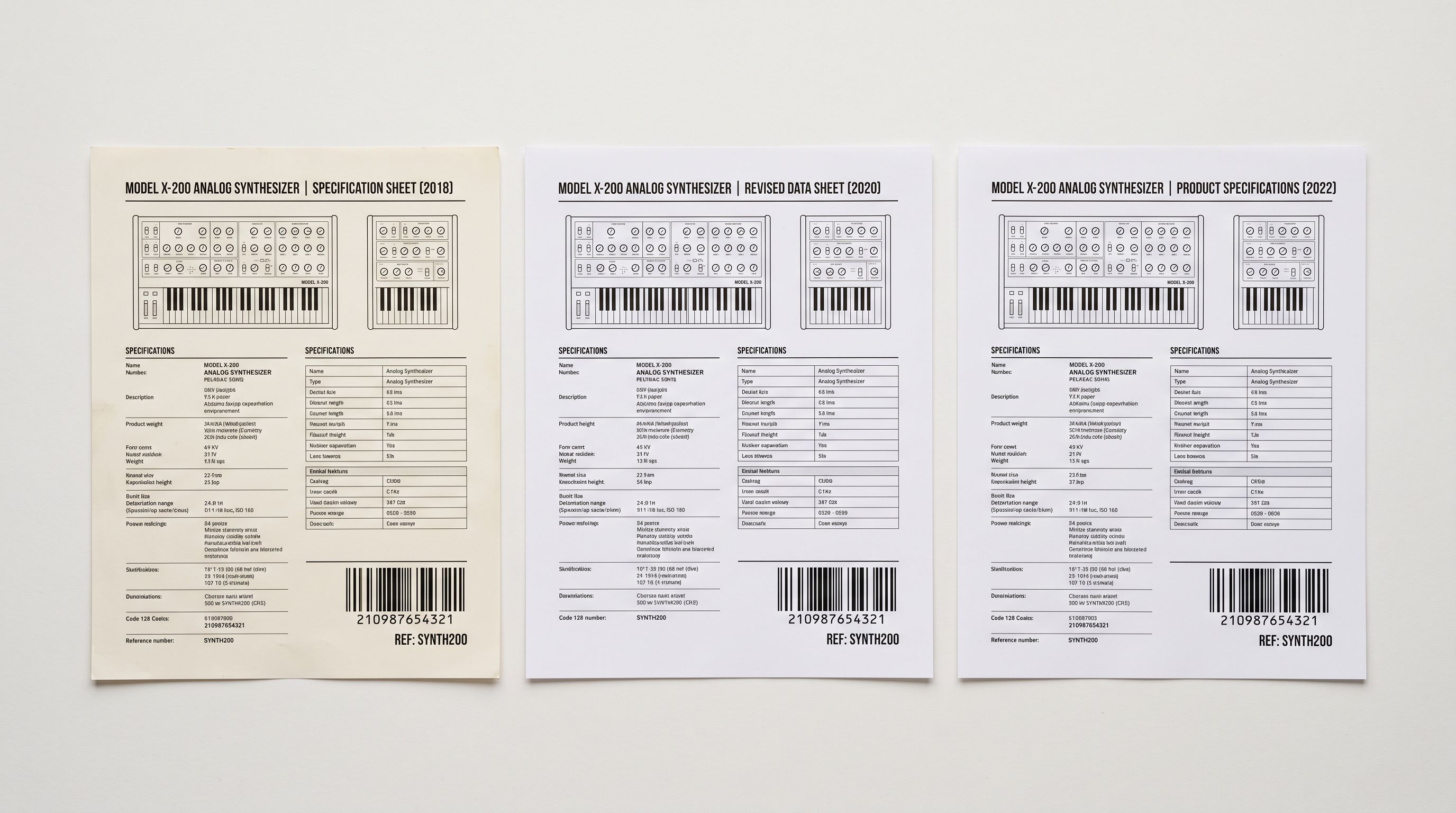
The only reliable way to match incoming products to existing Shopify products without relying on title text is to match by SKU or barcode. SKUs and barcodes are identifiers that remain stable even when titles, descriptions, and product organisation change. A supplier can reformat their title five times; the SKU and barcode remain constant.
According to [Shopify's CSV import documentation](https://help.shopify.com/en/manual/products/import-export/import-products), products with the same `Handle` value in a CSV file are treated as the same product: variant rows are grouped under the handle, and an existing product with a matching handle is updated rather than duplicated. This is correct behaviour when the handle column is populated consistently, but it breaks down when handles are not present in the import file or when they differ between the import file and the existing catalogue.
SKU-based matching does not depend on handle consistency. The incoming product row is matched to the existing Shopify product that shares the same SKU value, regardless of what the titles say. The existing product's handle is preserved. Updates to price, description, and inventory are applied to the product at its existing URL.
Barcode-based matching works the same way. A barcode (UPC, EAN, or ISBN) is a permanent product identifier assigned by the manufacturer. Matching on barcode is more reliable than matching on SKU in catalogues where suppliers occasionally reformat SKU codes, because barcode formats are standardised across the industry.
## What to Do When Handles Have Already Changed
If handle changes have already occurred and been indexed by Google, the priority is redirecting the old URLs to the new ones as quickly as possible.
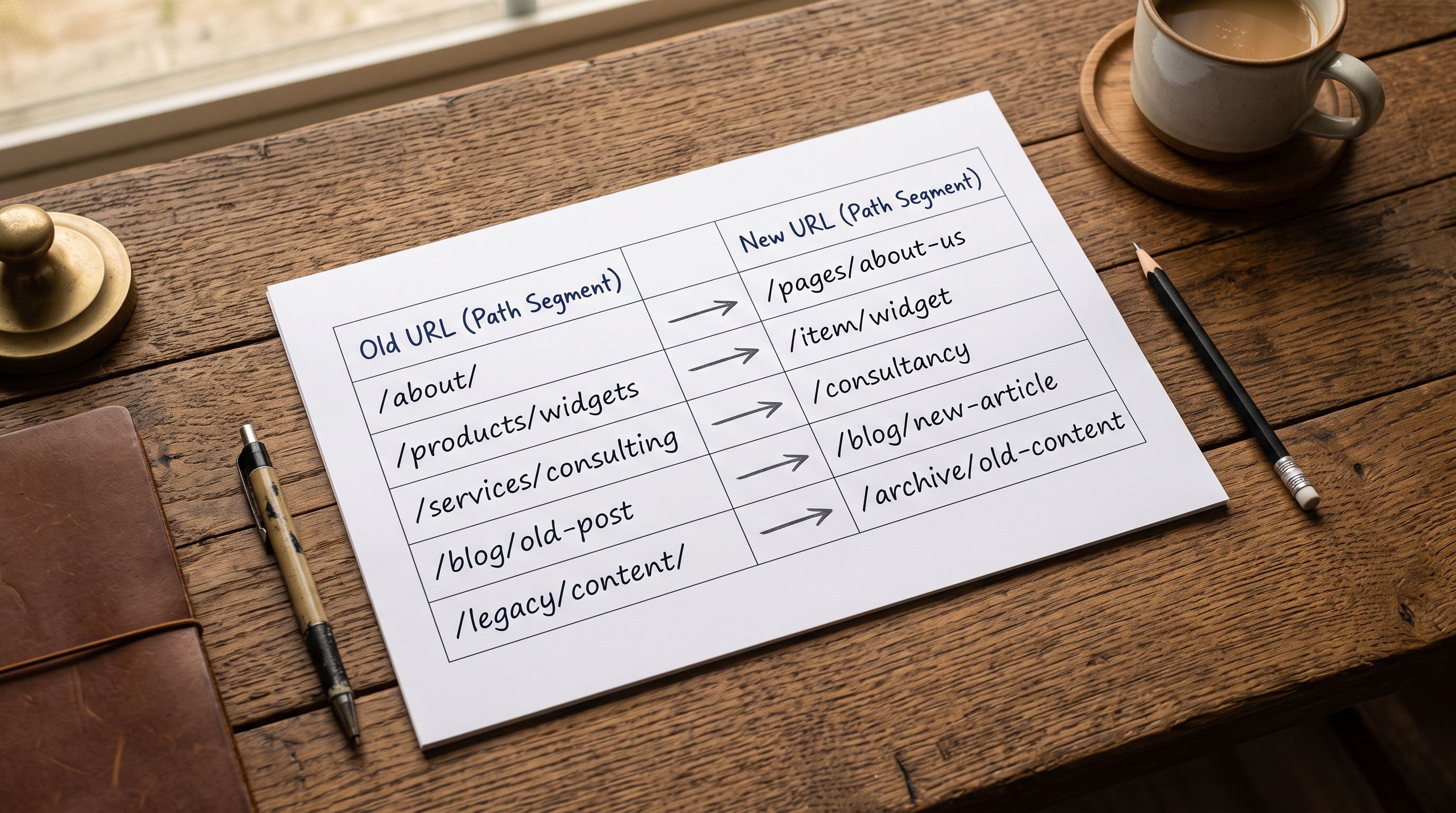
Shopify supports URL redirects at Settings → Navigation → URL Redirects. Each redirect maps an old URL path (the old handle) to a new URL path (the new handle). A browser or search engine that requests the old URL receives a 301 redirect to the new URL. Google transfers most of the ranking signals from the old URL to the new one after it crawls the redirect.
The challenge with a large re-import that changed 150 handles is creating 150 redirects. This is manageable via CSV upload: Shopify accepts a CSV of redirects with columns for the old URL path and the new URL path. Export the redirect list using the pre-import handle list (old handles) and the post-import product export (new handles), match them by product title or SKU where both appear, and upload the redirect CSV.
According to [Google's documentation on 301 redirects](https://developers.google.com/search/docs/crawling-indexing/301-redirects), a URL that returns 404 will eventually be removed from the index. The longer it takes to implement a redirect, the more ranking signals are lost. Implementing redirects within 48 hours of discovering the handle changes minimises the loss.
## Preventing Handle Changes on Future Re-imports
The structural fix is ensuring every product in your Shopify catalogue has a unique SKU and barcode before running a re-import. Products without identifiers cannot be matched reliably.
For existing products that lack SKUs, use Importier's Export to download the catalogue with the Handle column, then assign SKUs systematically (for example, a prefix matching the product category plus a sequential number). Re-upload the updated catalogue with the assigned SKUs. Once every product has a SKU, future re-imports from suppliers that include their own SKU format can be cross-referenced against your internal SKU assignment.
For products that lack barcodes, Importier's barcode lookup finds GTINs from product titles and descriptions. For a catalogue of 200 products where 90 lack barcodes, the lookup resolves most of them automatically. Products that remain without a resolvable barcode (custom, private-label, or one-of-a-kind items) should be assigned a merchant-generated SKU so they have at least one stable identifier.
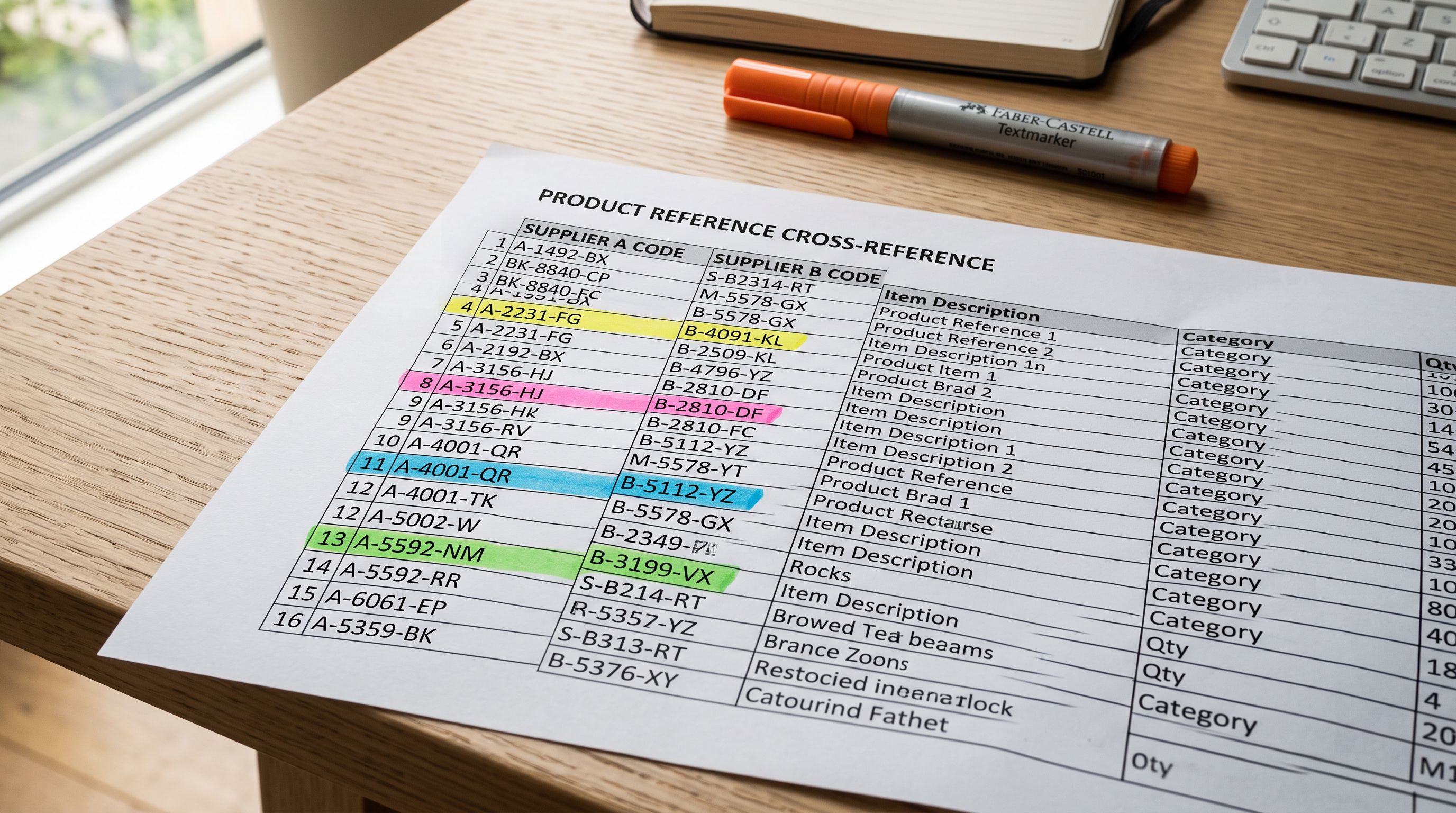
For future re-imports, use a comparison check before committing: export the current catalogue, open both the existing export and the incoming supplier catalogue in a spreadsheet, and run a VLOOKUP on SKU to identify which incoming rows already have matches in the existing catalogue. Rows without a match are genuinely new products; rows with a match are updates. Import them in separate batches: updates first, then new products, so that each batch's product count is predictable and verifiable.
The [Importier Import History](https://importier.app/blog/shopify-import-history) and [Import Undo](https://importier.app/blog/shopify-undo-product-import) tools exist precisely for this workflow: checking the batch result immediately after import and rolling it back cleanly if the counts do not match expectations. For a catalogue re-import of any size, checking Import History immediately after the batch completes (before the products reach Google's crawlers) is the difference between a five-minute fix and a week of redirect management.
If your supplier does not include SKUs or barcodes in their catalogue exports, contact their account management team and request that those columns be added. Most suppliers have the data internally even if their standard export template does not include it. A one-time setup conversation with the supplier saves every future re-import from the title-matching problem.
## Shopify Re-import Breaks Product URLs: Key Takeaways
Shopify reimport breaks product urls when incoming products are matched by title instead of SKU or barcode, creating new products at new handles rather than updating existing ones.
- A Shopify product handle is the URL identifier for the product page. It is generated from the title on first creation and stays fixed unless deliberately changed. Ranking signals, backlinks, and customer bookmarks all attach to this URL.
- When a re-import creates new products instead of updating existing ones, new handles are generated and the old URLs return 404. The most common trigger is a supplier reformatting product titles between catalogue updates.
- SKU and barcode matching is the only reliable way to match incoming products to existing Shopify products without depending on title text. When both the import file and the existing Shopify catalogue have consistent SKUs or barcodes, updates are applied to existing products and handles are preserved.
- If handle changes have already occurred and Google has indexed the old URLs, implement Shopify URL redirects (301) as quickly as possible. Each day of delay at a 404 URL costs accumulated ranking signals.
- Check Import History immediately after a re-import to verify that the product count matches expectations. If the count increased by the number of rows in the update batch, duplicates were created and Import Undo can remove the batch before Google crawls the new URLs.
- Before every re-import, export the current catalogue with the Handle column as a pre-import snapshot. Comparing handle lists before and after is the fastest way to identify whether the import created duplicates or applied updates correctly.
Re-import your supplier catalogue at [importier.app](https://importier.app). Importier's SKU and barcode-based matching applies updates to existing products and preserves their handles, so your established URLs and rankings survive every catalogue refresh.