# Shopify Products Missing from Google Shopping Feed
> Products live in Shopify admin but absent from your Google Shopping feed? The cause is pre-submission exclusion, not disapproval. Here is how to fix it.
- Published: 2026-09-03
- Author: Importier Team
- Category: Store Management / SEO & Discoverability
- Canonical: https://www.importier.app/blog/shopify-products-missing-from-google-shopping-feed
---
A homewares retailer imports 300 products from a supplier CSV. Every product is active in Shopify. The Google Shopping campaign has been running for a week. When they open Google Merchant Centre, the feed shows 182 products. One hundred and eighteen products are simply absent. The missing 118 are not disapproved. They do not appear in the Disapproved tab or the Active tab. They are nowhere in the feed.
The reason Shopify products go missing from the Google Shopping feed is almost never a deliberate disapproval by Google. It is pre-submission exclusion: Shopify's Google channel identifies products that do not meet the minimum requirements for submission and removes them from the feed before Google ever reviews them. The merchant sees no warning in Shopify admin and no notification in Merchant Centre. The products just do not appear.
## Disapproved vs Missing: Two Different Problems
Before fixing anything, it helps to understand that "missing from the feed" and "disapproved in the feed" are different states with different causes and different fixes.
A disapproved product reached Google's review systems and was rejected. Google examined the product data and found a policy violation or quality issue. The disapproval appears in Merchant Centre with a specific reason code. The fix is addressing that reason and resubmitting.
A missing product never reached Google's review queue. Shopify's Google channel excluded it during feed generation. The product may appear in Merchant Centre's "Not reviewed" tab with a status of "Excluded" or it may be absent entirely from the interface. Google never saw it. There is no disapproval reason to address because Google was never involved.
Products in the Google Merchant Centre "Not reviewed" tab are not waiting for Google's decision. They were excluded by Shopify's Google channel before submission. Google did not reject them. They were never sent. The fix is correcting the product data in Shopify and triggering a new feed sync.
## Four Causes of Pre-Submission Exclusion
Shopify's Google channel applies its own pre-submission filters before sending products to Google. Four causes account for the majority of missing products after a CSV import.
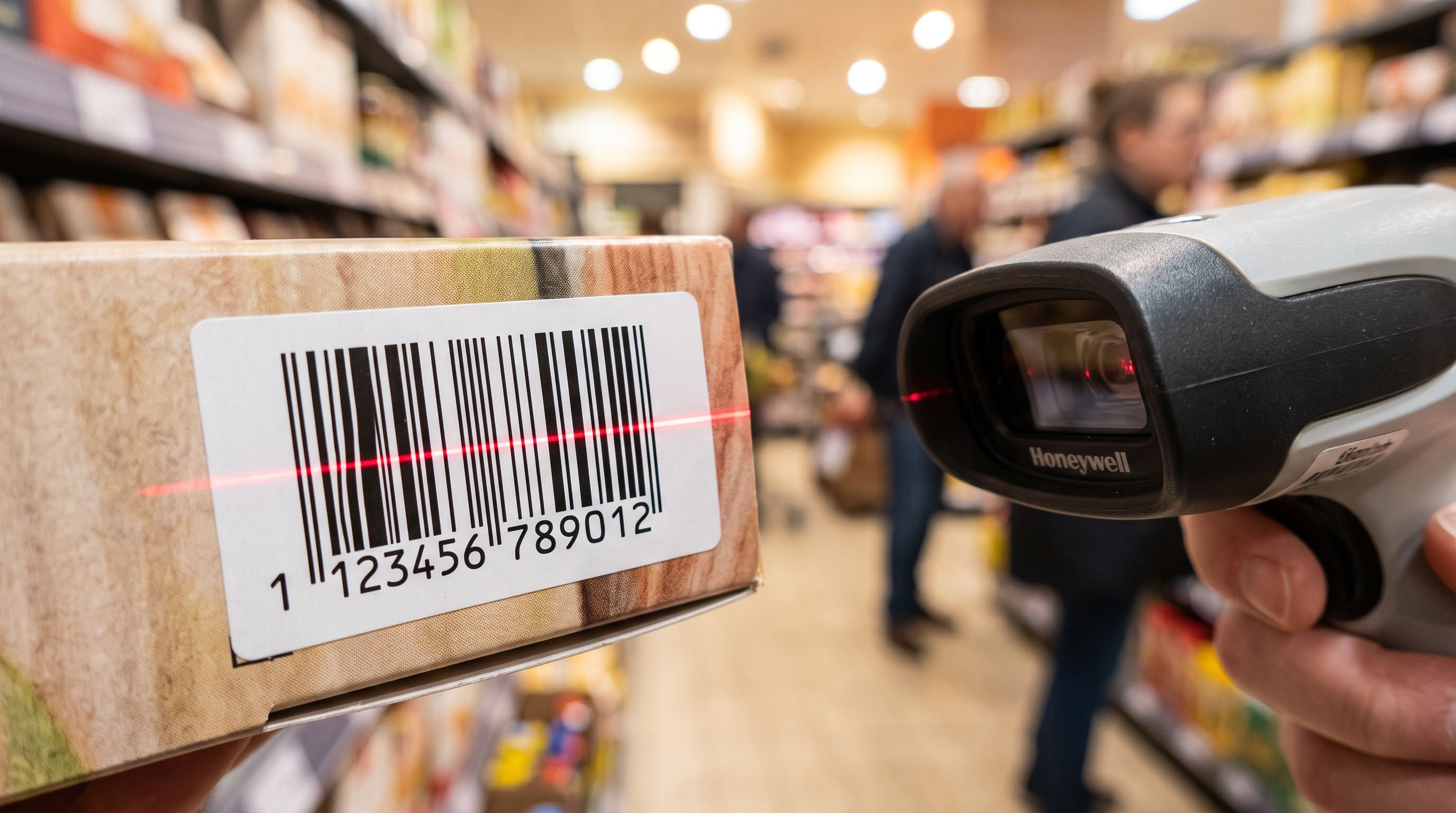
**Missing GTIN (barcode):** Google's product data specification requires a GTIN (Global Trade Item Number, typically a barcode) for most products. Supplier CSVs often exclude the barcode column, or include it under a non-standard column name that does not map correctly during import. Products without a valid GTIN are excluded from the Shopping feed by default. They do not pass Shopify's pre-submission check for products that should have an identifier.
**Products not published to the Online Store channel:** Products imported with Draft status, or published only to the Point of Sale channel, are not submitted to the Google Shopping feed. The Google channel only submits products that are Active and published to the Online Store. A product that was imported with Draft status, or where the channel selector assigned POS-only, is invisible to the feed regardless of how complete the product data is.
**Thin or missing descriptions:** Google's feed specification requires a description for most product categories. Shopify's channel excludes products where the description field is empty or below a minimum length. Products imported from supplier CSVs with a one-sentence description or no description at all frequently land in this exclusion category.
**Price discrepancy:** When a product's price changes in Shopify after the Google channel last synced it, the channel may exclude the product until the feed refreshes. This is less common after an initial import but affects stores running price updates via re-import.
## How to Find the Missing Products
Google Merchant Centre shows excluded products in two places.
The primary location is the Diagnostics tab in Merchant Centre. Under "Item issues", excluded products appear with the reason for exclusion. Items listed as "Excluded" (not "Disapproved") were filtered before submission.
The secondary check is a full product list export from Merchant Centre. Navigate to Products, select All products, and export. The export includes status for every submitted and excluded product. A product with "Excluded" status and a reason code such as "Missing identifier [gtin]" or "Unavailable mobile landing page" confirms the specific exclusion cause.
For a CSV import with hundreds of products, this manual check is slow. A faster diagnostic is to run Importier's [SEO Audit export preset](https://importier.app/blog/importier-export-presets). The SEO Audit export includes every product in the Shopify catalogue with its title, description length, price, compare-at price, barcode field, and channel publication status. Opening the CSV and filtering for:
- Empty barcode column
- Description word count under 20
- Draft status
Identifies the likely candidates for exclusion in one step without opening Merchant Centre at all.
## Fixing Missing GTIN with Importier's Data Enrichment
For products missing a valid barcode, Importier's data enrichment step fills the barcode field during import by looking up the product's GTIN from its title, brand, and product type.
For products already in Shopify without a barcode, the [shopify-add-barcode-to-products workflow](https://importier.app/blog/shopify-add-barcodes-to-products) covers the retroactive enrichment path: run Store Scanner filtered to products with a blank barcode field, trigger data enrichment to fill the GTIN, and push the updated products back to Shopify. The Google channel picks up the new barcode on the next feed sync.

According to [Google's product data specification](https://support.google.com/merchants/answer/188494), a valid GTIN increases product data quality and typically improves Shopping placement. Products with a recognised GTIN match against Google's product database, which provides better category assignment and can trigger automatic attribute enrichment from Google's side.
## Fixing Thin Descriptions with Store Scanner
Products with empty or very short descriptions are excluded from the Google Shopping feed because the description field is a required attribute for most product categories.
Store Scanner in Replace mode regenerates descriptions for products that have none or insufficient content. Filter Store Scanner to products with no description or a description under a set word count, configure the AI with a product-appropriate style and persona, and run. The new descriptions are substantive and unique, which satisfies Google's minimum description requirement and avoids the duplicate-content suppression that affects products with generic supplier copy.
According to [Shopify's Google channel documentation](https://help.shopify.com/en/manual/online-sales-channels/google), the Google channel submits the Shopify product description field as the Shopping listing description. The description must accurately represent the product. An AI-generated description that accurately covers the product's key features, materials, and use cases satisfies this requirement.
## Fixing Channel Publication Settings
Products missing from the feed because they are in Draft status or published only to the POS channel require a channel publication update. In Shopify admin, this is a per-product manual change. For a batch of products, Importier's import wizard includes a channel assignment step that sets the publication status for the entire batch: Active status, published to Online Store.
For products already in Shopify with the wrong channel setting, a price-only re-import via Importier maps the handle and publication status columns, updating the channel assignment without touching descriptions, images, or inventory. The products become eligible for feed submission immediately after the channel update is saved.
The fix for most Google Shopping feed exclusions is in the product data, not in Merchant Centre. Google cannot approve products it never received. Get the data right in Shopify, and the feed syncs automatically.

## Key Takeaways
- **Missing from the feed is not the same as disapproved.** Products excluded before submission never reach Google's review queue. They appear in Merchant Centre's "Not reviewed" or "Excluded" section, not in Disapproved. The fix is different from a disapproval appeal.
- **Four main causes of pre-submission exclusion:** missing GTIN, Draft or POS-only publication status, thin or missing description, and price discrepancy from a recent update.
- **Importier's SEO Audit export preset diagnoses all four at once.** Filter the exported CSV for blank barcode, short description, Draft status, and recent price changes to identify which products fall into which exclusion category.
- **Data enrichment fills missing GTINs.** During import, Importier's enrichment step looks up the GTIN from the product's title, brand, and type. For existing products, Store Scanner with the barcode filter runs the same enrichment retroactively.
- **Store Scanner in Replace mode fixes thin descriptions at scale.** Filter to products with no description or a description below the minimum, configure the AI, and run. New descriptions are submitted to the Google channel on the next feed sync.
- **Channel publication must be Active and Online Store.** Draft status and POS-only publication both prevent feed submission. The channel selector in Importier's import wizard sets this for the entire batch at import time.
Fix the product data gaps that are keeping your catalogue out of the Google Shopping feed at [importier.app](https://importier.app).