# Shopify Products Imported with Blank Titles: Causes and Fix
> Find out why Shopify products show 'Untitled' after a CSV import and how Importier's field mapper prevents blank titles before they reach your store.
- Published: 2026-08-29
- Author: Importier Team
- Category: Store Management / SEO & Discoverability
- Canonical: https://www.importier.app/blog/shopify-products-imported-blank-title
---
A pet supplies merchant imported 180 products from their Australian distributor's Excel export. The import completed without errors. Opening Shopify admin a few minutes later, they found 127 of the 180 products listed as "Untitled" in the product catalogue. Only 53 had correct names.
The distributor's file was accurate. Every product had a proper name in the spreadsheet. The data was there; it just never reached Shopify's Title field. The column in the distributor's file was labelled "Product Name," not "Title." Shopify's CSV importer is format-rigid: it reads the column called "Title" and ignores any column with a different name, regardless of how clearly it contains product names.
This is the most common cause of blank titles after a Shopify import. The data exists in the source file; the column header does not match what Shopify expects.
Shopify's native CSV importer does not reject an import when the Title column is missing or misnamed. The import succeeds, and products are created with blank titles. Shopify assigns "Untitled" as the display name. There is no warning during the import process.
## Why Shopify Products Import with Blank Titles
Shopify's CSV format requires specific column names. The product name field must be called "Title" exactly: capitalised, no spaces, no alternatives. Supplier and distributor spreadsheets rarely use Shopify's terminology. Common column names from supplier exports include: Product Name, Item Title, Name, Description Title, Nom du produit (French-language ERP systems), Produktname (German), and Product Label.
ERP systems, wholesale portals, and marketplace exporters each use their own schema. A distributor who exports from MYOB, Netsuite, or SAP will produce a file with column names reflecting that system's internal field labels, not Shopify's. The merchant who imports that file directly into Shopify will have blank titles on every product that doesn't already exist in their store.
A second cause is the multi-sheet Excel problem. Some suppliers send Excel workbooks with a data sheet and a reference sheet. The import tool reads the first sheet, which is the reference, not the product data. Titles exist in the workbook; they are on the wrong sheet.
A third cause is encoding corruption. Supplier files exported from certain accounting systems produce CSV files where the first column's header has a byte order mark (BOM) prefix: `Title` instead of `Title`. Shopify's importer does not recognise the prefixed version, so the title column is treated as an unrecognised column and its contents are dropped.
## What Blank Titles Break
The obvious problem is the product name not displaying. The wider problems are less obvious and more damaging.
Blank titles affect SEO immediately. Shopify sets the URL handle from the title at the moment of creation. A product imported as "Untitled" gets the handle `/products/untitled`. If other products also import as "Untitled," Shopify appends numbers: `/products/untitled-1`, `/products/untitled-2`, and so on. These URLs have no keyword signal. If the merchant later corrects the title, Shopify does not automatically update the handle. The URL stays as `/products/untitled-1` unless the merchant manually redirects it.
Automated collection rules break silently. An automated collection with the condition "Title contains harness" will exclude every product imported as "Untitled," even if the correct name contains that term. The collection appears to have fewer products than expected, with no visible explanation.
According to [Google Merchant Centre's title attribute specification](https://support.google.com/merchants/answer/6324415), the title field is required for all Shopping feed submissions. A missing title results in a disapproval: the product is excluded from Shopping results entirely, not just ranked lower. Merchants who import products and connect them to a Merchant Centre feed will see disapproval counts rise for every "Untitled" product in their catalogue.
Customer-facing search is also affected. Shopify's storefront search indexes the product title. A product with a blank title cannot be found by customers searching for it by name.
## Diagnosing the Scope of the Problem
Before fixing, identify how many products are affected and what the correct title column is named in the source file.
In Shopify admin, navigate to Products and use the search bar to search for "Untitled." This surfaces all products where the title was set to the default blank-import value. The count tells you the scope of the problem.
Open the original supplier file and scan the first row for the column that contains product names. Note the exact spelling and capitalisation. This column name is the root cause: it is the field that needs to be mapped correctly in the next import.
If the original supplier file is no longer available, the fix path changes. Products that exist in Shopify with blank titles still have their other fields populated (price, SKU, vendor, product type). These can be used as inputs for generating titles.
## Fix 1: Reimport the Supplier File with Correct Field Mapping
When the original supplier file is available, this is the most accurate fix. It restores the correct product names without any AI generation.
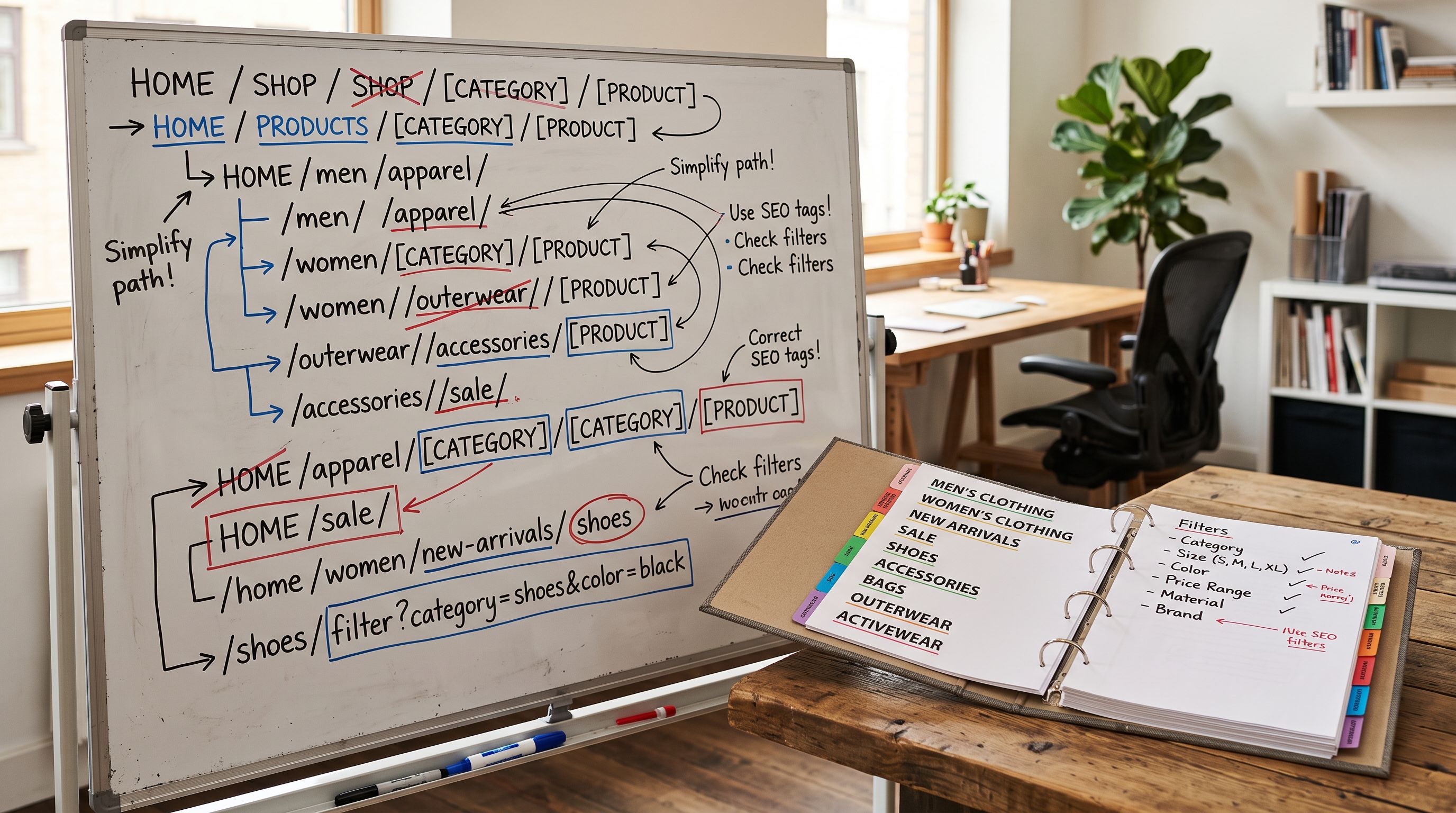
After the import completes, search for "Untitled" in Shopify admin again to confirm the count is zero.
Shopify's CSV importer ignores unrecognised column headers without warning. The import succeeds and the products are created, but without the data that was in the unlabelled column.
## Fix 2: Generate Titles for Products Without a Supplier File
When the original file is unavailable, Importier's AI can generate titles from the information already in Shopify. Products imported as "Untitled" still have vendor, product type, SKU, barcode, and sometimes a description from the original import. The AI uses these fields to write a title.
The [enrichment context field](https://importier.app/blog/shopify-ai-enrichment-context-field) is useful here. If you know the product category (for example, "dog harnesses, sizes XS-XL, neoprene construction"), adding this as the enrichment context produces category-accurate titles rather than generic ones. Without context, the AI writes a title from whatever data is available; with context, it targets the right vocabulary tier for the category.
Importier's Title Optimizer with the Google Merchant Centre preset enforces a 150-character title limit and front-loads the primary keyword. Running the generated titles through the Title Optimizer after generation ensures they meet the feed requirements that caused the Merchant Centre disapprovals.
For products that have descriptions already, the [Google Merchant Centre description guidance](https://developers.google.com/search/docs/appearance/structured-data/product) applies to titles as well: the name should accurately describe the product and match what appears on the product page. A generated title that is accurate to the description field is treated as consistent by both Shopify and Google's crawlers.
## How Importier Prevents Blank Titles at Import Time
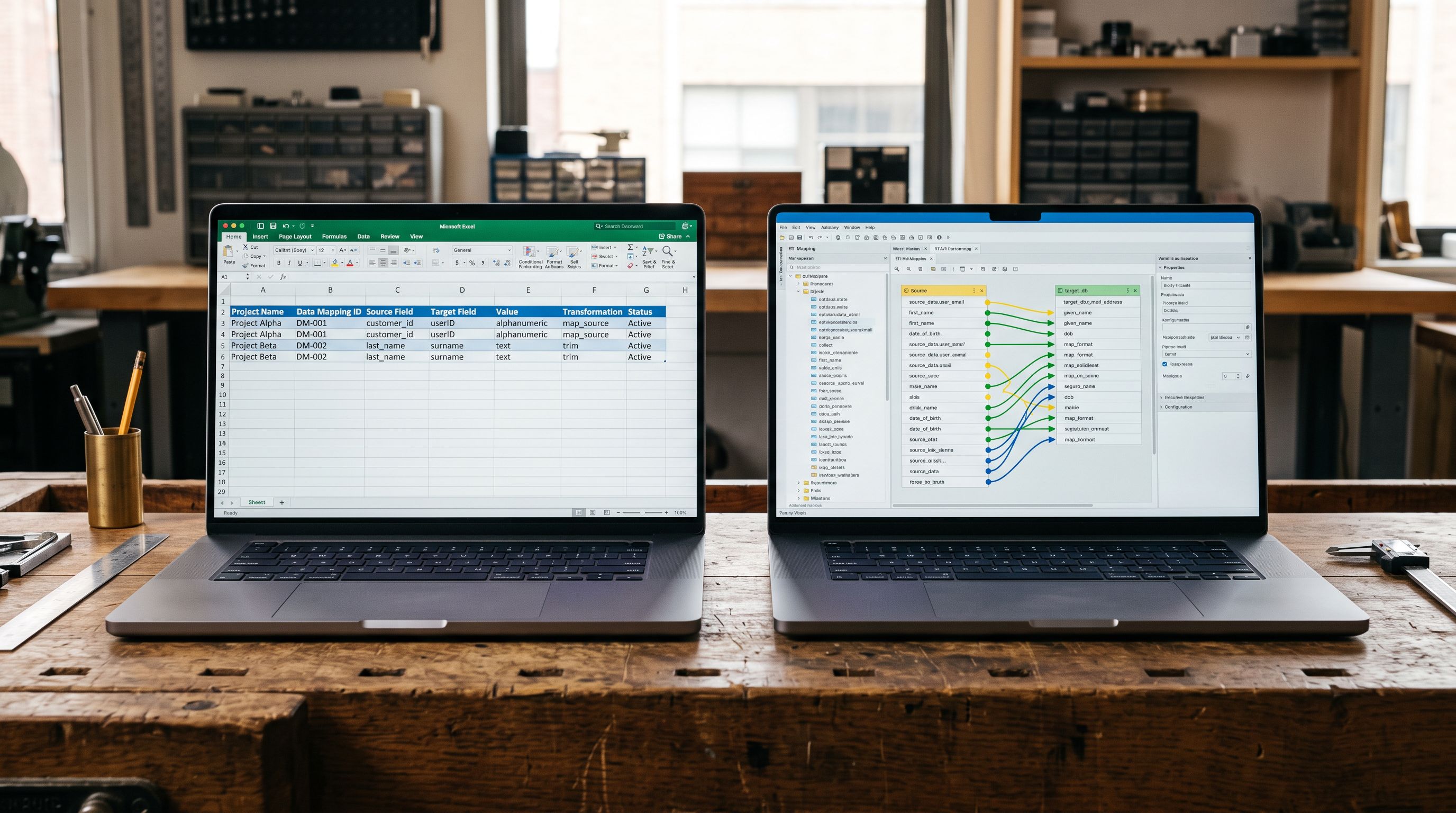
The blank-title problem is preventable. Importier's field mapper shows a live preview of the first five products as you configure the column mapping. If the Title field has no column assigned, the preview displays empty titles before you have pushed anything to Shopify.
This preview step is the gate. A merchant who sees five blank titles in the preview knows to check the column mapping before proceeding. The fix takes seconds: find the column with the product names, assign it to Title, confirm the preview updates.
For recurring imports from the same supplier, Importier saves the field mapping profile. After the first import where the mapping is configured, subsequent imports from the same supplier source apply the same mapping automatically. A distributor who sends a monthly price update in the same Excel format only requires the mapping to be set up once.
The mapping profile also handles the encoding issue. Once Importier has processed a file from a given ERP export and identified that the Title column has a BOM prefix, it strips the BOM on subsequent imports from files with the same structure.
## Key Takeaways
Blank titles after a Shopify import are a column-mapping problem, not a data problem. The product names exist in the source file; they are in a column that Shopify's importer does not recognise.

- **Shopify requires "Title" exactly**: supplier files that use "Product Name," "Name," or any other variation will produce blank titles when imported directly through Shopify's native CSV importer. There is no warning or error during import.
- **Blank titles break more than the product name**: SEO handles, automated collection rules, storefront search, and Google Merchant Centre feed submissions all depend on a populated title field. The downstream effects appear hours or days after the import.
- **The fix with the original file is a remapping, not a reformat**: you do not need to rename the supplier's columns or rebuild the spreadsheet. Importier maps the existing columns to the correct Shopify fields in the import interface.
- **Without the original file, AI title generation works from existing product data**: vendor, product type, SKU, and description fields give the AI enough context to write accurate titles. Adding the enrichment context field sharpens category-specific vocabulary.
- **Preview before you push**: Importier's live mapping preview shows blank titles before the import reaches Shopify. A 10-second check in the preview is the complete prevention for blank-title imports.
Fix blank Shopify product titles at import time at [importier.app](https://importier.app).