# Shopify Product FAQ Generator: Reduce Support Tickets
> Importier generates 2-10 product FAQs per item at scale, cutting support volume and giving customers answers before they ask. Here is how it works.
- Published: 2026-07-25
- Author: Importier Team
- Category: Agentic Commerce / AI Product Descriptions
- Canonical: https://www.importier.app/blog/shopify-product-faq-generator
---
A homewares retailer tracked their customer support inbox for a month. Of 340 support emails, 280 asked one of six questions: what are the dimensions, what material is it, how do I care for it, how long does delivery take, can I return it, and does this fit with the matching piece they already own. Every answer was in the product description. Customers were emailing anyway.
The retailer added FAQs to their 40 most-purchased products using Importier's FAQ Generator. The following month, support emails dropped by 35%. The products with FAQs converted at a higher rate. The change took one afternoon.
The Shopify product faq generator pattern is straightforward: customers who find their answer on the product page do not email. Customers who feel their question was anticipated before they asked it are more likely to buy.
## Why Product Descriptions Alone Do Not Answer Pre-Purchase Questions
A product description is a statement. It describes what a product is, what it does, and why it matters. It is written for a reader who is moving through the page linearly, building up a picture of the product.
A pre-purchase question is a specific lookup. "Does this dining chair hold 120kg?" is not a question a customer wants to scan a 400-word description to answer. They want a direct response to a direct question, formatted so they can find it in two seconds.
FAQs serve a different reading pattern than descriptions. A customer scans the FAQ list, finds the question closest to theirs, and reads the answer. If the answer satisfies them, they proceed to purchase. If no FAQ addresses their concern, they contact support or leave.
The gap between a thorough product description and a complete set of FAQs is the gap between content that covers a product and content that answers the questions customers actually ask.

A description persuades. An FAQ answers. A customer who is persuaded but still has an unanswered question will not convert. FAQs exist to close that gap, not to repeat what the description already says.
## What Importier's FAQ Generator Produces
Importier's FAQ Generator reads each product's title, description, variant data, and [Industry Pack attributes](https://importier.app/blog/shopify-industry-packs) and generates between 2 and 10 FAQs per product. The count is configurable at the batch level: a merchant can generate 3 FAQs for a simple consumable and 8 FAQs for a complex furniture piece.
The FAQs are specific to the product. For a dining chair with a known weight capacity, timber species, and care instructions in its metafields, the generator produces questions grounded in those specifics. "What is the weight capacity of the Avery Dining Chair?" with a specific answer is more useful than "What is the maximum weight capacity for this product?" with a generic answer. The generator reads the actual attribute values and incorporates them.
This is the distinction from generic AI prompting. A general-purpose AI asked to generate FAQs for a dining chair will produce plausible questions but cannot answer them with real product data. The answer to "What timber species is the frame?" will be hedged or generic. Importier's generator reads the product's taxonomy attributes (timber species, finish, weight capacity, assembly required) and produces questions that can be specifically answered from the data that is already there.
FAQs are stored as metafields on each product, not appended to the description body HTML. A metafield-stored FAQ can be rendered anywhere the storefront theme allows: as an accordion, a flat list, or a structured FAQ block, without affecting the product description display. The FAQ metafields are also independent from the description, so updating the description does not overwrite the FAQs.
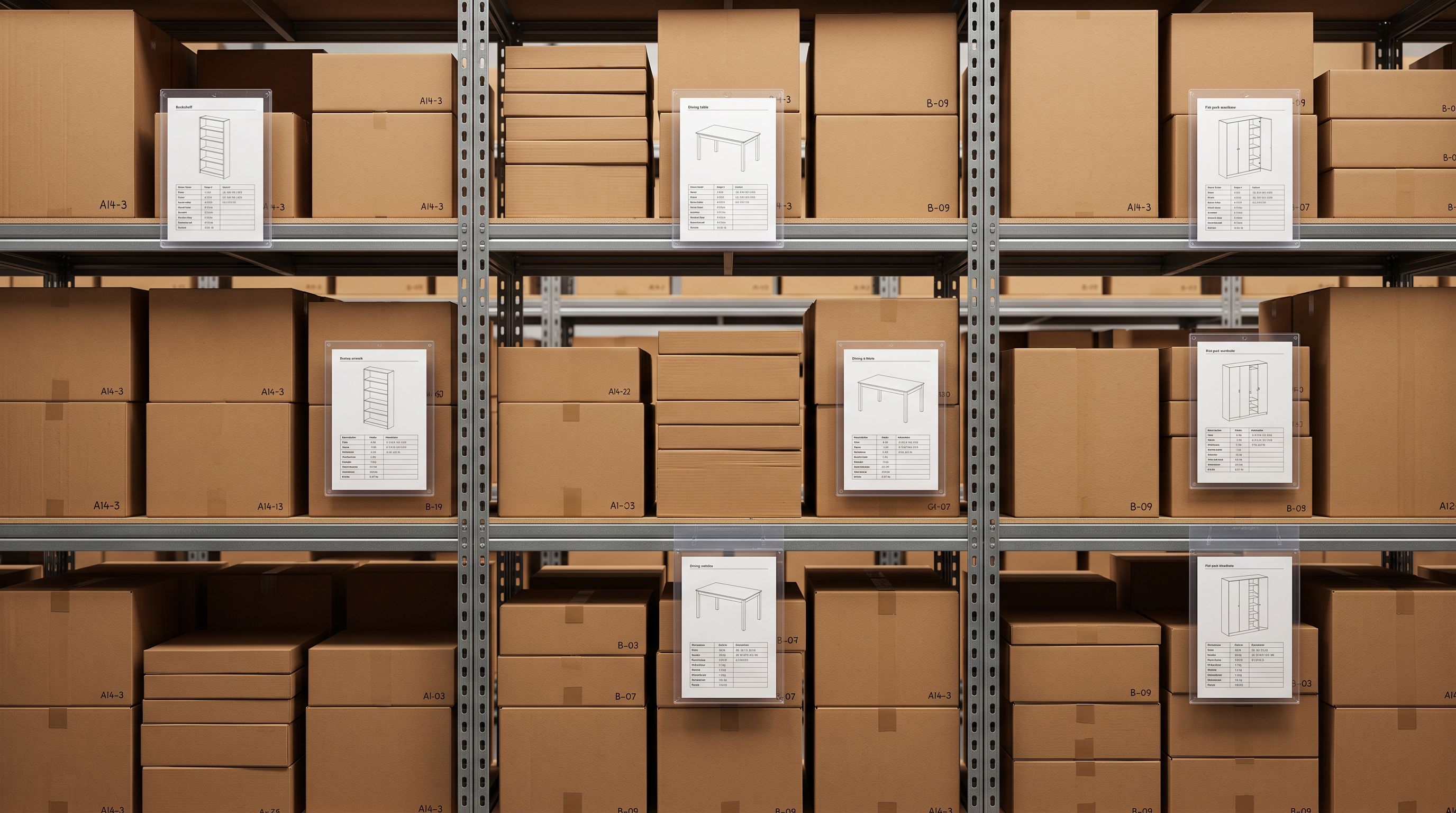
The FAQ that answers "Does this come assembled?" for a specific furniture piece, with the actual answer drawn from the product's assembly_required attribute, is a different product from a FAQ that says "Assembly requirements vary by product (see the product description for details)."
## The Six FAQ Categories That Cut Support Volume Most
Support ticket analysis across different product categories consistently surfaces the same six question types. These are the categories the FAQ Generator is built to address.
**Dimensions and sizing.** "What are the dimensions?" and "Will this fit in my space?" are the most common pre-purchase questions for furniture, appliances, and storage products. If the product's dimensions are in the metafields (height, width, depth, weight), the FAQ generator can answer these specifically. If dimensions are not structured data, the generator produces the question but draws from the description text, which is less reliable.
**Material and composition.** "What is this made of?" matters for allergy-sensitive customers (food contact, bedding, clothing), care decisions (machine wash vs dry clean), and durability expectations. Material attributes in the category metafields produce specific answers. "The frame is powder-coated mild steel with a zinc phosphate undercoat" is more useful than "the product is made of durable metal."
**Care and maintenance.** "How do I clean this?" reduces post-purchase contact. Care instruction metafields produce direct answers. For the majority of products without specific care instruction metafields, the generator infers care method from material type (leather, stainless steel, timber) with appropriate precision.
**Compatibility.** "Will this work with X?" is the question that varies most by product category. For electronics accessories, it is device compatibility. For furniture, it is the matching range. For cookware, it is induction compatibility. The generator addresses compatibility questions using the product's compatibility attributes where they exist and the product title/description where they do not.
**Delivery and availability.** "How long does delivery take?" and "Is this in stock?" are support questions that belong in the store's shipping policy rather than individual product FAQs, but customers ask them at the product level anyway. The generator can produce standard delivery FAQ answers linked to the store's policy, reducing the number of customers who contact support to ask.
**Returns and warranty.** "Can I return this if it does not fit?" is the question that most directly affects conversion for high-consideration purchases. A clear, confident answer on the product page reduces purchase anxiety. The generator produces returns and warranty FAQs from the store's policy configuration.

## Running the Shopify Product FAQ Generator at Scale
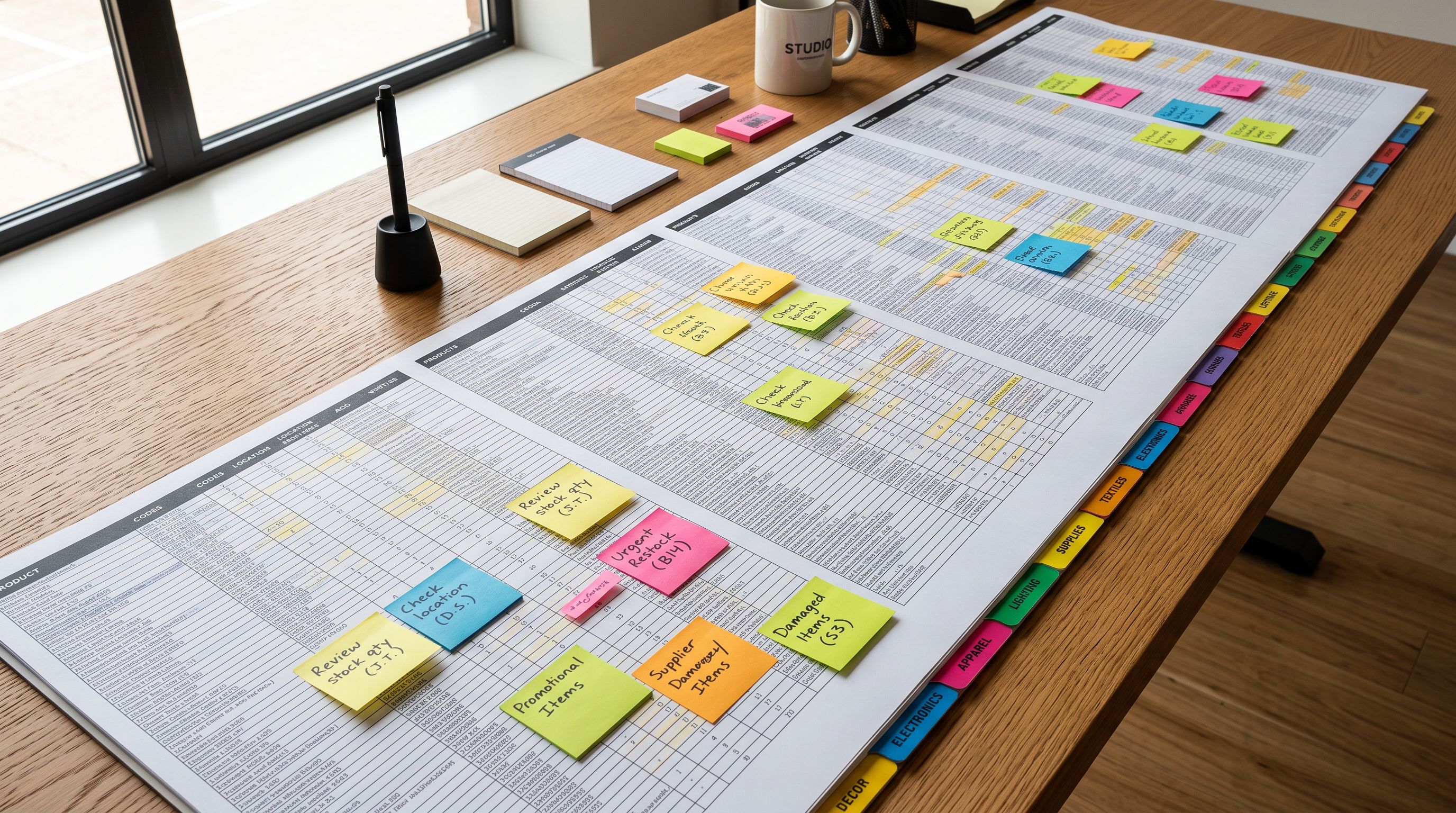
For a catalogue of 500 products, manually writing 5 FAQs per product is 2,500 individual FAQ responses. At five minutes per FAQ, that is 208 hours of work. The FAQ Generator produces those 2,500 FAQs in a single batch run. Merchants who already have products live in Shopify without FAQs can run the generator the same way as a [Store Scanner](https://importier.app/blog/shopify-store-scanner) batch: apply filters, set the count, and commit against the existing catalogue.
## Filtering the FAQ Generation Run
The FAQ Generator's filtering controls matter for catalogues where not every product needs FAQs, or where different product types need different FAQ counts.
**Collection filters** are the most common use. A furniture store may want to generate 6 FAQs for the "Sofas and Armchairs" collection but only 3 for the "Cushions and Throws" collection. Running the generator twice with different collection filters and FAQ counts achieves this without generating FAQs for unintended products.
**Vendor filters** are useful when a catalogue mixes multiple suppliers and FAQ requirements differ by supplier. A supplier who provides detailed specification sheets produces products that benefit from 7-8 data-rich FAQs. A supplier with minimal product data produces products better served by 3 broader questions.
**SKU pattern filters** address the case where product type is encoded in the SKU prefix. If all outdoor furniture SKUs begin with "OUT-", filtering on that prefix runs the FAQ generation only on outdoor furniture, where dimensions and weather resistance are common questions, without affecting the indoor range.
## What the Customer Sees After FAQ Generation
How FAQs display on the product page depends on the Shopify theme. Most modern Shopify themes support metafield rendering in the product template, and many include an accordion component that naturally suits FAQs.
A customer viewing a product page with FAQs sees a clearly separated section below the product description with questions they can expand to see answers. The accordion format works well for 5-8 FAQs where displaying all answers simultaneously would make the page feel dense. A flat list format works for 2-3 FAQs where brevity is appropriate.
According to [Shopify's metafield documentation](https://help.shopify.com/en/manual/custom-data/metafields), product metafields created through the Shopify API are available to Liquid themes via `product.metafields`. Importier writes FAQ content to a structured metafield namespace, and the theme renders it using standard Liquid syntax. No custom app embedding or JavaScript is required for a theme that already supports metafield rendering.

One note on FAQ structured data: Google [removed FAQ rich results from general search in August 2023](https://developers.google.com/search/updates#removing-faq-rich-result), so FAQ schema.org markup no longer generates the accordion-style answers that used to appear beneath listings. If a theme includes FAQ structured data markup, Importier's FAQ metafields will provide the content for it, but the rendering change makes this a minor point. The reasons to generate product FAQs remain customer confidence and support volume reduction.
FAQs in the product metafield are distinct from FAQs in the product description body. A description body FAQ is mixed with marketing copy and cannot be rendered independently. A metafield FAQ is a structured data point the theme can display in a dedicated accordion section, update without touching the description, and expose to search via structured data if the theme supports it.
## Shopify Product FAQ Generator: Key Takeaways
A shopify product faq generator works because pre-purchase questions answered on the product page reduce support volume, build purchase confidence, and improve the customer experience without increasing the merchant's per-order workload.
- Importier's FAQ Generator reads each product's title, description, variant data, and category metafield attributes to generate 2-10 specific, answerable FAQs per product. The answers draw from actual product data, not generic placeholders.
- FAQs are stored as metafields, not appended to the product description body. This keeps description and FAQ content independently manageable and allows the theme to render them in separate locations on the product page.
- The six question types that cut support volume most are: dimensions and sizing, material and composition, care and maintenance, compatibility, delivery and availability, and returns and warranty.
- Collection, vendor, and SKU pattern filters let merchants run targeted FAQ generation across product subsets, with different FAQ counts for different product complexities.
- Append mode adds to existing FAQs; Replace mode overwrites them. For initial runs, both produce the same result. For re-runs after product data updates, Replace is appropriate to ensure FAQs reflect current attribute values.
- For 500 products at 5 FAQs each, the generator completes the batch in a single run rather than the 200+ hours manual FAQ writing would require.
Generate FAQs for your product catalogue at [importier.app](https://importier.app). Importier's FAQ Generator reads your existing product data and produces specific, answerable questions in a single batch run.