# Shopify Print-on-Demand: Importing Product Data at Scale
> Print-on-demand stores share base product data across designs but need unique descriptions per listing. Here is how to import and generate both.
- Published: 2026-07-18
- Author: Importier Team
- Category: Import Guides / File Imports
- Canonical: https://www.importier.app/blog/shopify-print-on-demand-product-import
---
A Shopify print-on-demand store has 3,000 active listings. Two hundred base products (blank t-shirts, hoodies, tote bags, mugs) each with 15 design variations. Every one of those 3,000 listings carries the same description: "Premium 100% cotton tee, machine washable, available in sizes S to XXL." The design name appears in the title. That is the full extent of differentiation.
An AI shopping agent reading those listings cannot distinguish them. A customer searching for "hiking landscape t-shirt as a gift for hikers" gets a product titled "Mountain Trail Hike Design Tee" with a description about cotton weight and machine washing. The design that would have answered the query never gets matched, because nothing in the listing connects the visual concept to the buyer's intent.
This is the shopify print on demand product import problem most POD sellers encounter when they scale beyond a handful of designs: base product data is managed well, but design-specific descriptions are either generic, missing, or simply copied from the base product.
## How POD Product Structure Differs from Standard Shopify Products
Print-on-demand products on Shopify have a two-layer structure that most import tools do not handle explicitly.
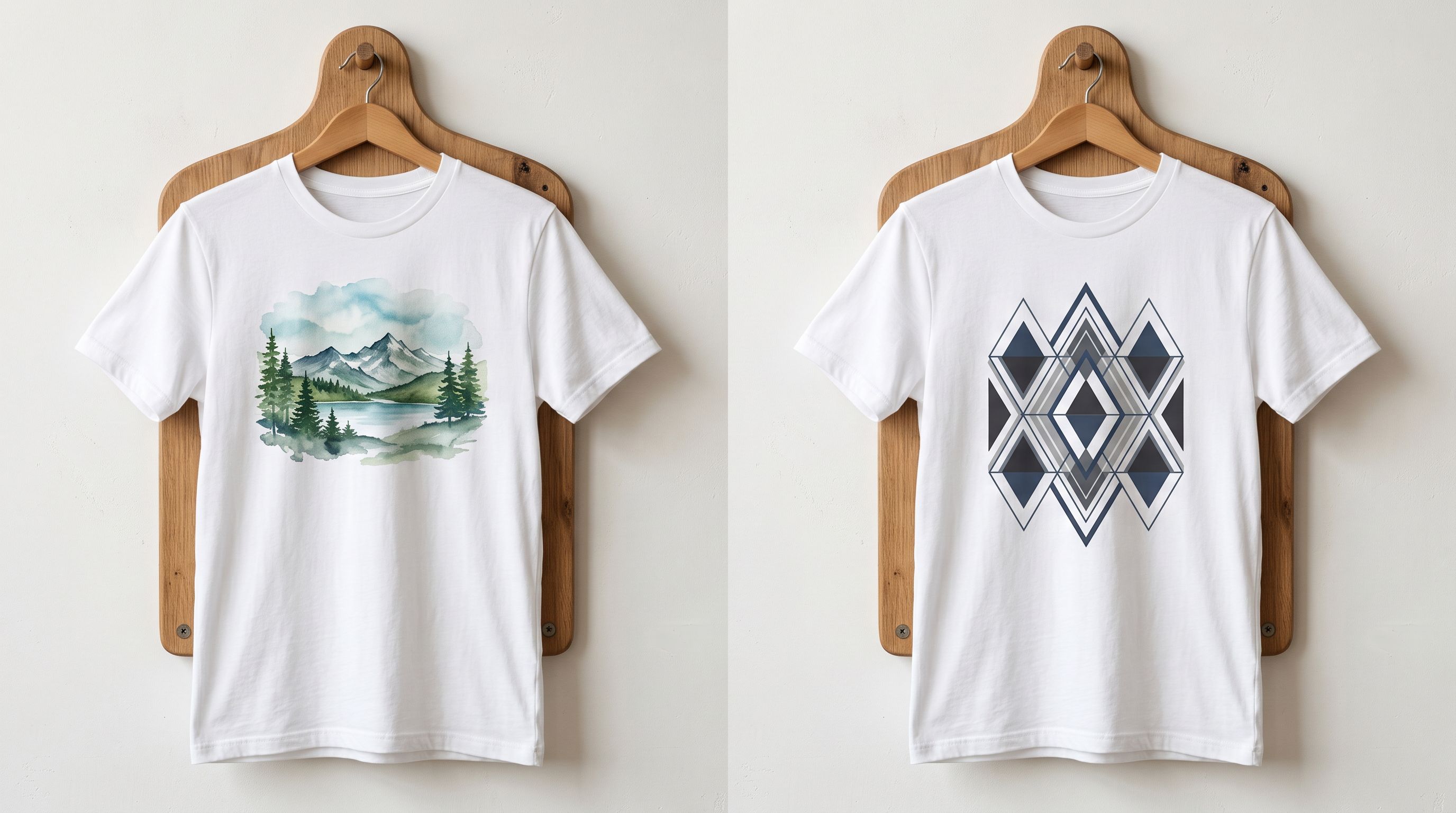
The base product layer contains the physical product attributes shared across all designs on that blank: material composition (100% cotton, 50/50 poly-cotton blend), fabric weight in GSM, cut and fit (relaxed, slim, unisex), sizing guide, care instructions, country of manufacture, and print method. These attributes are the same whether the design is a minimalist geometric pattern or a watercolour mountain landscape.
The design layer contains the attributes unique to each listing: the design concept, the visual theme, the intended recipient, the occasion or context, and the emotional narrative that makes this specific print worth buying over the 2,999 others in the same store.
AI shopping agents read both layers when deciding whether a product matches a buyer query. The base layer answers questions like "is this cotton?" and "is it machine washable?". The design layer answers questions like "does this work as a birthday gift for a hiker?" A listing without a design layer can only match on physical attributes; it cannot match on occasion, recipient, or theme.
[Shopify's guide to print-on-demand selling](https://www.shopify.com/blog/print-on-demand) covers the business model. What it does not address is how to manage the product data at scale when a store has hundreds of designs across dozens of base products, and how to generate listing content that differentiates each design rather than collapsing all of them into identical copy.
## shopify print on demand product import: What Base Product Data Contains
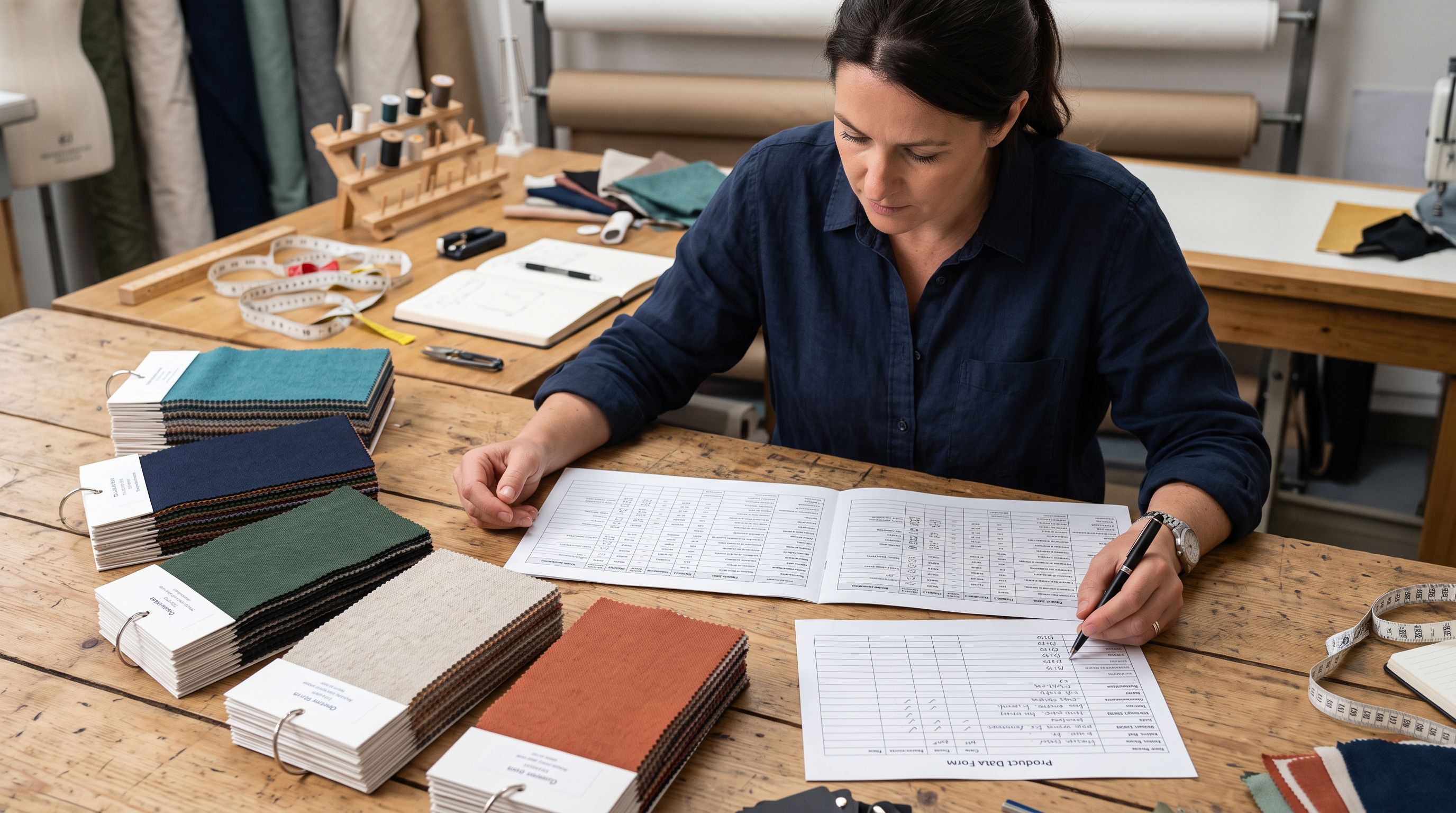
The base product data for a POD store typically comes from the POD platform in one of two forms: a CSV export from the platform's product library, or a template the seller fills with base product attributes from the platform's product specification page.
[Printify's product catalogue documentation](https://printify.com/blog/print-on-demand/) lists the attributes available for each blank product. For a standard unisex t-shirt, the base data includes material, weight, fit, available sizes, available colours, print areas, and care label requirements.
When importing this base data into Shopify via Importier, the column mapping step handles the field translation:
- Material composition maps to a custom metafield or to a specific section of the product body HTML
- Care instructions map to a metafield or to a care section in the body HTML
- Available print areas map to variant option definitions
- Sizing guide data maps to a size metafield or to a size guide section in the body
The base data typically imports once per blank product. All design variations on that blank share the base data. The import establishes the product framework: the physical attributes, the variant structure (sizes × colours), and the base category metafields that describe the product type.
## Generating Design-Specific Descriptions at Scale
The design description layer is where shopify print on demand product import becomes a content generation challenge rather than just a data import challenge.
Each design needs a description that covers what the design shows, who it is for, what occasion it serves, and why someone would choose this specific print. A "Pacific Northwest Forest at Dusk" design targets a different buyer with different intent than a "Minimalist Mountain Line Art" design, even on identical blanks.
Most POD stores have 5,000 listings with identical descriptions. AI-generated copy per design is what makes listings feel distinct rather than mass-produced.
For a store with 15 designs on 20 base products, that is 300 unique descriptions needed. For a store with 50 designs on 40 blanks, it is 2,000. Generating these manually is not viable at scale. The challenge is generating them in a way that feels authentic to each design rather than templated.
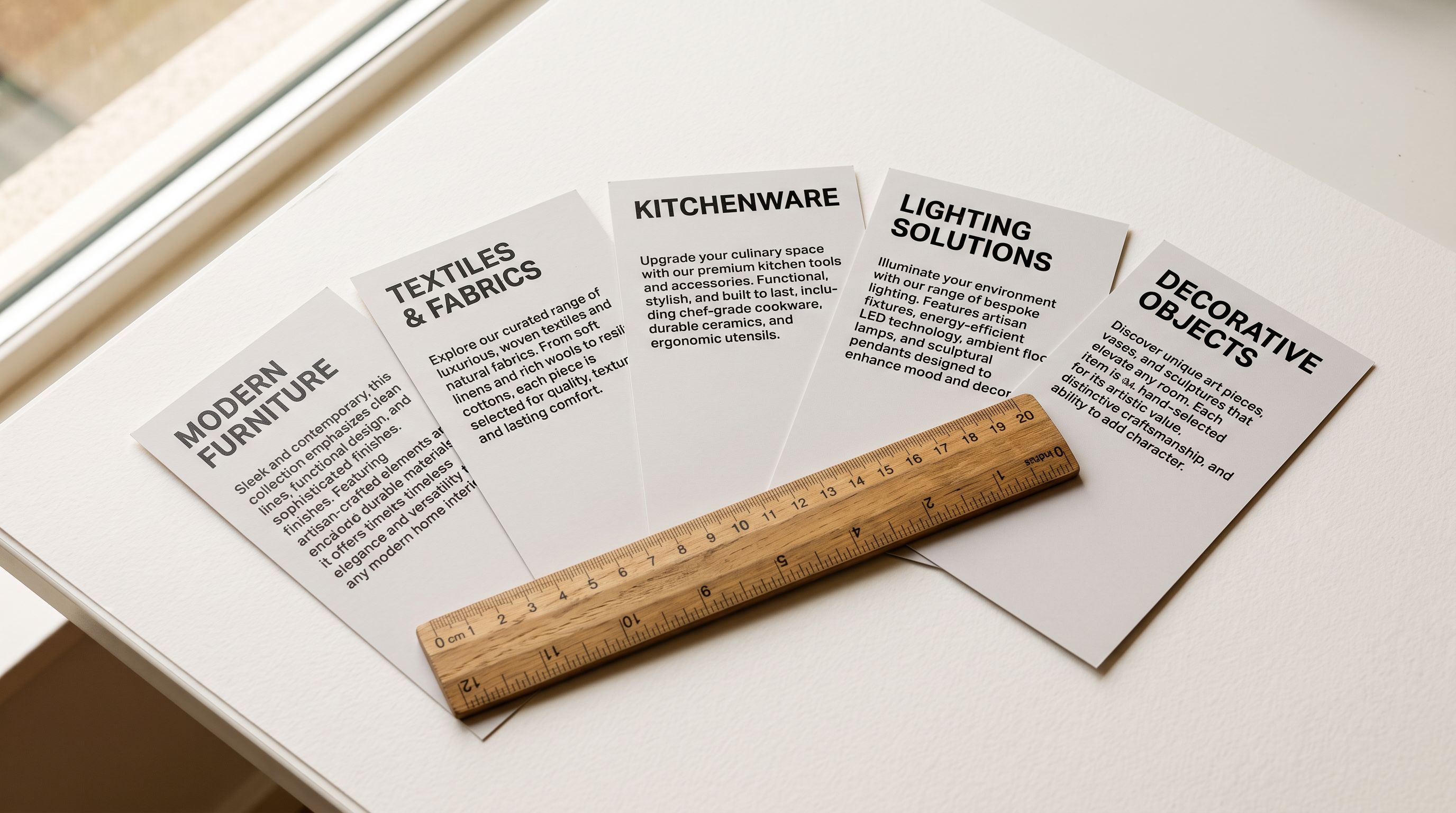
Importier's AI description generation handles this at the design level. Each design variant can be processed independently with a description generation pass that takes the design title and category as input. The AI uses an apparel or gift persona to generate a description structured around the design concept, the intended buyer, and the occasion.
For a "Vintage National Parks Poster Art" design on a t-shirt:
- Base description handles: 100% ringspun cotton, 4.3 oz/yd², preshrunk, machine wash cold
- Design description handles: the national parks theme, appeal to outdoor enthusiasts and hikers, suitability as a gift for trail runners or campers, the vintage poster art style and what that communicates about the buyer's aesthetic
The two descriptions combine in the Shopify product body HTML to give the listing both layers. A buyer searching for "national parks gift for hiker" matches on the design layer. A buyer searching for "machine wash cotton graphic tee" matches on the base layer.
## Variant Structure for shopify print on demand Listings
POD products typically have three variant dimensions: size, colour, and design. Shopify supports up to three variant options per product, which maps directly to this structure for stores with a manageable design count.
For stores that keep each design as a separate Shopify product (the most common POD approach), the variant structure is: Option 1 = Size (S, M, L, XL, 2XL), Option 2 = Colour (White, Black, Navy, Ash). The design is represented by the product itself, not by a variant option.
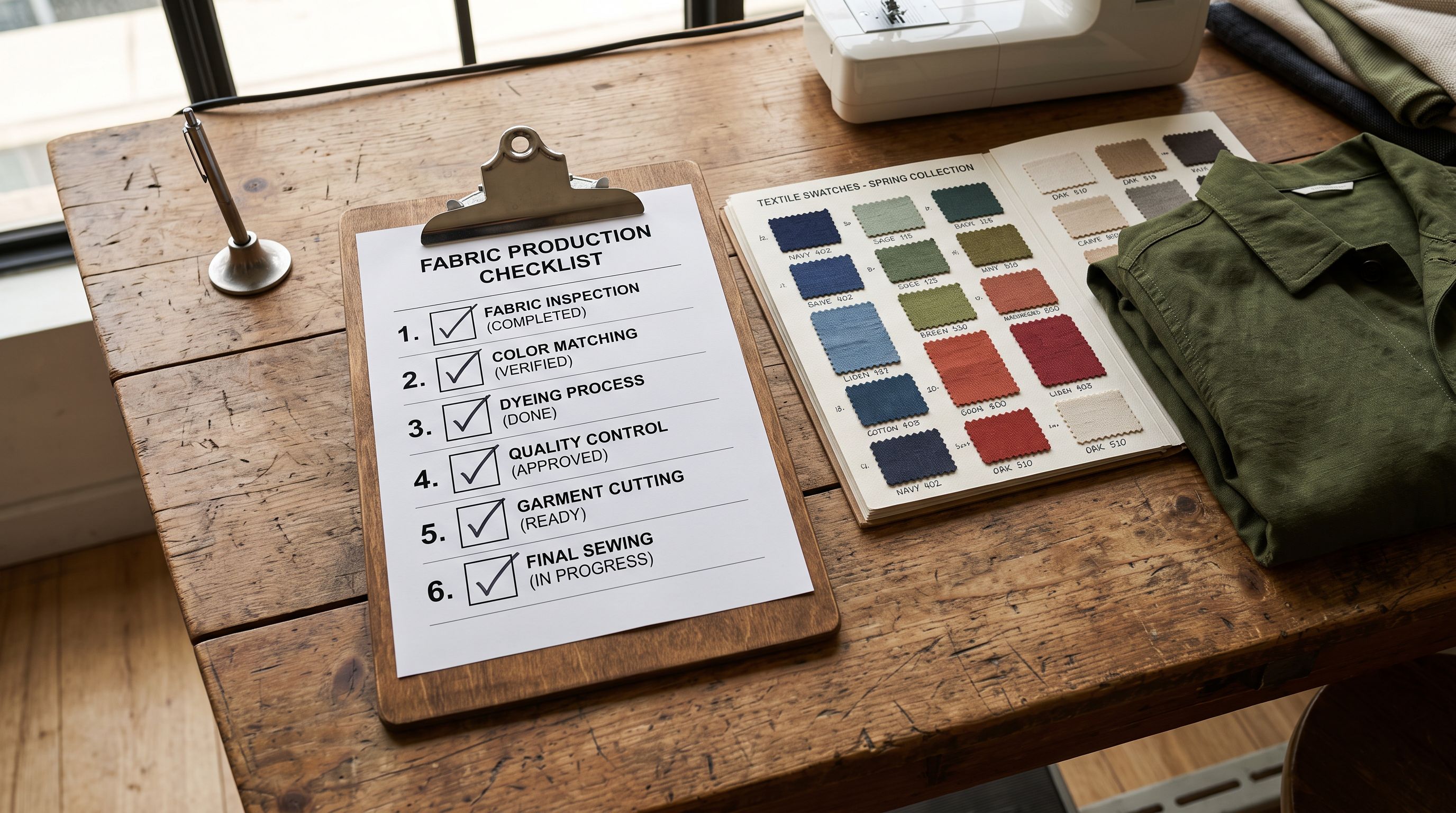
Importier's Smart Variant Detection identifies size and colour patterns in supplier data automatically. The 150+ variant detection patterns cover standard apparel size strings (S/M/L/XL, XS-3XL, numeric sizes 6-18) and colour naming conventions across different POD platforms. This matters for POD imports because Printful, Printify, and Gelato each use slightly different size and colour label formats for the same blank product.
## AI Personas for Different POD Design Categories
The persona selection at the description generation step has a significant impact on how well the resulting descriptions match each design category.
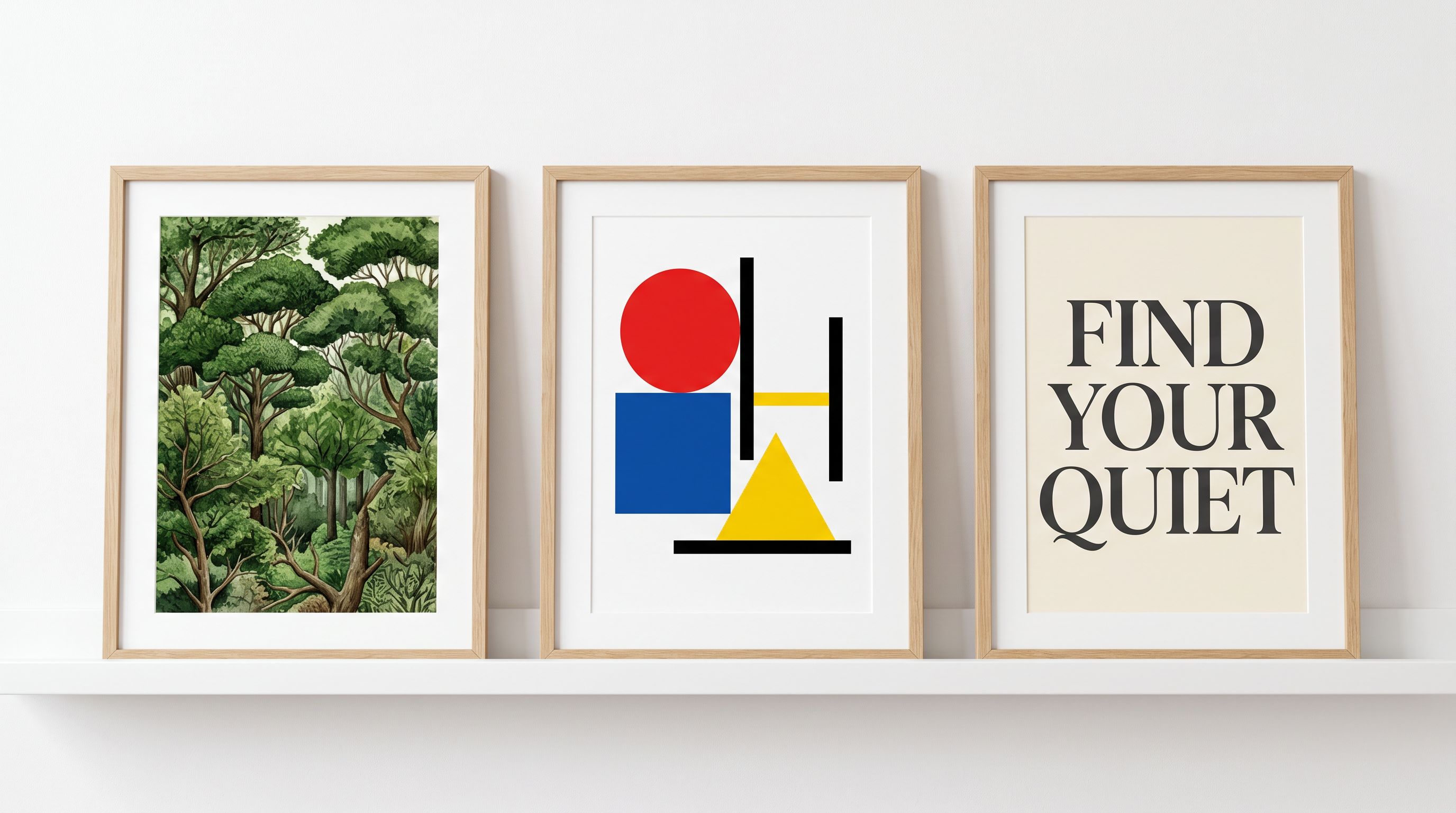
A nature and landscape design store responds well to personas in the Outdoor or Lifestyle category: the generated descriptions reference the visual scene, evoke the feeling of being in that environment, and speak to buyers who want to carry that connection into their daily wardrobe.
A pop art or illustration design store benefits from the Gift or Apparel persona, which frames descriptions around who would appreciate the design and what occasions it suits. A buyer searching for a birthday gift for a dog lover is better served by a description that describes the design's appeal as a gift than by one that describes its cotton weight.
A typography or motivational quote design store benefits from the Lifestyle or Custom persona with brand voice settings that match the tone of the quotes: energetic for fitness motivation, calm for mindfulness themes, irreverent for humour-based prints.
Importier's 156 personas across 43 industries include categories directly relevant to POD: Apparel, Accessories, Gift, Home and Kitchen, Stationery, and Art and Craft. Selecting the persona that matches the design category rather than the base product category is what produces descriptions that feel like they were written for that specific design, not for the blank it is printed on.
For stores with many design categories, Importier's import wizard allows persona selection per product batch. Separate import runs for landscape designs, illustration designs, and quote designs each use the appropriate persona, producing a catalogue where every listing sounds like it belongs to that design niche.
The [guide to AI product descriptions for Shopify](https://importier.app/blog/shopify-ai-product-descriptions) covers persona selection in more depth. The [Shopify dropshipping product descriptions guide](https://importier.app/blog/shopify-dropshipping-product-descriptions) covers a related challenge: generating descriptions at scale for sourced products where the base supplier copy is generic. The [variant import guide](https://importier.app/blog/shopify-import-product-variants) covers the Shopify variant structure in more depth for stores with complex size and colour matrices.
## Key Takeaways
The shopify print on demand product import challenge is a data structure problem with a content generation layer. Base product data handles physical attributes shared across designs. Design descriptions handle the concept, occasion, and buyer context unique to each listing.
Key points:
- POD product listings have two data layers: base attributes (material, weight, care, sizing) shared across all designs on a blank, and design attributes (theme, recipient, occasion) unique to each listing. Both layers are needed for AI shopping visibility.
- Most POD stores manage the base layer well and neglect the design layer. A listing with only base copy matches physical-attribute queries but cannot match occasion, recipient, or design-theme queries.
- AI description generation at the design level (not the base product level) is what produces listings that feel distinct. A single AI pass per design, using a persona matched to the design category, generates copy specific to that design concept.
- Shopify's variant structure for POD stores typically uses Size and Colour as the two variant options per product, with each design as a separate product. Smart Variant Detection handles the size and colour pattern variations between Printful, Printify, and Gelato exports automatically.
- Persona selection matters at the design category level, not the base product level. A landscape design and a humour design on the same blank benefit from different personas, producing descriptions with the right voice for each design niche.
- Category metafields applied at import time give AI shopping agents structured attribute data (material, fit, weight, print method) that supplements the description for faceted product queries.
Set up your POD product import at [importier.app](https://importier.app). AI description generation per design, variant detection, and category metafields are available on the Growth plan and above.