# Shopify Product Import for Outdoor and Camping Stores
> Outdoor buyers filter by weight, season rating, and capacity, not by keywords. Here is how to configure Importier so those specs become searchable attributes.
- Published: 2026-07-09
- Author: Importier Team
- Category: Import Guides / File Imports
- Canonical: https://www.importier.app/blog/shopify-outdoor-camping-product-import
---
Outdoor and camping merchants face a specific Google Shopping problem that other retailers rarely encounter. Their buyers do not search by brand or generic product type. They search by specification: "2-person 3-season tent under 2kg", "sleeping bag rated to minus 10 degrees", "waterproof hiking jacket 20000mm hydrostatic head". Each of those search terms is a filter applied to a precise technical attribute. Google Shopping returns results for those queries using structured attribute data, not keyword matching in description text.
When a supplier file carries season rating as "3-Season" in a notes column, packed weight as "1.8kg" in a product name, and waterproofing as "20,000mm HH" in a technical specs column, and all of that is pushed into Shopify's body_html field by a standard import, none of it is queryable. Google can see the words but cannot use them as structured filters. The merchant's 2-person 3-season tent appears only for the generic query "tent", competing against every tent listing on Shopping. It does not appear for "2-person 3-season tent under 2kg" because those attribute values are not declared in structured fields.
This article covers how to configure Importier for an outdoor and camping product catalogue: mapping technical specification columns to Shopify's taxonomy, grouping equipment variants correctly, generating descriptions that serve gear-focused buyers, and optimising titles for the spec-filter query pattern.
## Why outdoor gear buyers search by specification
Outdoor equipment buyers make highly considered, specification-driven decisions. A buyer selecting a tent for a solo alpine trip is not interchangeable with a buyer selecting a tent for a family car camping weekend. They differ in weight tolerance (sub-1.5kg vs any weight), season rating (4-season vs 3-season), and capacity (1-person vs 4-person). These differences determine which products are relevant to their search and which are not.
[Google's product data specification](https://support.google.com/merchants/answer/6324469) supports structured attributes for outdoor equipment including weight, capacity, season rating, waterproof rating, and material. Merchants who declare these as structured attribute fields gain impression share on the model-specific queries that outdoor buyers use when they have already decided on their requirements. Merchants who leave these specs in description text compete only on the generic queries where the buyer has not yet applied any technical filter.
The specification-filtering behaviour in outdoor shopping also applies to Shopify's own storefront search. A buyer on your store who uses the search bar to find "waterproof jacket 20000" is searching in natural language for a specific technical attribute. Shopify's semantic search can understand this query and match it against products that have the waterproof rating declared as a taxonomy attribute. Products that carry that rating only in description prose match the query less reliably.
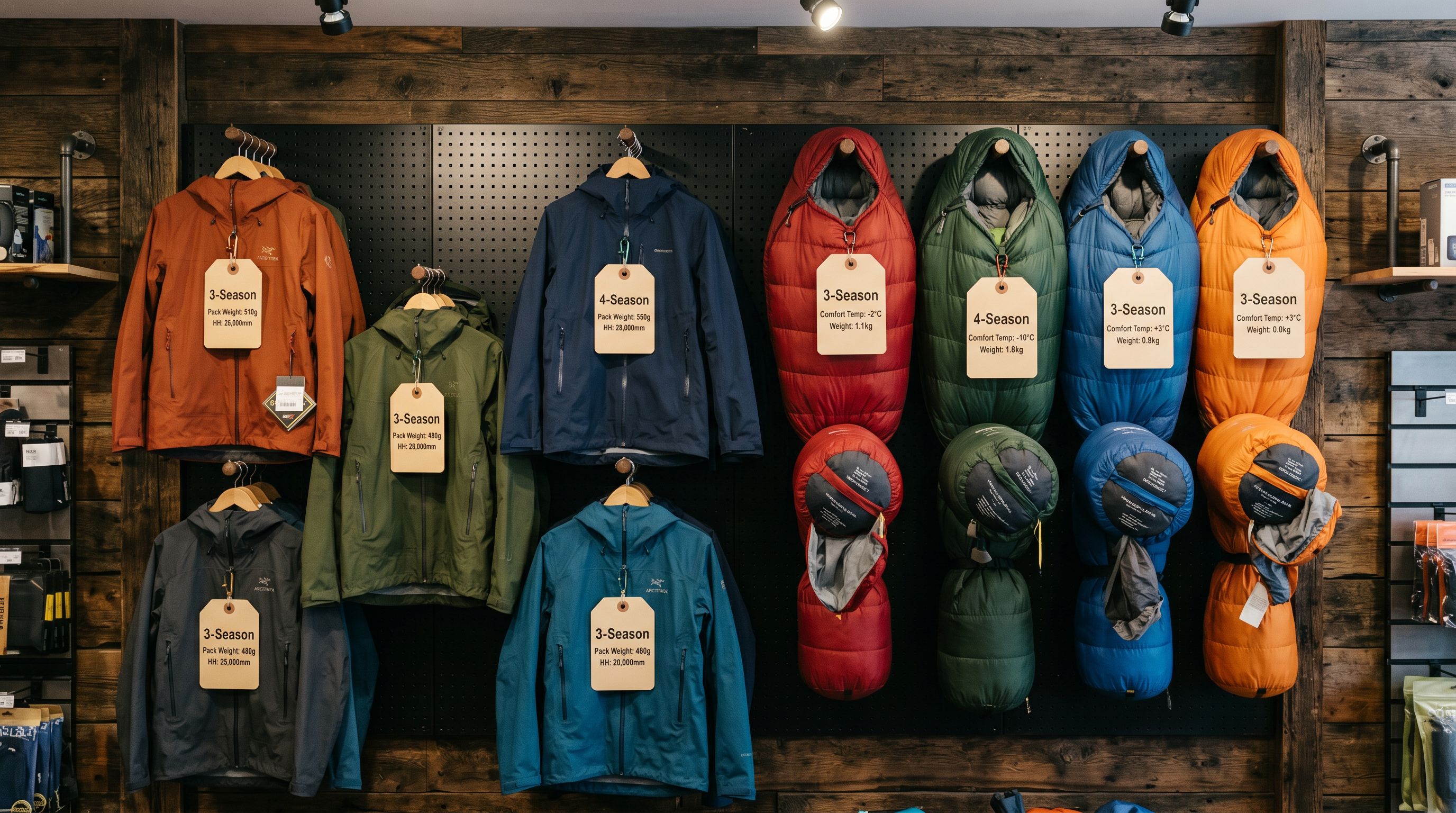
Outdoor gear buyers search and filter by weight, season rating, capacity, and waterproofing. When these attributes are in description text instead of structured fields, products are invisible to filtered queries on Google Shopping and Shopify's own search.
## Setting up the Industry Pack for outdoor and camping products
Importier's Industry Packs map supplier attribute columns to Shopify's Standard Product Taxonomy automatically. For outdoor and camping equipment, the relevant Industry Pack adds these category metafield columns to your import:
- **Season rating** (3-season, 4-season, all-season, winter, summer)
- **Capacity** (1-person, 2-person, 3-person, 4-person, 6-person; for tents, sleeping bags with corresponding fit)
- **Weight** (packed weight in grams or kilograms)
- **Packed dimensions** (length × width × height in centimetres)
- **Waterproof rating** (hydrostatic head in millimetres: 5,000mm, 10,000mm, 20,000mm)
- **Temperature rating** (comfort, limit, and extreme ratings in °C for sleeping bags)
- **Material** (outer shell, insulation type, lining material)
- **Frame type** (freestanding, semi-freestanding, trekking pole supported; for tents)
- **Insulation type** (down fill power rating, synthetic fill weight; for sleeping bags and jackets)
- **UV protection rating** (UPF 30, UPF 50, UPF 50+; for sun-protection apparel)
The AI assigns taxonomy values from Shopify's pre-defined list rather than free text. A season rating declared as "4-season" in a supplier column becomes a structured metafield value that Google Shopping reads as a canonical attribute, not as a keyword that may or may not match a buyer's query format.
For supplier files where technical specs are combined into a single "Specifications" column as a table or delimited string, the enrichment context field accepts a format hint that guides the AI parsing: "Weight is listed in grams followed by 'g', extract as packed weight in kilograms."
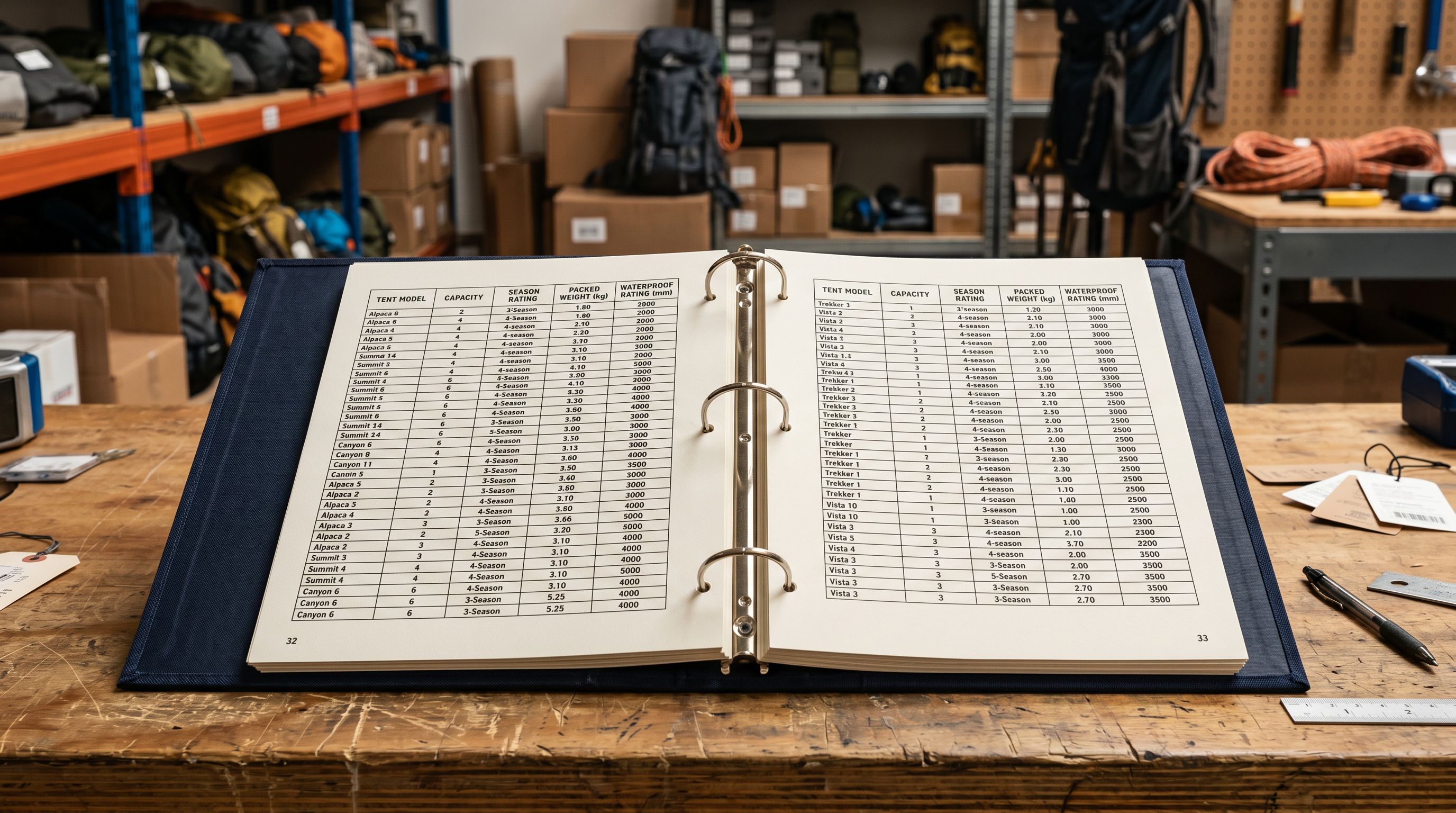
Read more about [how Industry Packs assign category metafields to your products](https://importier.app/blog/shopify-industry-packs).
## Variant detection for outdoor gear
Outdoor gear creates two main variant grouping challenges.
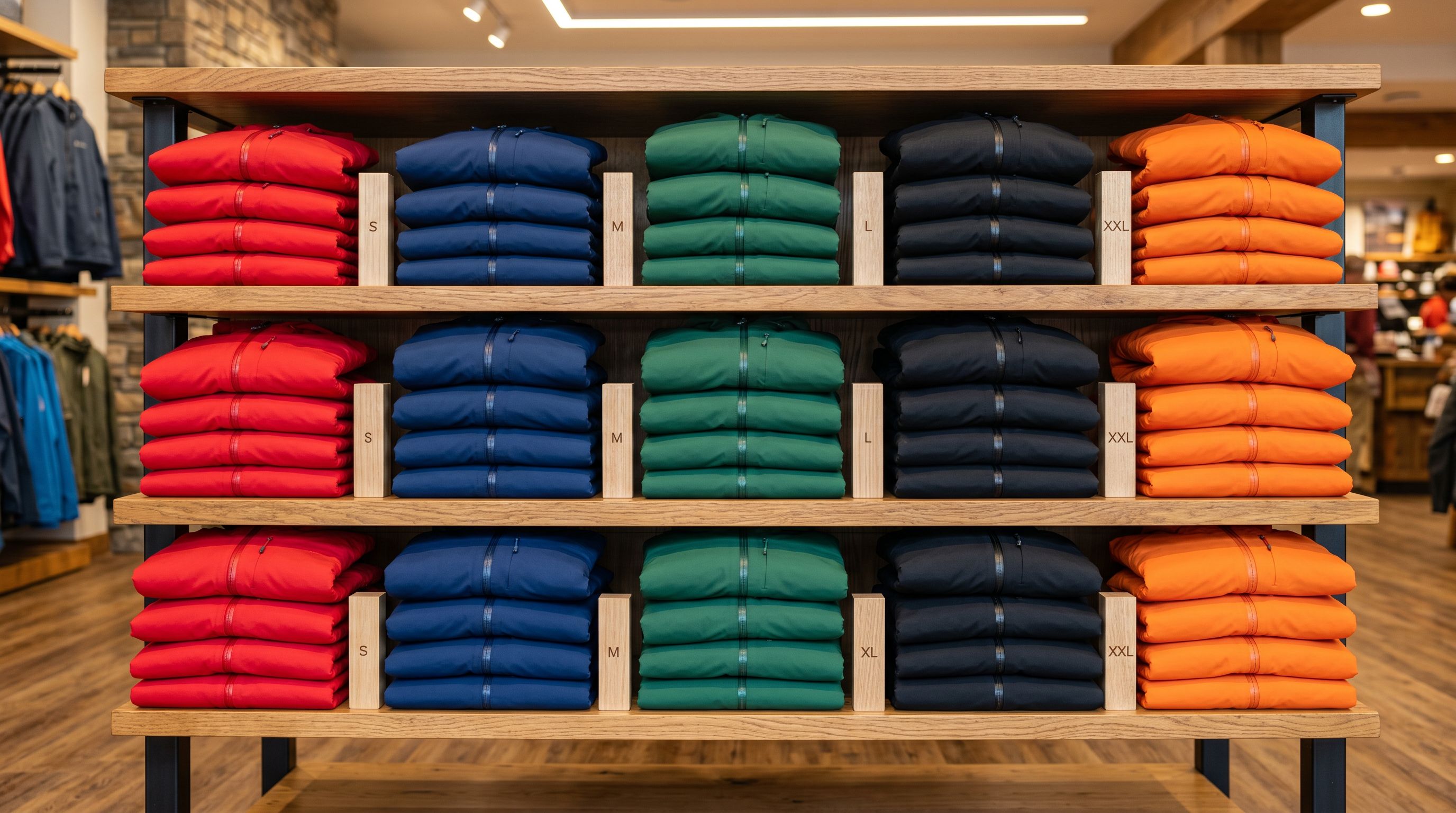
The first is colour and size variants across the same model. A hiking jacket available in five colours and three sizes (S, M, L) arrives as fifteen rows in the supplier file. Without grouping, fifteen separate Shopify products appear for a single model. Importier's Smart Variant Detection identifies colour and size patterns and groups the rows into one Shopify product with two option dropdowns: Colour (Red, Navy, Forest Green, Black, Orange) and Size (S, M, L). The buyer sees one product, selects their preferred combination, and proceeds.
The second is fit variants for apparel. Outdoor clothing often comes in Regular, Long, and Short lengths for trousers, and Regular and Petite fits for women's outerwear. These appear as separate rows in supplier files. Importier detects fit designation patterns (Regular, Long, Short, Petite, Tall) and groups them as a Fit option on the product, allowing buyers to select their preferred fit from a single listing rather than navigating multiple separate products.
For equipment with a capacity dimension (tents with 1-person, 2-person, 3-person configurations of the same model, or sleeping bags with Regular and Long lengths at the same temperature rating), the capacity or length works as a variant option. The import wizard's grouping preview confirms which attribute columns become Shopify options before the import runs.
Read more about [how Smart Variant Detection groups size and colour rows at import](https://importier.app/blog/shopify-import-product-variants).
## Descriptions for outdoor gear buyers
Outdoor equipment buyers read product descriptions with a specific sequence in mind: specifications first, then real-world performance, then use cases. A buyer selecting a tent for a three-day alpine route wants to know the packed weight and season rating before they want to read about the design aesthetic. A buyer choosing a sleeping bag for a specific temperature range wants the temperature rating confirmed before they consider the insulation loft.
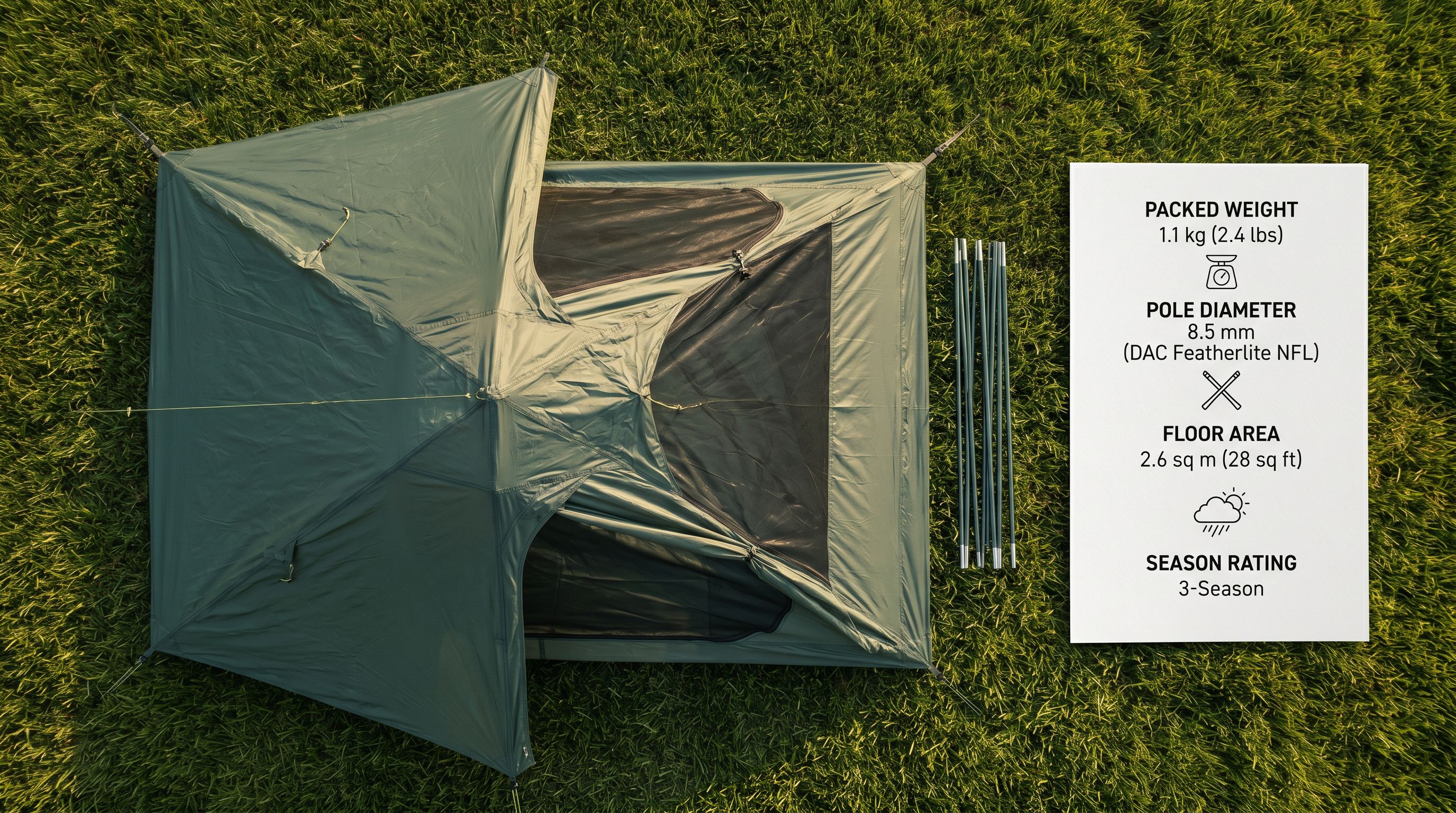
The Technical Gadget description style serves this buyer correctly. Technical Gadget leads with specifications, confirms the intended use case, and then covers performance details and design. A Technical Gadget tent description opens with season rating, capacity, packed weight, and setup time before addressing weather resistance, pole geometry, and vestibule configuration.
Importier's 156 expert personas include Mountain Guide, Trail Specialist, Outdoor Retail Buyer, and Expedition Equipment Advisor options. Each applies the Technical Gadget structure with vocabulary appropriate to the outdoor buyer's level of product knowledge.
Outdoor equipment buyers reach a product page having already decided on their technical requirements. The description's first job is to confirm those requirements are met, then to answer how this product performs them, not the other way around.
For outdoor apparel, the description serves a more mixed audience: the technical outdoor athlete who needs waterproof rating and breathability data, and the casual hiker who wants to know the jacket is warm and easy to wear. The Benefits-First style with a Trail Specialist persona produces descriptions that confirm technical credentials in the first paragraph, then describe the wearing experience in plain language that serves both buyer types.
## Title optimisation for spec-filter queries
Outdoor product titles need to carry the primary specification filter in the first 50-60 characters to match the query pattern buyers use. A buyer searching "2-person tent under 2kg" is filtering by capacity and weight. A title that leads with the brand name and pushes capacity and weight to the end loses the impression for that query.
The effective title structure for tents is: Capacity + Season Rating + Tent Type + Packed Weight + Brand. "2-Person 3-Season Backpacking Tent 1.8kg BrandName" places the two primary filter attributes first. For sleeping bags: Temperature Rating + Fill Type + Bag Type + Brand. "Minus 10°C Down Mummy Sleeping Bag BrandName" leads with the attribute buyers filter by first.
The Title Optimizer's Google Merchant Centre preset enforces 150-character titles with keyword front-loading. For outdoor and camping products, applying the GMC preset after import positions the primary specification filter attribute in the first 50 characters of every title automatically, without manual editing of each product.
For outdoor apparel, the effective structure is: Gender + Product Type + Key Spec + Brand. "Women's Waterproof Hiking Jacket 20000mm BrandName" places the waterproof rating where the Shopping display preserves it within the visible title length.
## Recommended import settings for outdoor and camping catalogues
Based on the configuration steps above, the recommended Importier setup for an outdoor and camping import is:
**Industry Pack:** Tents and Shelters for camping structures. Sleeping Systems for bags, liners, and sleeping pads. Outdoor Apparel for waterproof jackets, base layers, and technical trousers. General Camping Equipment for everything else. For catalogues covering multiple categories, run separate import sessions per category with the matching pack.
**Description style:** Technical Gadget for equipment (tents, sleeping bags, packs, footwear) where specification is the primary decision driver. Benefits-First for casual outdoor apparel and accessories where the buyer audience is mixed technical and general.
**Persona:** Mountain Guide or Trail Specialist for technical outdoor equipment. Outdoor Retail Buyer for the mixed-audience apparel and accessories category.
**Title preset:** Google Merchant Centre (150 characters, primary specification filter front-loaded in the first 50 characters). For tents: capacity then season rating. For sleeping bags: temperature rating then fill type. For apparel: gender then waterproof rating or technical credential.
**Variant options:** Confirm Colour, Size, and Fit as detected option columns in the variant grouping preview for apparel. Confirm Capacity and Length as options for equipment with multiple configurations.
**Enrichment:** Enable barcode lookup for products with GTINs. Enable weight inference for any product row missing a declared packed weight, which is needed for accurate shipping rate calculation on large and heavy outdoor equipment.
[Shopify's Standard Product Taxonomy](https://www.shopify.com/blog/product-taxonomy) includes specific category paths for camping and hiking equipment, outdoor apparel, and sporting goods that determine which Industry Pack attributes apply to each product type. Checking the taxonomy path for your primary category confirms which attributes Google Shopping expects before running the import.