Shopify New Year Catalogue Refresh: Start January With Clean Product Data
On this page
January is the one month of the year when a Shopify merchant's catalogue needs to do three things at once: continue selling clearance stock from the December sale period, absorb a new supplier price list (most suppliers issue revised pricing at January 1), and present new season products at full RRP. These three states need to coexist in the same catalogue on the same day.
A new year catalogue refresh is not a general seasonal transition. The seasonal catalogue management workflow covers how to archive end-of-season products and import new season lines. The January refresh is a compressed version of that cycle with three complications the standard seasonal workflow does not face: a supplier price list change timed to January 1, leftover clearance pricing from Boxing Day that needs to either continue or be cleared, and product descriptions that were optimised for the holiday gifting period and now read as stale.
The January Price List Window
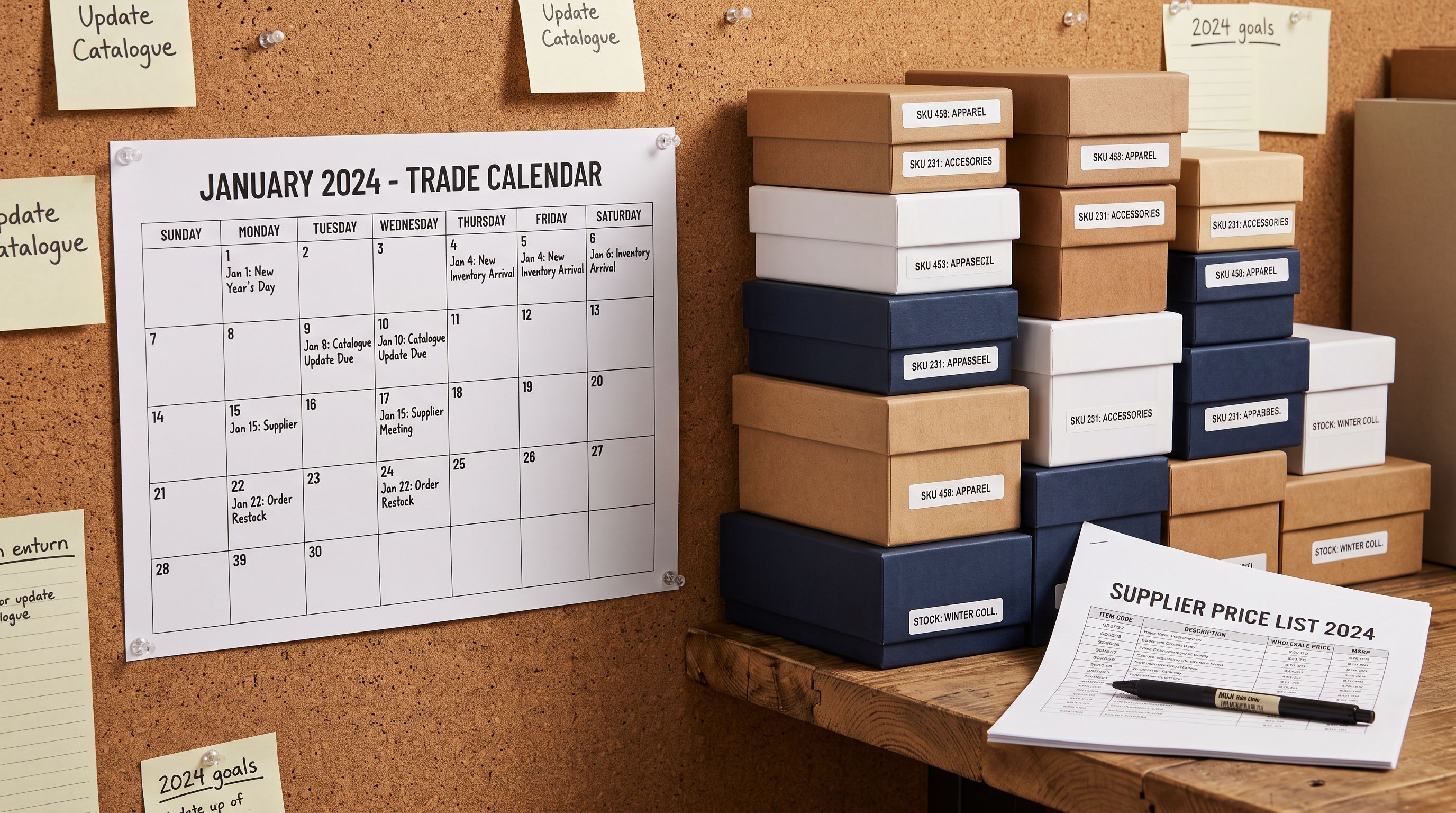
Most product suppliers in retail issue new recommended retail prices at January 1. This aligns with the financial year start (or near it) and allows suppliers to adjust for input costs, exchange rates, and seasonal demand shifts. For merchants stocking branded goods, January is when the new price list arrives and the obligation to update Shopify begins.
The supplier price list update is a time-sensitive import. Running it late means your Shopify prices are either below the new minimum advertised price (a MAP compliance issue with some suppliers) or above the corrected RRP (a margin erosion issue if you have already adjusted your cost price in the inventory system).
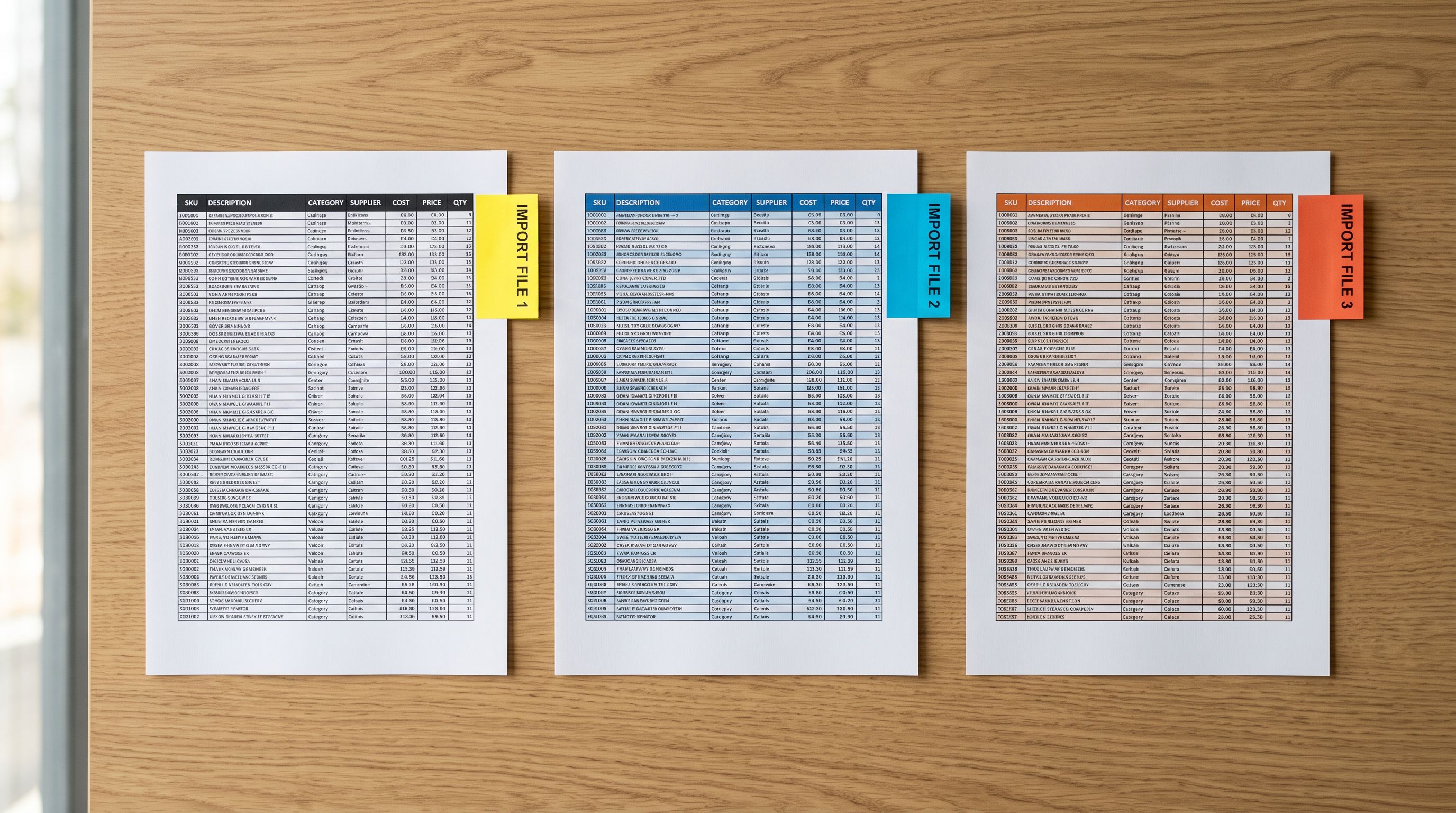
Importier's supplier price update workflow covers how to map a supplier's price list columns to Shopify's Variant Price field. The January version of this import is structurally identical, with one additional complexity: some products on the January price list may still have a Boxing Day clearance price active in Shopify. The import needs to be sequenced correctly so the clearance pricing cleanup runs before the new RRP goes live, not after.
The Clearance-to-New-Season Transition
Boxing Day clearance typically runs December 26-31. By January 1, some clearance products will have sold through. Others will not. The January catalogue refresh has to make a decision for each clearance product:
Continue the clearance: January sales are common in Australian, New Zealand, and UK retail. Products that did not clear in the Boxing Day window often continue at the same clearance price through January. These products keep their reduced Variant Price and Compare At Price. No action needed beyond confirming the pricing is still intentional.
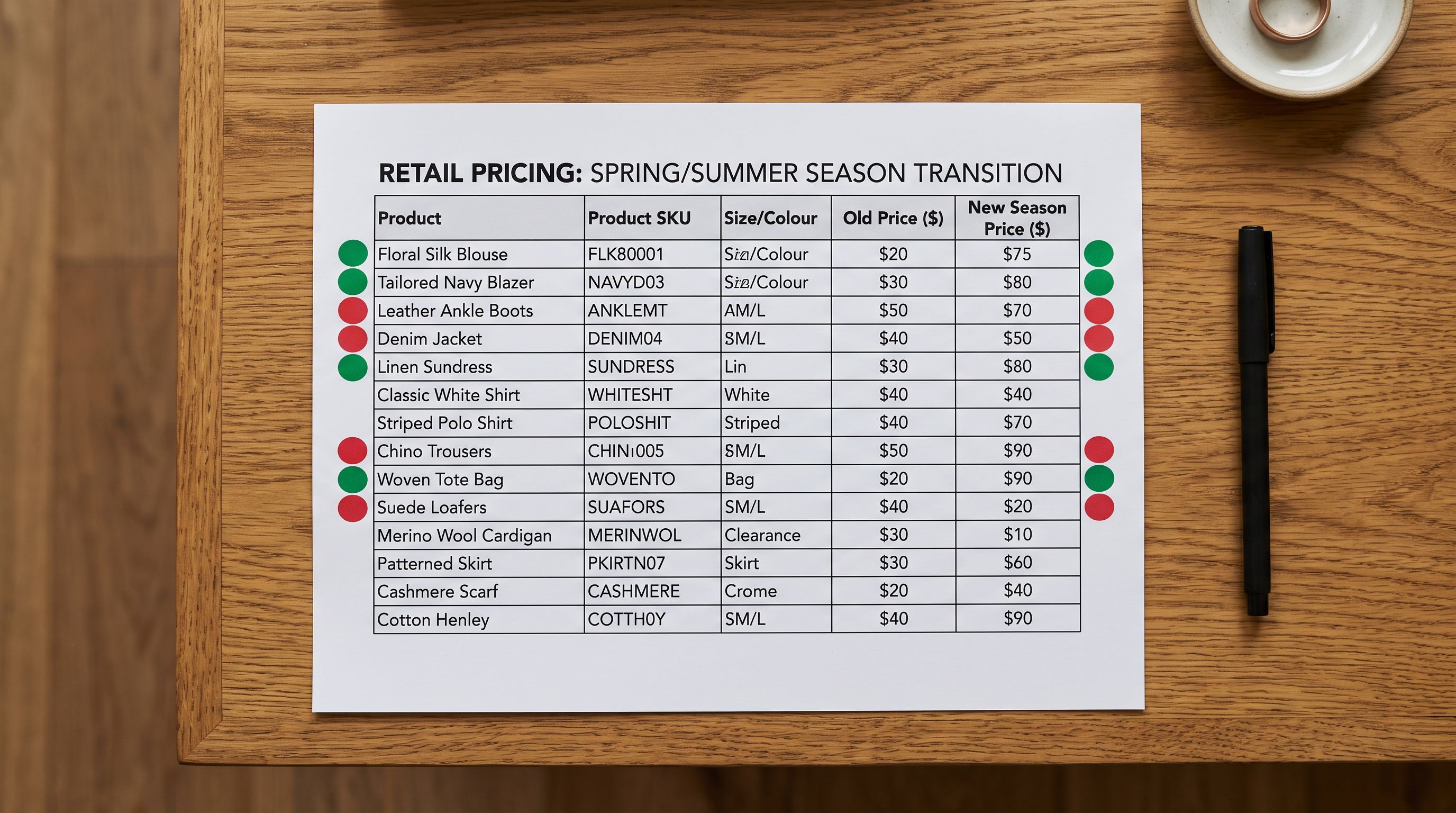
Move to new season full price: products that are part of the new season range (not genuine clearance) should have their Compare At Price cleared and their Variant Price updated to the new RRP from the January price list. This is a two-step operation.
Archive unsold clearance stock: products that will not be restocked and did not sell through Boxing Day should be archived before January. These are the remnants the year-end audit should have flagged. If they slipped through, January 2 is the last reasonable window to archive them without running them into the new season presentation.
The import file for the clearance-to-new-season transition has the same structure as the bulk Compare At Price management guide: Handle, Variant SKU, Variant Price (new RRP), Variant Compare At Price (blank for new season products, unchanged for continuing clearance).
The Description Refresh Problem
Why Holiday Descriptions Fail in January
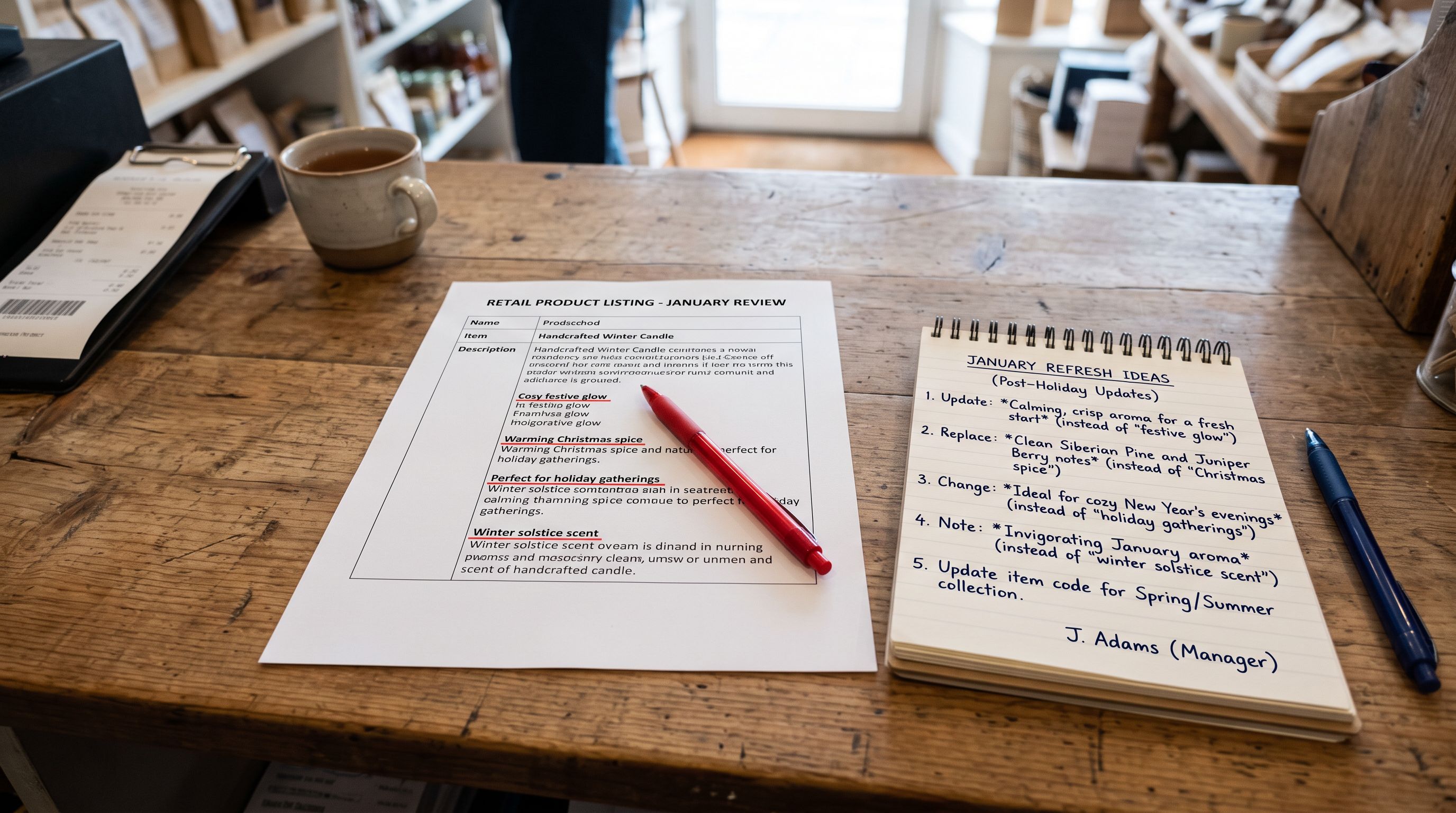
Product descriptions written for peak season fail in January for a specific reason: they were written to trigger urgency and gifting context that no longer applies.
Common holiday-optimised phrases that work in November and December but undermine the store in January:
- "perfect for Christmas gifting"
- "ideal for the holiday season"
- "makes a great stocking filler"
- "our most popular gift this season"
- "limited availability before the holidays"
A buyer arriving in January from an organic search result, a Google Shopping ad, or a social media post sees these phrases and immediately knows the store is running on stale content. It signals that the store is not actively managed. Shopify's product listing best practices recommend keeping descriptions accurate and current to maintain buyer trust and conversion rates.
The January description refresh targets these phrases. Run the Descriptions Only export from Importier, search for the trigger words (Christmas, holiday, gifting, stocking, season, limited), and produce a list of products for description regeneration.
| Trigger phrase | Why it fails in January | Replacement approach |
|---|---|---|
| "perfect for Christmas gifting" | Christmas passed six days ago | Regenerate with product benefits as the lead |
| "our most popular gift this season" | "This season" now refers to January | Use evergreen social proof framing instead |
| "limited availability before the holidays" | Urgency signal from two weeks ago; misleading now | Update to current stock status or remove urgency |
| "ideal for cold winter mornings" | Wrong hemisphere for Australian/NZ stores in summer | Regenerate with season-neutral sensory framing |
Importier's AI description generator runs the regeneration pass against the flagged product list. Use the same persona settings as the original descriptions to maintain voice consistency. For Australian and New Zealand stores, January is summer; check that regenerated descriptions are not pulling northern hemisphere seasonal references from the AI training data.
Running the January Refresh in Importier
The refresh runs in four sequential imports, not one combined file. Each step changes a different set of fields; combining them risks unintended overwrites.
- 01Run the year-end audit first (if not already done)archive ghost products, clear stale Compare At, and fix December seasonal copy before the January imports begin. The refresh builds on a clean baseline.
- 02Supplier price list importmap the supplier's January price list to Variant Price. Run with Update existing products only mode. If the supplier price list includes new products not yet in Shopify, handle those as a separate new product import after the price update pass.
- 03Clearance transition importfor products moving from Boxing Day clearance to new season full price, import a file with the new RRP in Variant Price and a blank Variant Compare At Price column. For continuing clearance products, no action needed.
- 04Description refreshupload the flagged products from the Descriptions Only export to Importier for AI regeneration. Review the generated descriptions before pushing; January is when the new season tone is established.
- 05New season product import (if applicable)add new season products from supplier data files. Run AI descriptions on the new products as part of the import, using the January persona settings for the new season voice.
- 06Verify pricing stateafter all four imports, run the Full Shopify CSV export and check a sample of products. Confirm that continuing clearance products have correct Variant Price and Compare At, new season products have correct RRP and blank Compare At, and new arrivals have descriptions that read as January-appropriate.

Sequencing the Imports
The order matters because later imports can overwrite earlier ones if they share the same products.
The correct sequence: year-end audit first (cleanup), then supplier price list (sets the new RRP baseline), then clearance transition (adjusts the products moving from clearance to new season), then description refresh (updates copy after pricing is confirmed), then new season product additions.
Running the description refresh before the pricing imports means descriptions may be regenerated for products whose pricing state changes immediately after. The description refresh should reference the product's January context, which only makes sense once the product is priced correctly for January.
The new season product import runs last because new products should not trigger the description refresh pass on existing products. Keep the scopes separate.
- Supplier price list entered manually variant by variant in Shopify Admin; a 300-SKU update takes 4-5 hours
- Boxing Day clearance products checked individually; some missed and left at clearance price into February
- Holiday descriptions identified by memory or customer feedback rather than a systematic export search
- New season products added without AI description pass; descriptions are supplier copy-paste or left as default
- No clear completion point; January updates trickle in over three weeks and the catalogue state is uncertain throughout
- Supplier price list mapped and pushed in a single Importier import pass in minutes
- Clearance transition import handles all affected products in one operation; pricing state is confirmed by export review
- Descriptions Only export surfaces all seasonal trigger phrases in a single pass; bulk regeneration handles the full list
- New season products get AI descriptions and category metafields during the import pass
- Four sequential imports with export verification at the end; catalogue state is confirmed and documented by January 7
January 7 is the last reasonable date to have your catalogue in January-ready state. After that, the first wave of post-holiday repeat buyers has already visited.
The January refresh is predictable work. It happens every year at the same time, in the same sequence, with the same export-import structure. The first time takes longer because the import files need to be built from scratch. By the second January, the structure exists: update the price list file, run the clearance transition against the Boxing Day scope, regenerate descriptions for the flagged list, add the new season products. The Australian Retailers Association's 2025 retail calendar guidance puts the January trade window at 3-4 weeks, with the first week the highest-traffic period for post-Christmas exchanges and new-gift buyers.
For merchants running both Boxing Day and January sales, the refresh workflow integrates with the Boxing Day import structure. The Boxing Day file sets clearance pricing on December 24. The January 1 refresh determines which clearance products continue and which transition to new season full price. These two imports reference the same product scope; the January file is the second half of the work that the Boxing Day file started.
Try Importier free at importier.app.
Set up your first import in under five minutes.
Importier brings products into Shopify with AI descriptions, category metafields, and data enrichment on every run.
Free for your first 10 products. No credit card needed.