# Shopify MPN Google Merchant Centre: Product Identifiers
> How supplier model numbers become the MPN field in Shopify, and why mapping them at import time prevents Google Merchant Centre identification warnings.
- Published: 2026-09-04
- Author: Importier Team
- Category: Store Management / SEO & Discoverability
- Canonical: https://www.importier.app/blog/shopify-mpn-google-merchant-centre
---
An outdoor power tools distributor imports 300 products from a manufacturer CSV. The manufacturer has no GS1 barcode registration: their products carry model numbers (XT-2400-PRO, XT-3600-HDX, MT-1800-COMPACT) but no EAN codes. The import completes without errors, products appear on the Shopify storefront, and the distributor connects the store to Google Merchant Centre. Seven days later, Diagnostics shows 300 warnings: "Missing recommended attribute: mpn [mpn]." The shopify mpn google merchant centre gap is straightforward: the model number column was in the supplier file, but the import did not map it to Shopify, so Google never received the identifier.
## What MPN Is and How Google Merchant Centre Uses It
MPN stands for Manufacturer Part Number. Along with GTIN (the barcode) and brand, it is one of three identifiers Google uses to match submitted products to its product knowledge graph.
For products with a GS1-registered EAN or UPC barcode, the GTIN alone is usually sufficient for Google to identify the product. For products without a registered barcode, such as manufactured goods from smaller suppliers, private-label items, or products distributed regionally without international registration, the combination of brand and MPN serves as the alternative identifier.
According to [Google's product data specification for MPN](https://support.google.com/merchants/answer/6324482), merchants should submit the MPN when the product is a manufactured item with a model or part number. The specification notes that MPN values are assigned by manufacturers and appear on products, packaging, and technical datasheets. For tool and hardware categories, Google treats an absent MPN (when no GTIN is present) as a signal that the listing is incomplete.
## Why Supplier Spreadsheets Have Model Numbers but Shopify Doesn't
Manufacturers and distributors use model numbers for everything: order forms, warranty claims, service manuals, and parts lists. The model number is how they track their product range internally and how retailers reference products in purchase orders.
Supplier CSV files reliably include model numbers. They appear under different column names depending on the supplier's internal conventions: "Model No.", "Model Code", "Part Number", "Reference", "Item Code", "Catalogue Number". A distributor handling 300 tool models will have a model number value for every row in their export.
Shopify does not have a standard MPN field in the product editor. The product creation form includes fields for Title, Description, Vendor, Product Type, SKU, Barcode, Weight, and Tags. MPN is not one of them. When a supplier file is imported without MPN mapping, the model numbers are discarded. The data was present in the source file; the mapping did not exist.

In Shopify, the MPN value is stored as a product metafield. Google's channel reads this metafield and submits the MPN to Google Merchant Centre as the [mpn] attribute. A product with a blank MPN metafield submits no identifier value to Google, even when a model number was available in the original supplier file.
## How Google Merchant Centre's Identifier Rules Apply in Practice
Google's handling of products without identifiers depends on the product category and on whether the `identifier_exists` attribute is set.
For categories where identification is expected (electronics, tools, appliances, sporting goods), a product submitted without a GTIN and without an MPN receives a "Missing recommended attribute: mpn [mpn]" warning. This warning does not immediately disapprove the product, but it reduces the product's ability to match known products in Google's catalogue. Products that cannot be matched tend to receive fewer impressions in Shopping results because Google cannot cross-reference them against demand signals from other merchants selling the same model.
When a product has neither GTIN nor MPN and the `identifier_exists` attribute is not set, Google's feed parser applies its own judgement about whether to treat the product as identifiable. For manufactured tools and electronics, Google's default assumption is that identifiers exist: the absence of identifiers is treated as an error, not as a characteristic of the product.
According to [Google's guidance on unique product identifiers](https://support.google.com/merchants/answer/6324351), providing at least two of the three identifiers (GTIN, MPN, brand) for manufactured products gives Google sufficient information to match the listing to its catalogue data. For the tools distributor's 300 products: brand is present (the manufacturer name in the Vendor field), GTIN is absent (no barcode registration), MPN is absent (not mapped at import). One of three identifiers is present. The "Missing recommended attribute" warnings follow.
## Mapping the MPN Field in Shopify at Import Time
The field mapper in Importier lists all source columns from the supplier file and all available Shopify destination fields, including product metafields. MPN appears in the destination list as a product metafield mapping.
When the supplier's "Model No." column is mapped to the MPN destination field, every imported product receives its model number as a Shopify product metafield. Google's channel reads that metafield on the next feed sync and submits it as the [mpn] attribute. For the tools distributor, mapping this single column at import time eliminates all 300 MPN warnings.

Three patterns come up most often in practice:
**Single-column MPN**: the supplier file has one column per product for the model number. All products in the file share the same column name. Map that column to MPN at import time. Every product receives its model number as a Shopify metafield.
**Model number embedded in the product title**: some supplier files do not have a separate model number column. Instead, the title includes the model number ("XT-2400-PRO Professional Circular Saw 1,400W"). Importier's AI enrichment can extract the model number from the title and populate the MPN metafield. The enrichment context field accepts a note like "extract the product model number before the first space" to guide extraction for this supplier's title format.
**Variant-level MPN**: for products where each variant carries a distinct model number (for example, a circular saw available in 110V and 220V versions with different model codes), the supplier file typically has a model number column at the variant row level. Importier's mapper can route variant-level model number columns to the variant MPN metafield, keeping the correct identifier attached to each specific variant.

## When to Set identifier_exists: false Instead of Mapping MPN
Some products genuinely have no manufacturer identifier. Custom-made goods, handmade craft items, vintage items without a known maker, and truly generic consumables with no manufacturer markings fall into this category. For these products, Google accepts the `identifier_exists: false` attribute, which signals that the product has no GTIN, no MPN, and no established brand.
Setting `identifier_exists: false` does not improve a product's Shopping performance. It tells Google "this product has no identifiers" and allows the listing to proceed without warnings. It does not help Google match the product to catalogue data or demand signals from other merchants.
The mistake occurs when merchants use `identifier_exists: false` to silence MPN warnings on products that do have model numbers. A manufactured circular saw with model number XT-2400-PRO is not an unidentified product. Setting `identifier_exists: false` on it conflicts with Google's guidelines and can result in account-level action if applied systematically across a catalogue of manufactured goods.
For any product that originated from a manufacturer and has a model number in the supplier file, map the MPN at import time. `identifier_exists: false` is reserved for products where no manufacturer-assigned identifier exists at all.
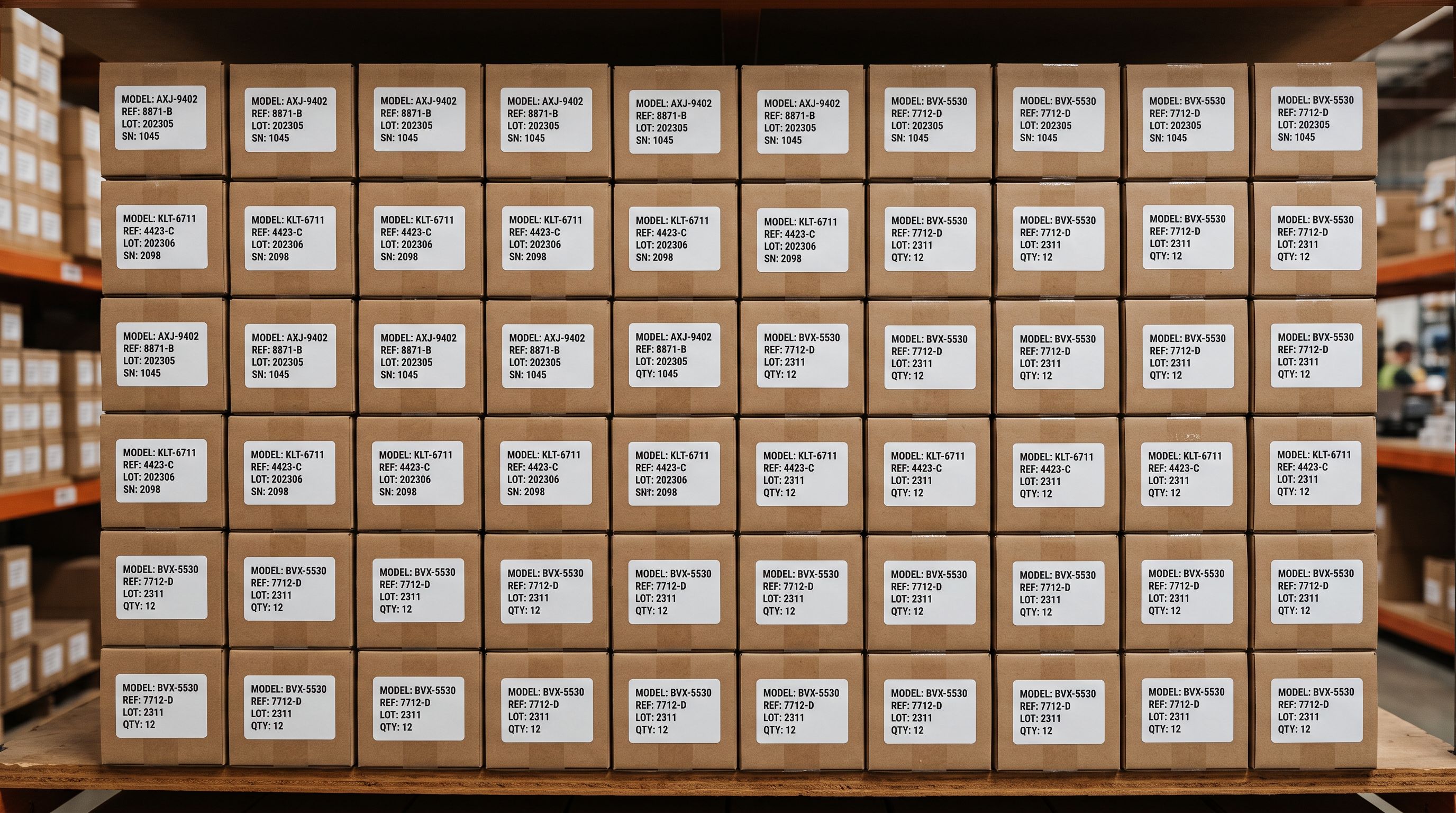
The model number printed on every box from a manufacturer is the MPN. It was always in the supplier file. The only question is whether the import mapped it to Shopify.
The [article on Google Merchant Centre missing brand disapproval](https://importier.app/blog/shopify-google-merchant-centre-missing-brand) covers the Vendor field, which is the brand half of the MPN + brand identifier pair. Both fields need to be correctly set for Google's identifier combination to be complete. An accurately mapped MPN with a blank Vendor field still leaves the product without a full identifier pair in Merchant Centre.
## Fixing Existing Products With a Targeted Update Import
For products already in Shopify with blank MPN metafields, a product update import adds the values without touching titles, descriptions, images, or pricing.
The update import requires a spreadsheet with two columns: the Shopify Handle (to identify each product) and the MPN value (to populate the metafield). Export the current product list from Shopify using Importier's Full Shopify CSV export preset to get all handles. Add a Model No. column sourced from the original supplier file. A VLOOKUP or INDEX/MATCH against the supplier file's product names or SKUs matches handles to model numbers.
Map only those two columns in the field mapper: Handle to Handle, Model No. to MPN. All other columns remain unmapped and are not written during the update. Existing product data is preserved; only the MPN metafield changes.
After the update import, the next Google channel feed sync picks up the populated MPN values and submits them to Merchant Centre. The "Missing recommended attribute" warnings clear within 24 to 72 hours of Google processing the updated feed data.
For large catalogues with multiple suppliers, run the update import per supplier rather than across the entire catalogue at once. Different suppliers use different model number formats, and mapping per supplier batch avoids mixing up model numbers between product lines.
The [article on products missing from the Google Shopping feed](https://importier.app/blog/shopify-products-missing-from-google-shopping-feed) covers the broader set of disapproval types that affect Shopping eligibility. MPN warnings sit in the "missing recommended attribute" category, which affects impression volume rather than causing outright disapproval in most categories. For tools and electronics, the threshold for disapproval (rather than a warning) can be lower than for other categories.
For catalogues that do carry GS1 barcodes, the [article on adding barcodes to Shopify products in bulk](https://importier.app/blog/shopify-add-barcode-to-products) covers how to fill the barcode field at import time. When a GTIN is present, it takes precedence over MPN as the primary identifier. The barcode-first approach eliminates the need for MPN mapping on any product with a registered EAN code.

## Key Takeaways
- **Google uses three product identifiers**: GTIN (barcode), MPN (model number), and brand. For products without a GS1 barcode, the combination of brand and MPN serves as the alternative identifier in Google Merchant Centre.
- **Shopify has no standard MPN field.** MPN is stored as a product metafield. Google's channel reads this metafield and submits it as the [mpn] attribute. A blank MPN metafield submits no identifier value to Google.
- **Supplier files reliably contain model numbers** under column names such as "Model No.", "Part Number", "Reference", or "Item Code". Map this column to the MPN destination in Importier's field mapper at import time. The mapping eliminates "Missing recommended attribute" warnings for the entire import batch.
- **Brand and MPN work as a pair.** Set the Vendor field alongside the MPN. A correct MPN with a blank Vendor field still leaves the product without a complete identifier combination for Google.
- **identifier_exists: false is not a fix for missing MPN.** It applies only to products with genuinely no manufacturer identifier, not to manufactured goods whose model number was not mapped at import time.
- **Fix existing products with a targeted update import.** Map Handle and MPN only. All other product data is preserved. Warnings clear within 24 to 72 hours after the next feed sync.
Map your supplier's model numbers to Shopify at import time and give Google's Shopping feed the identifiers it needs at [importier.app](https://importier.app).